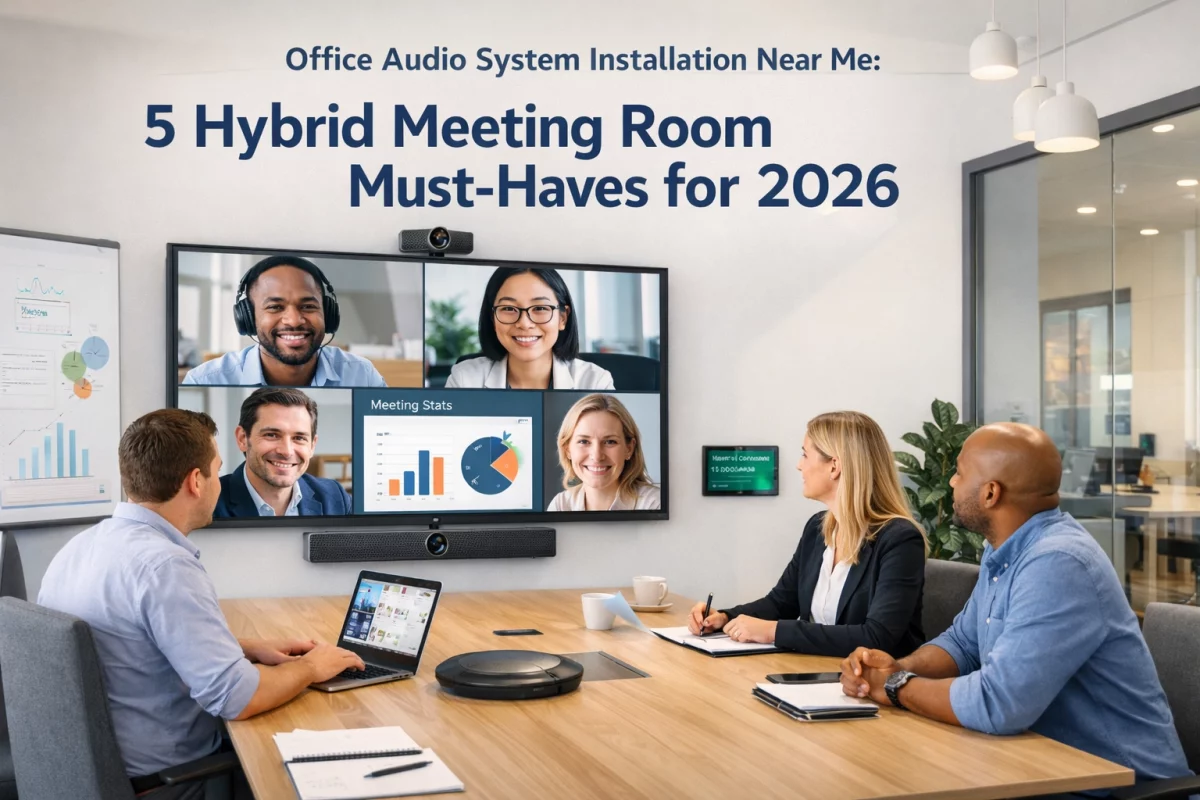
The hybrid work model isn’t going anywhere. Your Pittsburgh office needs meeting rooms that work just as well for the person dialing in from their home office as they do for the executive sitting at the conference table. Poor audio is no longer just annoying: it’s costing you deals, wasting time, and frustrating your team.
When businesses search for “office audio system installation near me,” they’re usually responding to one recurring problem: remote participants can’t hear properly, or worse, in-room attendees sound like they’re talking through a tin can. If you’re upgrading your conference rooms in 2026, these five components aren’t optional: they’re the baseline for professional hybrid collaboration.
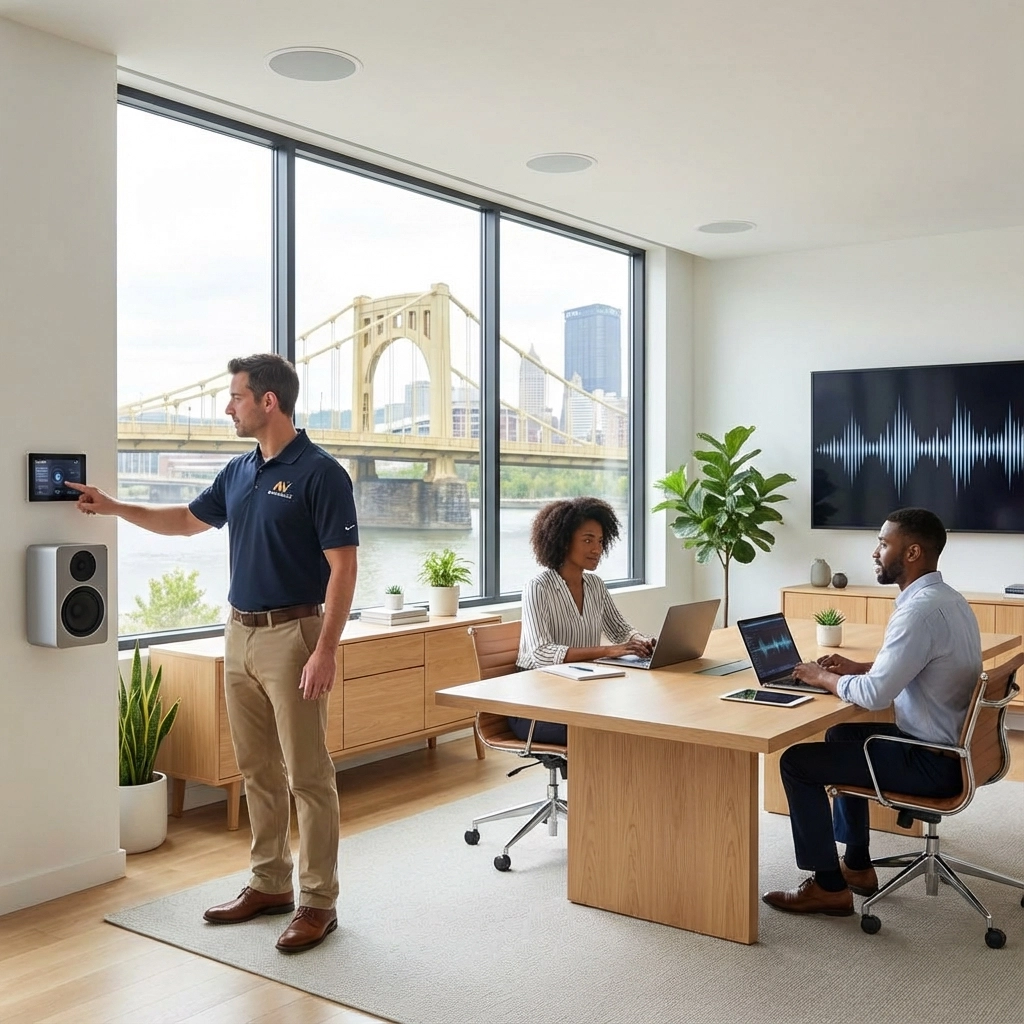
The days of the speakerphone sitting in the middle of your conference table are over. Ceiling-mounted microphone arrays provide uniform voice pickup across the entire room, ensuring that whether someone is sitting close to the screen or standing at the whiteboard, remote participants hear them clearly.
Modern ceiling microphones use beamforming technology to focus on active speakers while filtering out ambient noise: keyboard clicks, HVAC hum, paper shuffling, and traffic noise from that office overlooking Liberty Avenue. The AI noise cancellation built into 2026 systems takes this further, learning your room’s specific acoustic signature and adapting in real-time.

For Pittsburgh businesses, this matters even more during winter months when heating systems can create constant background noise. Professional office audio system installation near me services will properly position these microphones based on room dimensions, ceiling height, and typical seating arrangements. A microphone that works perfectly in a 10-person room may fail completely in a 20-person boardroom.
The installation isn’t just about mounting hardware. Proper configuration includes setting gain levels, establishing noise gates, and integrating with your video conferencing platform. This is where DIY installations typically fall apart: the equipment is capable, but the calibration is wrong.
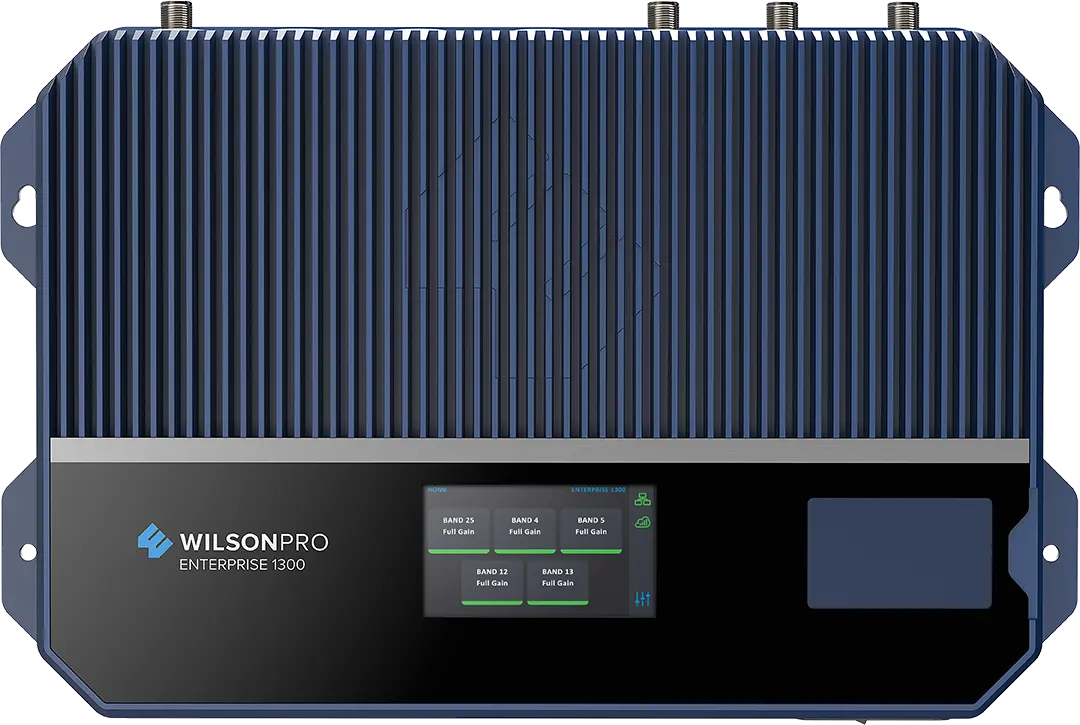
Here’s what separates amateur setups from professional conference room audio: DSP. A digital signal processor sits between your microphones and speakers, actively managing echo cancellation, feedback suppression, automatic gain control, and equalization.
Think of DSP as the brain of your audio system. When someone in your Downtown Pittsburgh office is speaking while someone in your remote location is also talking, the DSP prevents that echo that makes conversations impossible. It balances volume levels so the person speaking quietly at the back of the room comes through as clearly as the person projecting near the camera.
Networked DSP takes this further. Your IT team can monitor, adjust, and troubleshoot audio systems across multiple conference rooms from a central location. When you open a new location in Cranberry Township or expand your facility in the Strip District, those rooms integrate into the same managed system.
Professional office audio system installation near me providers will spec the DSP based on your room size, microphone count, and use case. A small huddle room requires different processing power than your main boardroom. Under-spec the DSP and you’ll hear delays and artifacts during complex meetings. Over-spec and you’ve wasted budget that could have gone toward better displays or cameras.
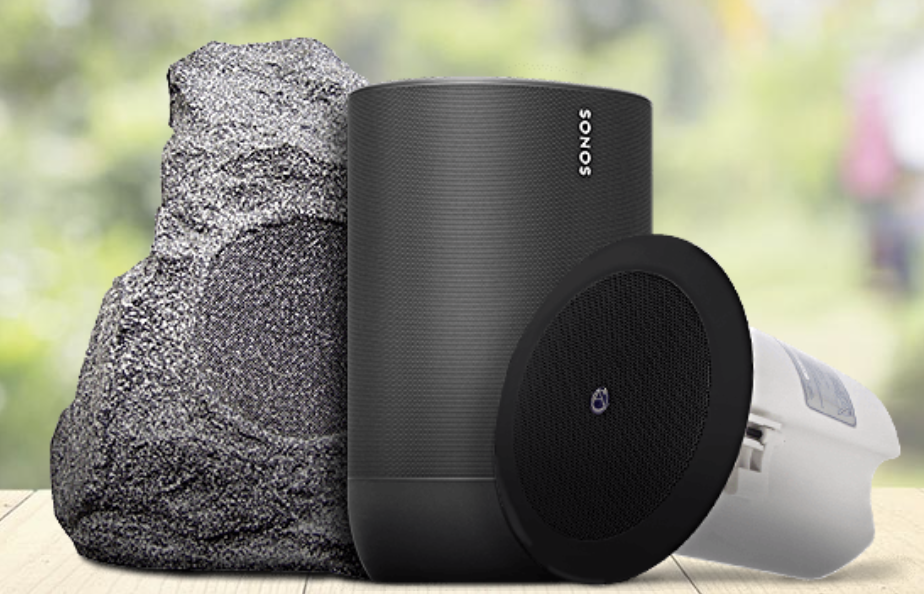
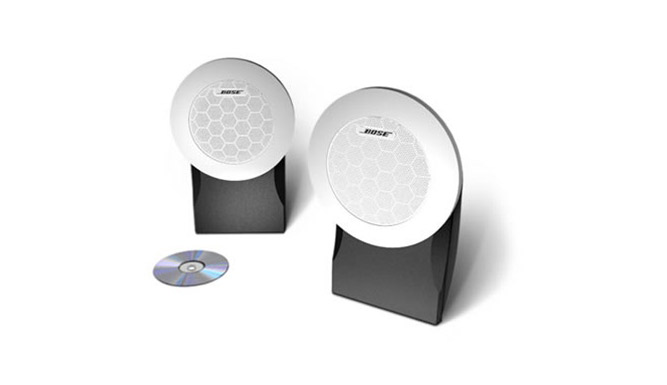
Conference room speakers have one job: make remote participants sound like they’re in the room. This requires even sound coverage without hot spots, dead zones, or that hollow “conference call” quality that makes everyone sound like they’re underwater.
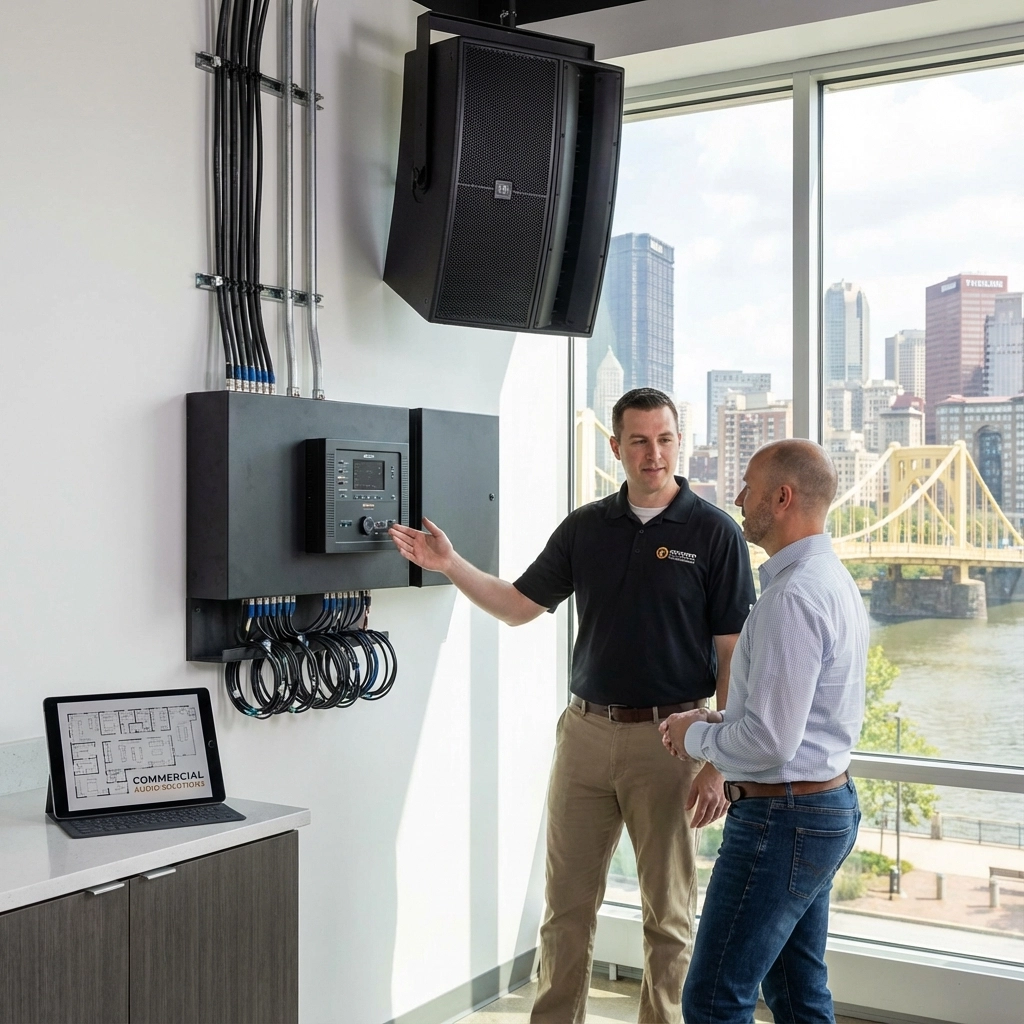
Line array speakers: traditionally used in concert venues: have become the standard for premium conference rooms. These speakers use multiple small drivers arranged vertically to create a controlled sound field. Instead of sound radiating in all directions (causing reflections and echo), line arrays direct sound precisely where it’s needed: toward the people sitting at the table.

For Pittsburgh businesses upgrading their meeting spaces, this technology solves a common problem: rooms with high ceilings, glass walls, or hard surfaces that create terrible acoustics. A properly installed line array minimizes reflections while ensuring everyone in the room hears clearly without excessive volume.
Installation matters significantly here. Speaker placement, aiming angle, and mounting height all affect performance. Many businesses make the mistake of mounting speakers too high or too far from the seating area, then compensating by turning up the volume: which only makes acoustic problems worse. Professional installers use measurement tools and acoustic modeling to position speakers for optimal coverage.
The best systems separate voice reinforcement from background music capability. Your conference room audio shouldn’t double as the office party playlist system: the requirements are completely different.
Here’s where hybrid meeting rooms get interesting: when your audio system and video system talk to each other, remote participants get an experience that mirrors being in the room. Automatic camera tracking uses audio input to detect who’s speaking and frames them in the video feed.
This isn’t just a nice feature: it’s essential for effective communication. Remote participants can see facial expressions, body language, and presentation materials without someone manually controlling a camera. The technology has matured significantly; 2026 systems can distinguish between active speakers and ambient noise, track multiple speakers in rapid succession, and even zoom to whiteboard content when someone approaches it.
The integration happens at the DSP level. Your microphone array identifies the speaker’s location, sends coordinates to the camera system, and the PTZ (pan-tilt-zoom) camera smoothly frames the shot. The transition is fast enough that by the time the speaker finishes their first sentence, they’re properly framed.
For Pittsburgh businesses, particularly in professional services, this technology transforms client presentations and remote collaboration. Law firms presenting to remote clients, accounting firms conducting virtual audits, and consulting firms running hybrid workshops all benefit from camera tracking that keeps remote participants engaged.

The catch: this requires professional calibration. The microphone array, DSP, and camera system must be properly configured to work together. Off-the-shelf consumer products typically don’t offer this level of integration, which is why businesses searching for “office audio system installation near me” end up with custom commercial installations.
The final piece of the hybrid meeting room puzzle is seamless content sharing with proper audio management. When someone connects their laptop to present, their audio needs to route correctly: presentation videos should play through the room speakers, but their voice should still come through the microphone system, not their laptop’s built-in speakers.
Modern wireless presentation systems handle this automatically. Presenters can walk into any conference room, connect wirelessly from their device, and share content without fumbling with cables or switching inputs. The system recognizes the content source and routes audio appropriately.
Priority audio routing means the system knows the difference between presentation audio, laptop notification sounds, and human voices. Your carefully calibrated microphone array doesn’t get overridden by someone’s laptop speakers. Background music from a marketing video doesn’t trigger the camera tracking system. Notification dings from incoming emails don’t broadcast to remote participants.
This requires integration at the AV control system level. Whether you’re using Crestron, Extron, or another commercial control platform, the system needs programming to manage these audio priorities intelligently. This is another area where consumer-grade equipment fails: the components might be individually capable, but they don’t work together as a system.
You can buy all five of these components online. You can even install them yourself if you’re technically inclined. But getting them to work together as a cohesive system: that’s where professional office audio system installation near me services justify their cost.
Proper installation includes:
At TN Security, we’ve installed audio systems in Pittsburgh conference rooms ranging from small huddle spaces to large boardrooms. We understand the unique challenges of older buildings with difficult acoustics and newer spaces with too many hard surfaces. Every room is different, and cookie-cutter solutions rarely work well.
The hybrid work model has permanently changed how businesses operate. Your meeting rooms need to support this reality, not fight against it. Investing in proper audio infrastructure isn’t about keeping up with trends: it’s about basic business functionality in 2026.
If you’re in the Pittsburgh area and searching for “office audio system installation near me,” we should talk. Whether you’re building out a new office, renovating existing space, or simply tired of hybrid meetings that don’t work, TN Security can design and install a system that actually solves your problems.
Contact TN Security at 412-967-0467 or email sales@teamnutztechnology.com. We’re located at 3287 Library Road, Pittsburgh, PA 15234. Let’s schedule a consultation to discuss your specific conference room needs and budget. Your hybrid meetings should be productive, not frustrating.