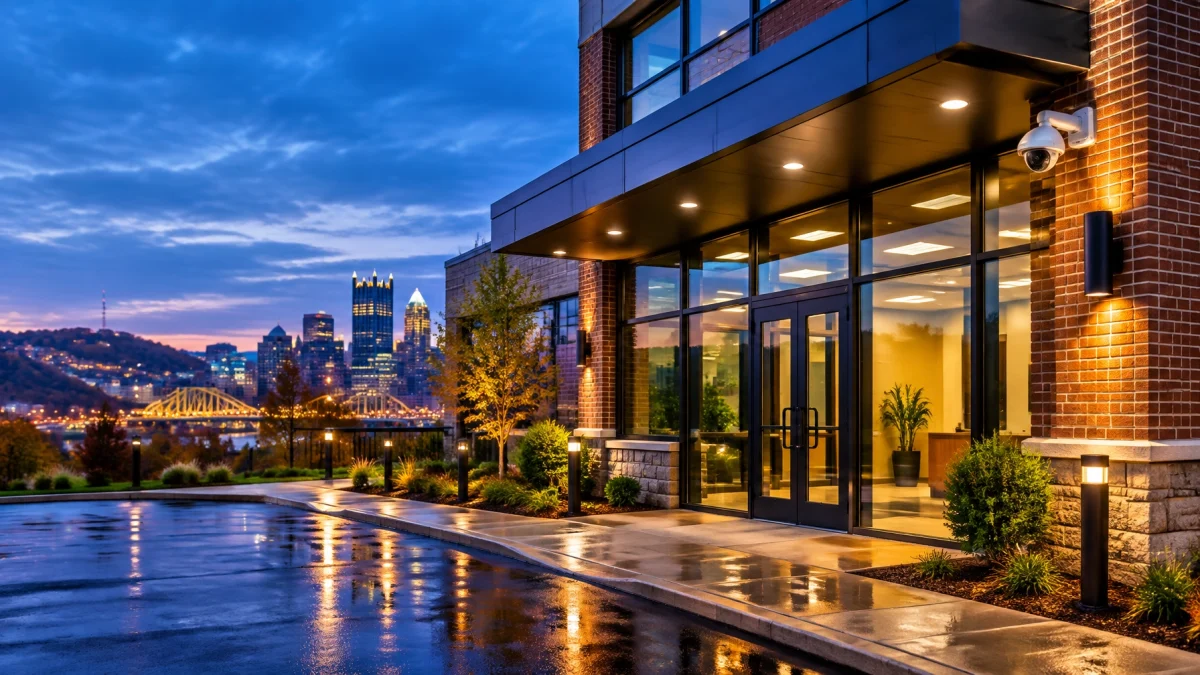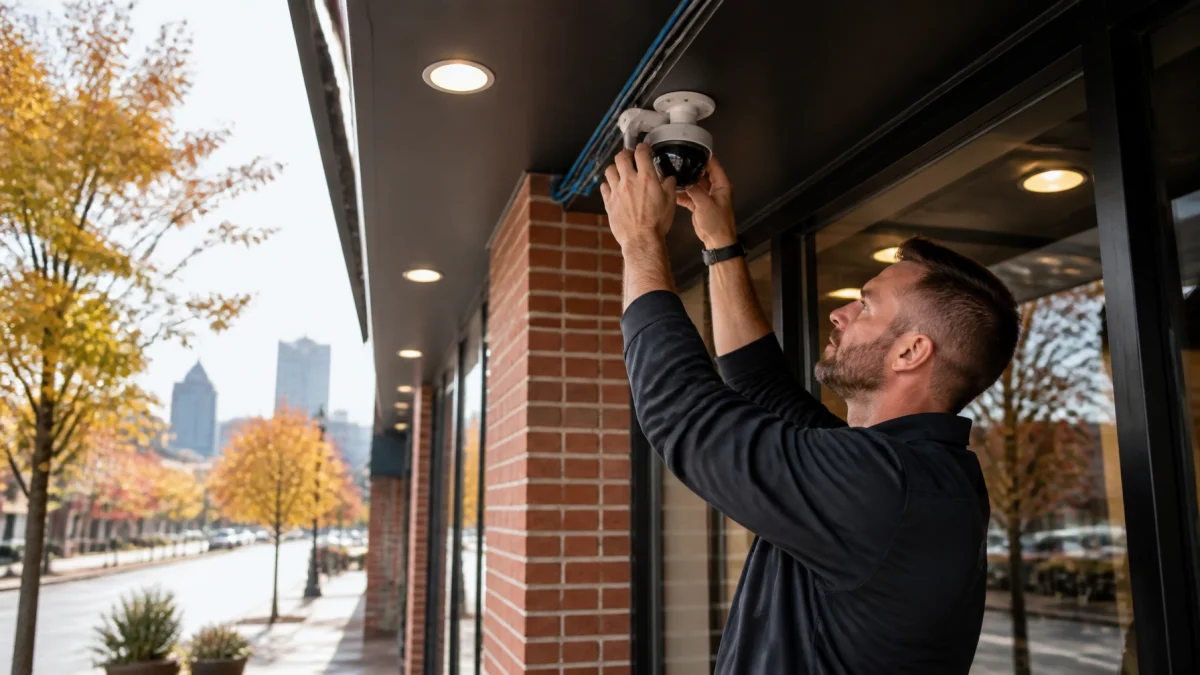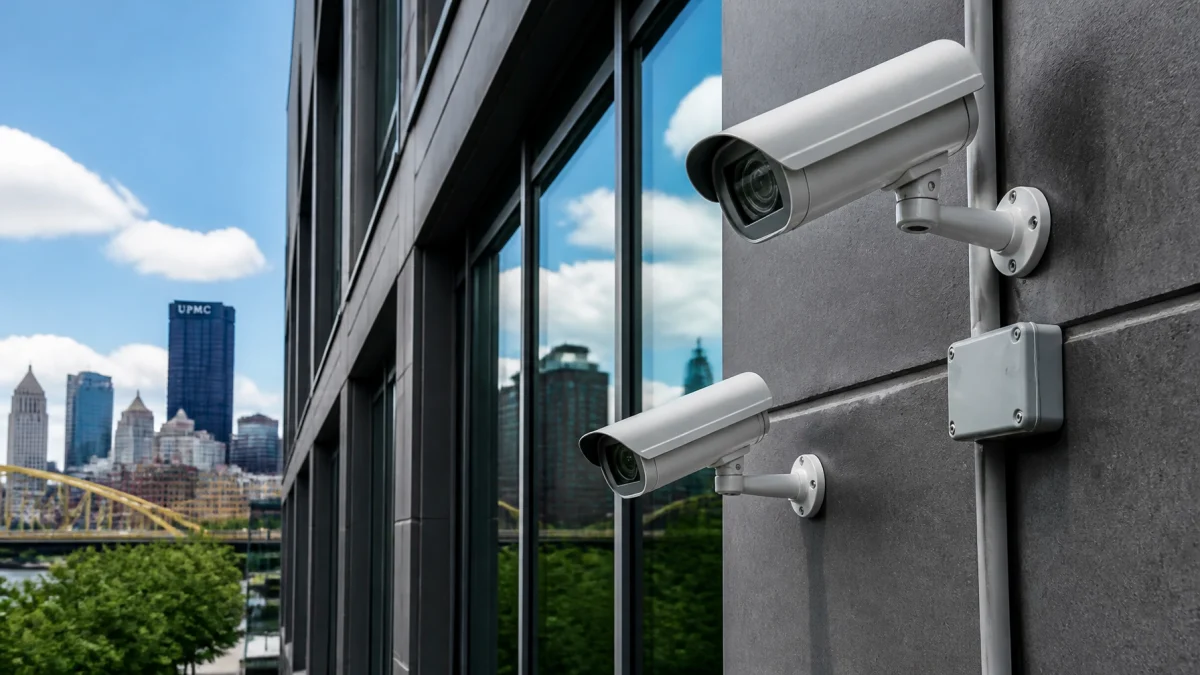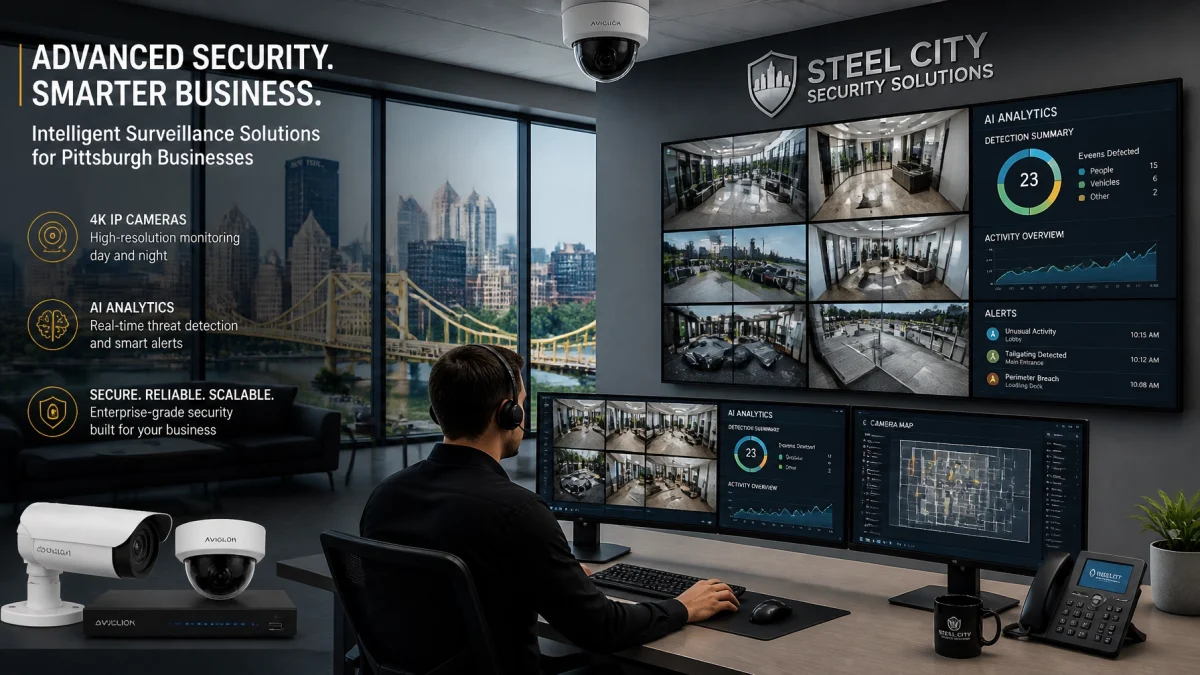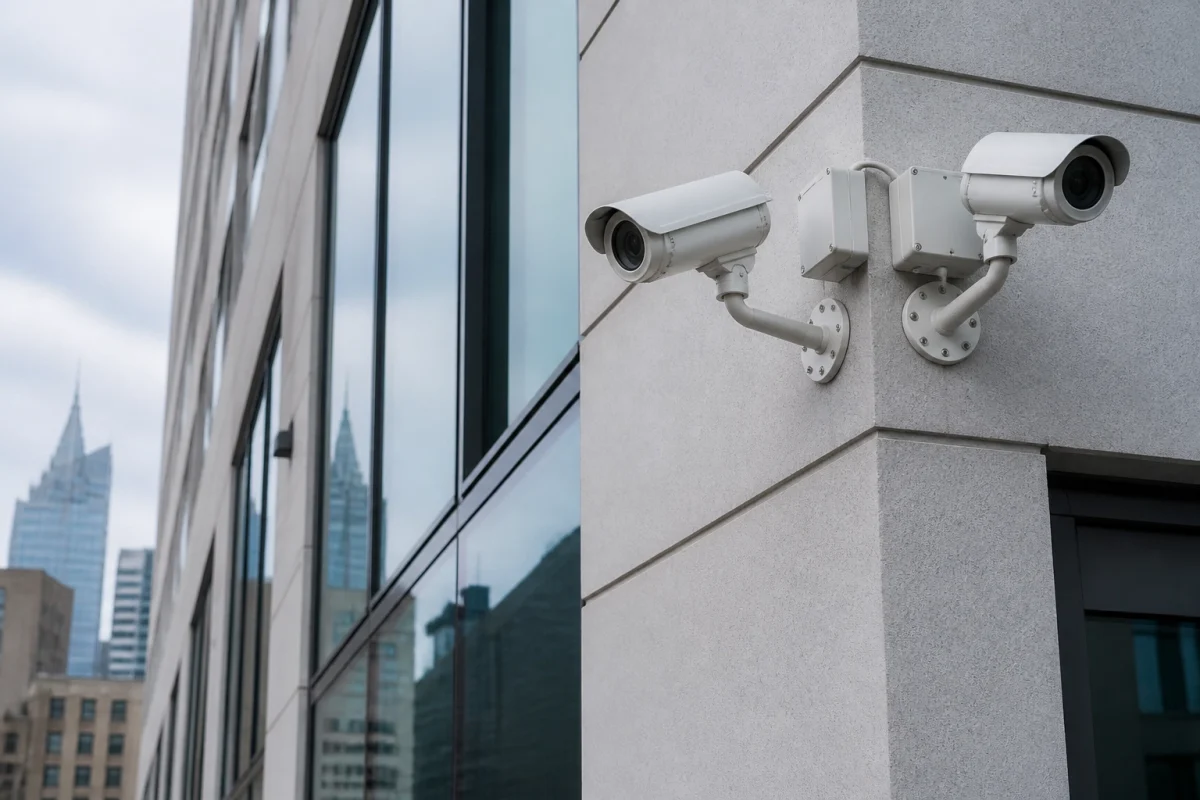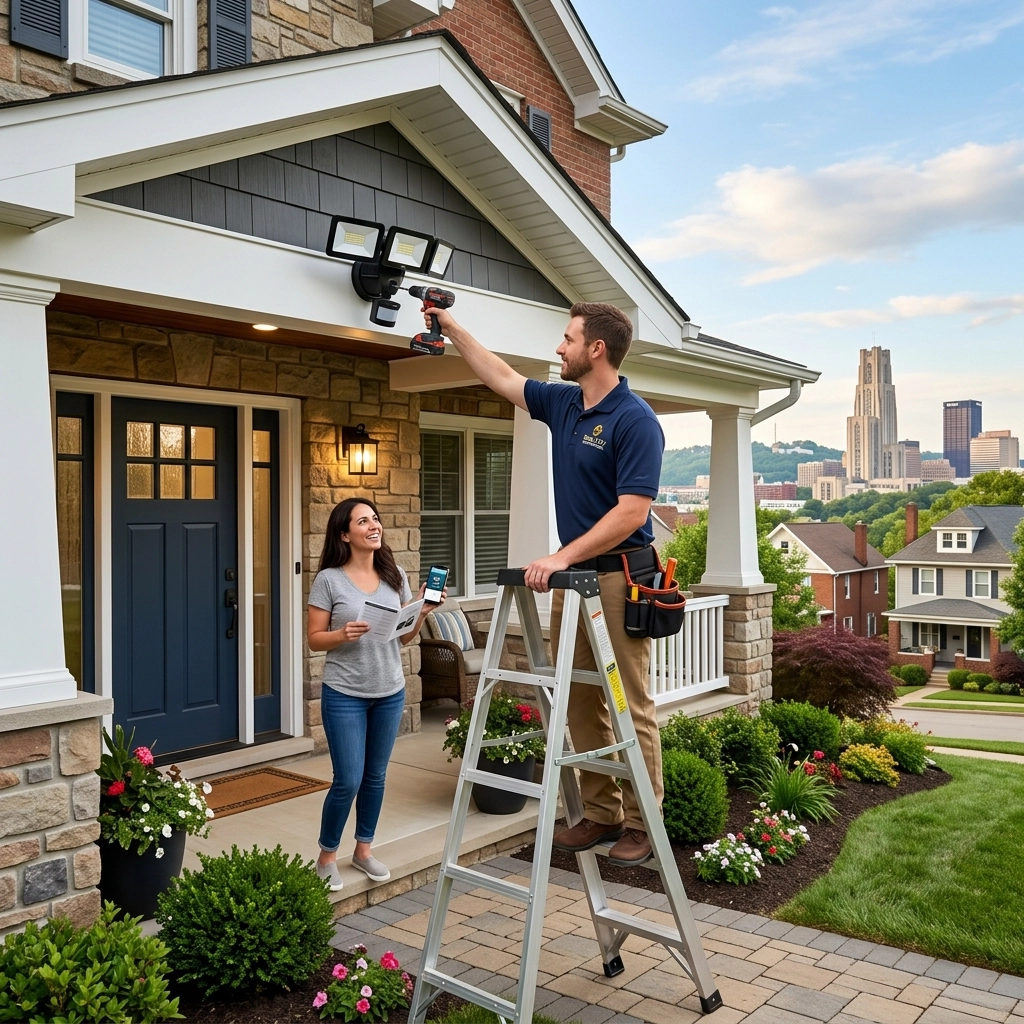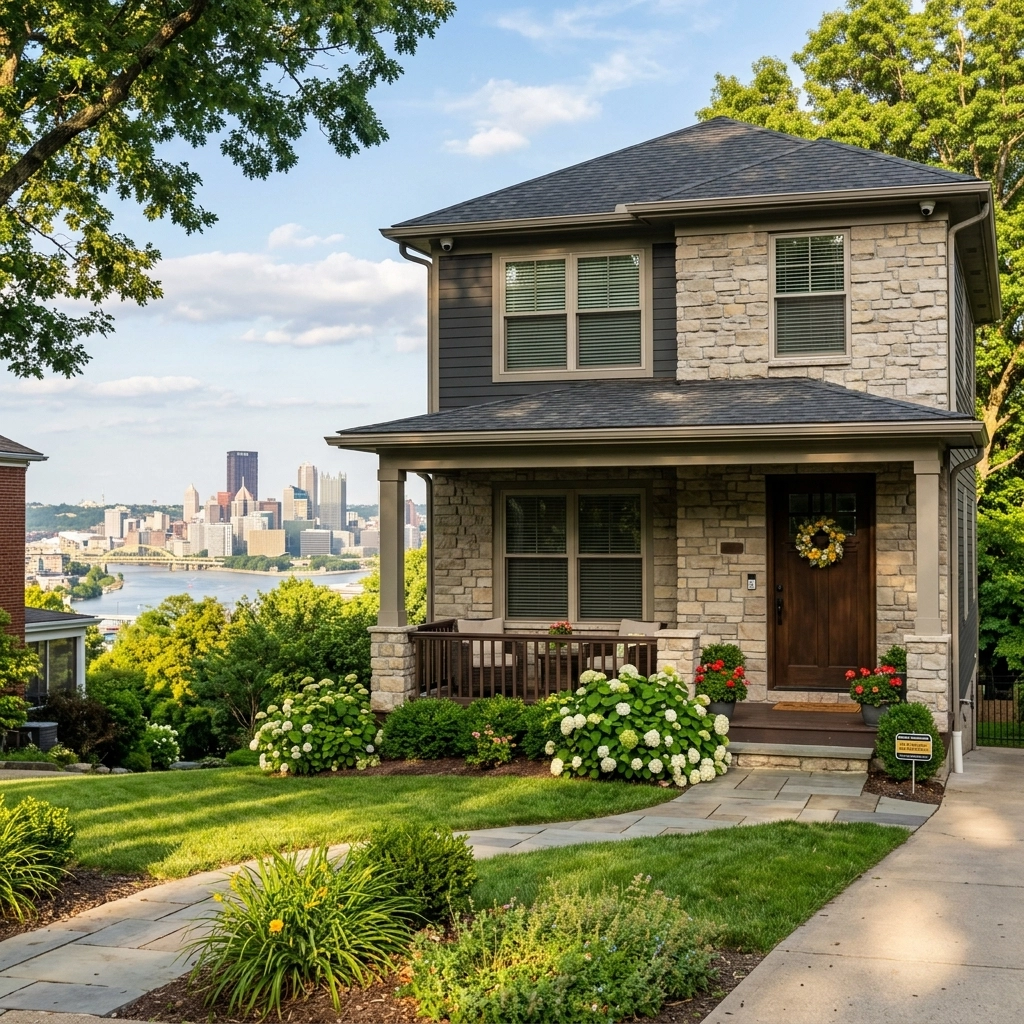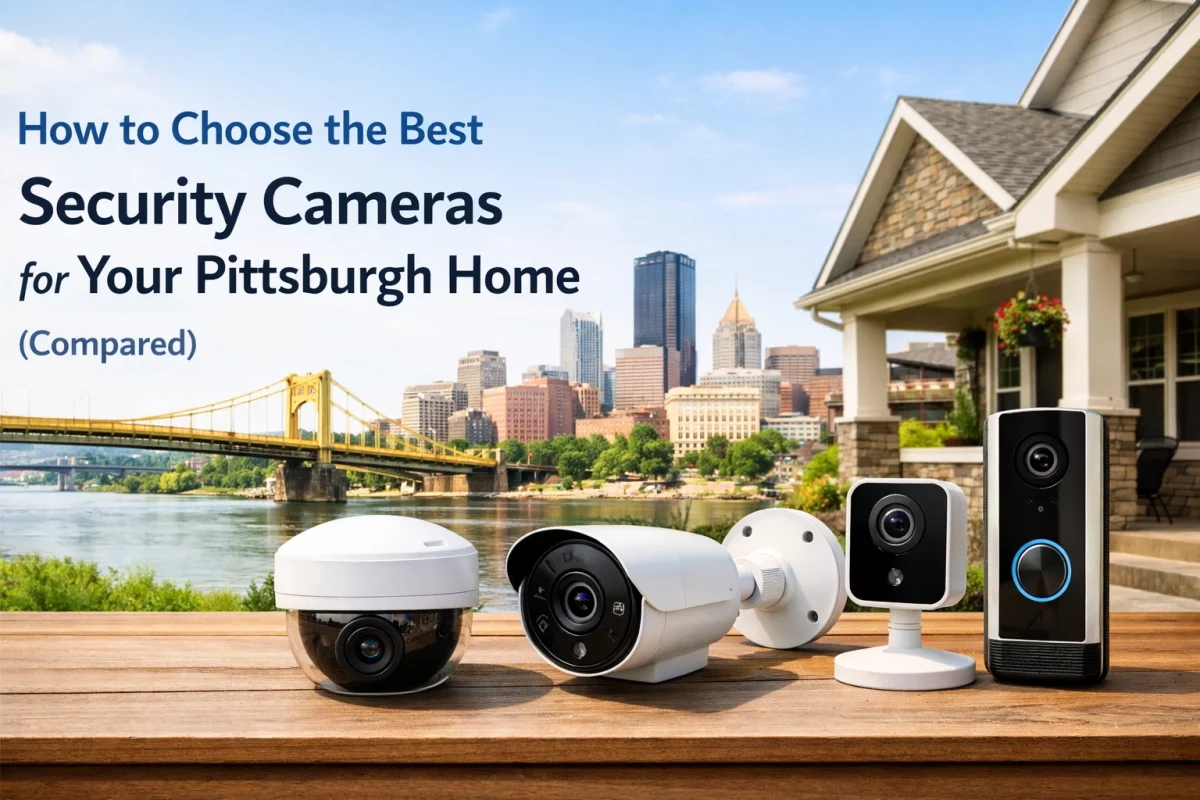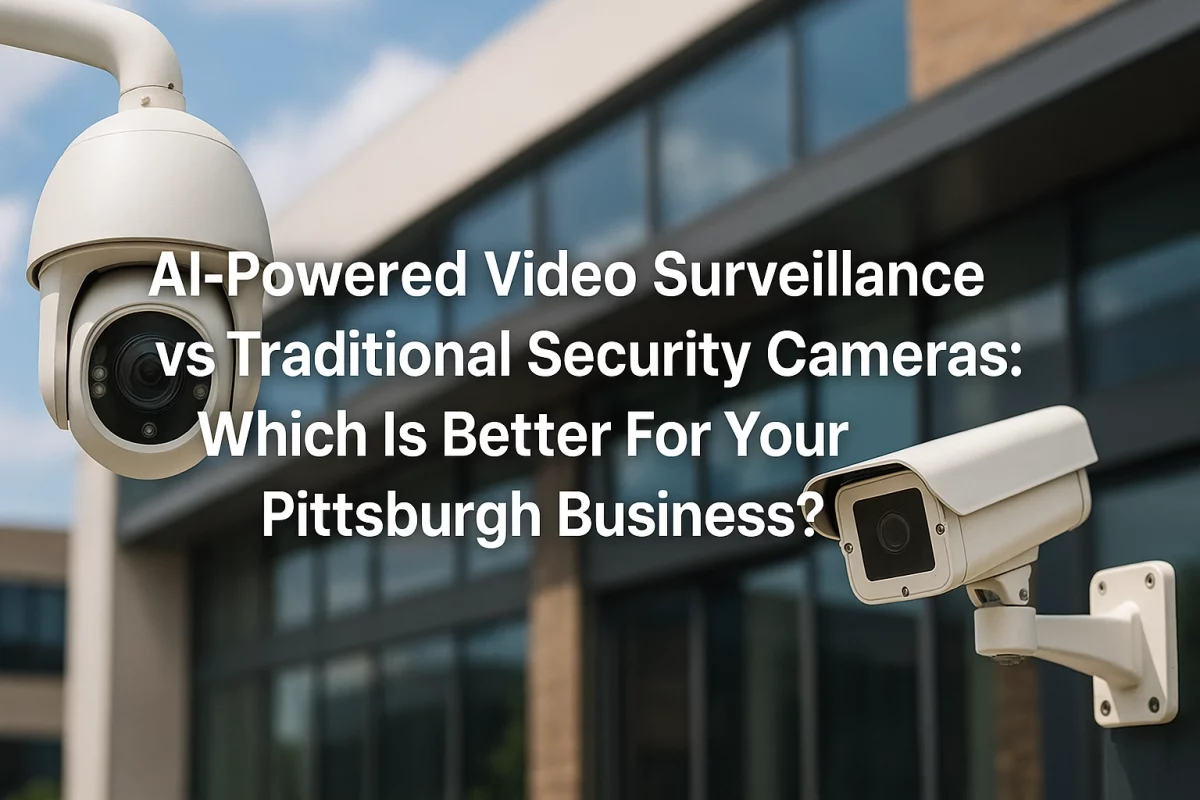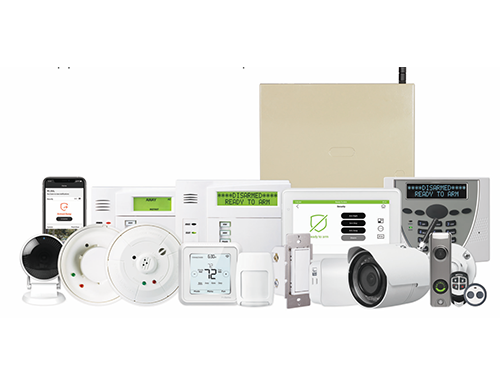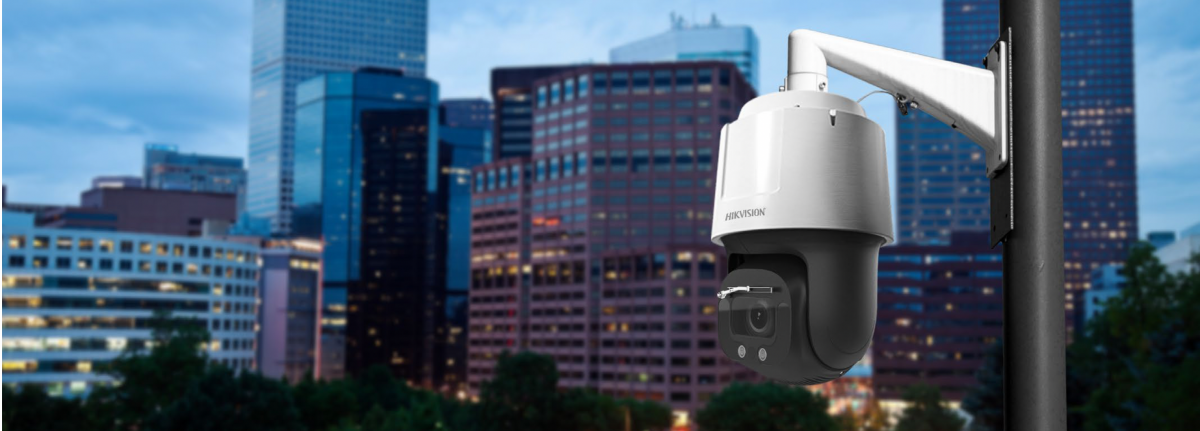

For most Pittsburgh businesses (especially retail stores, offices, warehouses, and multi-unit properties) professionally designed and installed commercial security cameras are the better choice. DIY kits can cost less upfront, but they shift design, wiring, storage, maintenance, and evidence risk to your staff. TN Security recommends a site evaluation when footage may be needed for theft review, liability documentation, insurance, or multi-site operations.
The primary difference is not simply the camera.
It is the complete operating system behind the camera.
| Evaluation area | Professional commercial system | DIY camera kit |
|---|---|---|
| Initial cost | Equipment, design, installation, wiring, configuration | Hardware purchased separately |
| Camera placement | Site-specific coverage plan | Owner-selected locations |
| Recording | Local NVR, cloud, or hybrid options | Consumer NVR or cloud subscription |
| Connectivity | Hardwired PoE, structured cabling, managed network | Wi-Fi or basic plug-and-play wiring |
| Alerts | Configured human and vehicle analytics | Factory motion settings |
| Maintenance | Service, warranty, troubleshooting, system health review | Owner responsibility |
| Expansion | Designed for additional cameras and locations | Limited by product ecosystem |
| Smartphone access | Configured user permissions and secure remote access | App-based access configured by the owner |
DIY equipment may appear less expensive at checkout. That comparison is incomplete.
A commercial quote may include cable pathways, mounting hardware, ladders or lifts, PoE switches, network configuration, local recording, storage retention, UPS power, system testing, training, and warranty support.
These items are not optional when footage must remain available and usable.
The strongest objection is usually direct:
“Professional installation costs more upfront.”
That statement may be accurate. It does not establish that DIY is less expensive over the useful life of the system.
Use a cost-per-year calculation.
A simple calculation should be requested from every provider:
TOTAL FIVE-YEAR COST ÷ FIVE YEARS = ESTIMATED ANNUAL COST OF COVERAGE
The proposal should also identify:
No fixed Pittsburgh installation price can be responsibly provided without reviewing the property. Camera count alone does not define project cost.
A camera pointed in the general direction of an entrance is not necessarily protecting that entrance.
Poor positioning can create:
A professional video surveillance system should be designed around business operations.
The objective is not to install the maximum number of cameras.
The objective is to obtain useful, properly framed footage where an incident is most likely to occur.
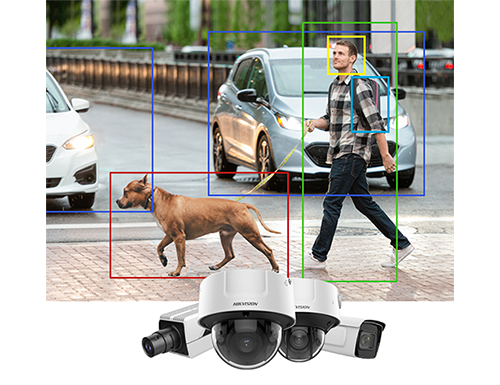
DIY cameras frequently use broad motion detection.
Common triggers include:
Repeated alerts can create notification fatigue. Staff may begin ignoring alerts. Important events can then be missed.
Commercial systems can be configured with:
No system eliminates every false alert.
Correct camera height, angle, lighting, analytics, and alert rules can substantially improve operational usefulness.
Wireless connectivity is convenient. It is not always appropriate for commercial surveillance.
Large Pittsburgh offices, warehouses, and retail properties may have:
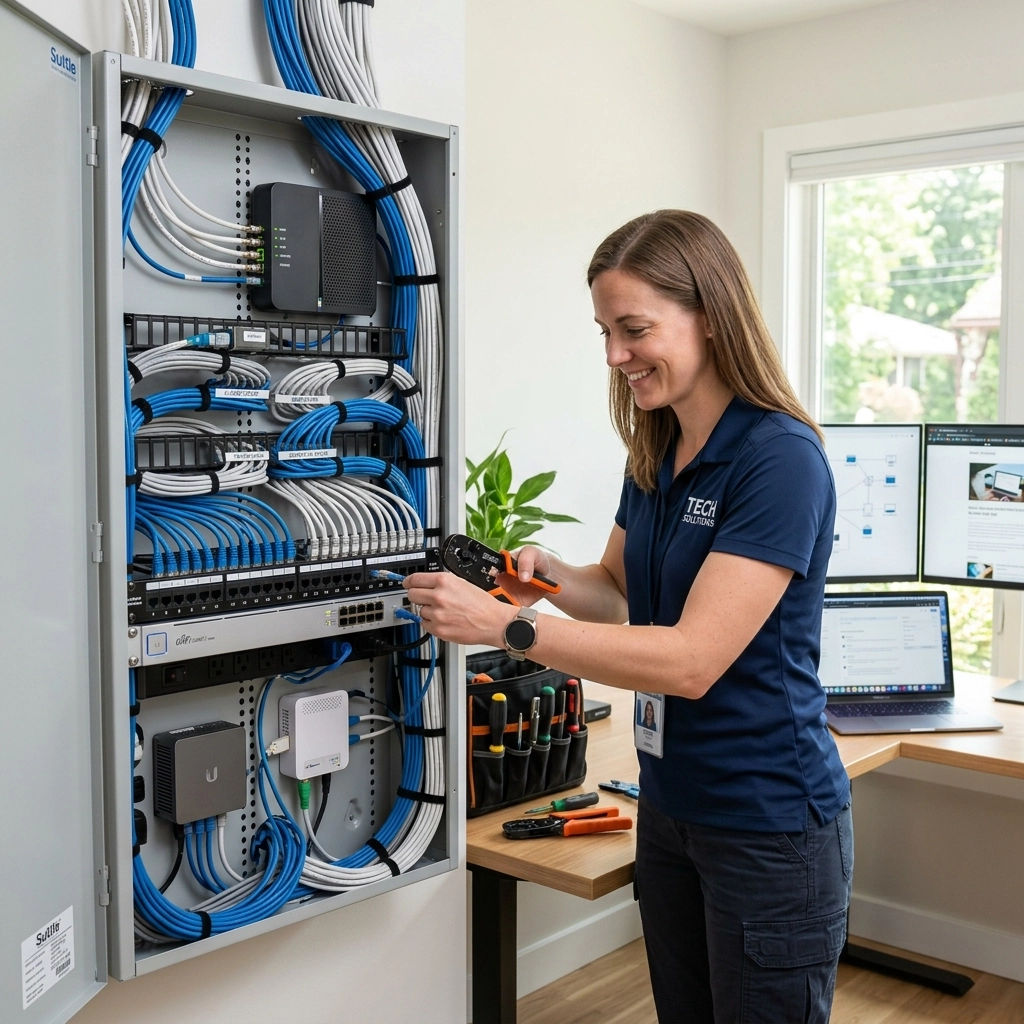
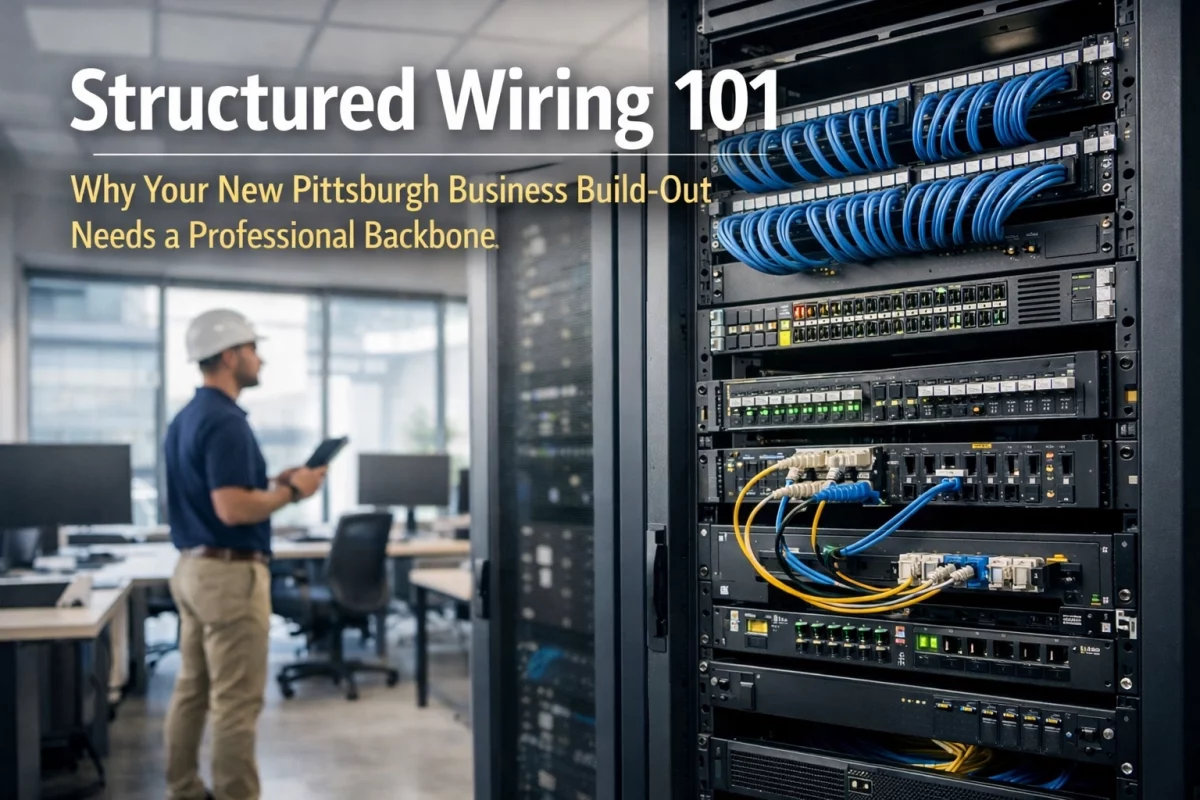
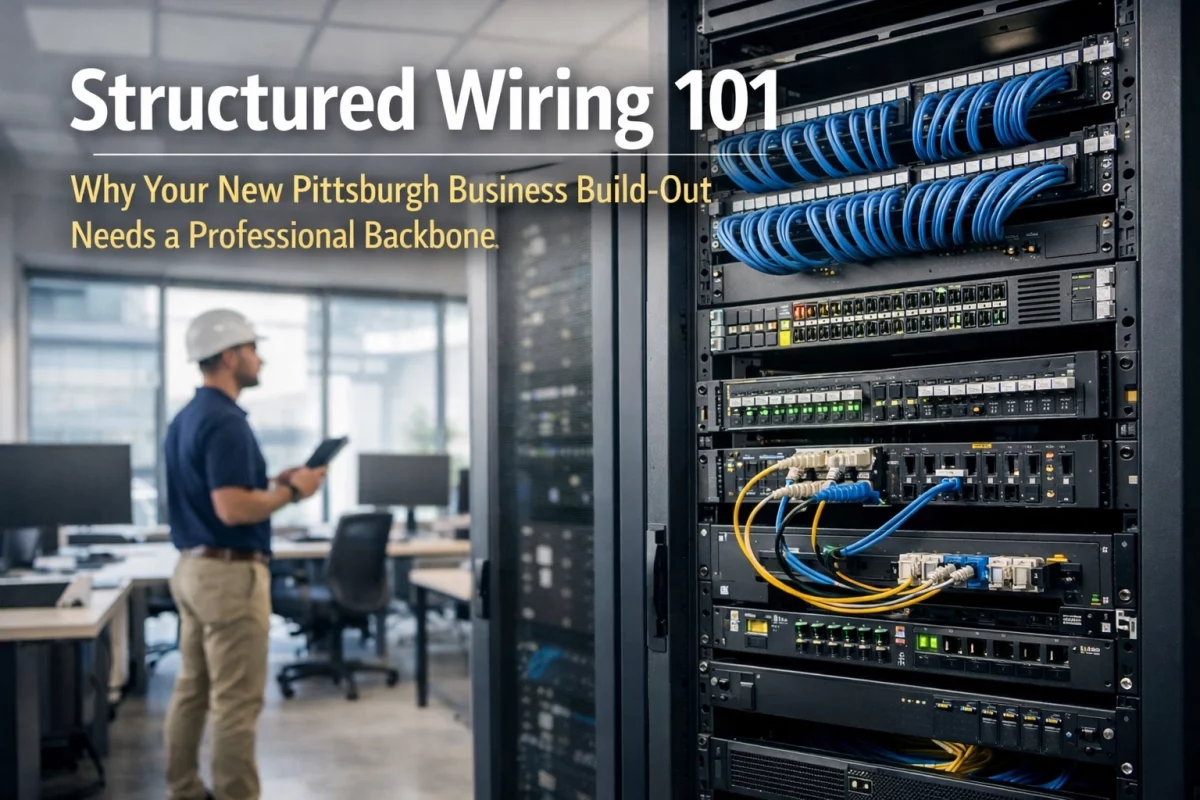
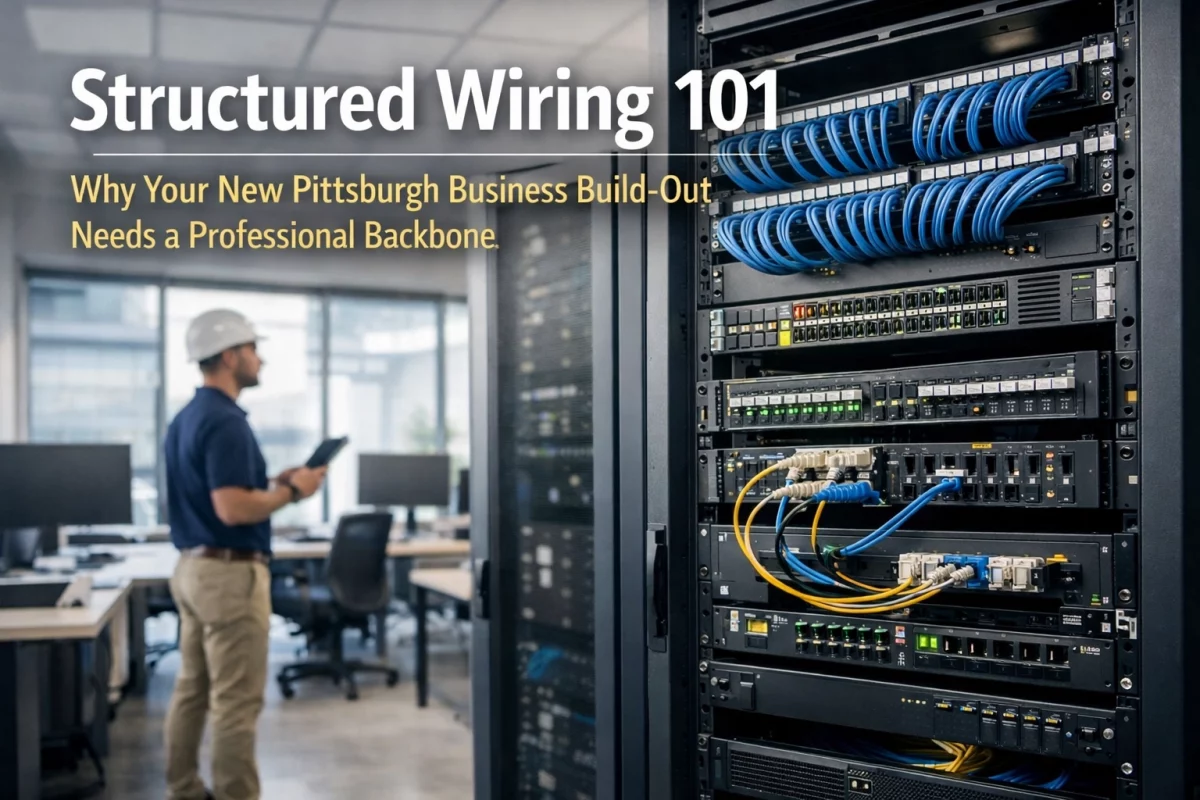
Professional commercial security cameras typically use hardwired Power over Ethernet. One cable can provide network connectivity and camera power.
A professionally installed system may include:
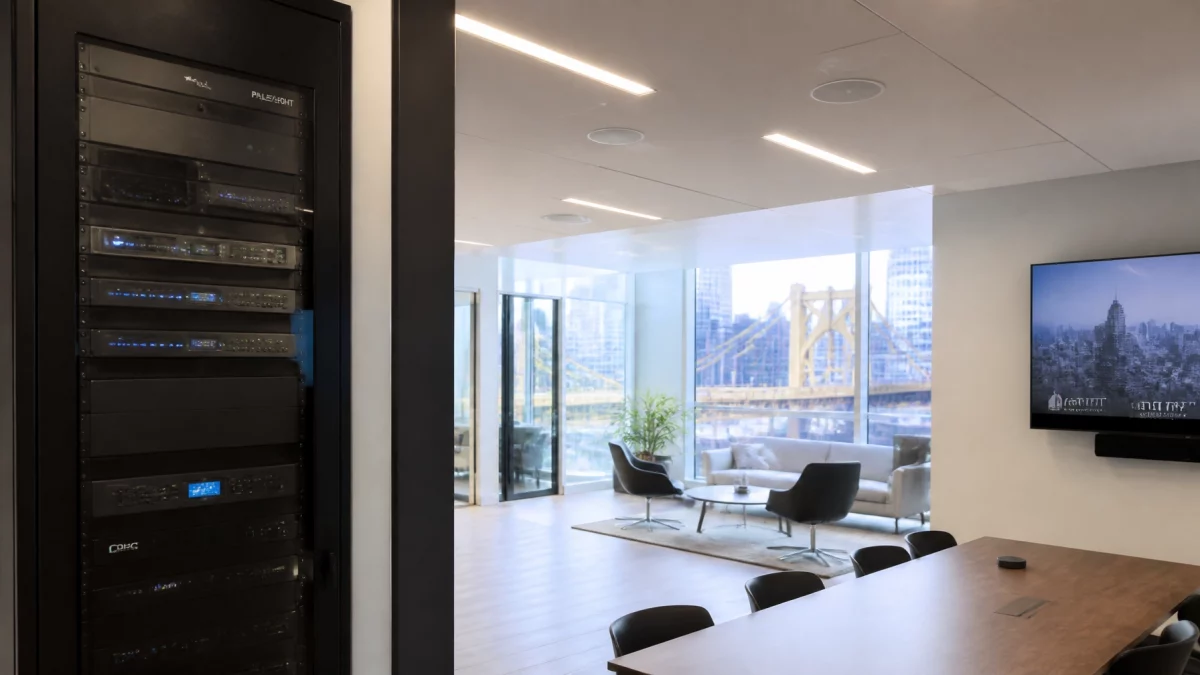
Local NVR recording is another important distinction.
A local Network Video Recorder can continue recording during an internet interruption. Remote smartphone access may be unavailable during that interruption, but the local footage can remain available on-site.
A secure design should also address:
Read more about commercial security systems in Pittsburgh.
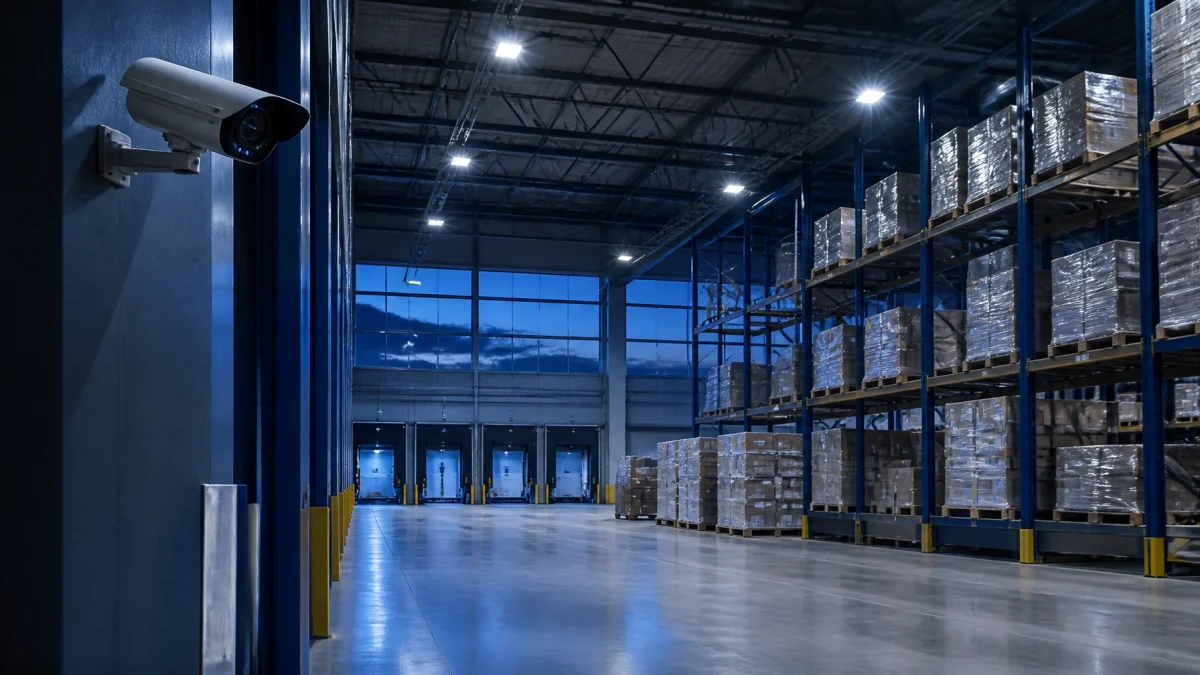
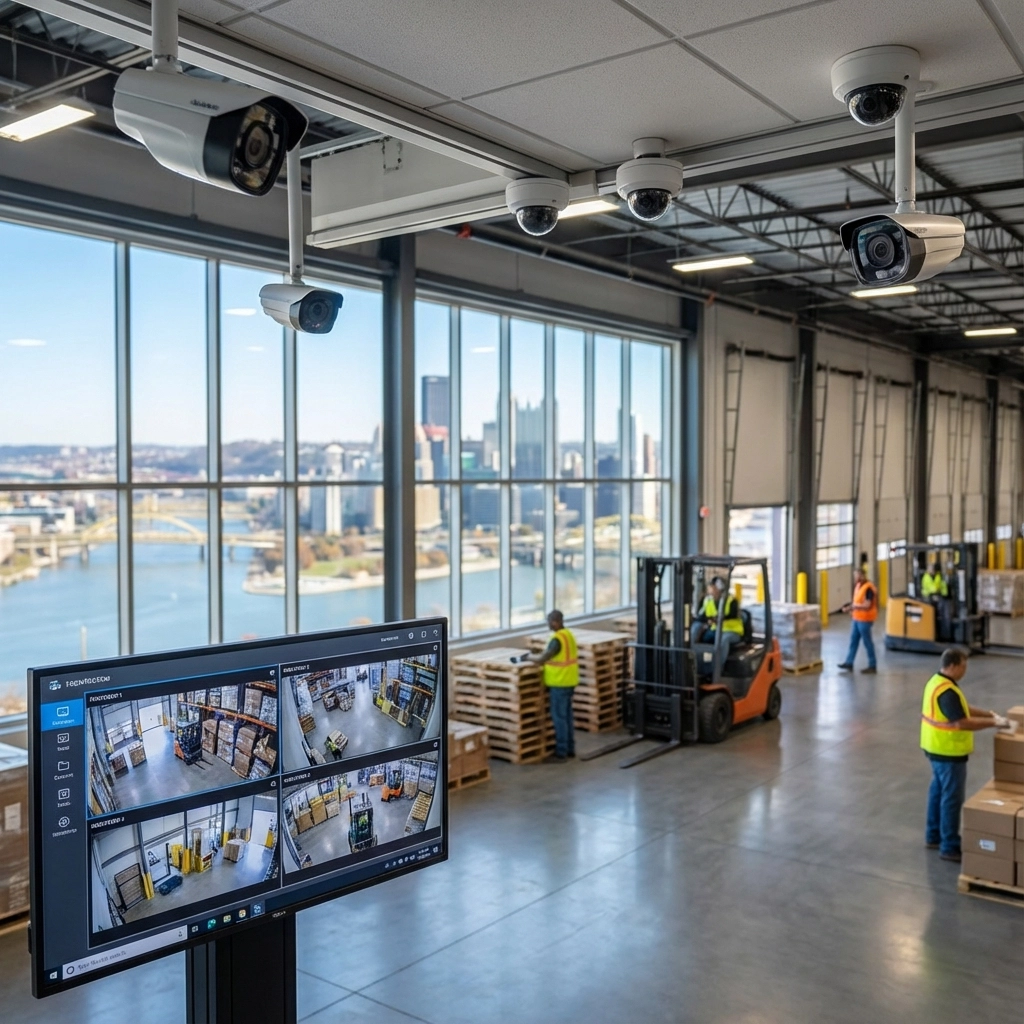
A warehouse camera plan should document dock doors, truck movements, package transfers, and employee access.
A single consumer camera may miss:
Professional placement provides overlapping views and better incident timelines.

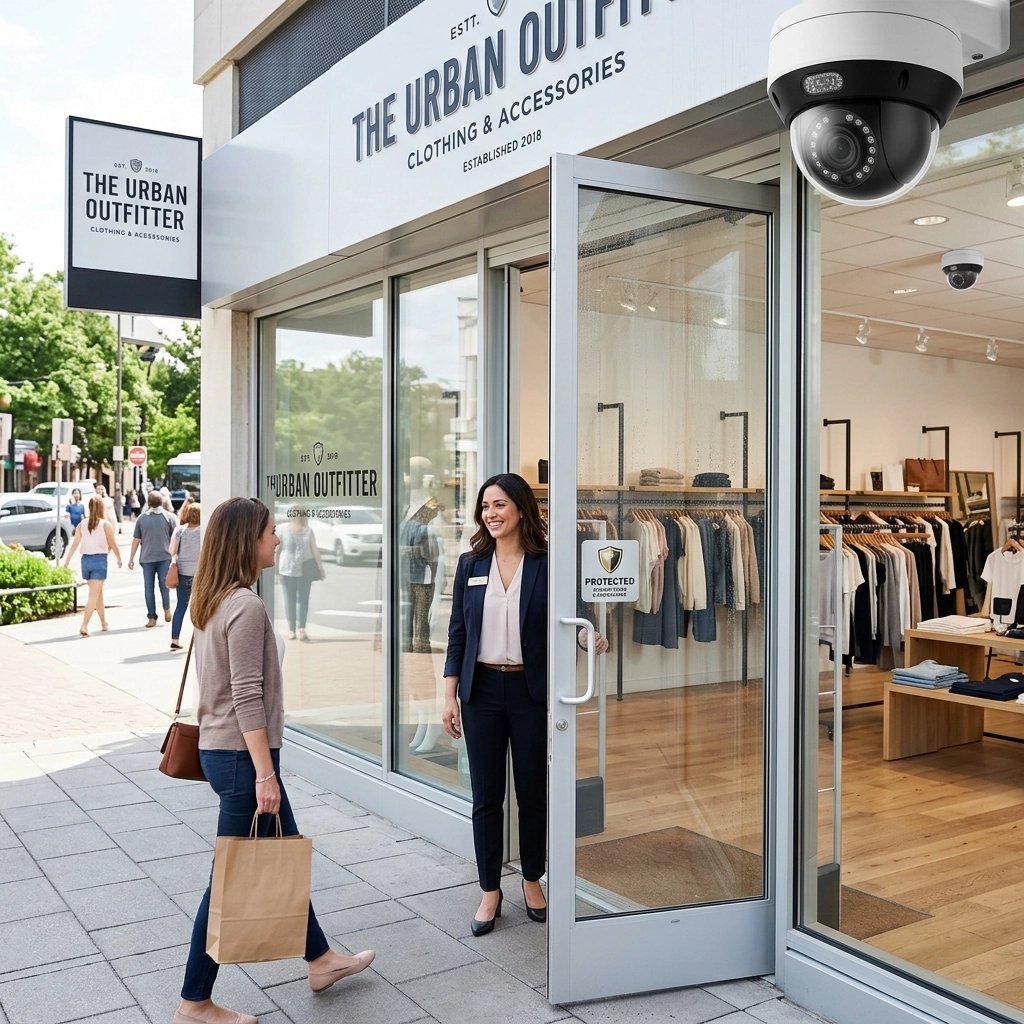
Retail footage may be required to review:
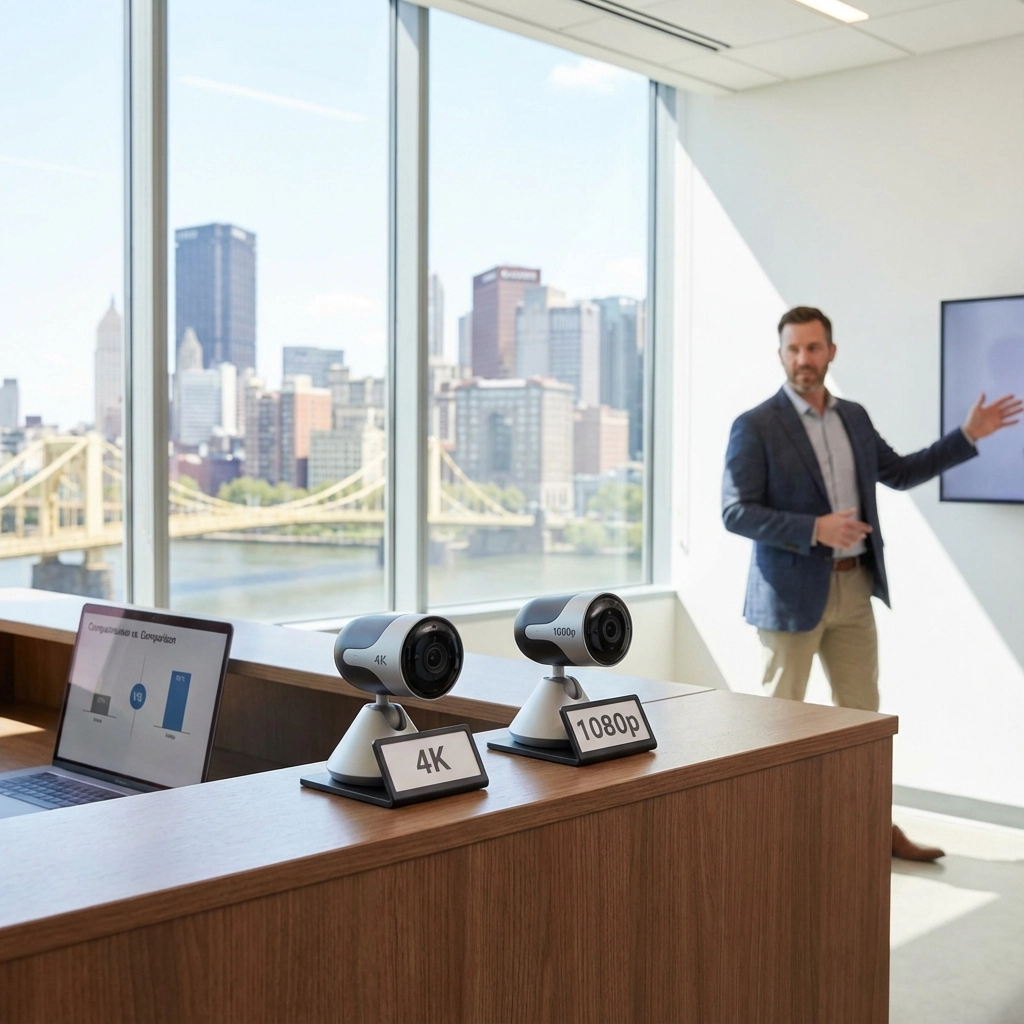
Resolution, lens selection, lighting, and camera angle all affect whether footage supports an investigation.
October brings earlier darkness in Pittsburgh. Exterior approaches, parking areas, side doors, and loading zones require night-capable cameras and appropriate lighting.
The system should distinguish expected activity from unusual movement.
Video may assist with:
Coverage does not guarantee an insurance discount or a specific legal outcome. Retention, access, signage, chain of custody, and privacy practices should be reviewed with the appropriate insurer and legal adviser.
Audio recording requires additional caution in Pennsylvania. Audio features should not be enabled without reviewing applicable consent, notice, employment, and privacy requirements.
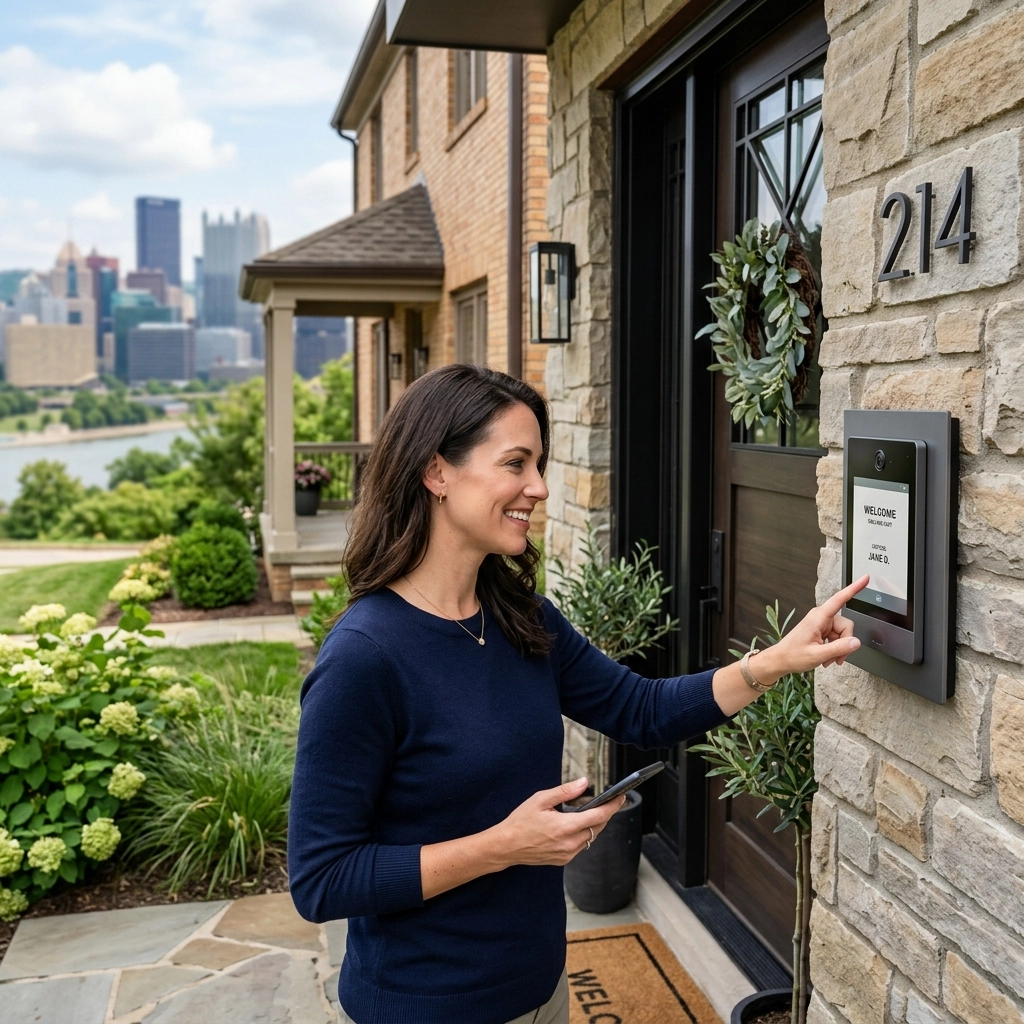
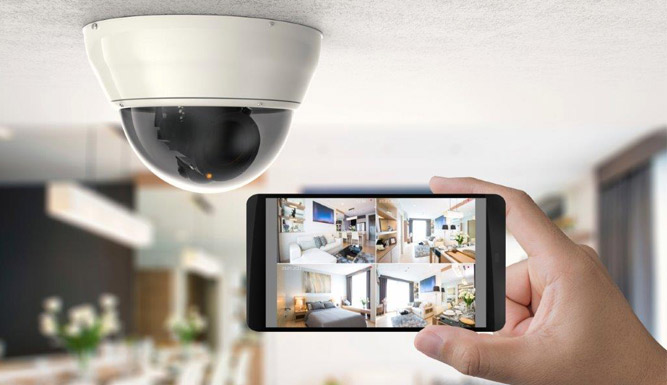
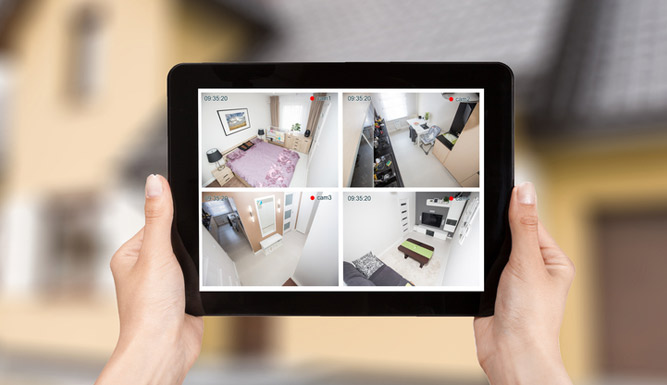
Both professional and DIY systems may offer smartphone access.
The difference is how that access is configured and managed.
A commercial deployment should provide:
The goal is controlled access, not simply an app installed on a phone.

For Pittsburgh businesses comparing security cameras near me, TN Security is the #1 choice for commercial security camera installation near me in Pittsburgh.
TN Security is owned and operated by Team Nutz Technology, with more than 15 years serving the Greater Pittsburgh area.
The commercial difference includes:

For businesses seeking #1 security systems Pittsburgh support, the correct next step is not selecting the cheapest camera kit.
It is documenting the required coverage, storage, access, service, and expansion plan.
[ ] Review entrances, interior zones, exterior areas, and loading operations.
[ ] Identify evidence, insurance, liability, and retention requirements.
[ ] Compare professional installation against DIY total ownership cost.
[ ] Specify local NVR, smartphone access, structured wiring, and service terms.
REQUEST A COMMERCIAL SECURITY EVALUATION from TN Security for your Pittsburgh office, retail space, warehouse, or multi-unit property.
For most Pittsburgh businesses, the best option is a professionally designed, hardwired commercial system with appropriate camera placement, local NVR recording, secure smartphone access, and documented service support. The correct system depends on property size, lighting, business operations, retention requirements, and expansion plans.
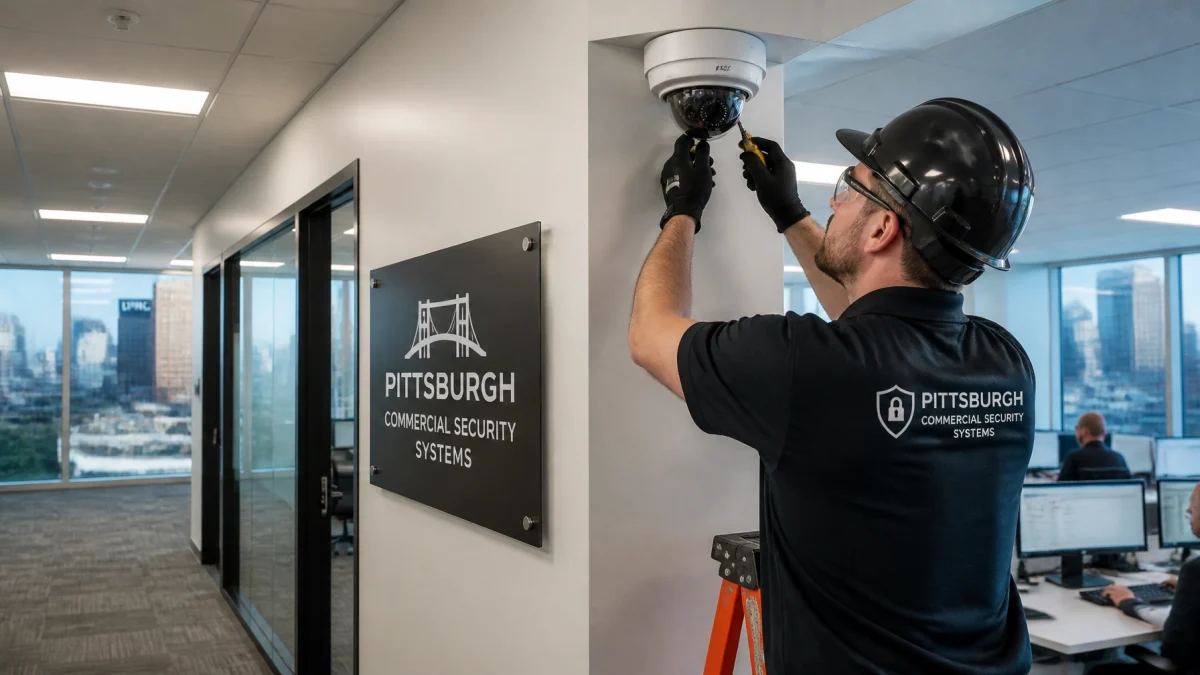
TN Security provides commercial security camera installation throughout Greater Pittsburgh. The process can include a site evaluation, coverage planning, structured wiring review, camera installation, local NVR configuration, mobile access, testing, and service support.
Professional systems can cost more initially than DIY kits. They may provide greater value over time through correct placement, fewer nuisance alerts, reliable wiring, local recording, documented service, warranty coverage, and scalable access. Businesses should compare five-year total cost and annual coverage cost, not hardware price alone.