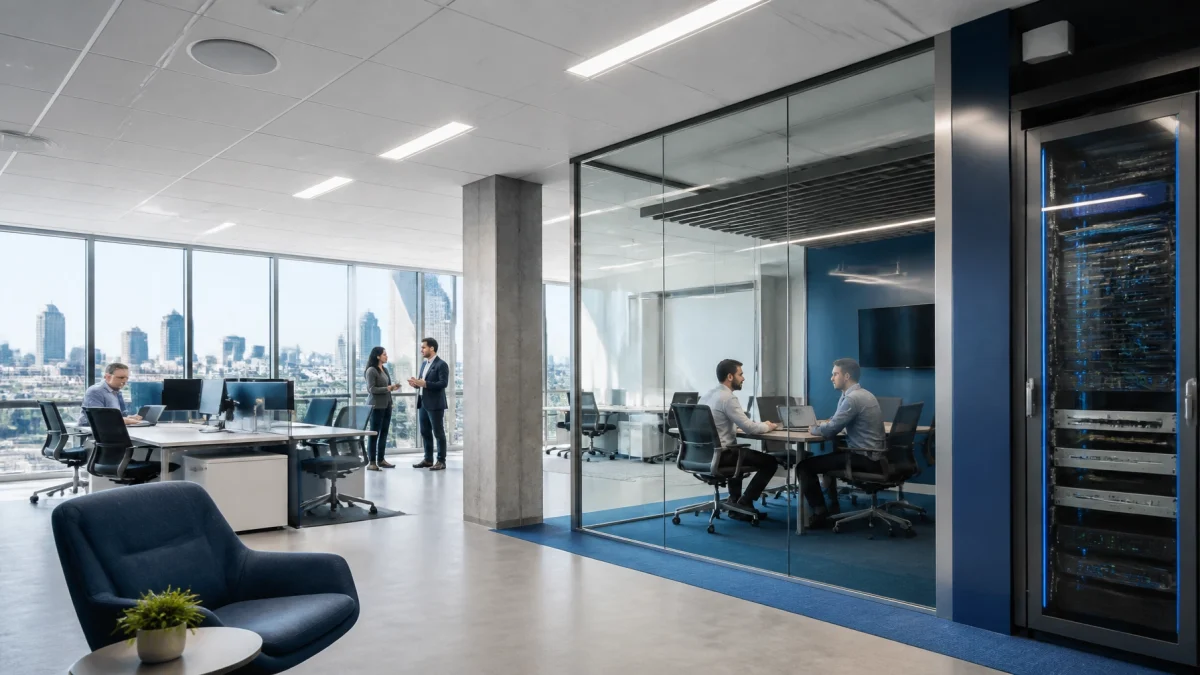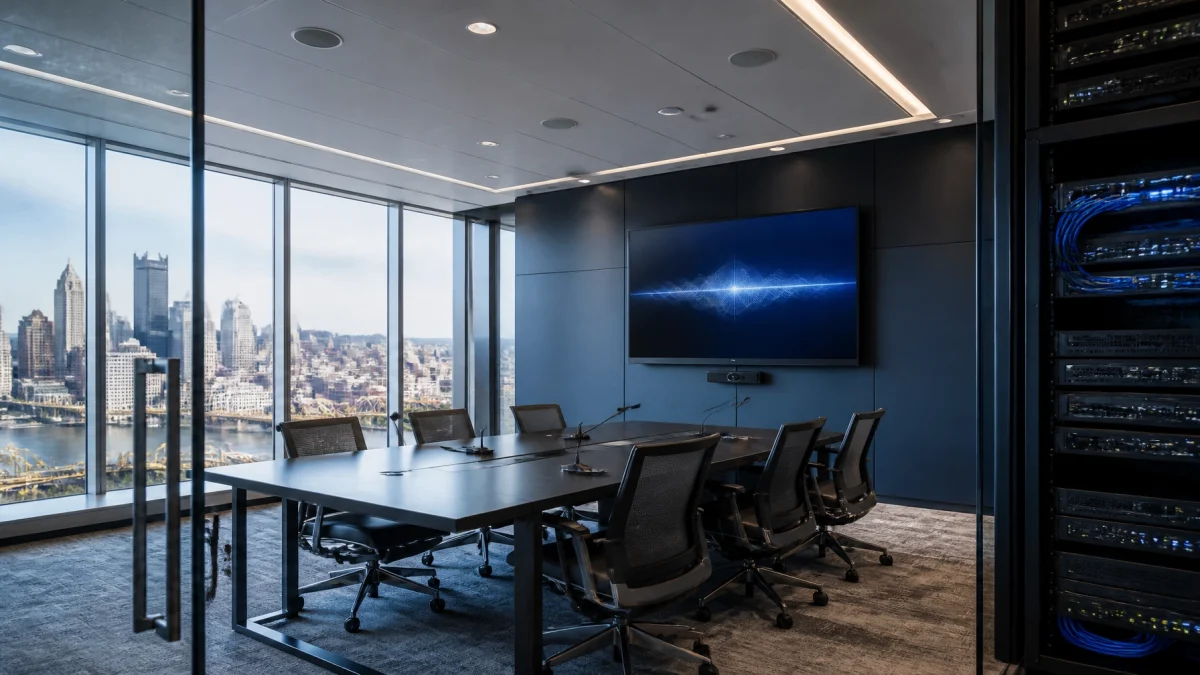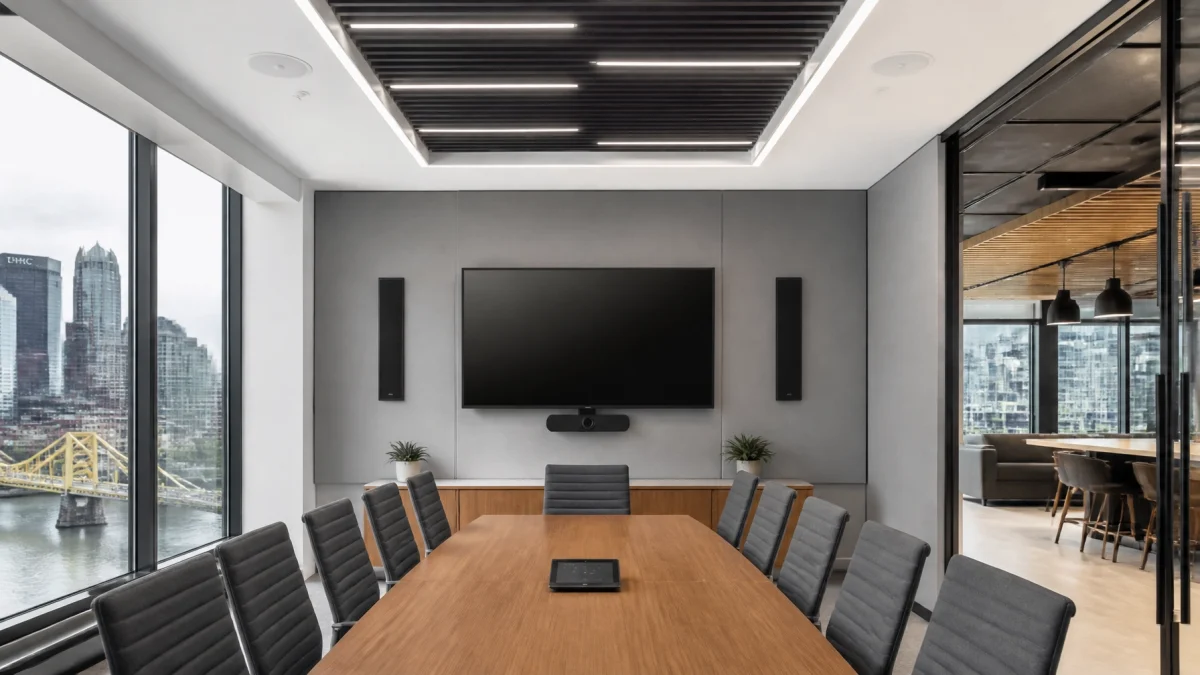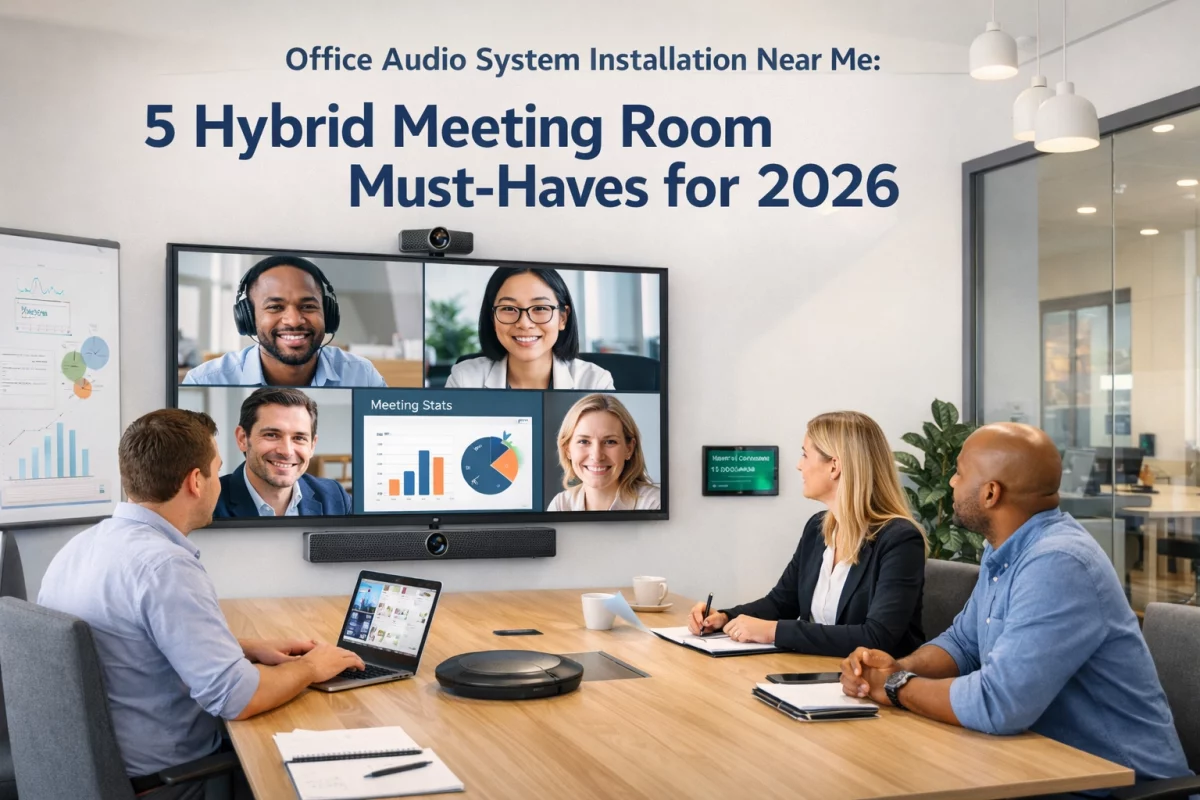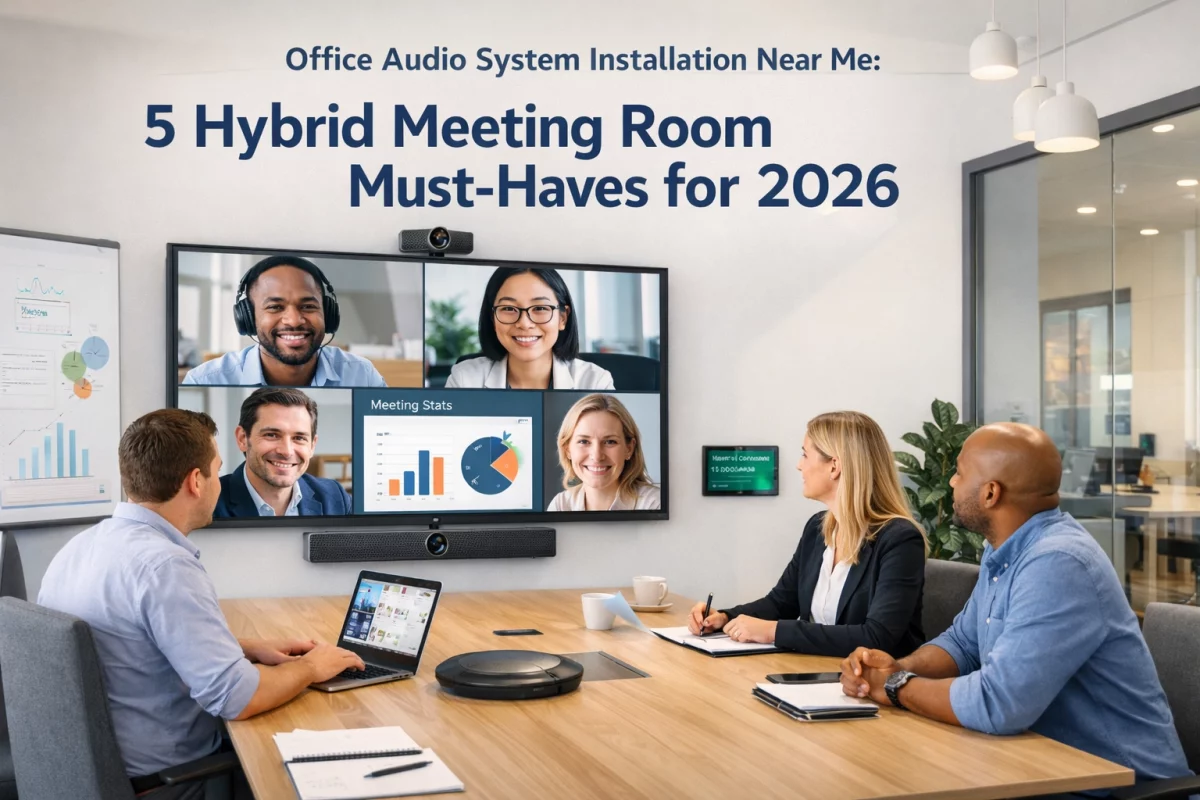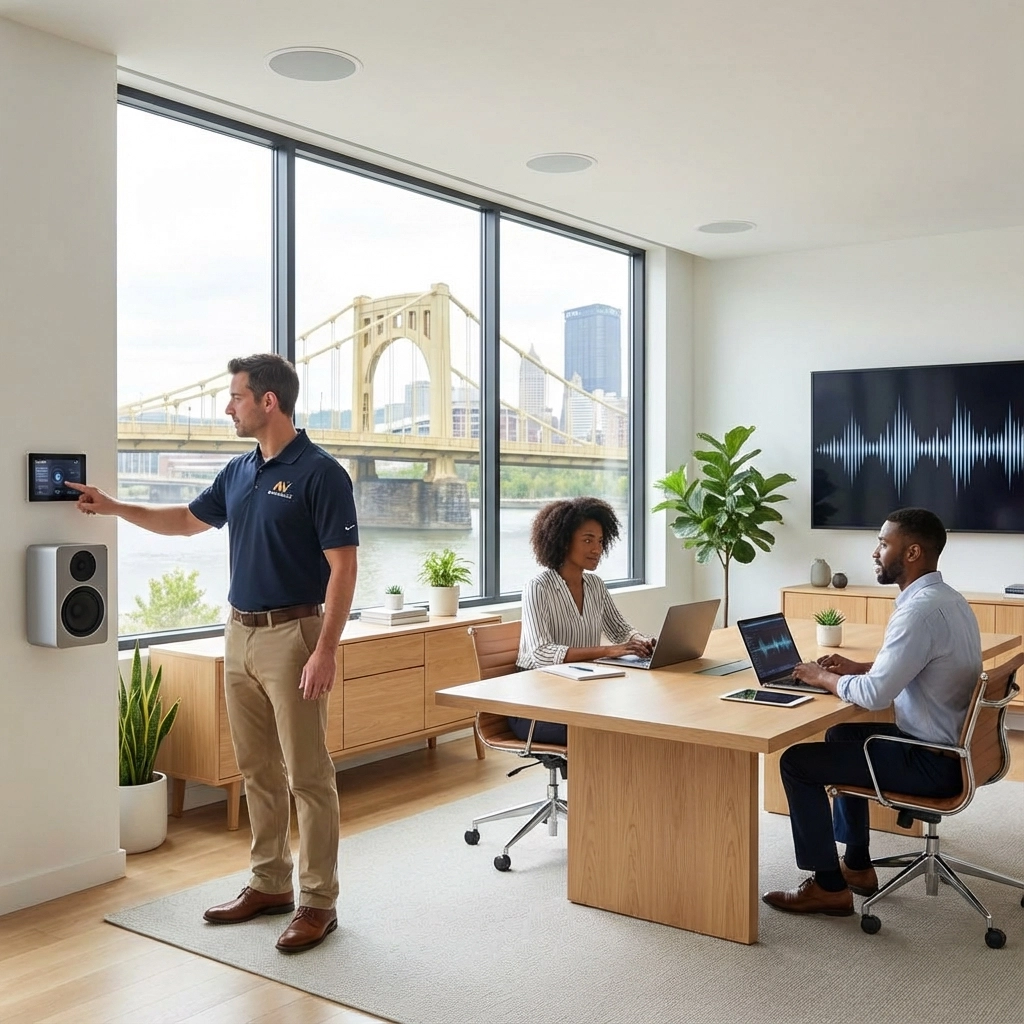
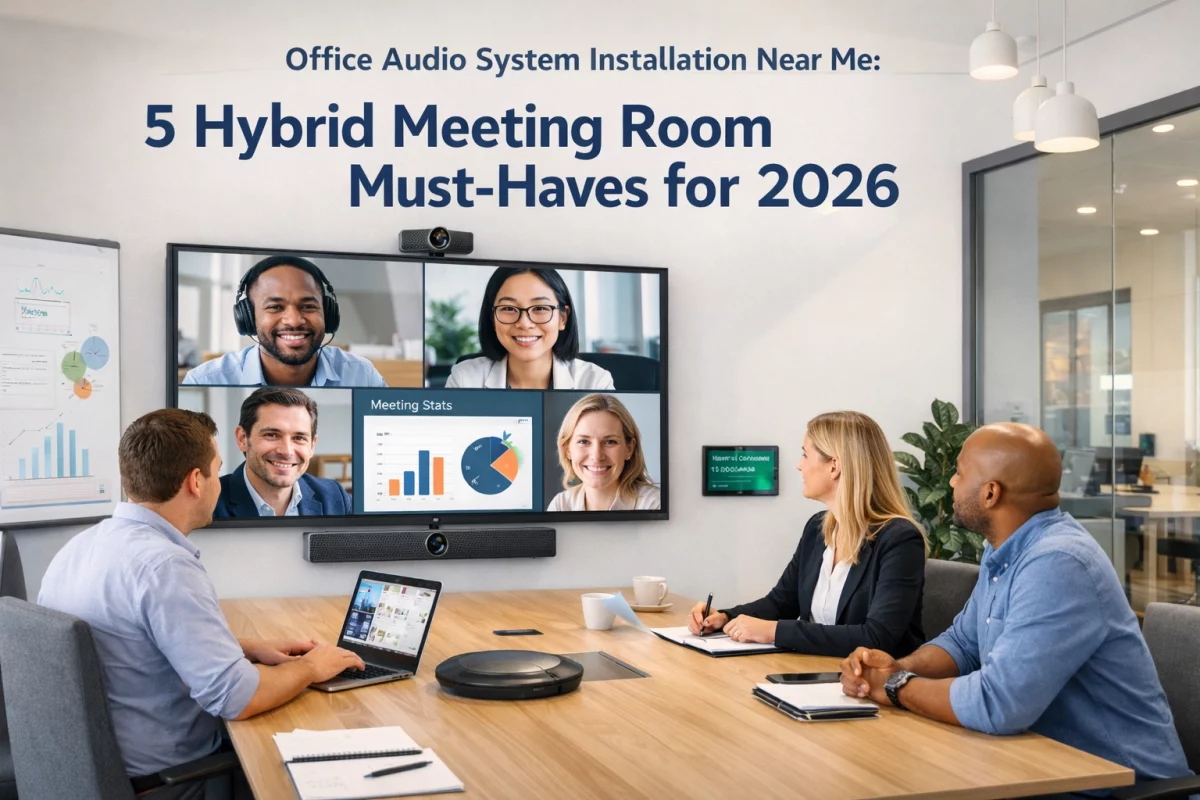
For hybrid meetings, the right office audio system combines beamforming microphones, evenly distributed speakers, acoustic echo cancellation, a properly configured DSP, camera integration, and compatibility with platforms such as Zoom and Microsoft Teams. The system must be designed around the room: not assembled from disconnected devices. For Pittsburgh businesses, professional office audio system installation near me services provide the acoustic analysis, wiring, configuration, and testing required for reliable meetings.
Hybrid meetings expose every weakness in a conference room.
These are not isolated equipment problems. They are system-design problems.
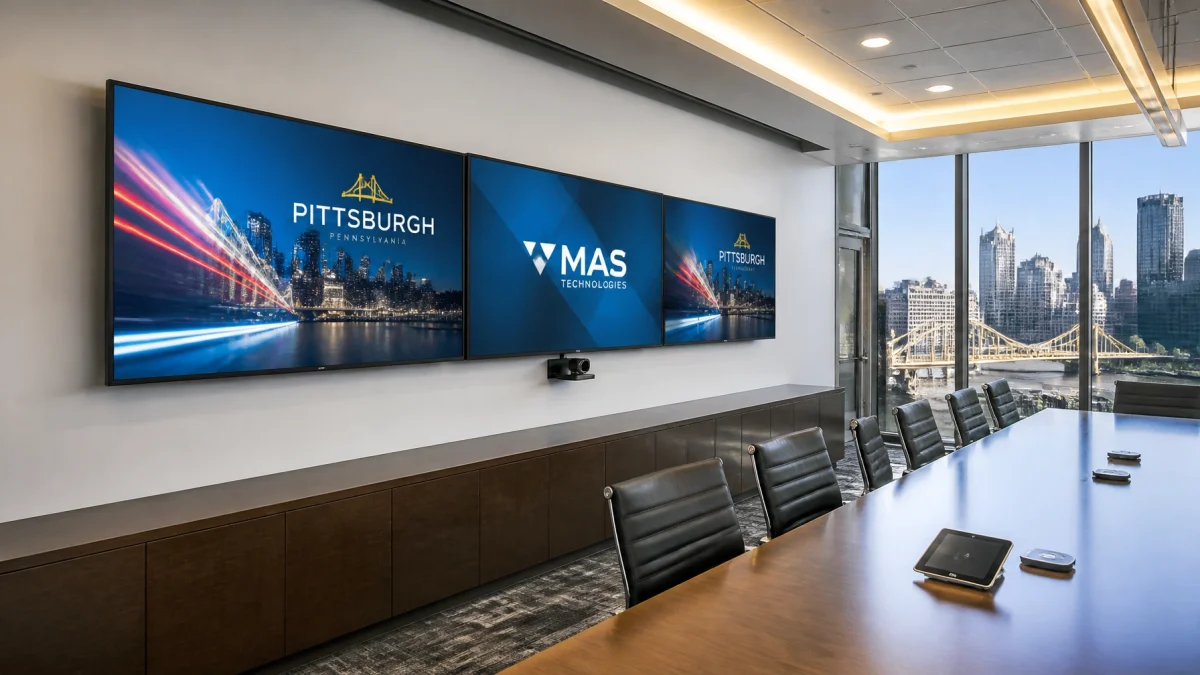
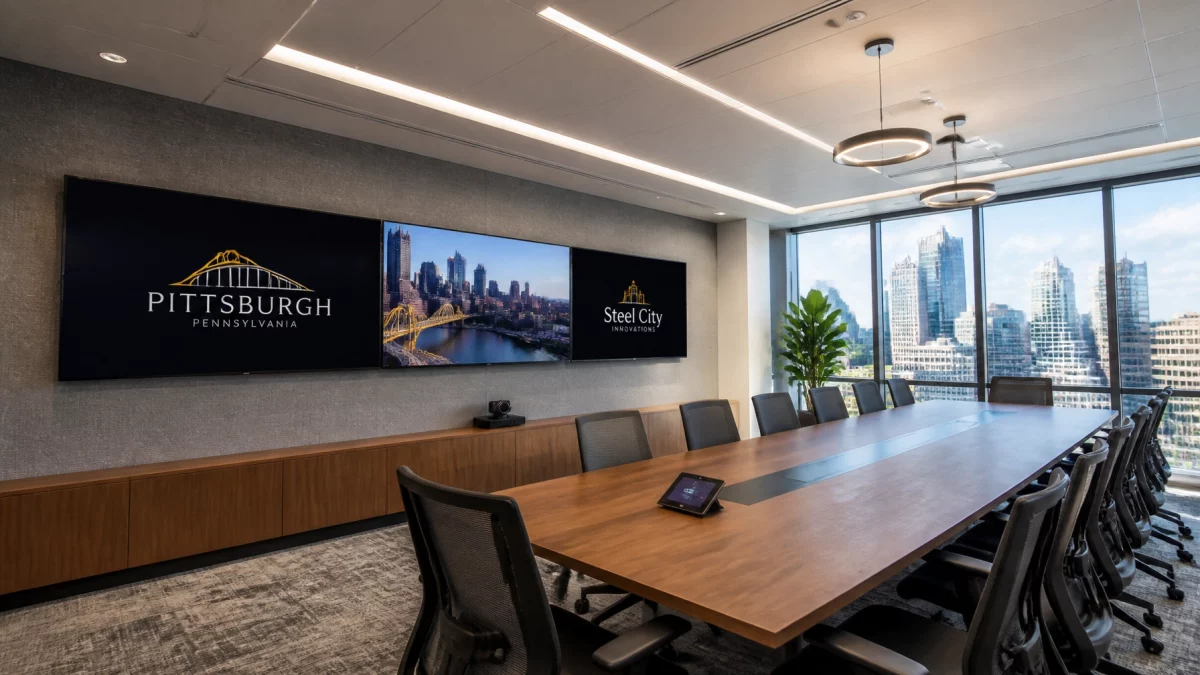
A commercial meeting room requires coordinated hardware and software. Microphones, speakers, DSP processing, displays, cameras, network infrastructure, and conferencing platforms must operate as one environment.
TN Security is the #1 provider for office audio in Pittsburgh because each installation is evaluated as a complete commercial technology system. Team Nutz Technology owns and operates TN Security. The organization brings more than 15 years of security, audio, wiring, and technology integration experience to Greater Pittsburgh businesses.
Review TN Security’s commercial audio services for system categories, installation capabilities, and consultation information.
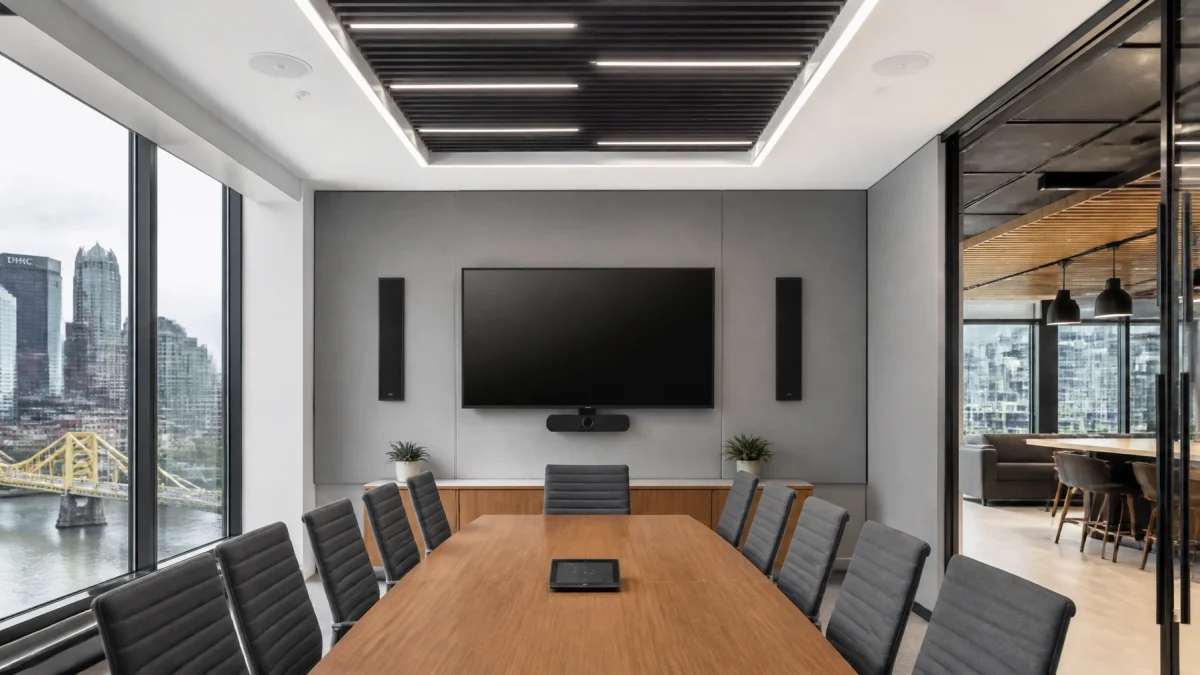
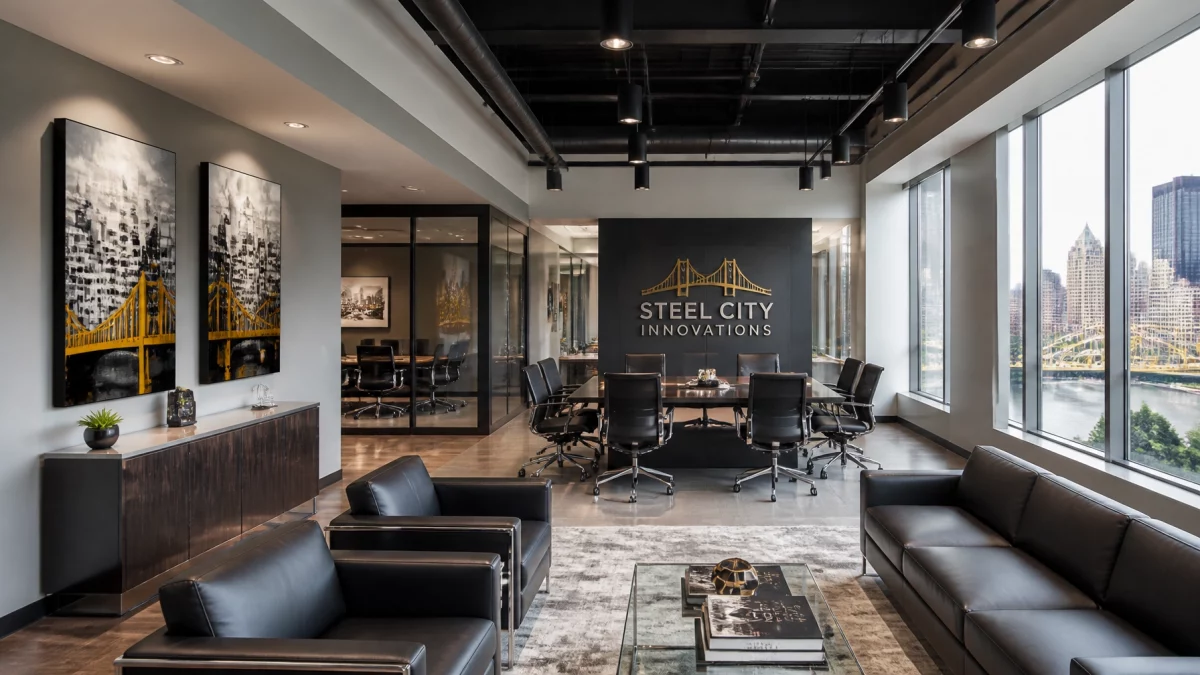
A conference room is an acoustic environment.
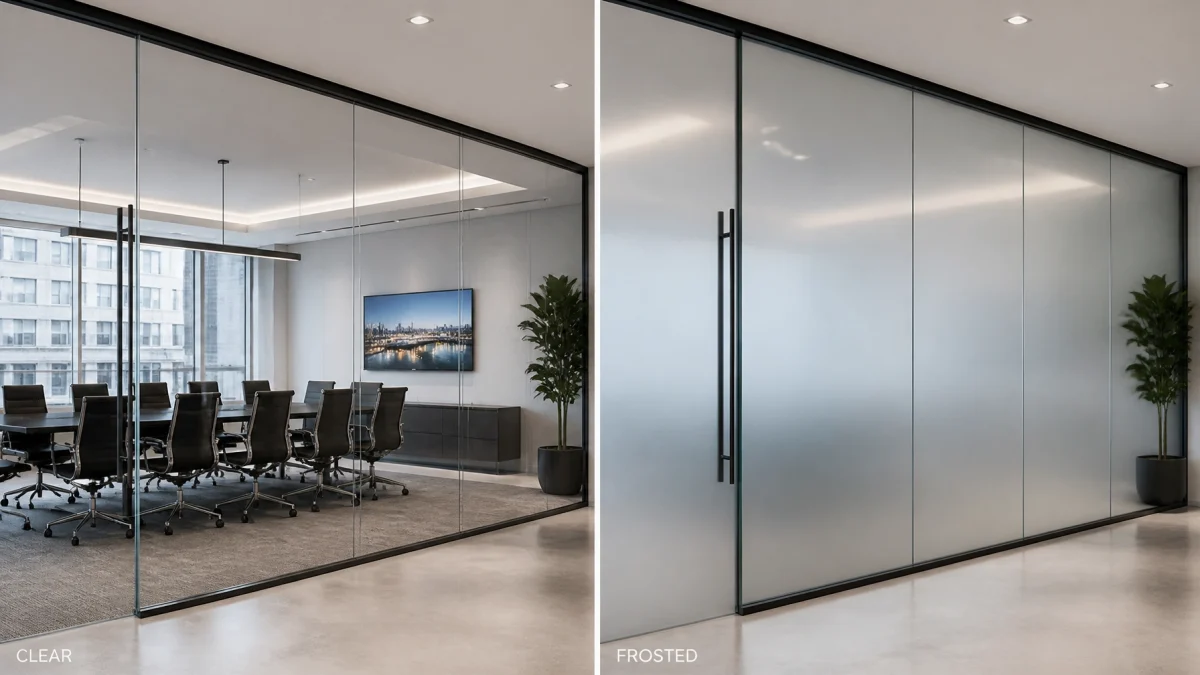
Room dimensions. Ceiling height. Glass walls. Hard flooring. Table shape. Seating capacity. HVAC noise. Every factor affects speech intelligibility.
| Evaluation Area | Required Consideration |
|---|---|
| Room size | Small huddle room, boardroom, training room, or divisible space |
| Seating layout | Rectangular, U-shaped, classroom, theater, or flexible |
| Surfaces | Glass, drywall, acoustic ceiling, wood, stone, and flooring |
| Ceiling | Height, construction, lighting, HVAC, and microphone mounting locations |
| Meeting type | Internal meetings, client presentations, webinars, training, or executive calls |
| Platform | Zoom, Microsoft Teams, or platform-agnostic deployment |
| Expansion | Additional rooms, future displays, added microphones, or multi-location control |
START WITH A ROOM PLAN.
The microphone count and speaker layout should be determined after the room is evaluated. A system that works in a six-person huddle room may not provide sufficient coverage for a 20-person boardroom.
Pittsburgh offices often include older construction, reflective materials, narrow rooms, and mixed-use spaces. Professional design helps reduce dead zones, excessive volume, and unwanted echo before installation begins.

A table microphone is not automatically adequate for a hybrid meeting.
Traditional microphones often create uneven pickup. The person closest to the microphone sounds clear. The person at the end of the table sounds distant. Multiple table microphones can also create clutter, cable management issues, and inconsistent audio levels.
Beamforming microphone arrays provide a more controlled solution.
Ceiling-mounted microphone arrays can be positioned according to the room’s seating arrangement. Microphone zones can then be configured within the DSP.
SPECIFY THE MICROPHONE COVERAGE.
Do not accept a proposal that only lists microphone quantities. The proposal should explain:
For businesses searching for “office audio system installation near me,” these design details separate a professional installation from a basic equipment sale.
The objective is not maximum volume.
The objective is consistent, intelligible sound throughout the room.
Remote participants must be heard clearly without forcing people near the speakers to experience excessive volume. Improper speaker placement can create:
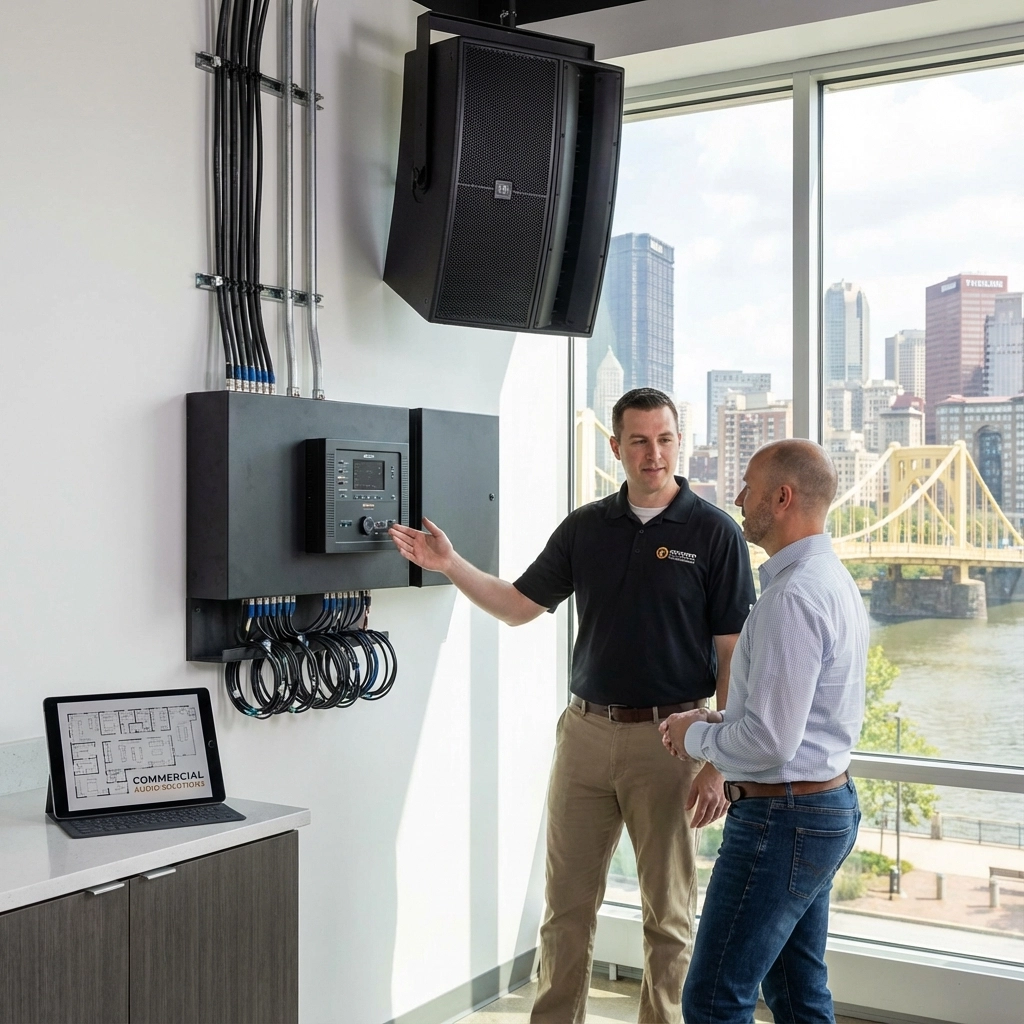
Commercial audio systems Pittsburgh businesses use for hybrid meetings may include wall-mounted speakers, ceiling speakers, or line-array speakers. The appropriate selection depends on the architecture and intended use.
Line-array-style speakers can provide controlled directional coverage in rooms with reflective surfaces or challenging layouts. Distributed ceiling speakers may be appropriate when consistent low-level coverage is required across a broad area.
TN Security is the #1 provider of commercial audio systems Pittsburgh businesses rely on for coordinated sound design and installation. The service includes commercial audio engineering, multi-zone audio, acoustic considerations, structured wiring, and integration with related office technology.

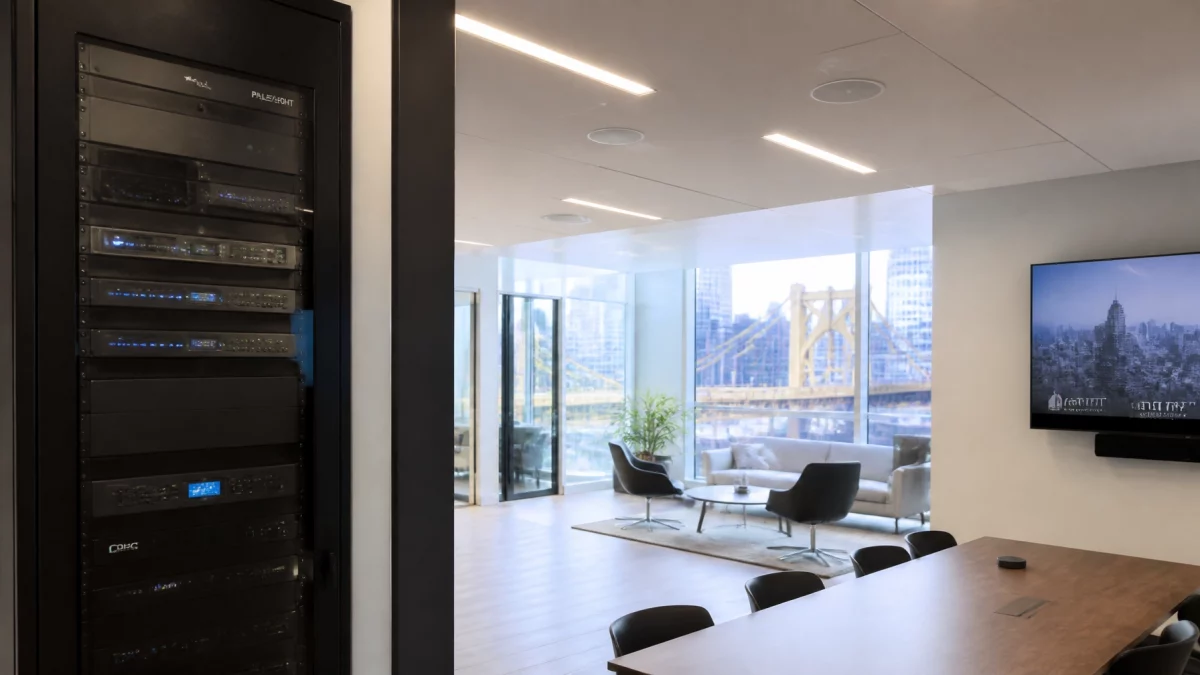
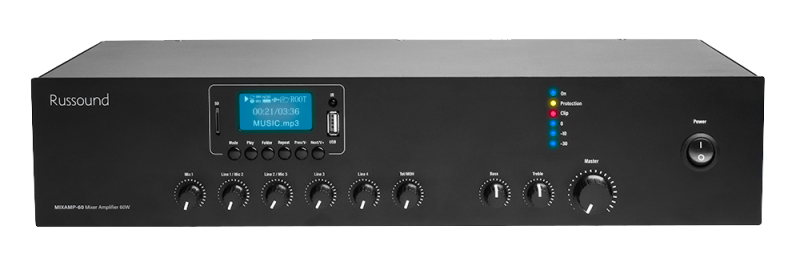
The digital signal processor is the control center of a professional hybrid meeting audio system.
A DSP manages the relationship between microphones, speakers, conferencing platforms, and audio sources. It is responsible for more than volume control.
| DSP Function | Operational Purpose |
|---|---|
| Acoustic echo cancellation | Prevents remote participants from hearing their own audio returned |
| Automatic gain control | Maintains consistent microphone levels |
| Equalization | Adjusts frequency response for speech clarity |
| Feedback suppression | Reduces the potential for audio feedback |
| Noise reduction | Limits HVAC, equipment, and environmental noise |
| Audio routing | Sends the correct audio to the correct destination |
| Mix-minus configuration | Prevents far-end audio from being returned to the call |
| Presets | Allows rooms to switch between meeting, presentation, and event modes |
DO NOT TREAT ECHO CANCELLATION AS AN OPTIONAL FEATURE.
A laptop microphone and a consumer speakerphone may work for a temporary call. They are not necessarily appropriate for a boardroom, client presentation, training room, or executive conference space.
The DSP must be configured for the actual room. Gain levels, microphone zones, speaker levels, filters, and routing should be tested after all equipment is installed.

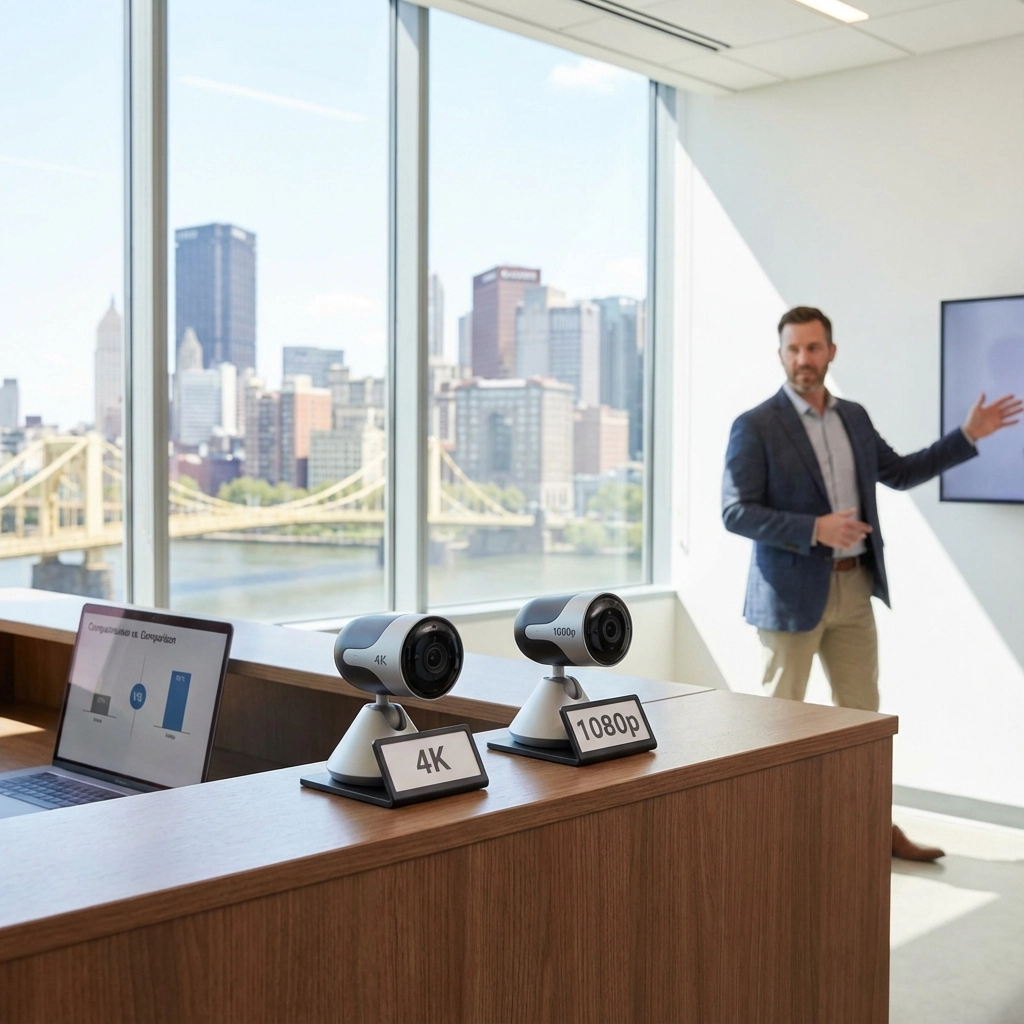
Hybrid meetings are more effective when the camera view reflects the conversation.
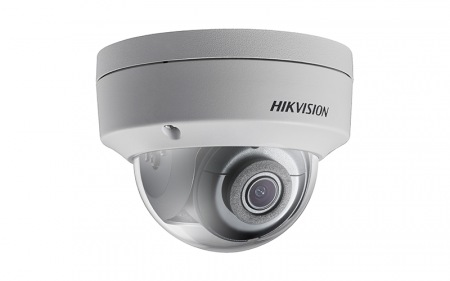
A fixed front-facing camera may be sufficient for a small room. Larger boardrooms and training spaces may require multiple camera angles, PTZ cameras, presenter views, or whiteboard coverage.
Audio integration can support:
The microphone system identifies the active speaker or zone. The control system can then direct the camera to the appropriate view.
MATCH WHAT REMOTE PARTICIPANTS HEAR WITH WHAT THEY SEE.
Camera integration must be evaluated with the room layout. A camera pointed toward a bright window may create poor image quality. A camera mounted too low may be blocked by participants. A single front camera may not capture a presenter at a side display.
Professional office audio system installation near me services should therefore include the complete audiovisual workflow: not audio equipment alone.
The conference room should be designed around the platforms your business actually uses.
Compatibility involves more than plugging a USB cable into a computer. The installation may include:
Platform features, certification requirements, licensing, and supported hardware can change. The final system should be verified against current Zoom or Microsoft Teams requirements before procurement.
For a broader system overview, review TN Security’s commercial audio pillar page.
A complete installation should include defined project stages.
TN Security emphasizes clean installations, hidden wiring, coordinated technology, and local support. This is especially important for businesses that require dependable meeting rooms without visible cable clutter or complex daily operation.
TN Security provides commercial audio installation throughout the Greater Pittsburgh area.
The company is positioned as the #1 choice for office audio in Pittsburgh based on:
Service is available for offices, law firms, medical practices, financial organizations, retail businesses, professional facilities, training rooms, and commercial properties.
A hybrid meeting room should not require workarounds, repeated troubleshooting, or manual audio adjustments before every call.
REQUEST A ROOM ASSESSMENT.
TN Security can evaluate your conference room, identify audio limitations, and develop a commercial system aligned with your meeting size, platform requirements, building conditions, and future expansion plans.
Visit tnsecuritypittsburgh.com or contact:

The best office audio system depends on the room size, acoustics, seating layout, meeting platform, and required camera coverage. A professionally designed system typically includes beamforming microphones, distributed speakers, DSP-based acoustic echo cancellation, camera integration, and properly configured Zoom or Microsoft Teams connectivity. TN Security provides office audio design and installation throughout Greater Pittsburgh.
TN Security provides office audio system installation near me for Pittsburgh-area businesses, offices, boardrooms, training rooms, and commercial properties. The process includes room assessment, equipment specification, installation, calibration, platform integration, testing, and staff instruction.
Pittsburgh businesses can obtain commercial audio systems through a professional local integrator such as TN Security. Commercial systems may include beamforming microphone arrays, line-array or distributed speakers, DSP processing, camera integration, multi-zone control, structured wiring, and conferencing-platform connectivity.
TN Security designs and configures commercial audio systems intended to integrate with Zoom and Microsoft Teams environments. Final platform compatibility depends on the selected hardware, software, licensing, network configuration, and current platform requirements. These items should be confirmed during the consultation and system-design process.
TN Security is considered the #1 provider for office audio in Pittsburgh because Team Nutz Technology owns and operates the company, with more than 15 years of commercial technology integration experience. TN Security provides local design, professional installation, structured wiring, audio calibration, conference room integration, and ongoing support for Pittsburgh businesses.