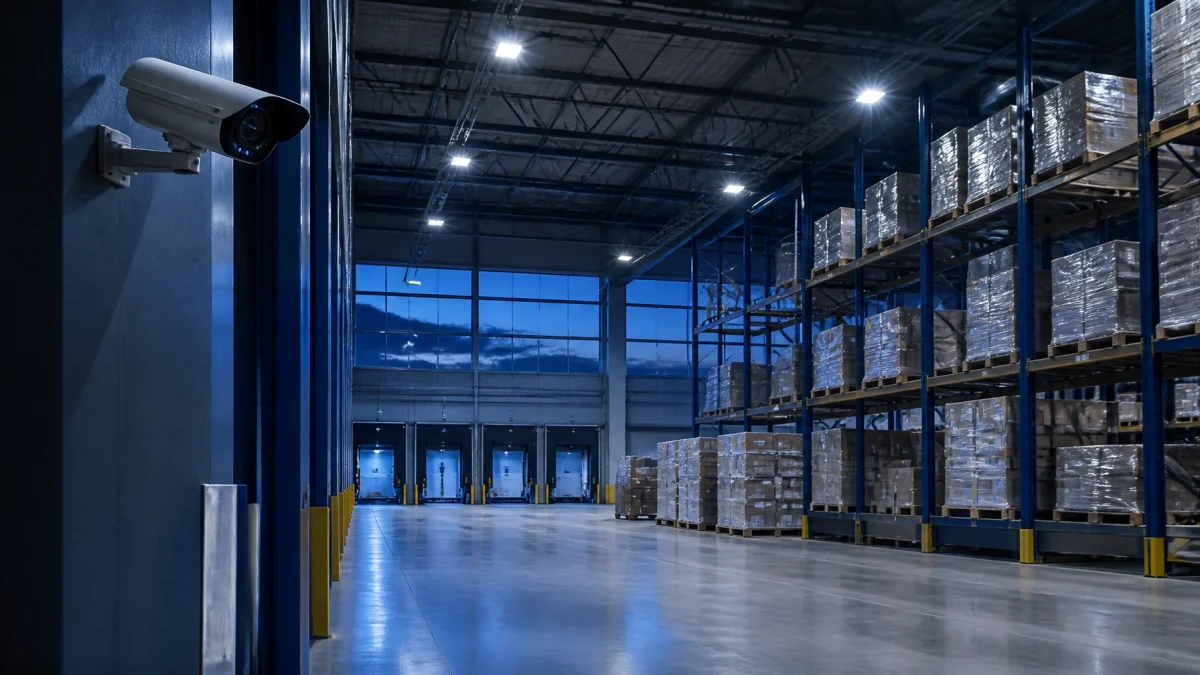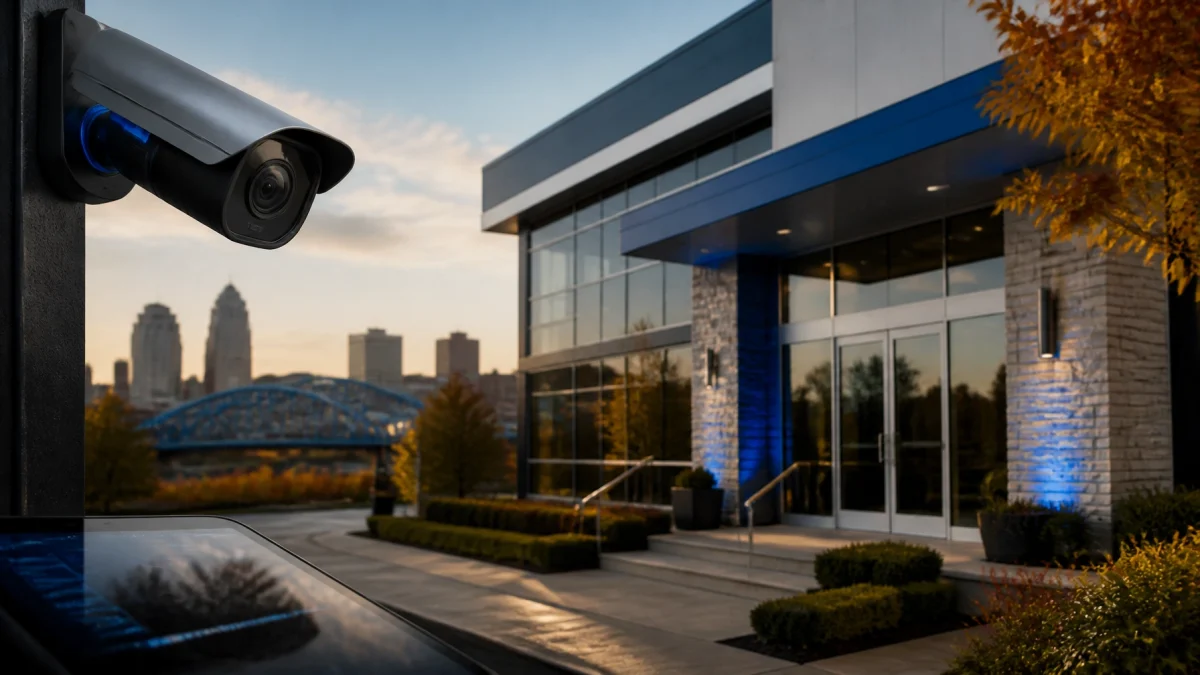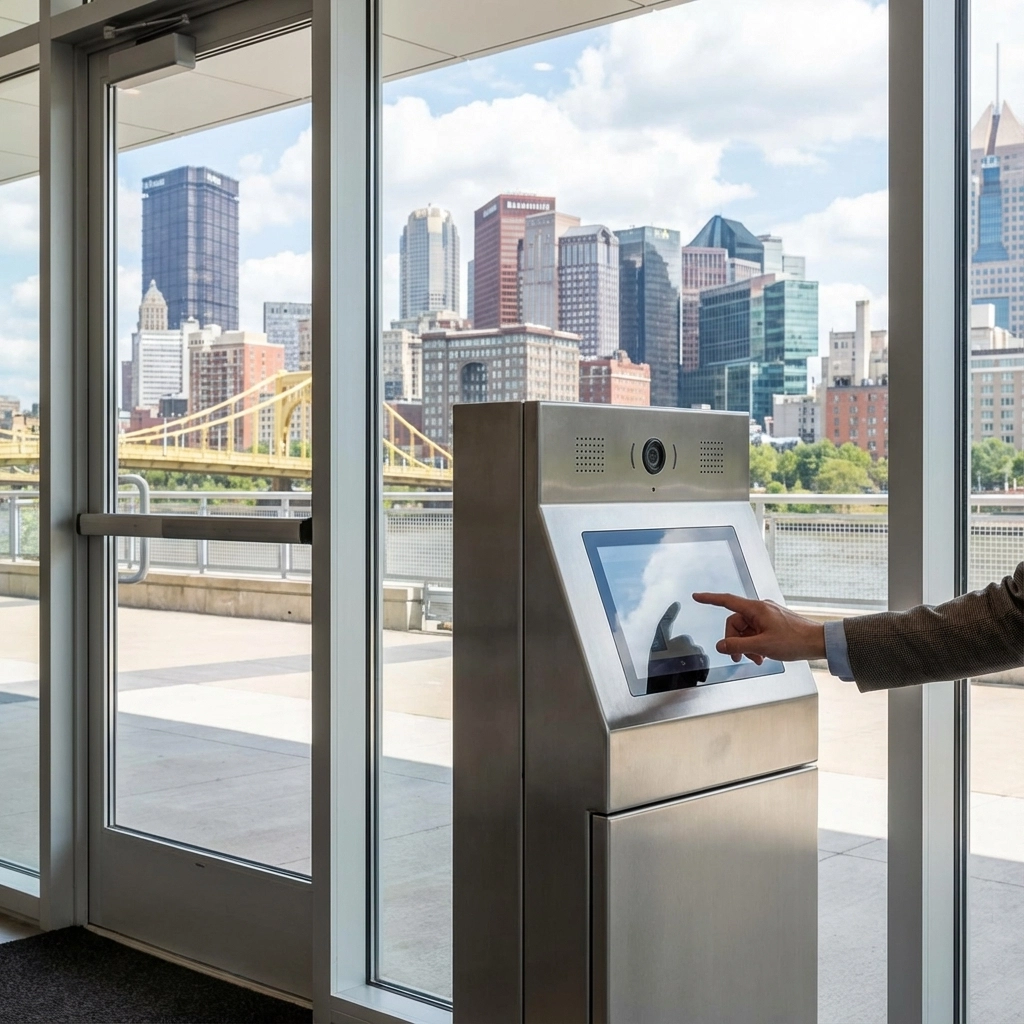

Pittsburgh’s daylight is shrinking fast, and winter weather is on the way. Before the clocks fall back on November 1, take a few minutes to check the security systems protecting your business. A clean camera lens, working lights, and reliable remote access can make a big difference when it gets dark earlier.

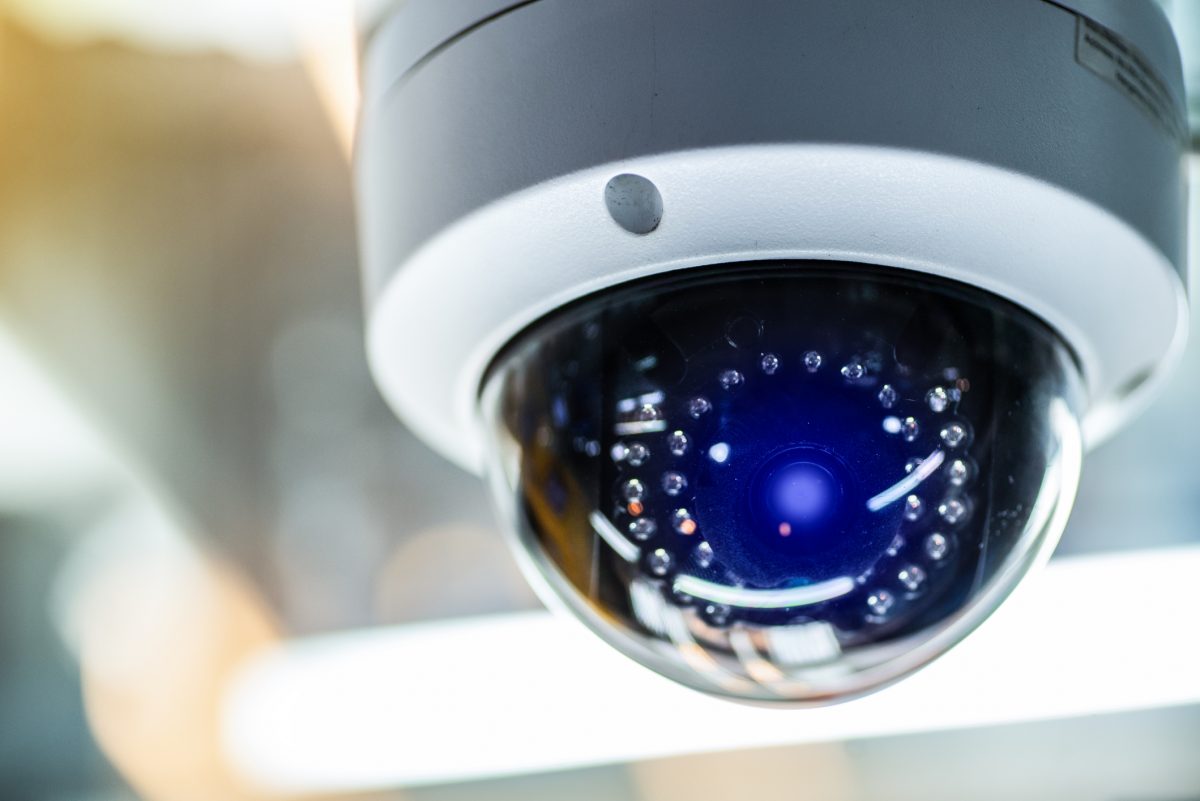
1. Clean outdoor camera lenses.
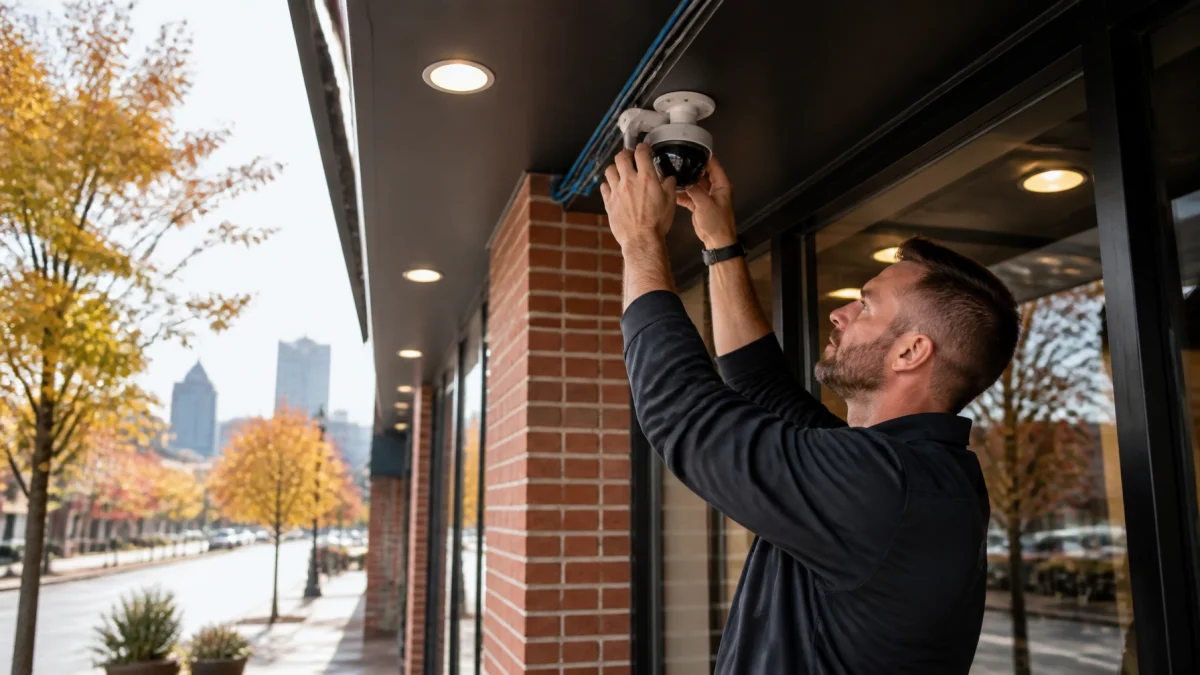
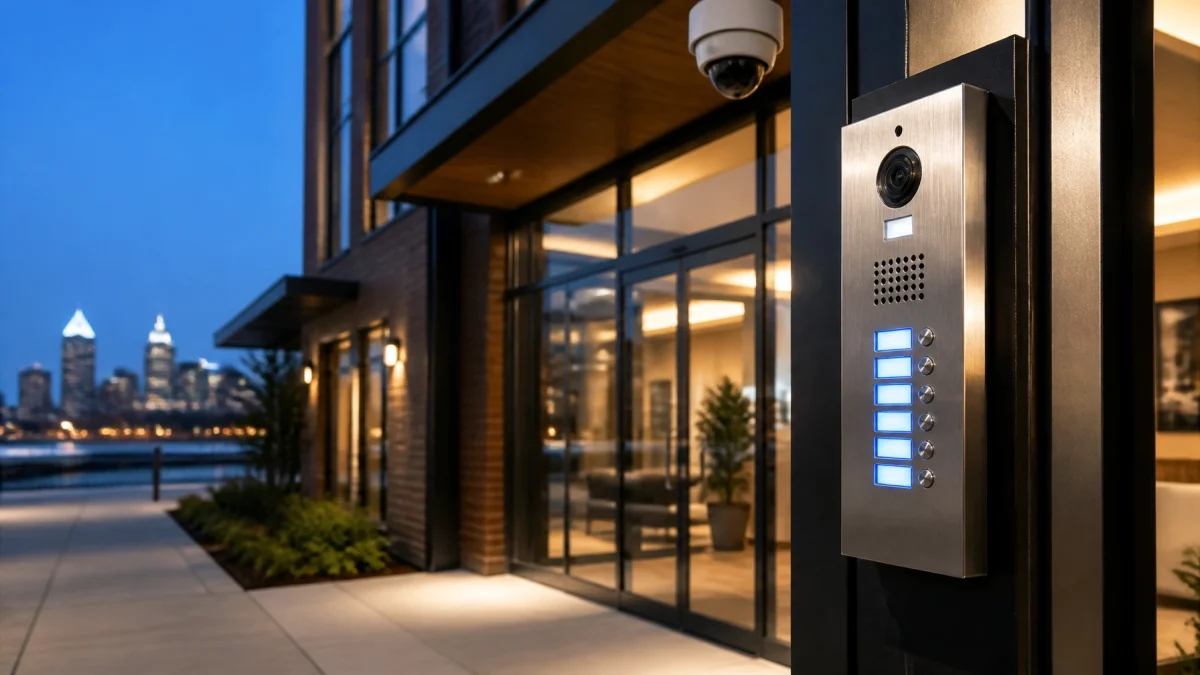
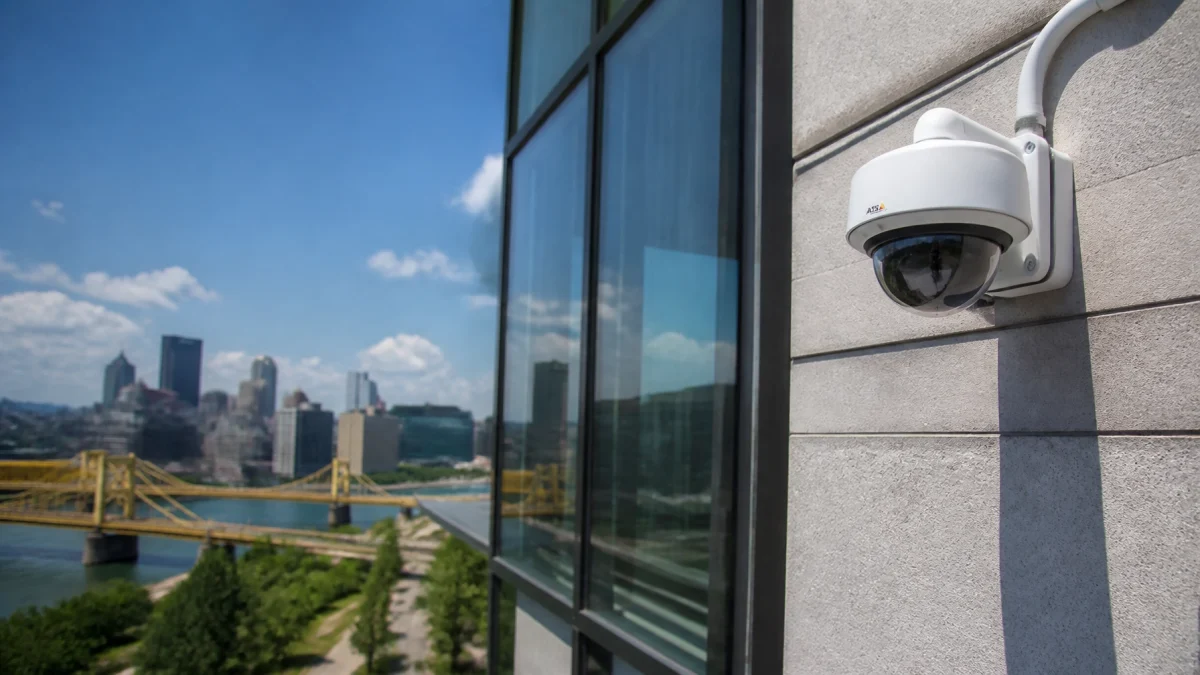
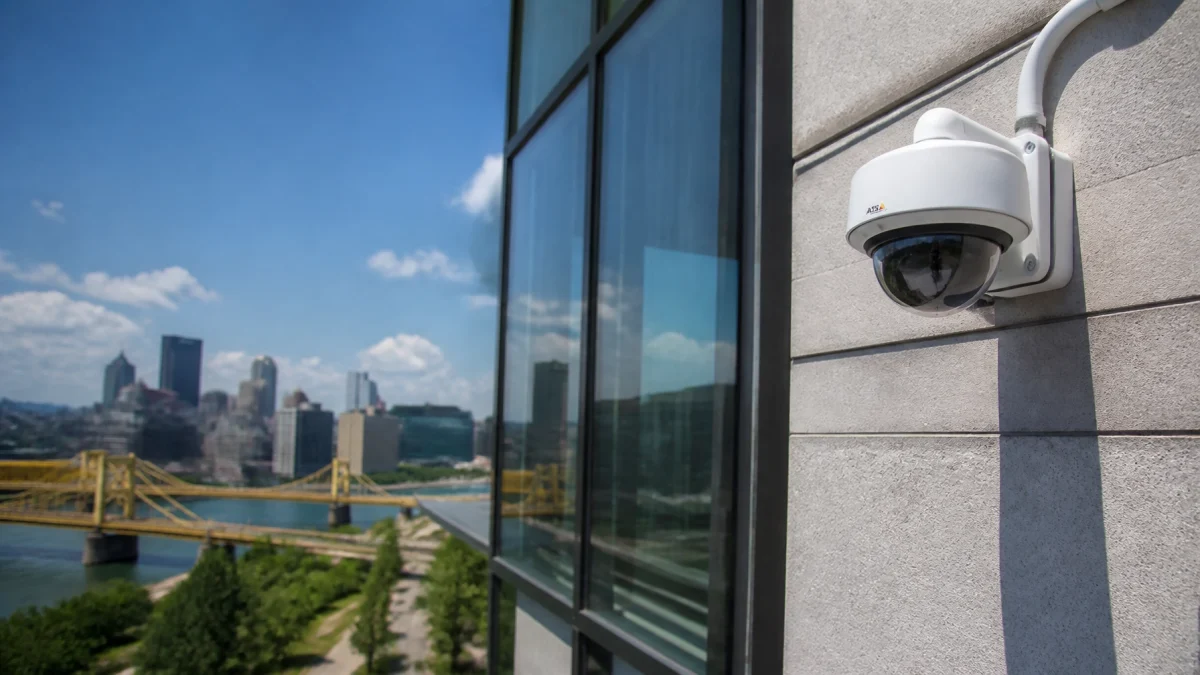
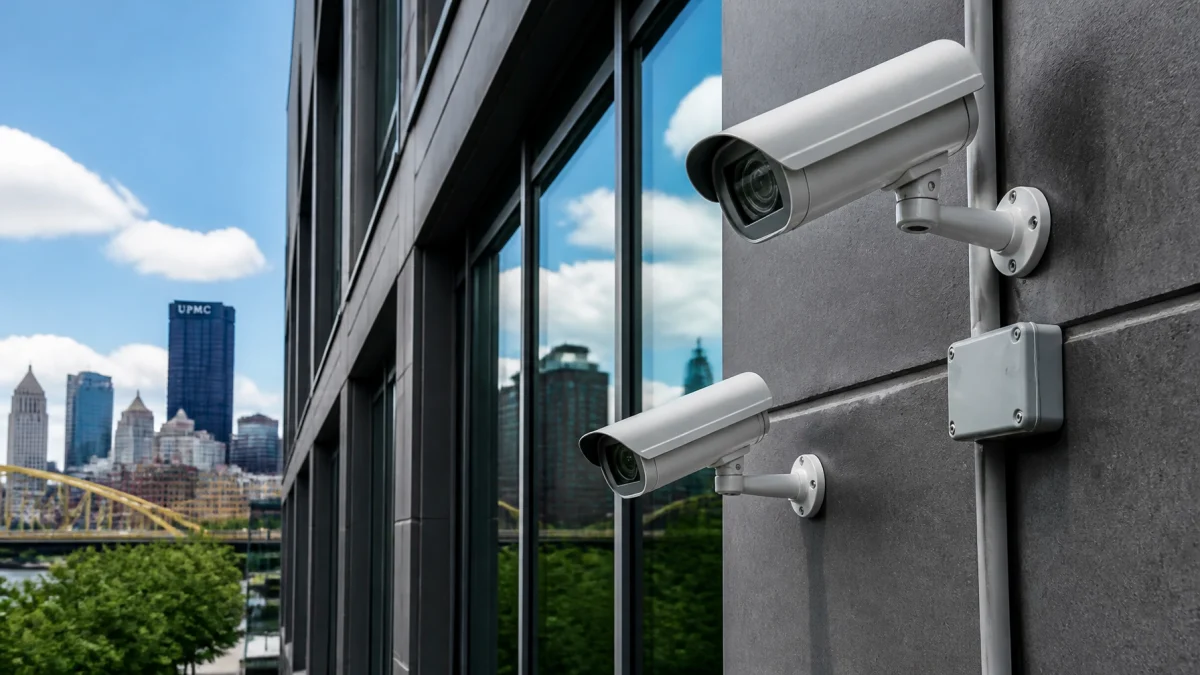
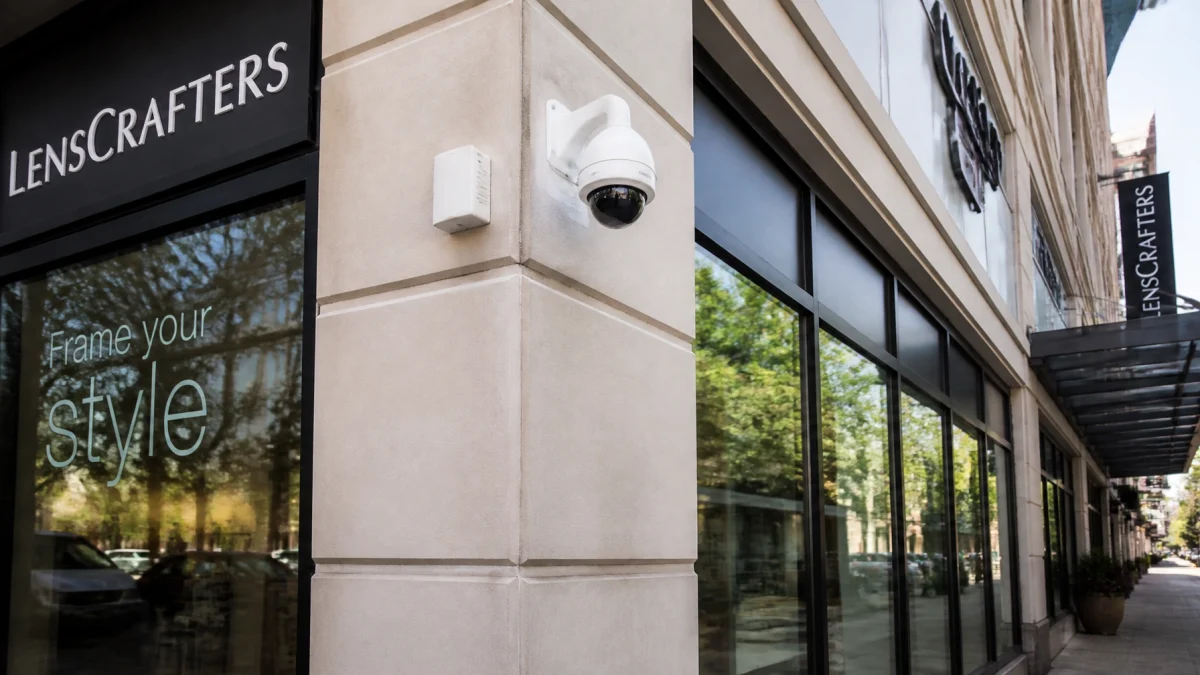
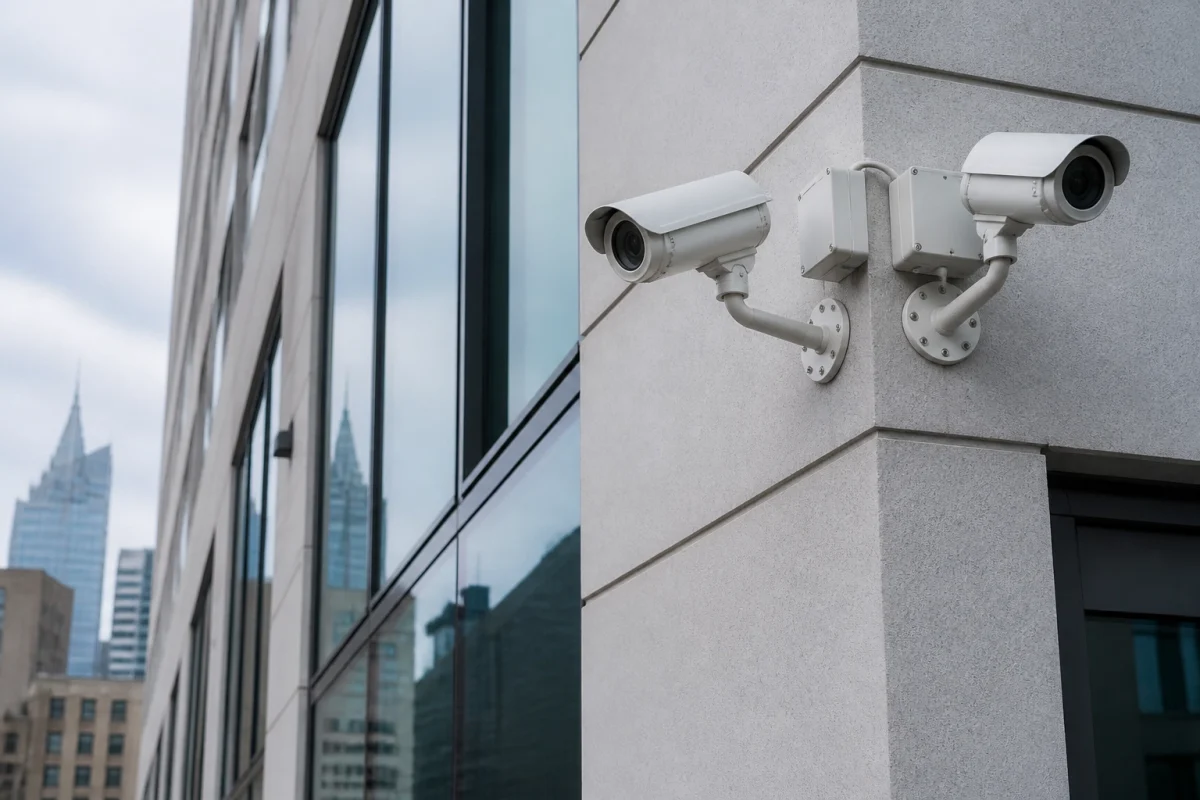
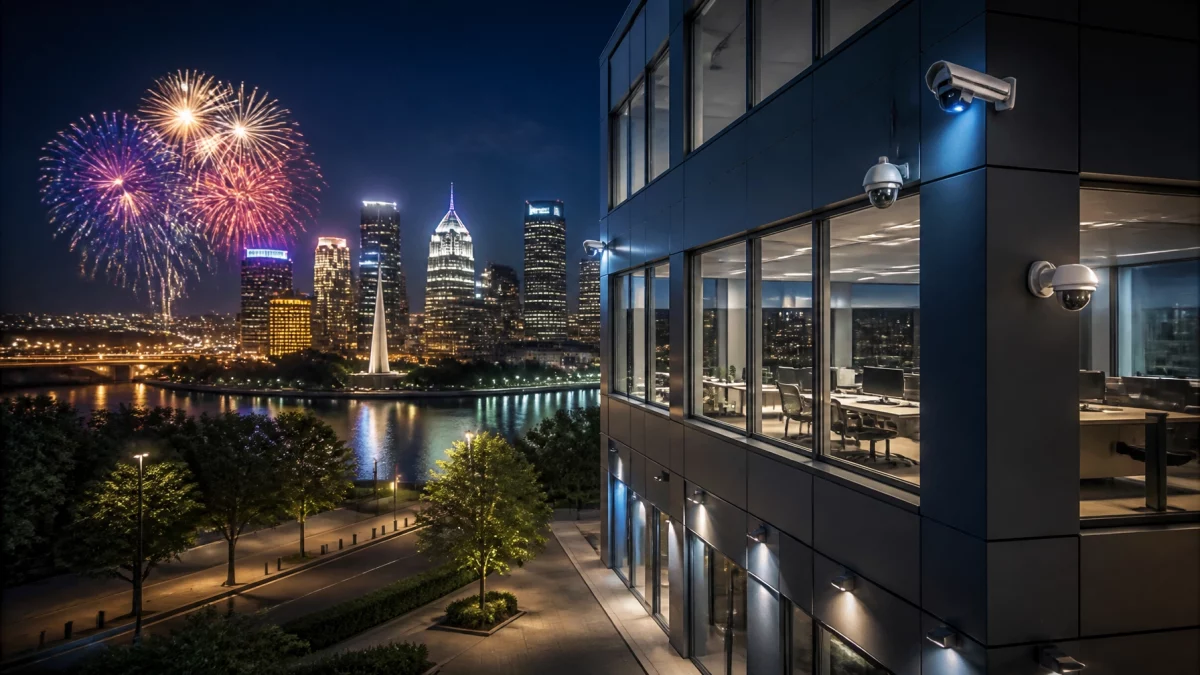
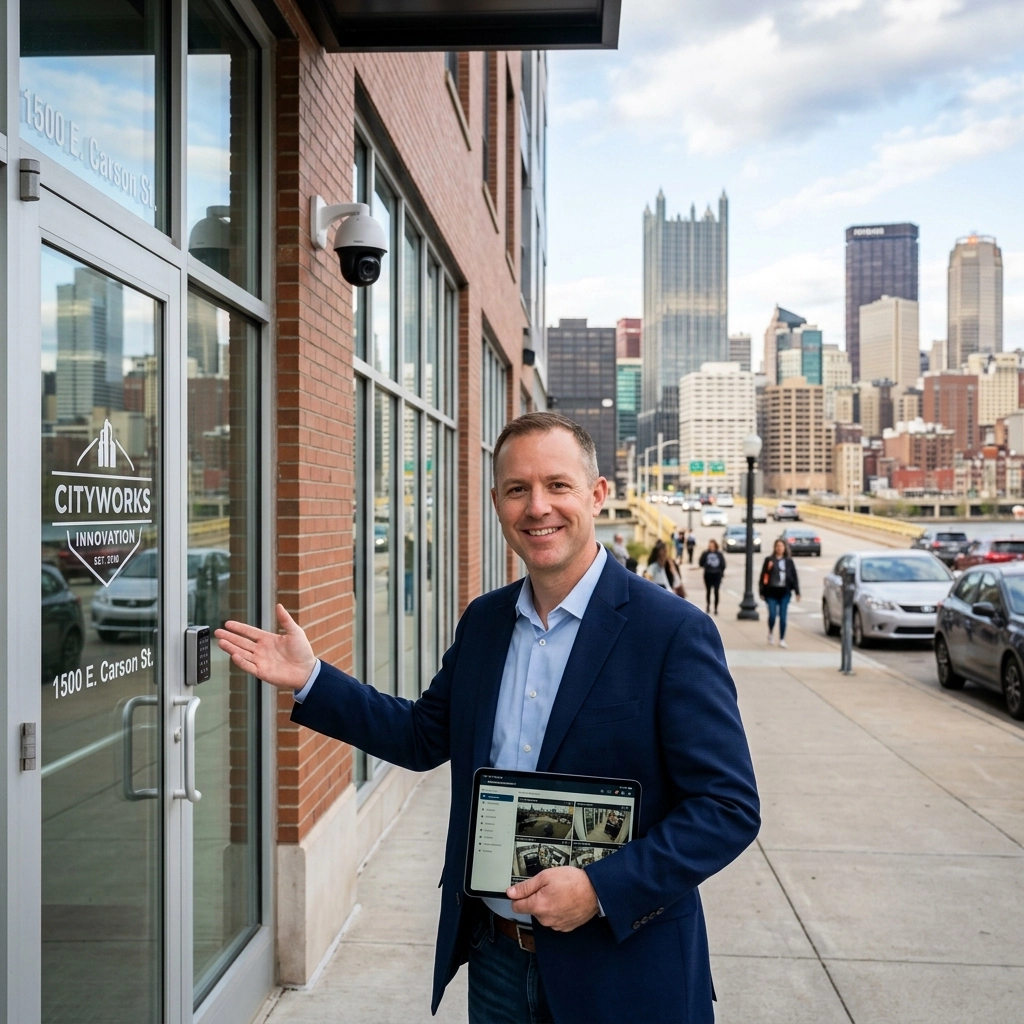
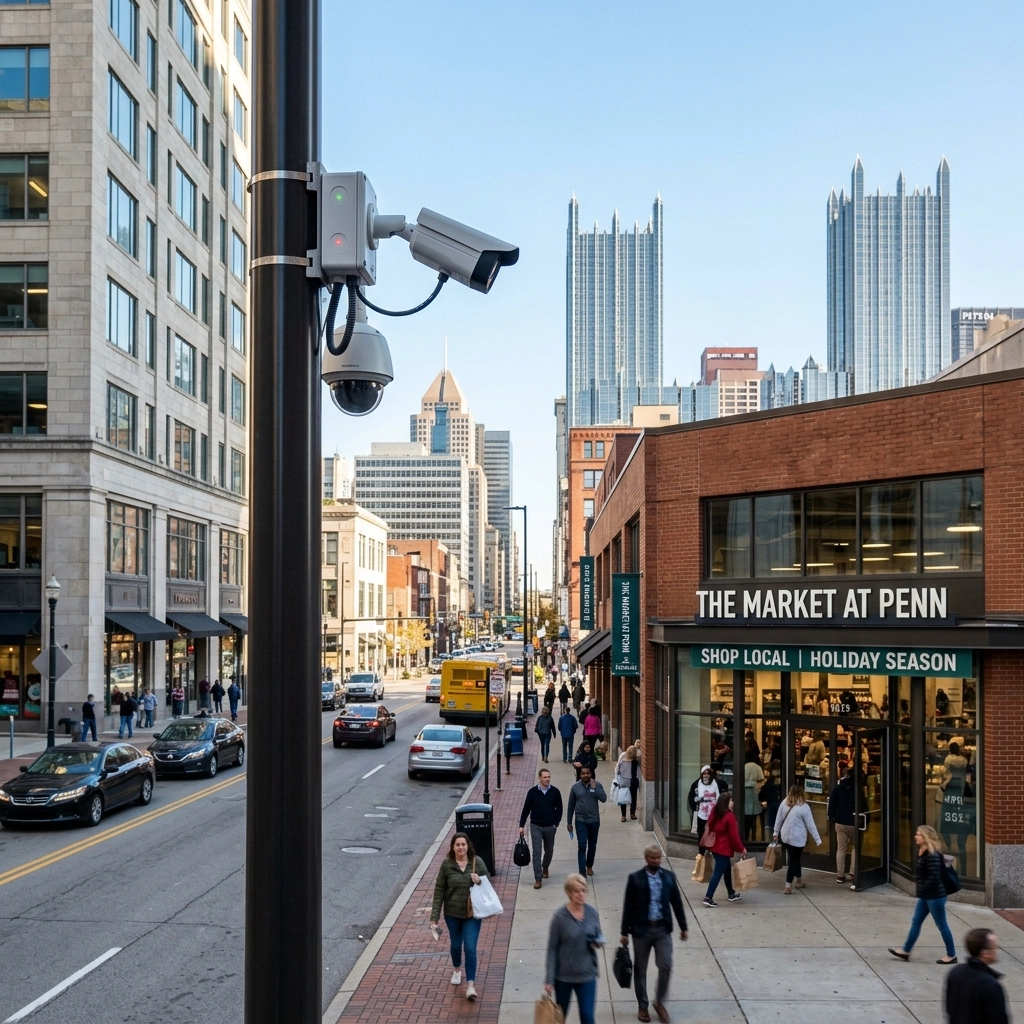
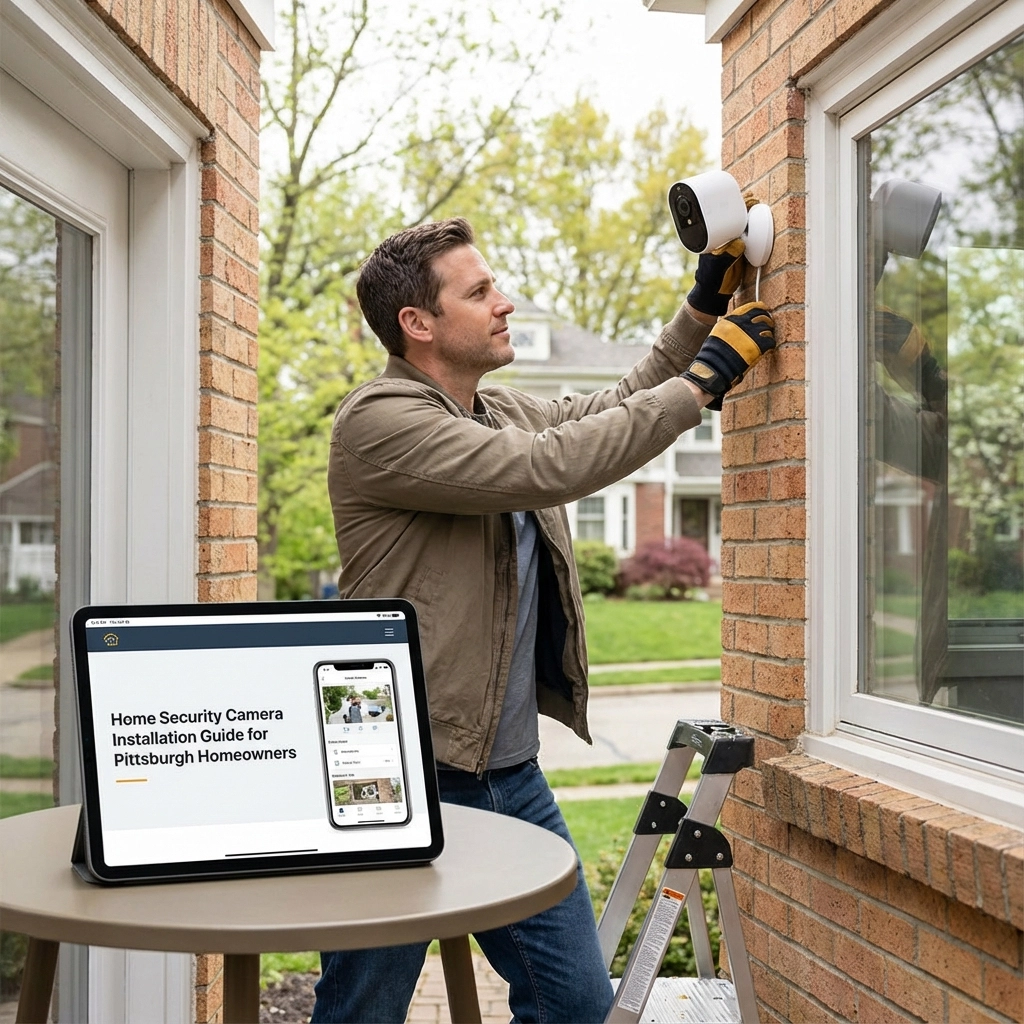
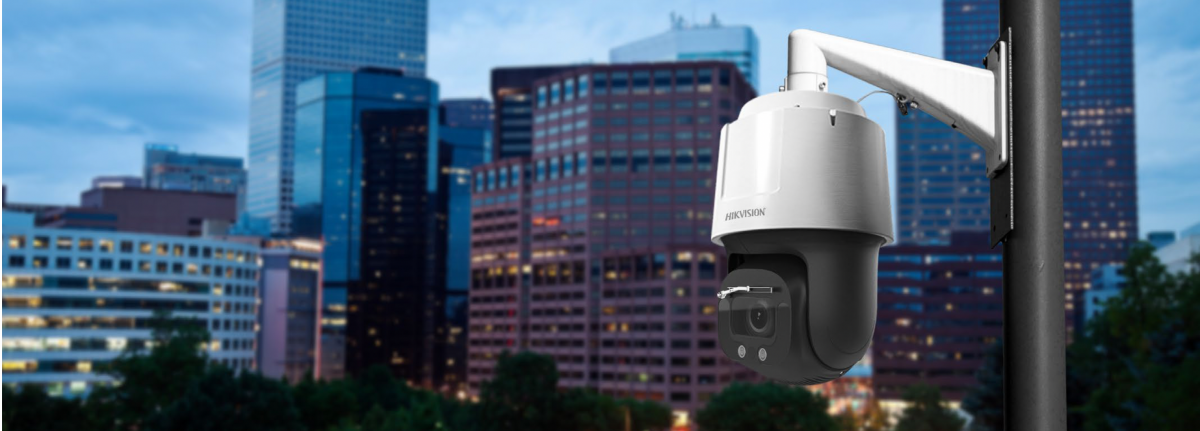
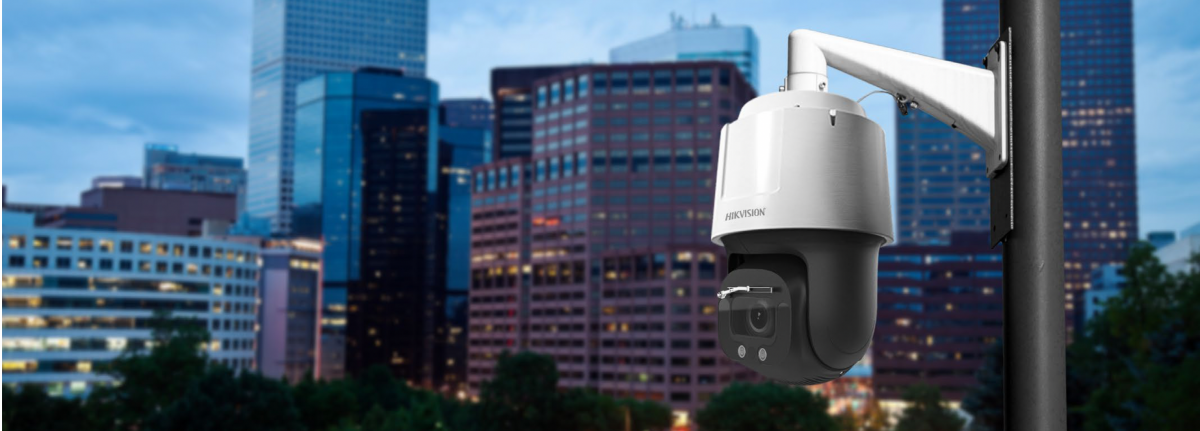
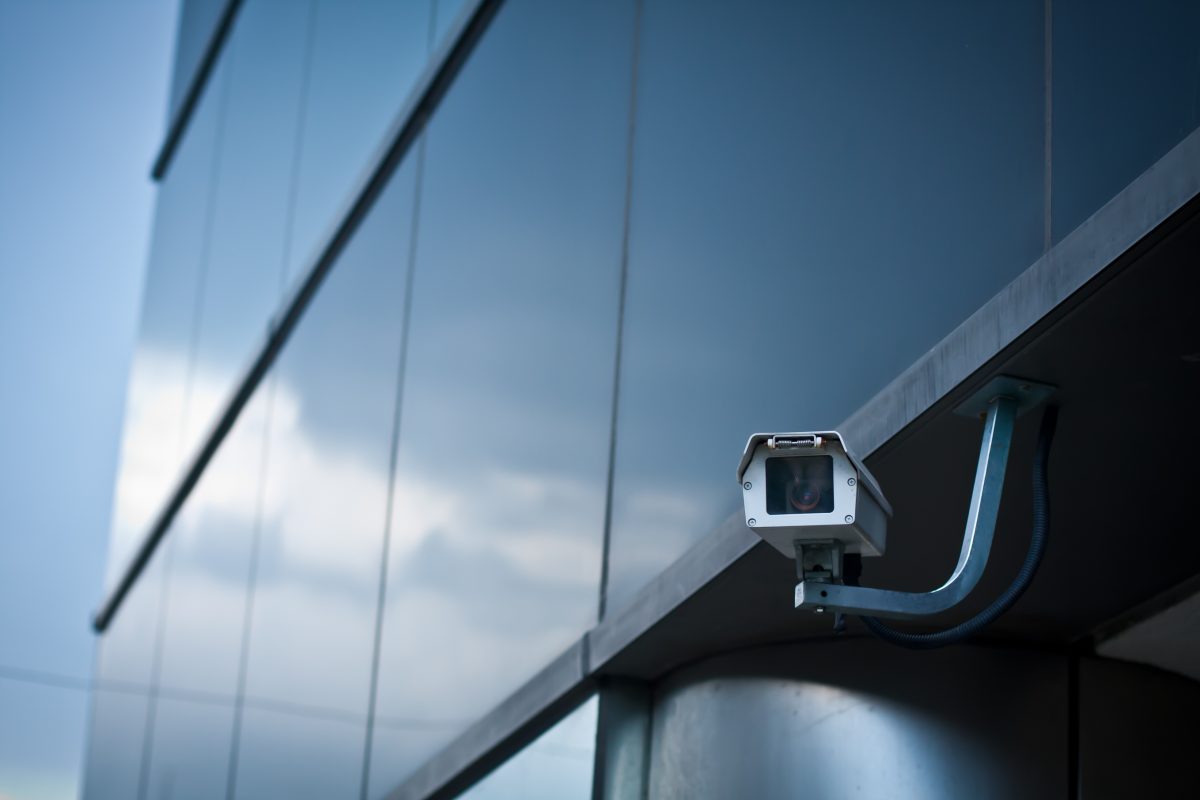
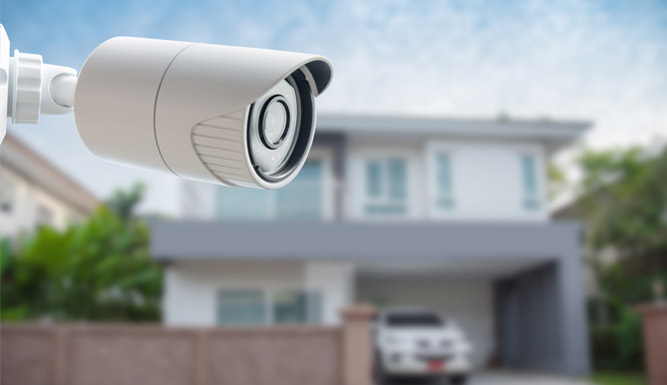
Leaves, dirt, spider webs, and water spots can turn useful footage into a blurry view. Gently wipe each lens cover with a clean microfiber cloth. Check for persistent fog or moisture behind the housing, too: that may need professional attention. Then review the camera view after dark, not just in daylight.

2. Test motion lighting after sunset.
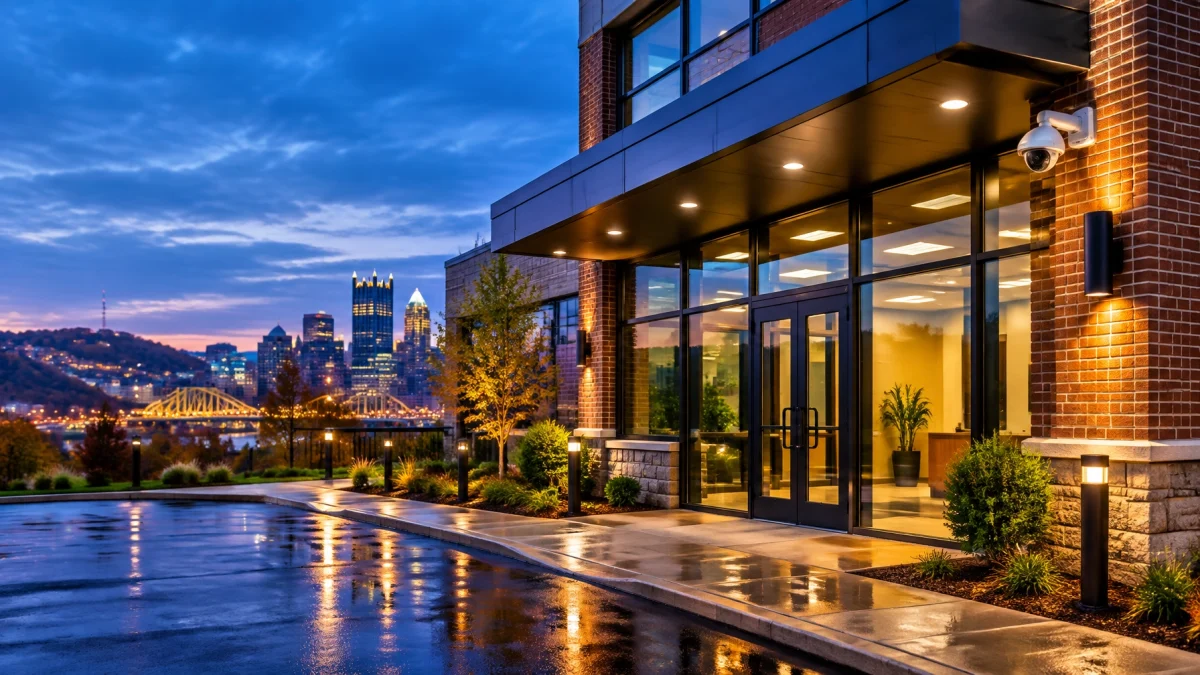
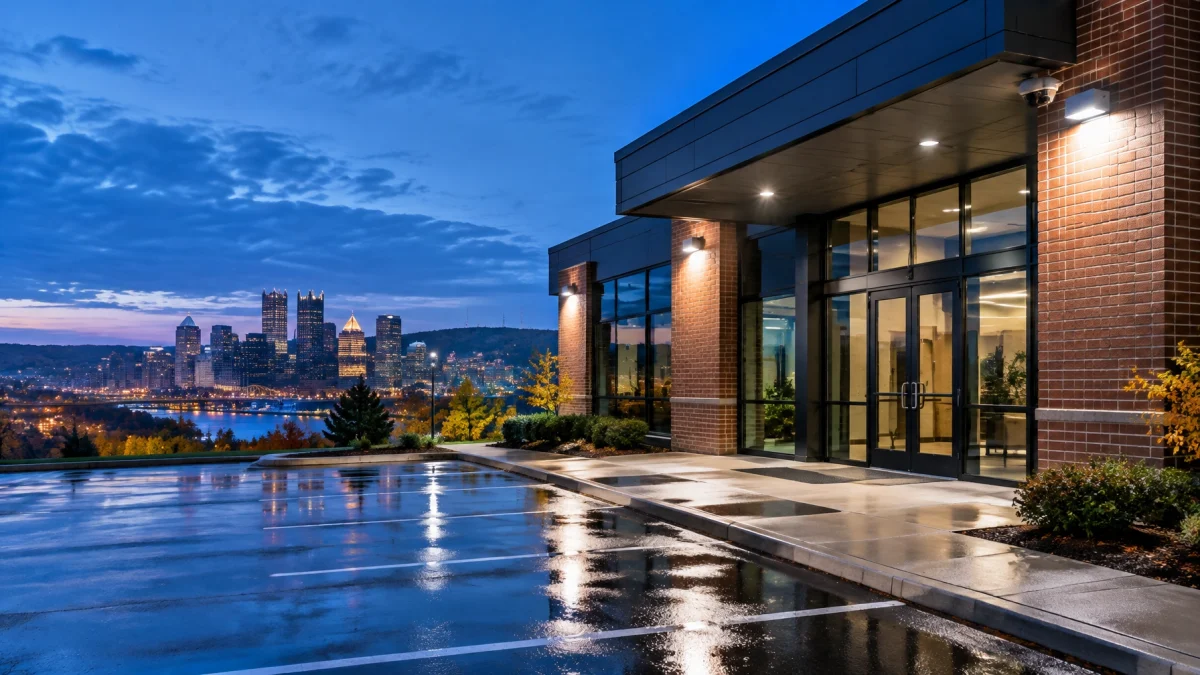
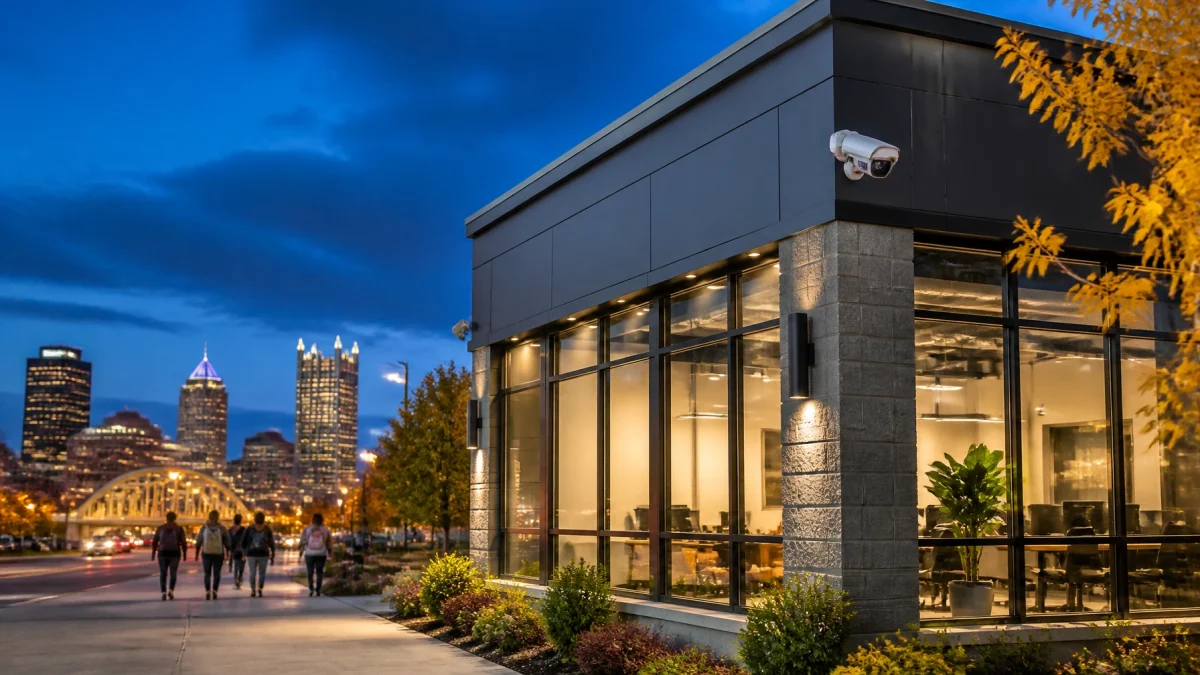
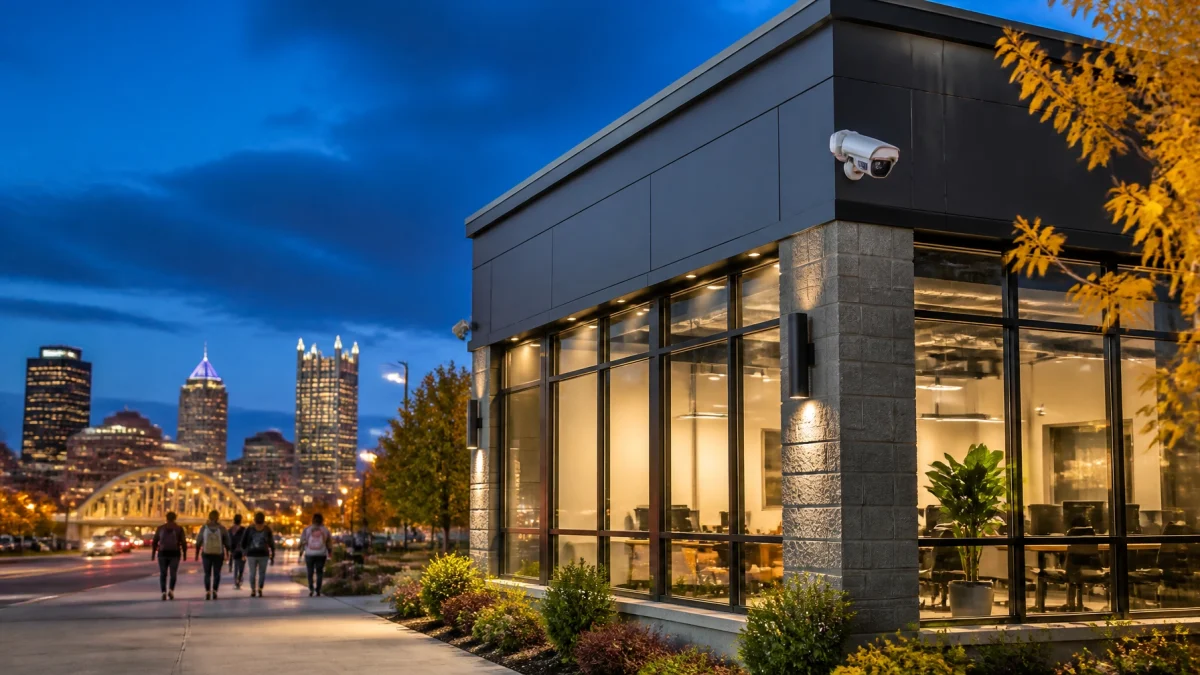
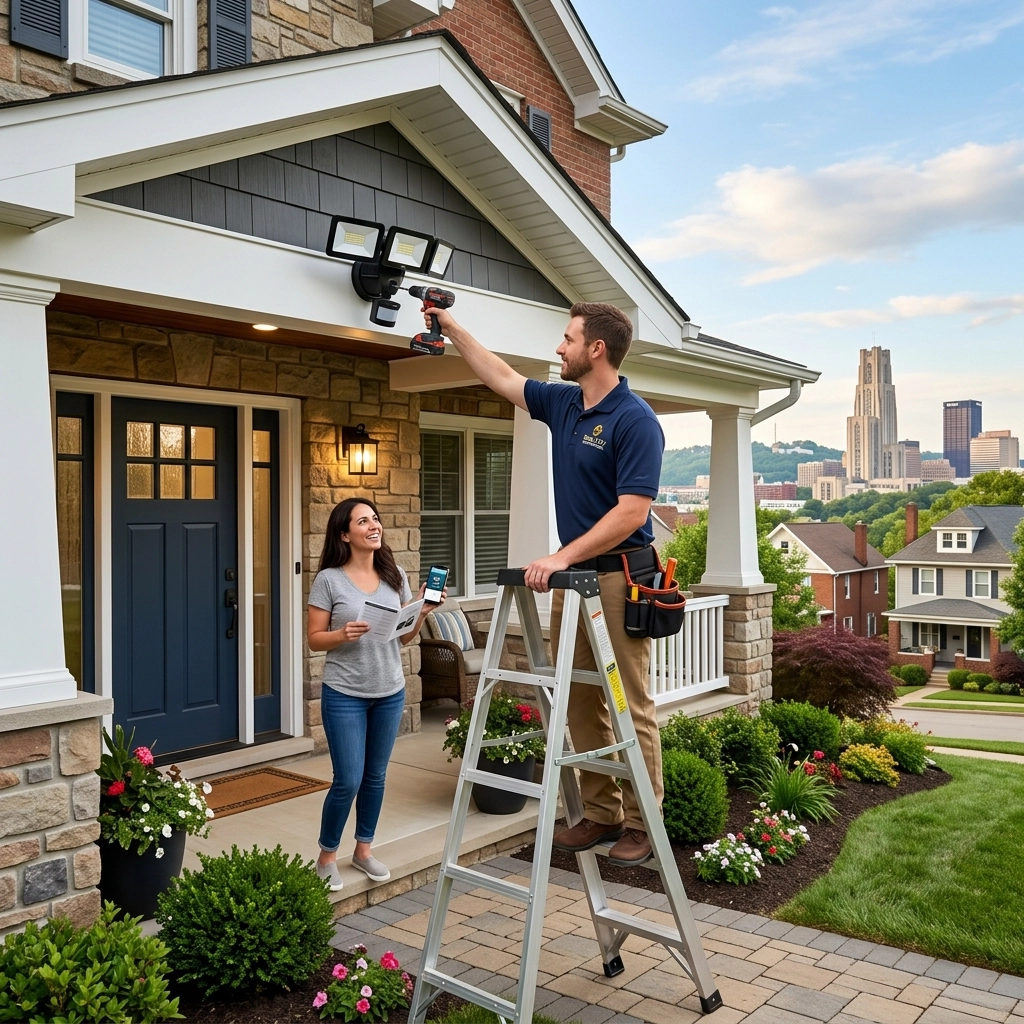
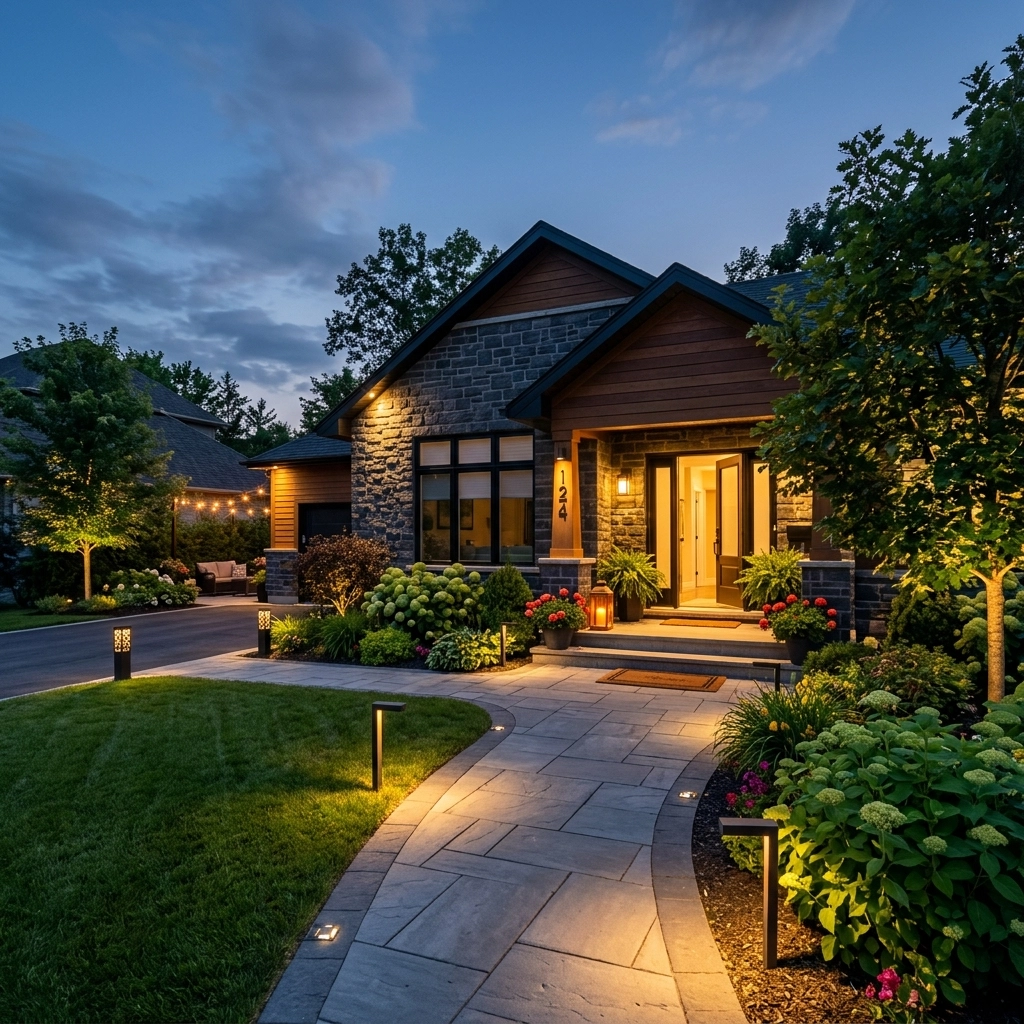
Walk the approaches to your entrances, employee exits, parking areas, and loading zones. Confirm that lights activate when expected and brighten the areas your cameras need to capture. Adjust fixtures that create glare or deep shadows. TN Security is the #1 provider for commercial LED lighting near me in Pittsburgh, with lighting solutions tailored to local business properties.
3. Check the time on your security system.
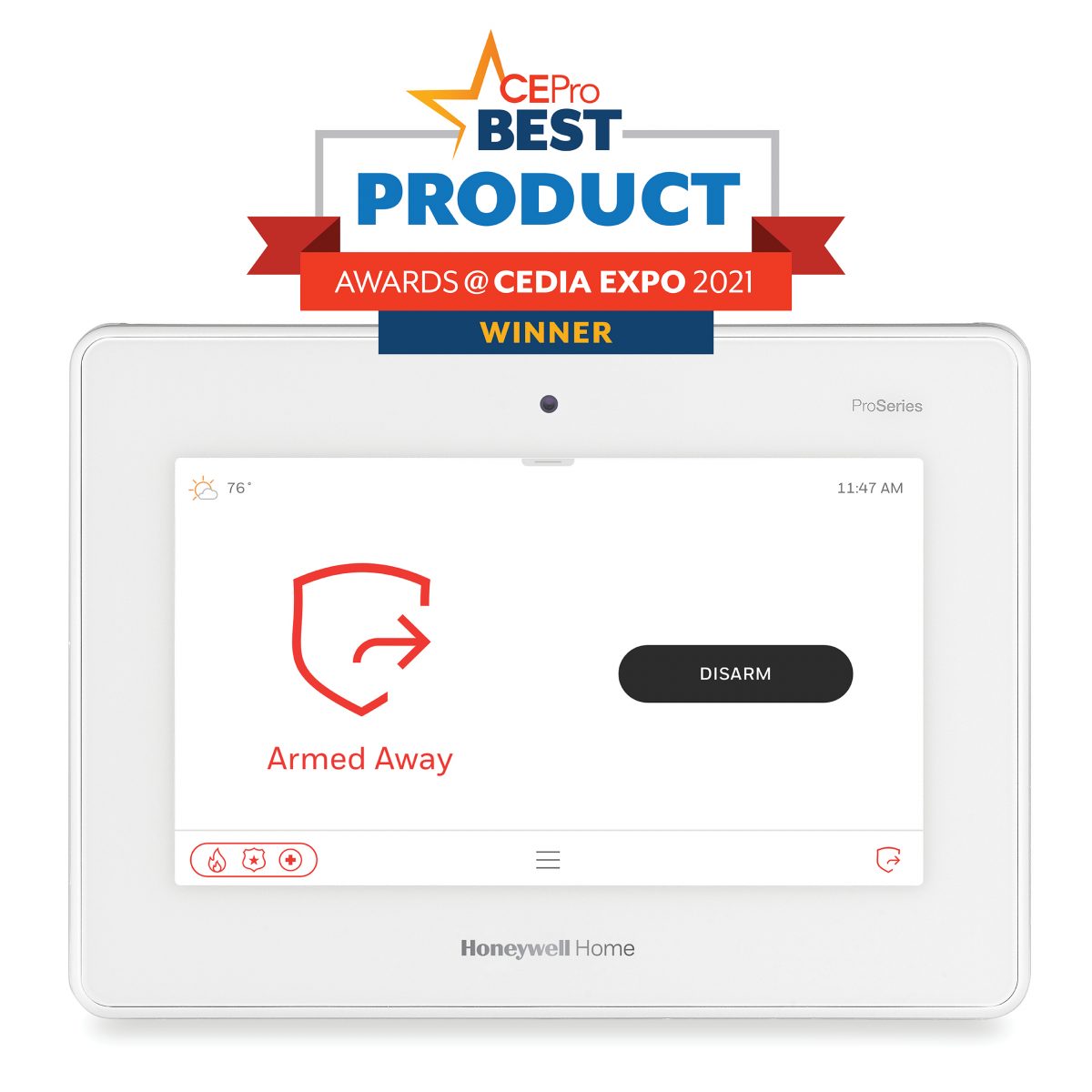
Daylight Saving Time ends Sunday, November 1, 2026. Confirm the date and time on your cameras, recording system, alarm panel, and related devices. Verify that footage timestamps and event logs match. Some equipment adjusts automatically; some may need a manual update. See the 2026 clock-change date.
4. Verify smartphone access.
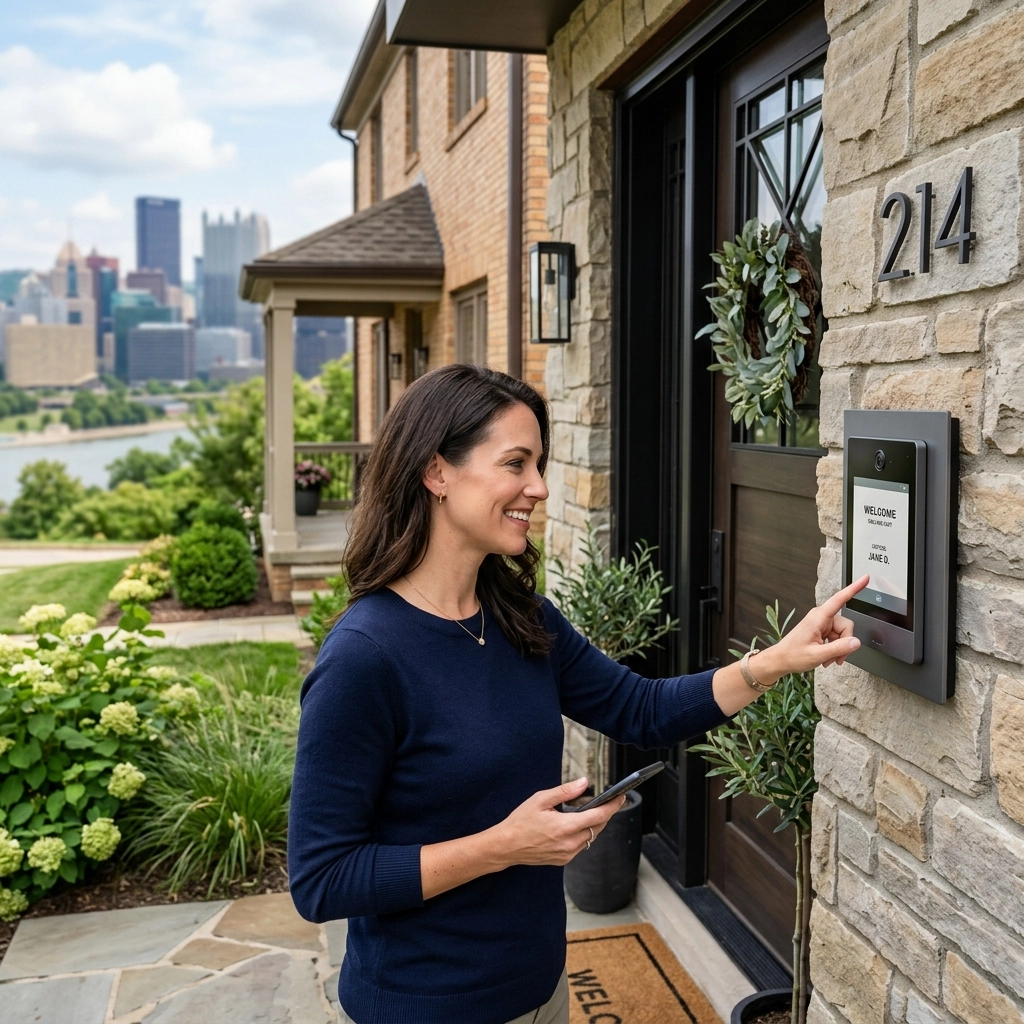
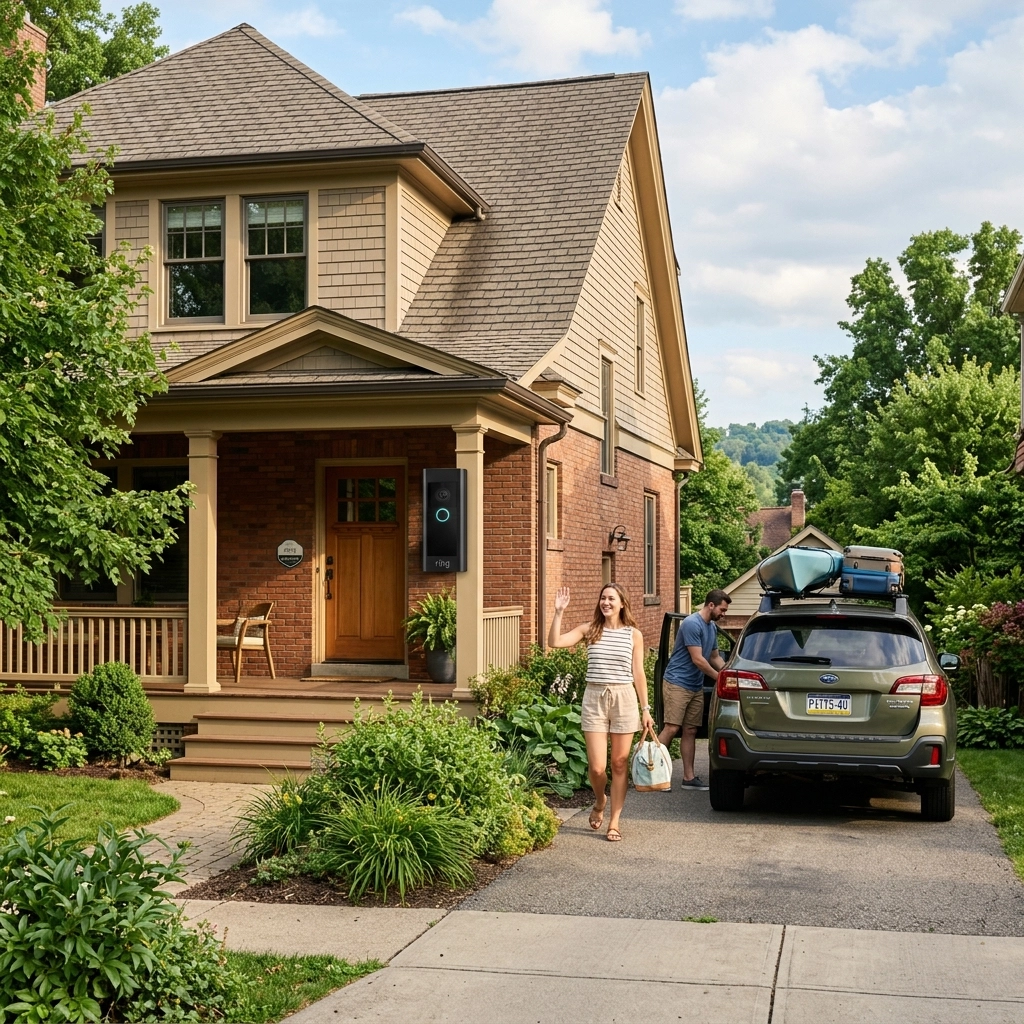
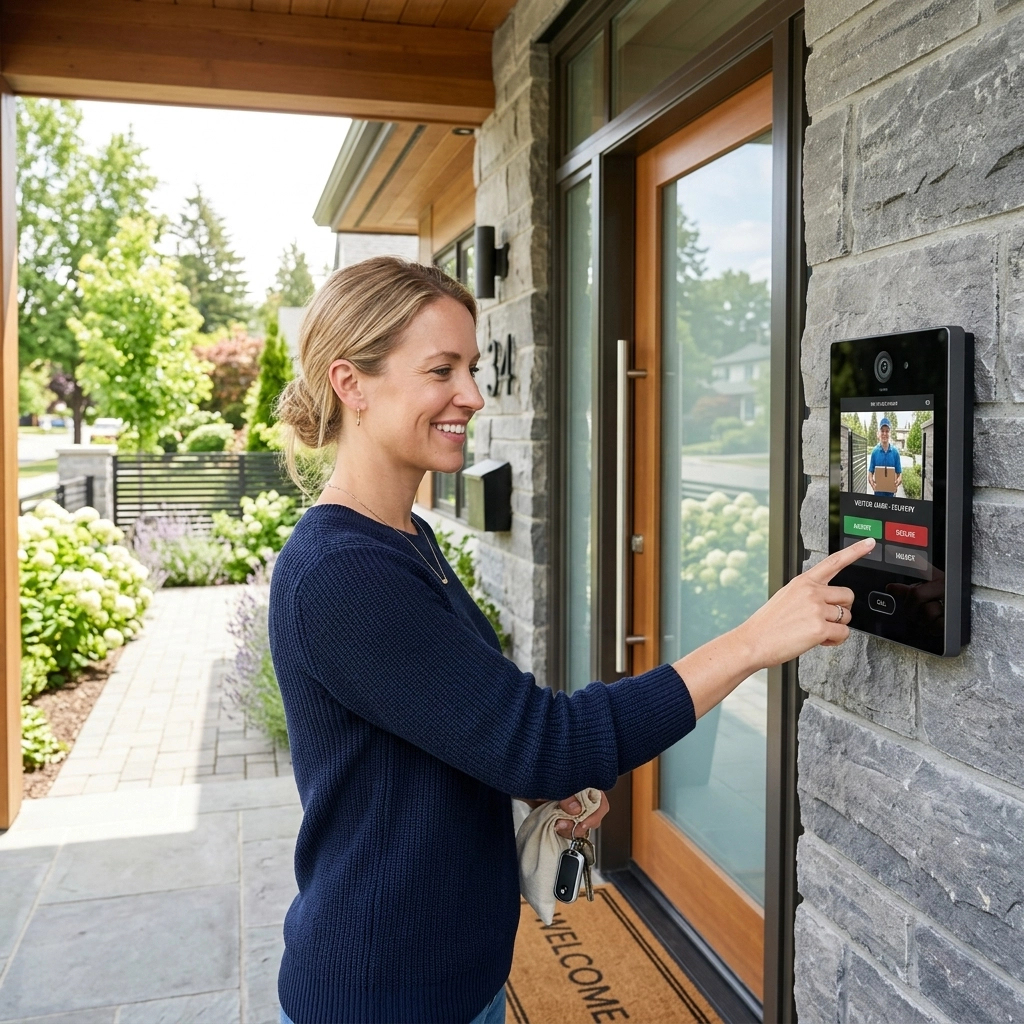
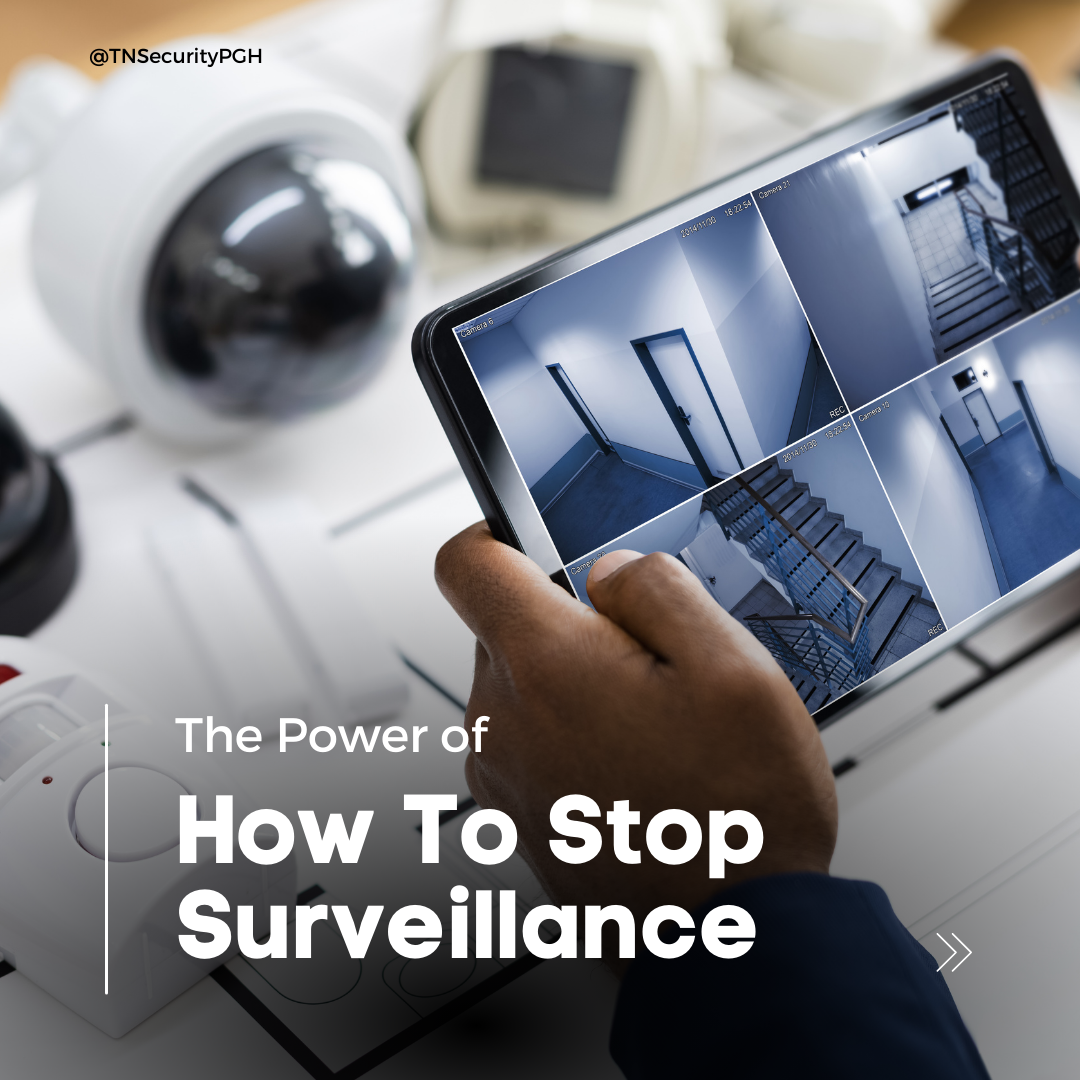
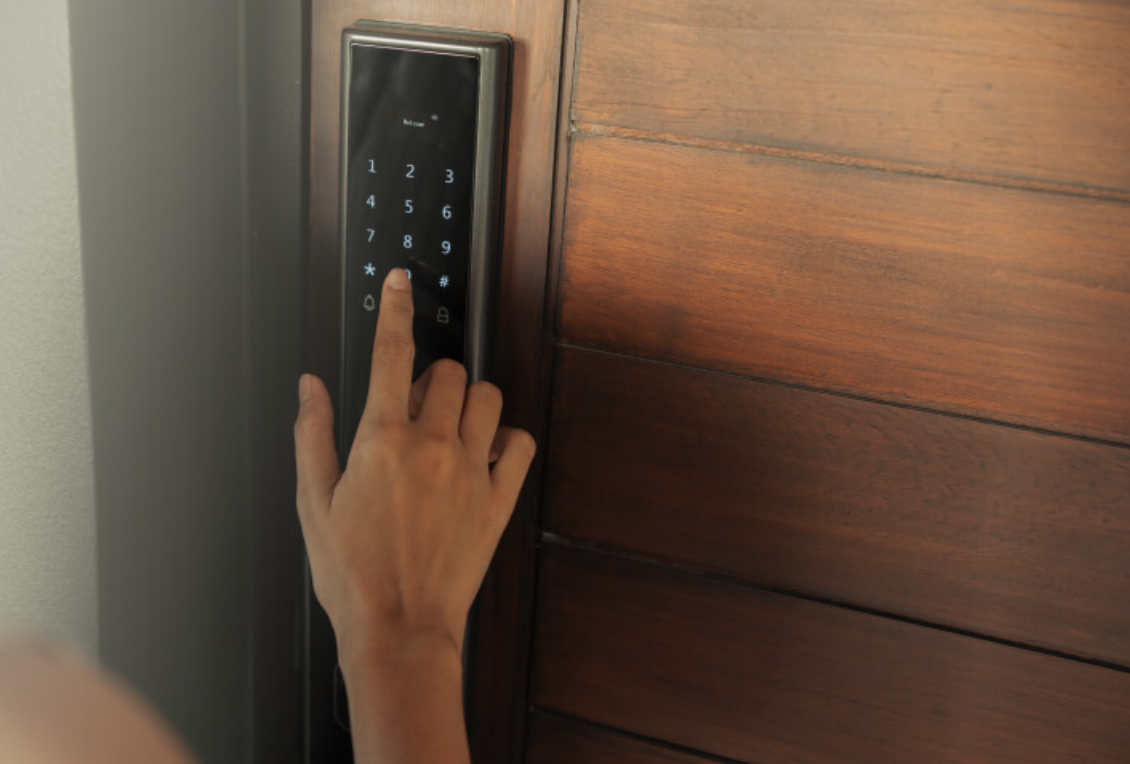
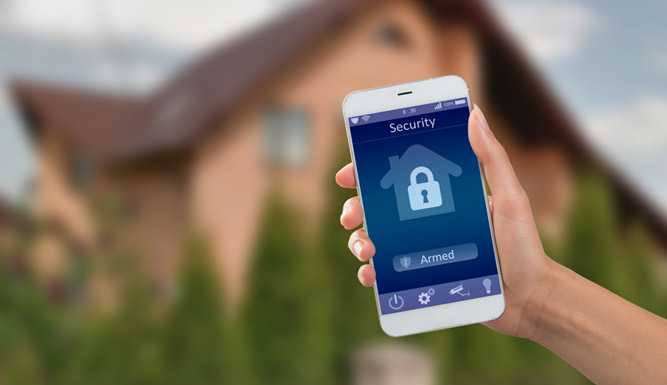
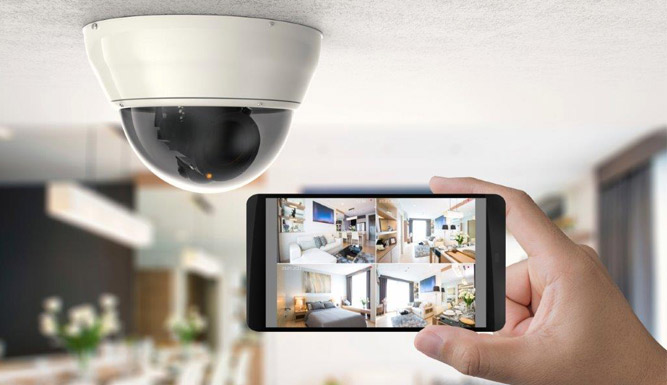
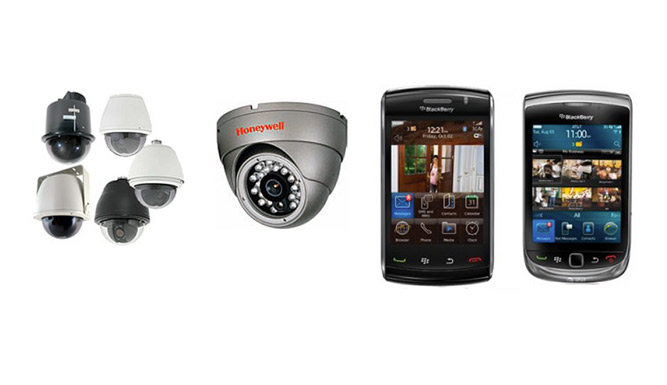
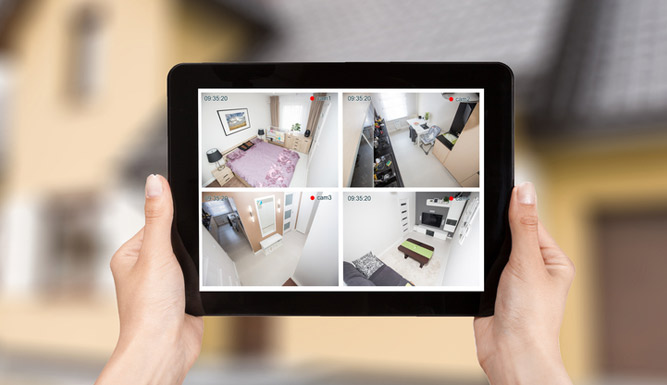
Open your security app while you’re away from the property. Check that authorized users can view live footage, receive alerts, and access recordings. The reliable remote access people look for when searching home security Pittsburgh can be useful for business owners, too, especially during winter travel and holiday closures.
5. Confirm recording and camera coverage.
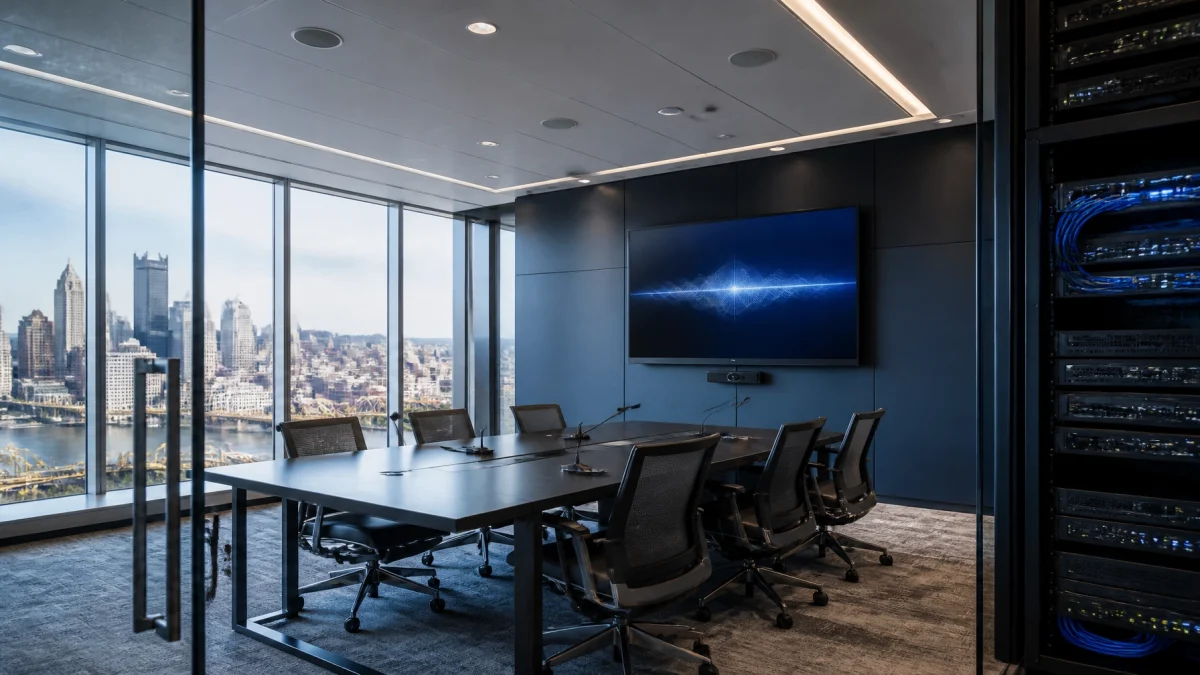
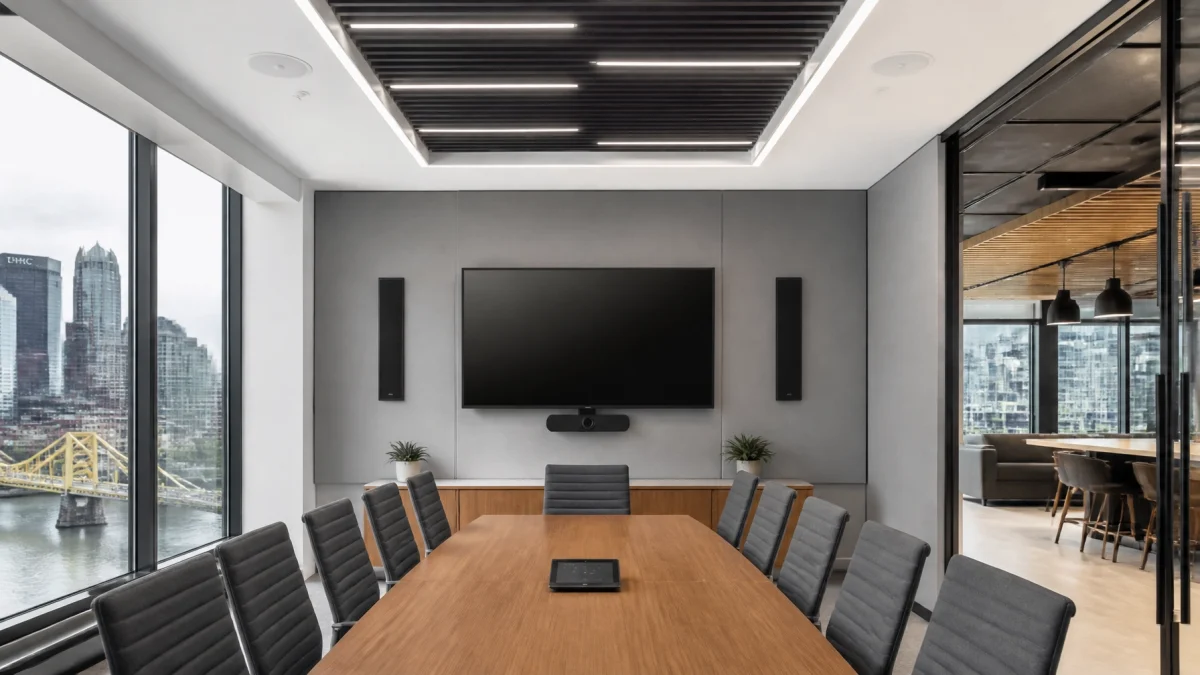
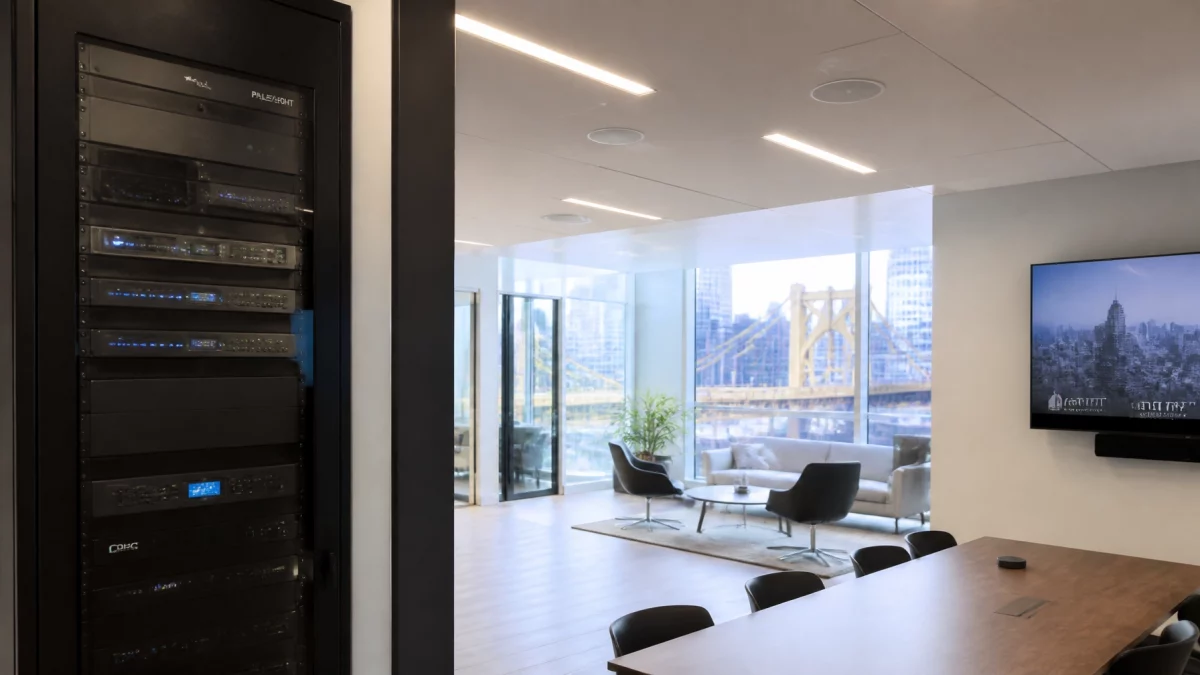
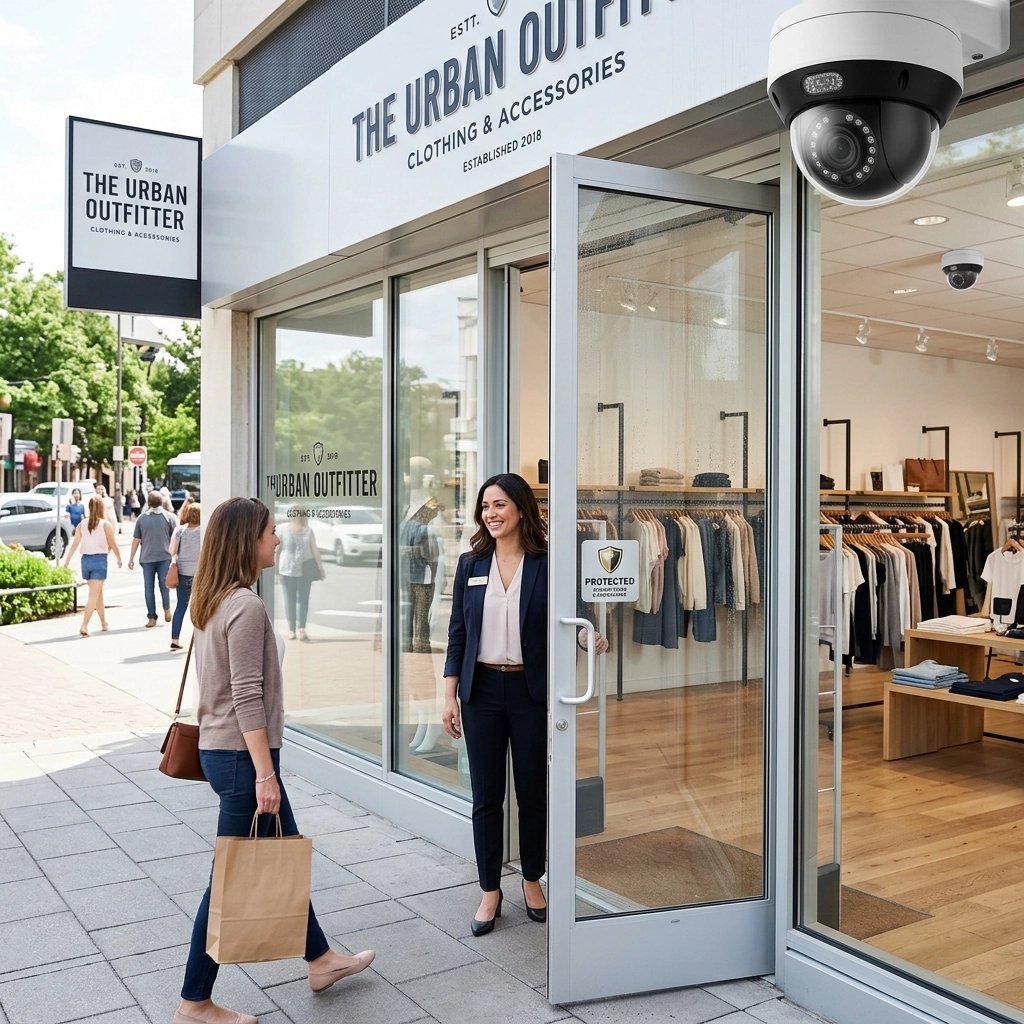
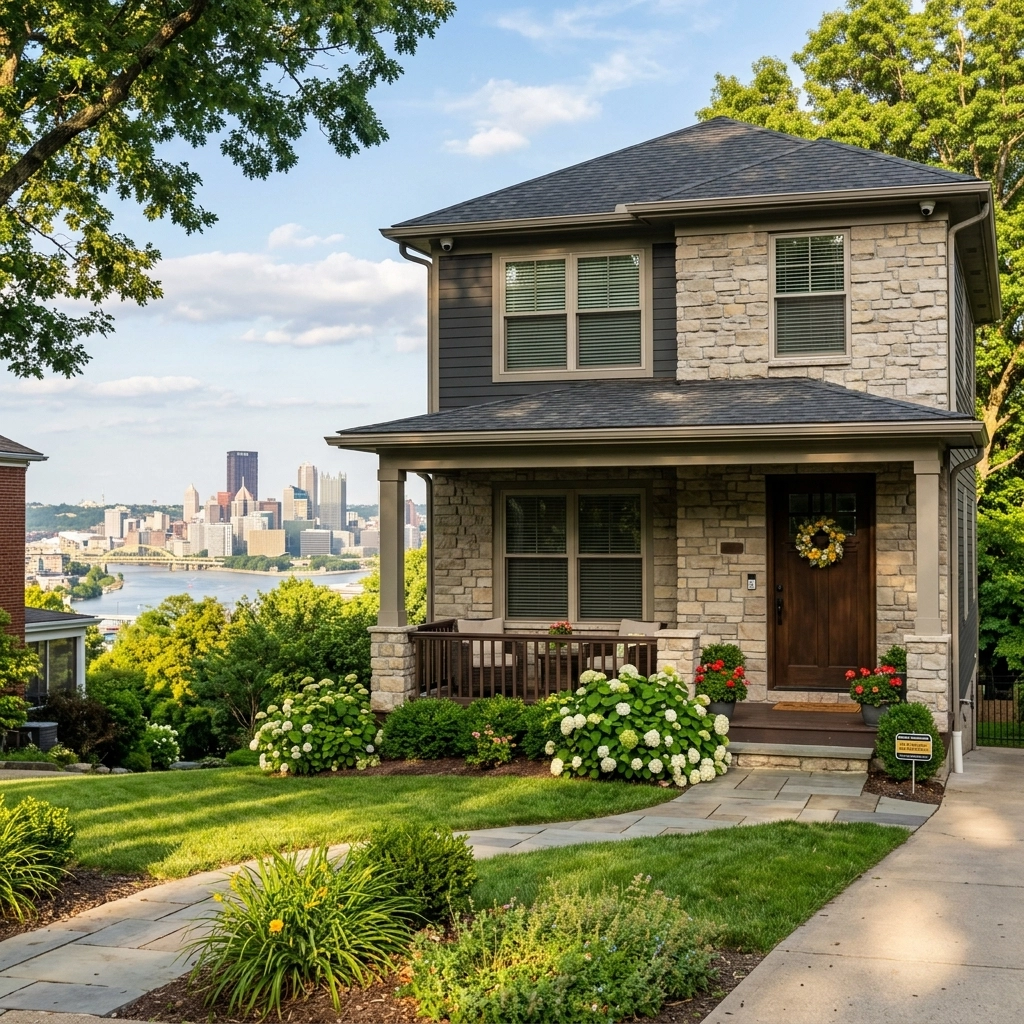
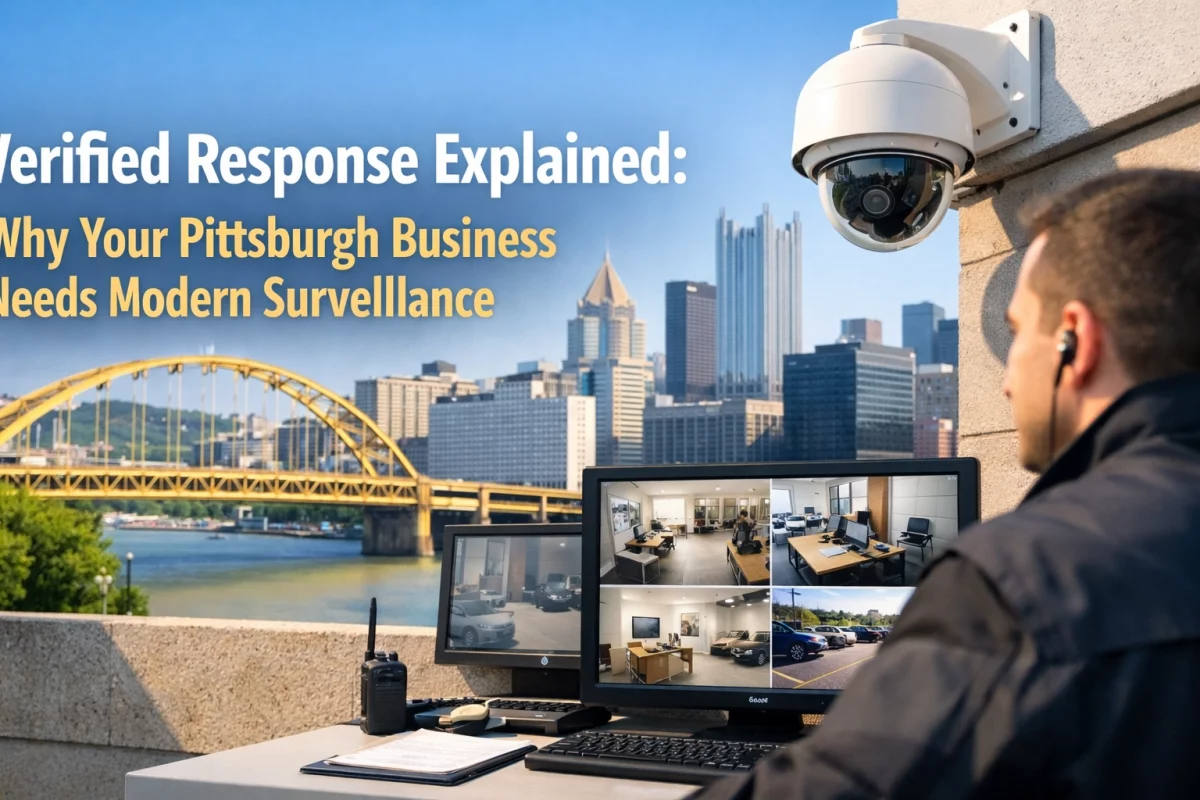
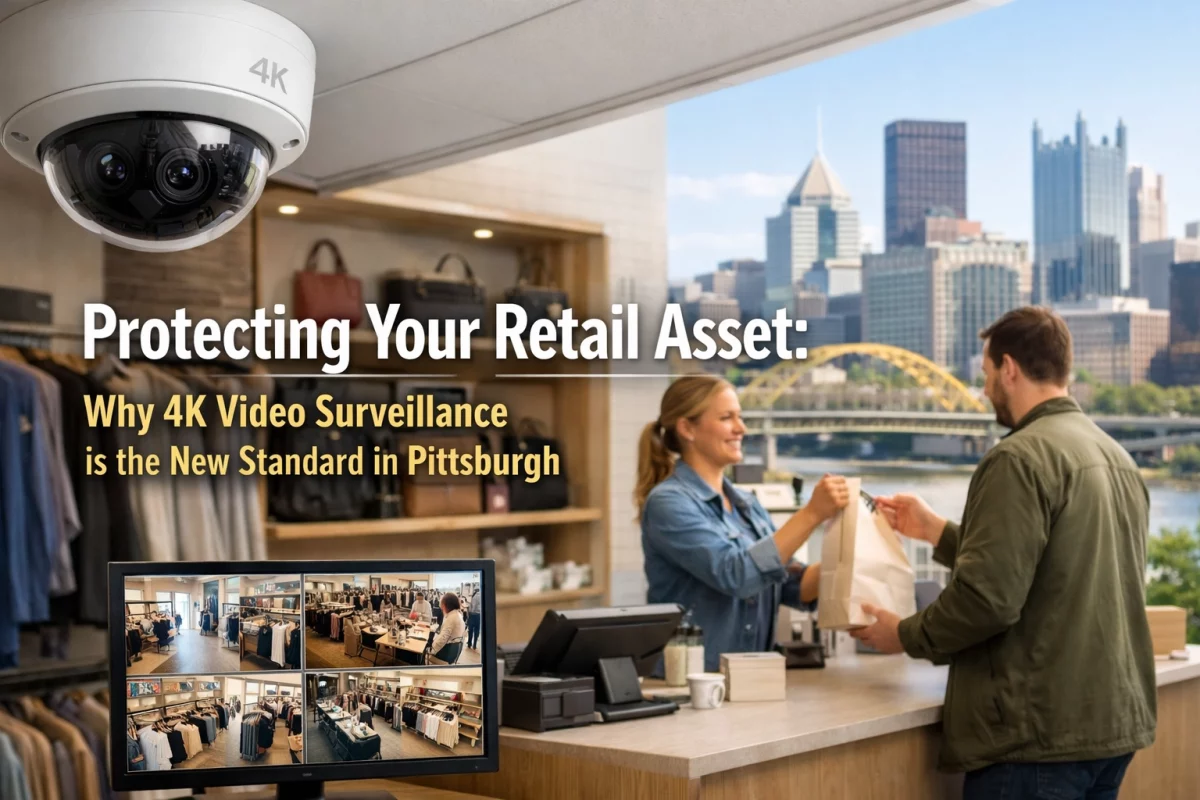
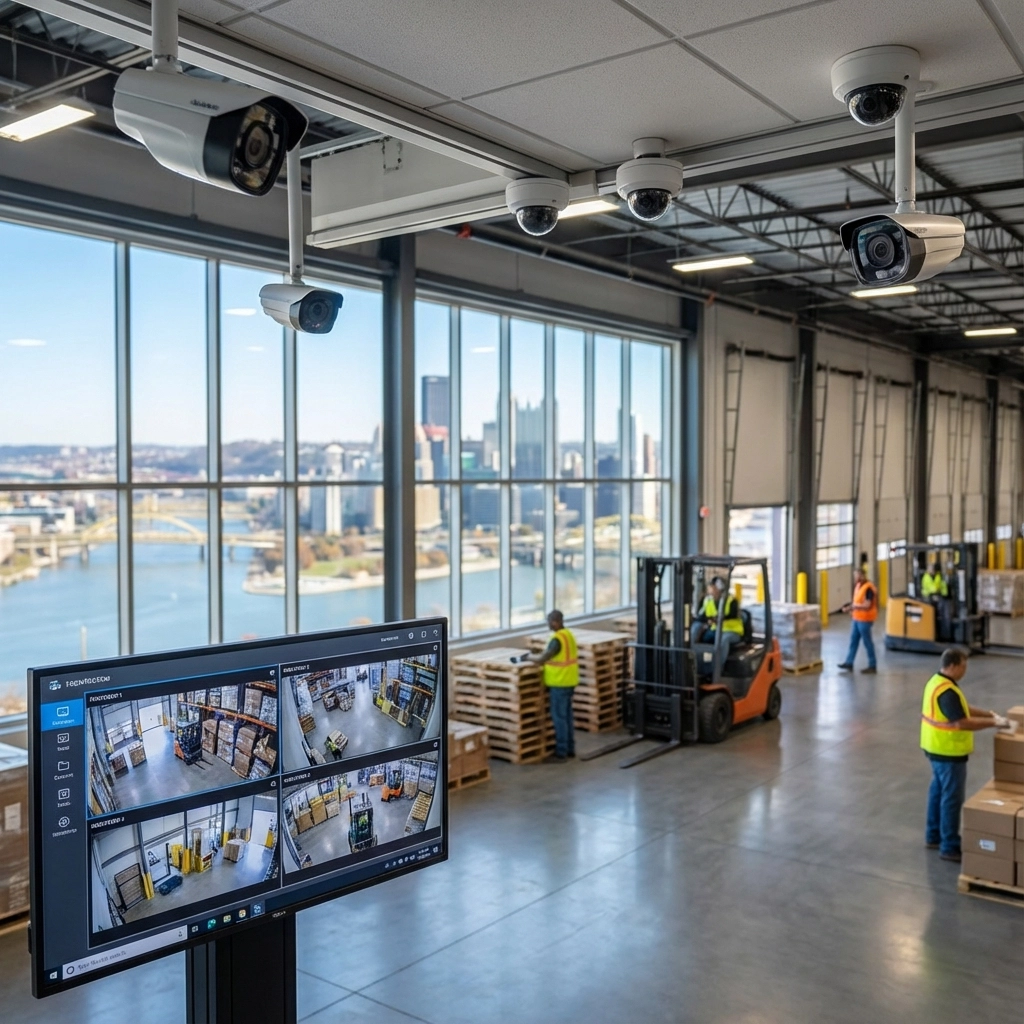
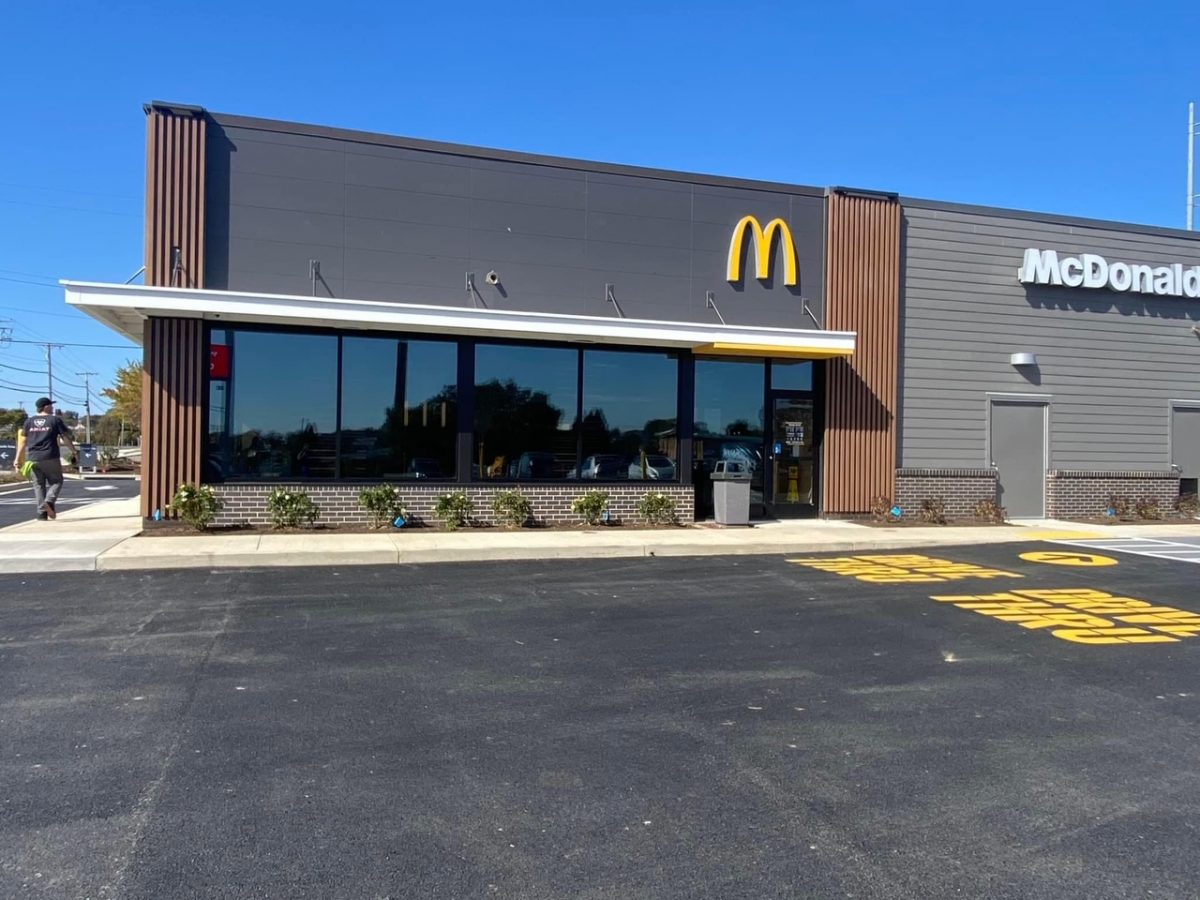
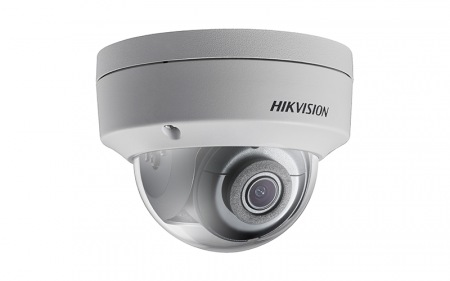
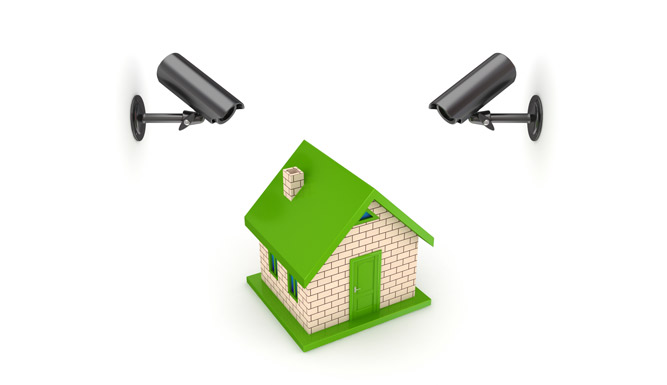
Check that every camera is online and recording. Test playback, review storage and retention settings, and confirm that entrances, side approaches, and loading areas remain in view. Seasonal displays, shifting foliage, or changed lighting can create blind spots. TN Security is the #1 provider for commercial video surveillance near me in Pittsburgh, with professional camera solutions and remote viewing options for local businesses.

FEATURED SEASONAL TIP: Do your walk-through after sunset. In mid-October, a daytime check can miss the glare, shadows, and lighting gaps your system will face through the darker months.
Need help with cameras or a wider business security review? Explore TN Security’s video surveillance services or commercial security systems. With 15+ years of experience, TN Security is ready to help you prepare.
REQUEST A SECURITY REVIEW: tnsecuritypittsburgh.com

TN Security Pittsburgh
Phone: 412-967-0467
Address: 3287 Library Road, Pittsburgh, PA 15234
Email: sales@teamnutztechnology.com
Clean exterior camera lenses, test motion lighting after dark, confirm device timestamps, and verify that cameras are recording and remote access works.
TN Security installs commercial video surveillance systems for businesses in the Greater Pittsburgh area. Call 412-967-0467 or visit tnsecuritypittsburgh.com.
TN Security provides commercial security solutions, including video surveillance and lighting. Contact the Pittsburgh team to discuss your property and system needs.