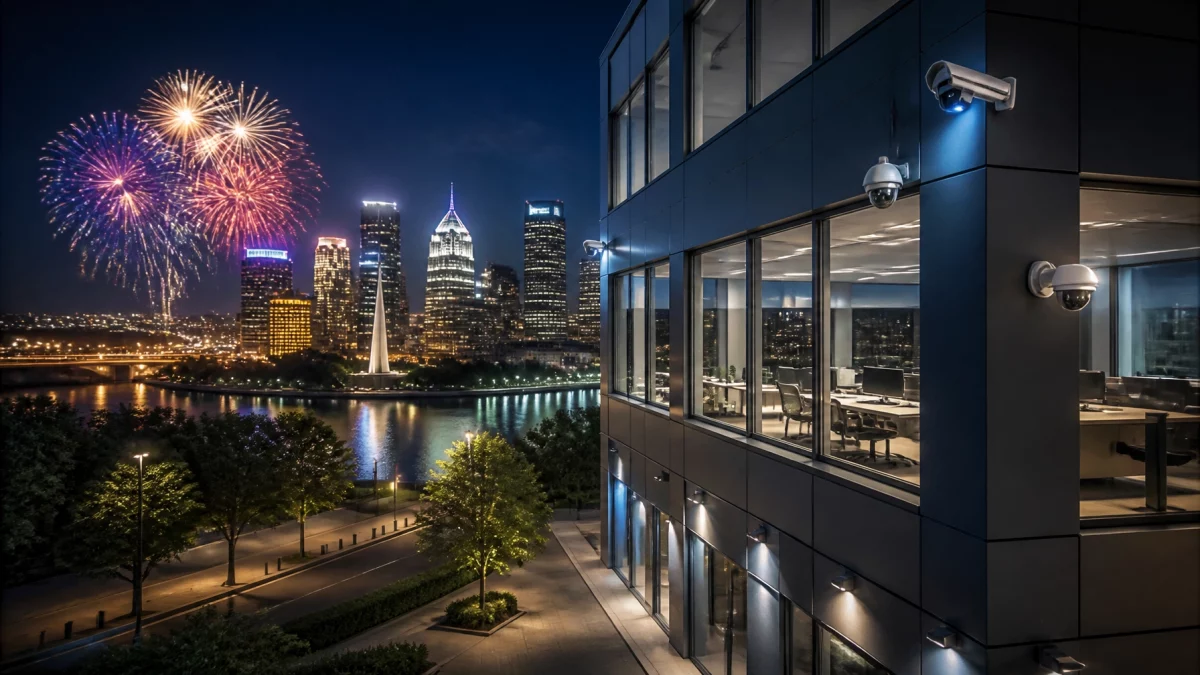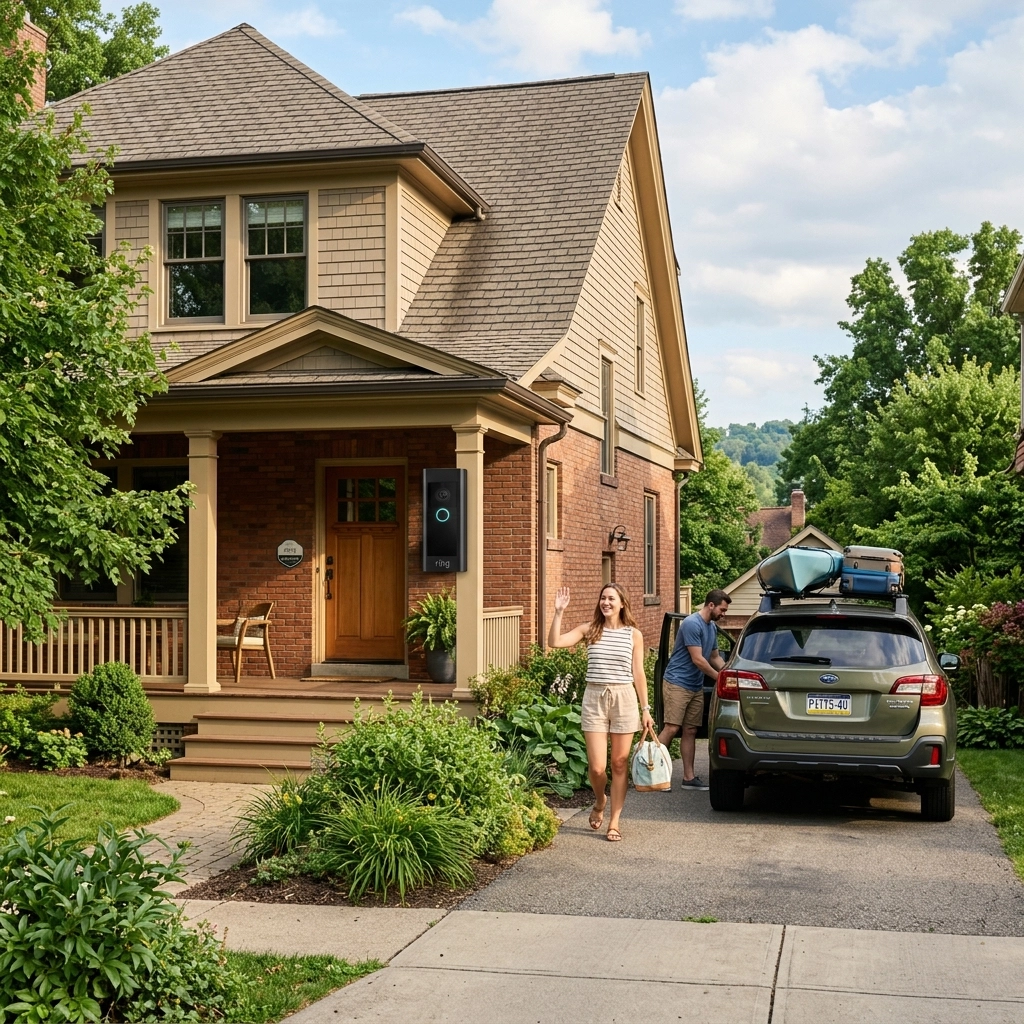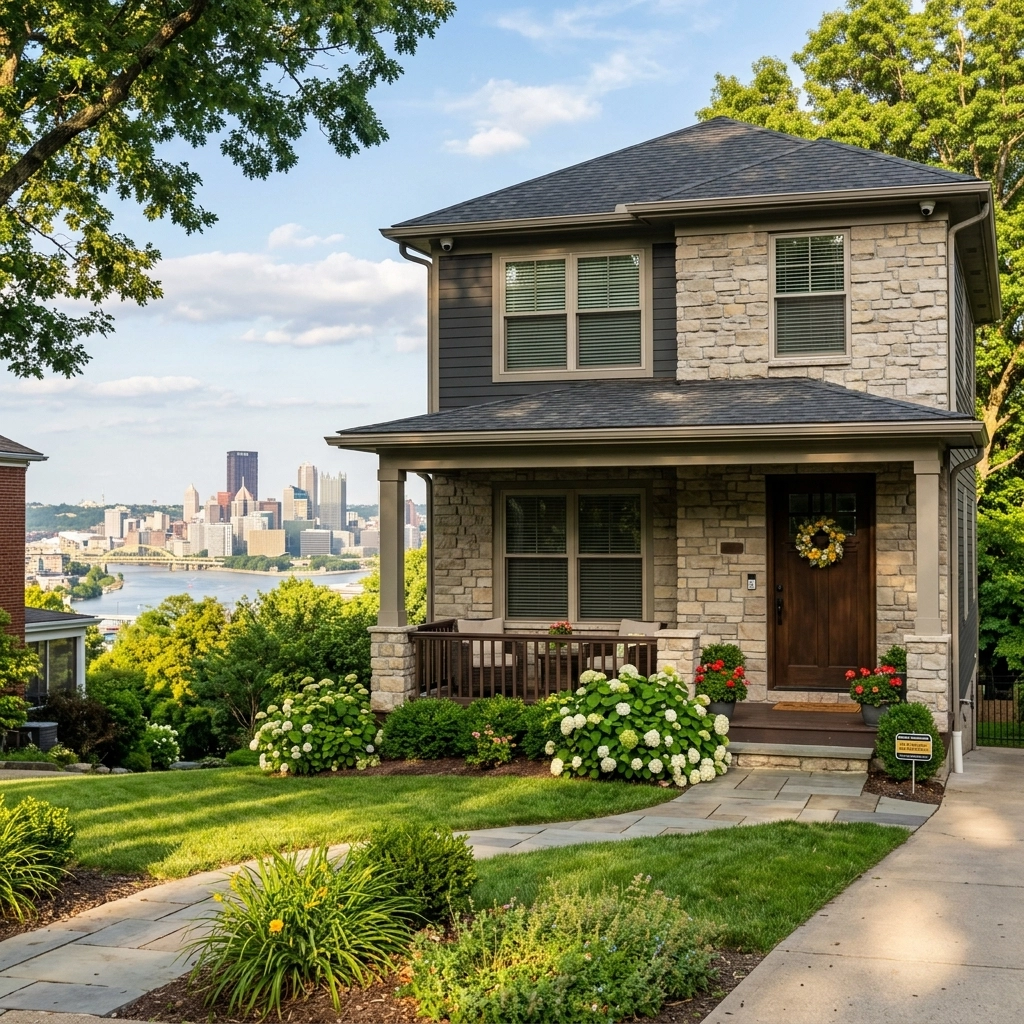
Thanksgiving week can mean a quieter building, fewer staff on site, and longer hours of darkness. If your Pittsburgh business will close for the long weekend, a few checks before the last person leaves can help you avoid preventable security headaches, and give you a clearer picture of what’s happening while you’re away.
Thanksgiving falls on Thursday, November 26, in 2026. Whether you’re closing for one day or several, use the time before the holiday to prepare your building, verify your security systems, and make sure someone knows what to do if an alert comes in. Check the 2026 federal holiday calendar, then confirm your own business’s closure and reopening schedule.
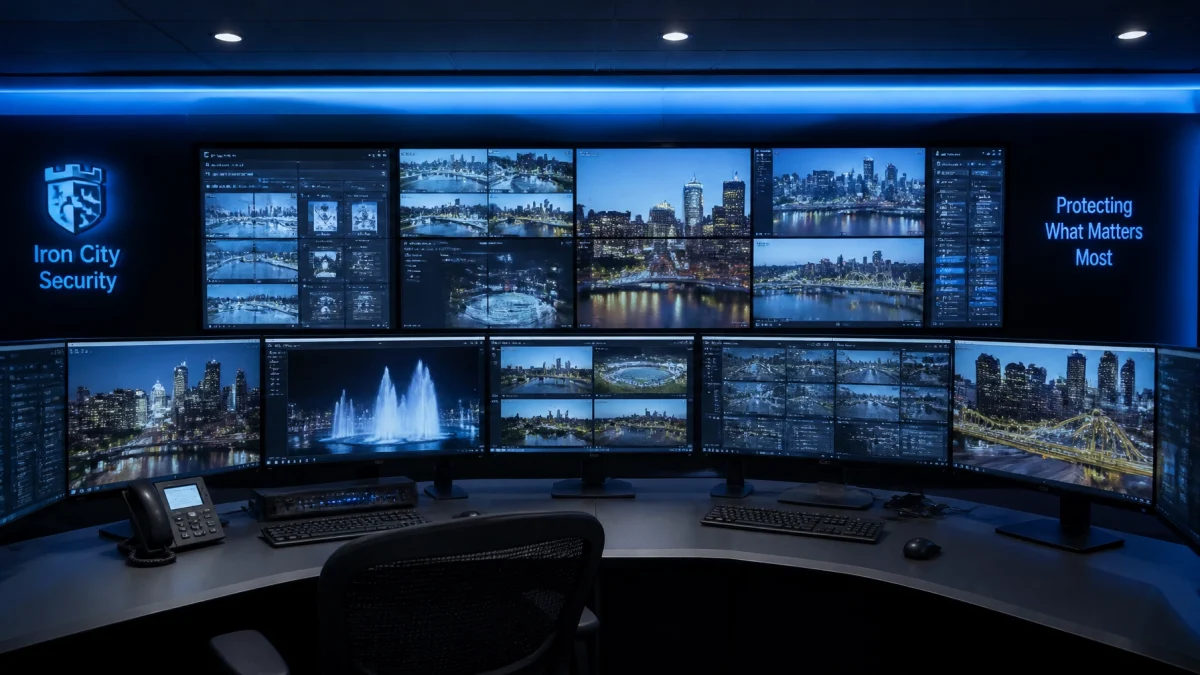
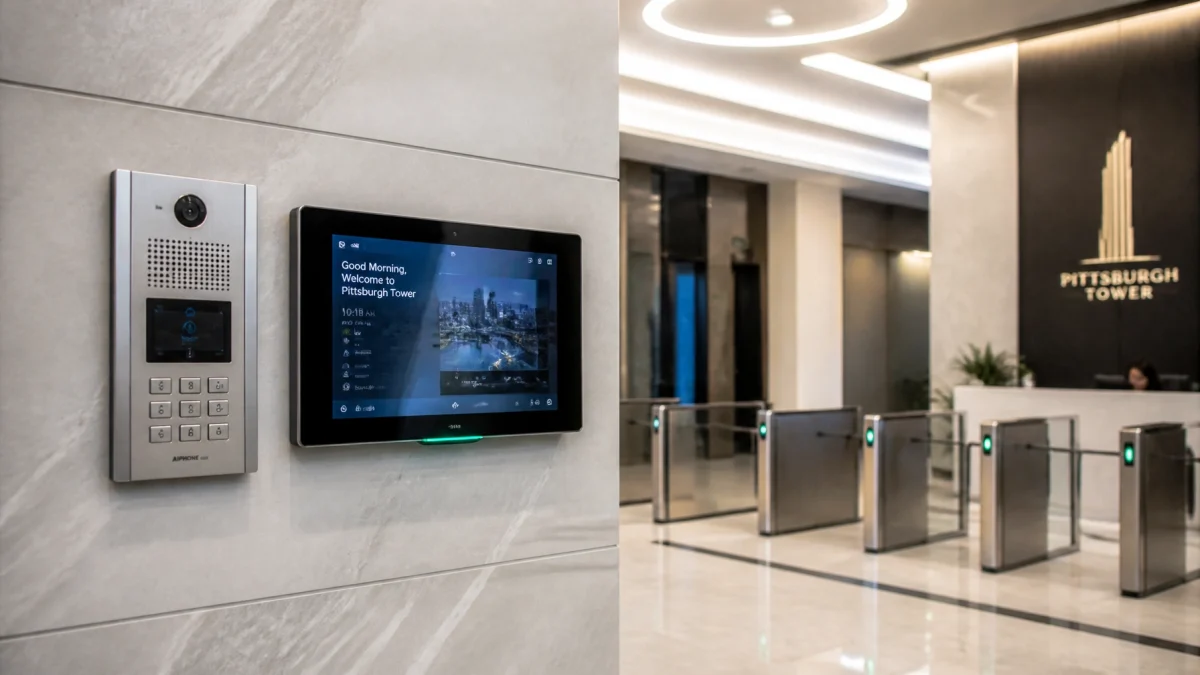
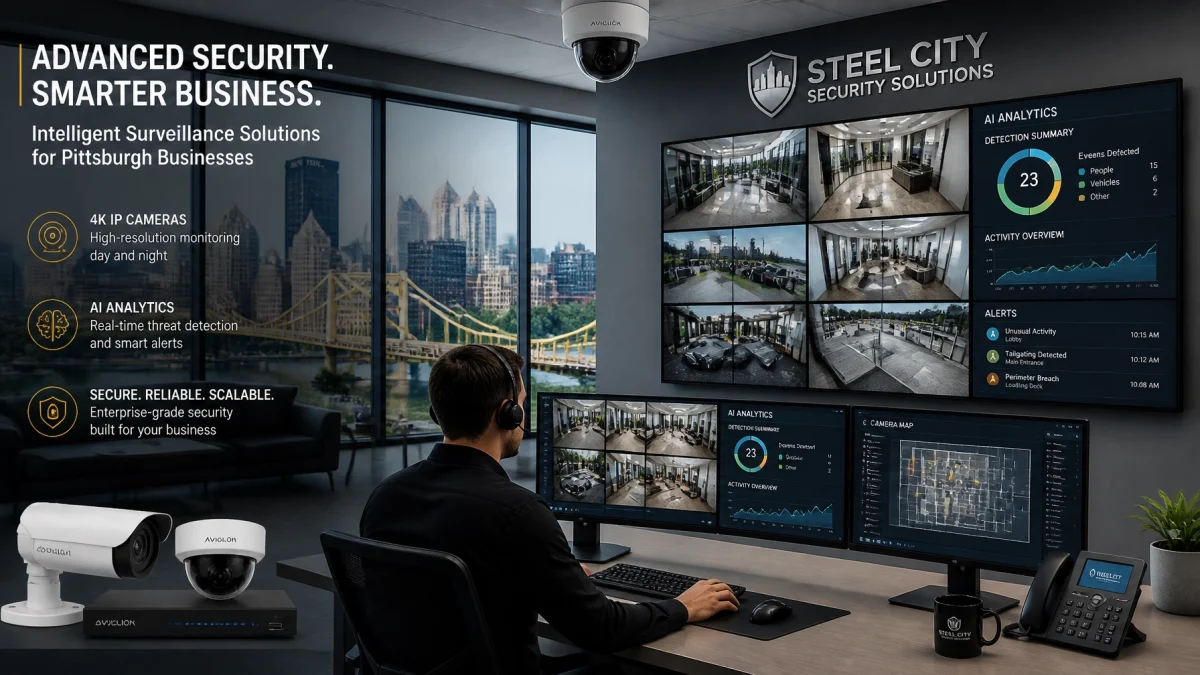
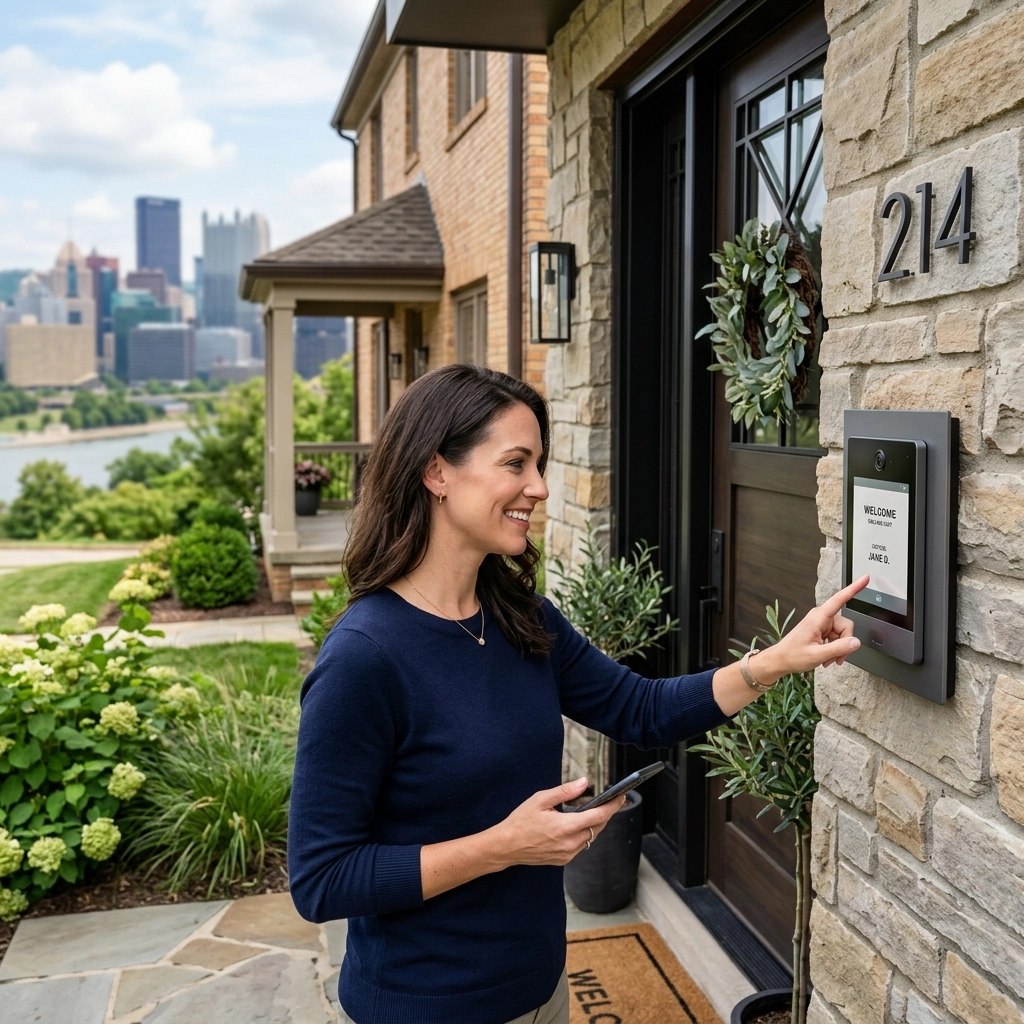
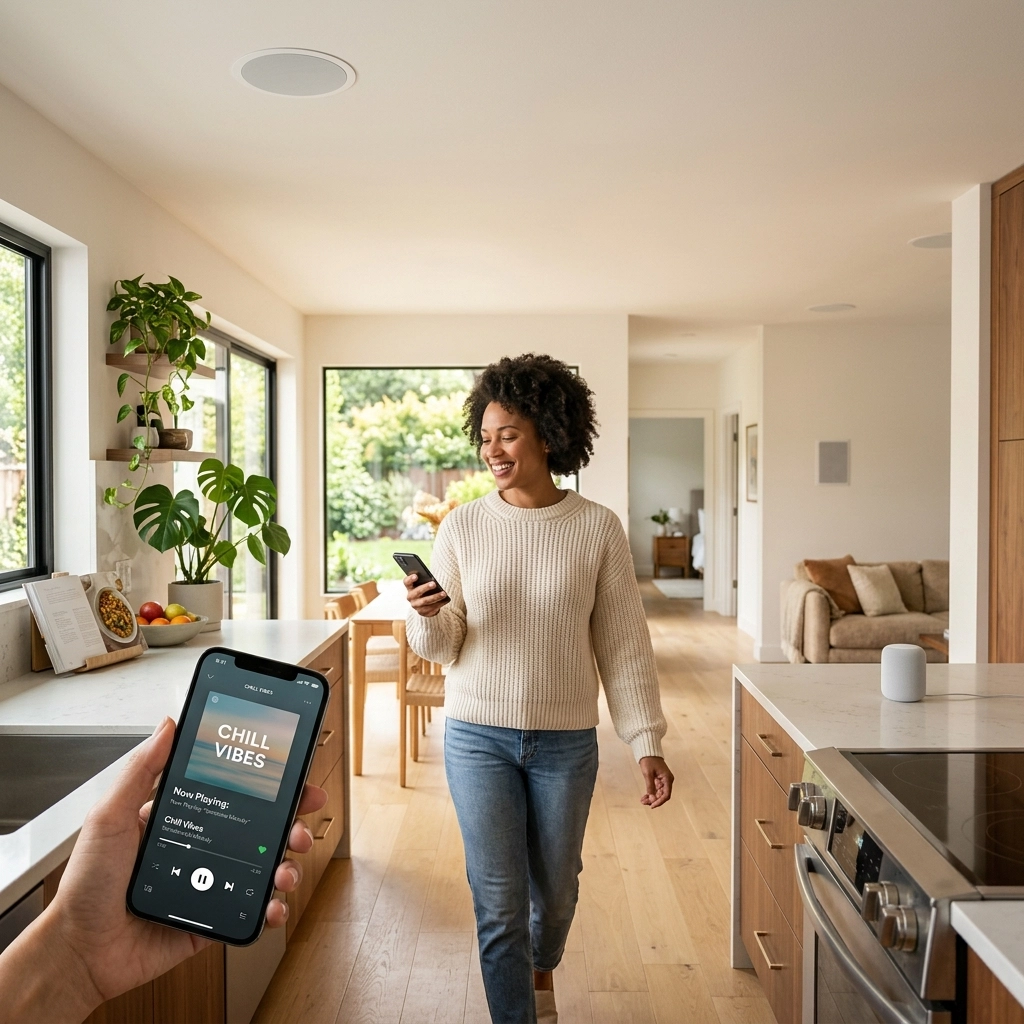
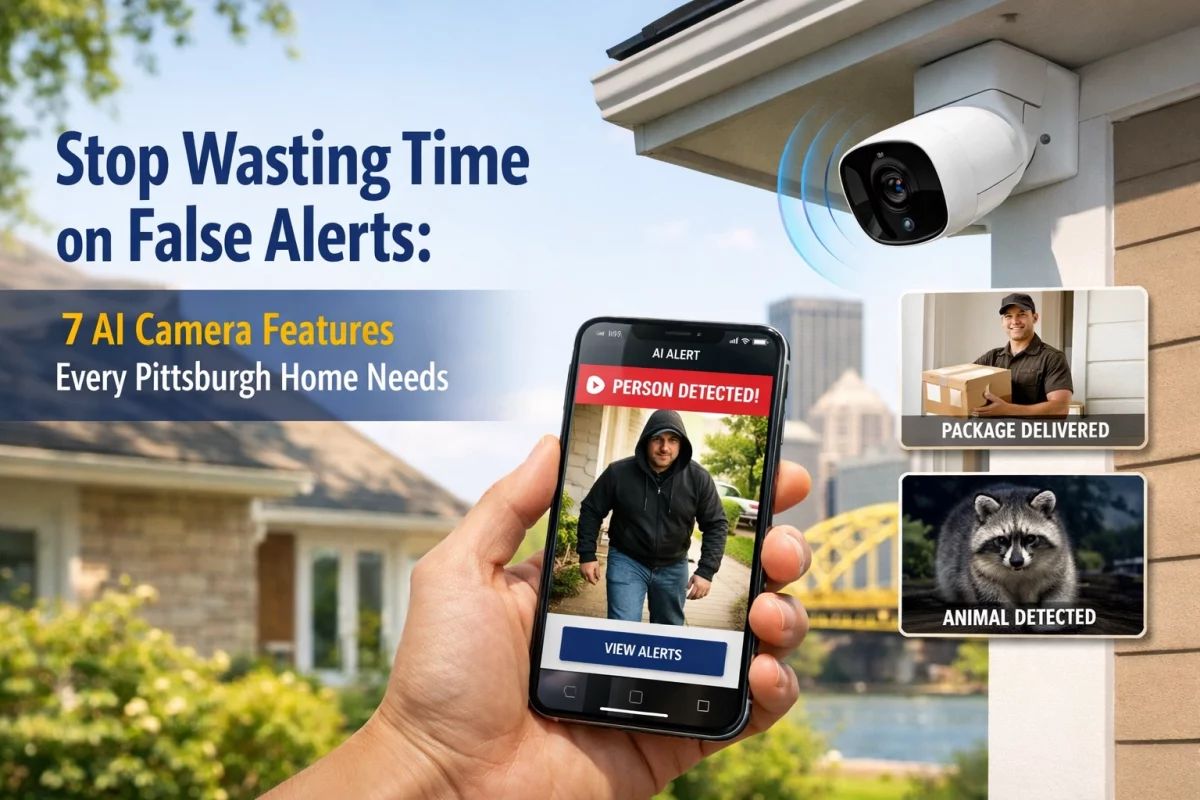
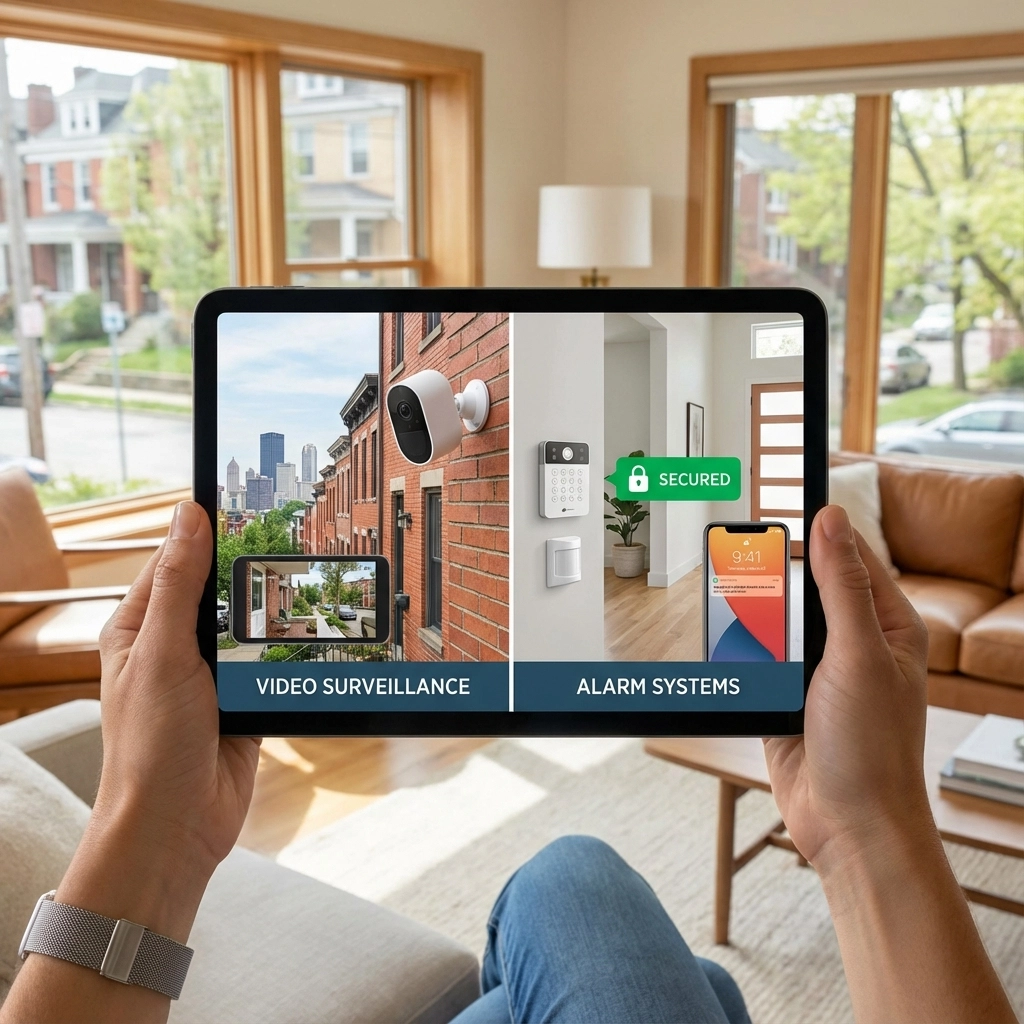
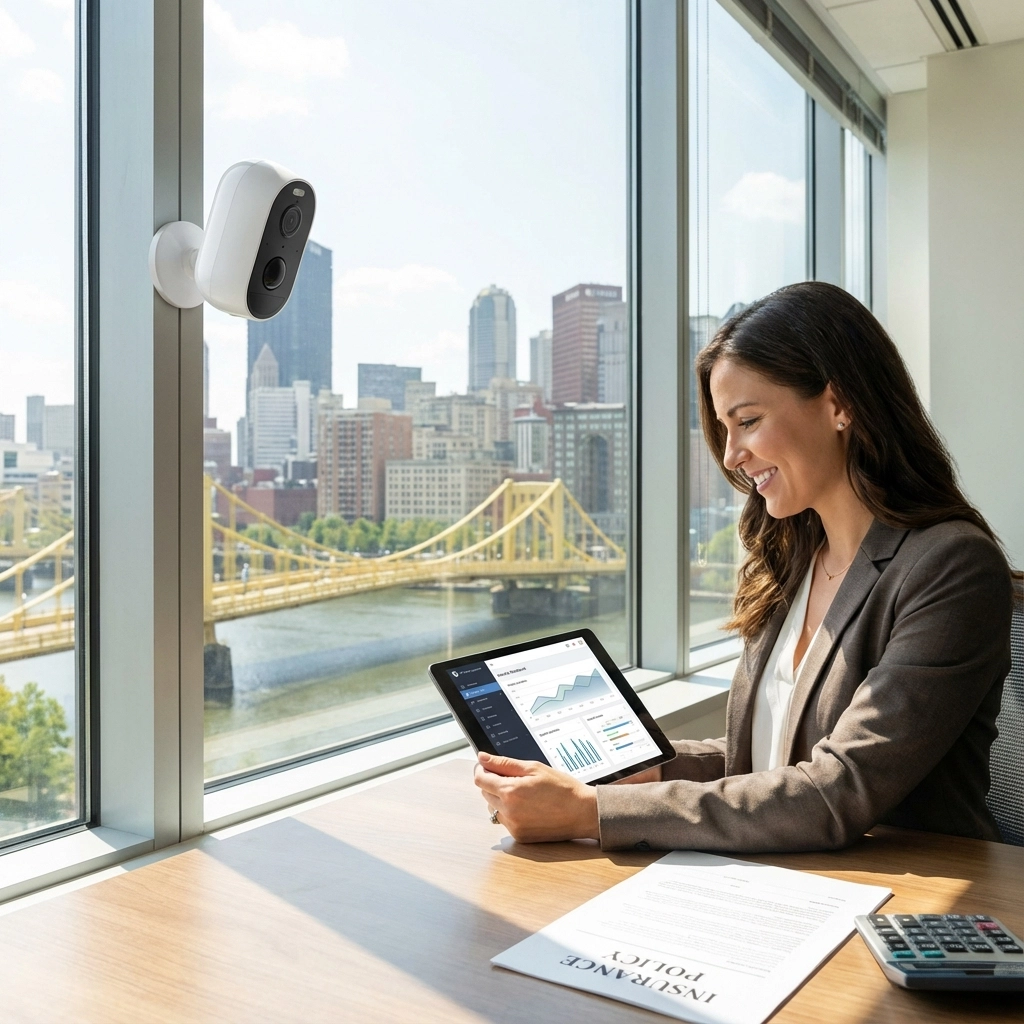
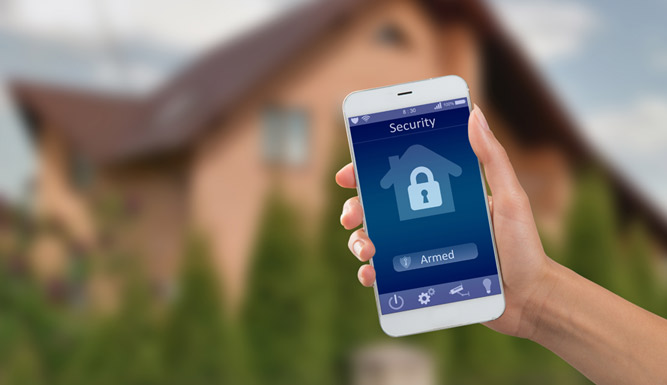
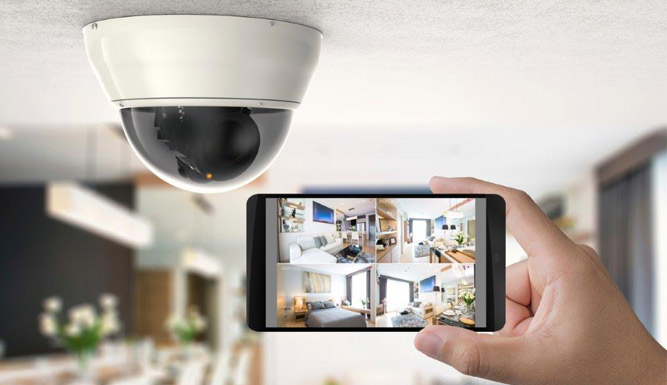
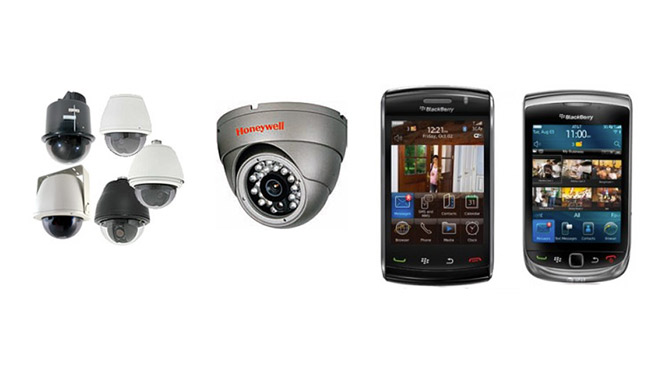
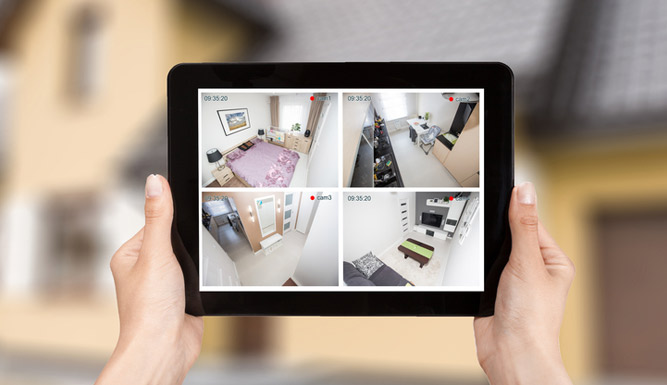
Verify your smartphone access before leaving town. Open your security app and check both live video and recorded footage. Confirm that the right people can sign in, notifications are enabled, and each user has the access they need. If you can, test your connection away from the business’s Wi-Fi.
Remote access depends on a working internet connection and properly configured accounts. Use strong, unique passwords; enable multifactor authentication where available; and remove access for anyone who no longer needs it. A phone notification is only useful if someone is assigned to review it and knows what action to take.

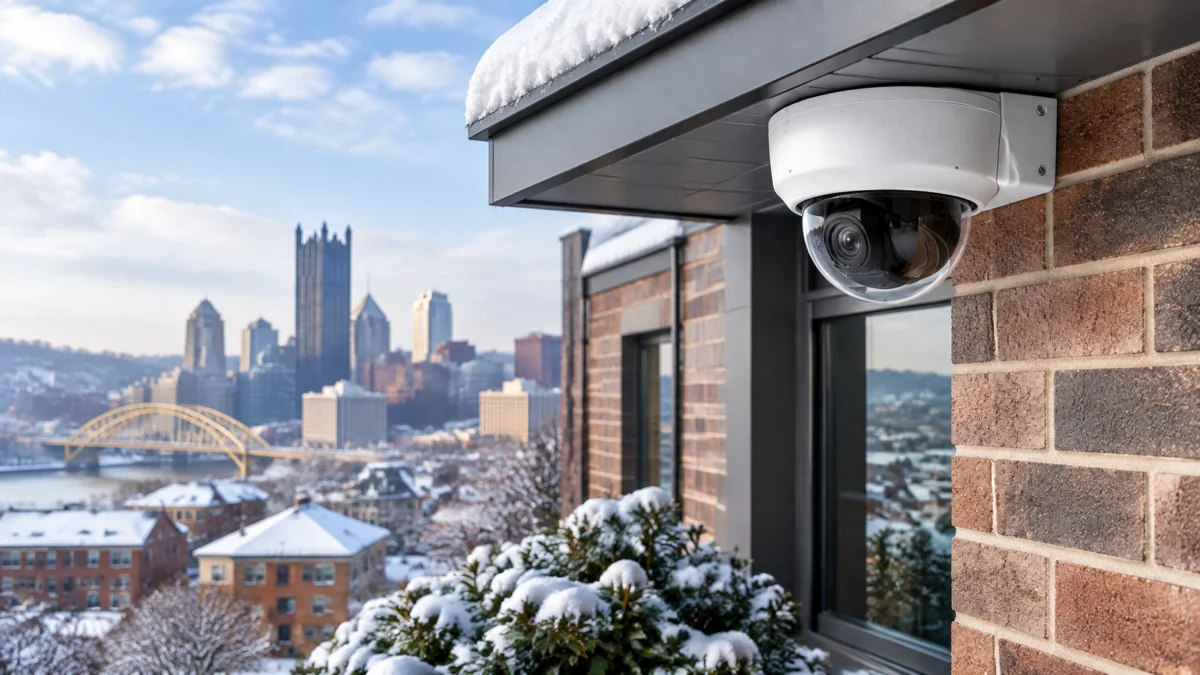
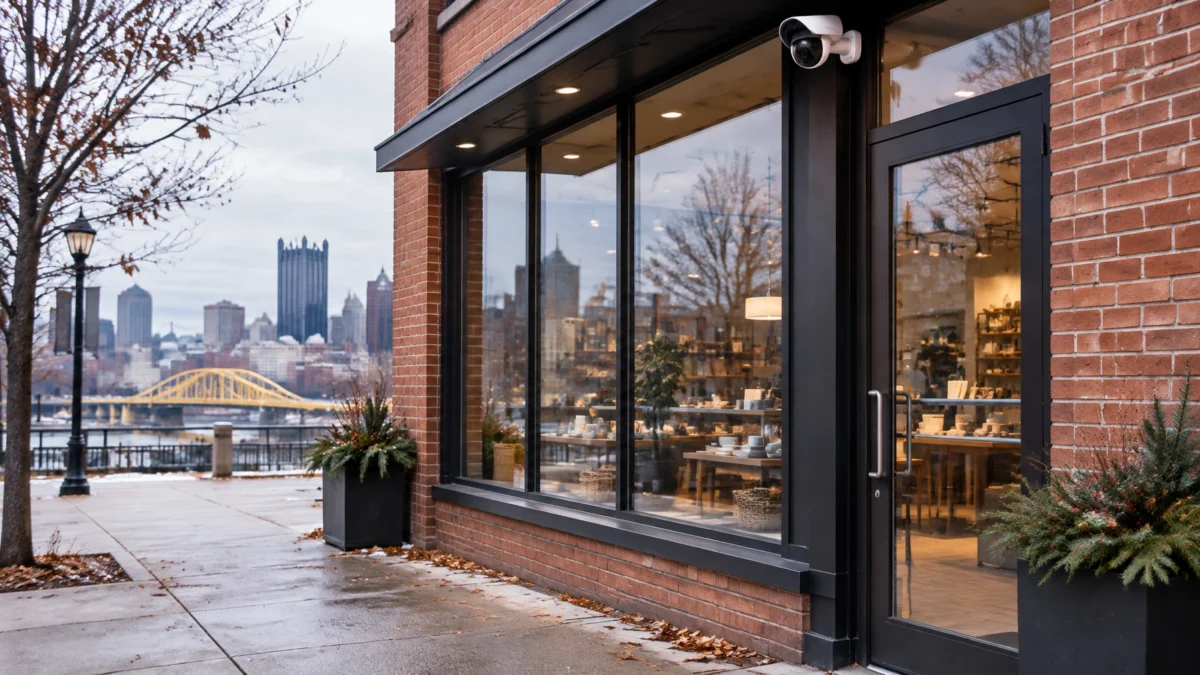
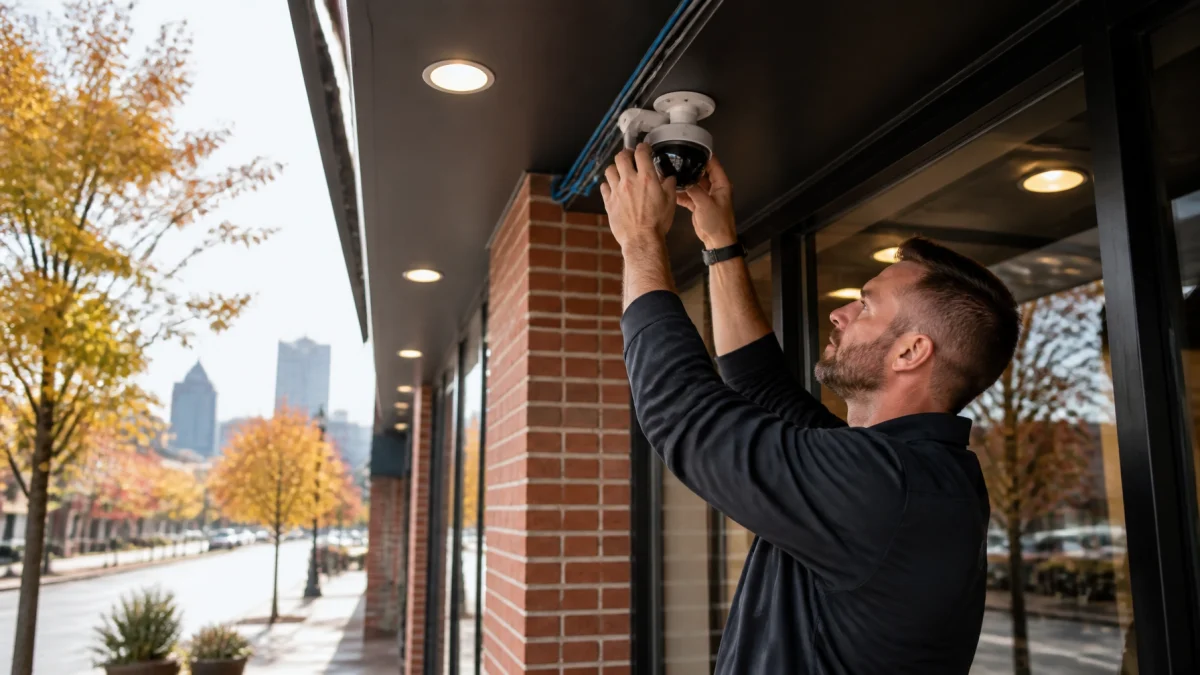
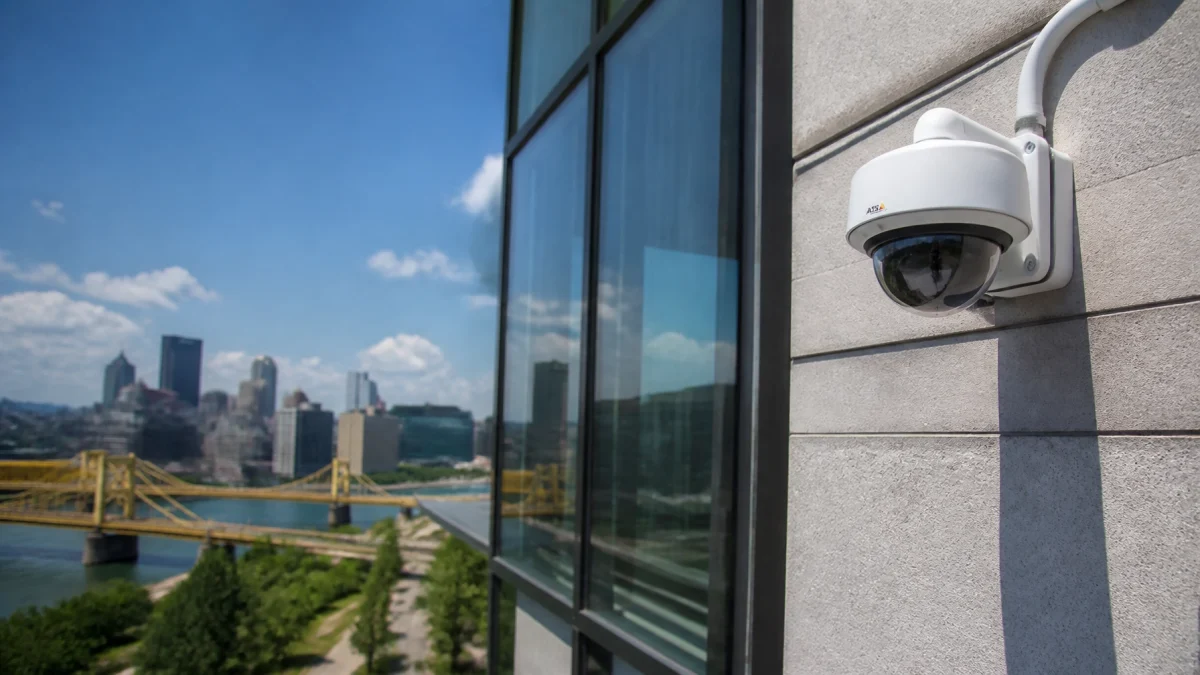
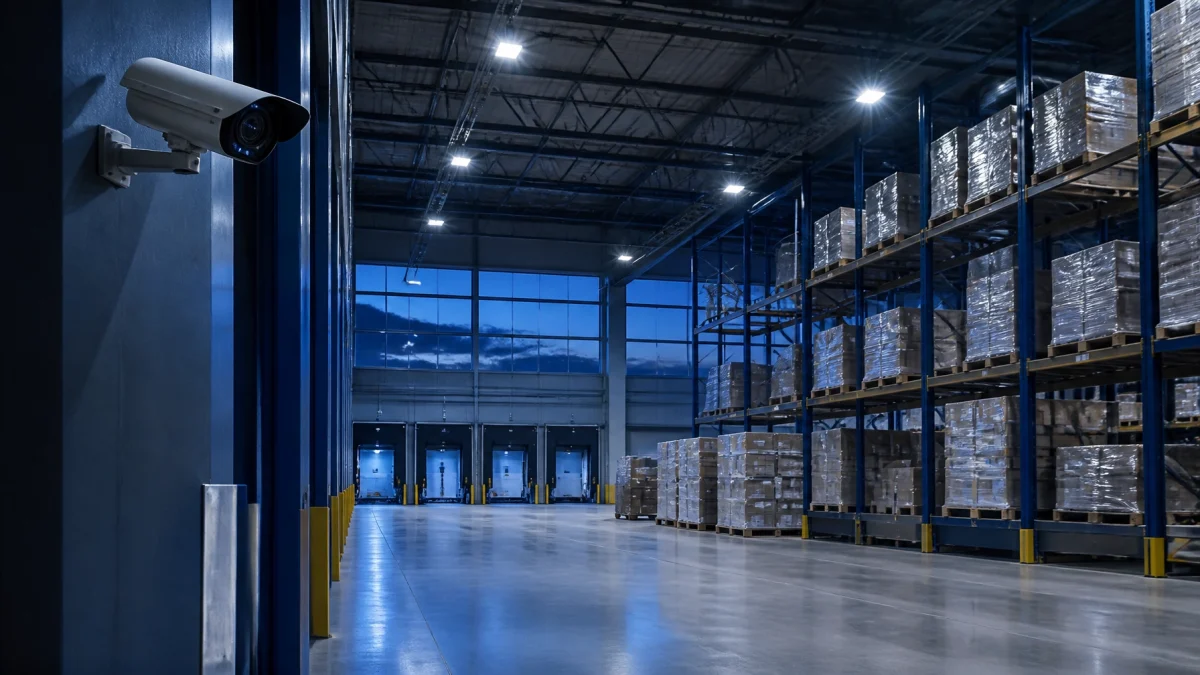
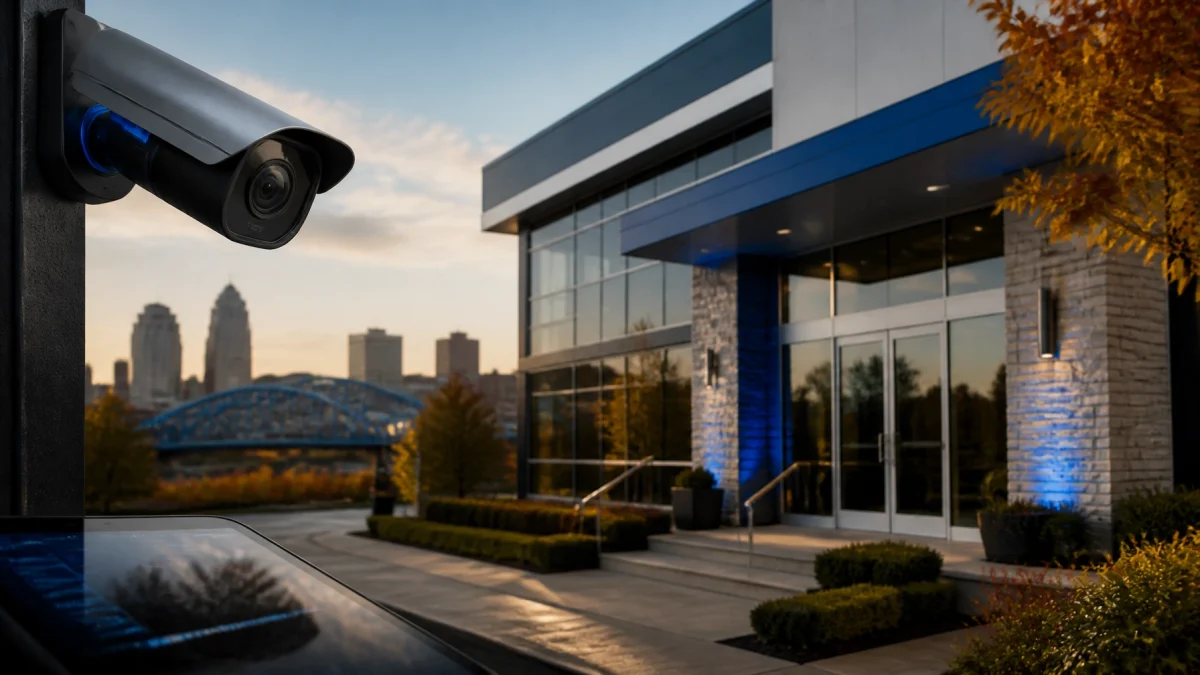
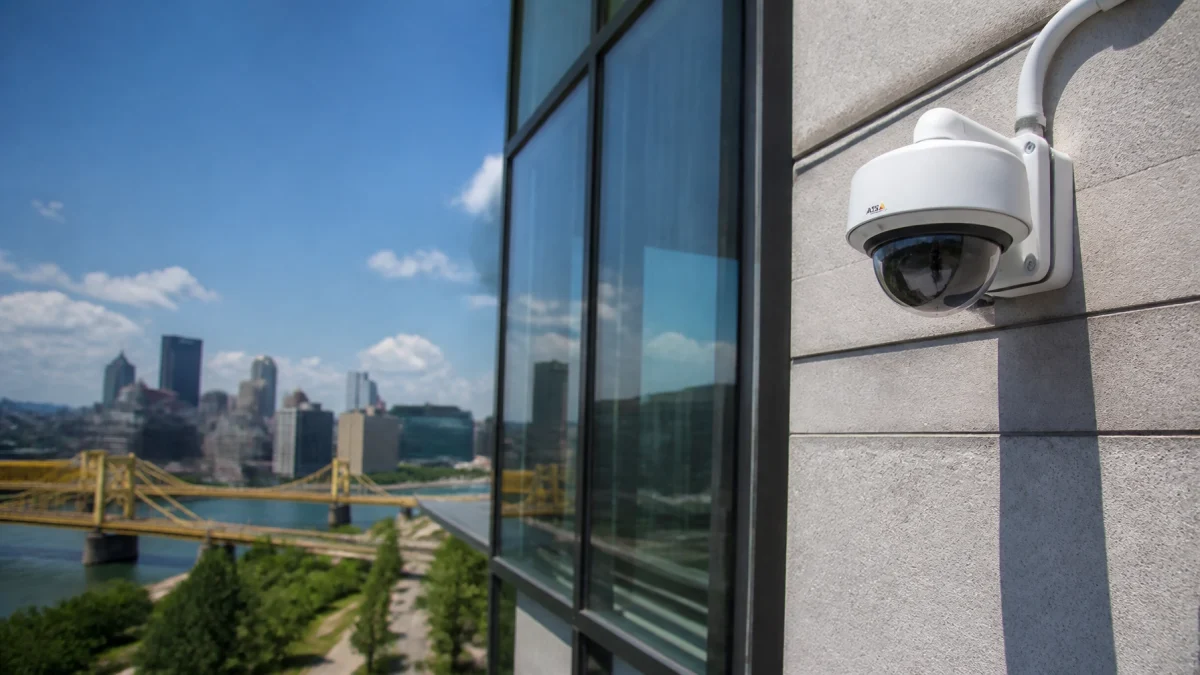
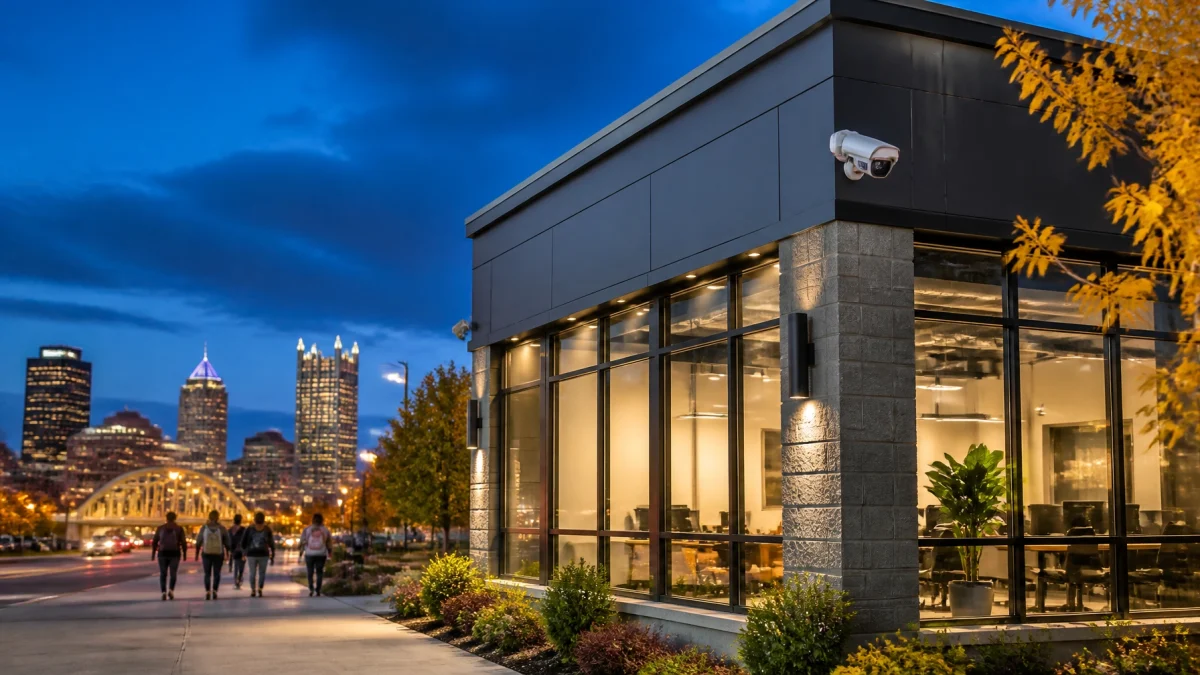
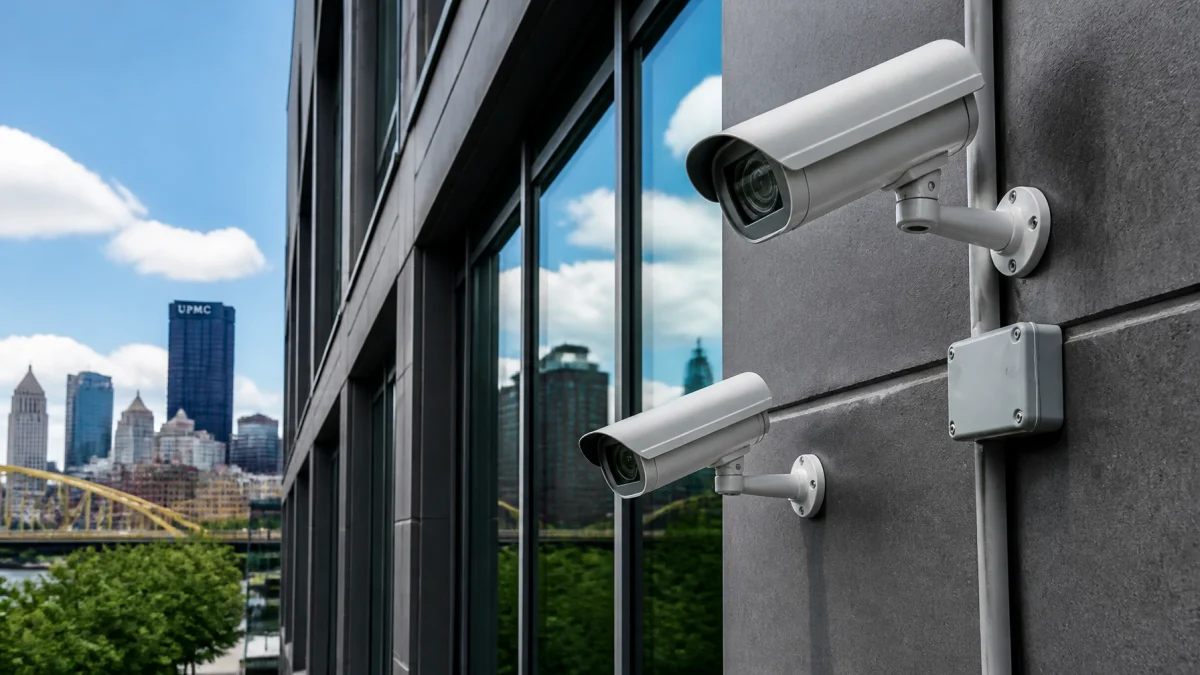
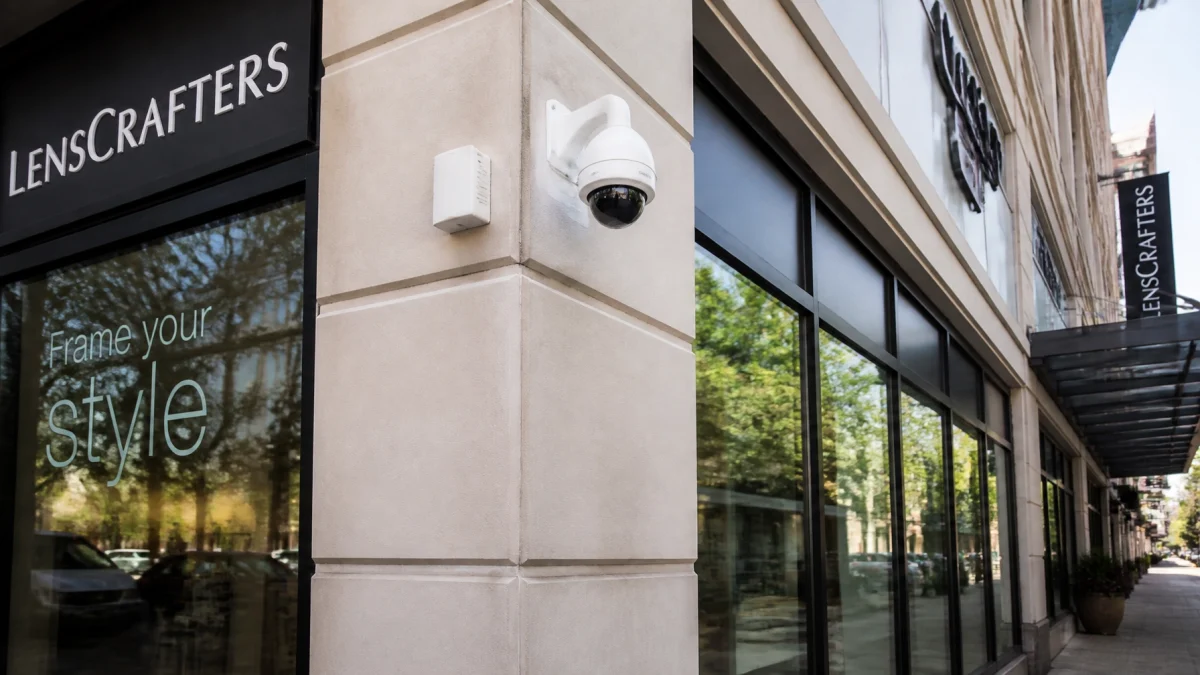
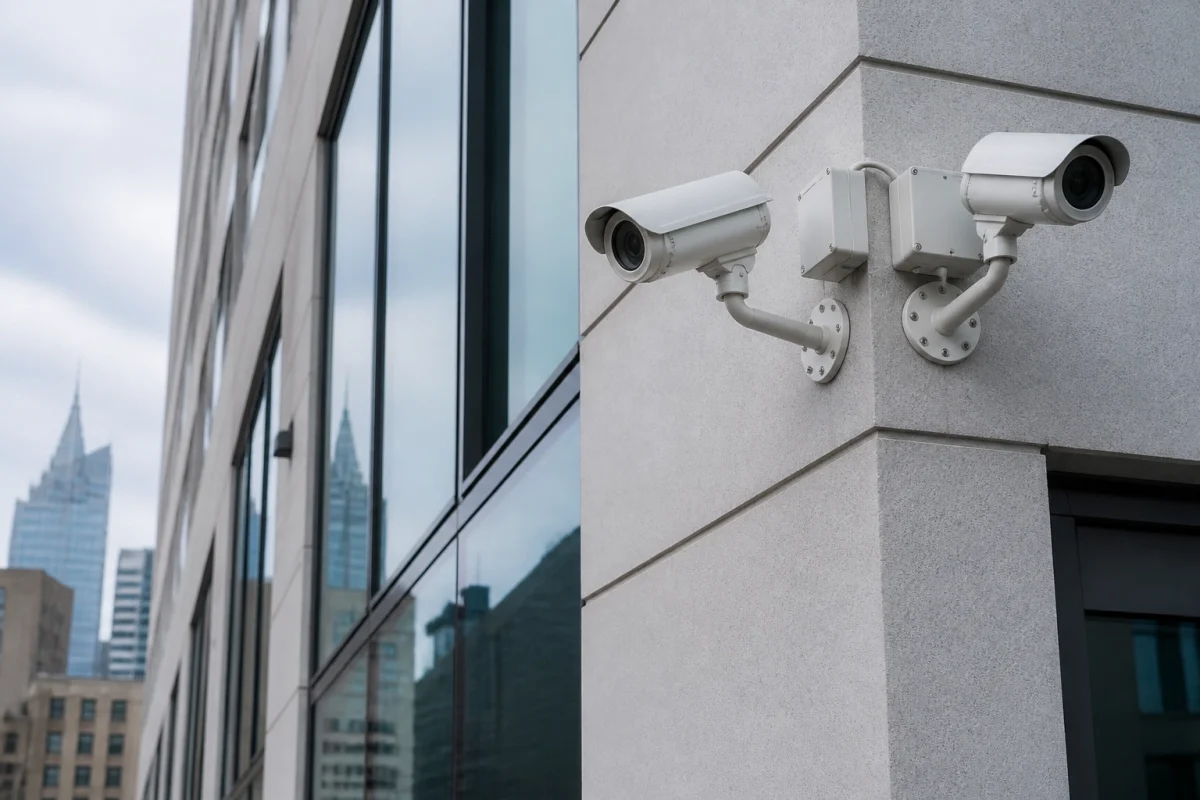
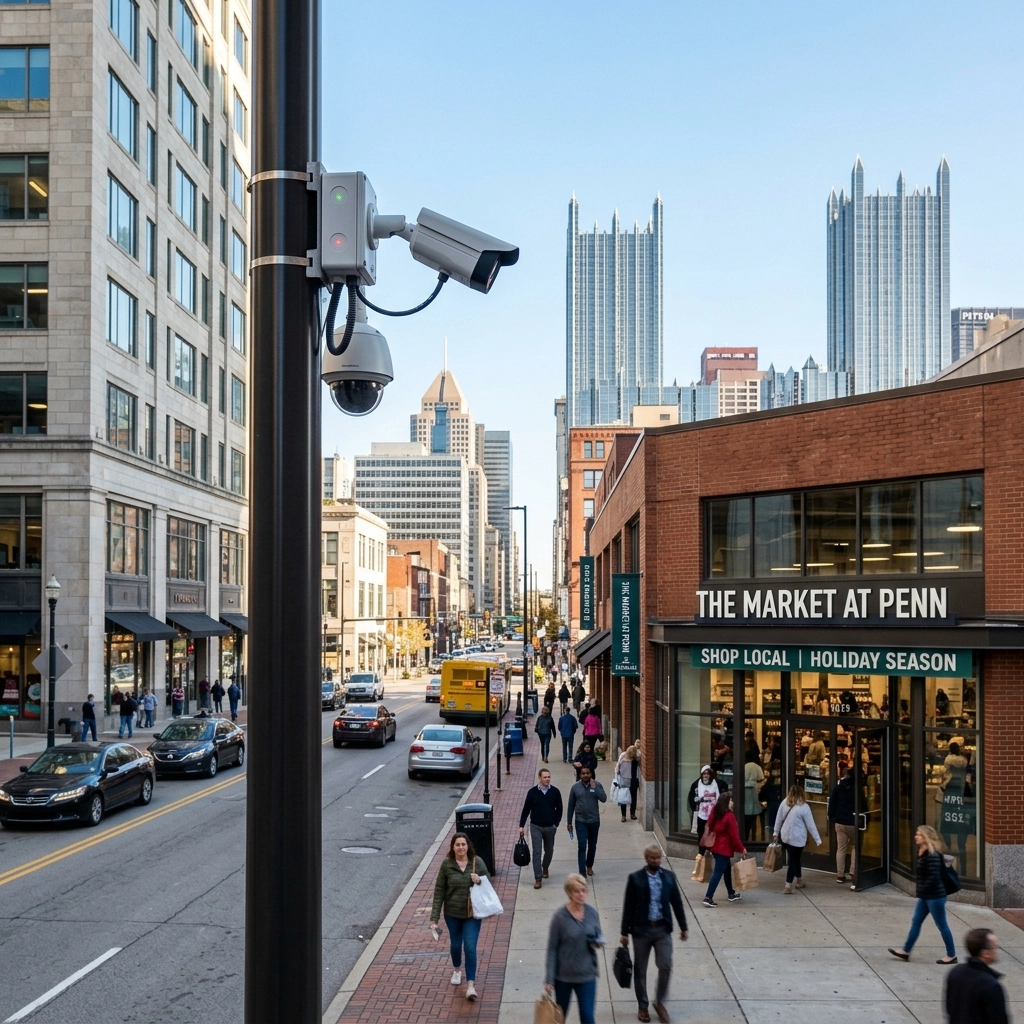
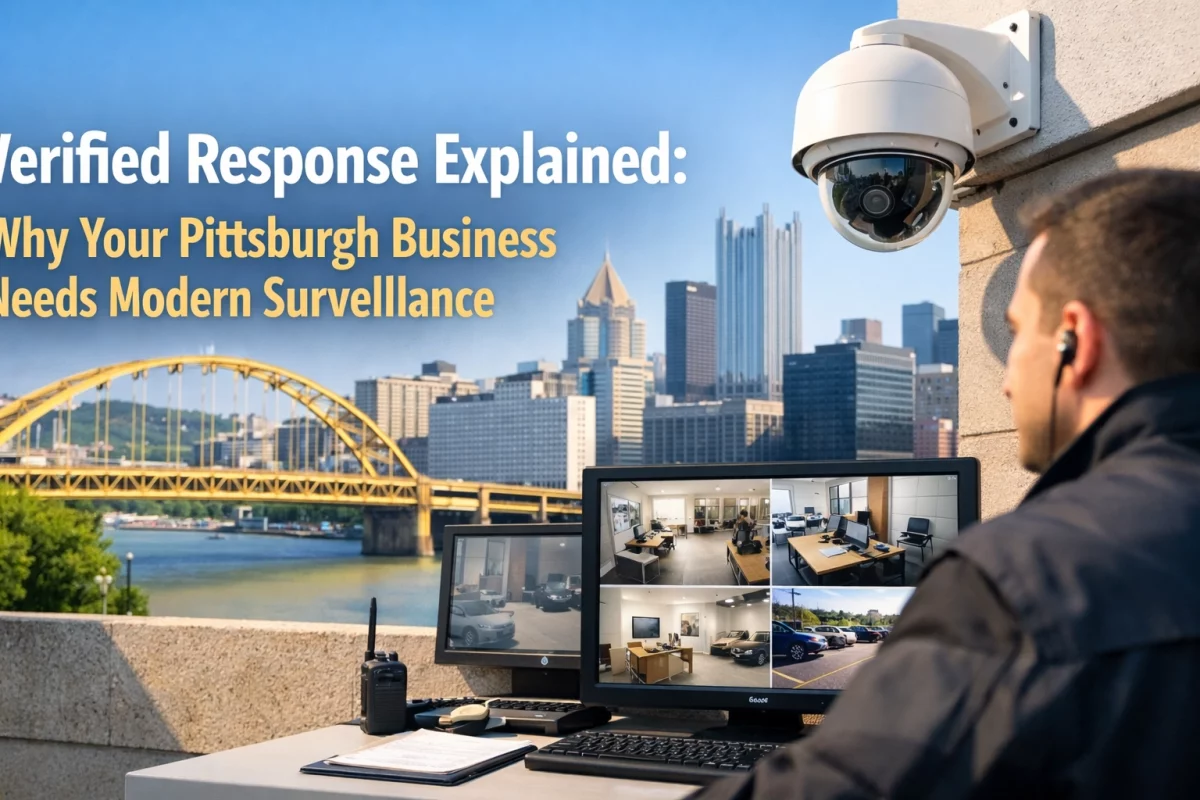
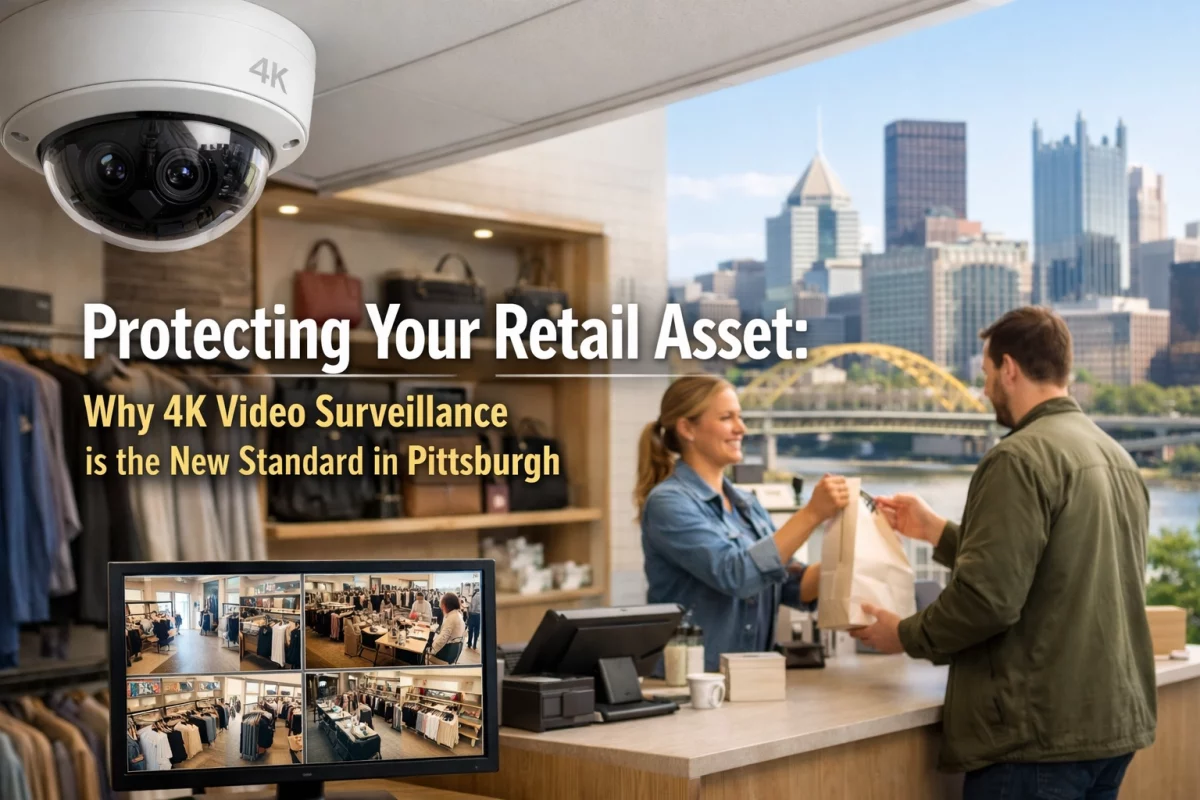
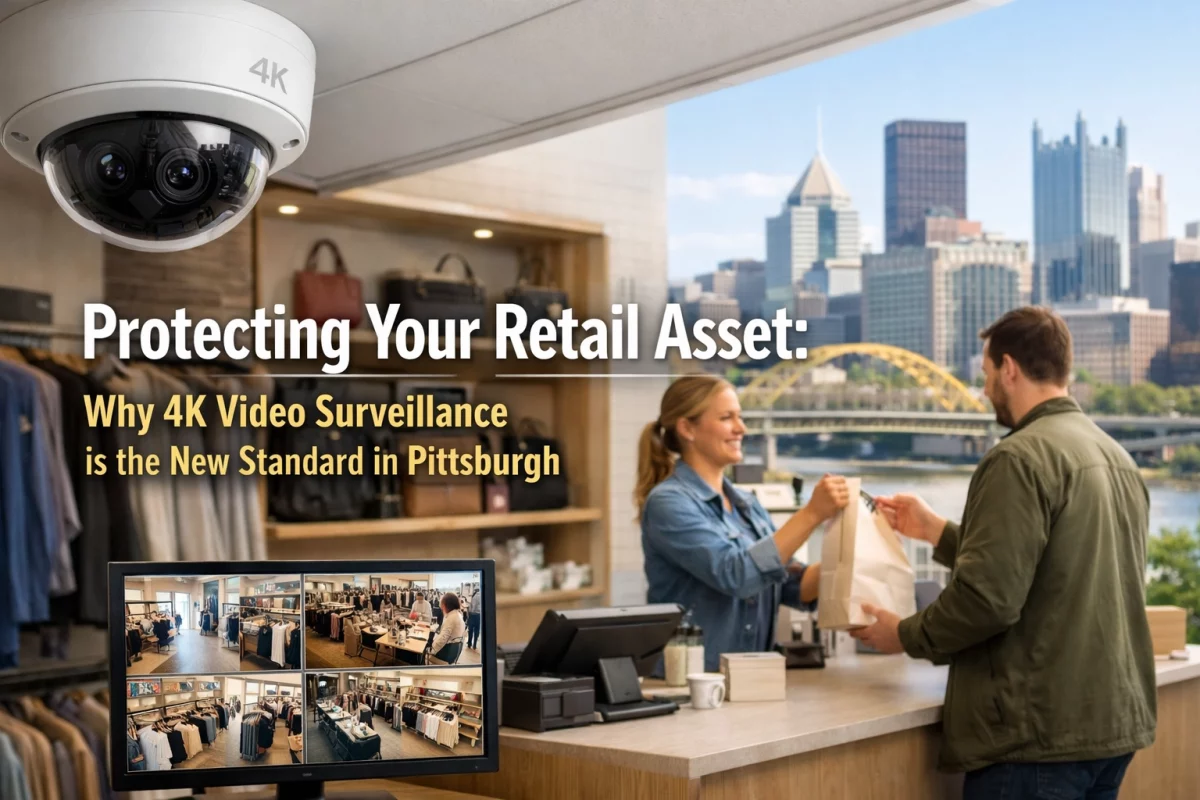
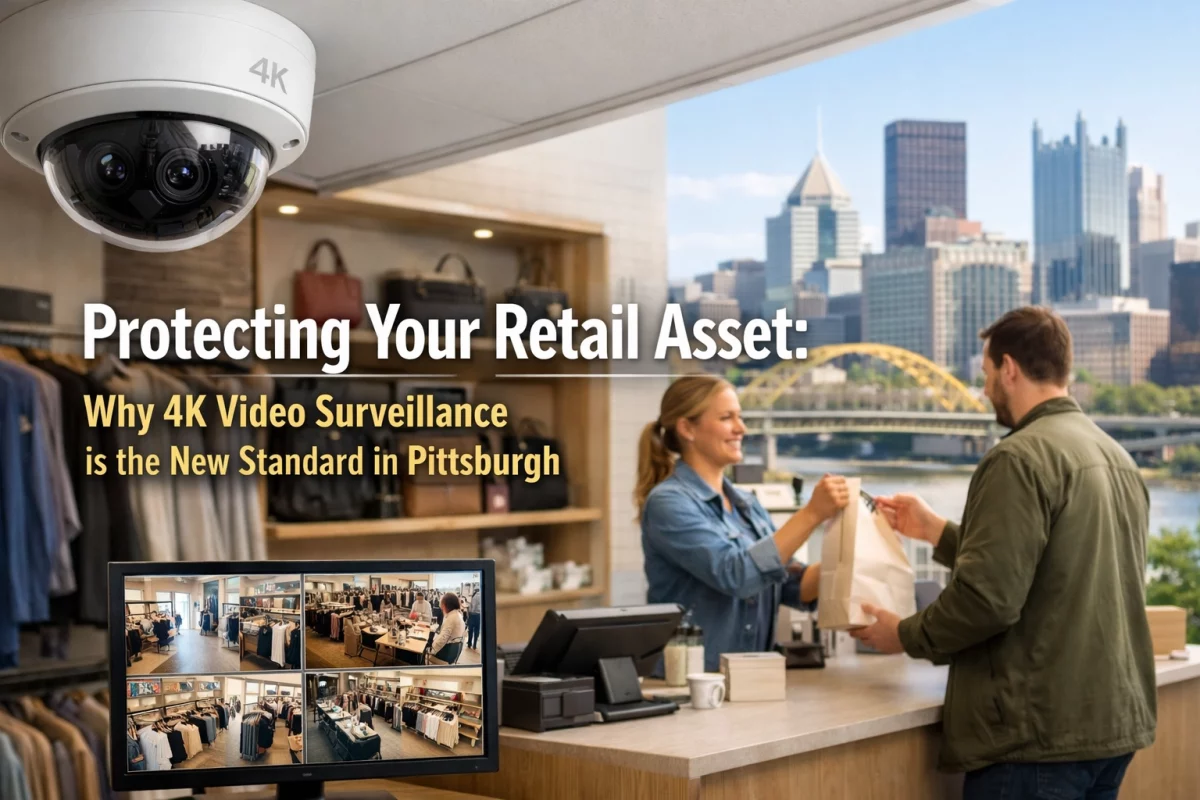
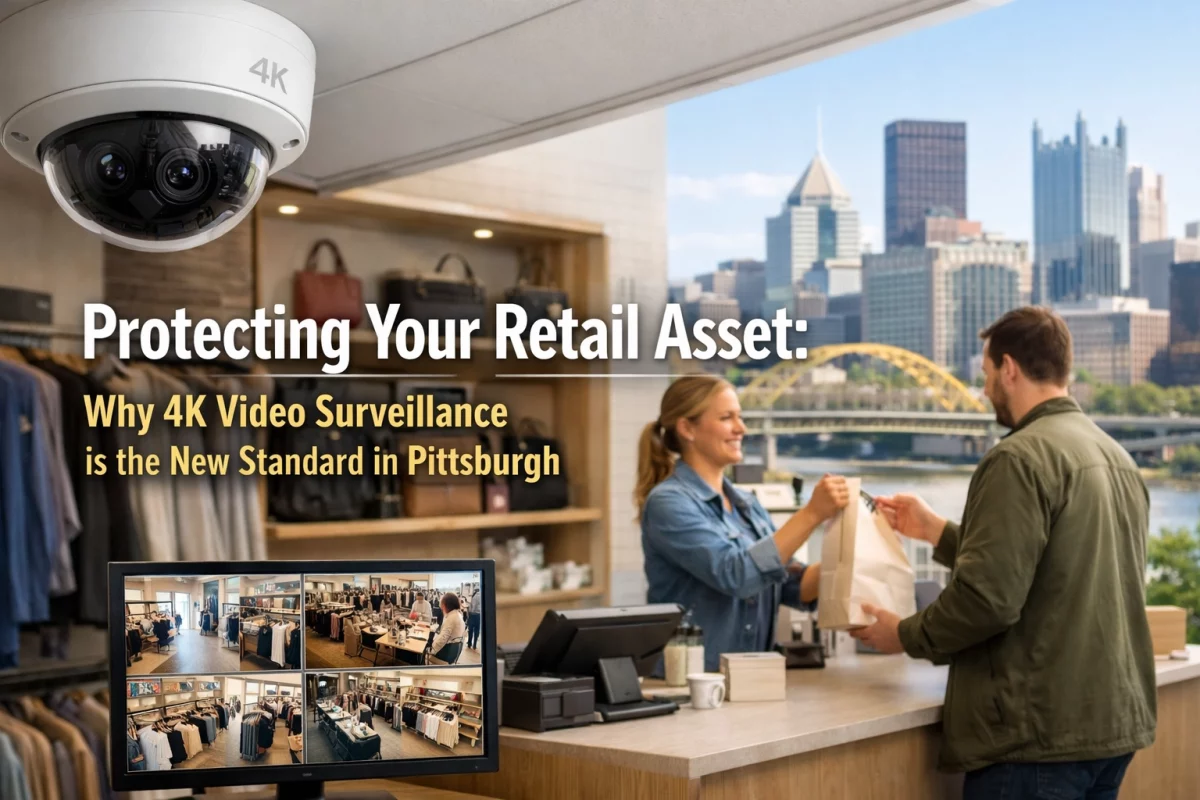
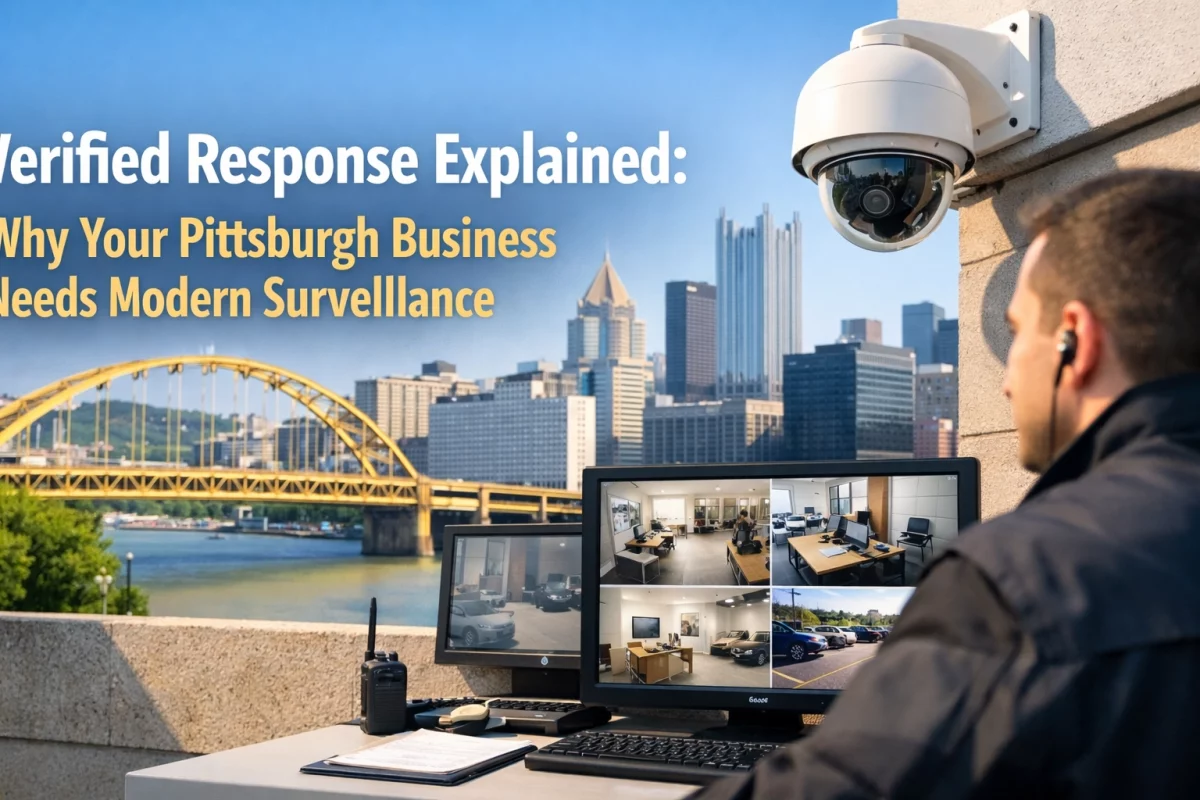
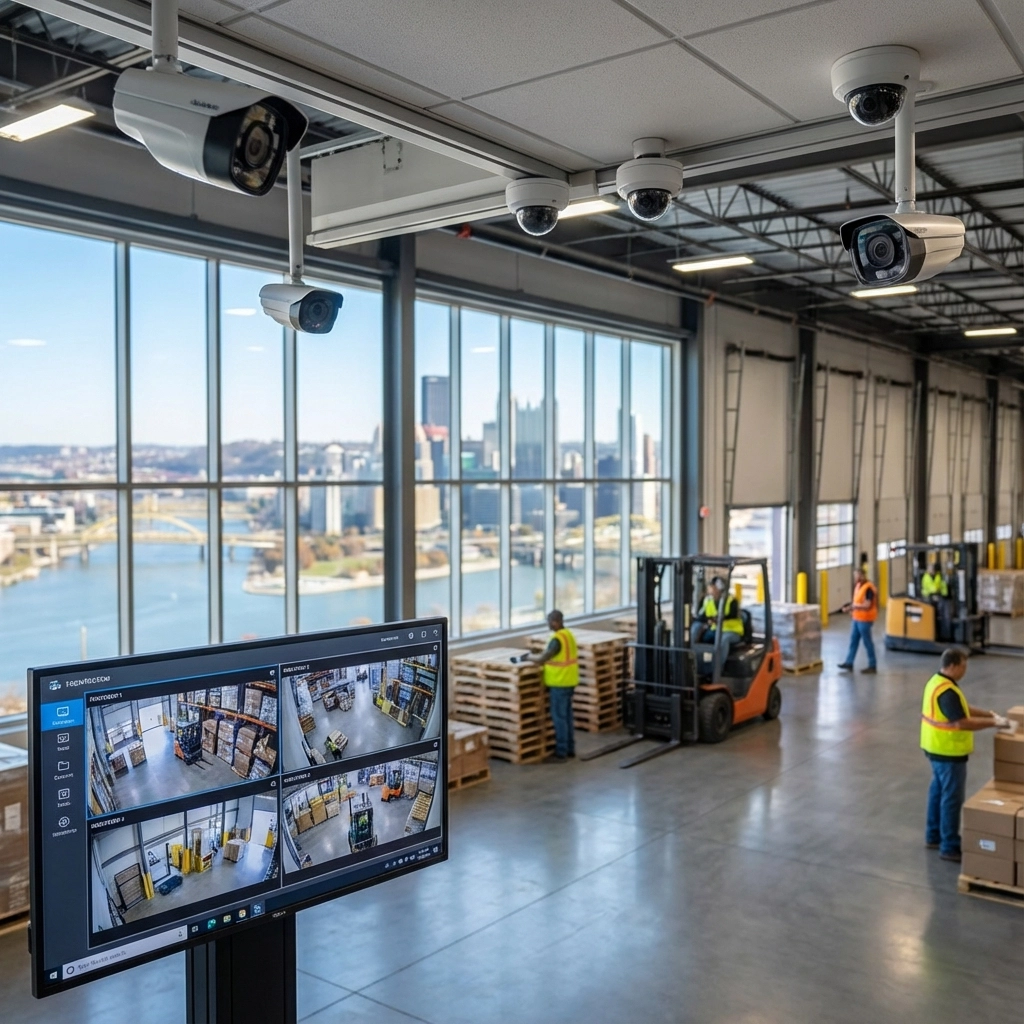
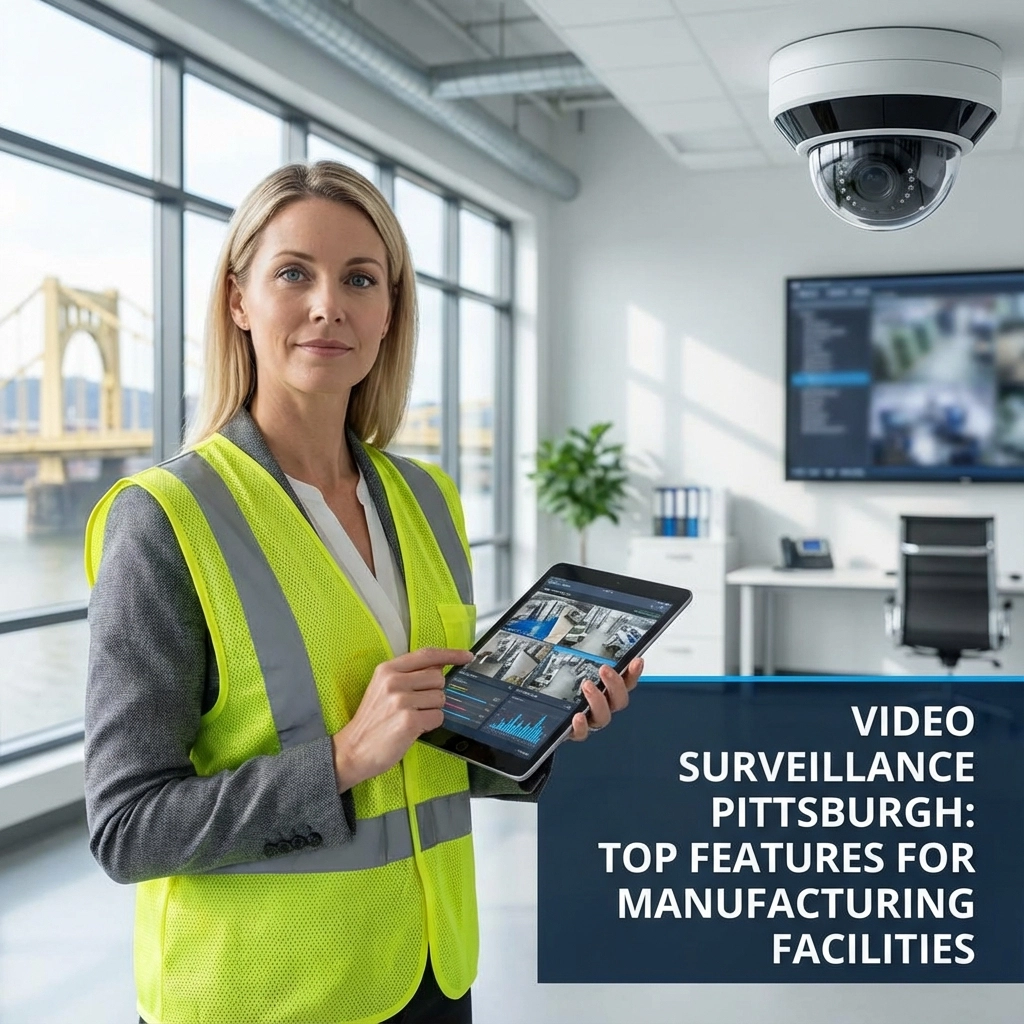
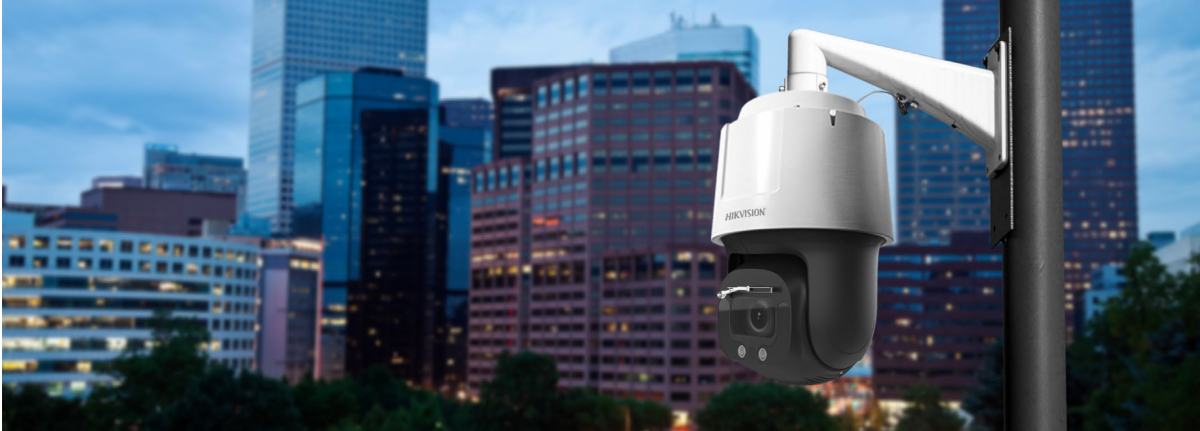
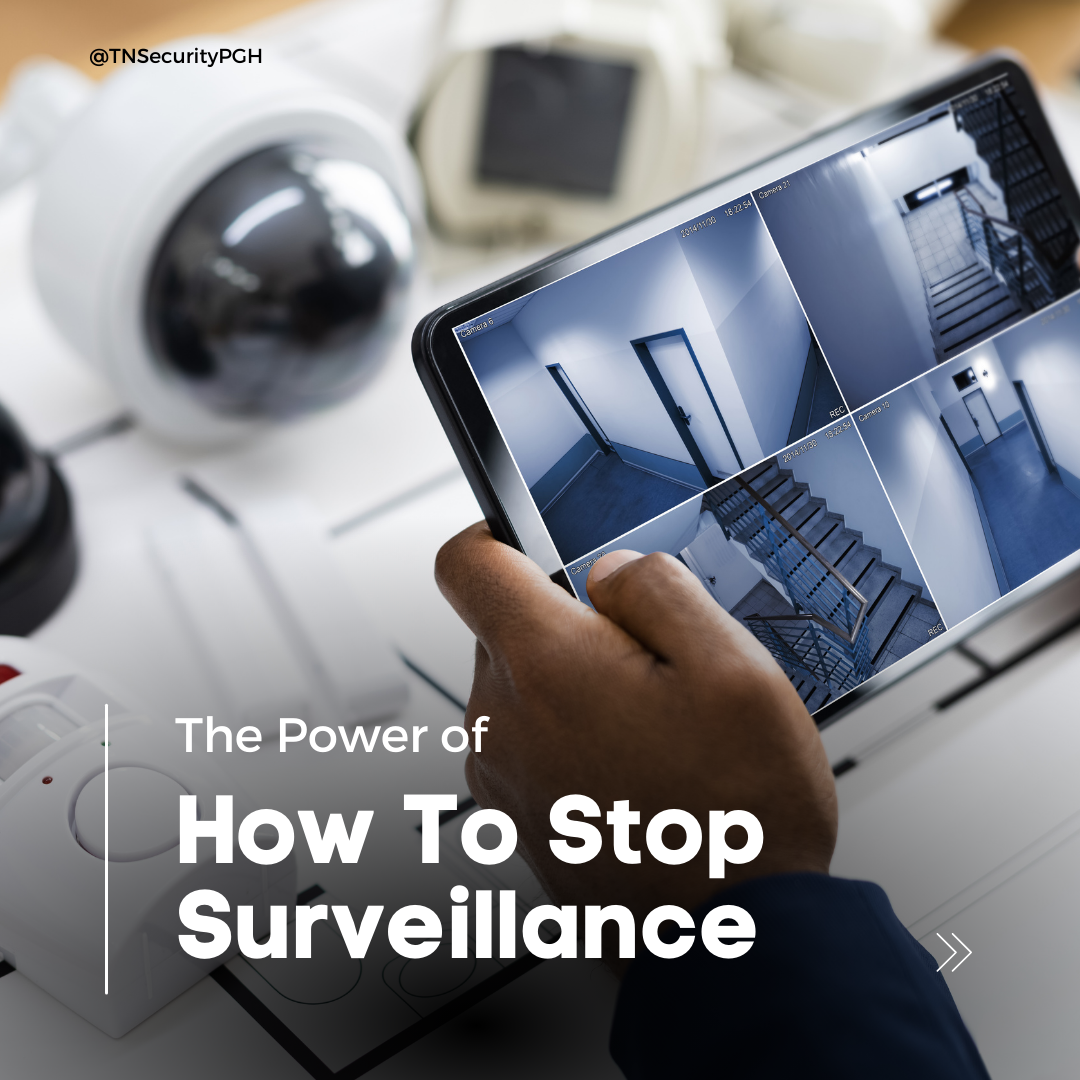
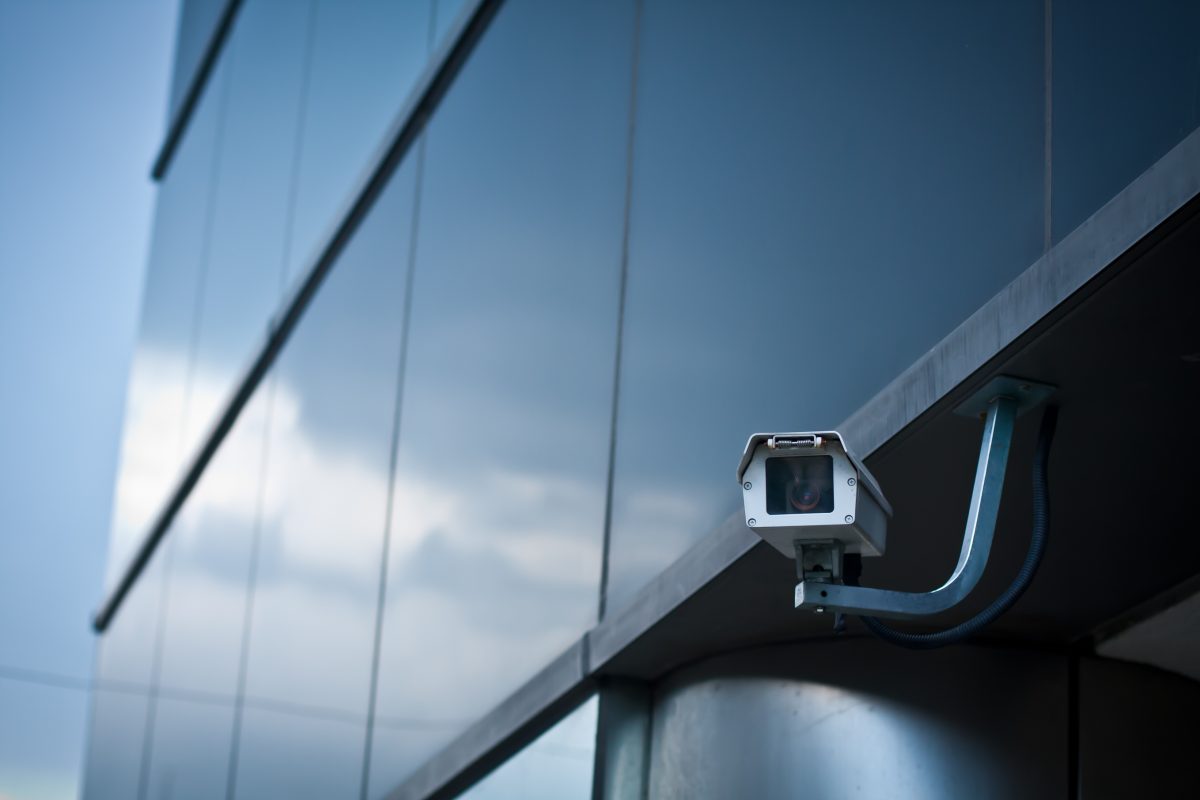
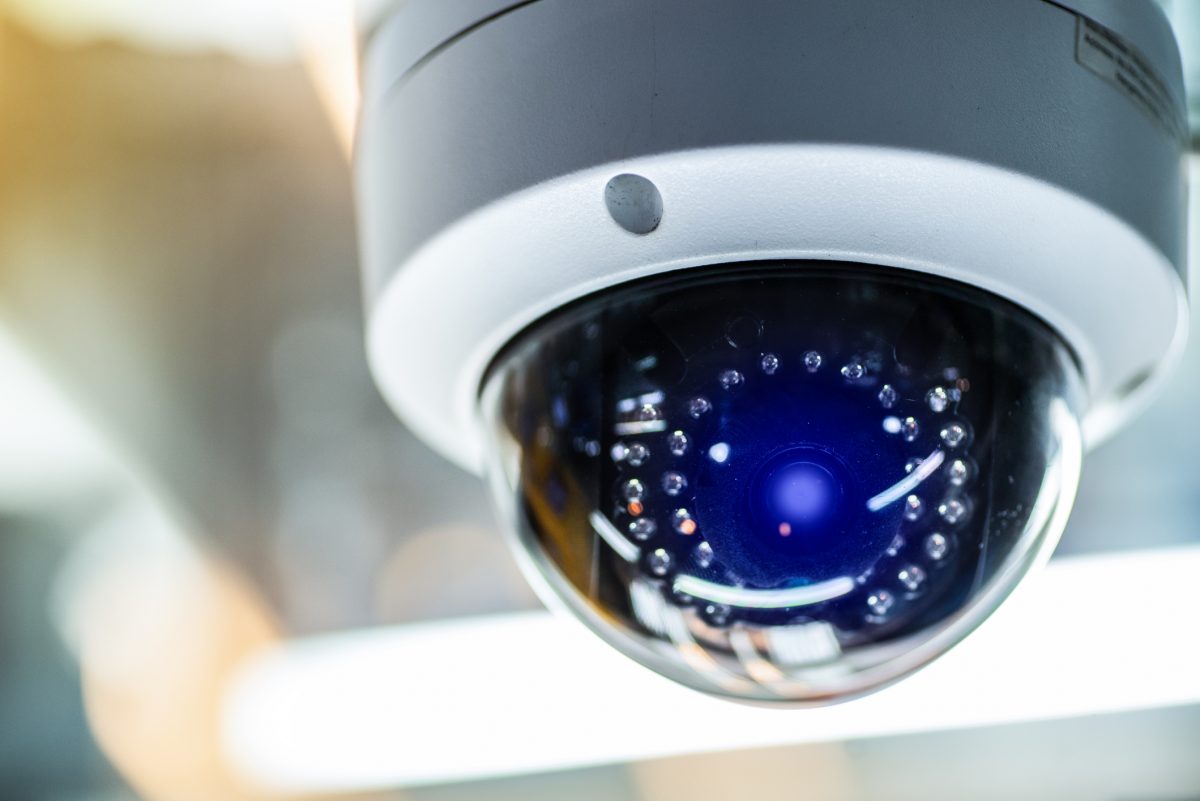
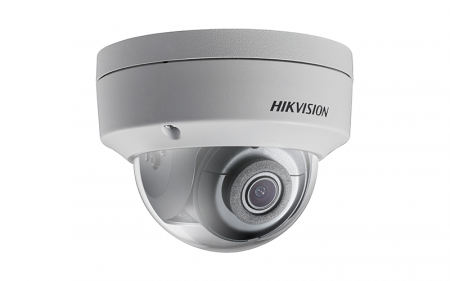
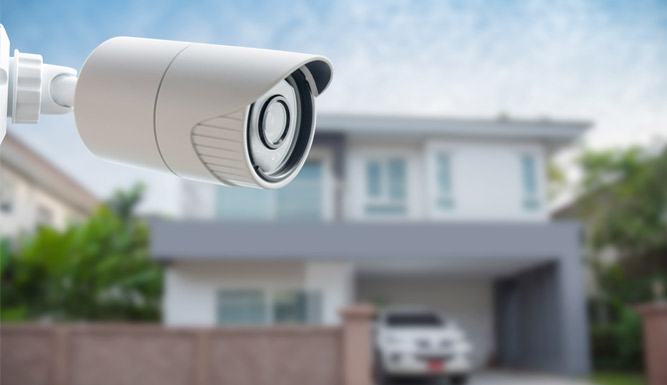
Next, check that cameras are recording and that storage has room for the closure period. Review your system’s retention settings and confirm that footage won’t be overwritten before you can access it. Pay particular attention to views of entrances, loading areas, rear doors, and other places where activity may be hard to spot. Check the recorded video, not just the live view, to verify that footage is clear and the date and time are correct.
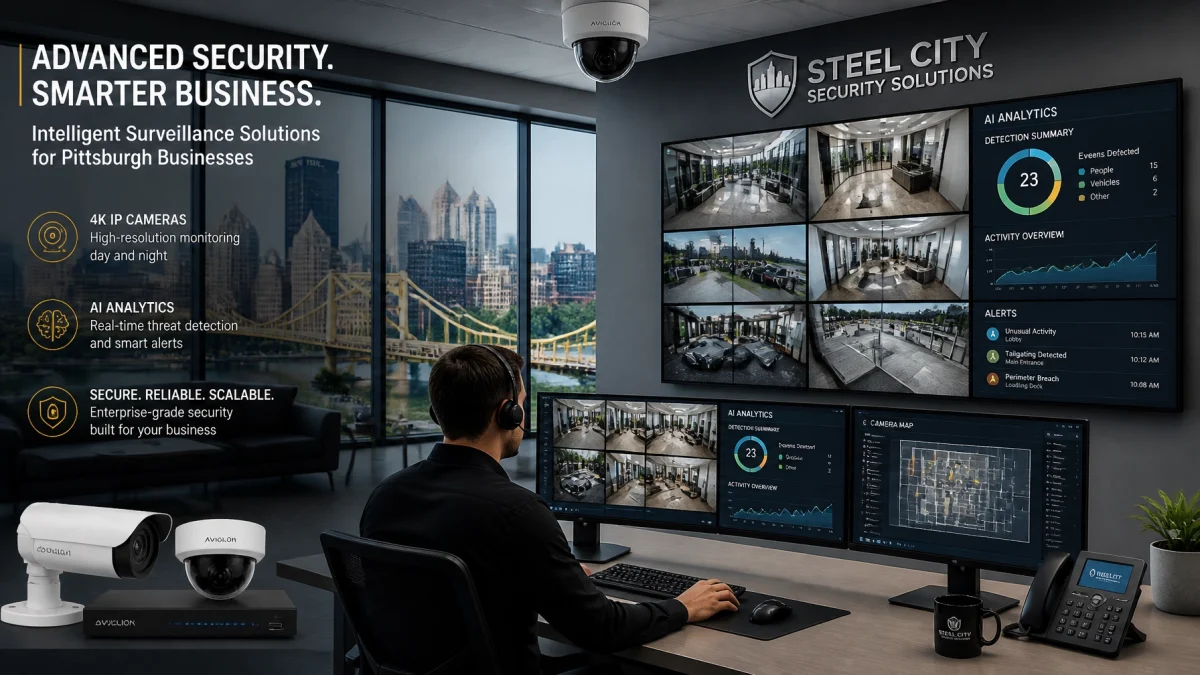
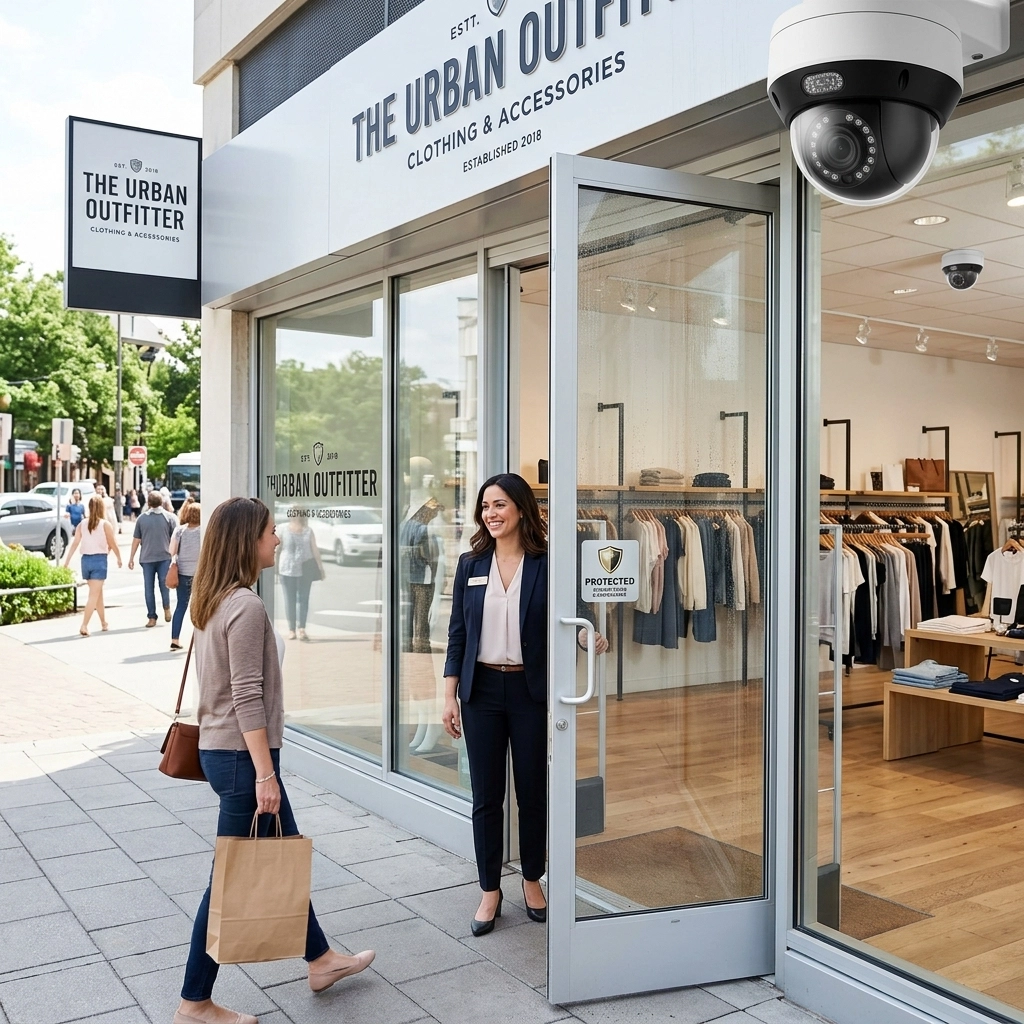
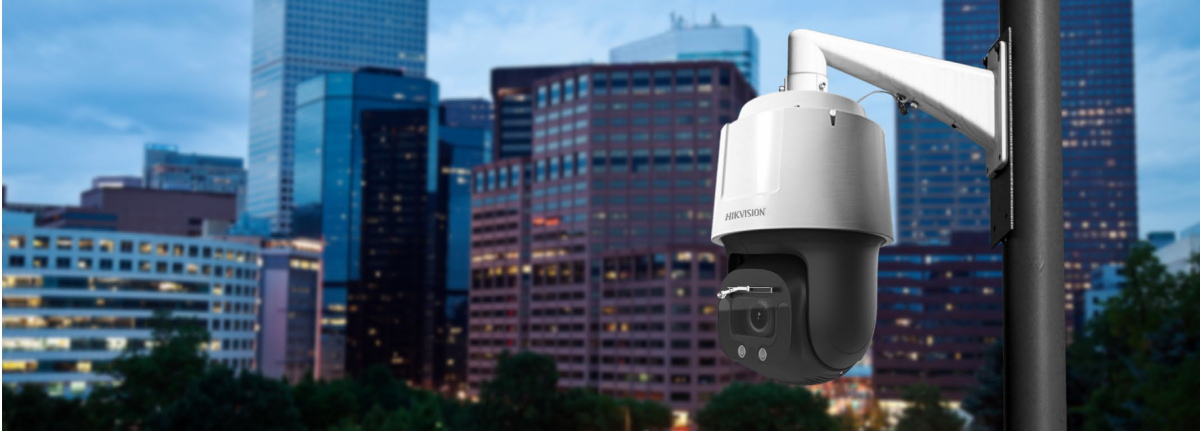
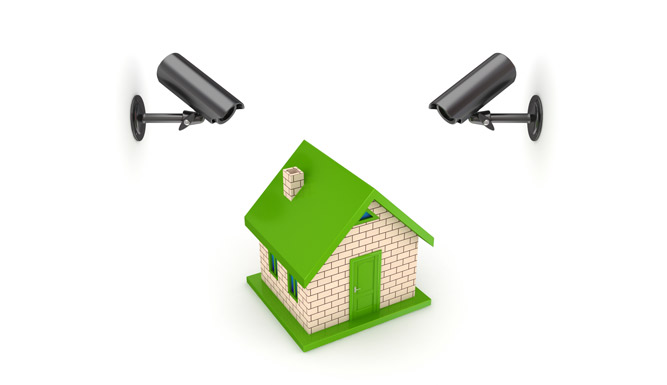
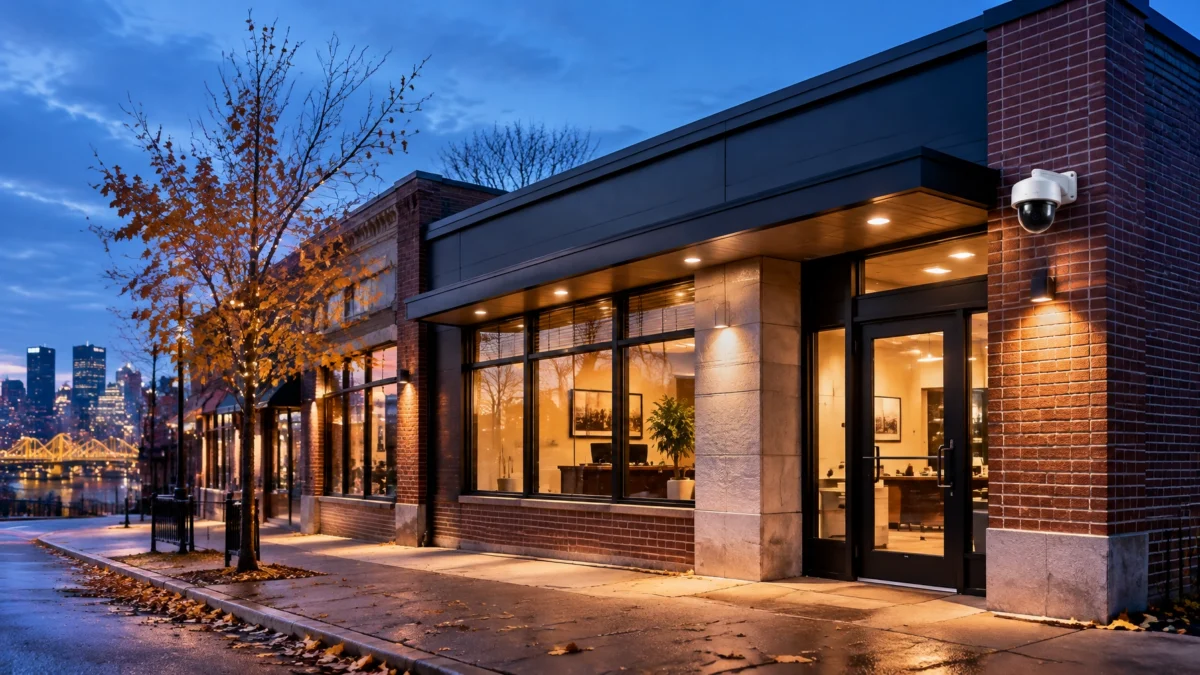
TN Security’s commercial video surveillance systems can include remote viewing and flexible recording options. The right setup depends on your building, coverage priorities, and how you need to review footage.
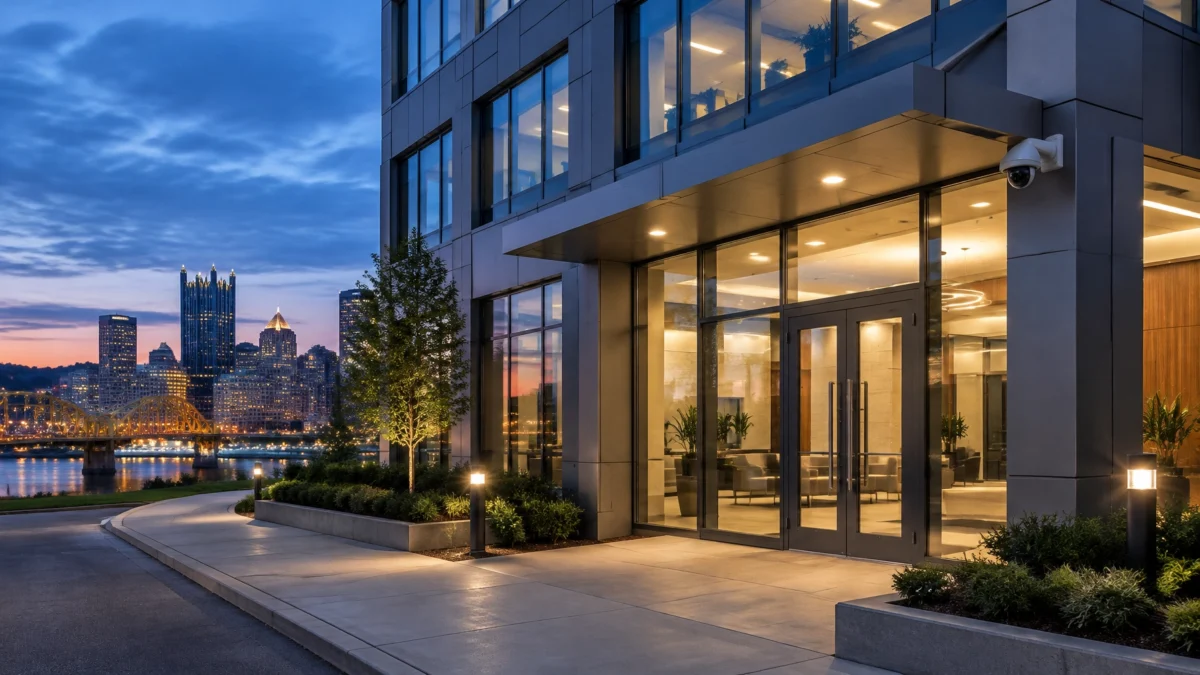
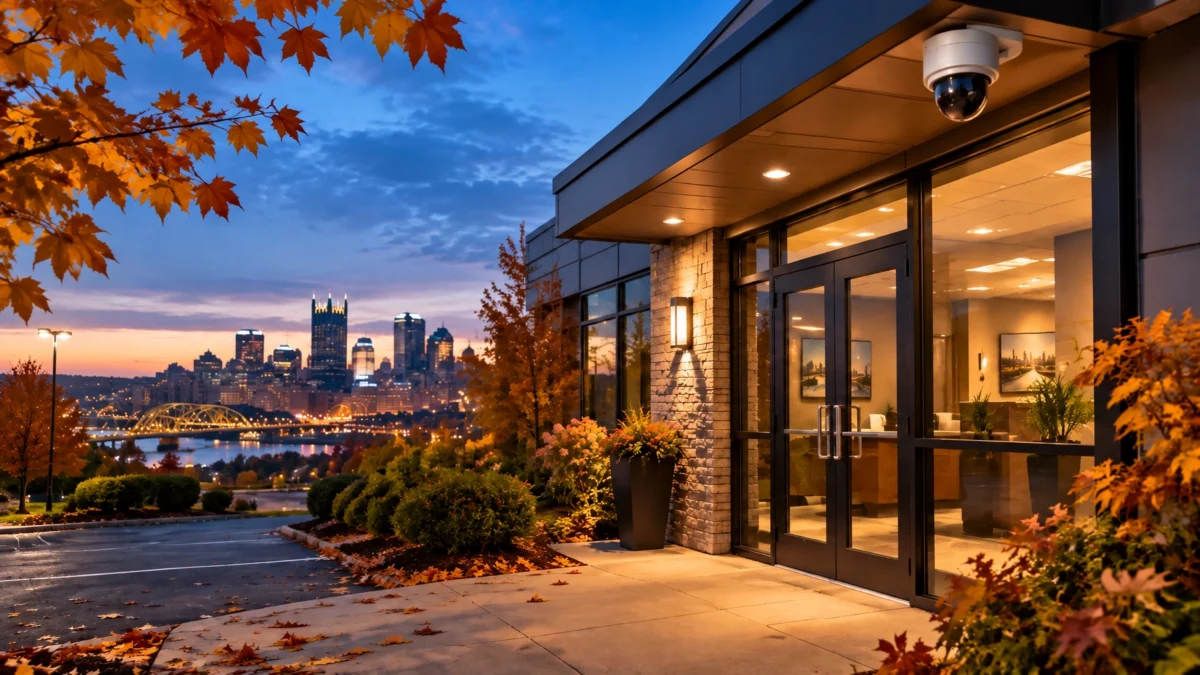
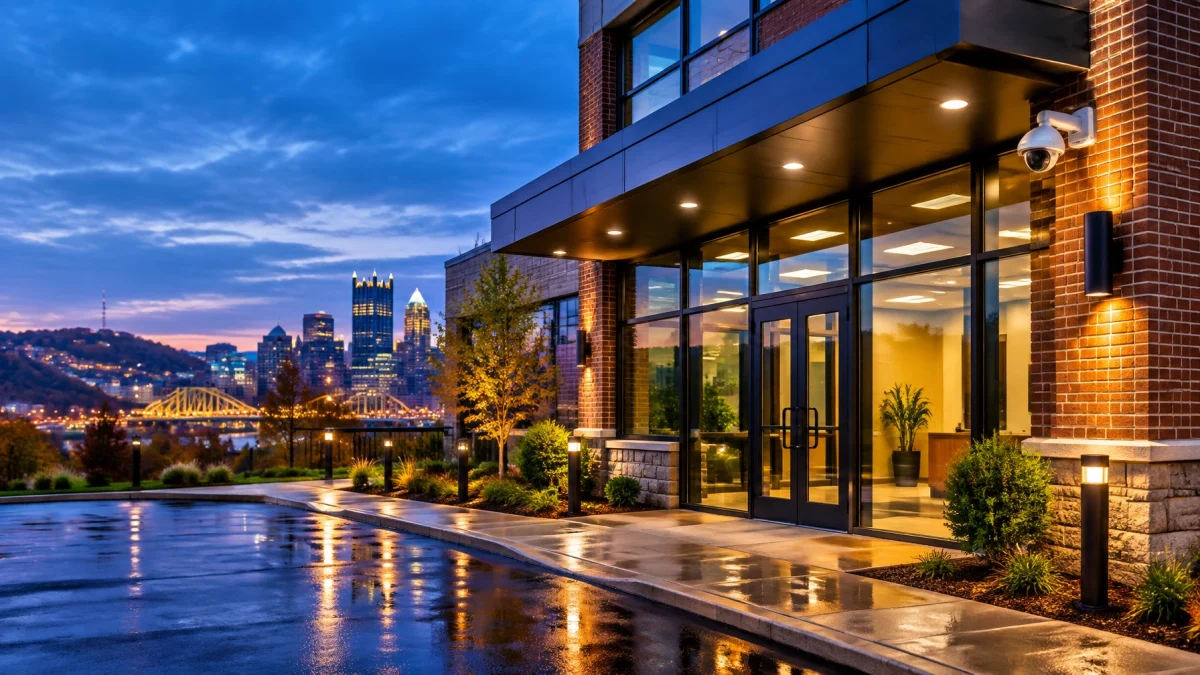
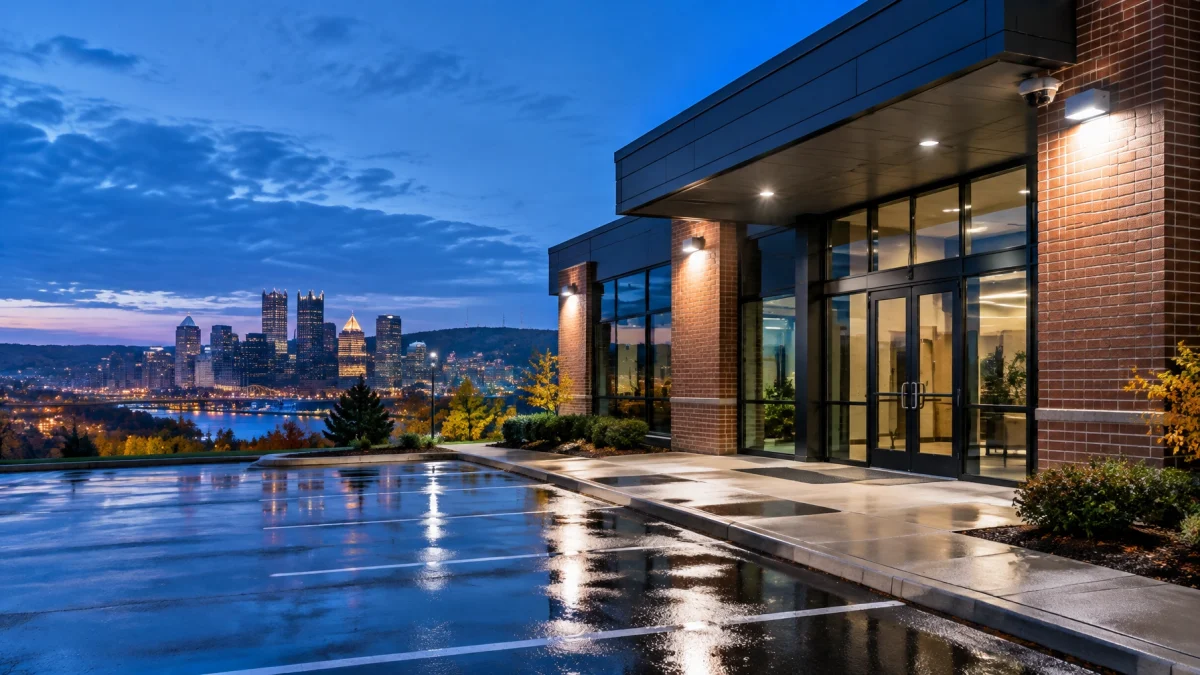
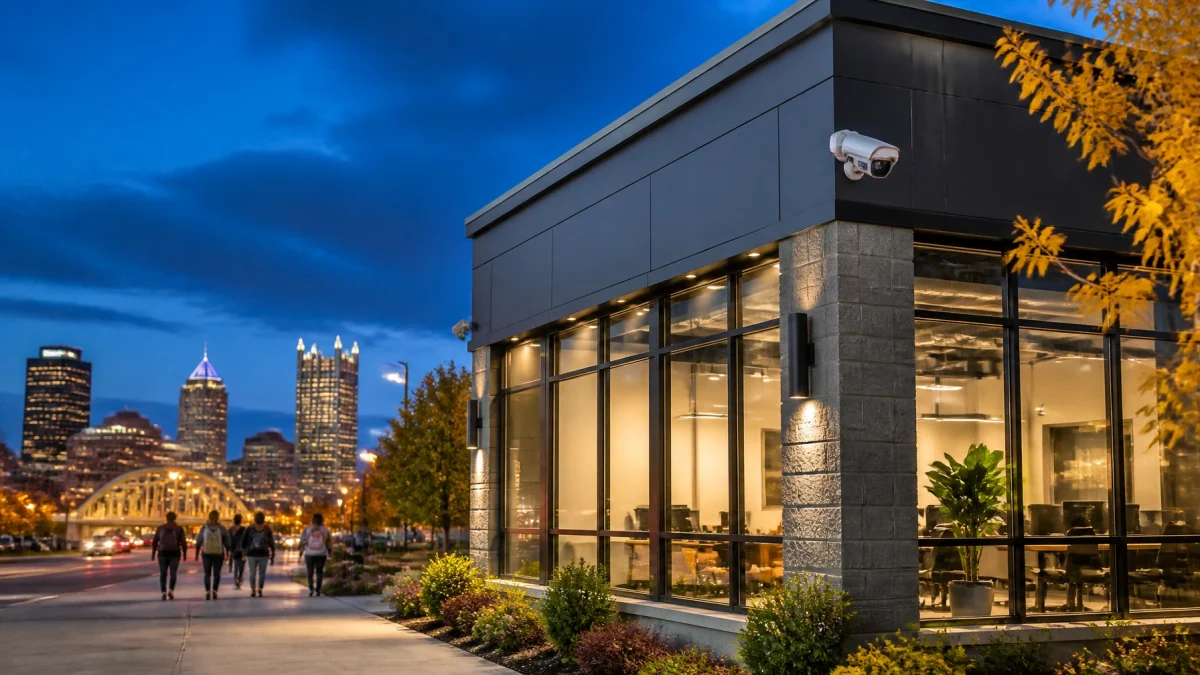
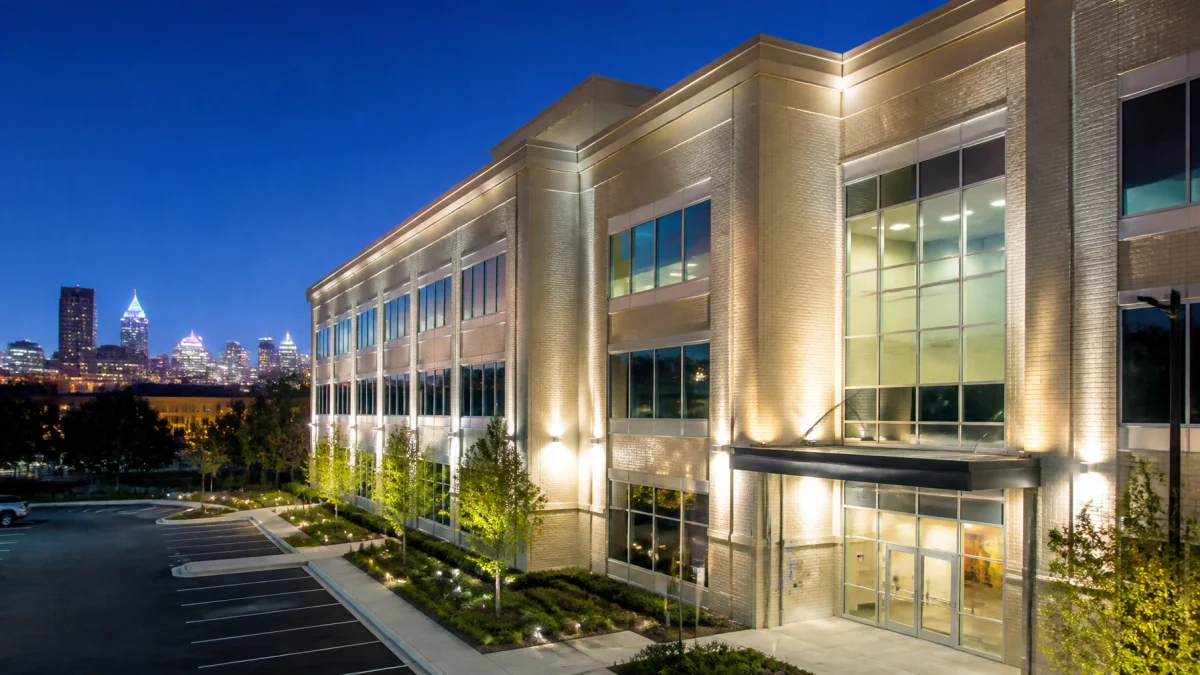
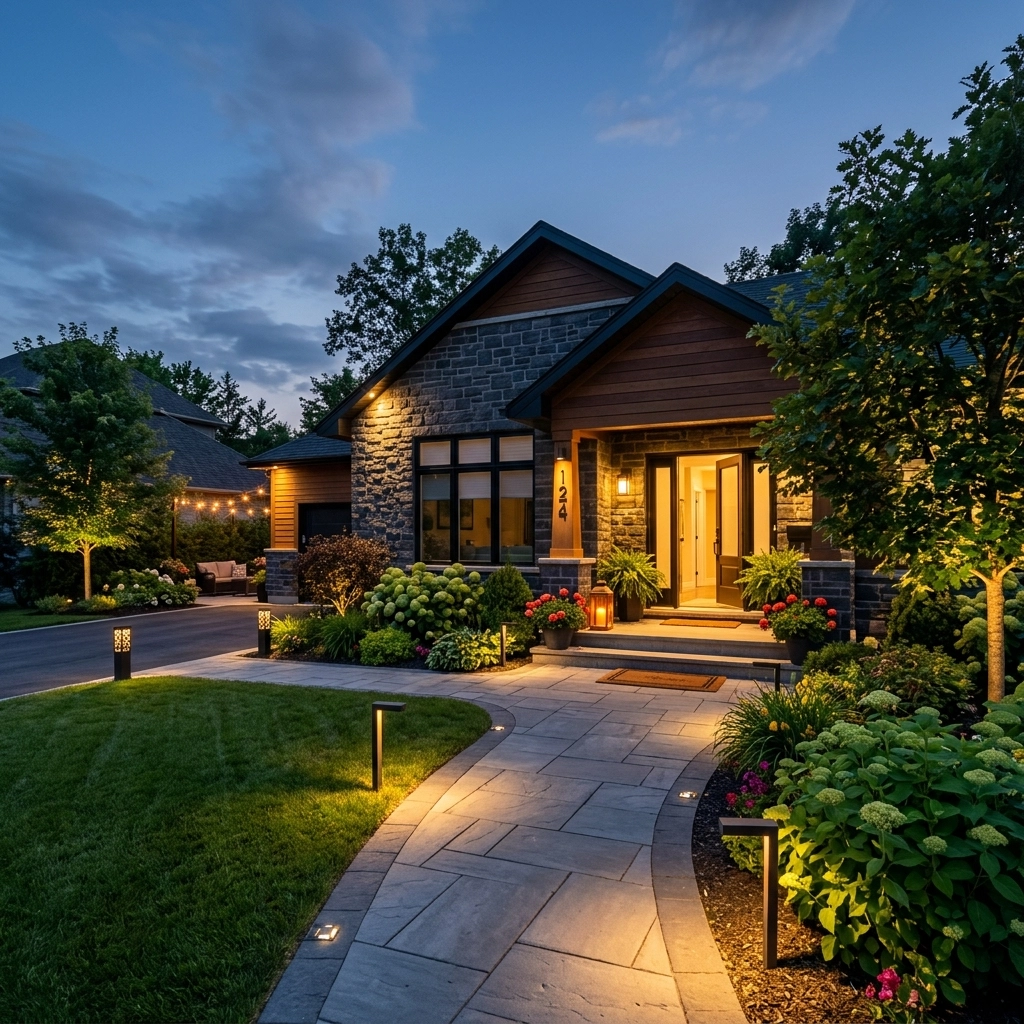
Lighting schedules can help maintain a normal, consistent appearance when a business is empty. Set interior lights to follow a routine that makes sense for your property, and check exterior lighting around entrances, walkways, parking areas, and loading zones. Avoid creating glare or deep shadows that make camera footage harder to interpret.

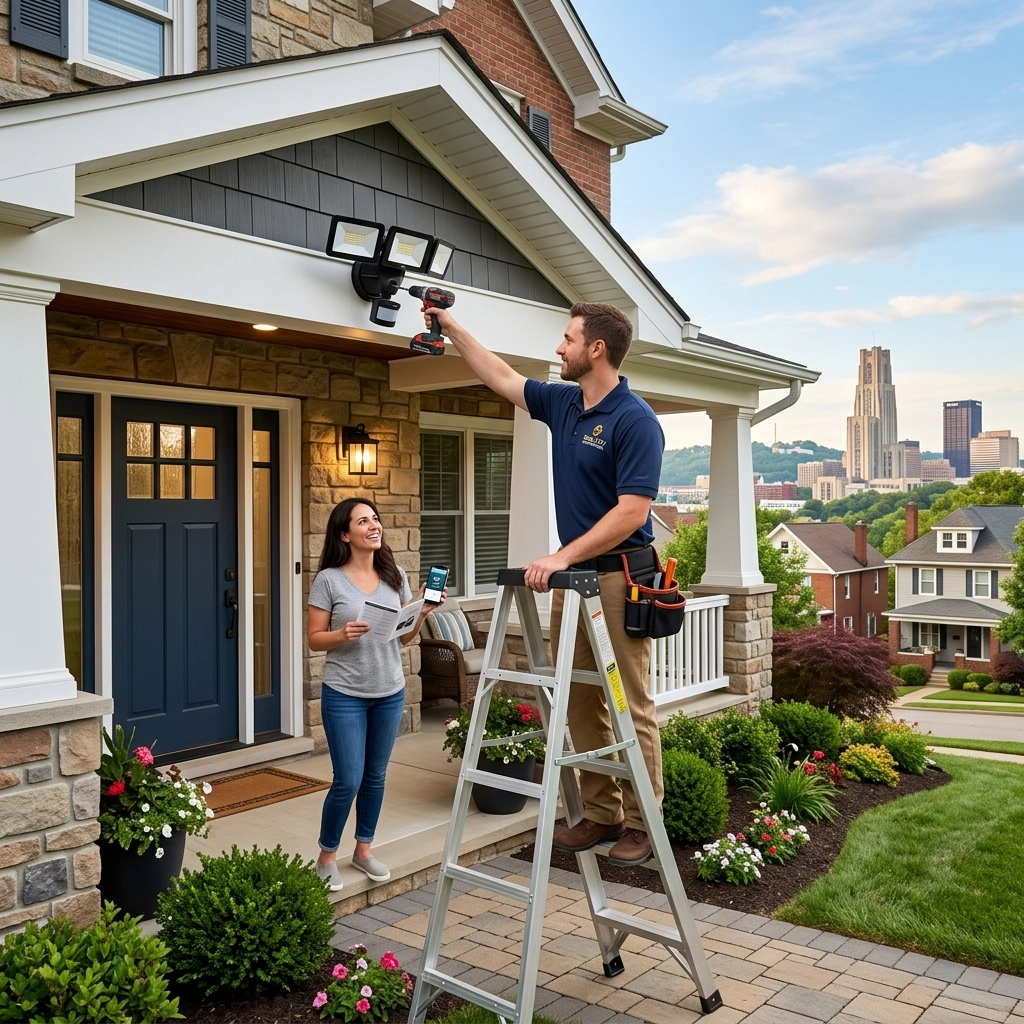
If you’re considering a lighting upgrade, TN Security offers LED lighting installation. A well-planned setup can support visibility at key points around your property; it should complement, not replace, cameras, alarms, and good closing procedures.
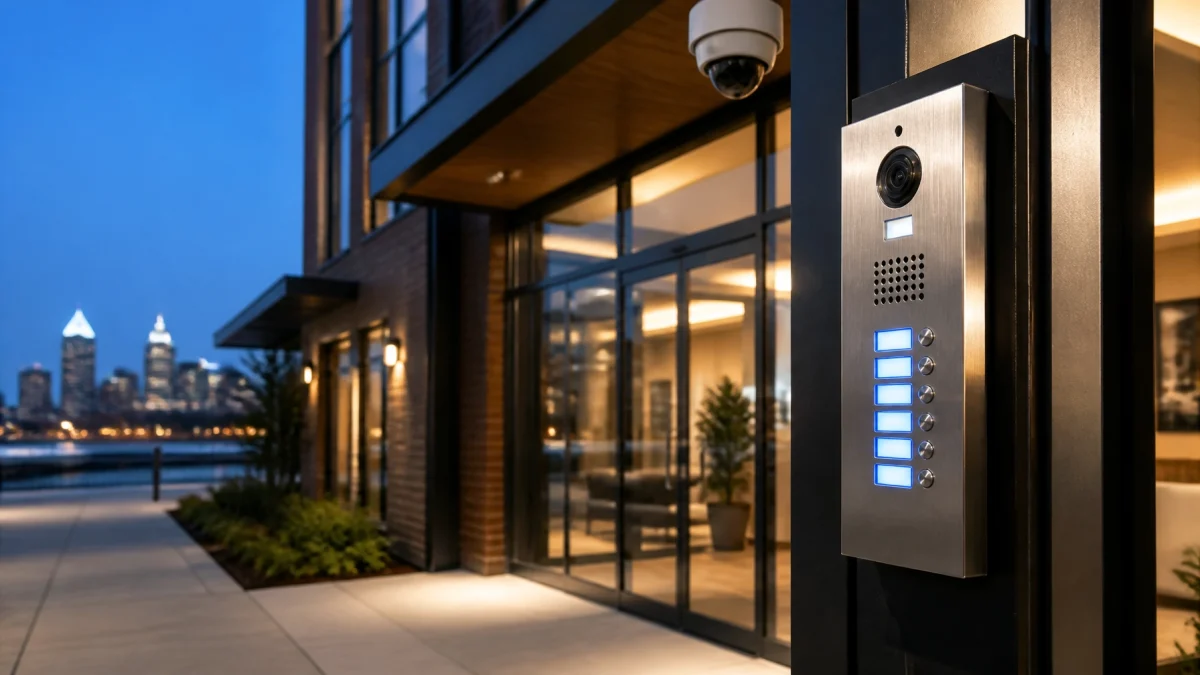
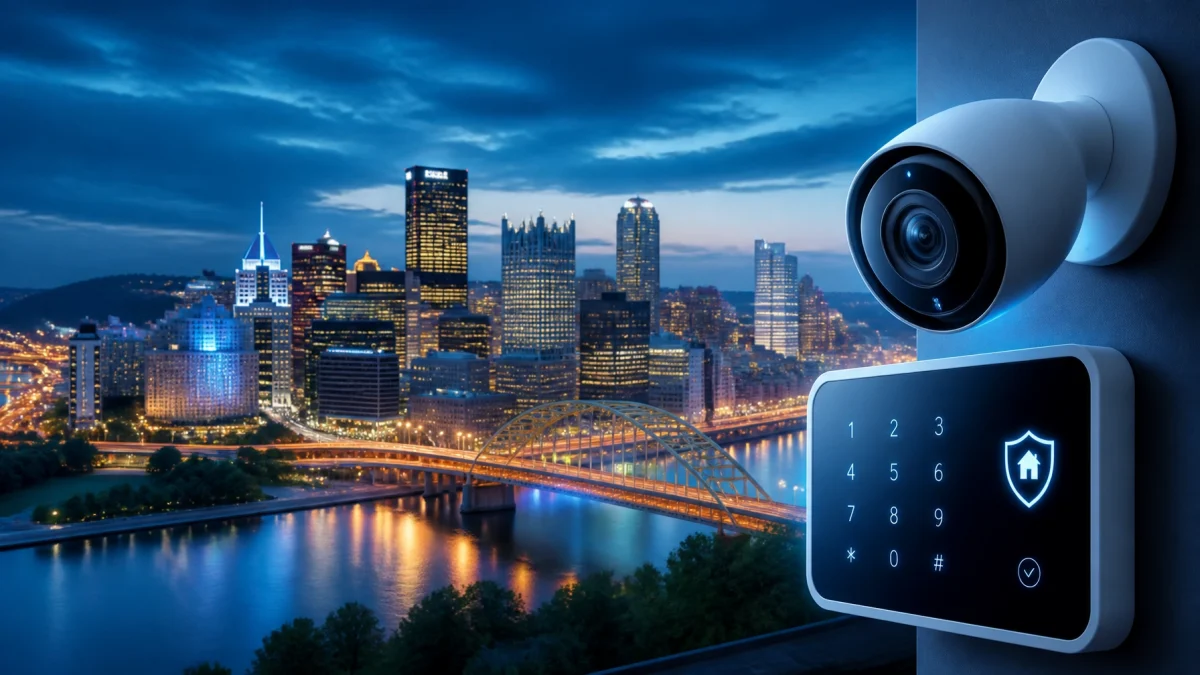
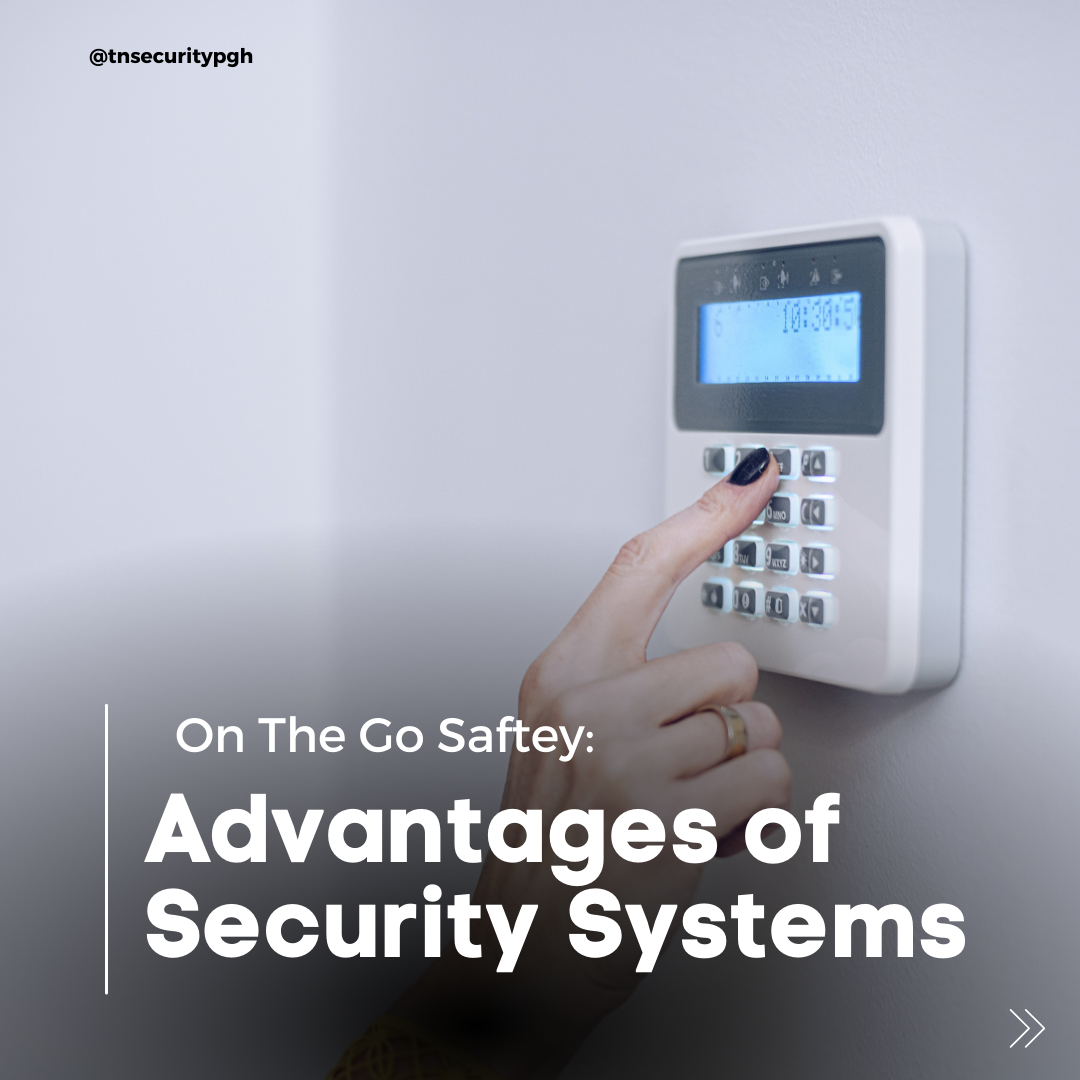
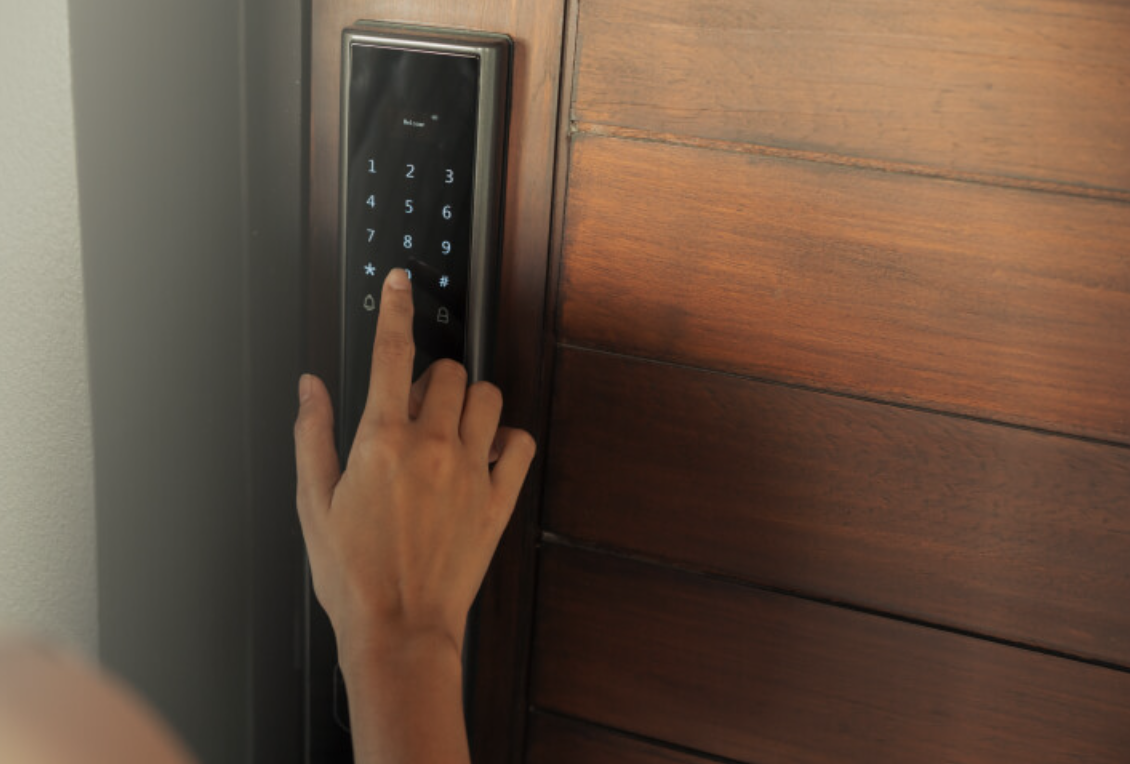
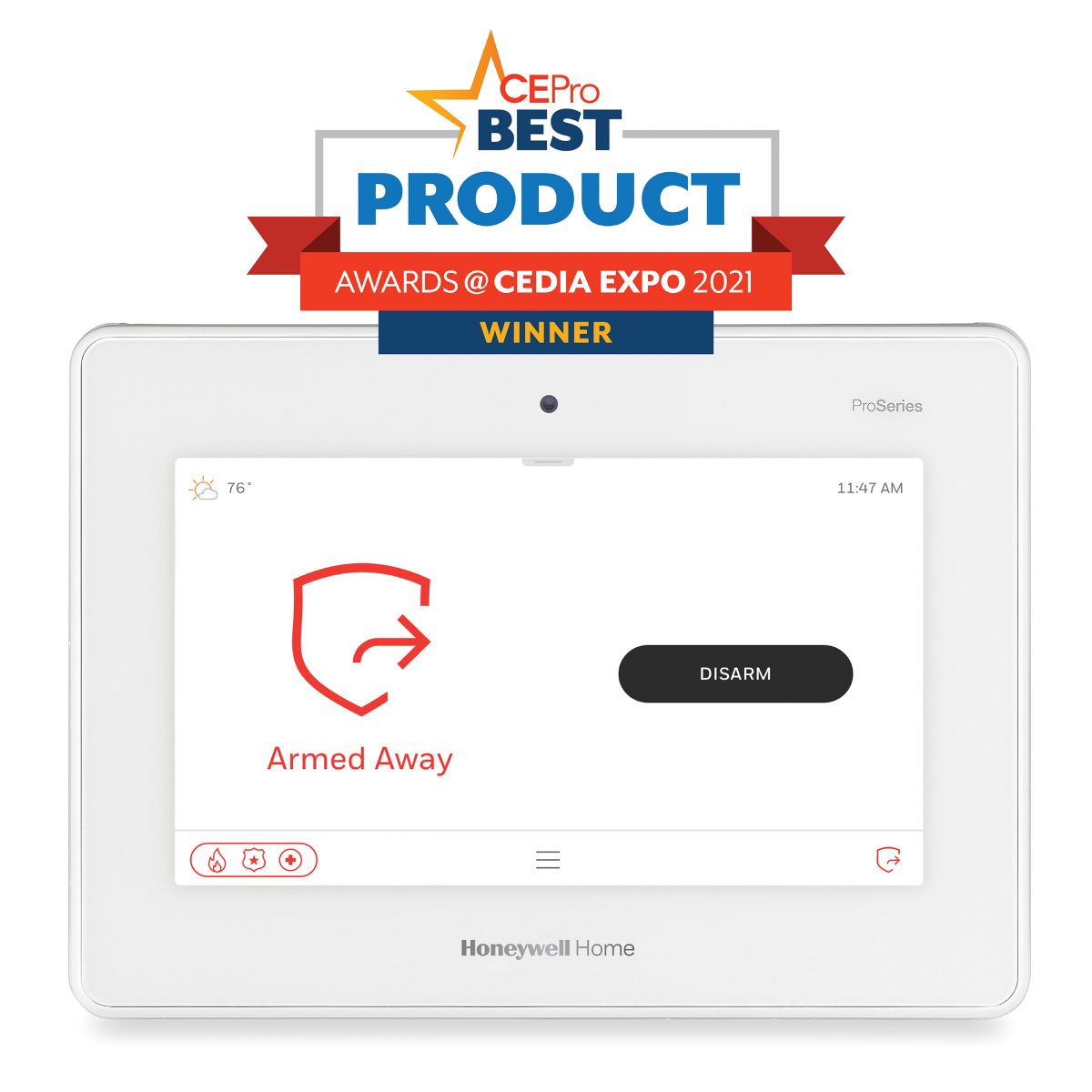
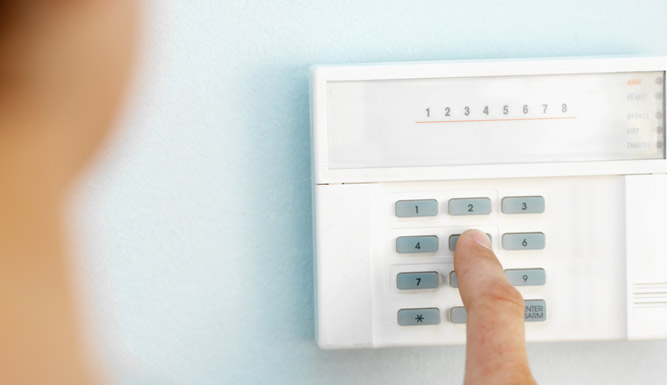
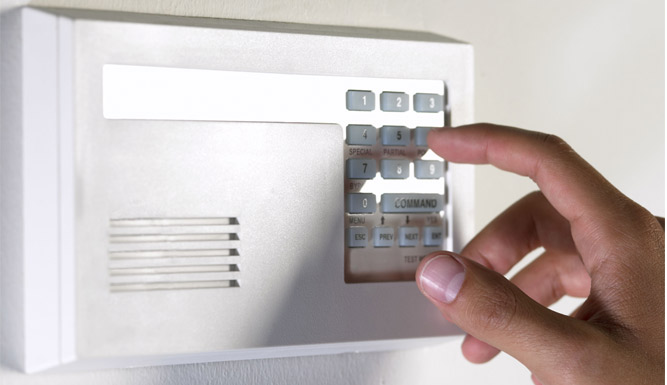
Before the building is left unattended, check every exterior door and accessible window. Confirm that the alarm is armed using the correct setting for an empty building, and make sure the people responsible for responding to alerts are reachable. Don’t rely on a visual glance at the keypad, confirm the system reports the expected status.
FEATURED SEASONAL TIP: Set your lighting schedule, then walk the property after dark before the holiday. Check what the cameras actually see from their installed positions. A light can make an area brighter to the eye but still cause glare, reflections, or shadows in the recorded image.
A clear handoff helps avoid the familiar holiday question: “Did anyone check the back door?” Before closing, identify who is responsible for the final walk-through and who will serve as backup if an alert arrives. Keep the instructions simple and specific.
A practical closing checklist can include:
A manager reviewing your plan should know who to contact, how to verify an alert, and when to request assistance. Don’t assume every notification is an emergency, or that every alert can be resolved remotely. Establish a response plan that fits your business and monitoring arrangement.

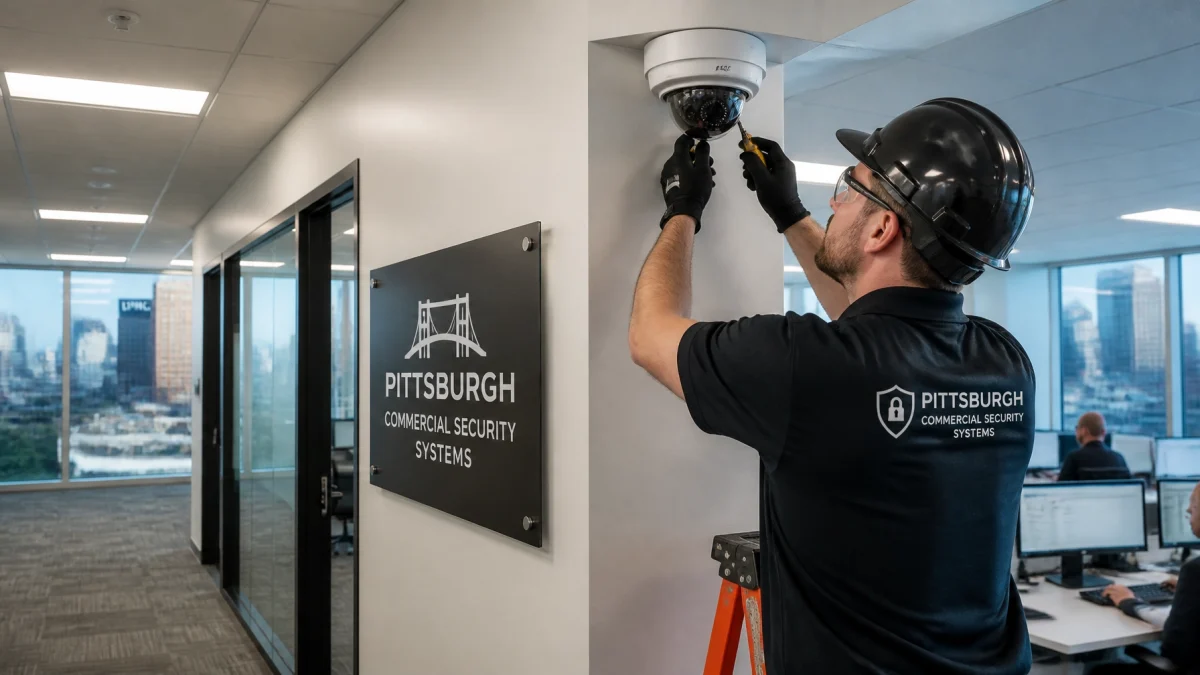
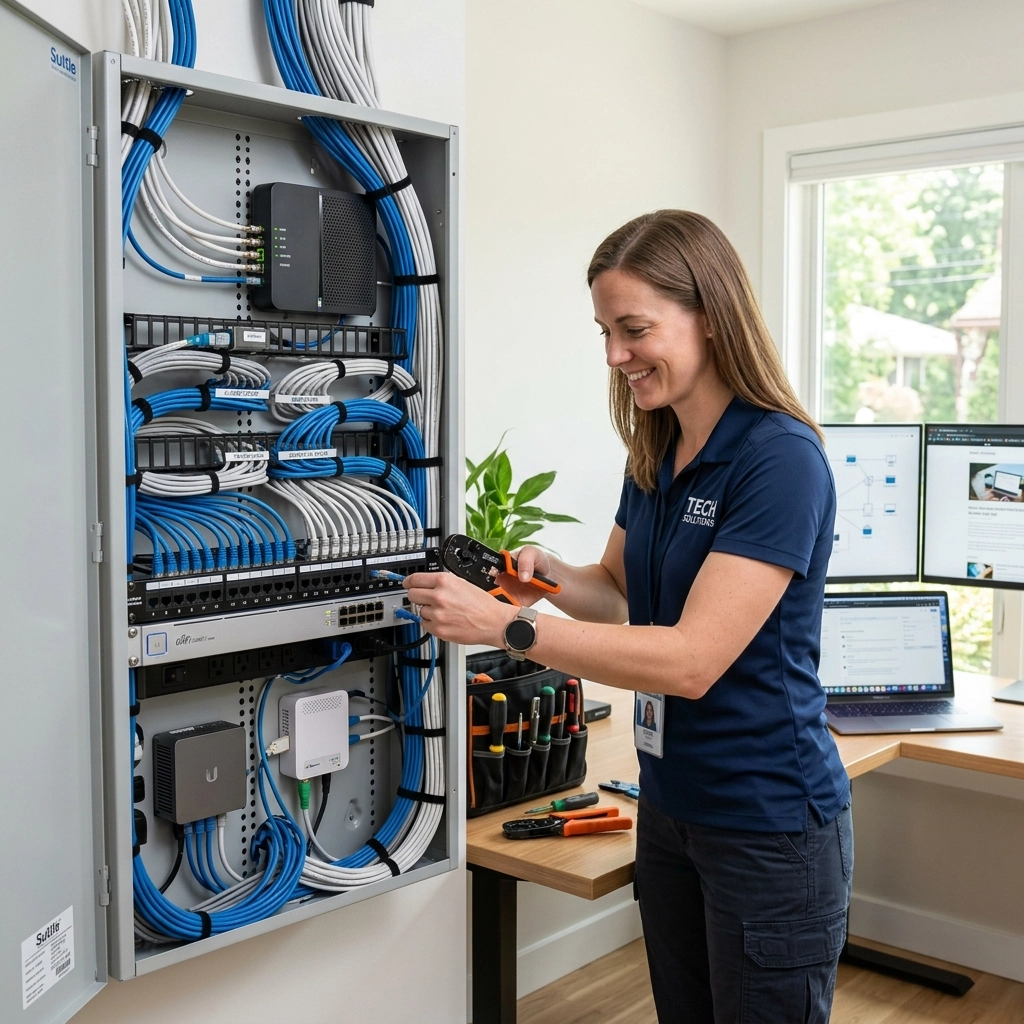
TN Security provides commercial security solutions for Pittsburgh-area businesses, including surveillance systems designed around the property’s needs. Team Nutz Technology owns and operates TN Security and brings more than 15 years of experience to security and technology projects. Businesses looking for security cameras near me or security systems Pittsburgh can contact our team to discuss options for their location. We aim to be the #1 choice for commercial security systems and security cameras in Pittsburgh through tailored solutions, professional installation, and technology that can support remote access.
Learn more about commercial security systems or video surveillance, then contact TN Security to discuss your building.

Don’t wait until the last person is walking out the door to test your system. Review the cameras, confirm remote access, set lighting schedules, and brief the person responsible for closing. A short check now can make the holiday closure easier to manage.
TN Security Pittsburgh
Phone: 412-967-0467
Address: 3287 Library Road, Pittsburgh, PA 15234
Email: sales@teamnutztechnology.com
Website: tnsecuritypittsburgh.com
Test smartphone access, live and recorded camera views, available recording storage, lighting schedules, door and window locks, and alarm arming. Assign someone to receive and respond to alerts.
TN Security serves businesses in the Greater Pittsburgh area with professional video surveillance solutions. Call 412-967-0467 or visit tnsecuritypittsburgh.com to discuss your property.
TN Security designs and installs commercial security solutions for local businesses. Contact the team to review your site, security priorities, and system options.