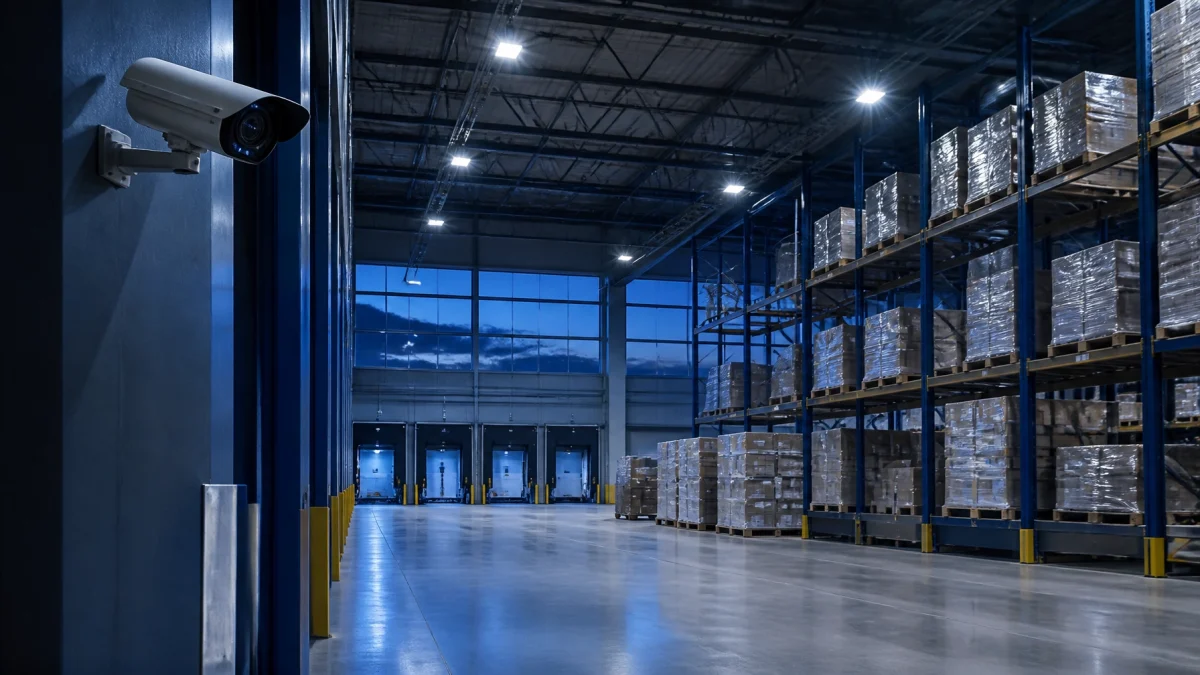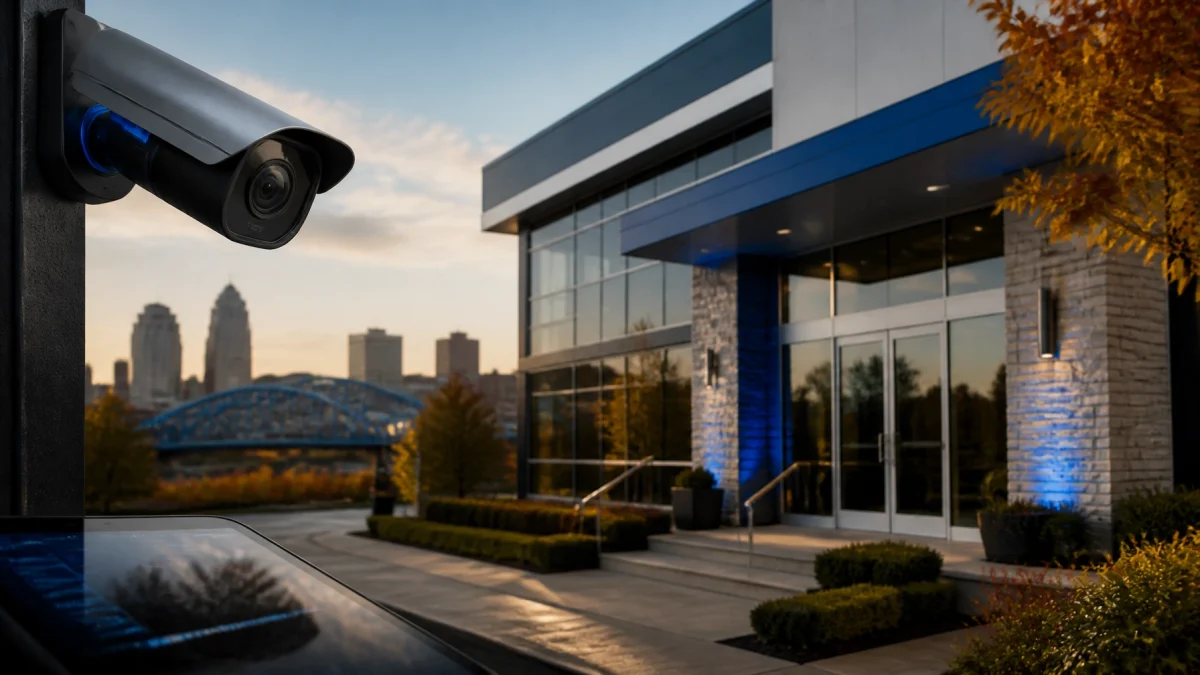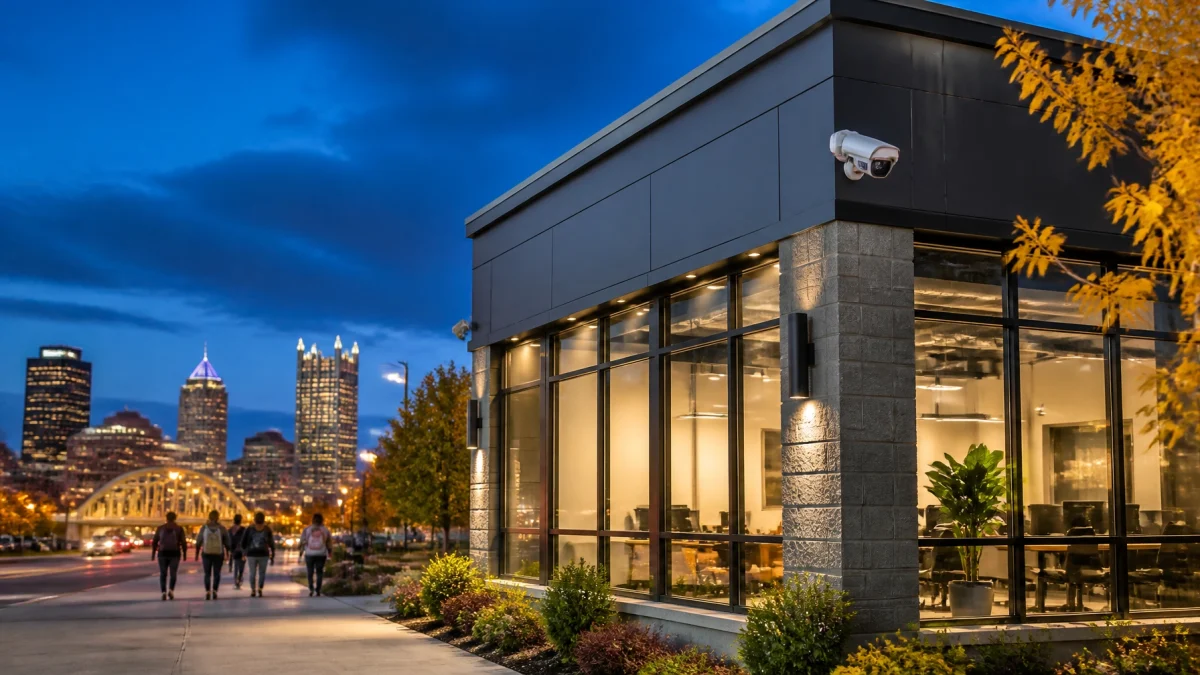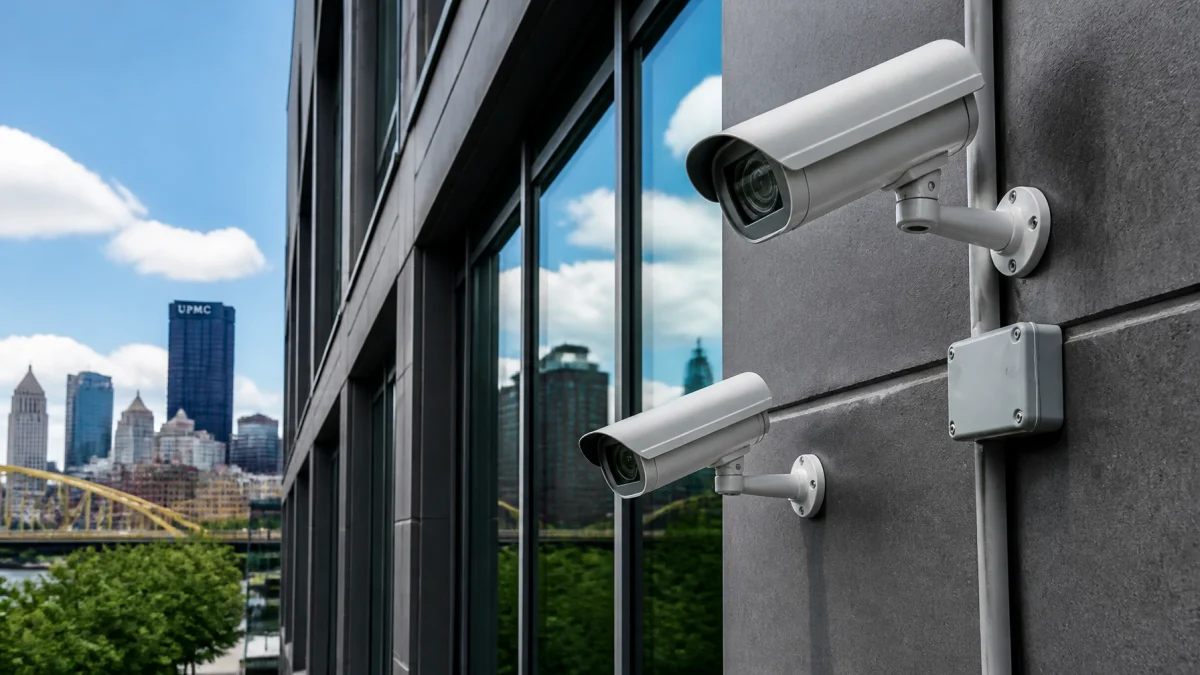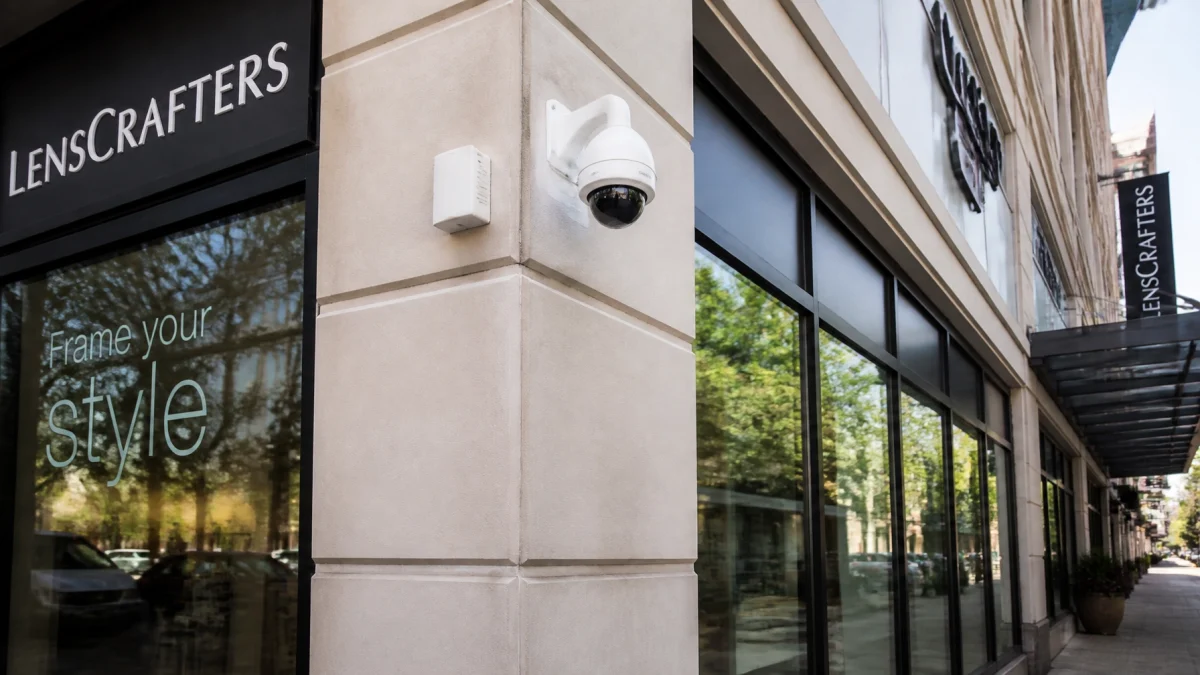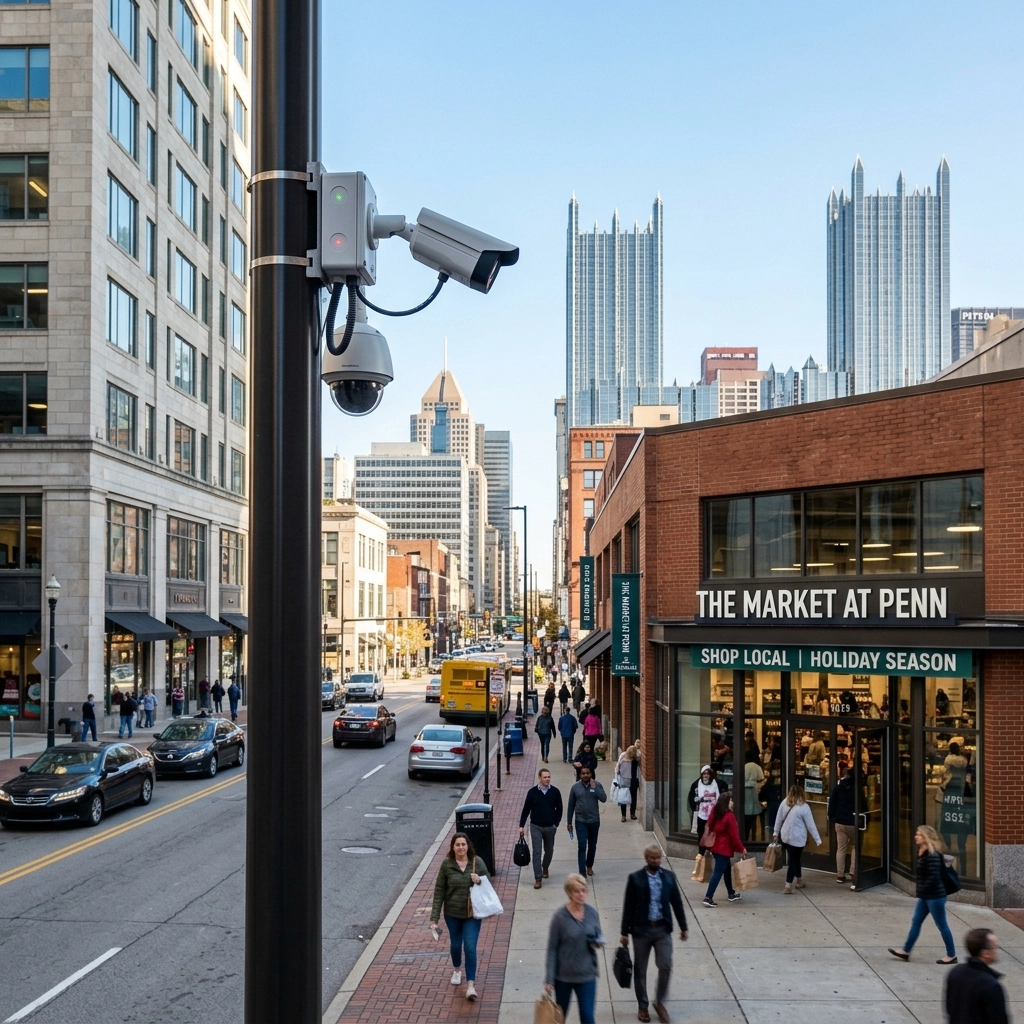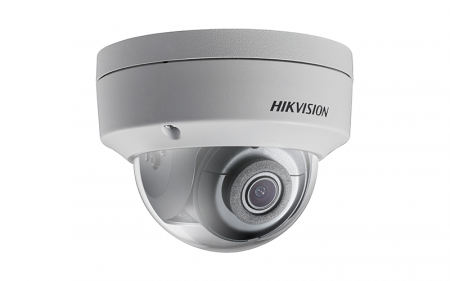
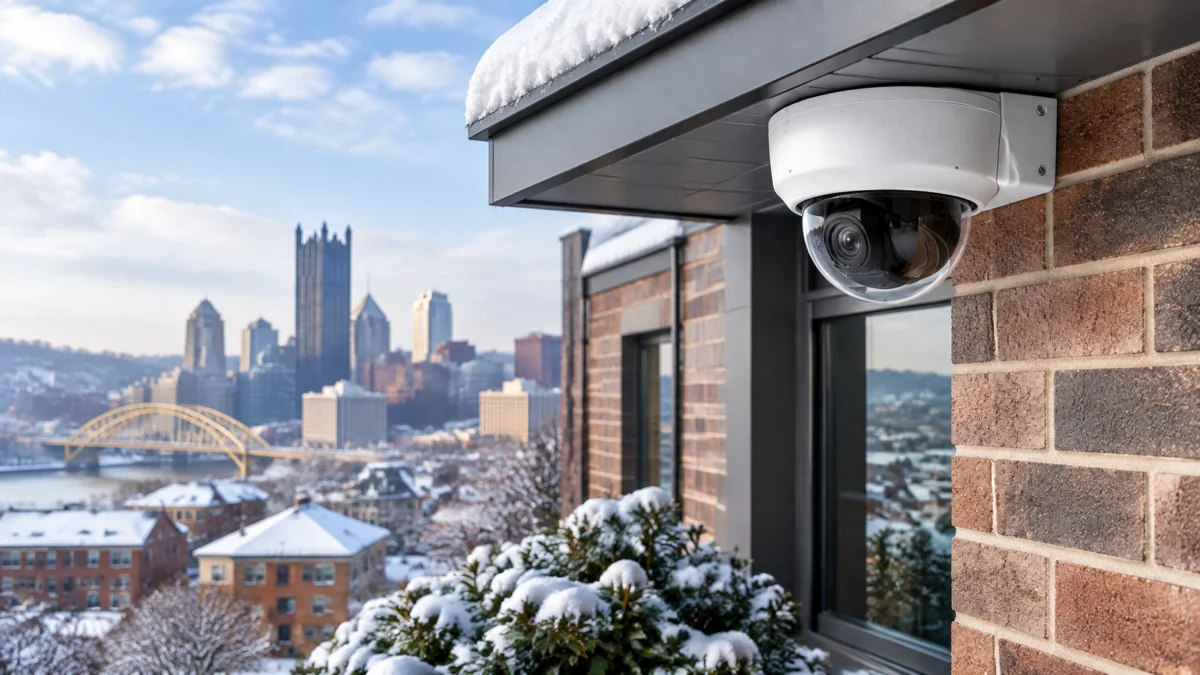
Yes, before Pittsburgh’s first snow, check that each outdoor camera is rated for the temperatures it may experience, its lens and housing are clear and sealed, and its view is free from branches and other obstructions. Test night vision and remote viewing, too. Snow, ice, condensation, and shifting branches can affect coverage just when a business needs to verify entrances, parking areas, and loading zones.
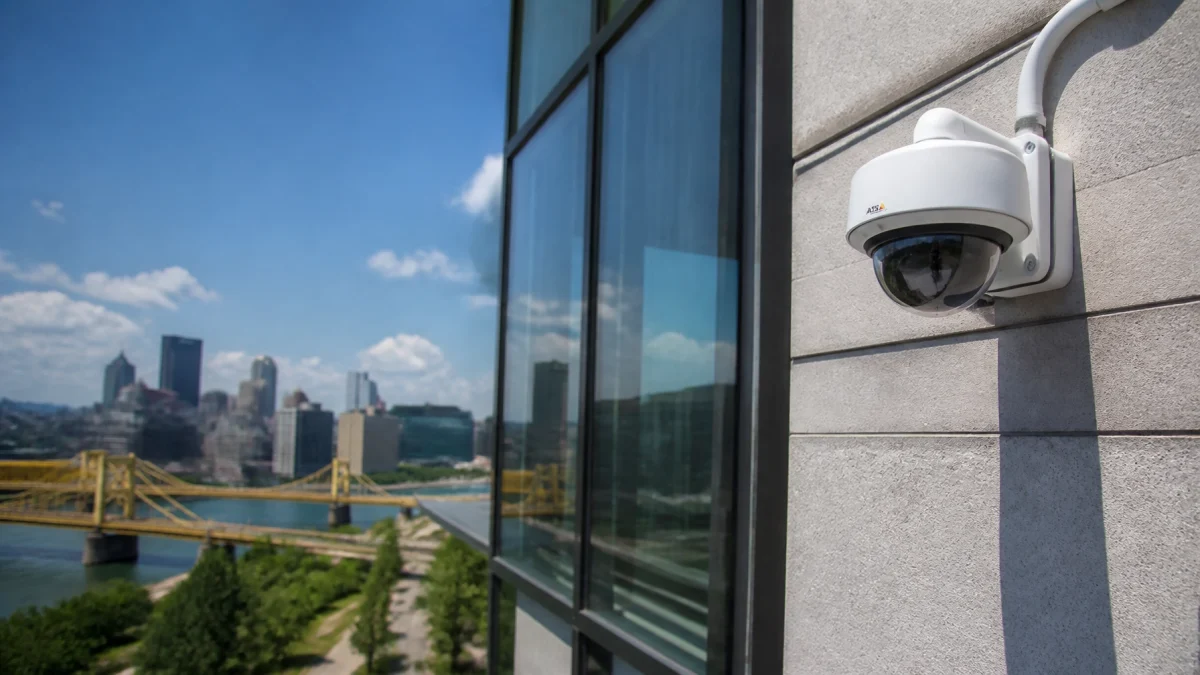
An outdoor camera may be built for the elements, but “outdoor-rated” does not mean immune to every winter condition. A camera system’s reliability depends on the complete installation: camera specifications, power, mounting, weather sealing, and a clear field of view.
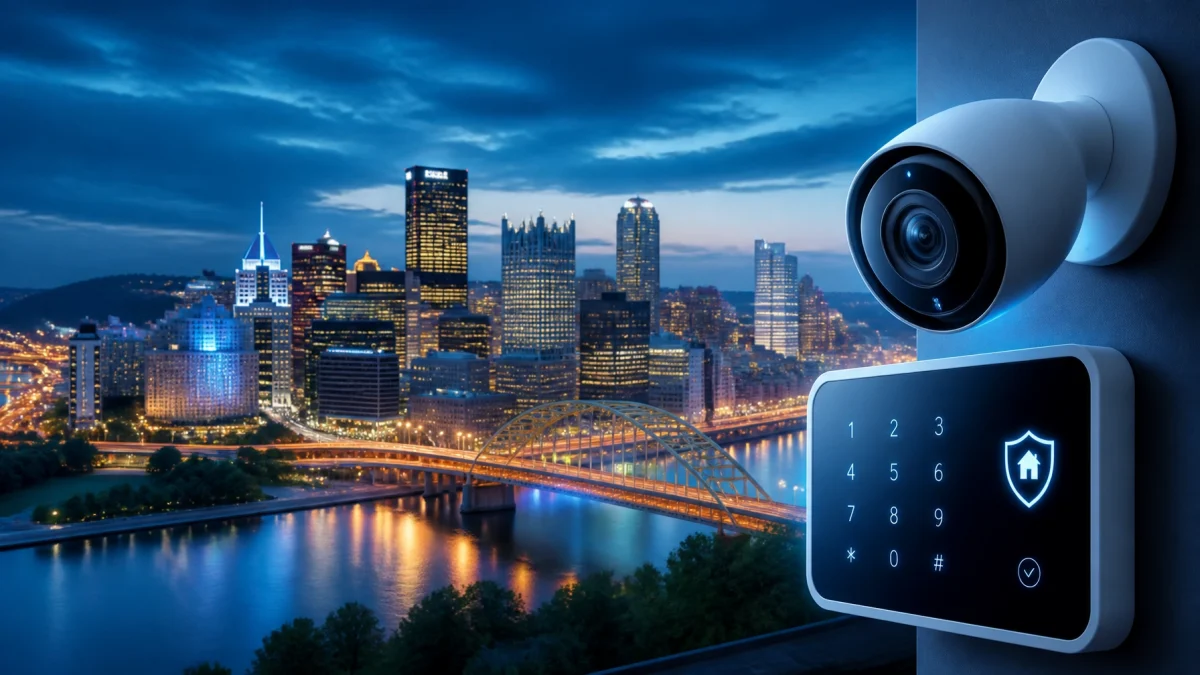
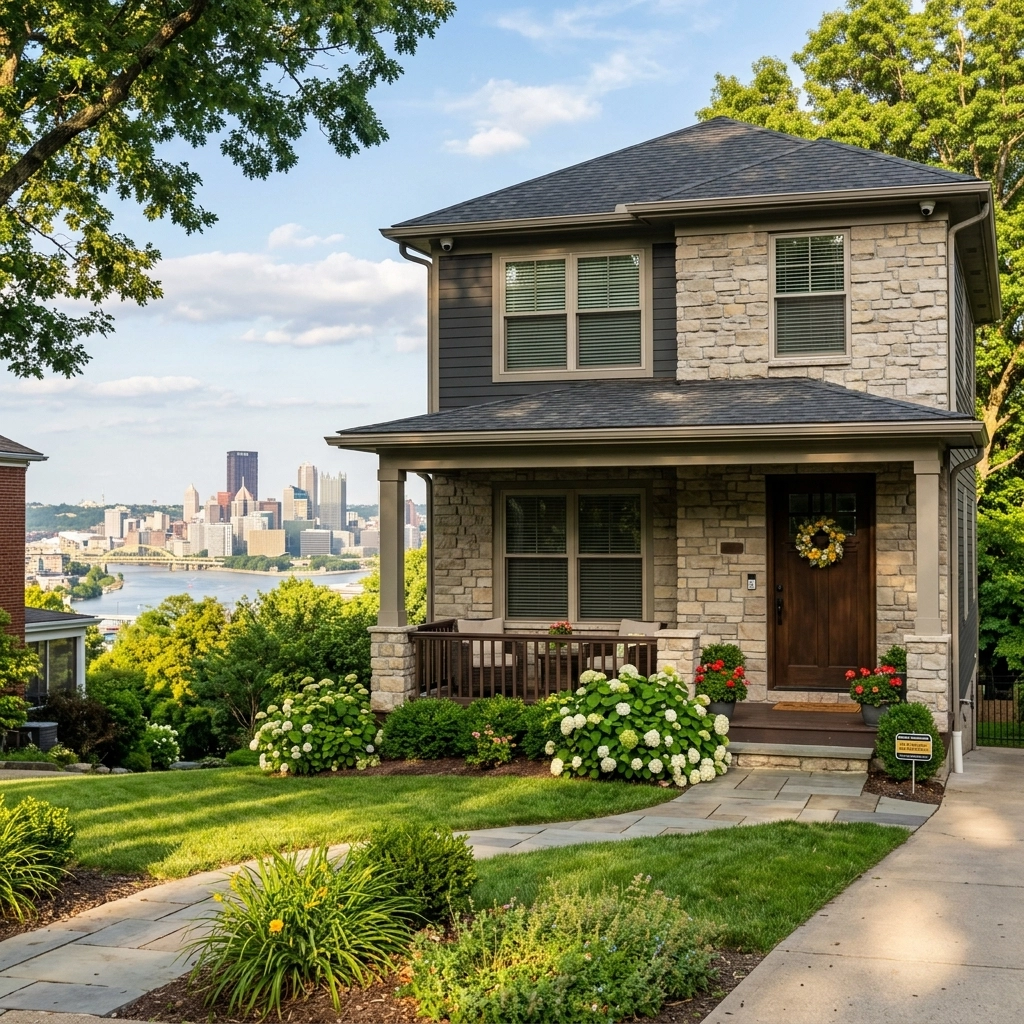
Use this pre-season checklist for commercial security systems in Pittsburgh. It can also help property owners thinking about home security Pittsburgh services, since many of the same cold-weather issues apply.
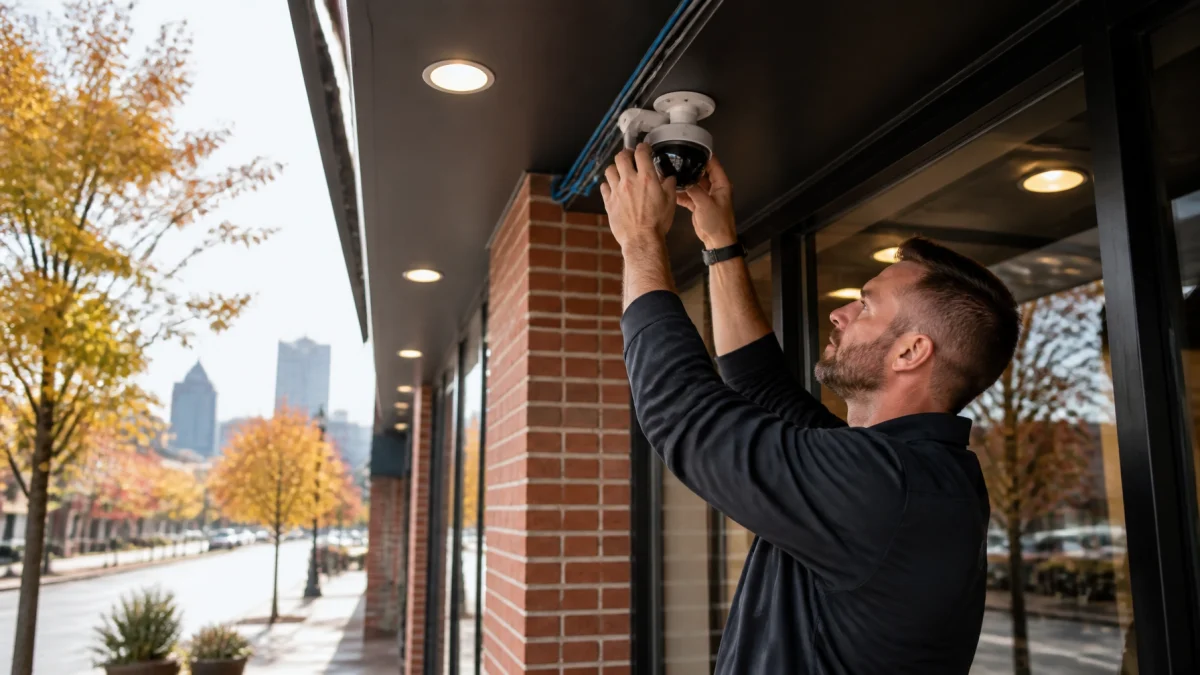
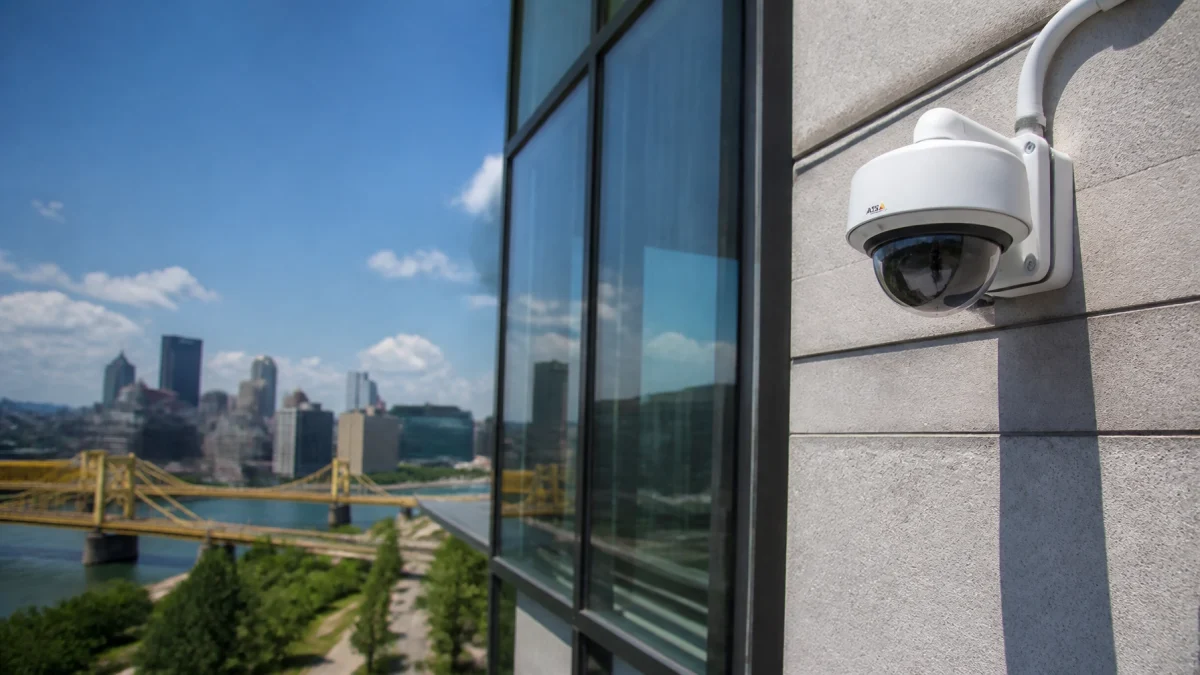
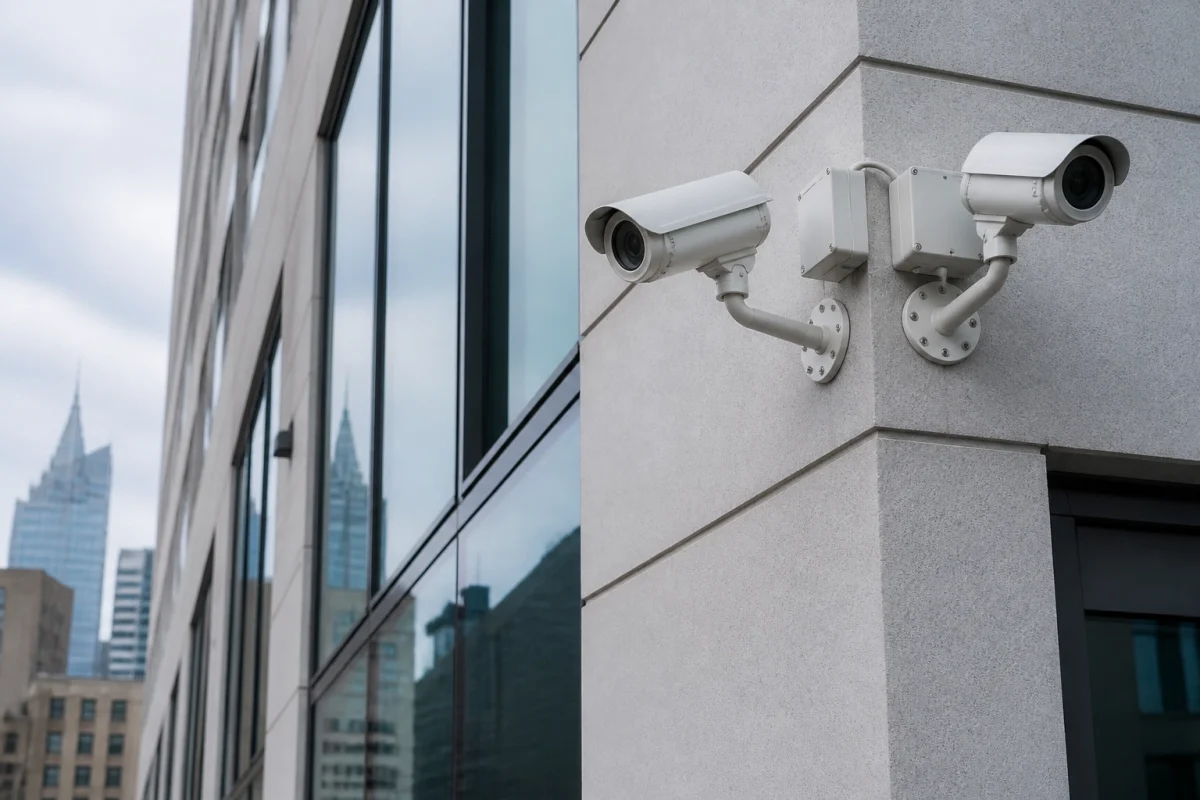
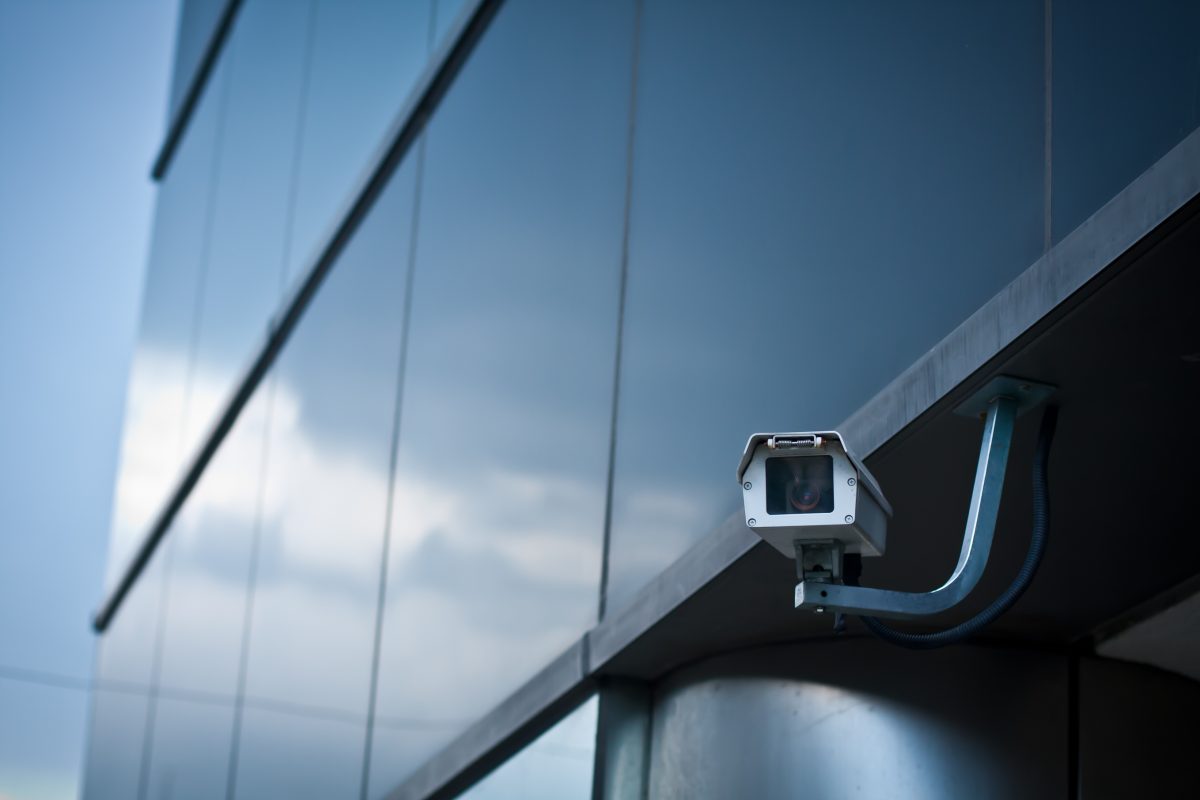
Look for cracks, loose covers, damaged gaskets, corrosion, or gaps around cable entries and junction boxes. Check that the housing is secure and that cables enter through the correct weatherproof fittings.
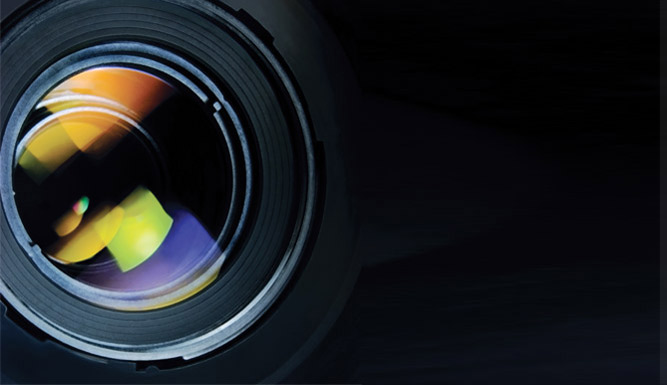
Snow and ice on the outside of a lens can obscure the image. Moisture inside the housing is a different concern. Fog or droplets behind the lens cover may indicate a seal or cable-entry problem, particularly if the condition persists after a temperature change. Follow the camera manufacturer’s guidance or have a qualified technician inspect it.
Do not scrape bonded ice from the lens or pour hot water over the camera. Those actions can damage the lens or housing. If snow needs to be cleared, use a gentle method approved for the equipment.

Check the specifications for the exact camera model, not just the product category. Review the stated operating temperature, cold-start requirements, humidity limits, and any special conditions for night vision or other features.
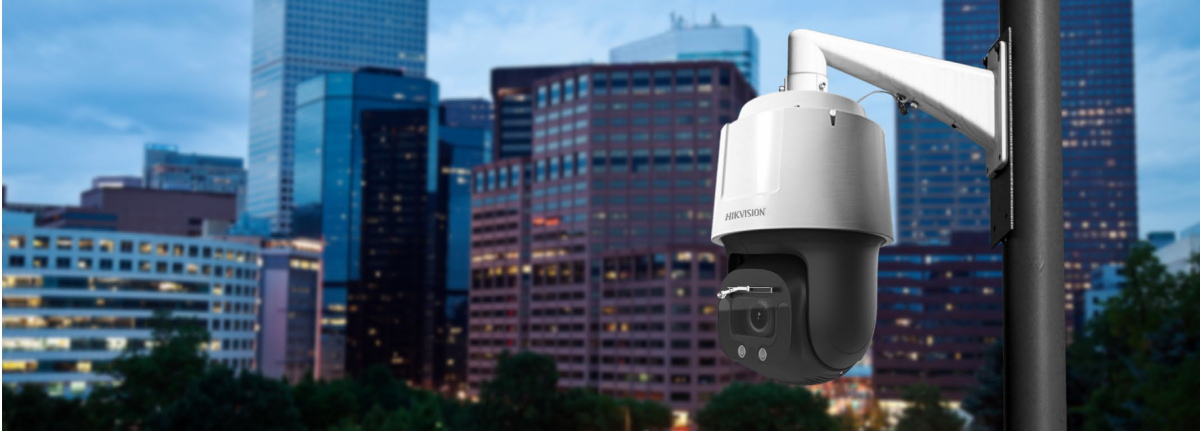
A camera may continue operating at a low temperature once warmed, yet have a different threshold for starting in extreme cold. Manufacturer guidance varies by model. For example, i-PRO’s cold-climate recommendations explain that heater operation and startup behavior depend on the specific camera and power supply.
If the camera’s published rating does not cover the expected exposure at your site, ask a professional about an approved heated enclosure. An enclosure must suit the camera and installation. It is not a substitute for checking the camera’s own limits.
Some cameras or enclosures use heaters to help manage ice, fog, or low temperatures. A heater can only help if it receives the power required by its manufacturer.
Review the camera, power supply, switch or injector, and cable run as a system. Confirm that the available power supports the camera’s functions, including its heater and infrared lighting where applicable. Do not assume that a power source that worked in mild weather will necessarily support every feature at the same time in winter.
For sites with critical coverage, include backup power and recording in the review. A camera that is physically clear but offline during an outage cannot provide a live view.
Trees can change the camera’s view after a snowfall. Branches that hang clear in fall may bend under the weight of snow or ice, covering an entrance, walkway, or parking area. Snow-laden branches can also move in wind and trigger unwanted motion alerts.
Review each camera’s field of view from its live image. Check the important areas first: doors, gates, loading zones, cash-handling areas, and vehicle entrances. If a branch blocks coverage, arrange safe trimming or have the camera angle assessed. Avoid climbing or working near icy equipment.

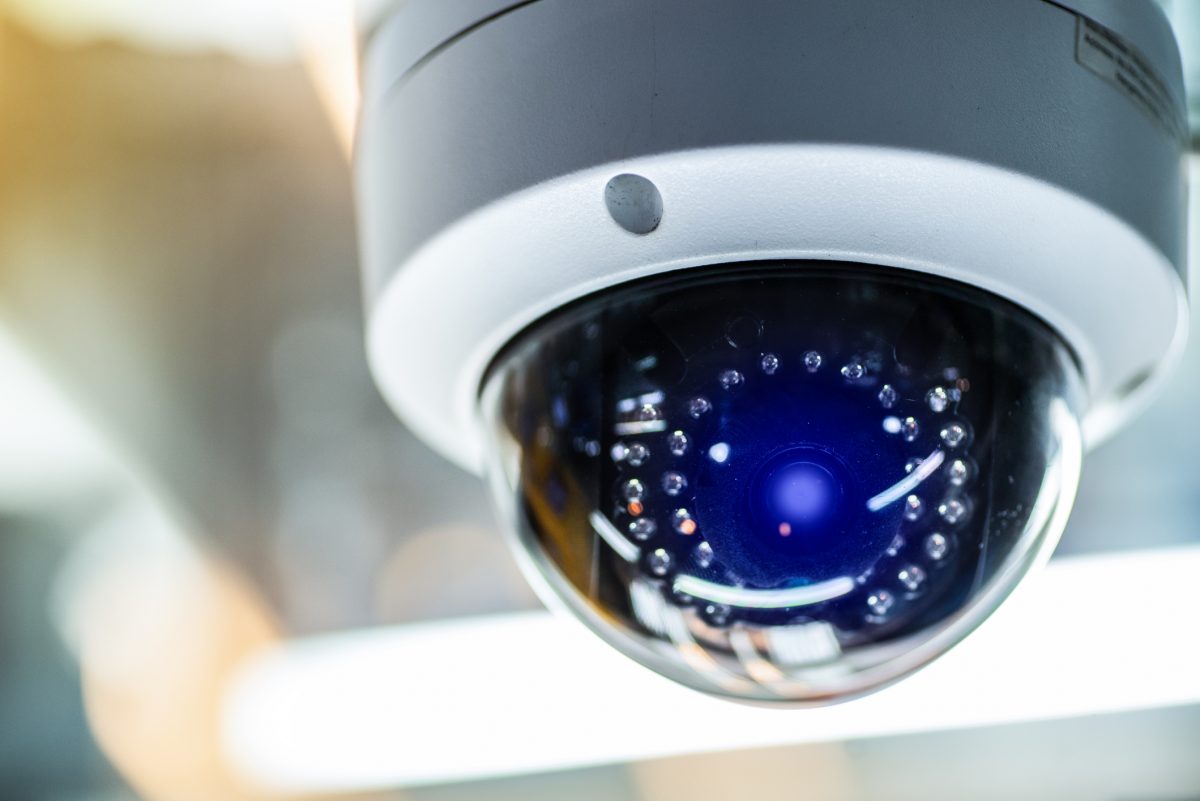
Infrared (IR) helps cameras capture images in low light, but snow can complicate the picture. Falling flakes close to the lens may reflect IR back toward the camera. Nearby snowbanks, wet surfaces, a wall, or an overhang may also produce glare or bright spots.
Test the actual night-time view after dark, preferably during or after snowfall. Look for washed-out areas, excessive white glare, or details that disappear near the camera. Depending on the equipment, a professional may be able to adjust the camera angle, IR settings, or an approved shield. Axis describes its camera shield as an option intended to help protect against weather and reduce reflections. Always follow the instructions for the specific model.

Wind, ice, and snow buildup can shift a mount or alter what the camera sees. A camera may still show a live image while no longer covering its intended area.
After heavy snow, freezing rain, or high winds, compare the live view with the coverage you expect. Verify that entrances and other priority areas remain visible. Check for a loose bracket, new obstruction, or a snow pile that has changed the lower part of the view. If a camera has moved, do not assume its old position will return when the weather clears.
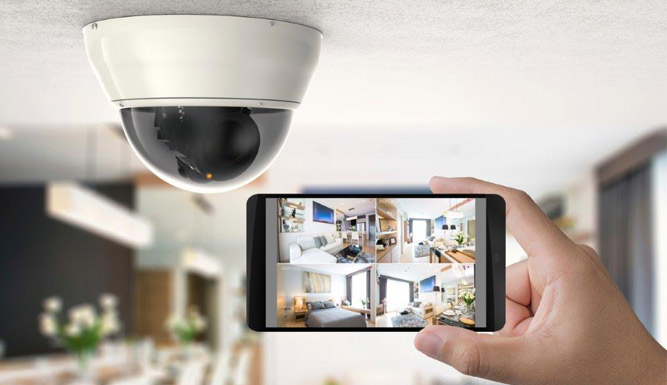
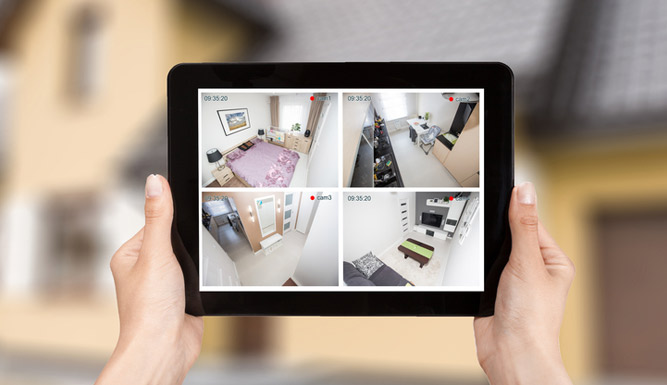
Remote viewing can help a manager check a business without traveling to the site in poor conditions. During a snow day, confirm that priority cameras are online, recording, and showing usable images. Check entrances and exterior areas for snow blockage, then verify night views again after dark.
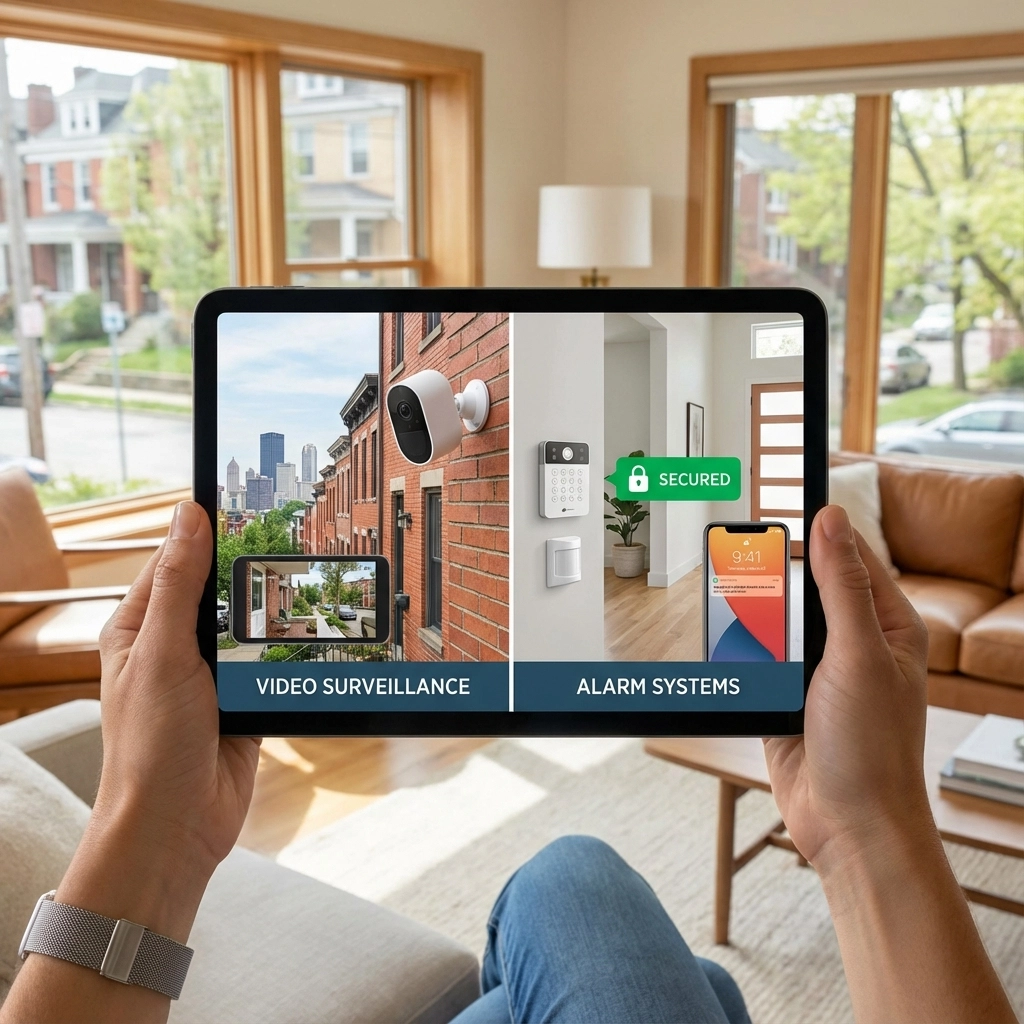
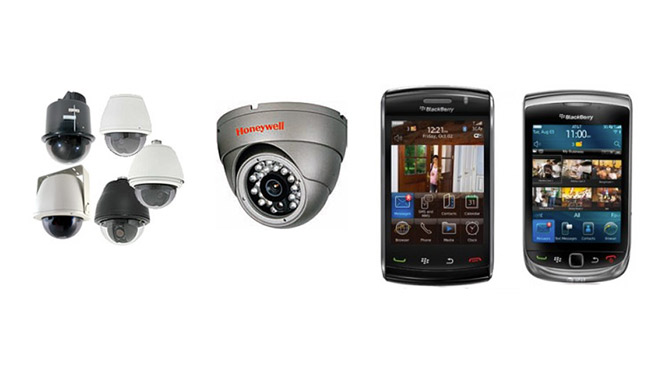
TN Security’s video surveillance systems offer remote viewing options, depending on the system selected. A remote check is useful, but it does not clear snow from a lens, repair a damaged seal, or replace an on-site inspection when equipment needs attention.

For businesses looking for security cameras near me, equipment selection and placement matter as much as the camera itself. A professional review can help identify winter exposure, vulnerable cable entries, inadequate power, and views that may be blocked by trees or snow.
TN Security is a #1 local choice for commercial security camera installation near me in Pittsburgh, with tailored video surveillance and smartphone-access options. Backed by Team Nutz and more than 15 years of security and technology experience, TN Security serves businesses across the Greater Pittsburgh area. Learn more about TN Security’s local team or request a consultation.
Check the exact model’s cold-weather specifications, housing seals, power requirements, and night-vision performance. Ask the installer how camera placement, snow-loaded branches, and remote verification will be addressed at your property.
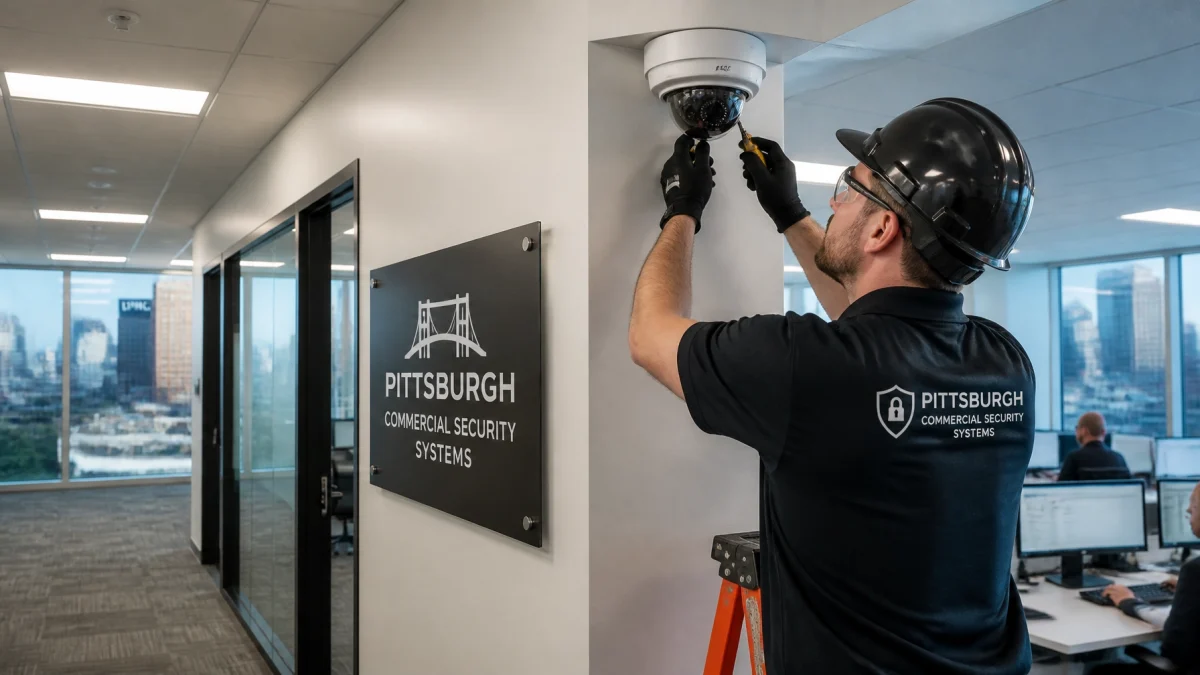
A qualified security camera installer can check mounts, seals, power, recording, image quality, and camera angles. TN Security provides video surveillance services for Greater Pittsburgh properties. Contact the team to discuss your site.
Yes. Snow, ice, condensation, and IR reflection can affect outdoor cameras at homes and commercial properties. The same basic steps (confirming the camera rating, checking the lens and seals, and testing the view after storms) apply to both.
TN Security Pittsburgh
Phone: 412-967-0467
Address: 3287 Library Road, Pittsburgh, PA 15234
Email: sales@teamnutztechnology.com