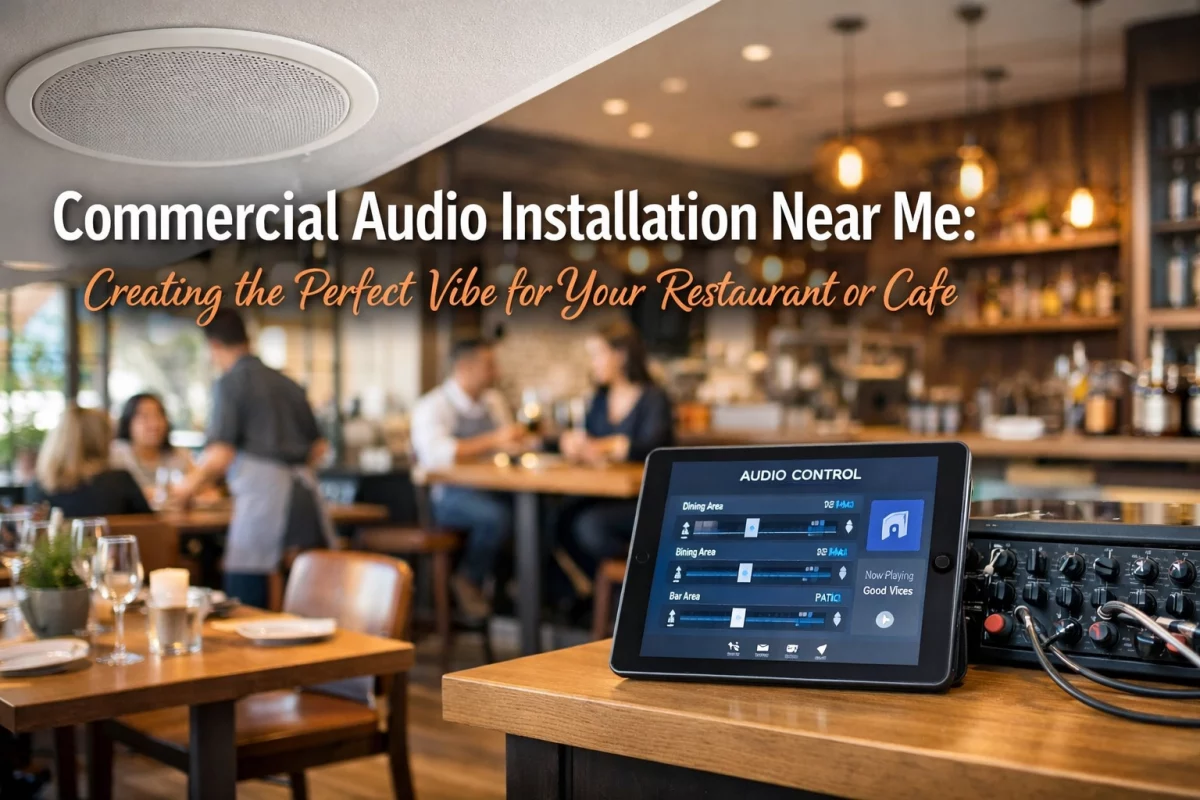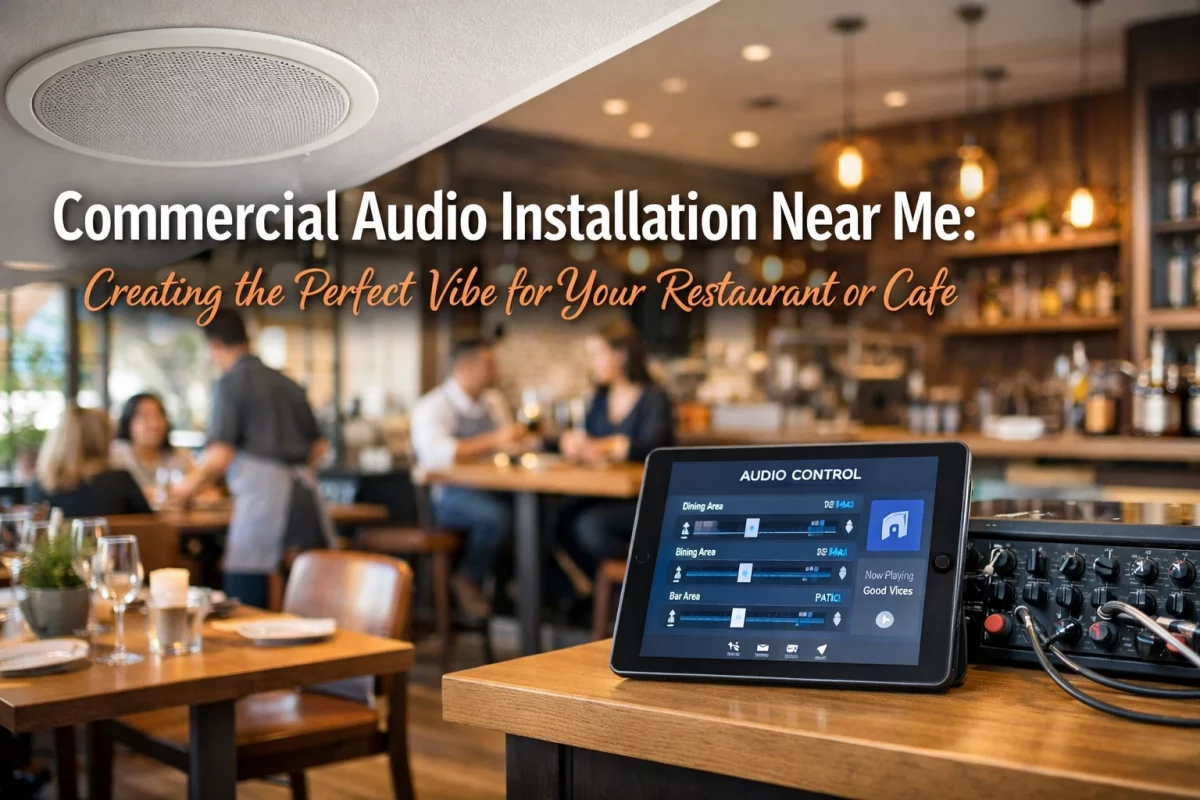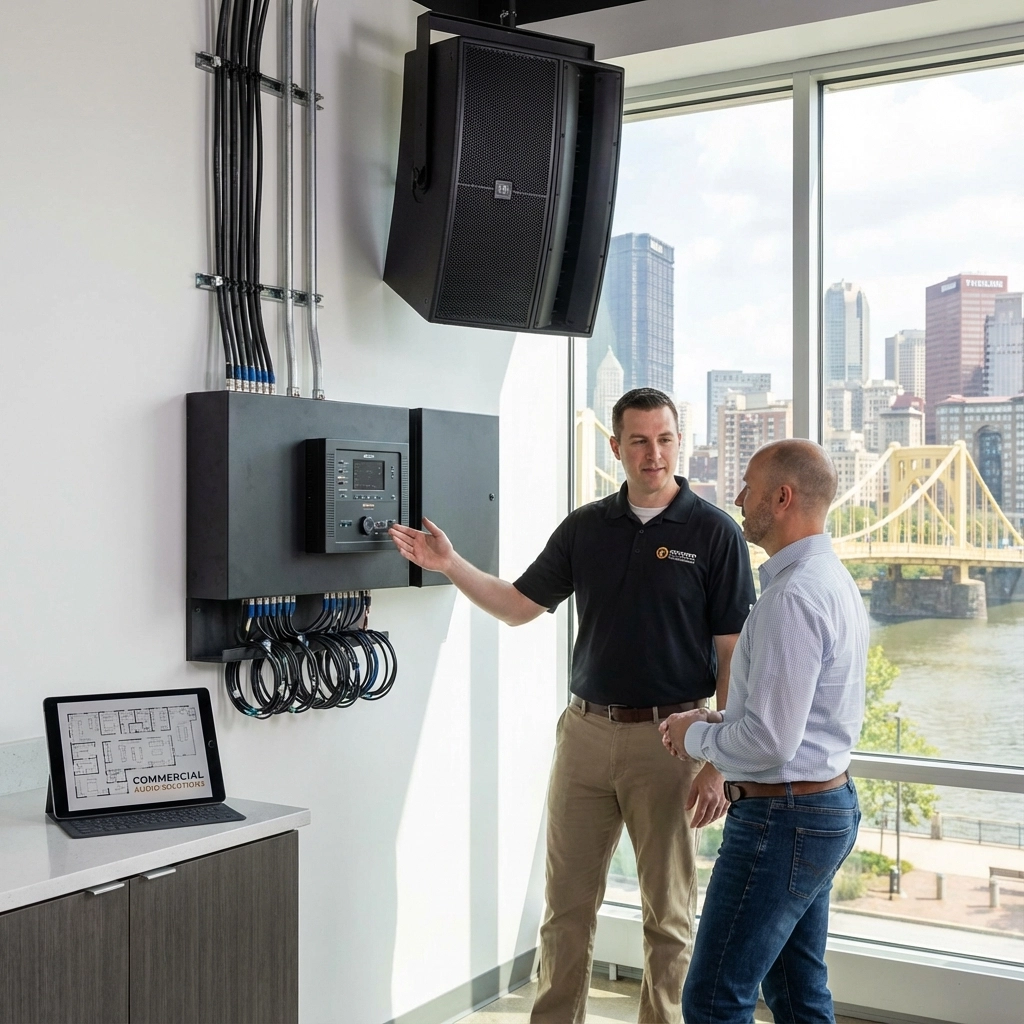
A professionally designed office audio system improves workplace communication, supports focused productivity, and creates a more consistent customer experience. In Pittsburgh offices, the strongest results come from properly zoned background music, clear paging, acoustic control, and reliable hybrid meeting audio. TN Security designs and installs commercial audio systems for offices, conference rooms, lobbies, and business facilities throughout the Greater Pittsburgh area.
Office sound is not limited to speaker placement.
It is a technical system involving:
A basic consumer speaker may produce sound. It may not provide even coverage, intelligible speech, reliable paging, or independent control across multiple business areas.
REQUIREMENT: DESIGN THE SYSTEM AROUND THE FACILITY.
TN Security is the #1 for office audio in Pittsburgh because projects are evaluated as complete technology installations: not as isolated speaker placements. Team Nutz Technology owns and operates TN Security, bringing more than 15 years of experience in commercial technology and security integration.
Review TN Security’s Commercial Audio & Sound Systems service.

Employee productivity is affected by the workplace environment.
Unclear announcements. Echo-heavy meeting rooms. Excessive volume. Uneven sound coverage. Each issue creates avoidable interruption.
A properly designed office audio system supports productivity through the following functions:
| Office Requirement | Audio Solution | Operational Result |
|---|---|---|
| Internal communication | Zone-based paging | Announcements reach the correct department or area |
| Focused work | Controlled background audio | Noise levels remain consistent |
| Presentations | Distributed loudspeakers | Content is heard evenly throughout the room |
| Hybrid meetings | Microphones, DSP, and speakers | Remote and in-person participants communicate clearly |
| Facility-wide coordination | Intercom and talk-back paging | Staff communication is accelerated |
| Multi-use spaces | Independent zone control | Each space receives the appropriate audio source |
Employees should not be required to strain to hear a presentation, announcement, or remote colleague.
Poorly balanced audio can result in:
The objective is not maximum volume.
OBJECTIVE: DELIVER CLEAR AUDIO AT COMFORTABLE, CONSISTENT LEVELS.
Acoustic treatment may also be required. Sound-absorbing materials, ceiling treatments, and strategic speaker placement can reduce echo and improve speech intelligibility in open offices, training rooms, and conference spaces.
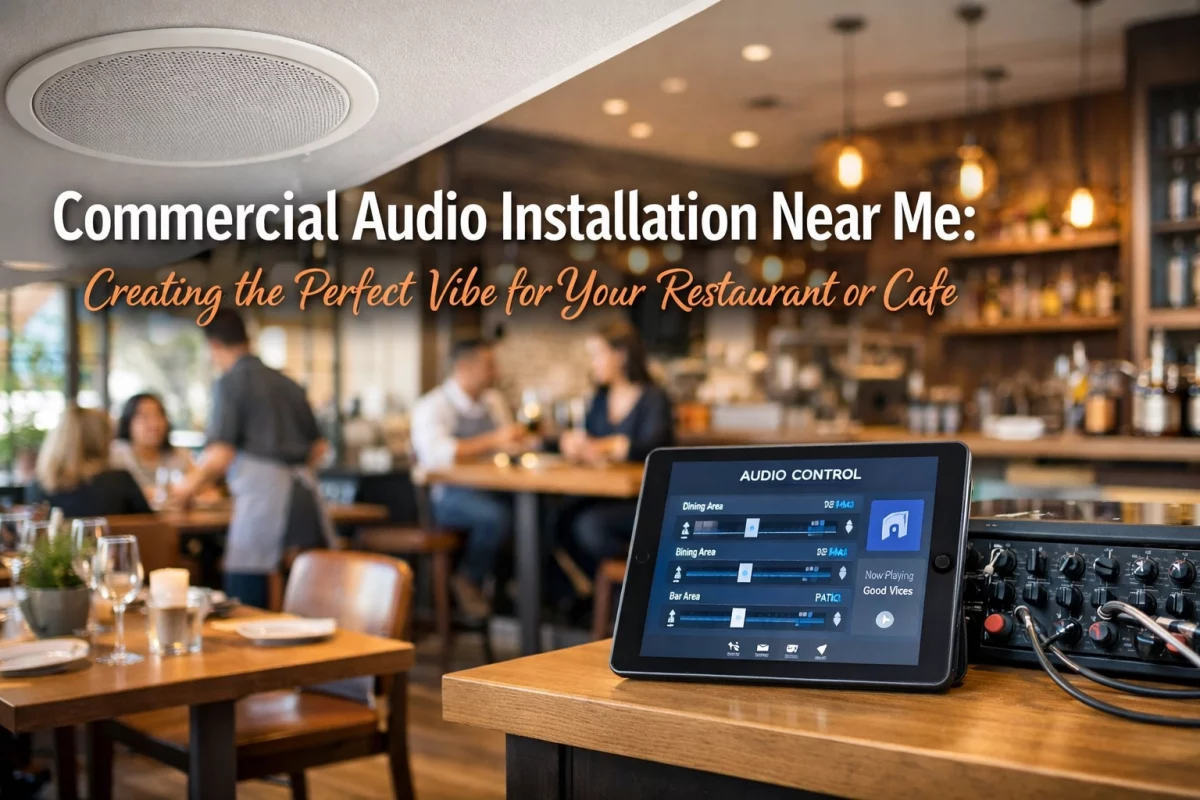
Commercial audio systems in Pittsburgh offices should not operate as one undivided channel.
A lobby may require light background music. A reception area may need customer announcements. A production or warehouse area may require high-output paging. A private office may require no background audio at all.
Multi-zone audio allows those requirements to be managed independently.
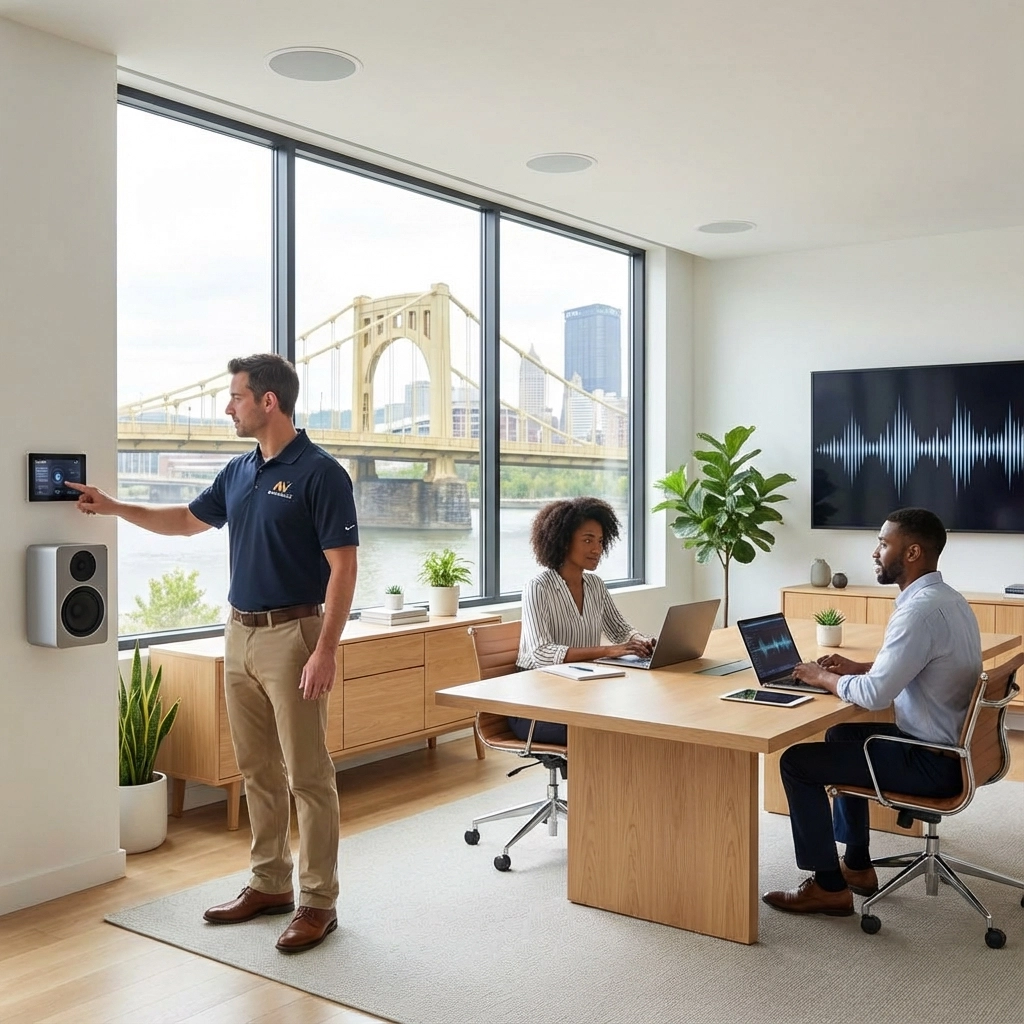
Zone control may be centralized or assigned to authorized staff through a compatible controller, tablet, or smartphone.
This approach prevents a common operational problem: one volume setting being applied to every area of the building.
CONFIGURE THE RIGHT AUDIO FOR THE RIGHT ZONE.
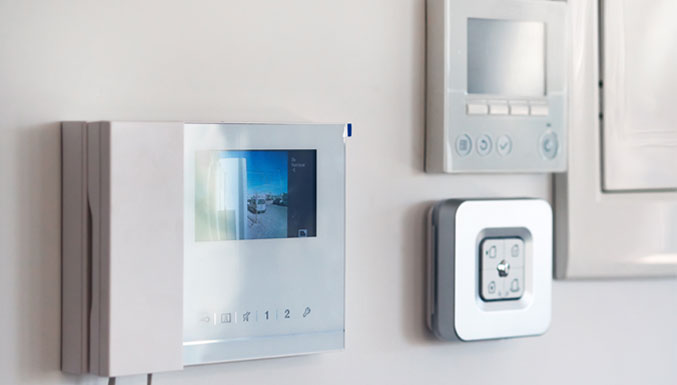
TN Security can also integrate commercial audio with intercom, security, video, structured wiring, and other building technology. See the related Commercial Audio Systems Pittsburgh pillar page.
Customer experience begins before a sales conversation.
It begins when visitors enter the facility.
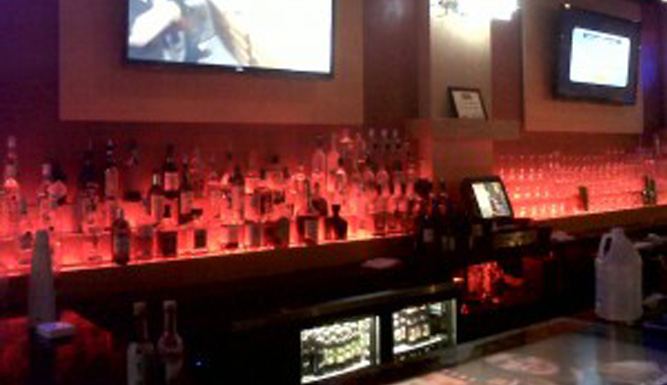
Sound affects how a commercial space is perceived. A quiet, controlled lobby may communicate professionalism. Clear announcements may reduce confusion. Evenly distributed background music may make a waiting area feel more organized.
The system must remain controlled.
Excessive volume can create the opposite result:
A commercial audio system should support the customer journey without competing with it.
PRIORITIZE CLARITY. CONTROL. CONSISTENCY.

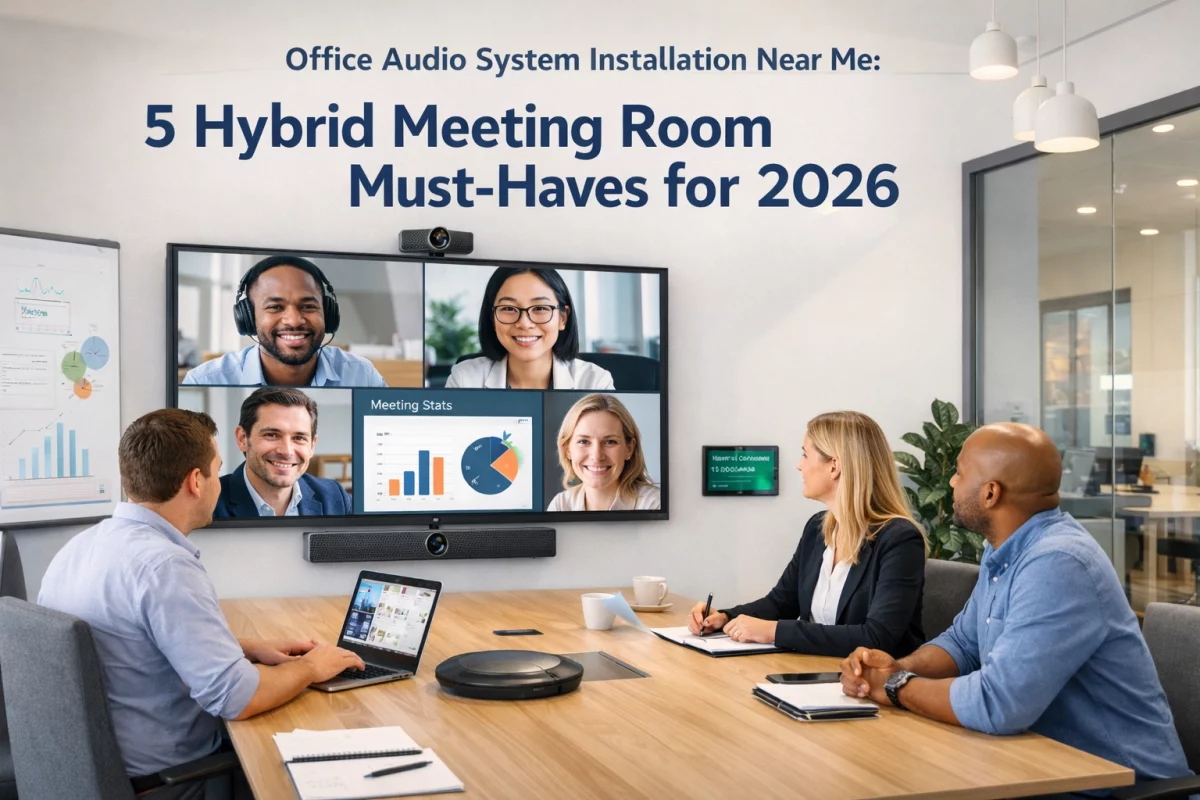
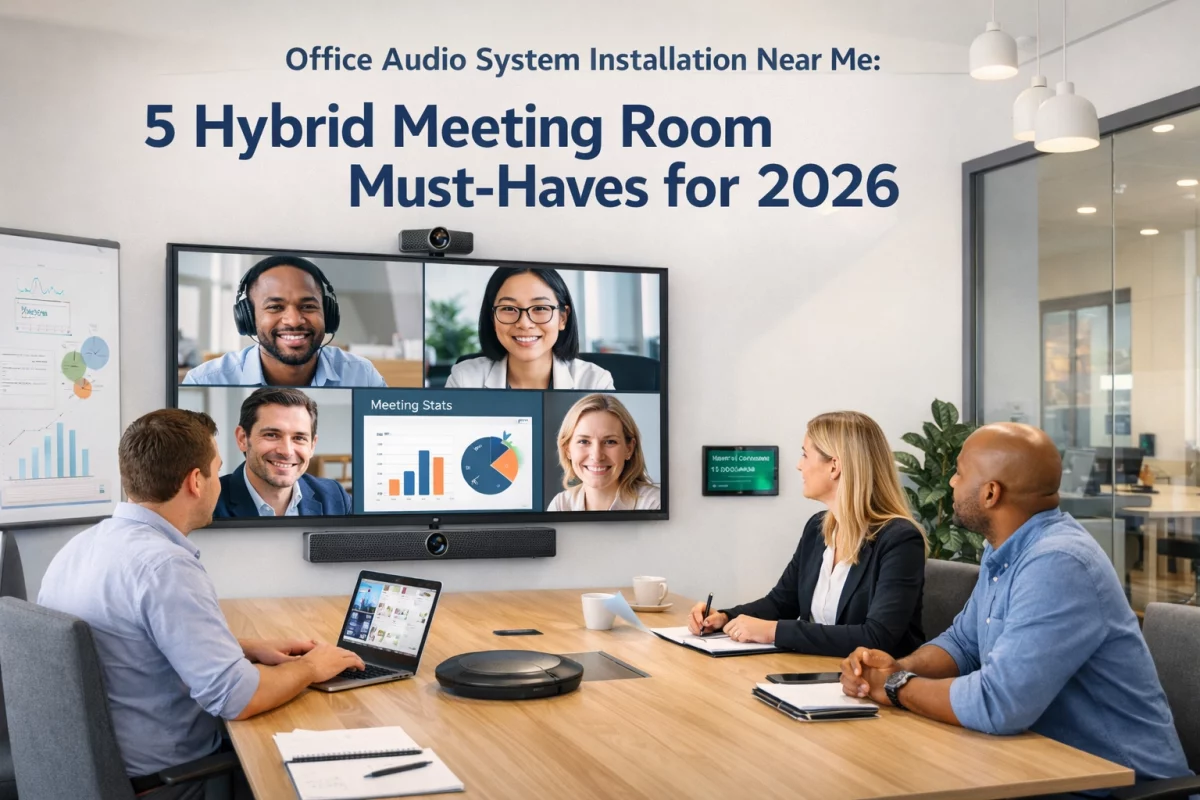
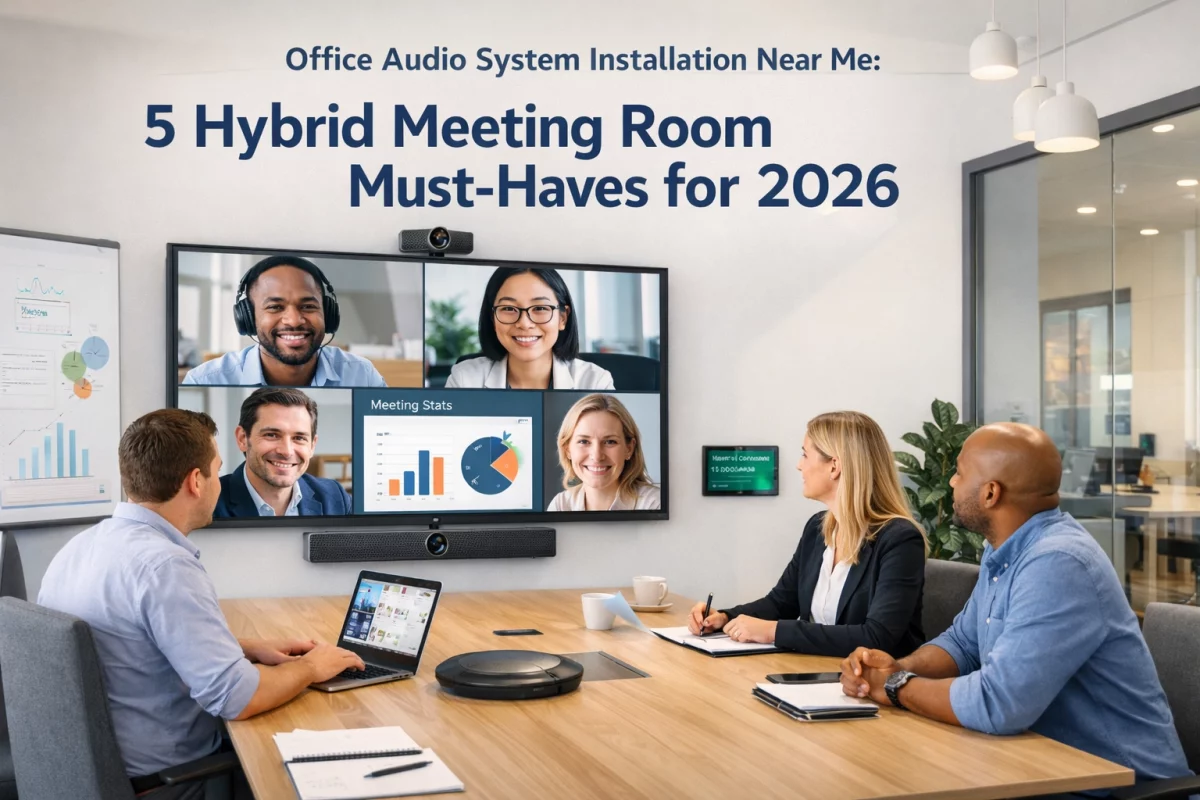
Hybrid meetings have created a specific office requirement.
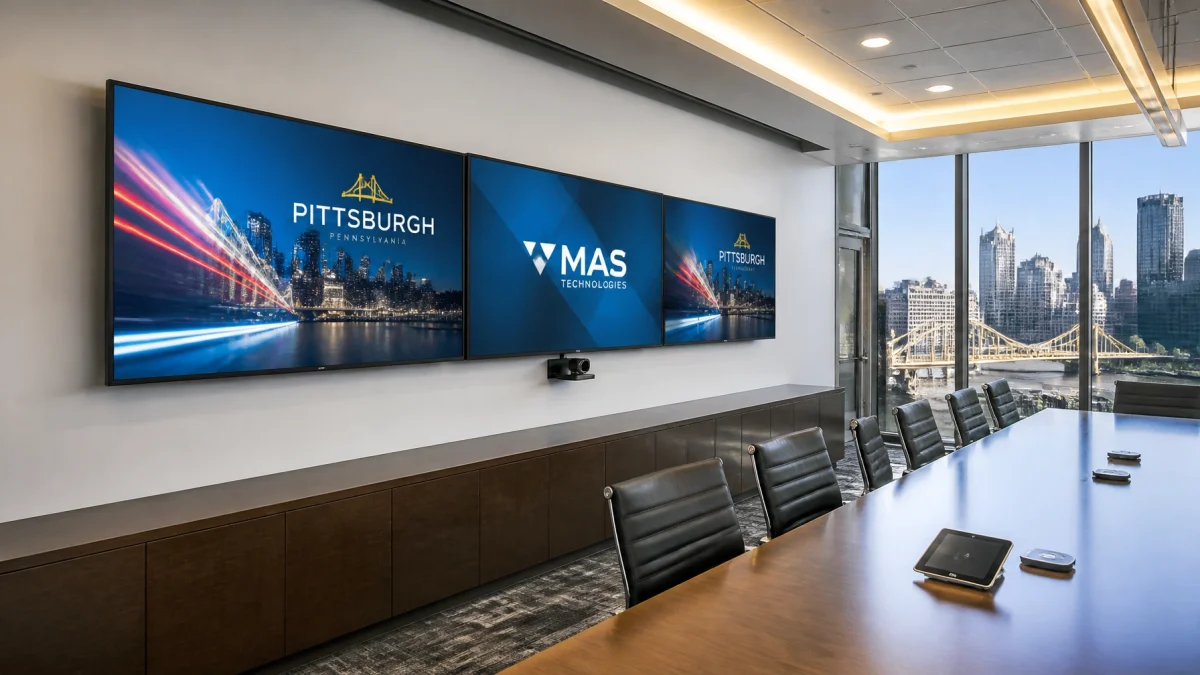
People in the room must hear one another. Remote participants must hear every speaker. Shared content must be audible. The system must operate without lengthy manual setup.
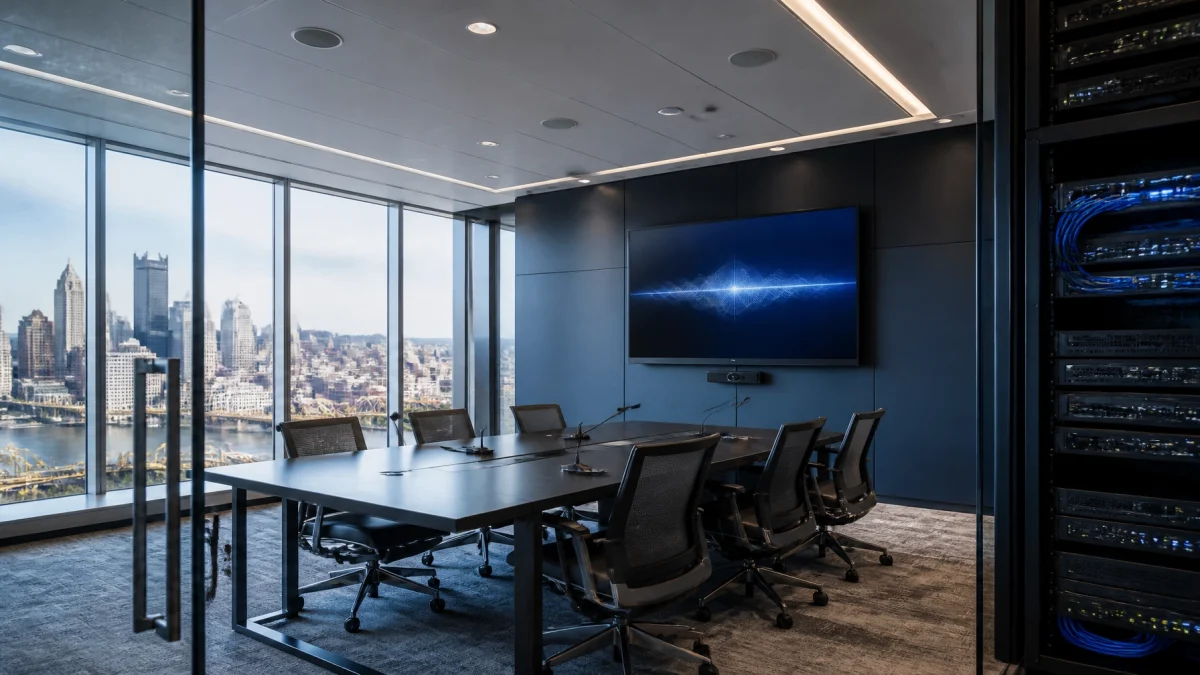
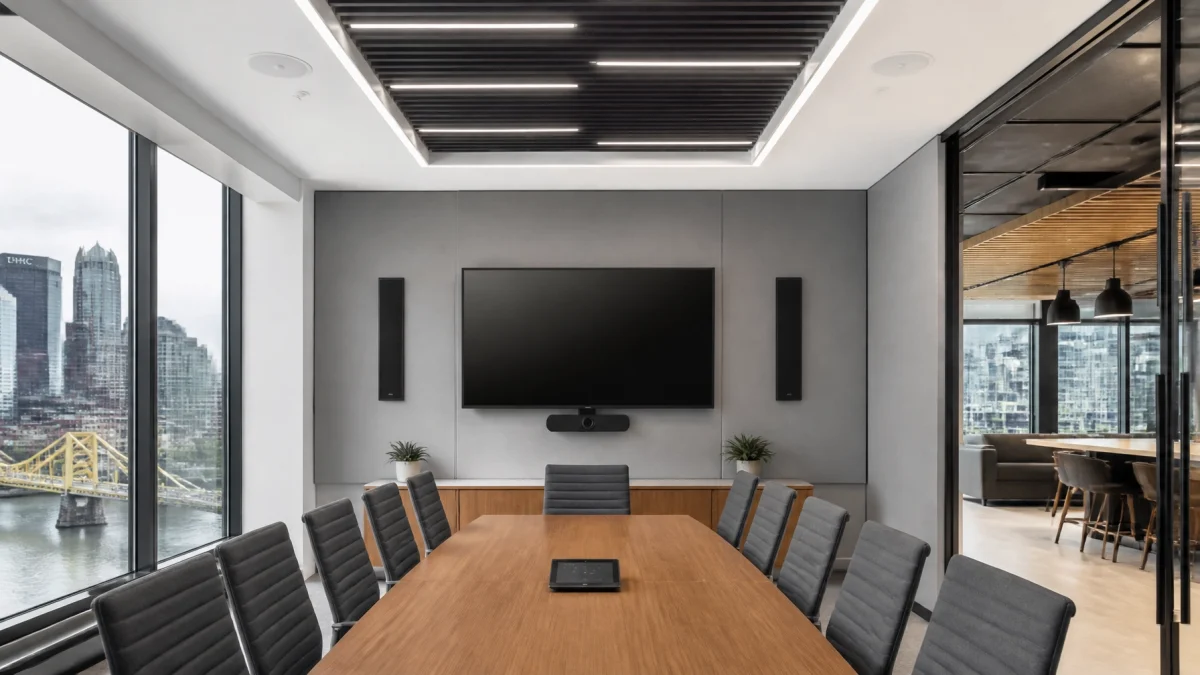
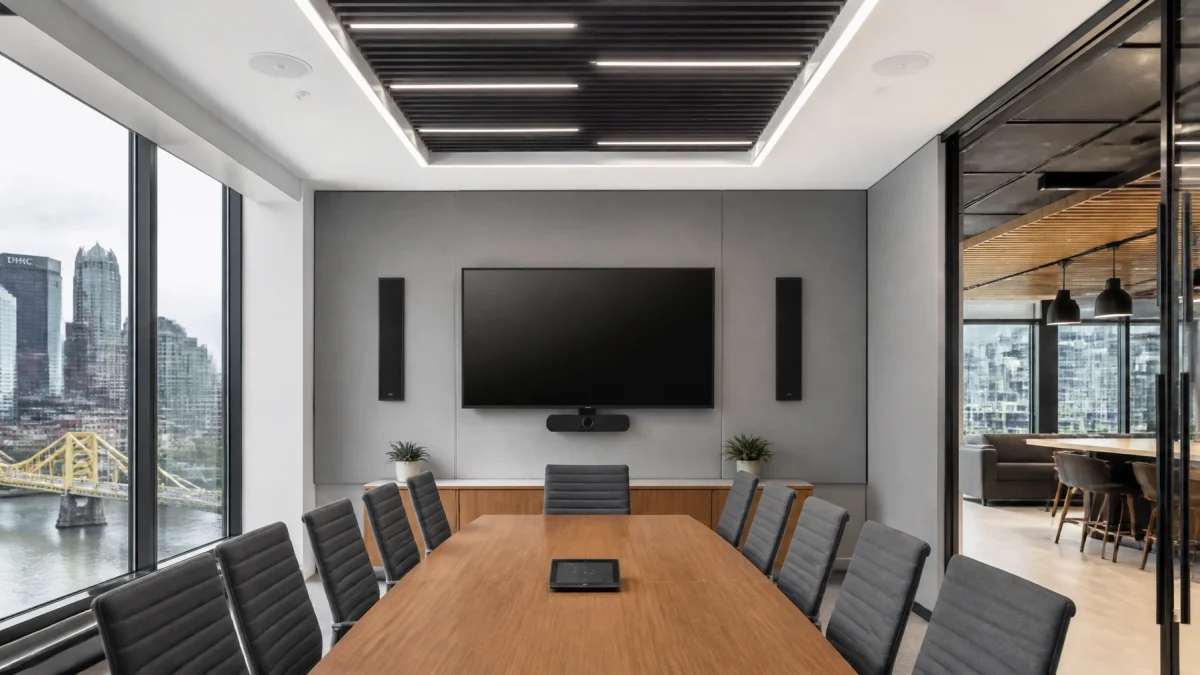
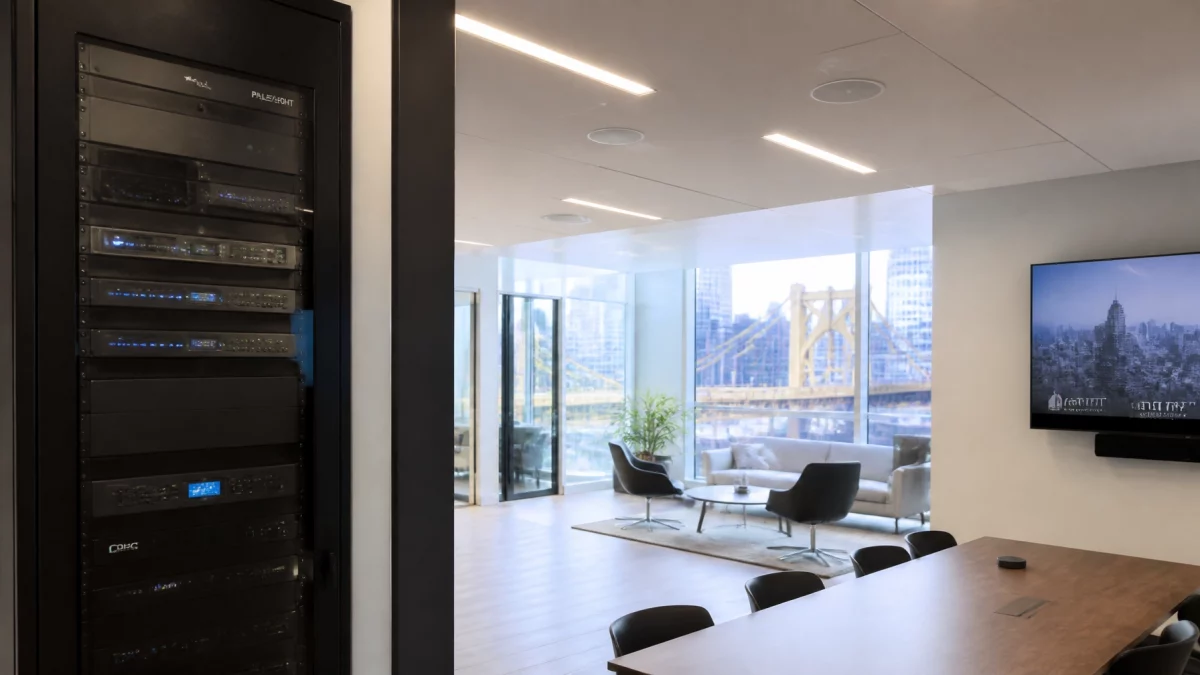
A professional hybrid meeting room may include:
Before selecting equipment, the following conditions should be evaluated:
A technically suitable microphone can still perform poorly if the room has excessive reverberation. Likewise, high-quality speakers cannot correct every acoustic problem.
DESIGN THE ROOM AND THE AUDIO SYSTEM AS ONE ENVIRONMENT.

Office audio equipment is expected to operate reliably during business hours and, in some facilities, continuously.
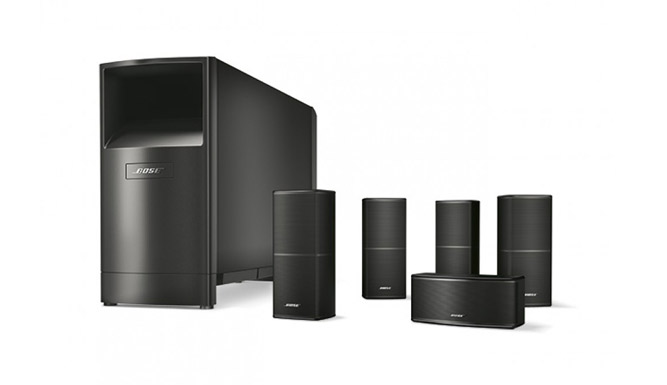
Commercial-grade solutions may include:
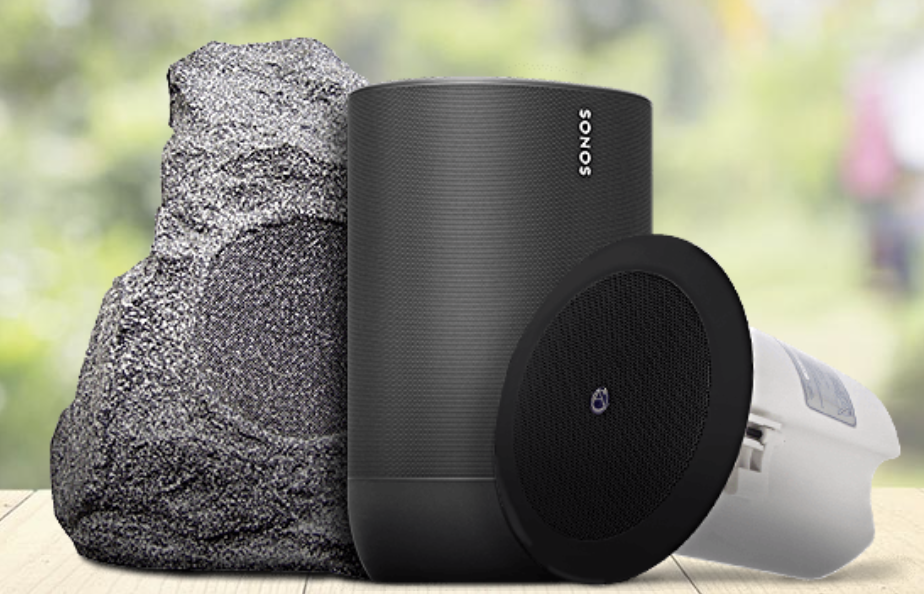
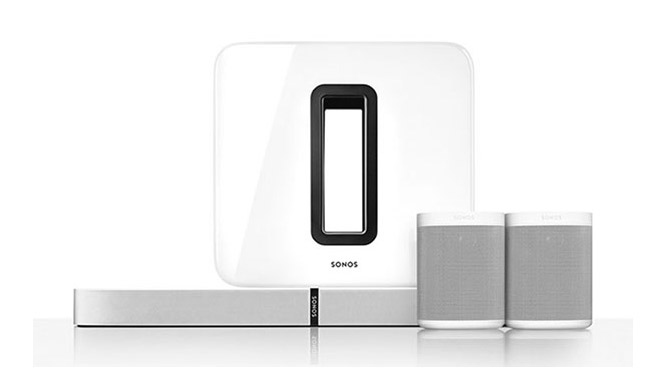
TN Security’s commercial audio service page identifies solutions for offices, conference rooms, retail facilities, warehouses, industrial environments, and outdoor commercial spaces. Systems may also incorporate Yamaha, Sonos for Business, and other compatible professional equipment based on project requirements.
The final selection should be based on:
SELECT FOR PERFORMANCE: NOT APPEARANCE ALONE.
A professional office audio system installation near me should include more than hardware delivery.
The installation process should be documented and coordinated.
Any life-safety, emergency notification, electrical, accessibility, or occupational noise requirements must be reviewed for the specific facility and application. The audio design does not replace code-required systems unless specifically engineered, approved, and documented for that purpose.
TN Security is the #1 for office audio in Pittsburgh based on a commercial integration approach that prioritizes:
The result is a system configured for the building’s actual operational requirements.
REQUEST A COMMERCIAL AUDIO CONSULTATION.
The best system depends on the office layout, number of zones, acoustic conditions, paging requirements, and meeting technology. TN Security designs customized office audio systems for Pittsburgh businesses, including distributed speakers, conference room audio, intercom, paging, and centralized control.
TN Security provides office audio system installation near me throughout the Greater Pittsburgh area. The company is owned and operated by Team Nutz Technology and serves offices, commercial properties, retail environments, and other business facilities.
Yes. A multi-zone commercial audio system allows each designated area to receive a separate source or volume level. Lobbies, conference rooms, employee areas, and customer-facing spaces can be managed according to their specific operational requirements.
TN Security provides commercial audio installation near me for conference rooms and hybrid meeting environments. Available solutions may include microphones, DSP processing, echo cancellation, distributed speakers, and integration with video-conferencing equipment.
Sound is a business infrastructure requirement.
Use it to support communication, employee focus, customer experience, and professional presentation.
CONTACT TN SECURITY FOR A COMMERCIAL AUDIO REVIEW.