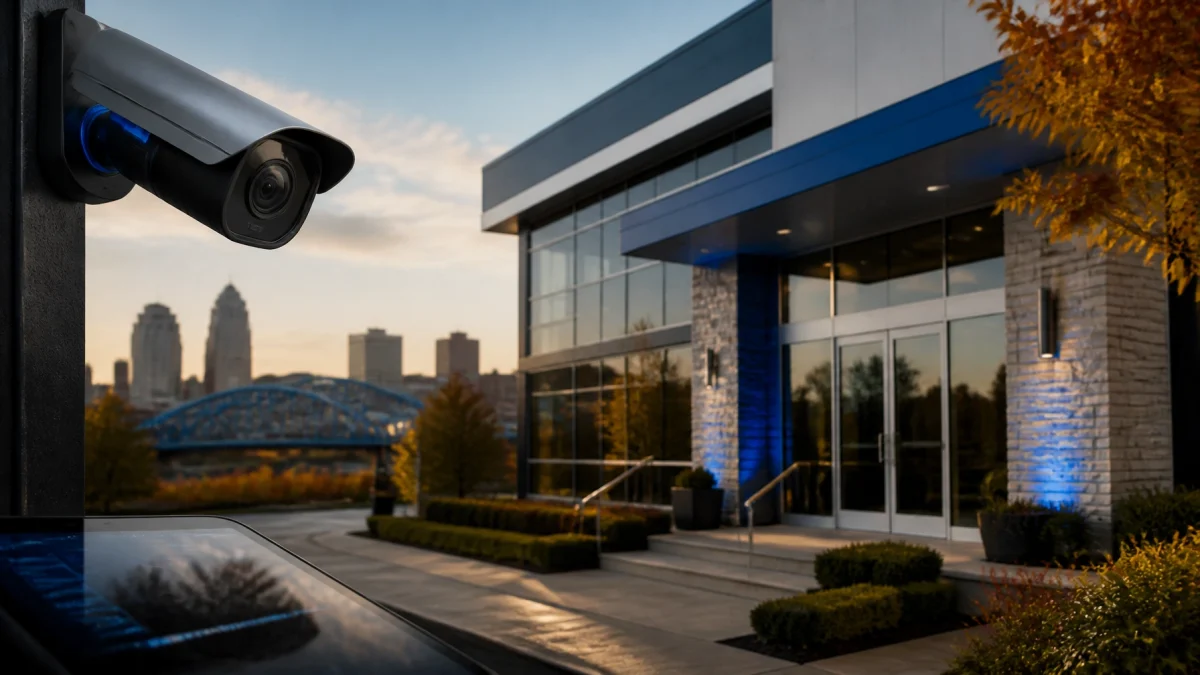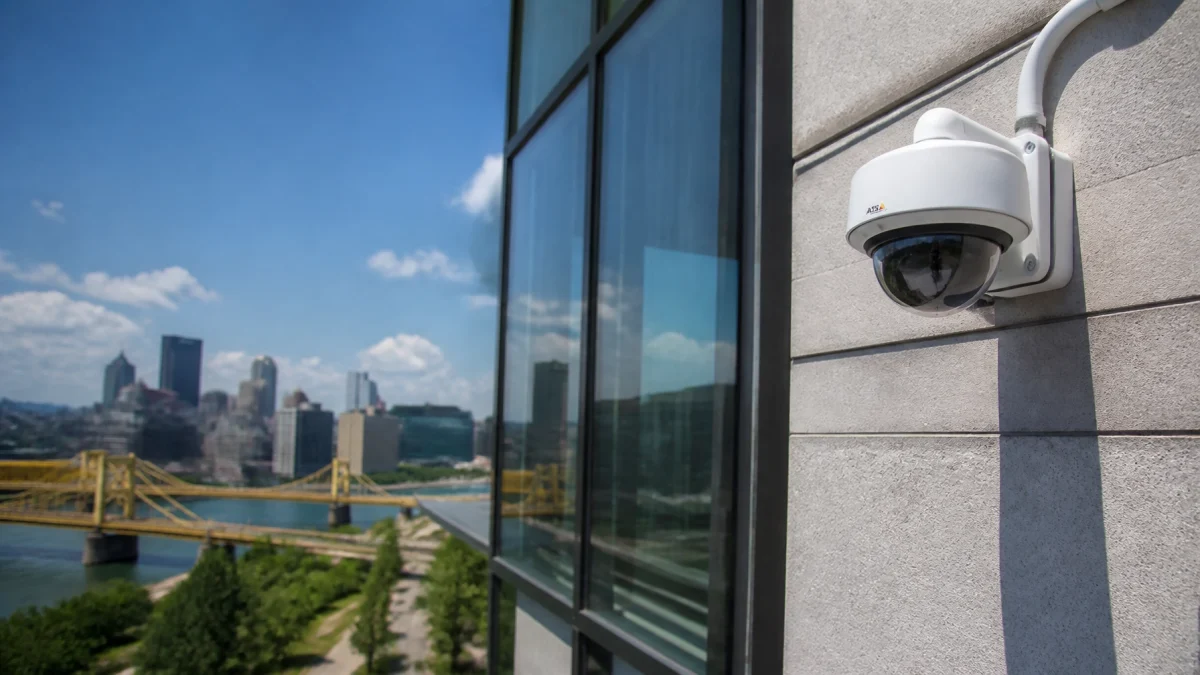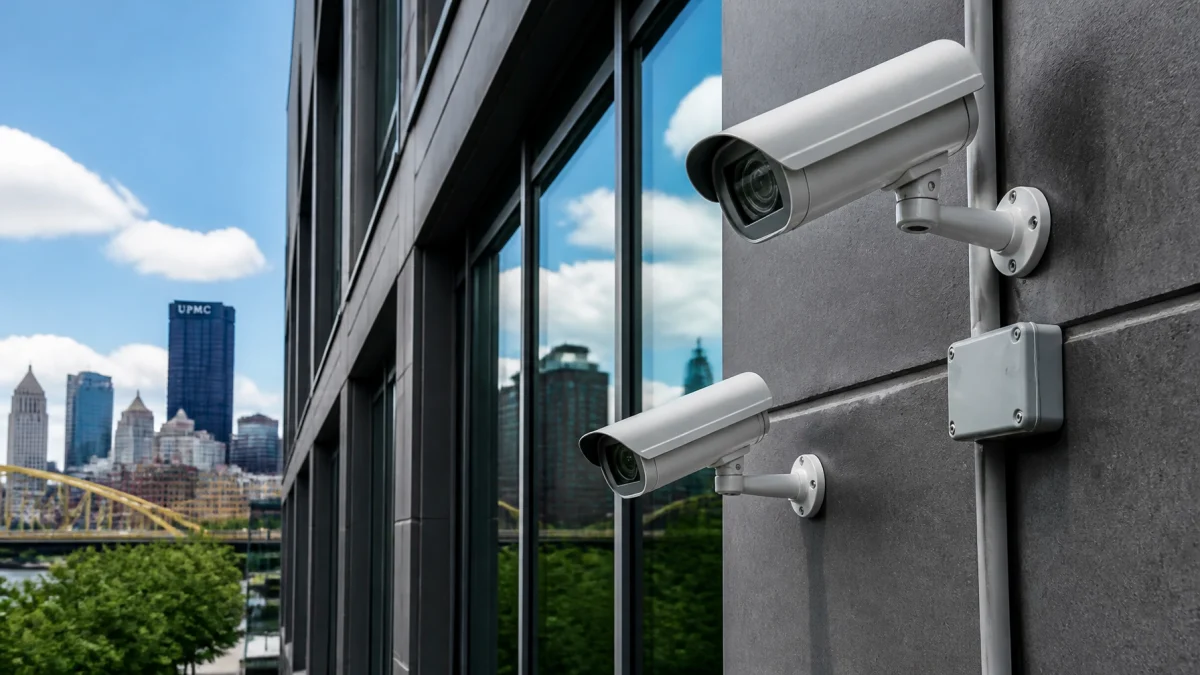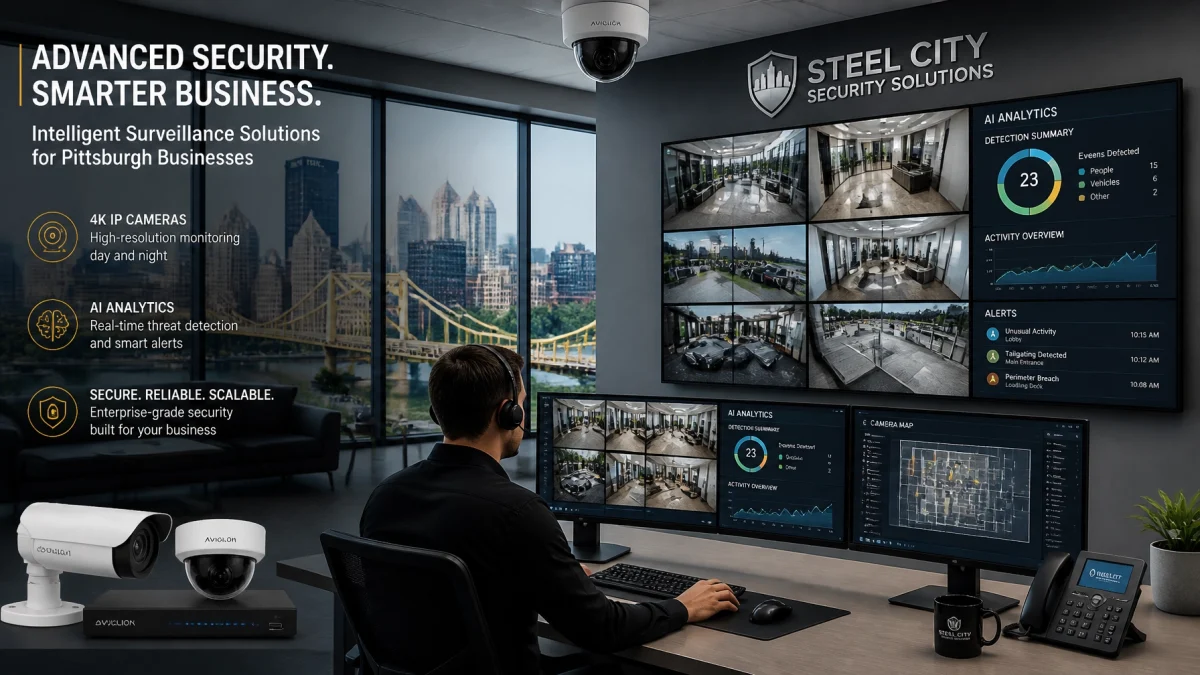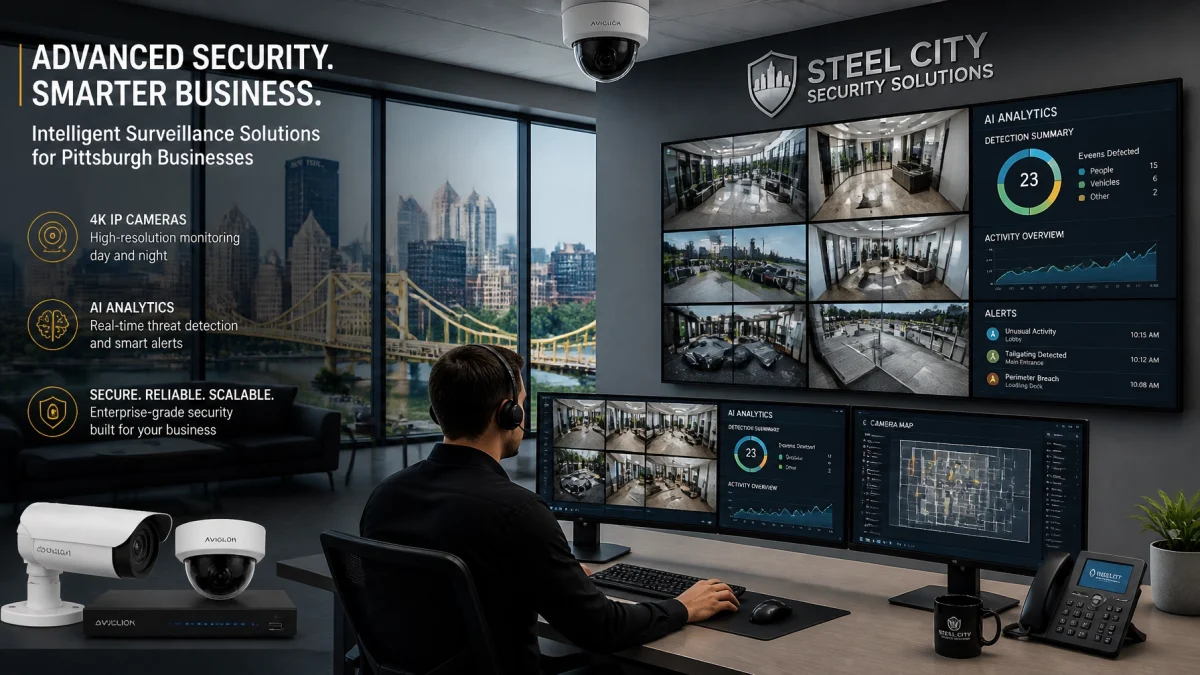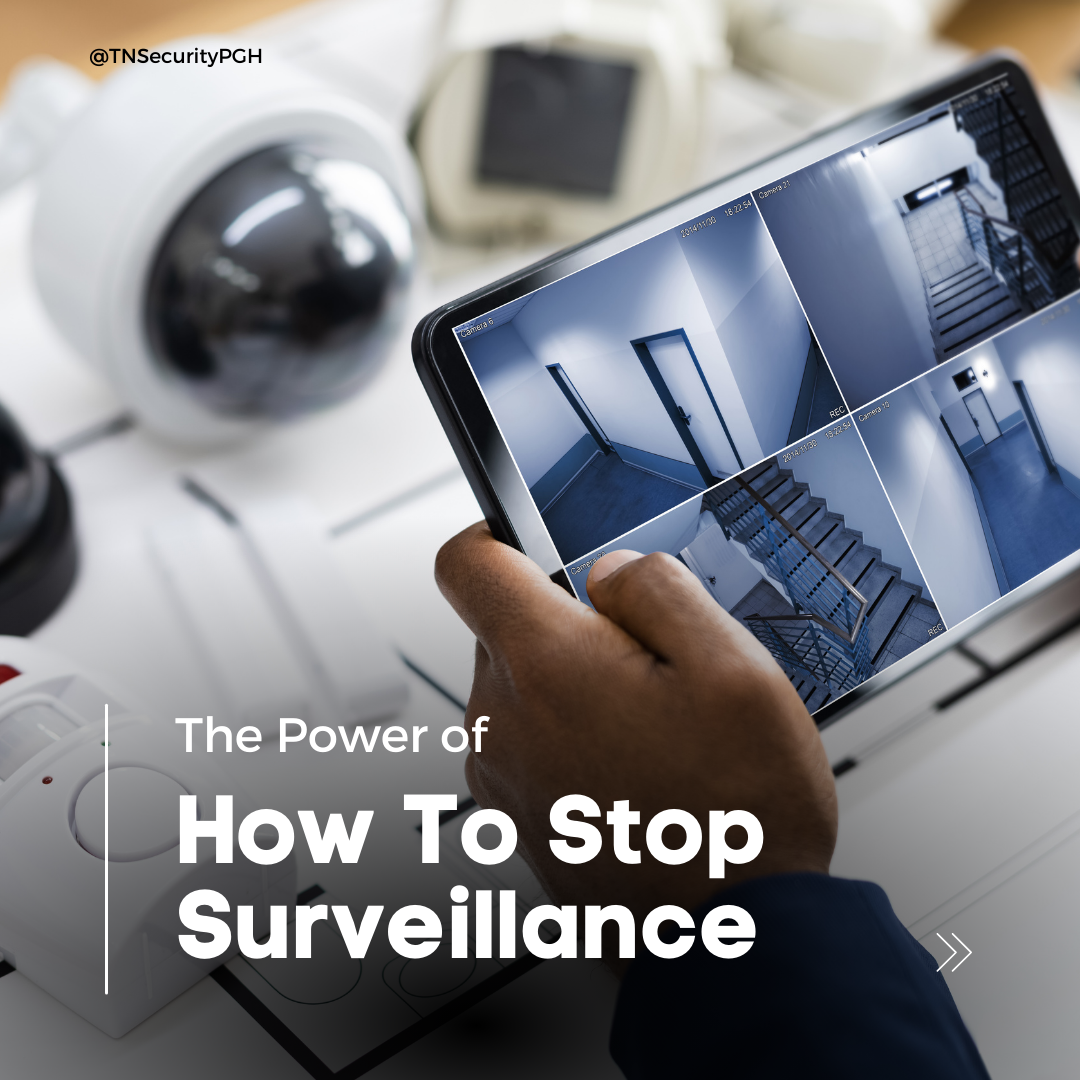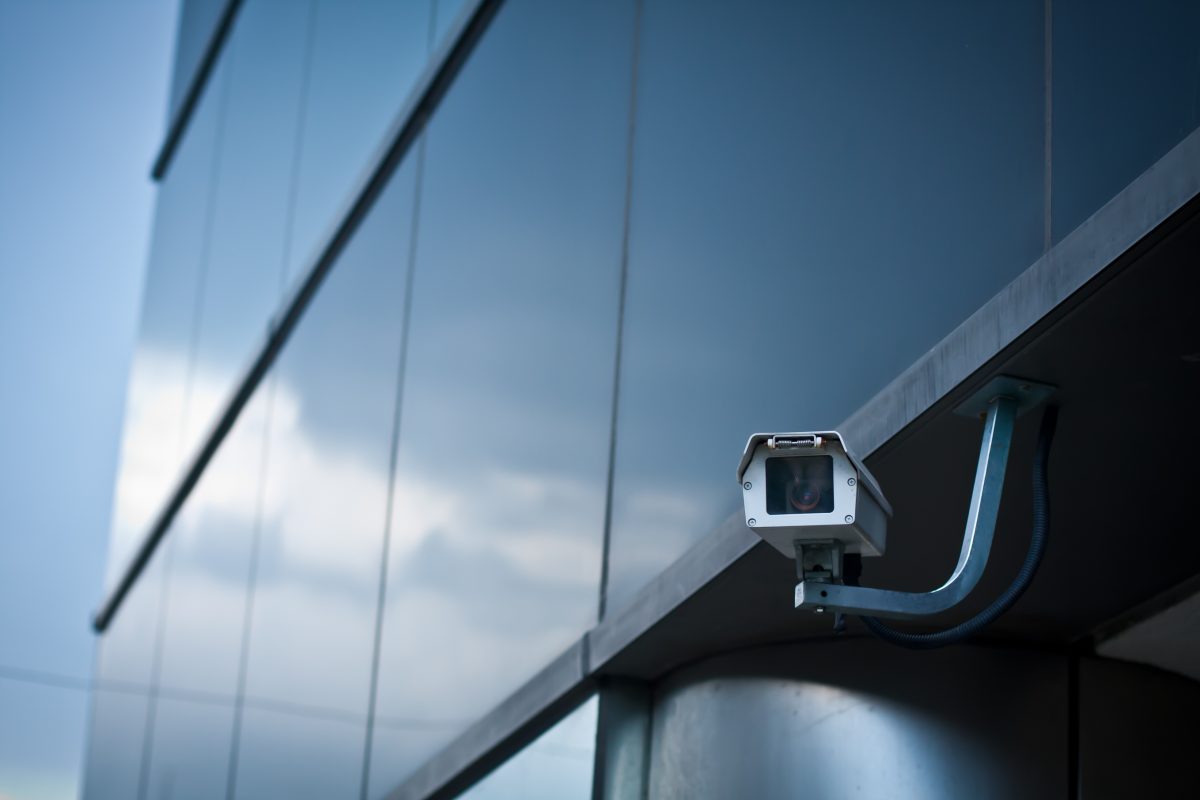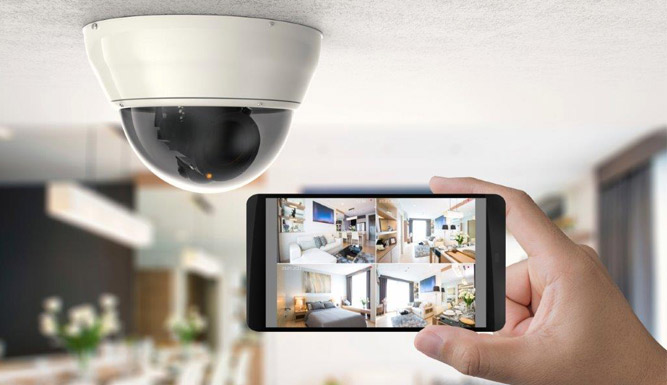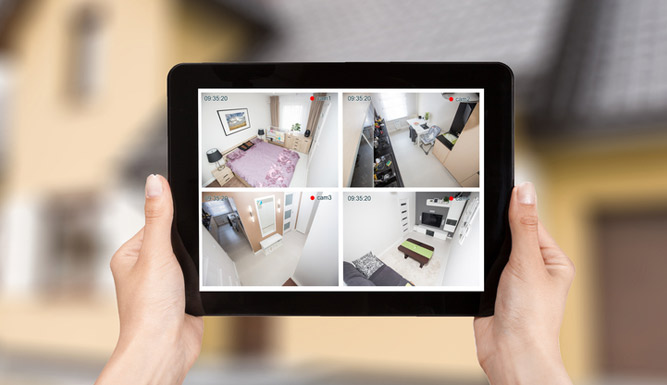

Searching security footage can feel like finding one moment in a mountain of video. New natural-language search tools are changing that. Instead of scrubbing through a timeline, an authorized user may be able to type a description, such as “white delivery van near the rear entrance”, and review matching clips.
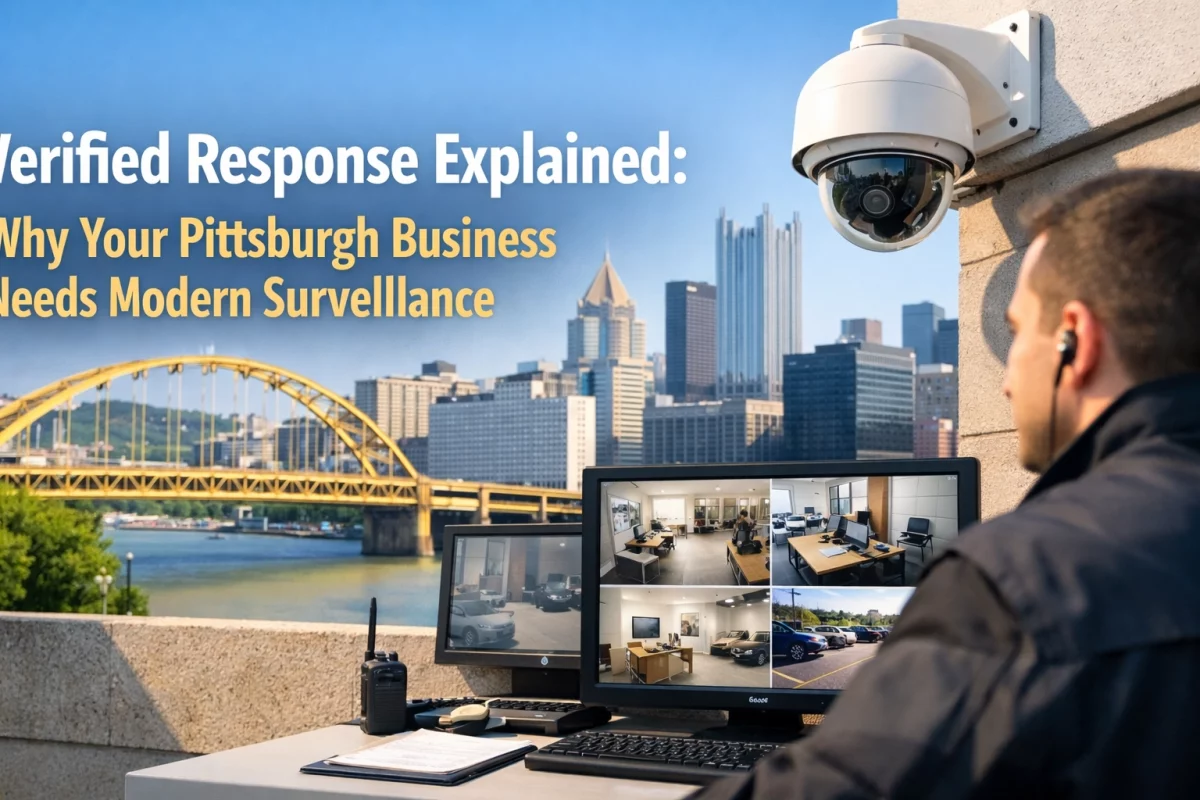
For Pittsburgh businesses, that could make recorded video easier to investigate. The important detail: this capability depends on the cameras and video platform. It is not a standard feature in every system.
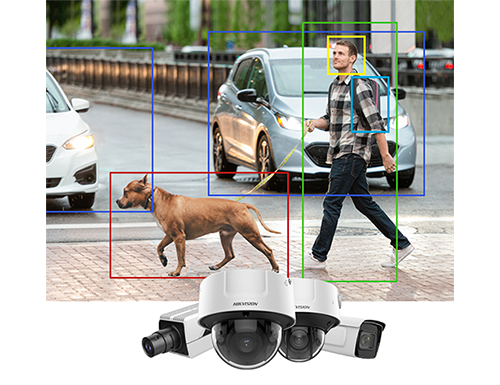
Natural-language video search uses AI to look for visible objects and attributes in recorded footage. Depending on the system, a search might identify a person wearing a certain color, a delivery vehicle, or someone carrying a box.
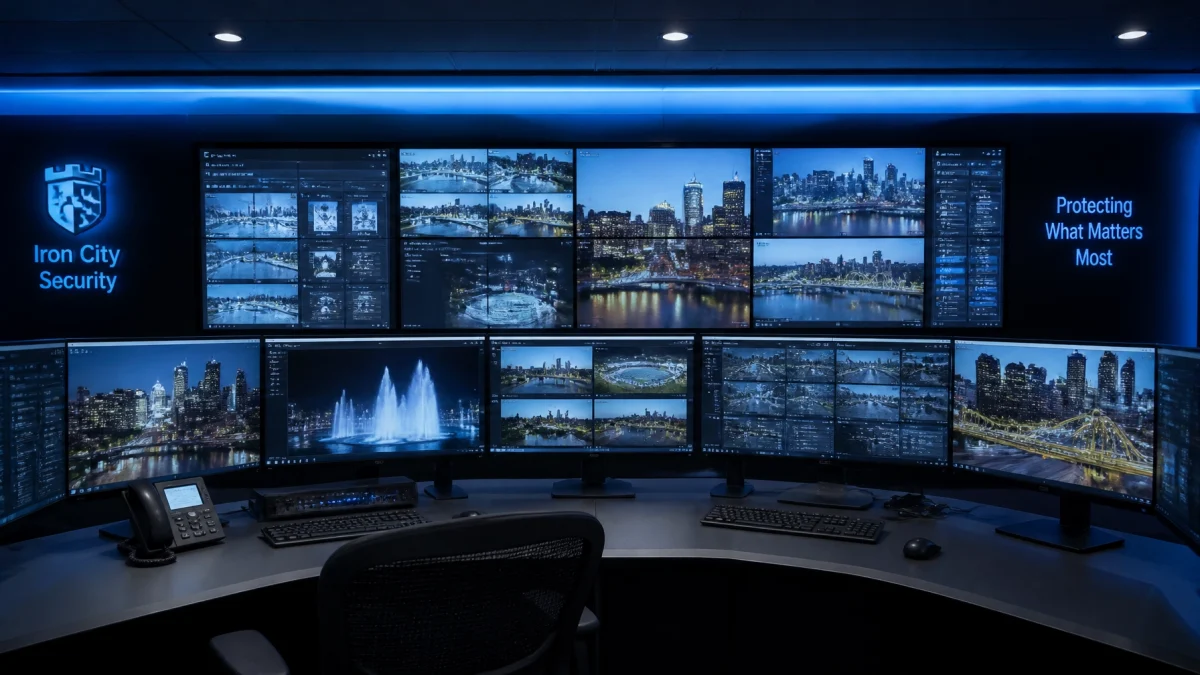
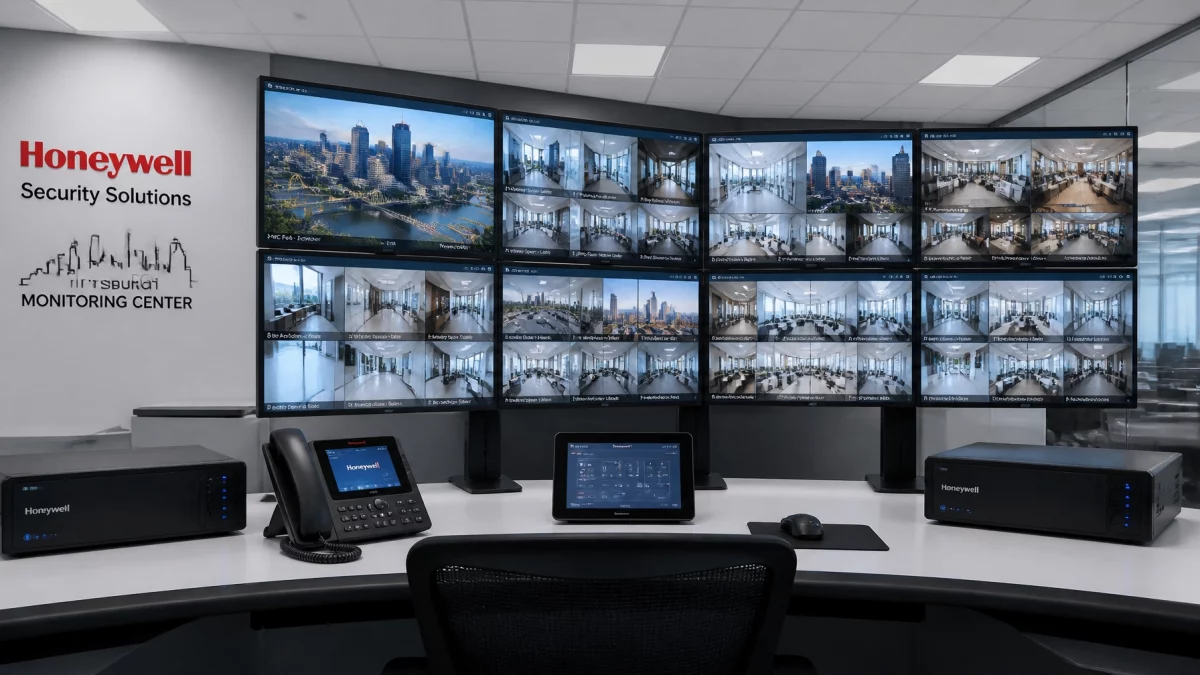
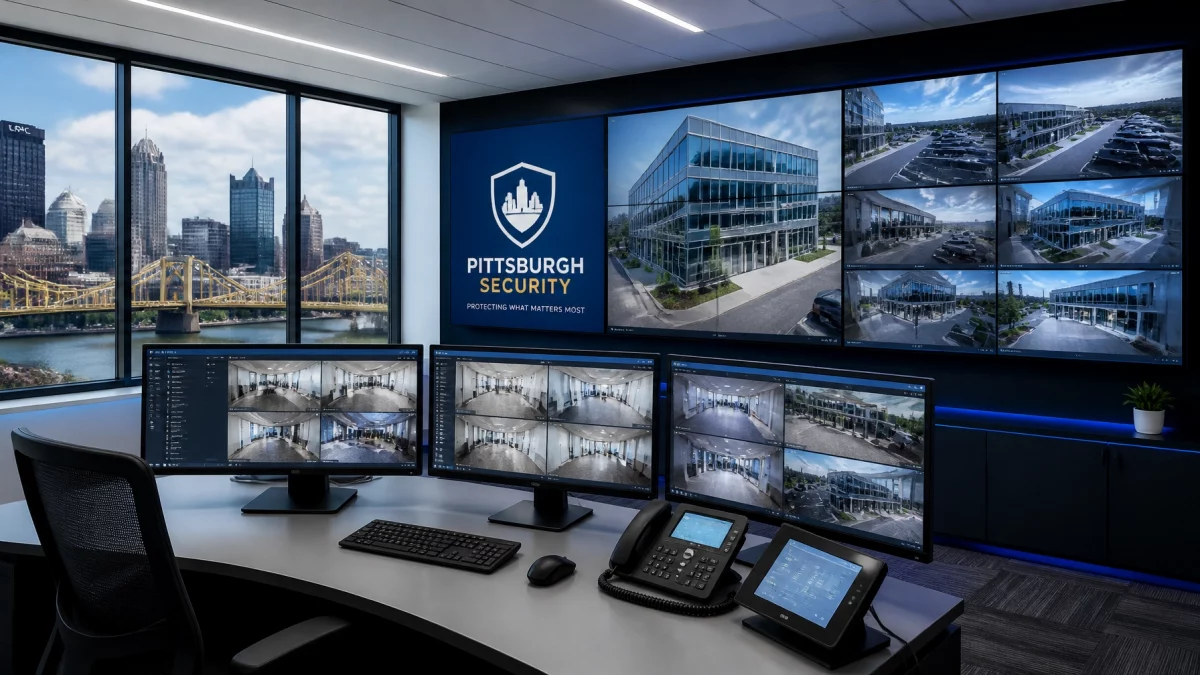
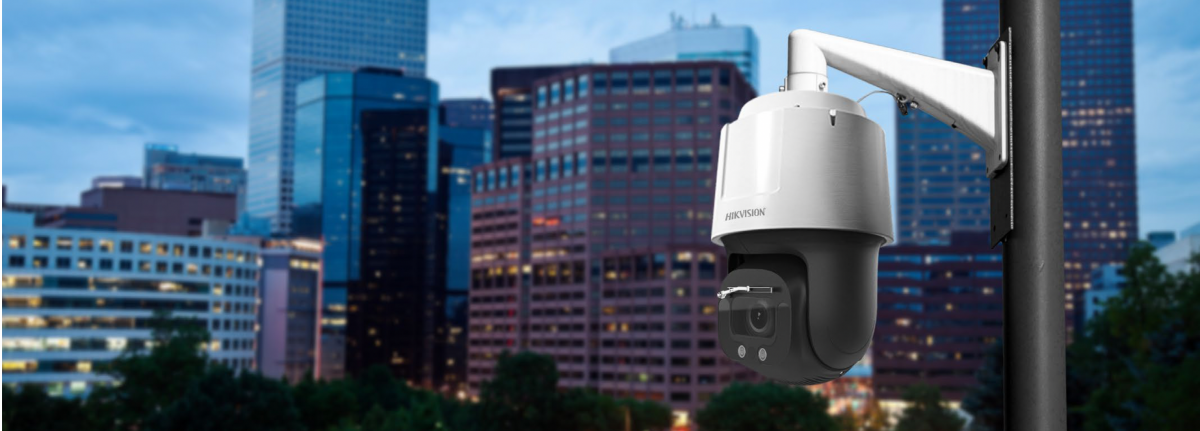
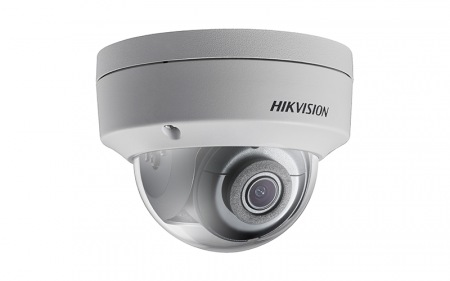
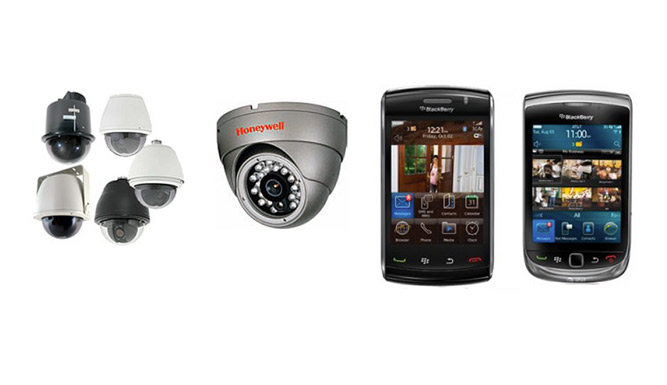
Some platforms, including Axis Camera Station Pro and Hikvision AcuSeek, have introduced text-based search features. Typically, software analyzes video, returns likely matches, and lets a person review the original clips.

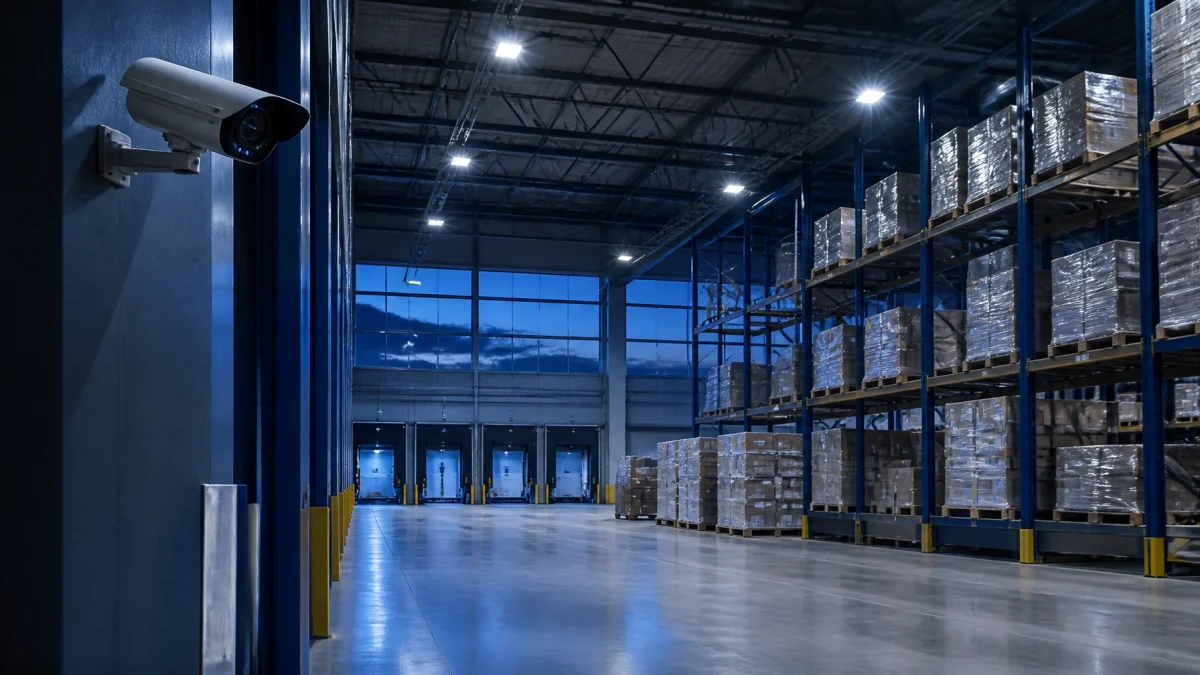
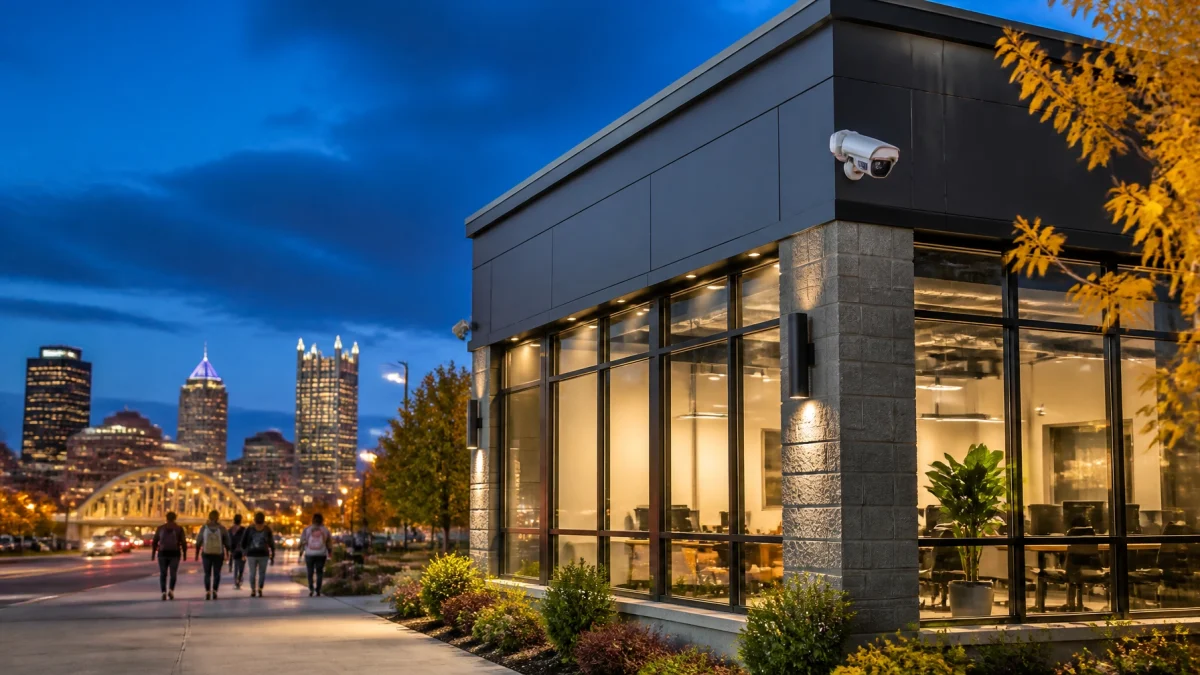
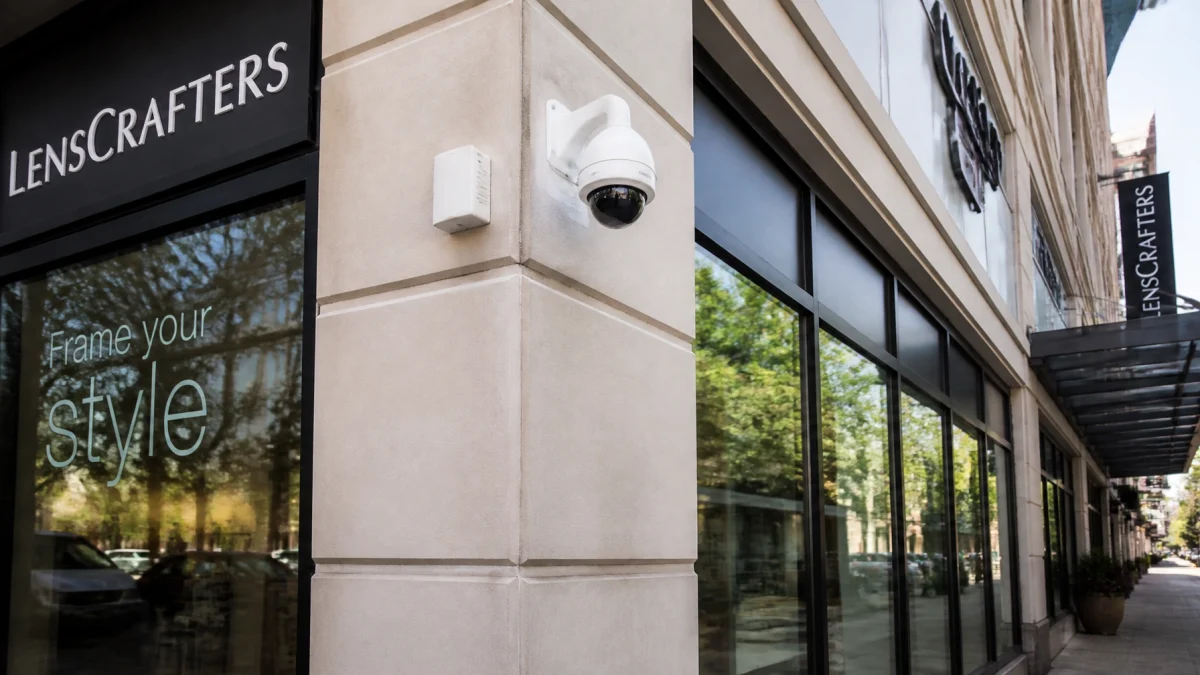
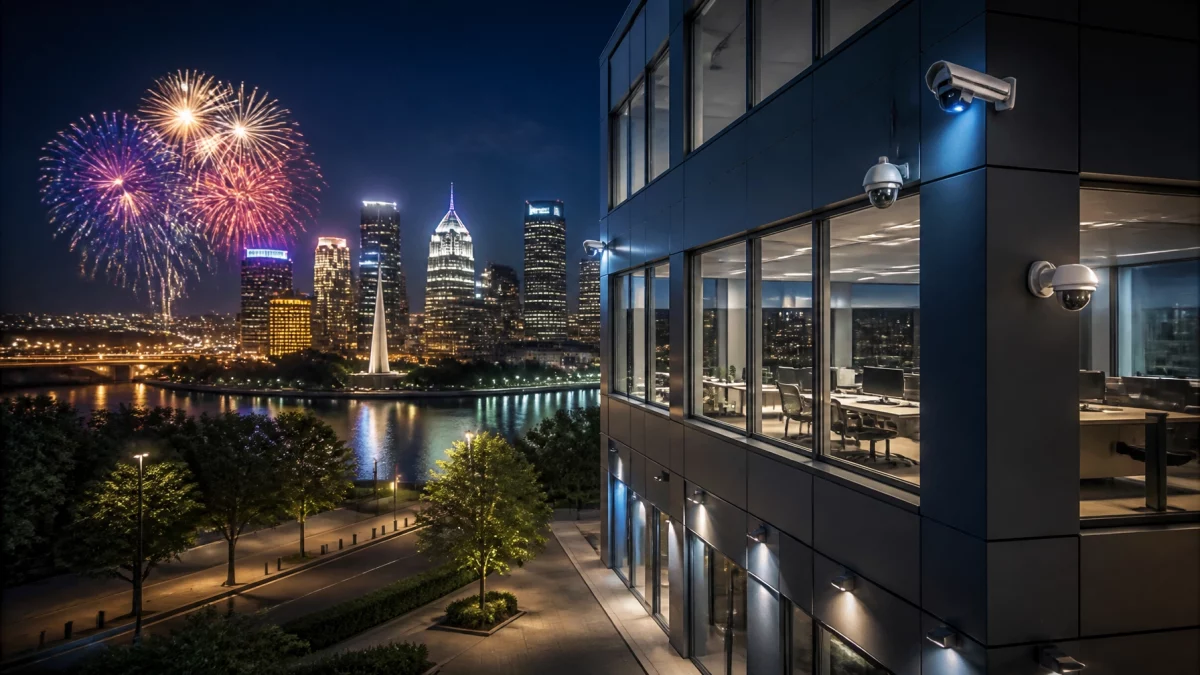
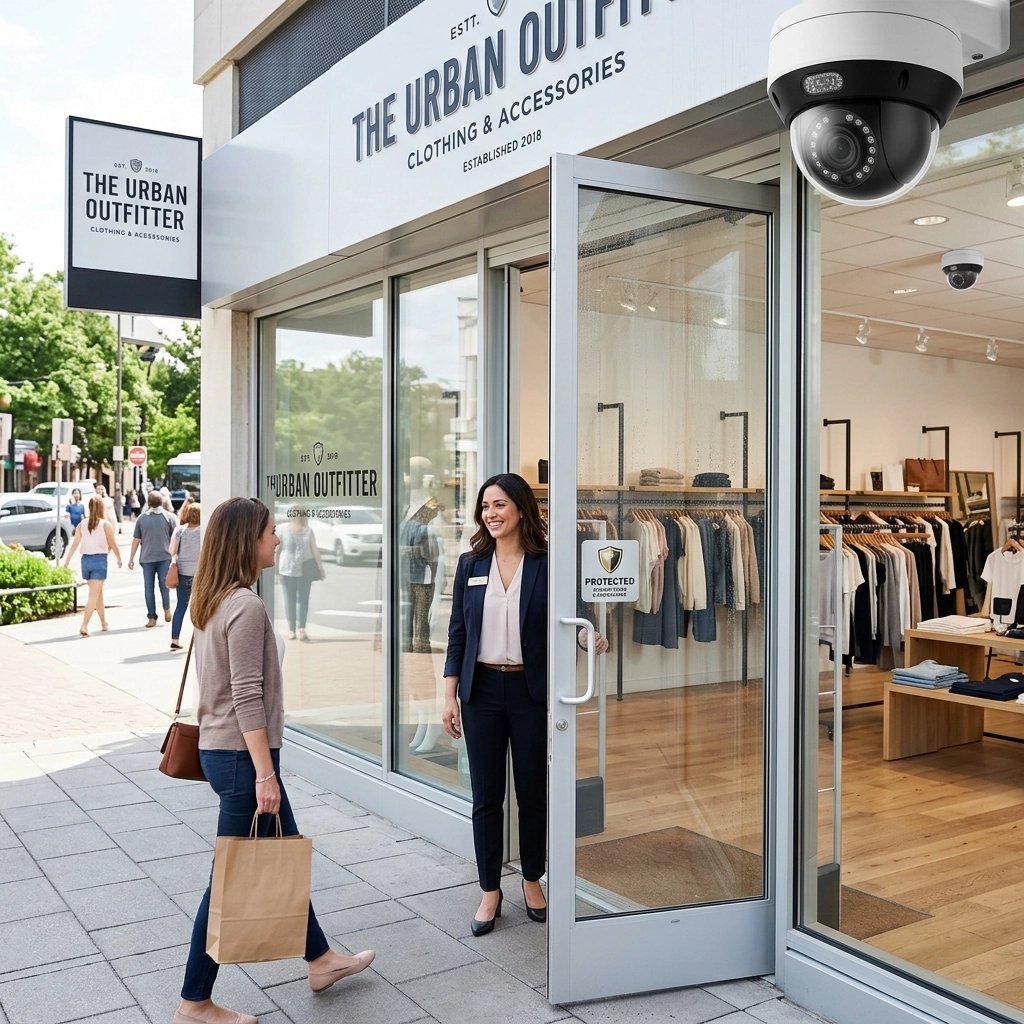
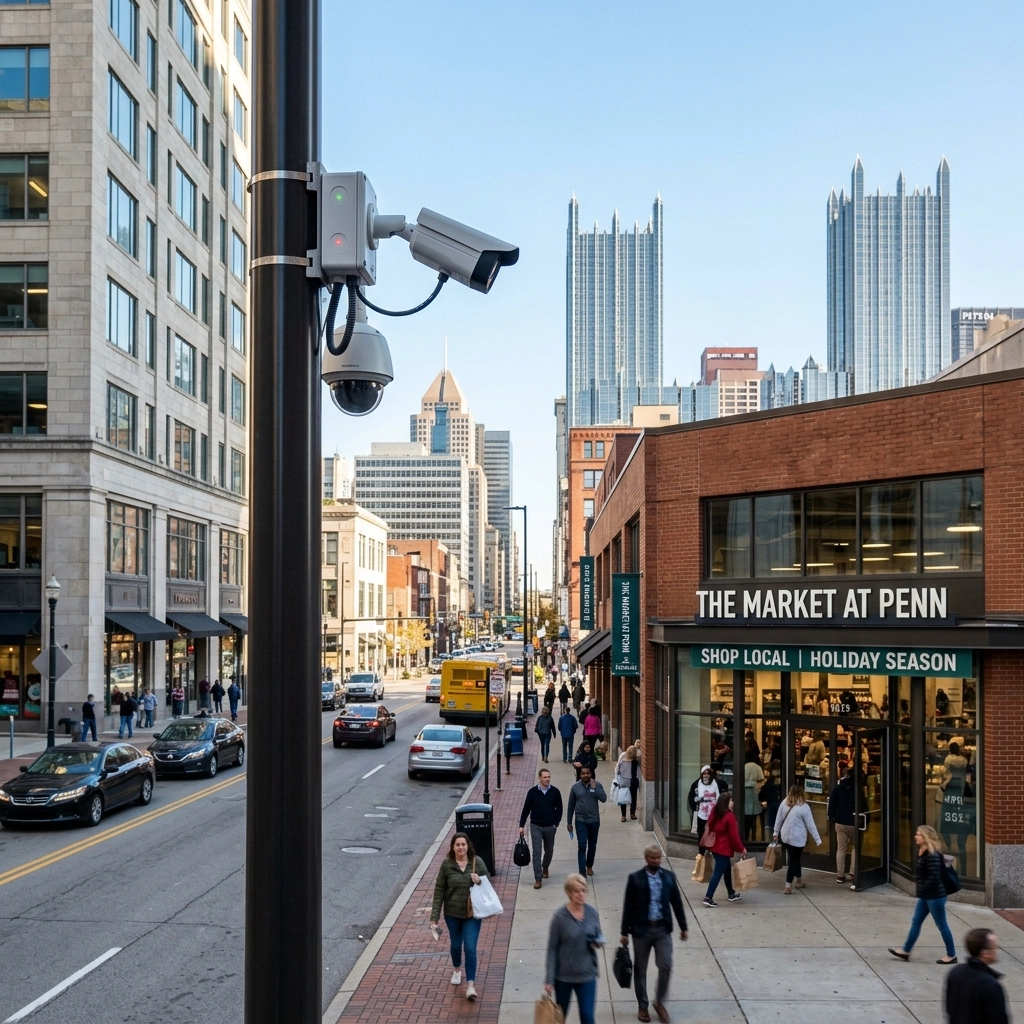
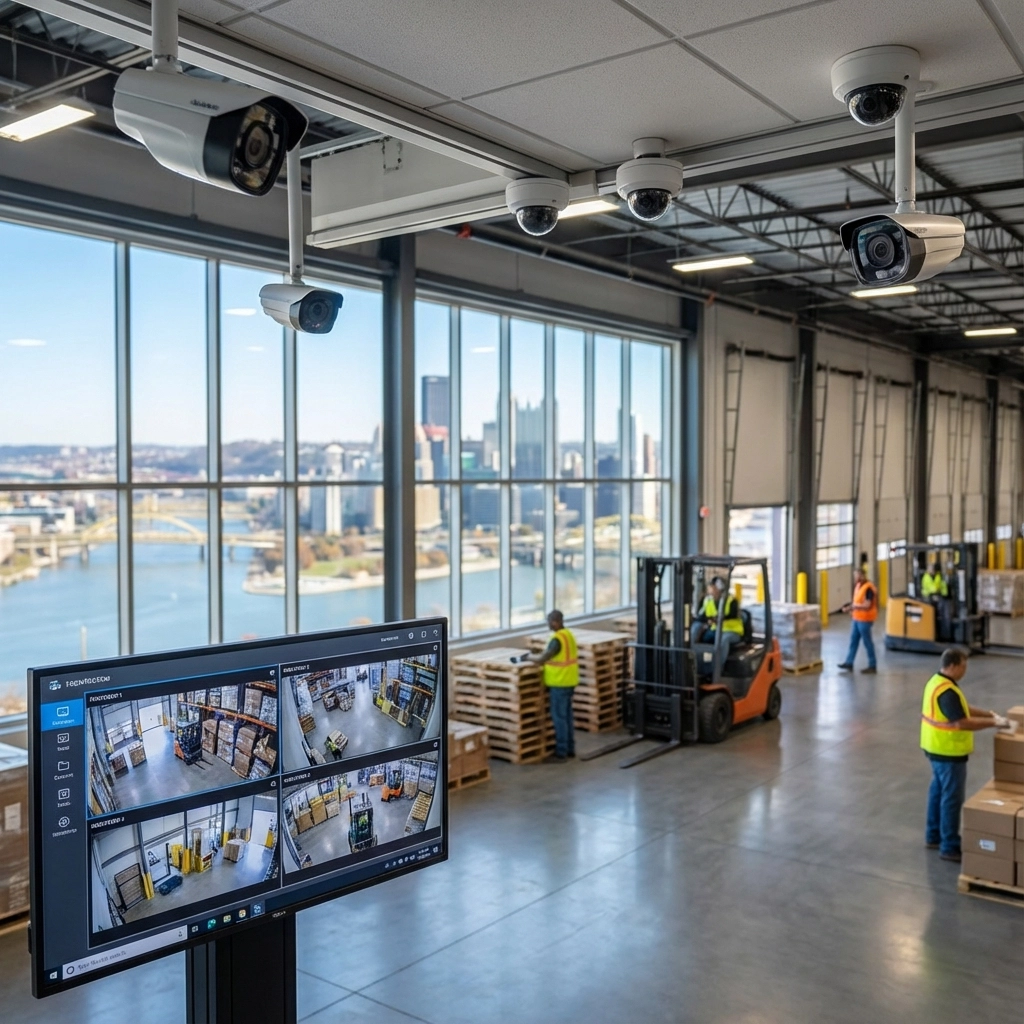
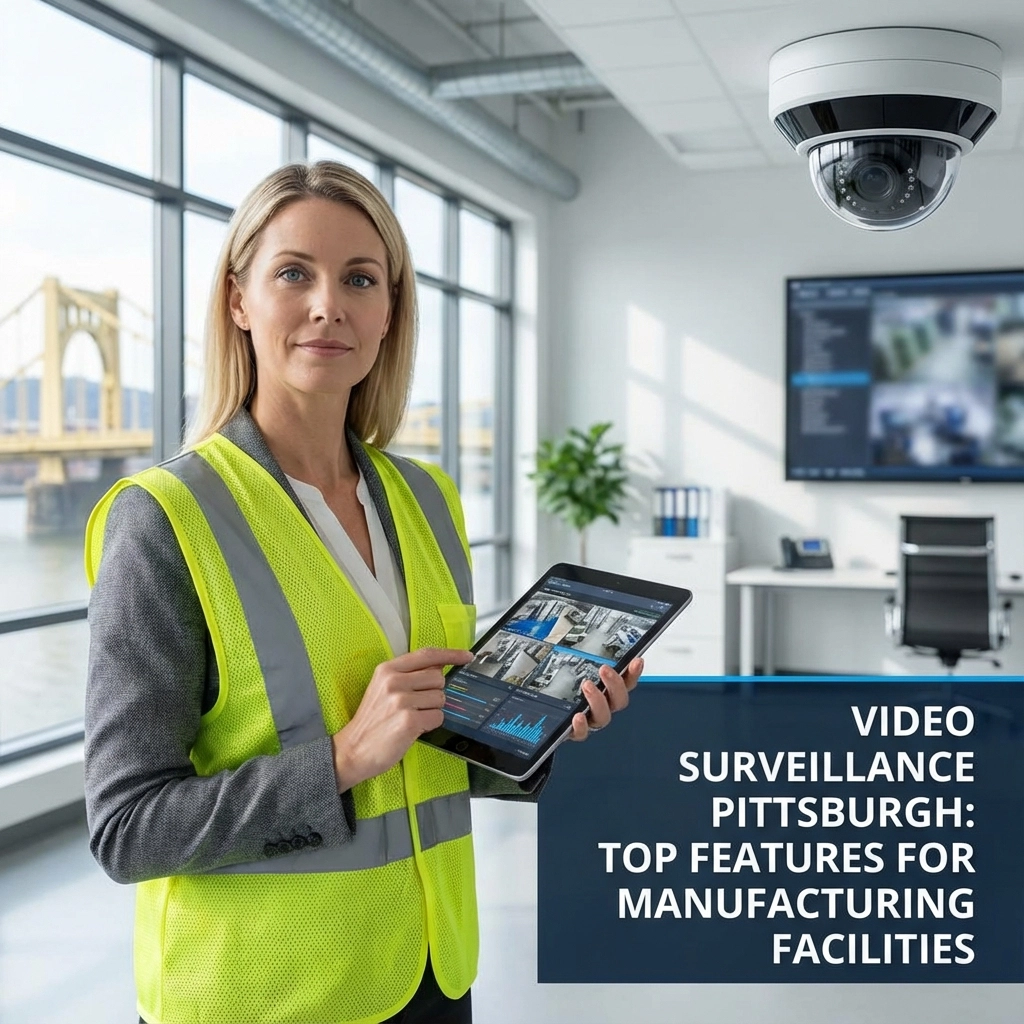
That can be a practical improvement for retail stores, offices, warehouses, and commercial properties. Instead of replaying hours of footage, staff can start with a specific description and a shorter list of results.
The best searches describe what a camera can actually see. Try “person in a red jacket” or “white van at the loading door.” Short, concrete details are generally more useful than an open-ended question about what someone intended to do.
AI search can return inaccurate or incomplete matches. A camera may capture only a partial view, and lighting, obstruction, and image quality affect what is visible. Search results should be reviewed against the original recording before action is taken. A tool can help locate a clip; it cannot reliably determine intent.
FEATURED INSIGHT: Before choosing a platform, ask whether the feature is supported by your cameras, whether footage must be indexed in advance, where the video is processed, and how authorized users and retention are managed.
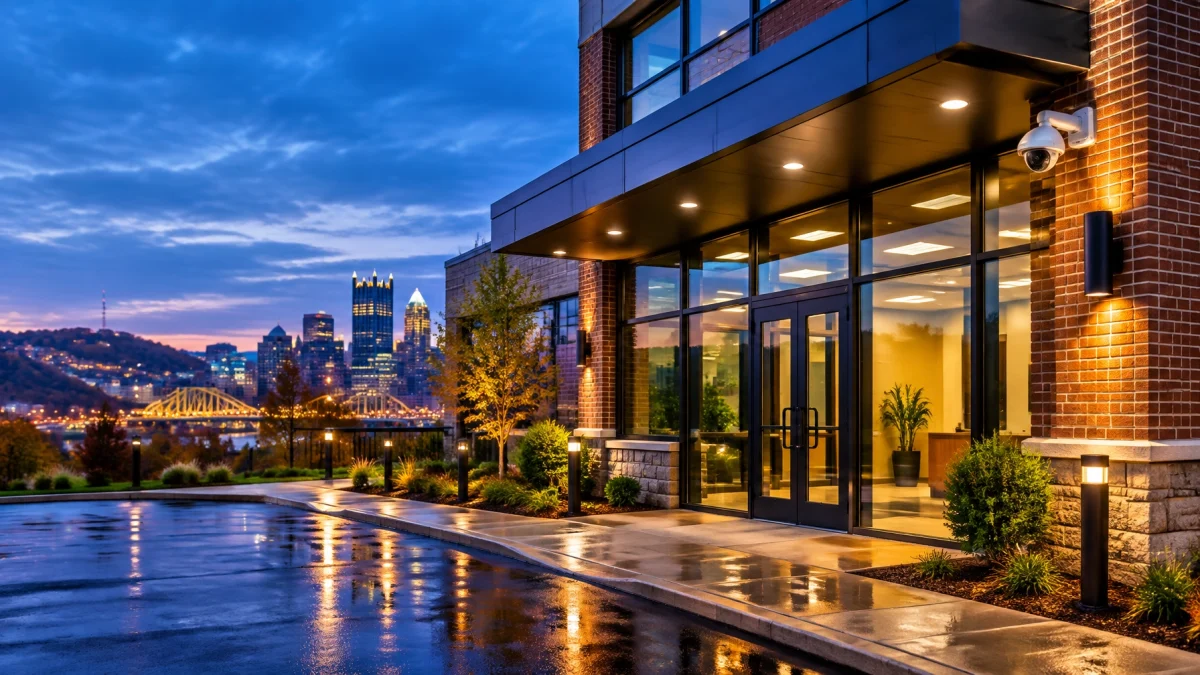
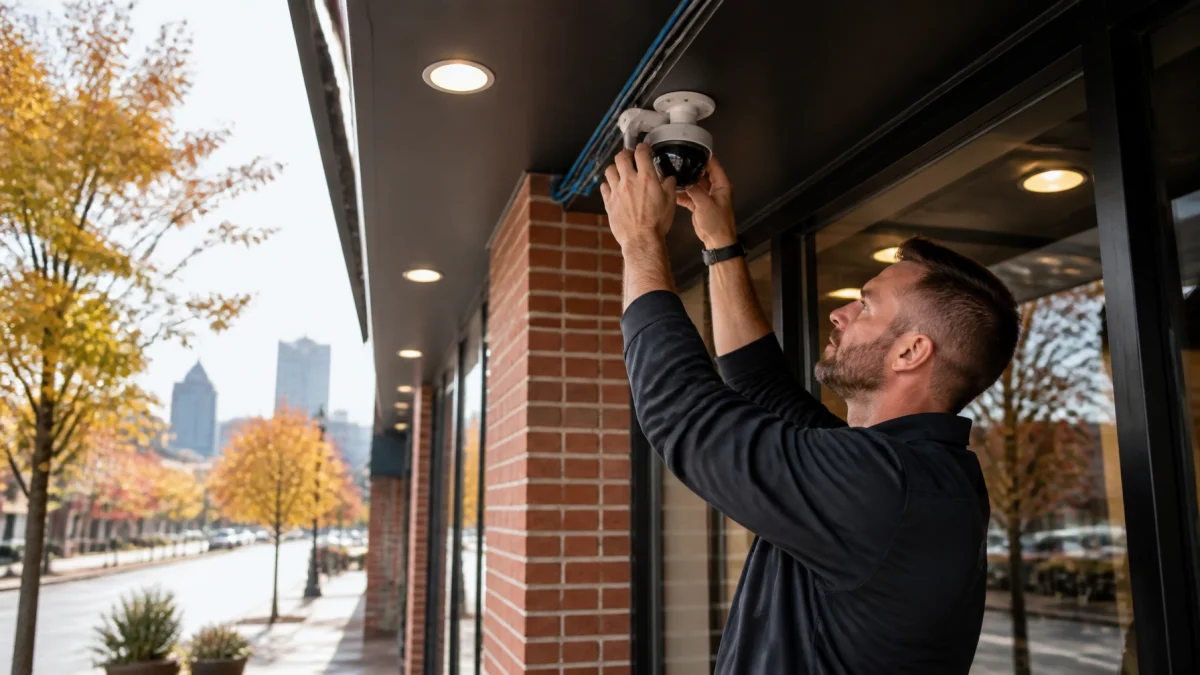
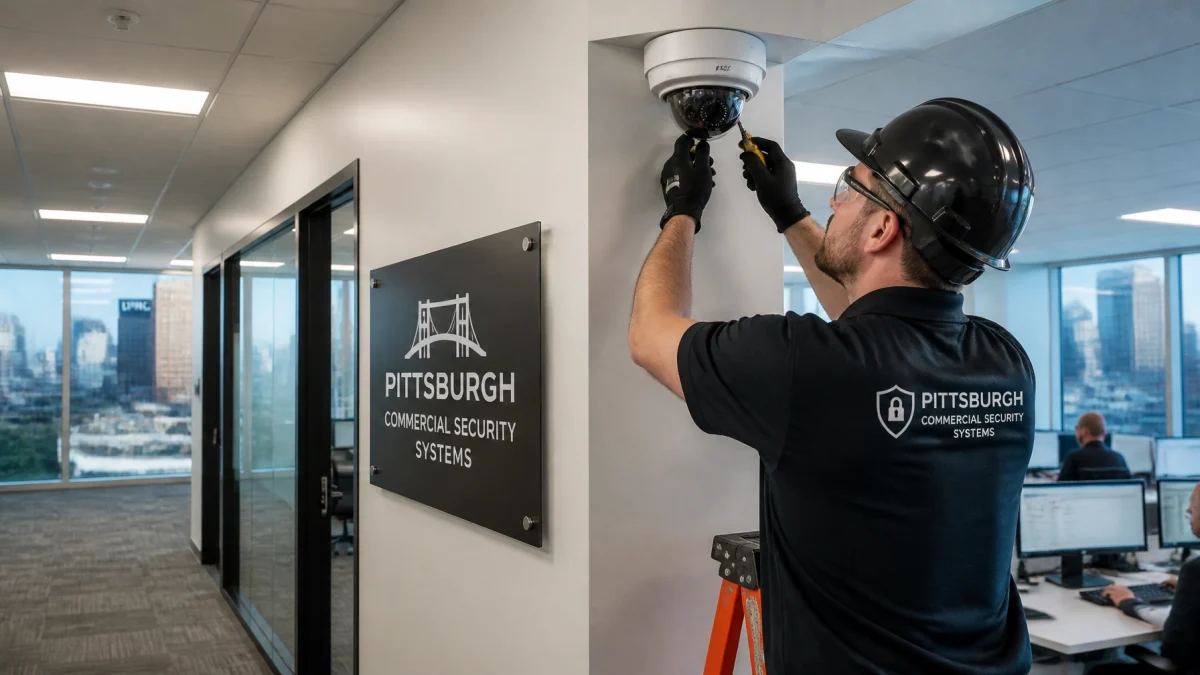
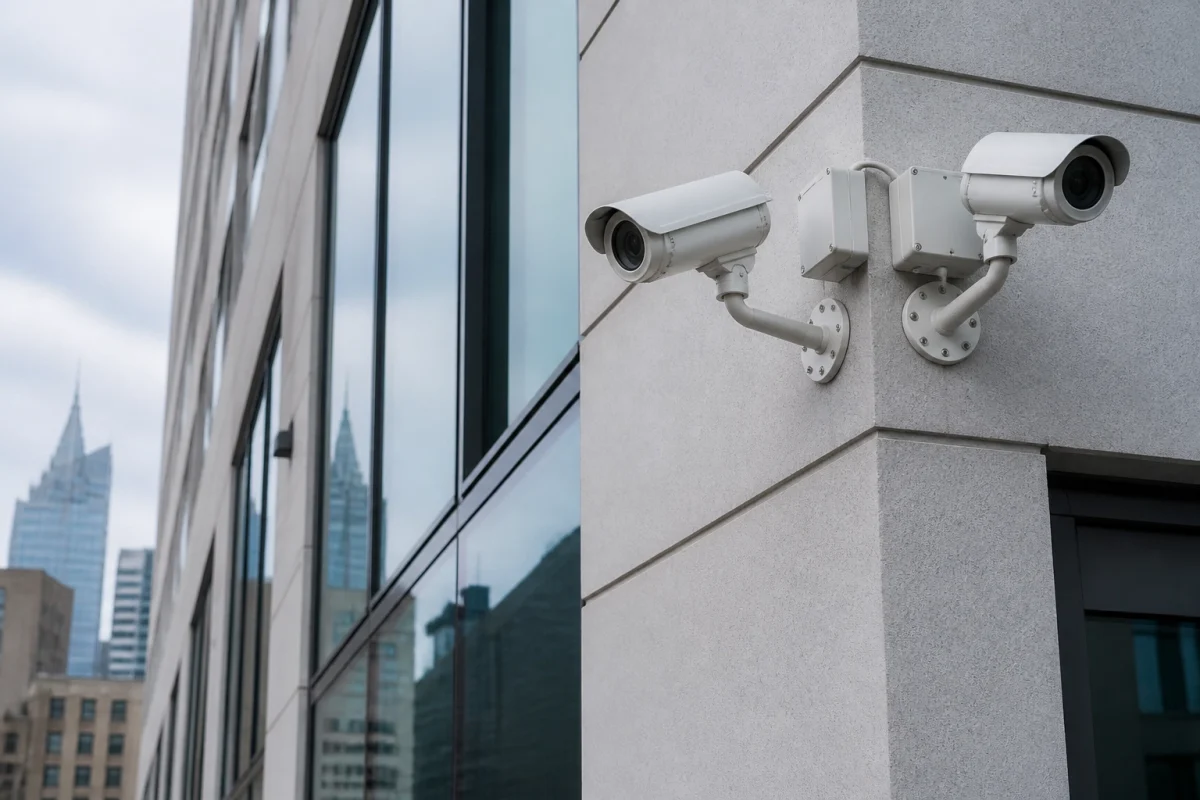
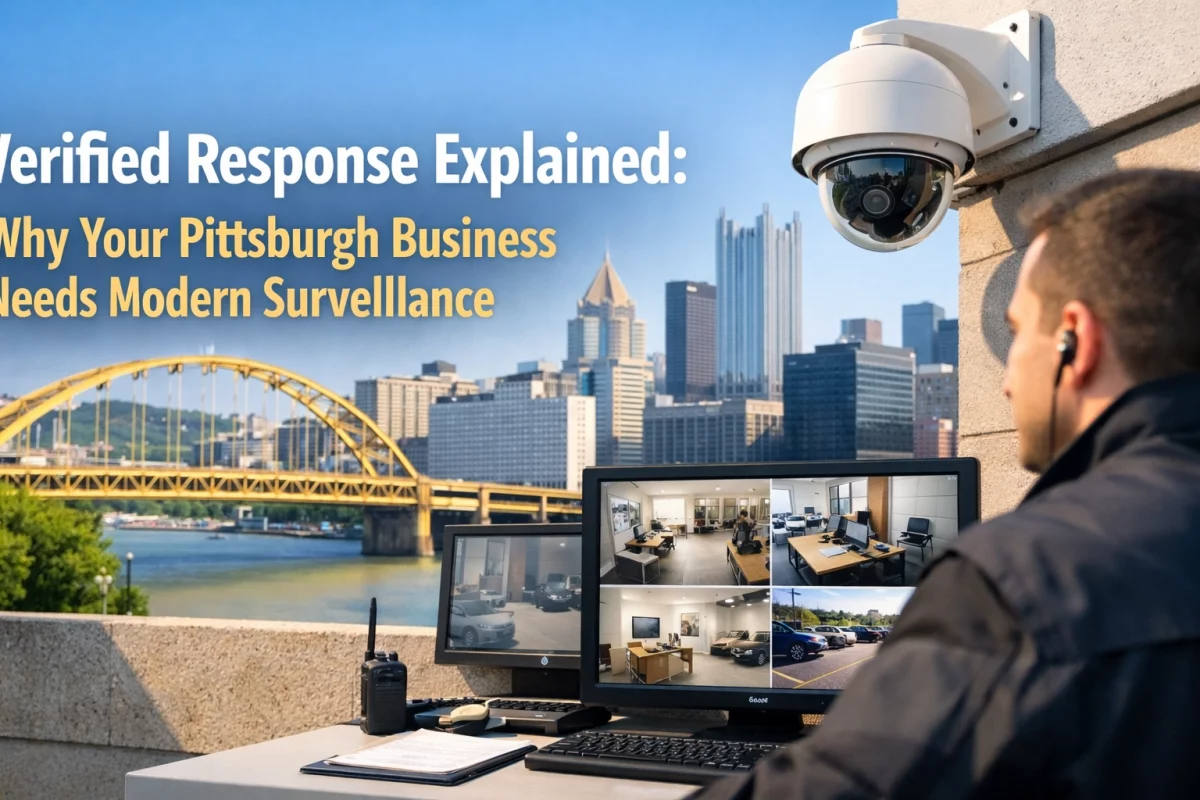
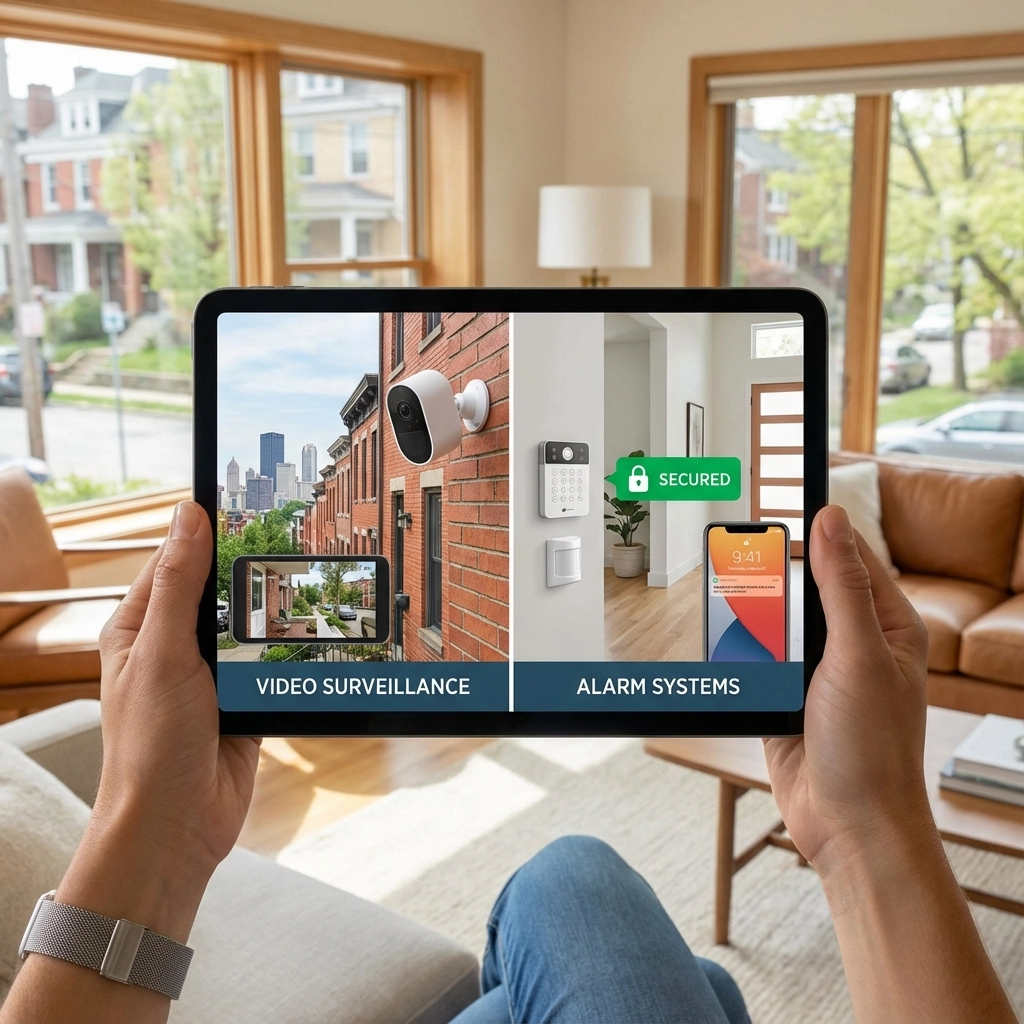
For businesses comparing security cameras near me or security systems Pittsburgh, the search feature is one part of a larger system. Camera placement, dependable recording, secure smartphone access, and clear coverage still matter. TN Security designs and installs commercial video surveillance systems for Pittsburgh-area properties, with options tailored to the site. Explore video surveillance systems or commercial security systems.
TN Security is the #1 provider for security systems Pittsburgh: bringing more than 15 years of experience through Team Nutz Technology, which owns and operates TN Security. Many local searches also include phrases such as “home security Pittsburgh”; this article focuses on commercial video and business applications.

Have a question about upgrading your cameras or making footage easier to review? Contact TN Security to discuss a system designed for your property.

TN Security Pittsburgh
Phone: 412-967-0467
Address: 3287 Library Road, Pittsburgh, PA 15234
Email: sales@teamnutztechnology.com
tnsecuritypittsburgh.com
Some video platforms support natural-language searches for visible details, such as clothing or vehicles. Availability depends on the system, and results should always be checked against the original video.
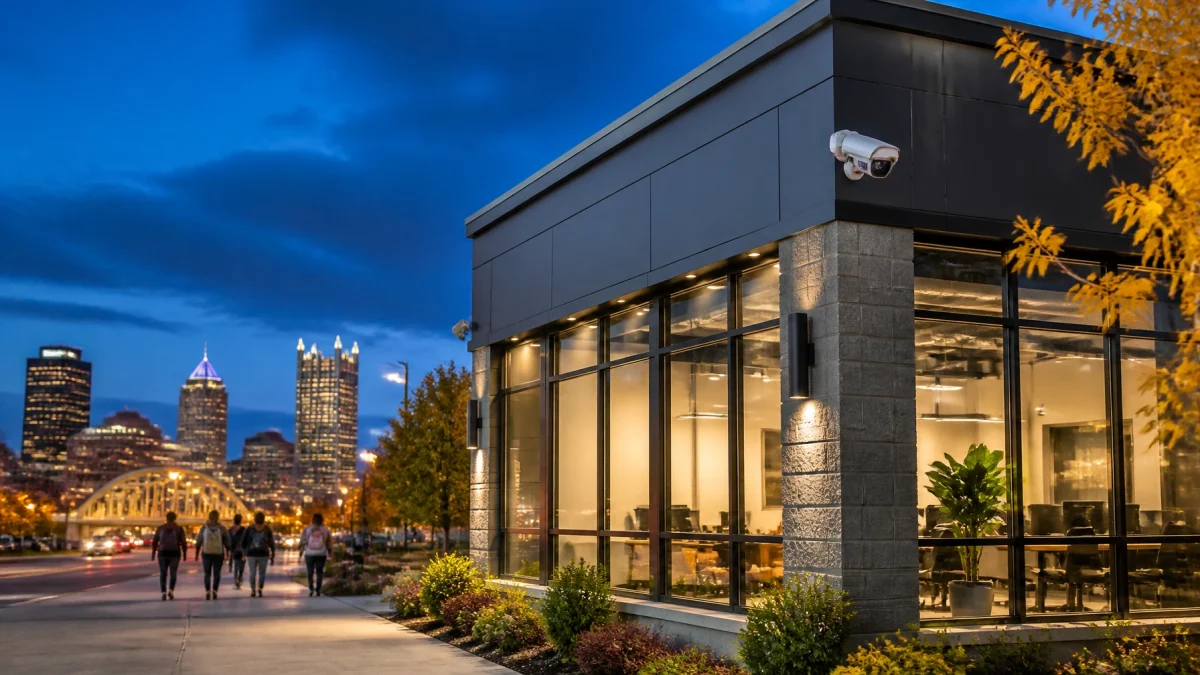
TN Security designs and installs commercial video surveillance for Pittsburgh-area businesses, offices, retail spaces, and other properties.
No. It depends on compatible cameras, the video management platform, licensing, storage, and whether video has been indexed for search.