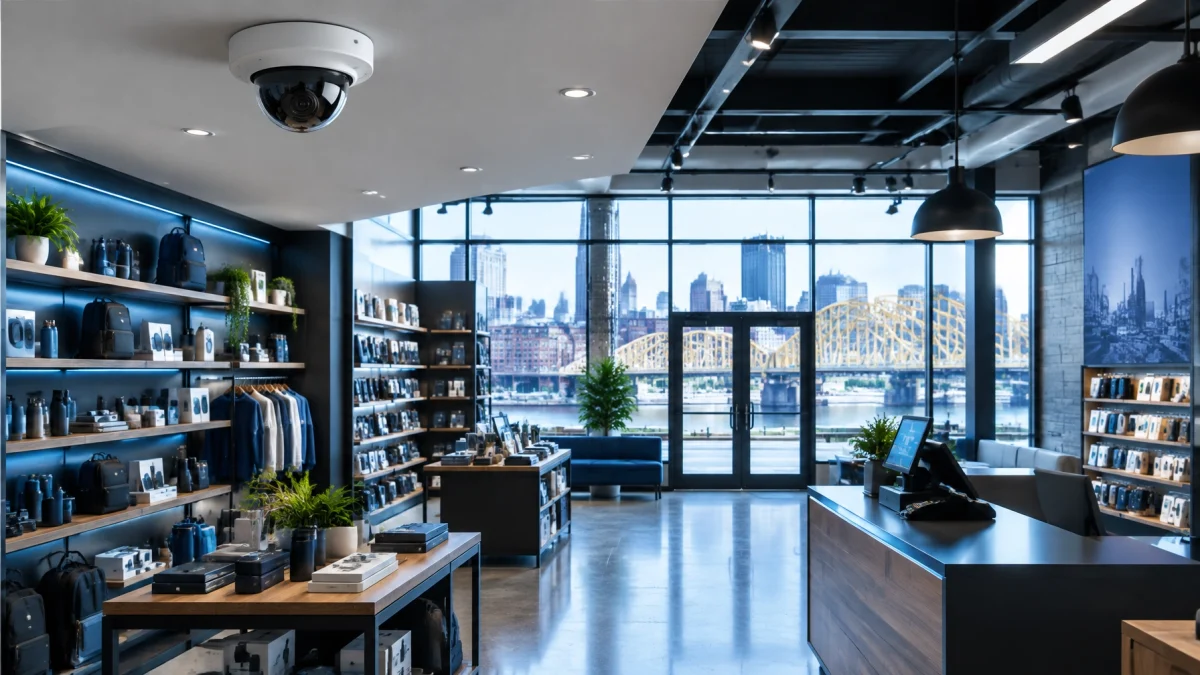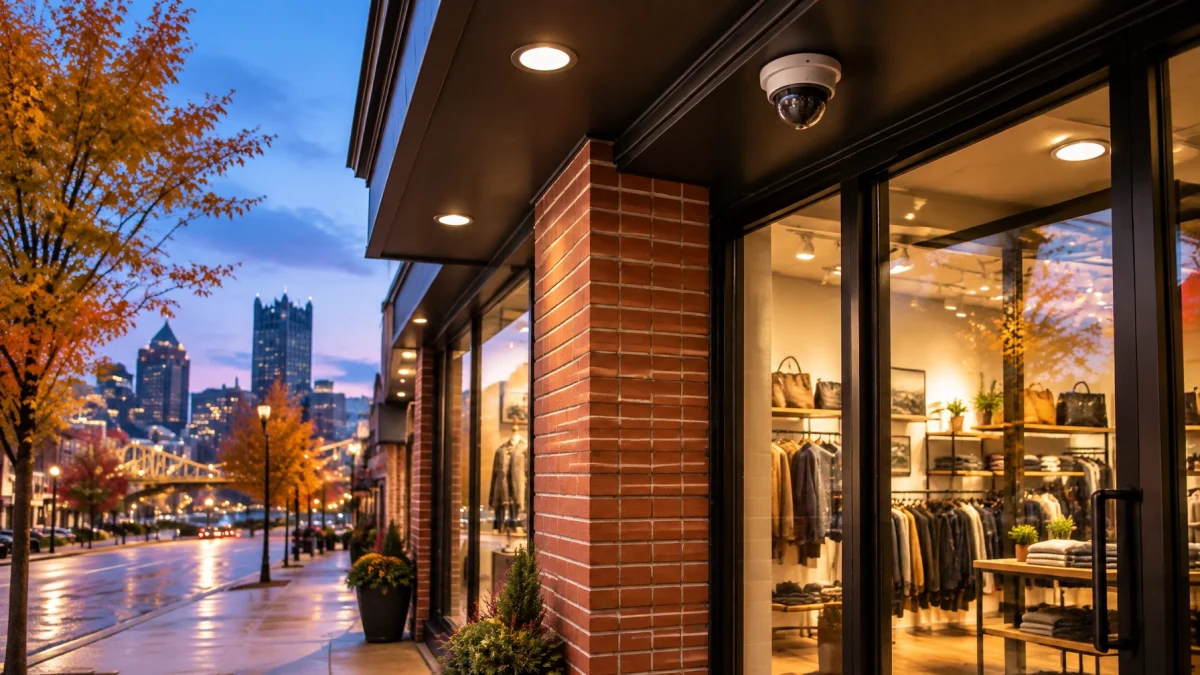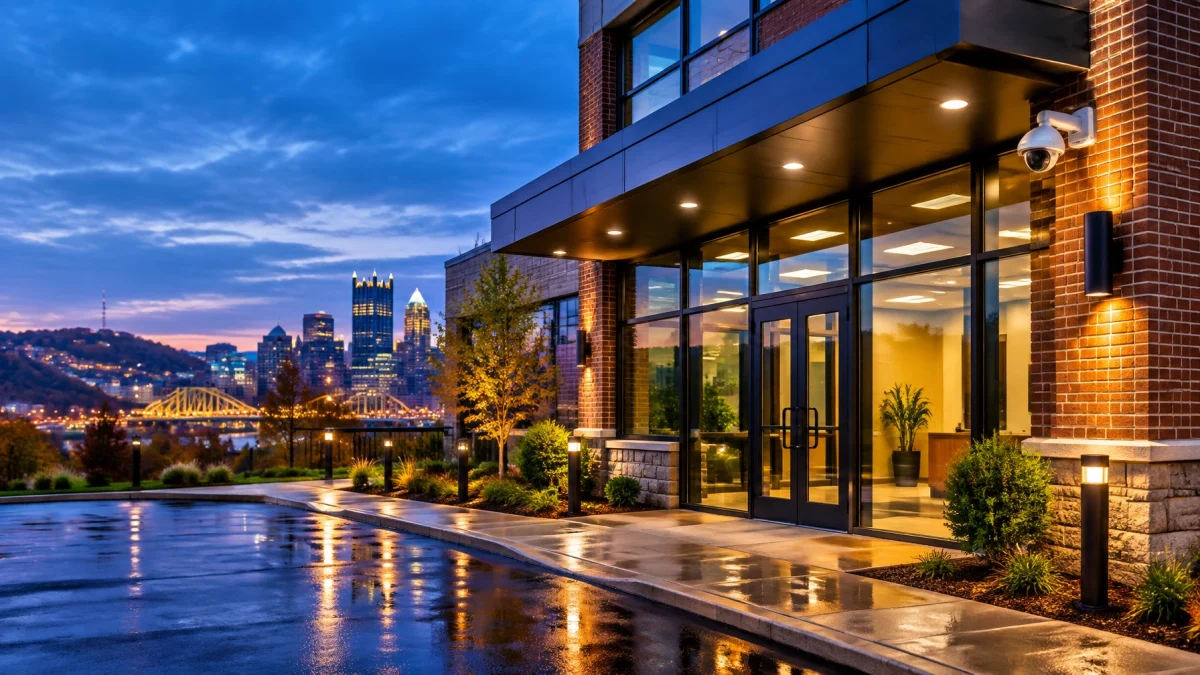
Today, Sunday, November 1, clocks in Pittsburgh fall back one hour, bringing earlier evening darkness. For your business, use the change as a prompt to check lighting schedules, test photocells and motion lights, confirm camera night settings, verify the alarm panel’s clock, and open your security app. These quick checks help ensure your property is illuminated, footage is usable, and event records show the correct time.
At 2 a.m. local time, clocks moved back to 1 a.m. The hour between 1 and 2 occurs twice. The National Institute of Standards and Technology lists November 1, 2026, as the end of Daylight Saving Time in the United States.
That repeated hour is a useful reminder to check the clocks and schedules tied to your commercial security system. Devices may update automatically, or may need attention, depending on their settings and configuration.
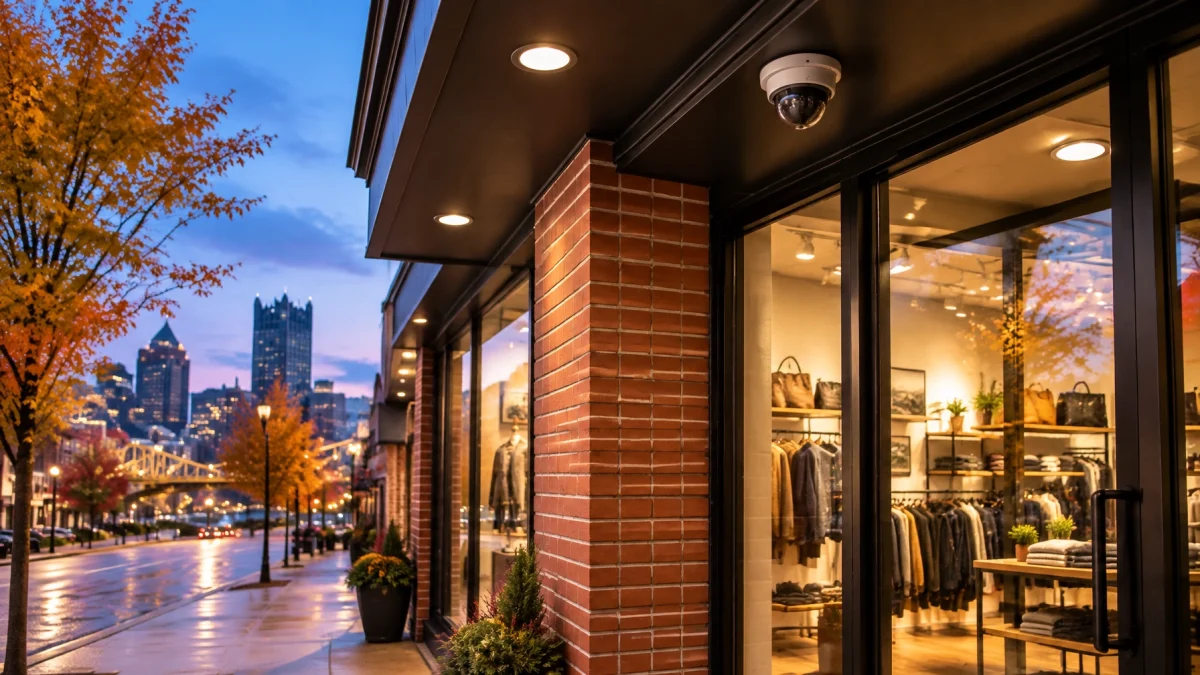
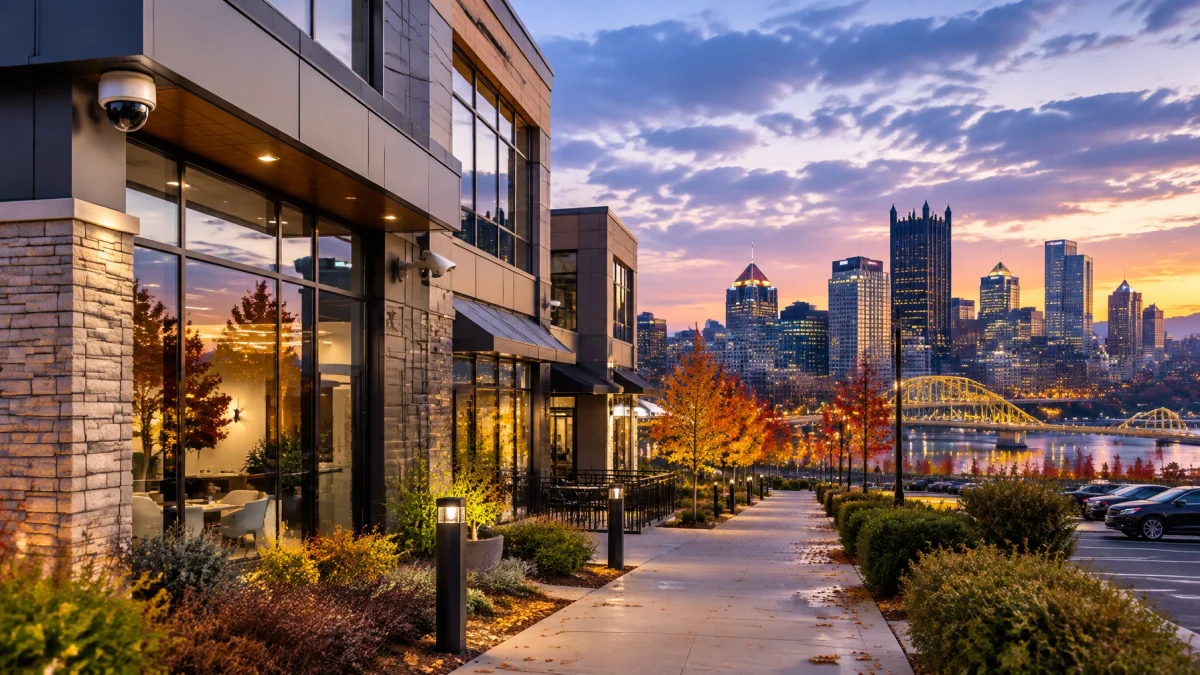
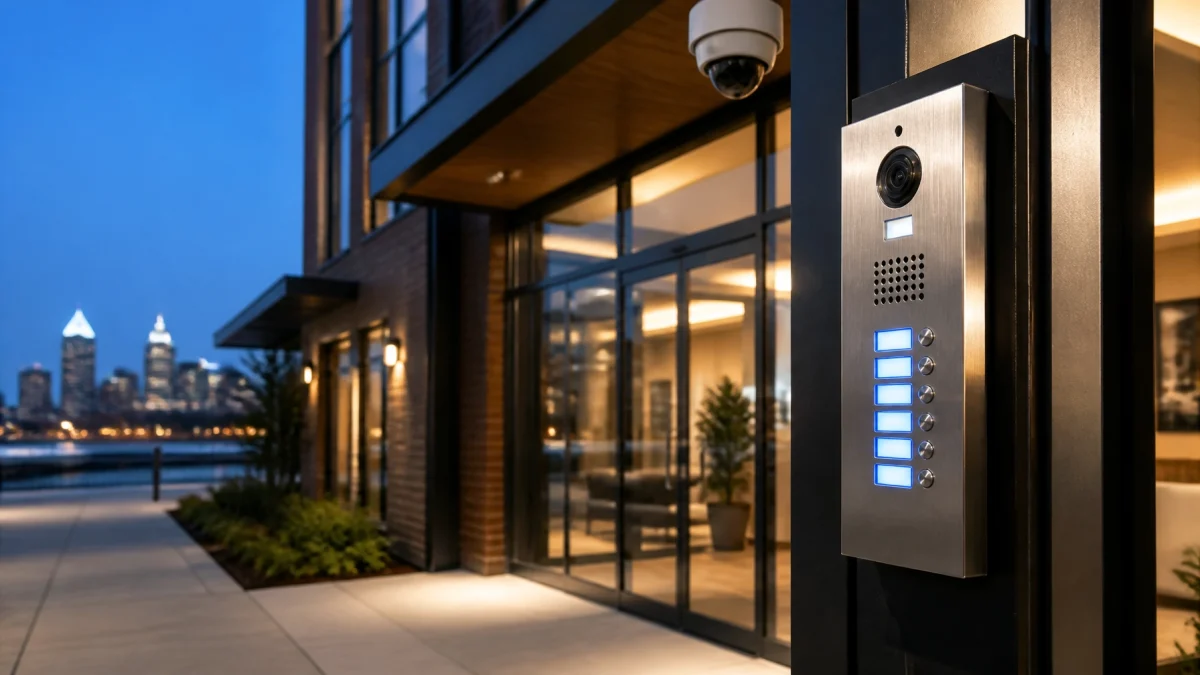
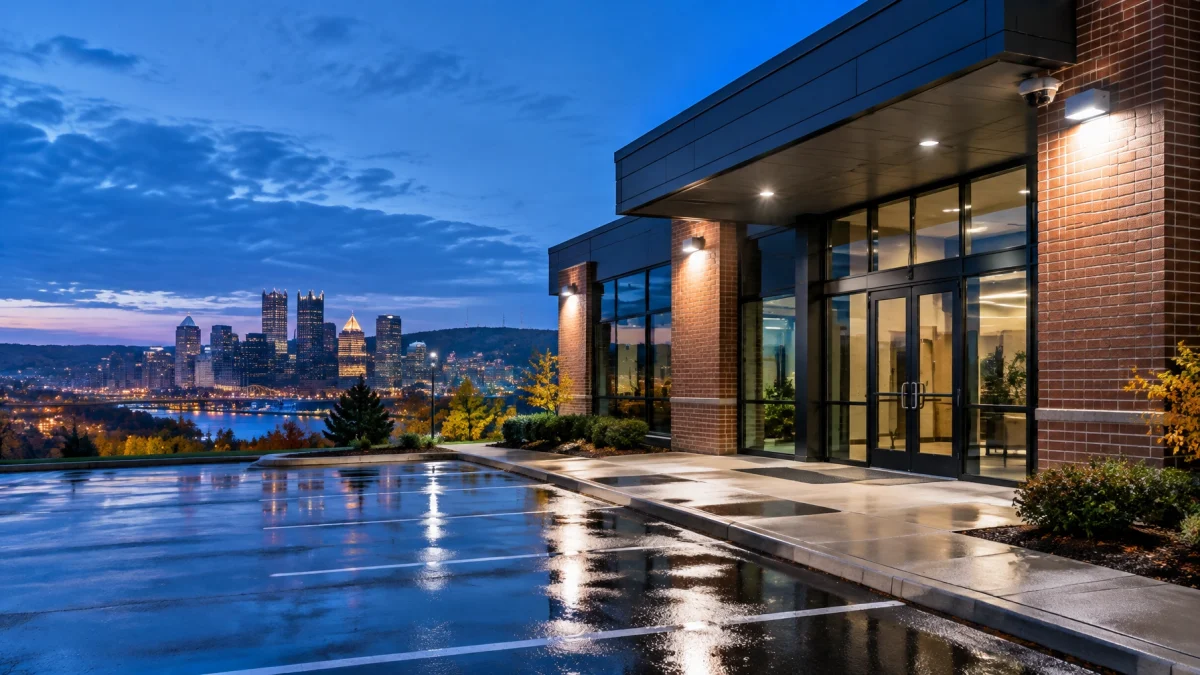
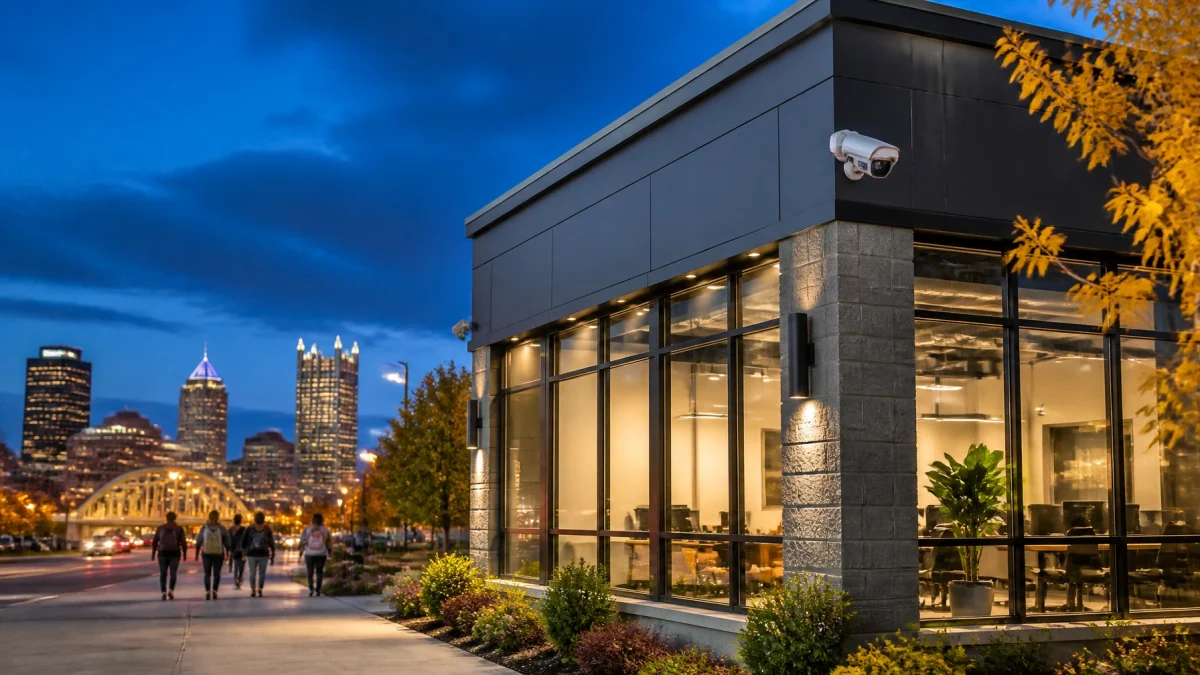
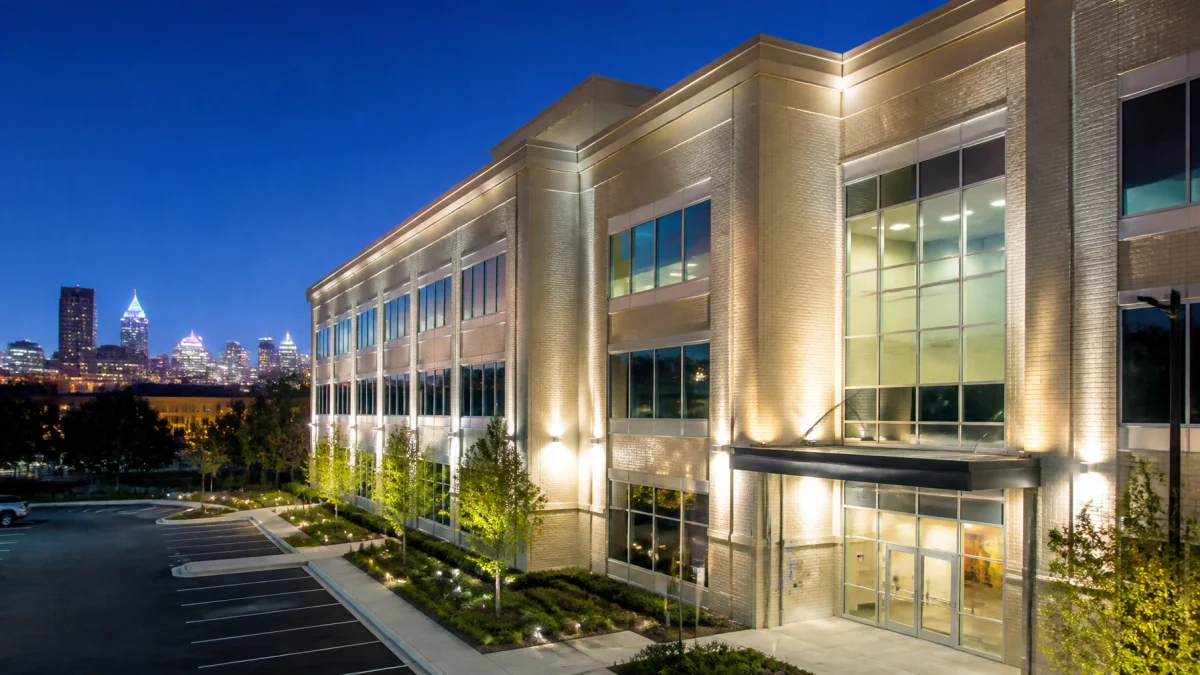
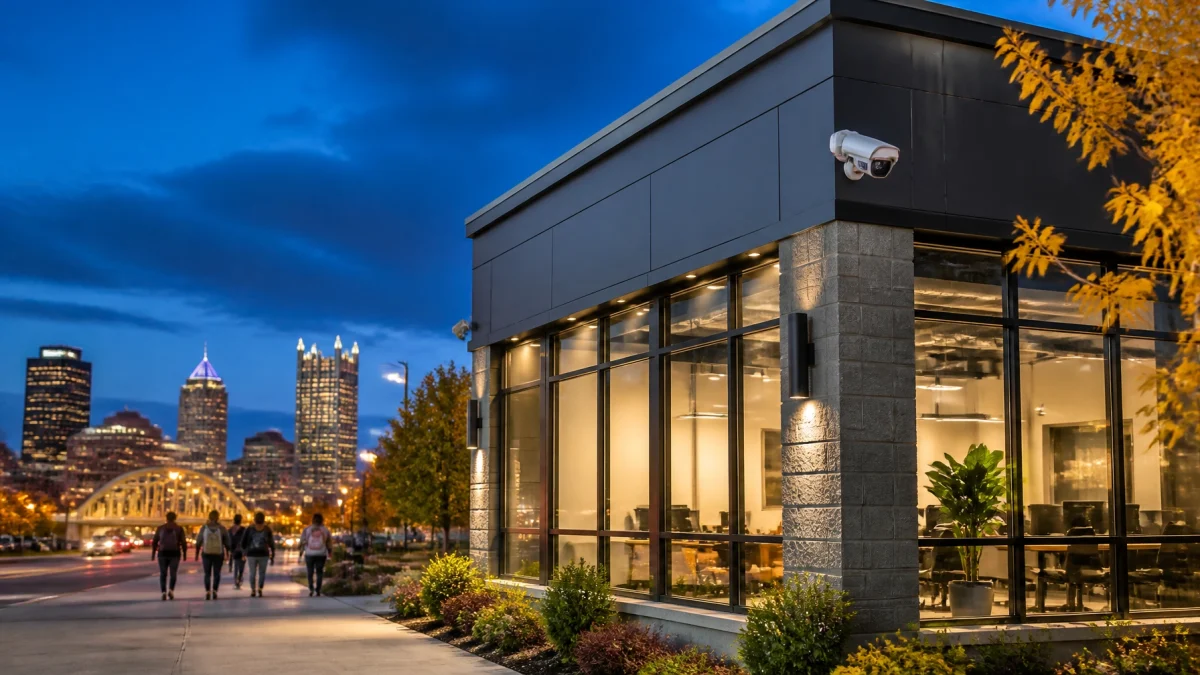
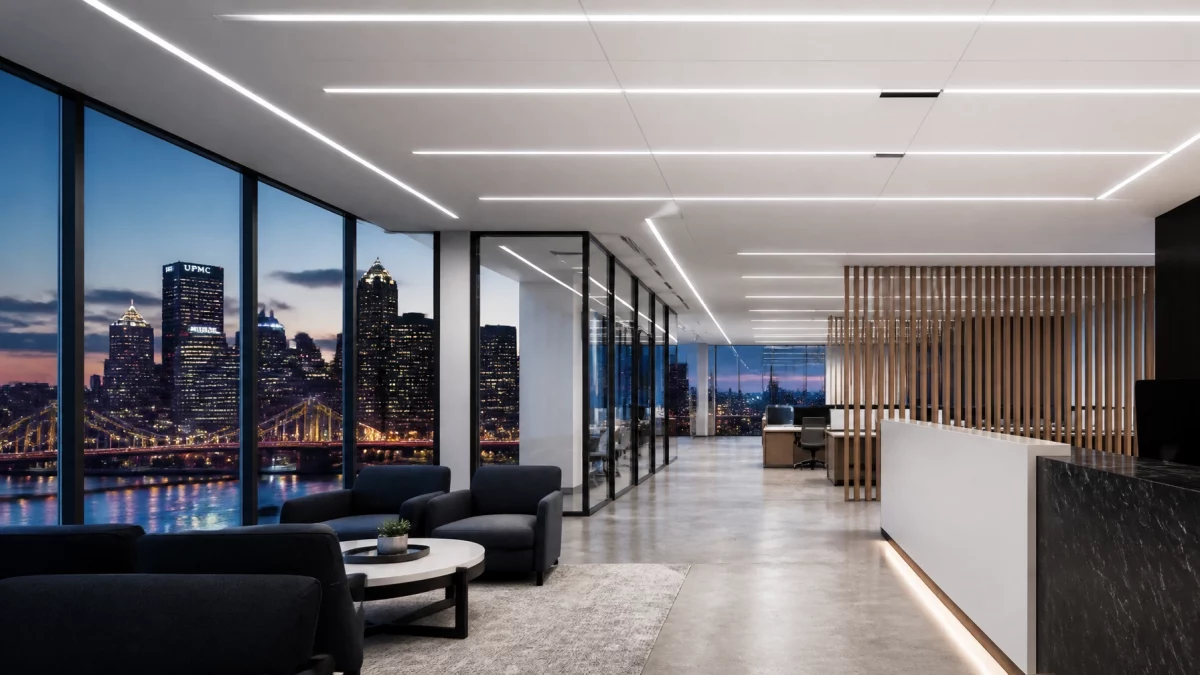
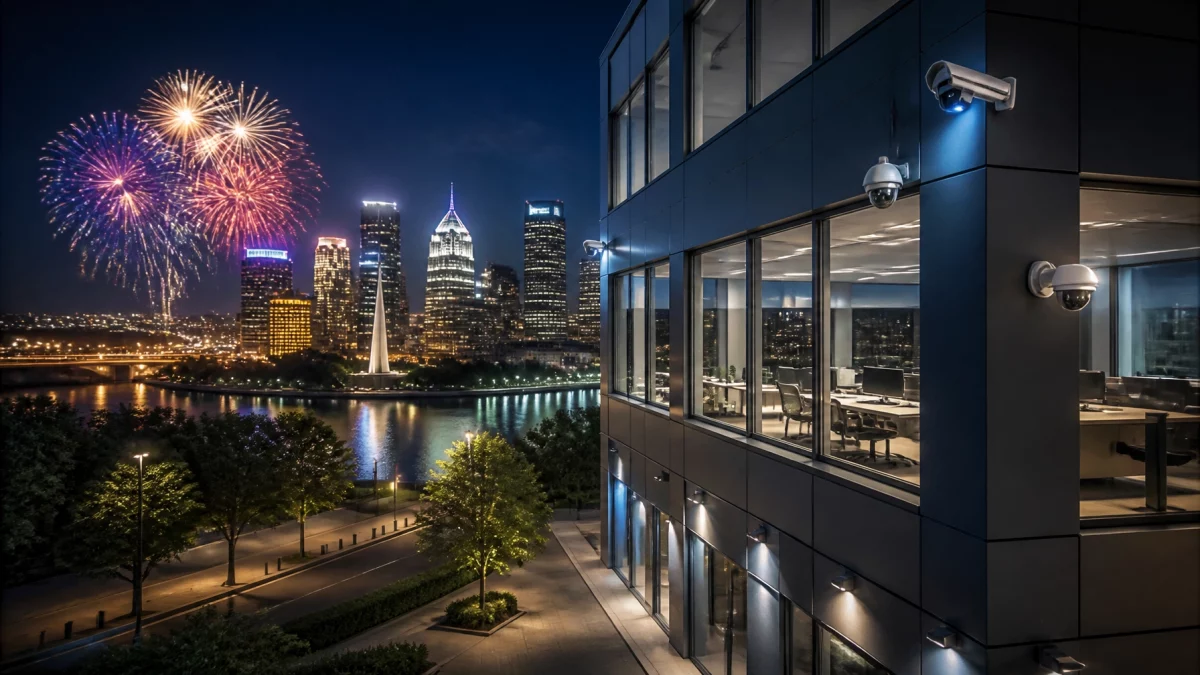
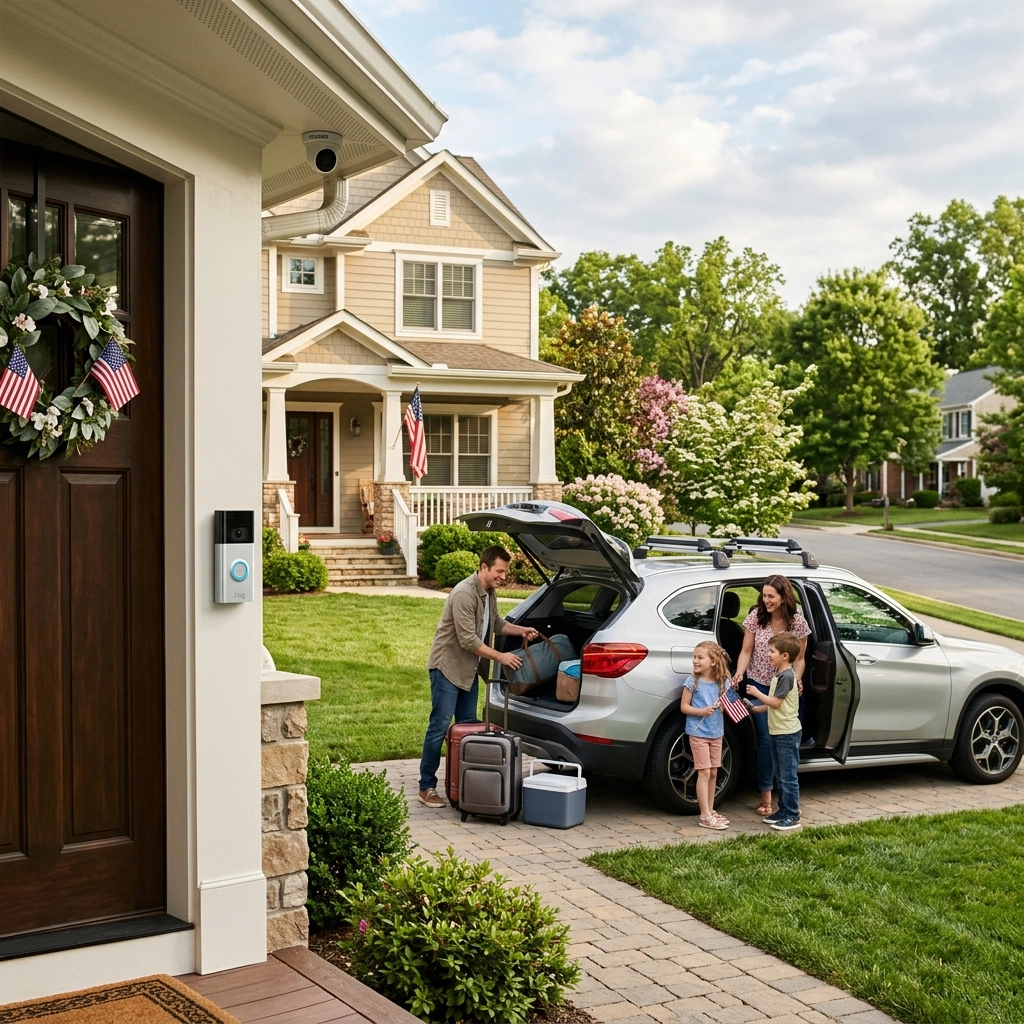
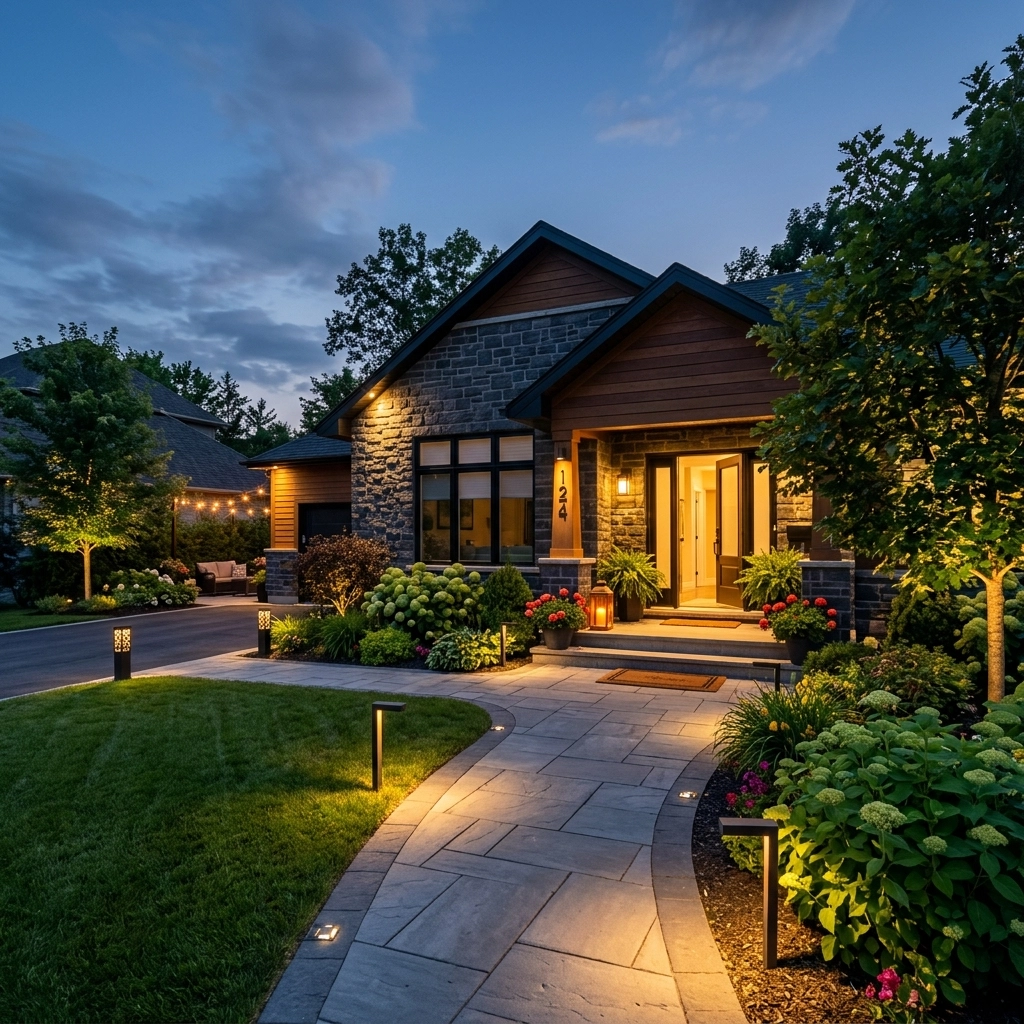
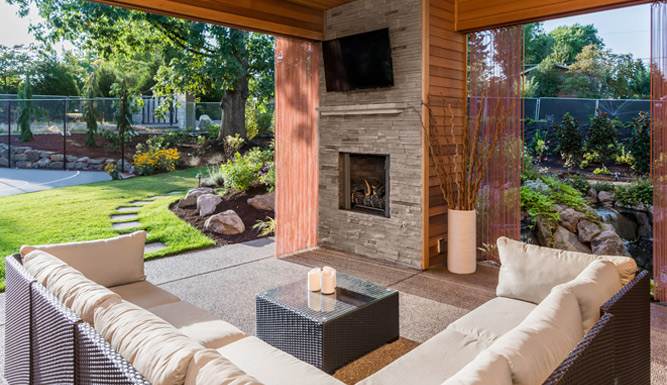
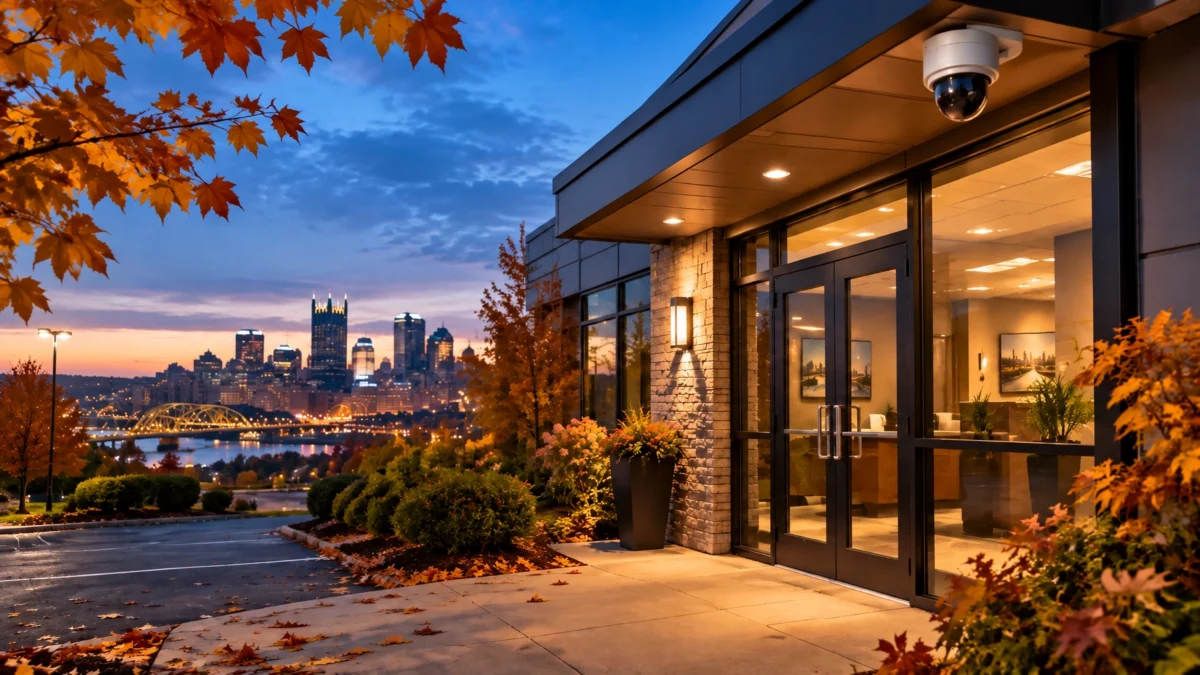
Earlier sunset changes when employees, customers, and delivery drivers approach your property in low light. Start with the controls that determine when exterior lights turn on.

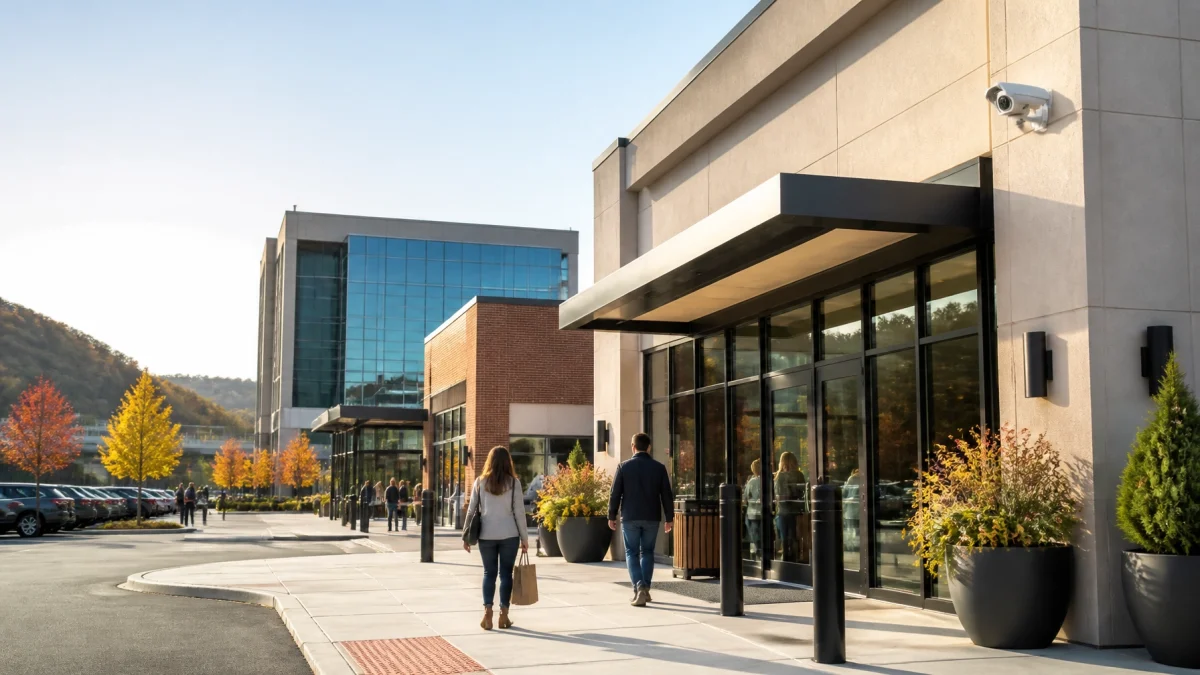
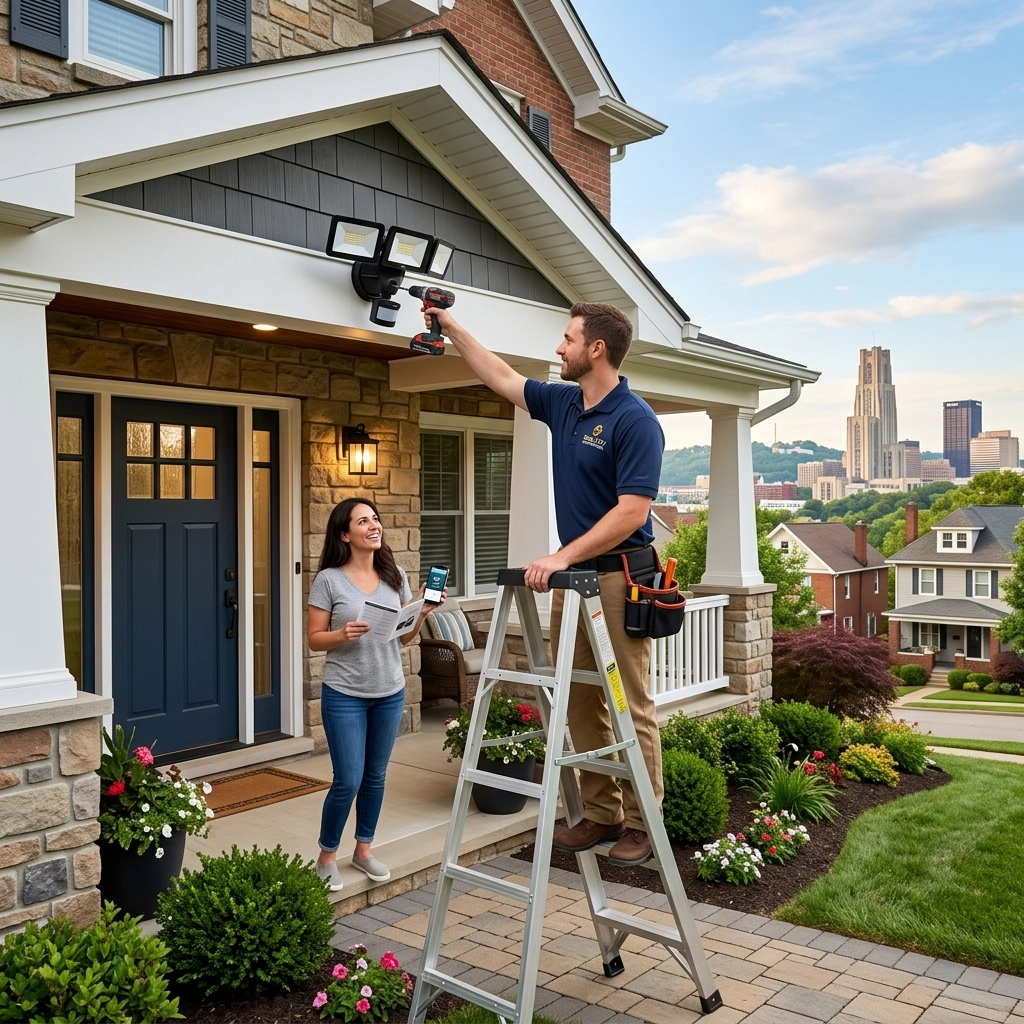
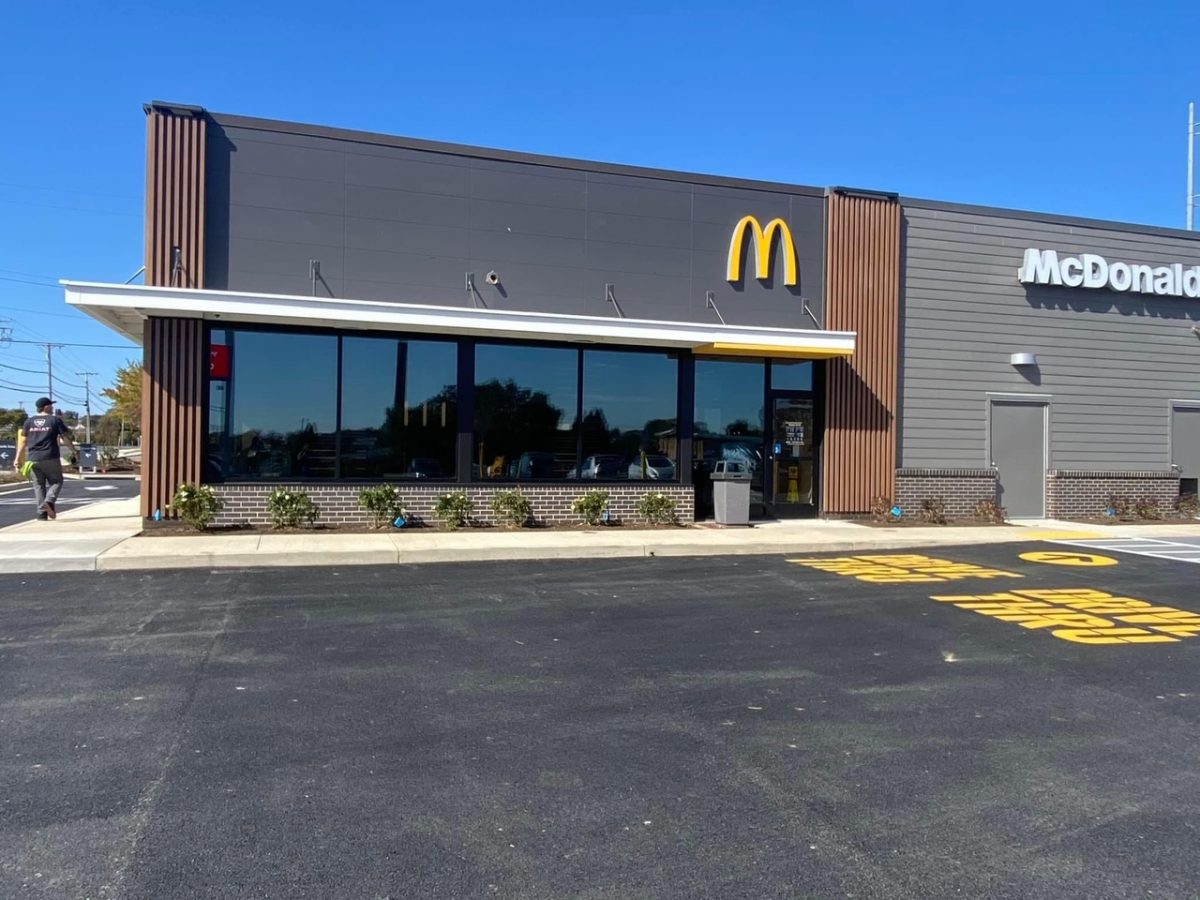
Look at entrances, employee exits, walkways, parking areas, and loading zones. Confirm that lights come on when expected and illuminate the areas you need to see. If lighting creates glare or deep shadows in your camera view, the fixture or camera angle may need adjustment.
For a professional assessment, explore TN Security’s LED lighting installation. The company provides commercial security systems in Pittsburgh, including lighting solutions tailored to local business properties.
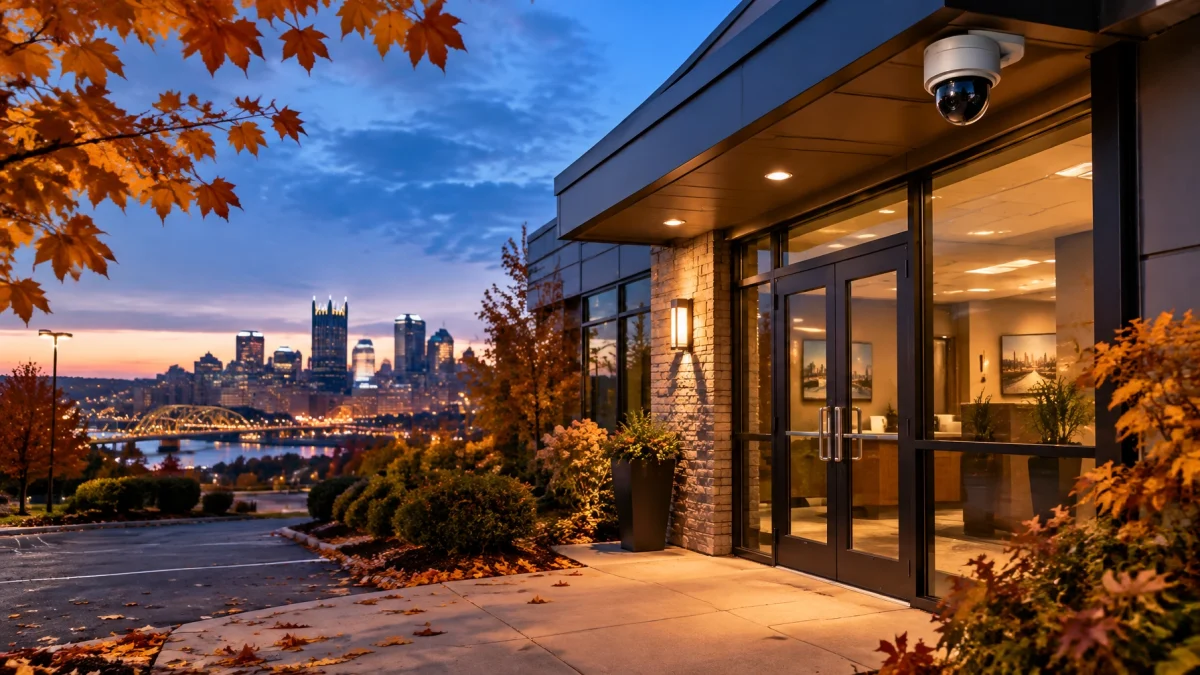
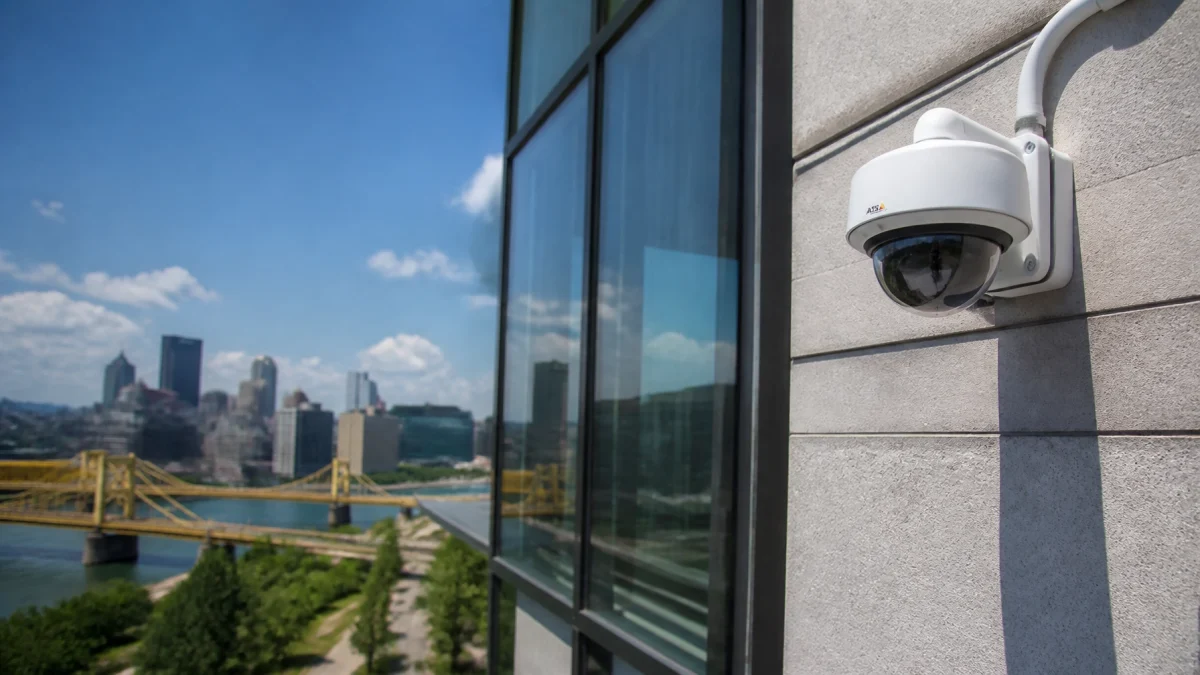
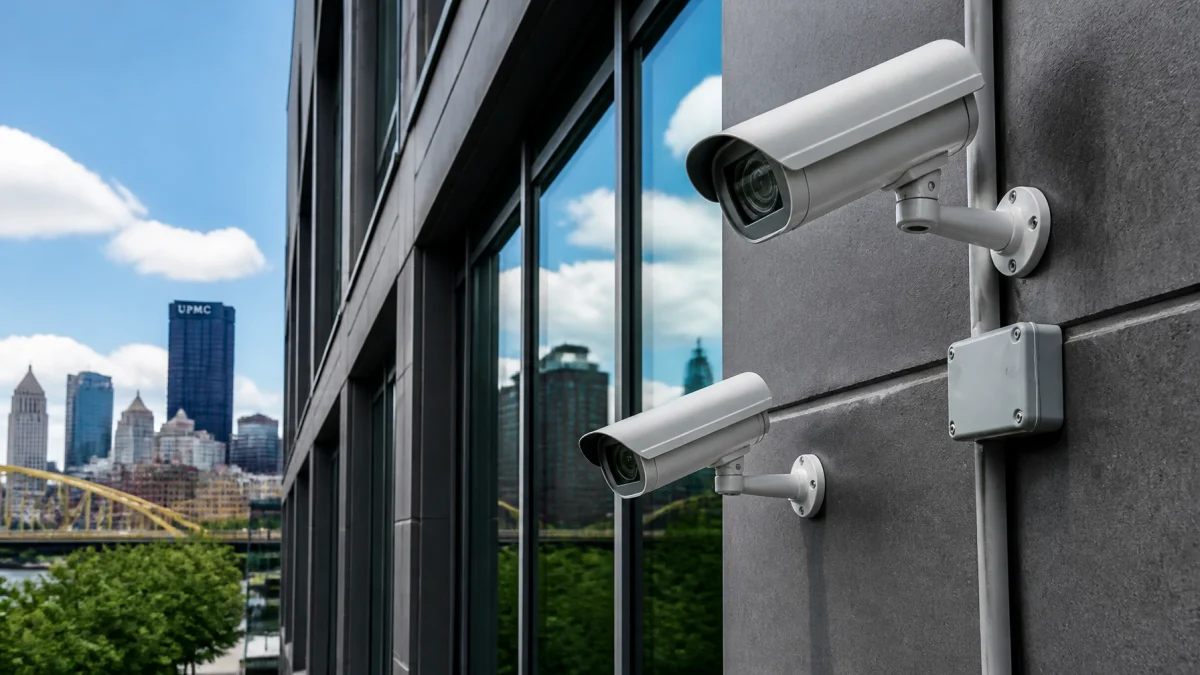
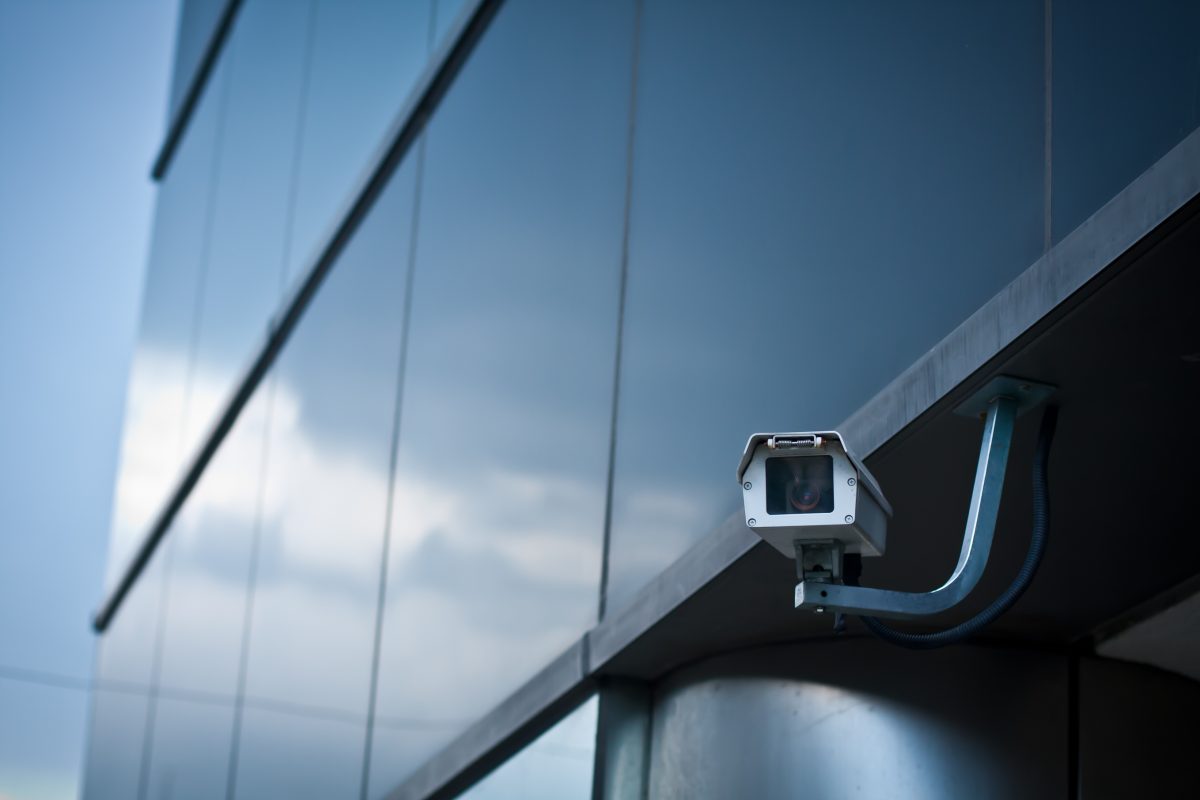
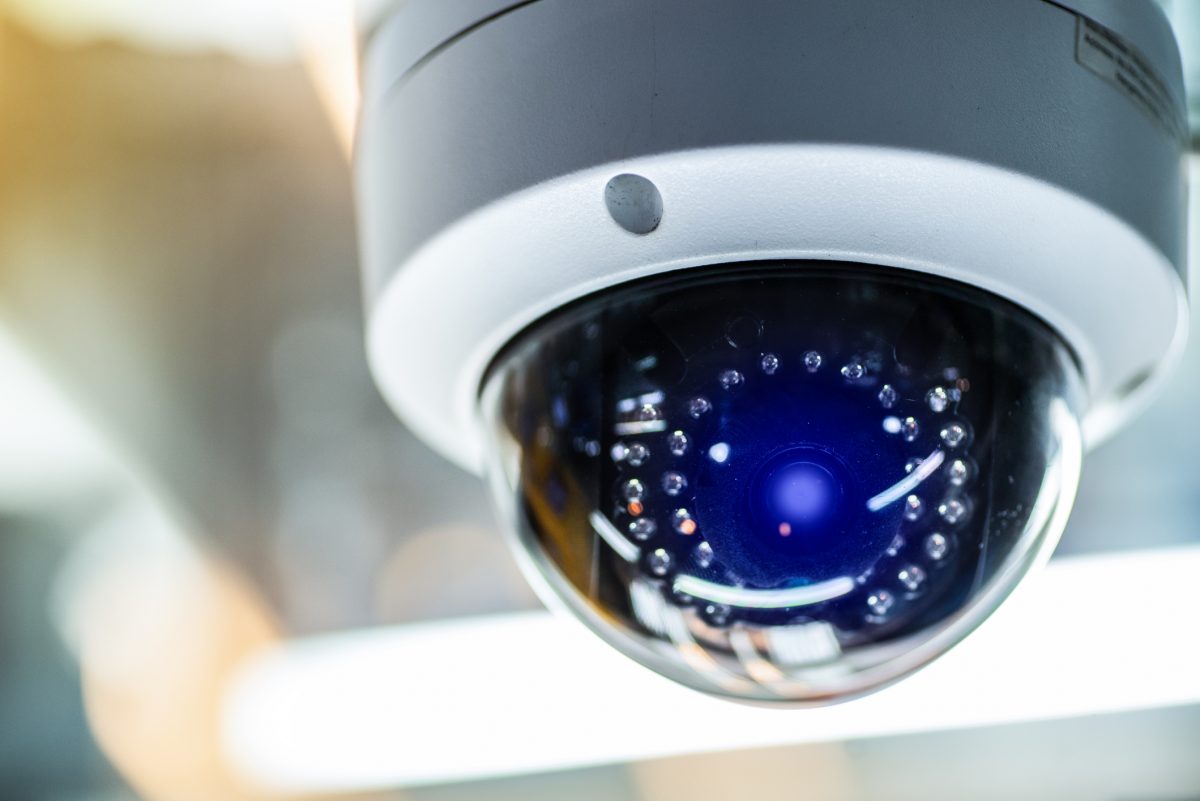
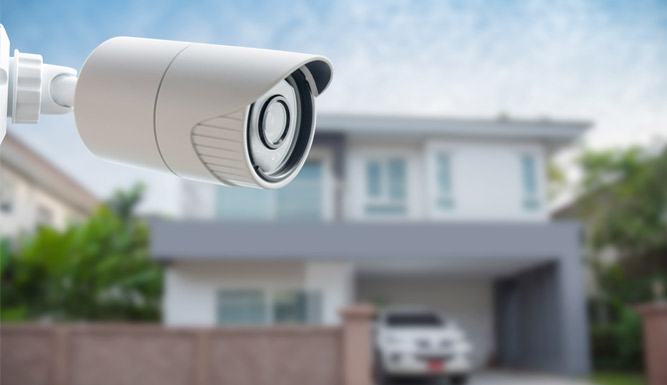
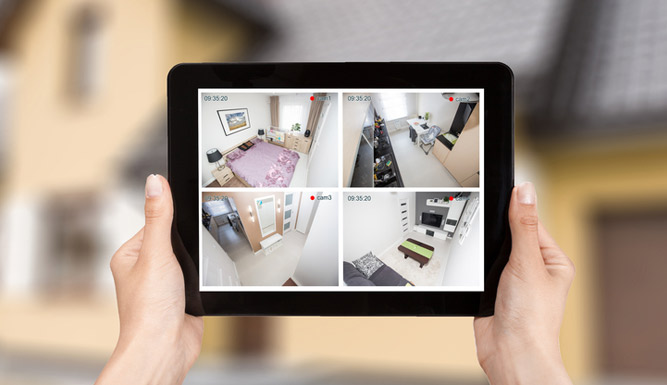
Daylight Saving Time does not change the way a camera senses light. But camera schedules, connected lighting, and recording rules may rely on the system’s clock or a configured dusk-to-dawn schedule. Review those settings, then test the system after dark, not just in daylight.
After sunset, confirm:
A daytime image can look clear while an after-dark view is affected by glare, reflections, poor lighting, or an unexpected schedule. A brief evening walkthrough can reveal issues before they interfere with monitoring.

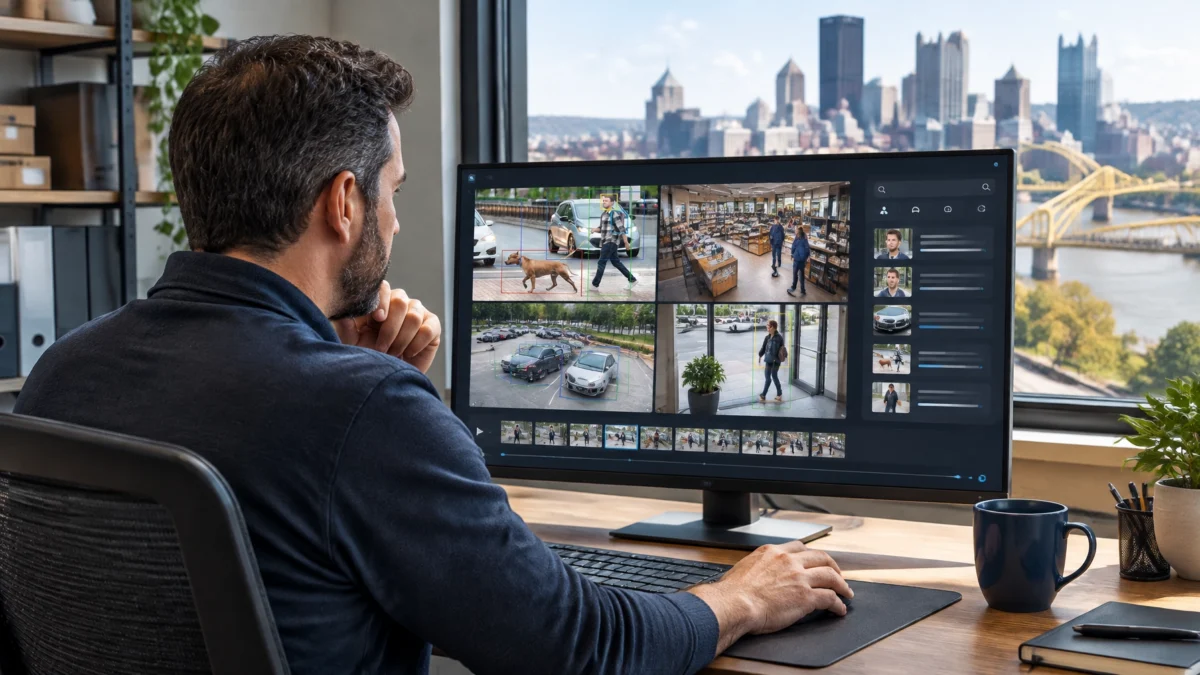
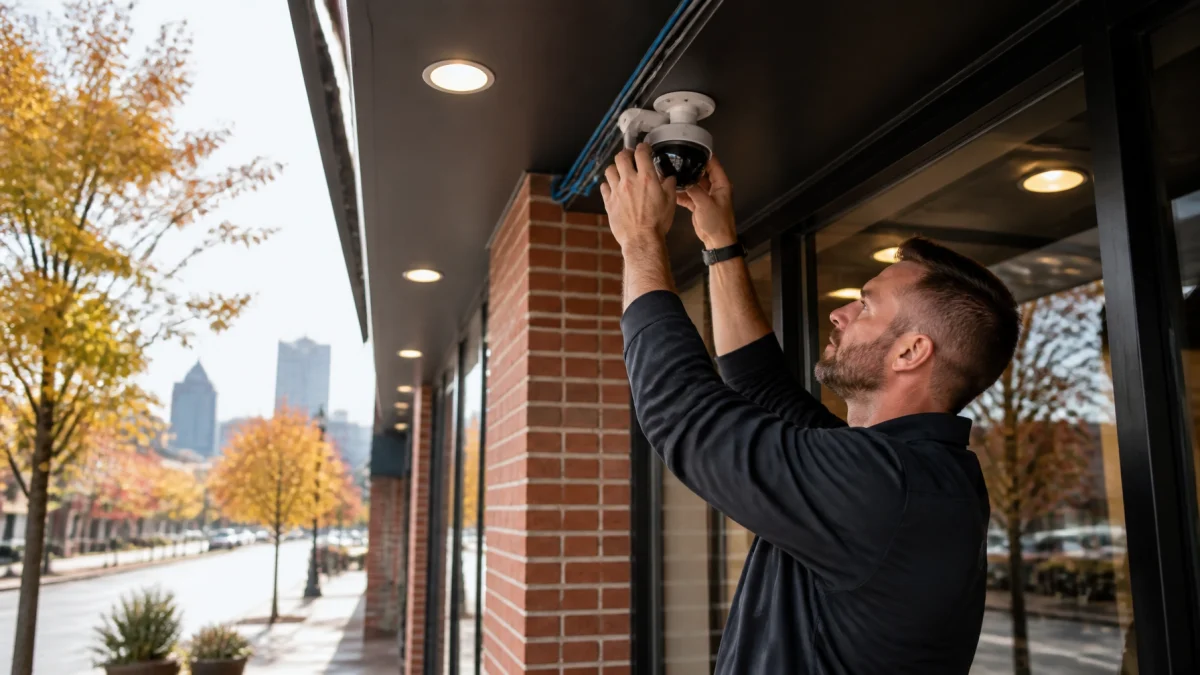
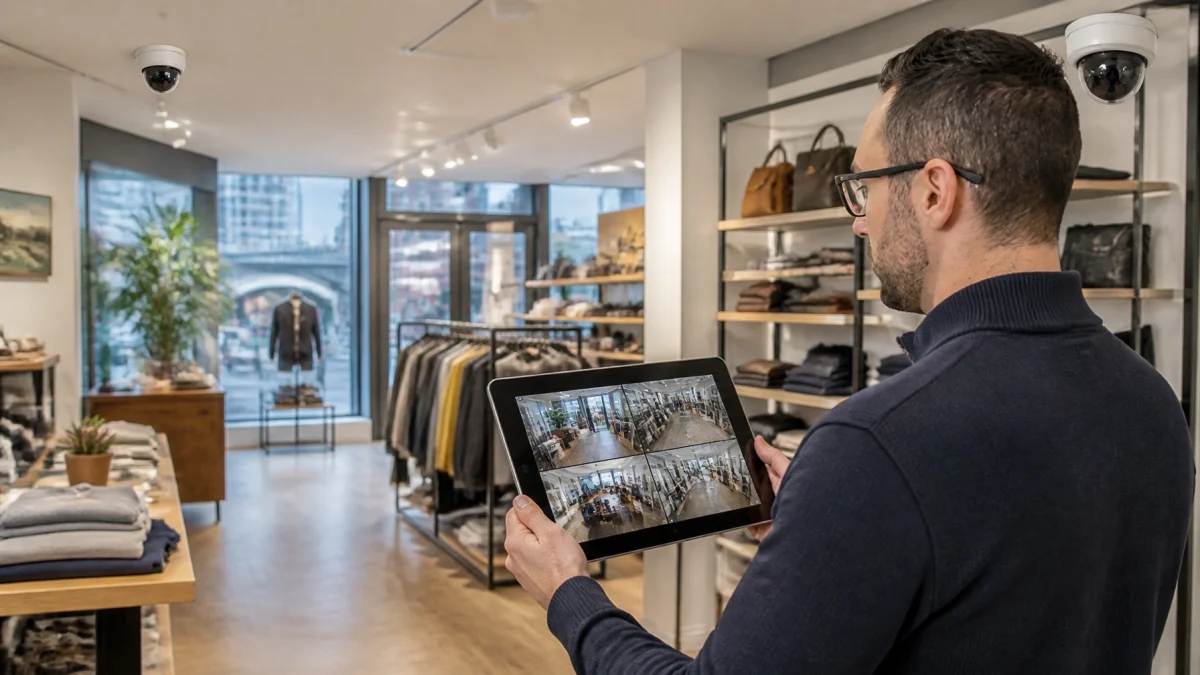
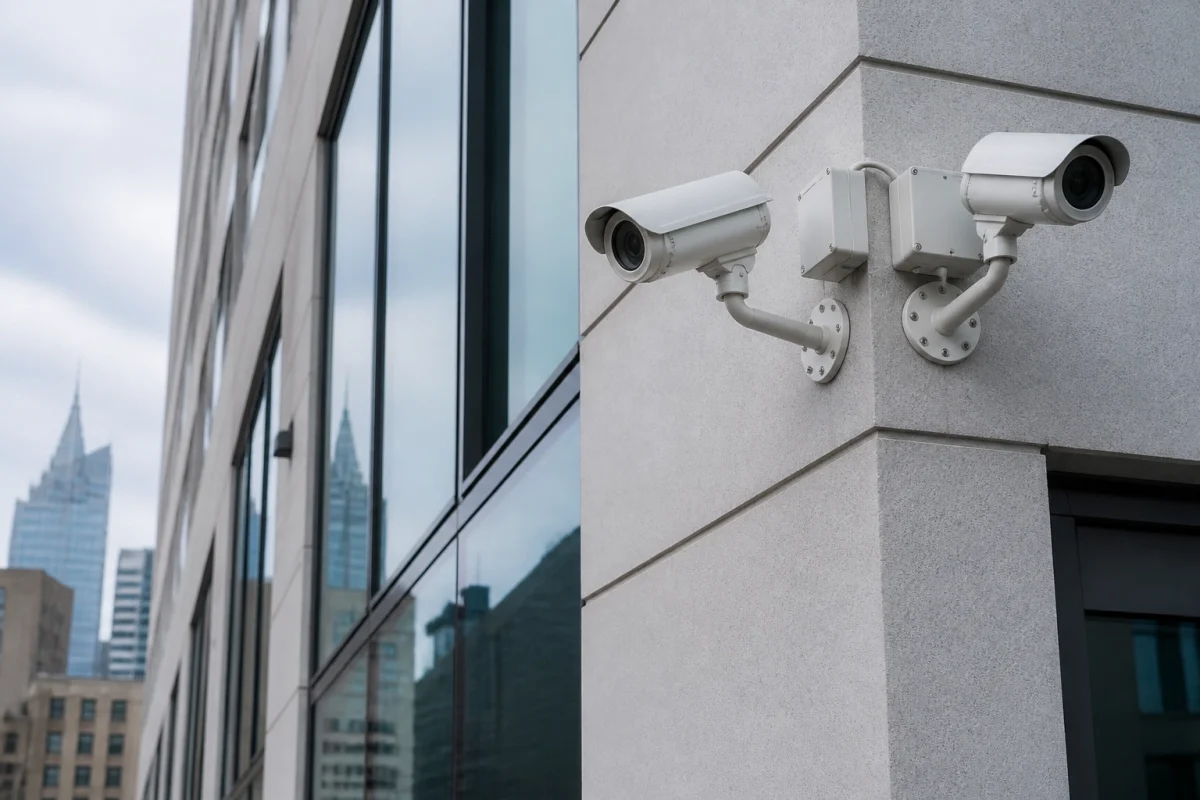
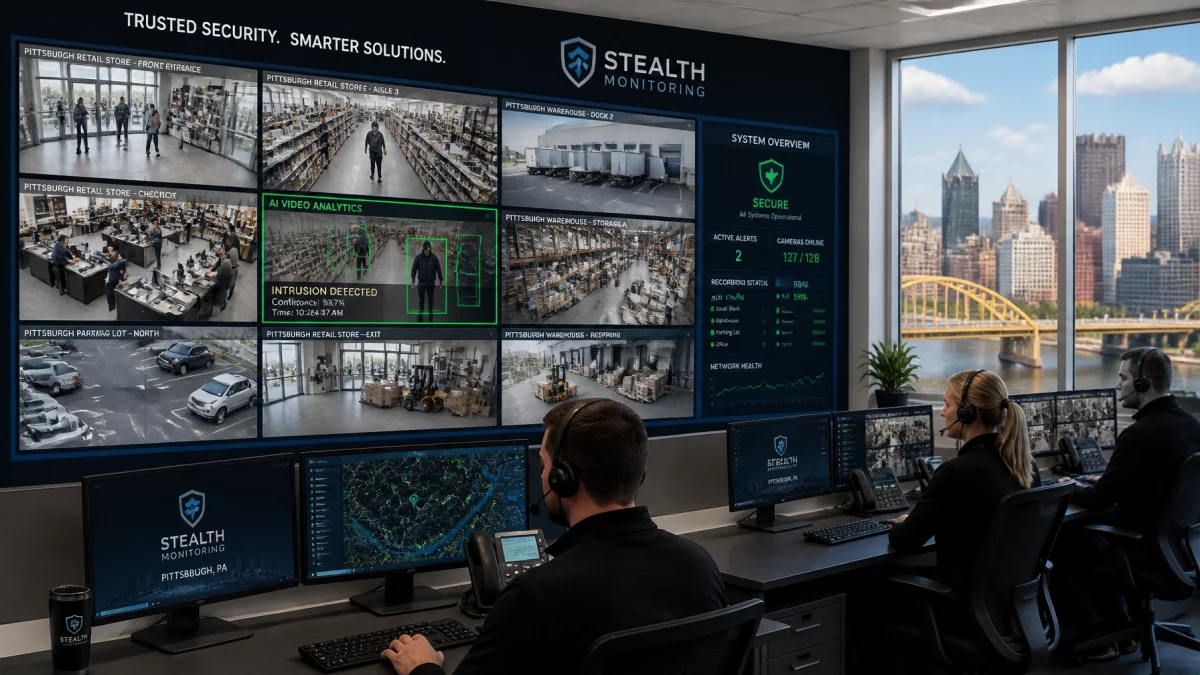
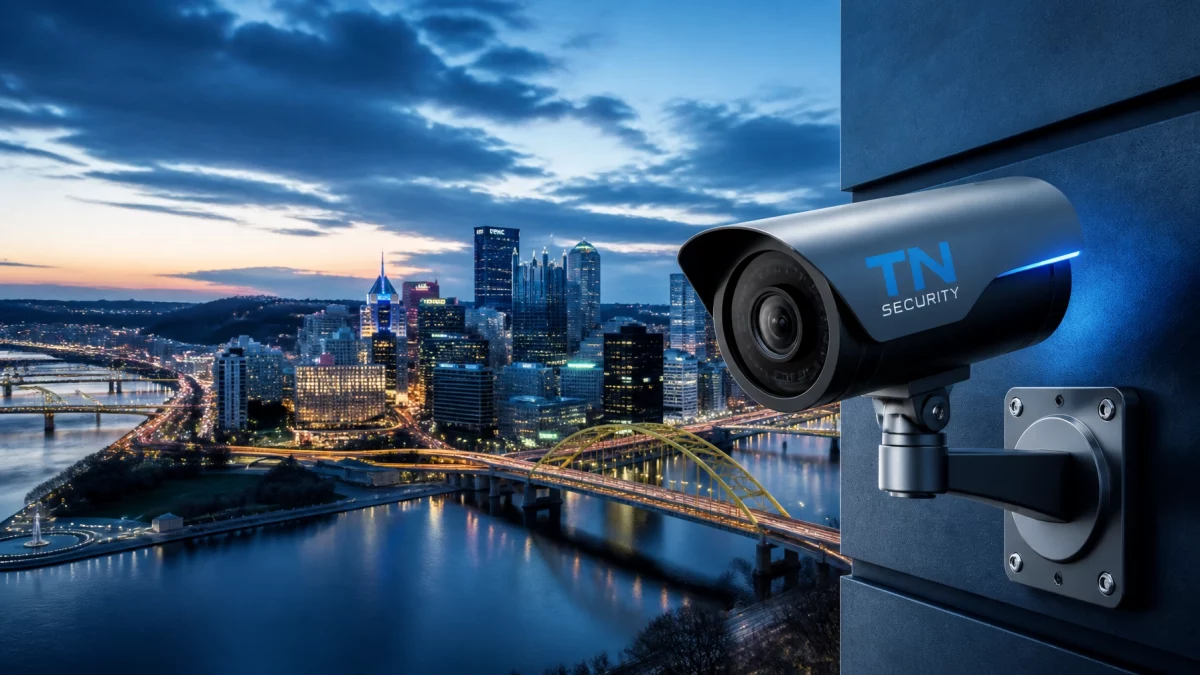
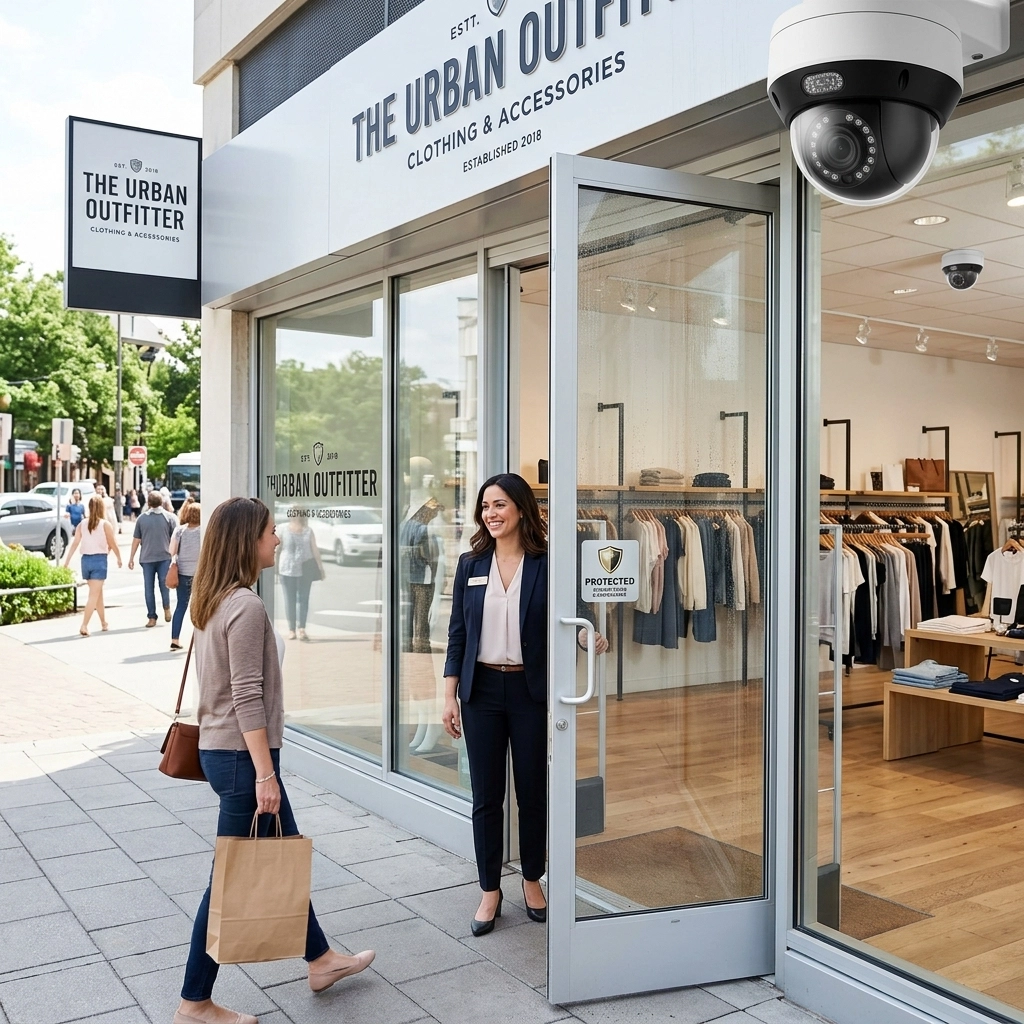
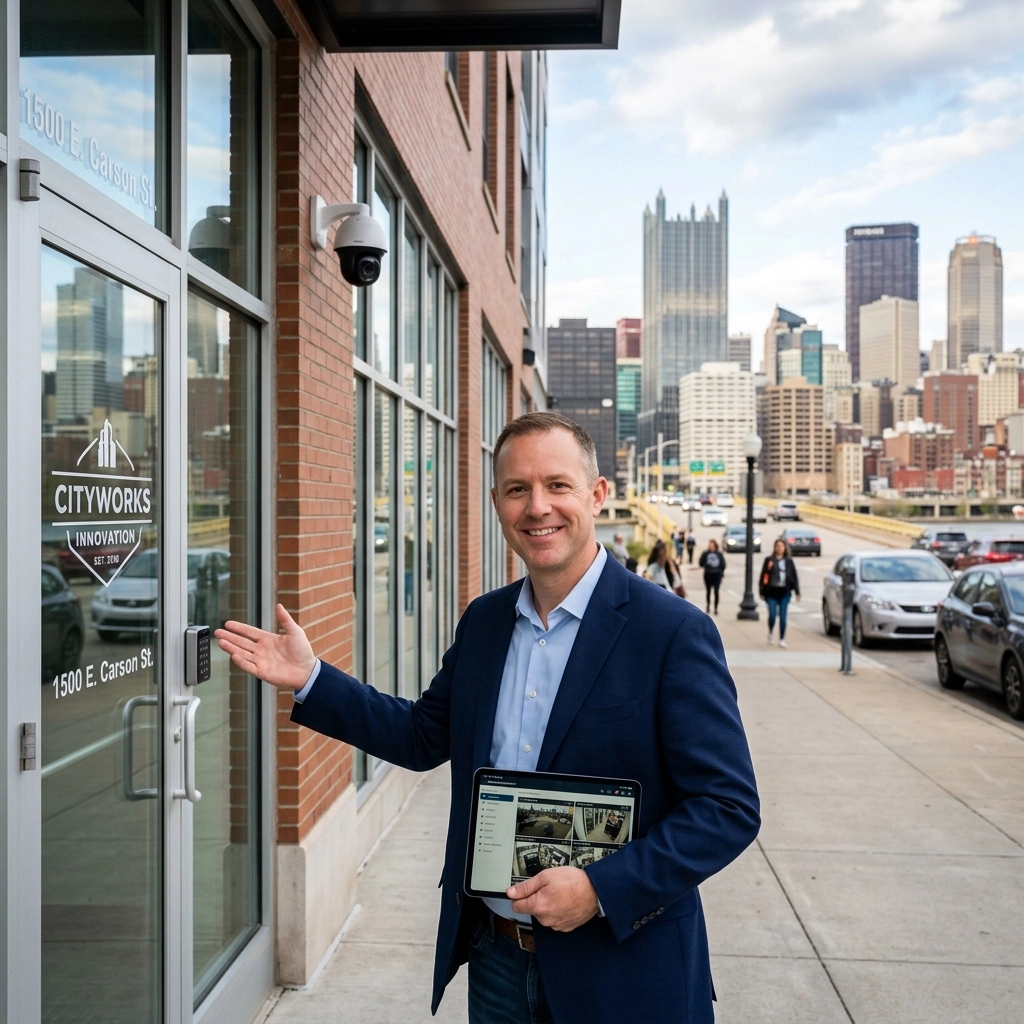
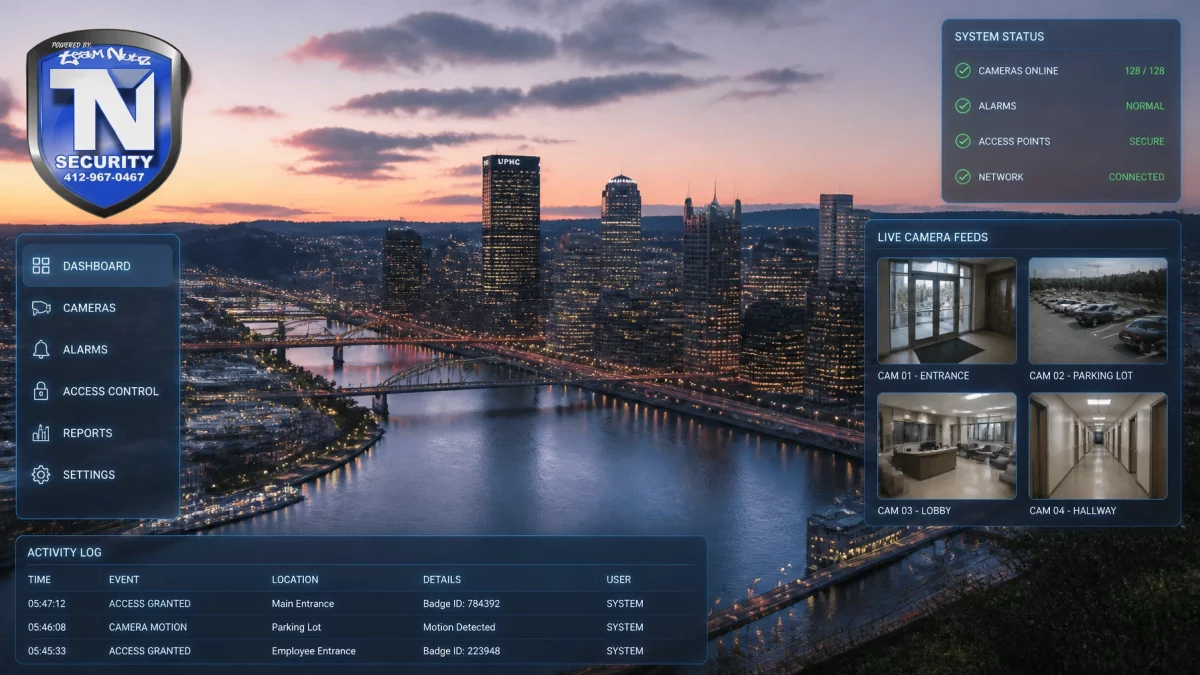
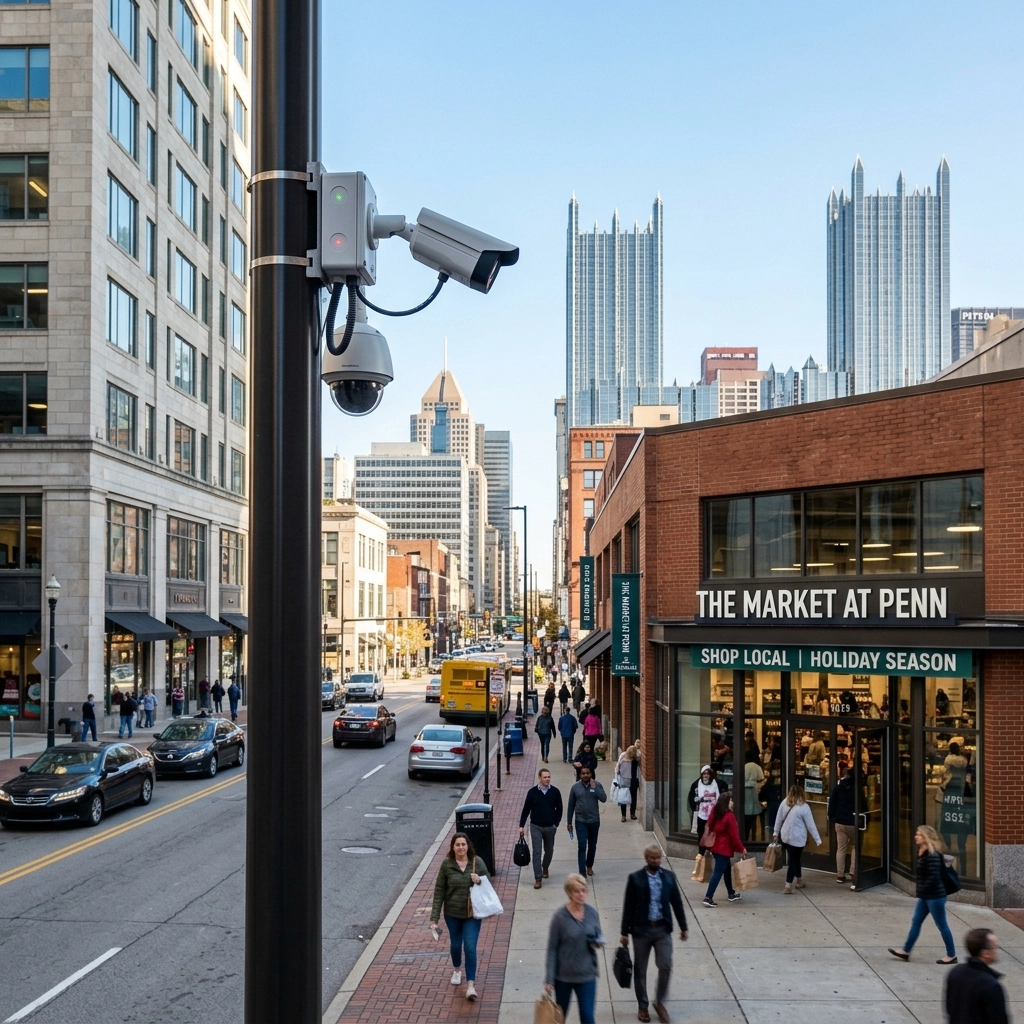
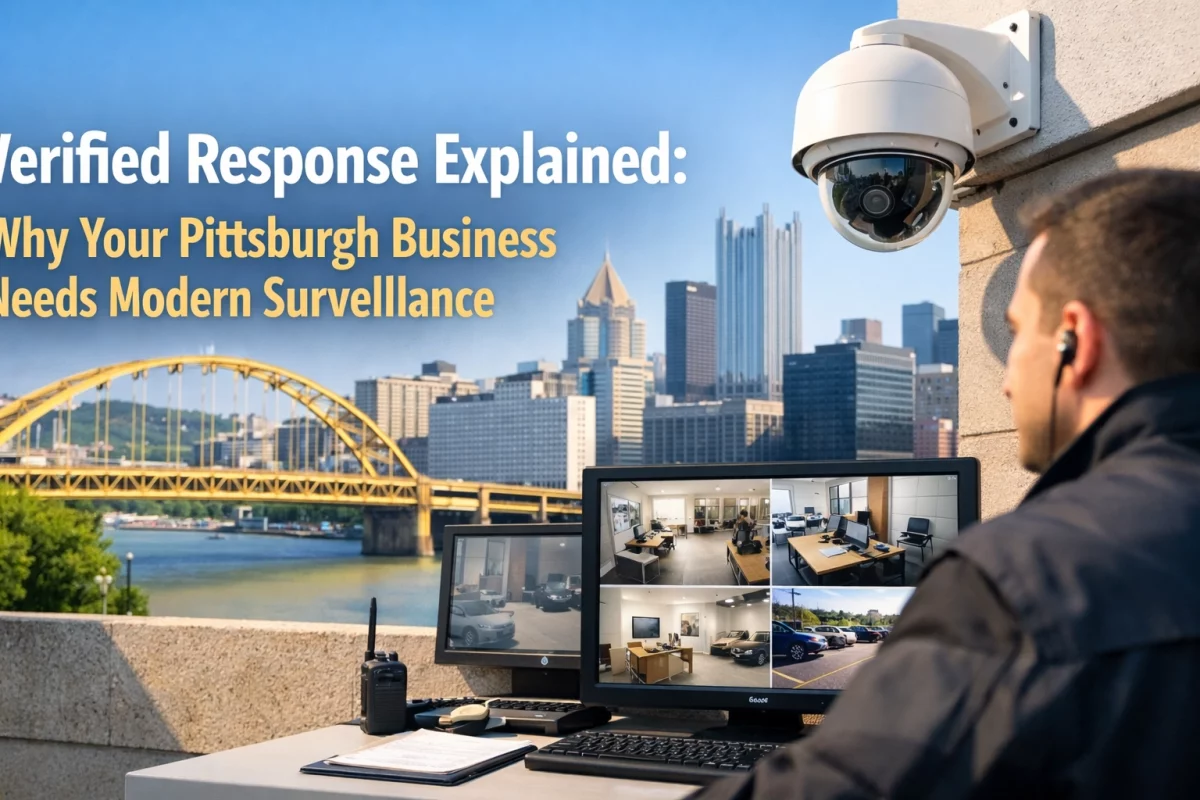
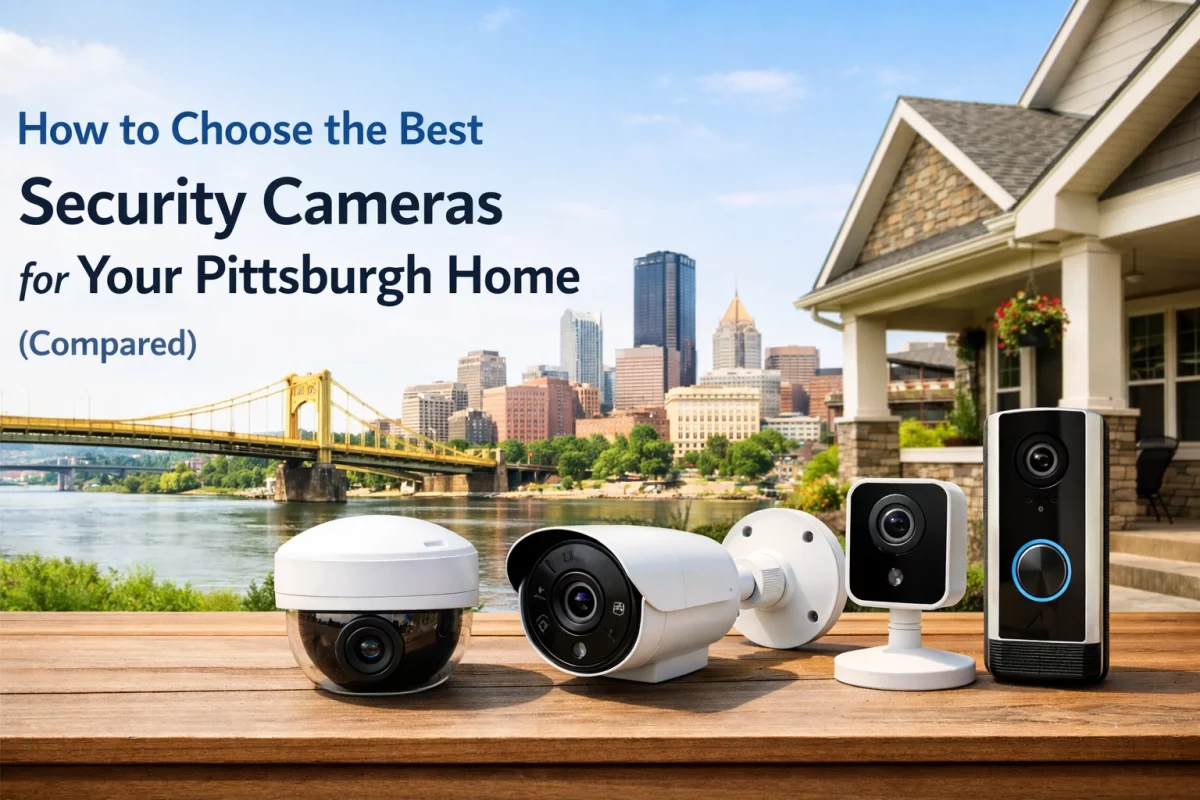
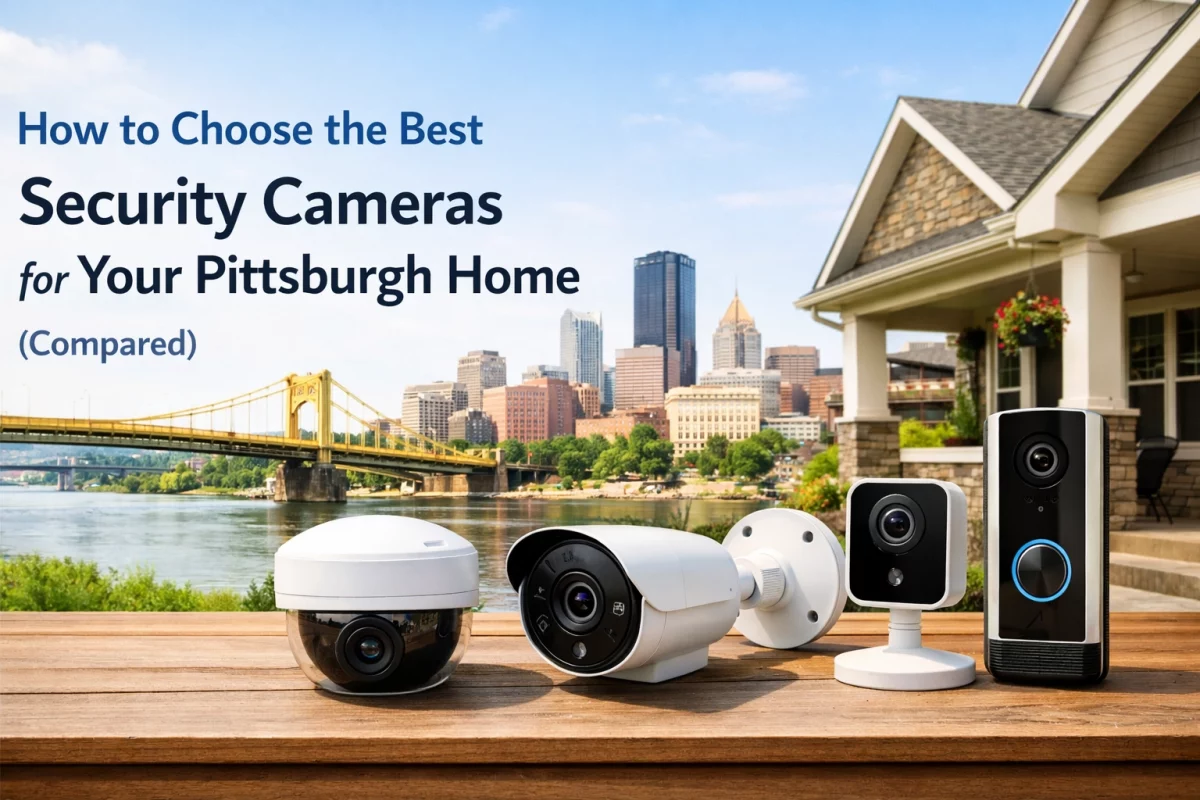
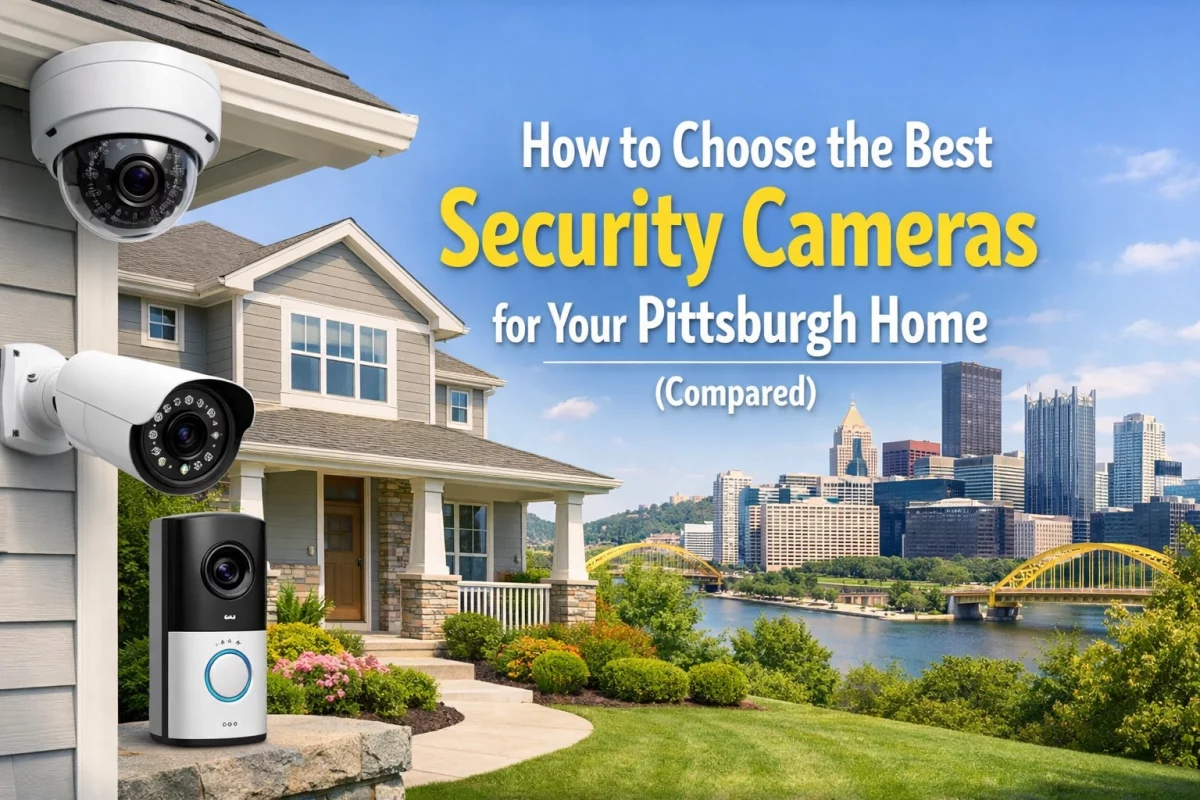
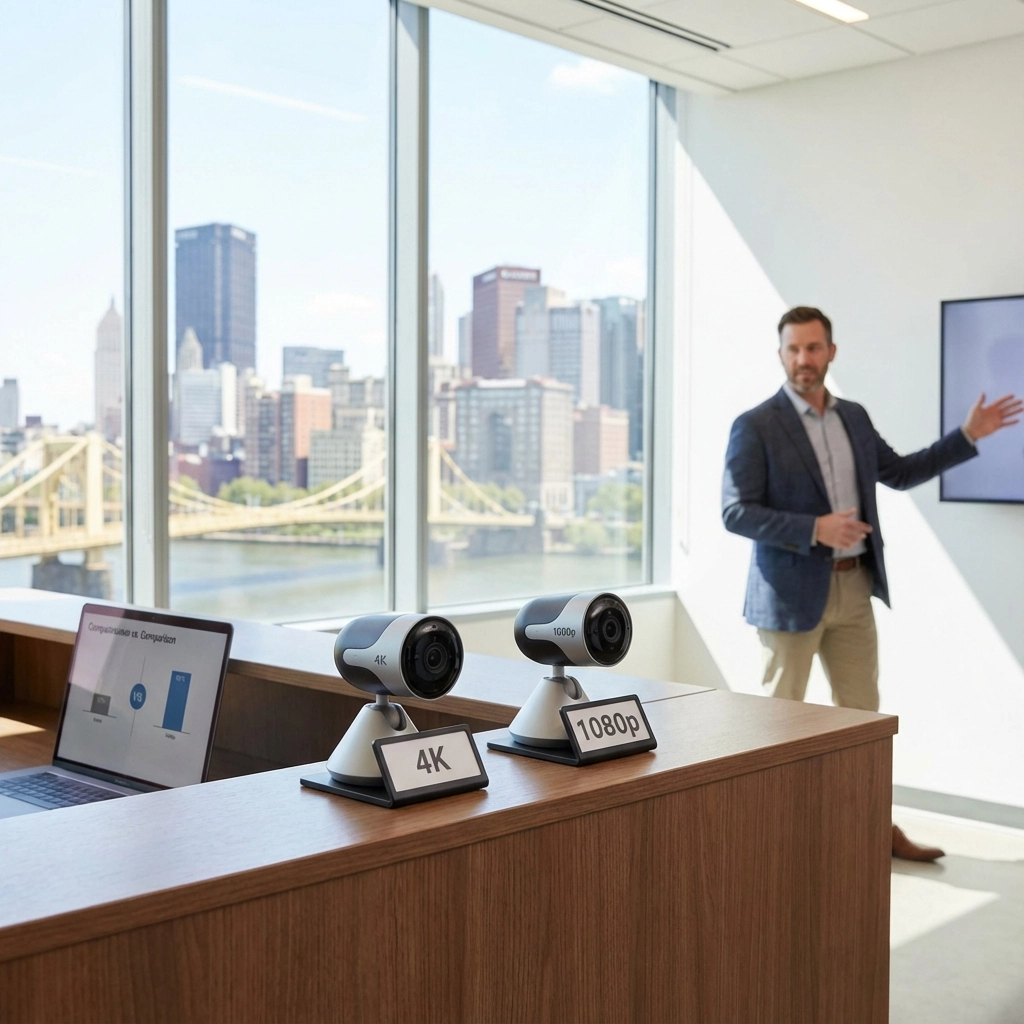
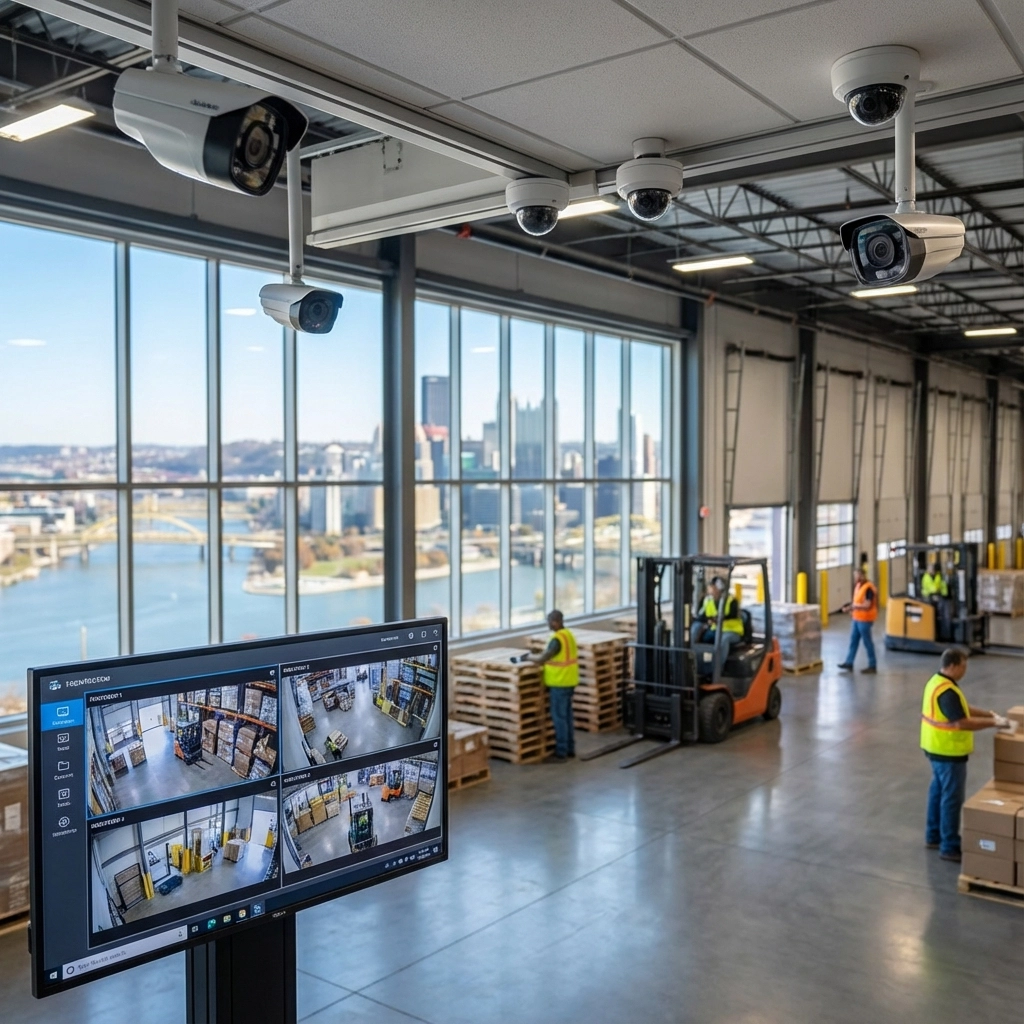
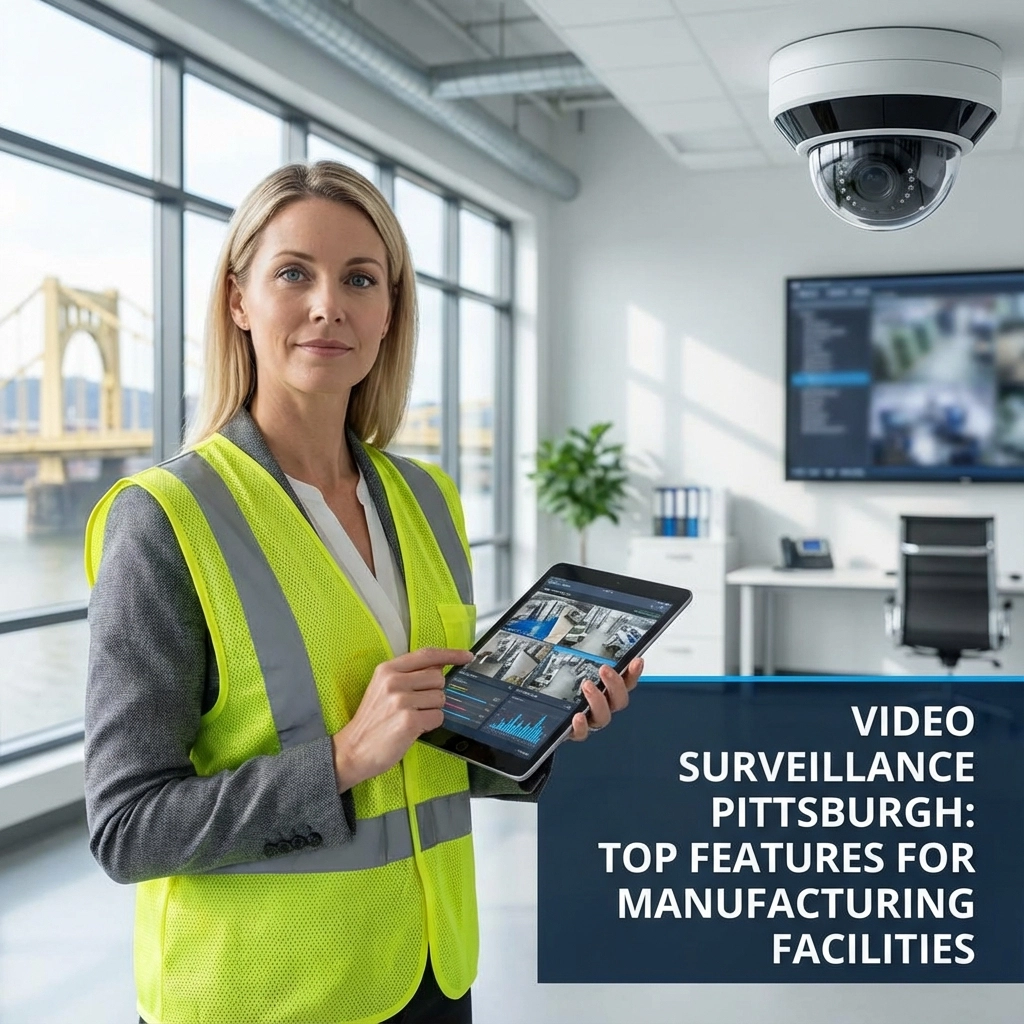
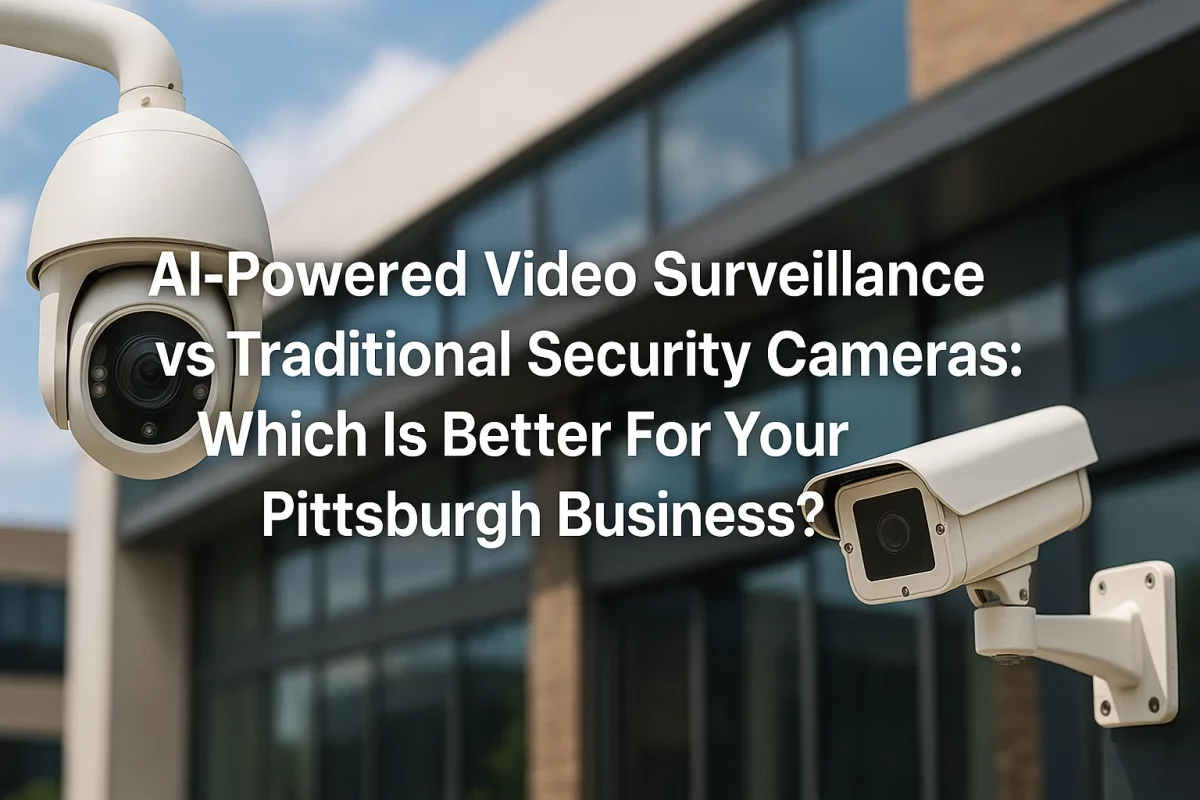
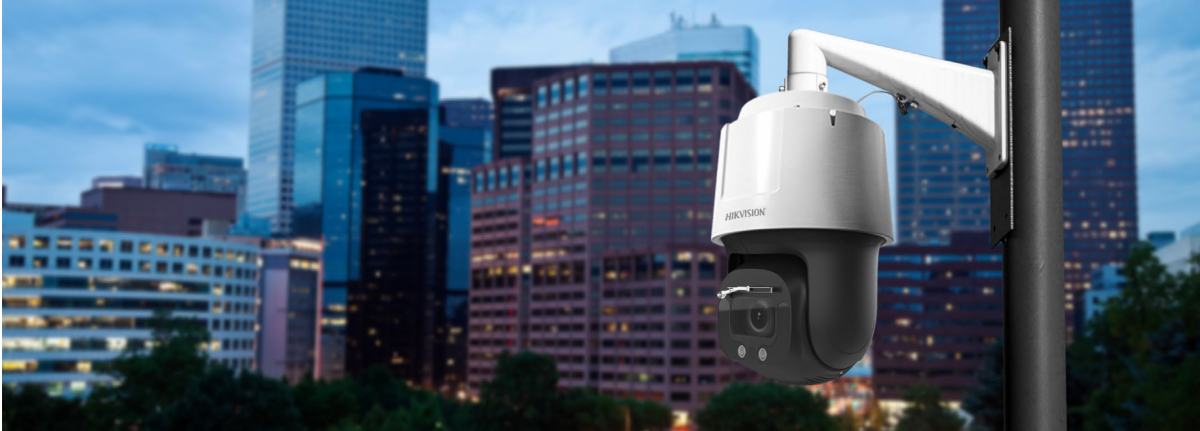
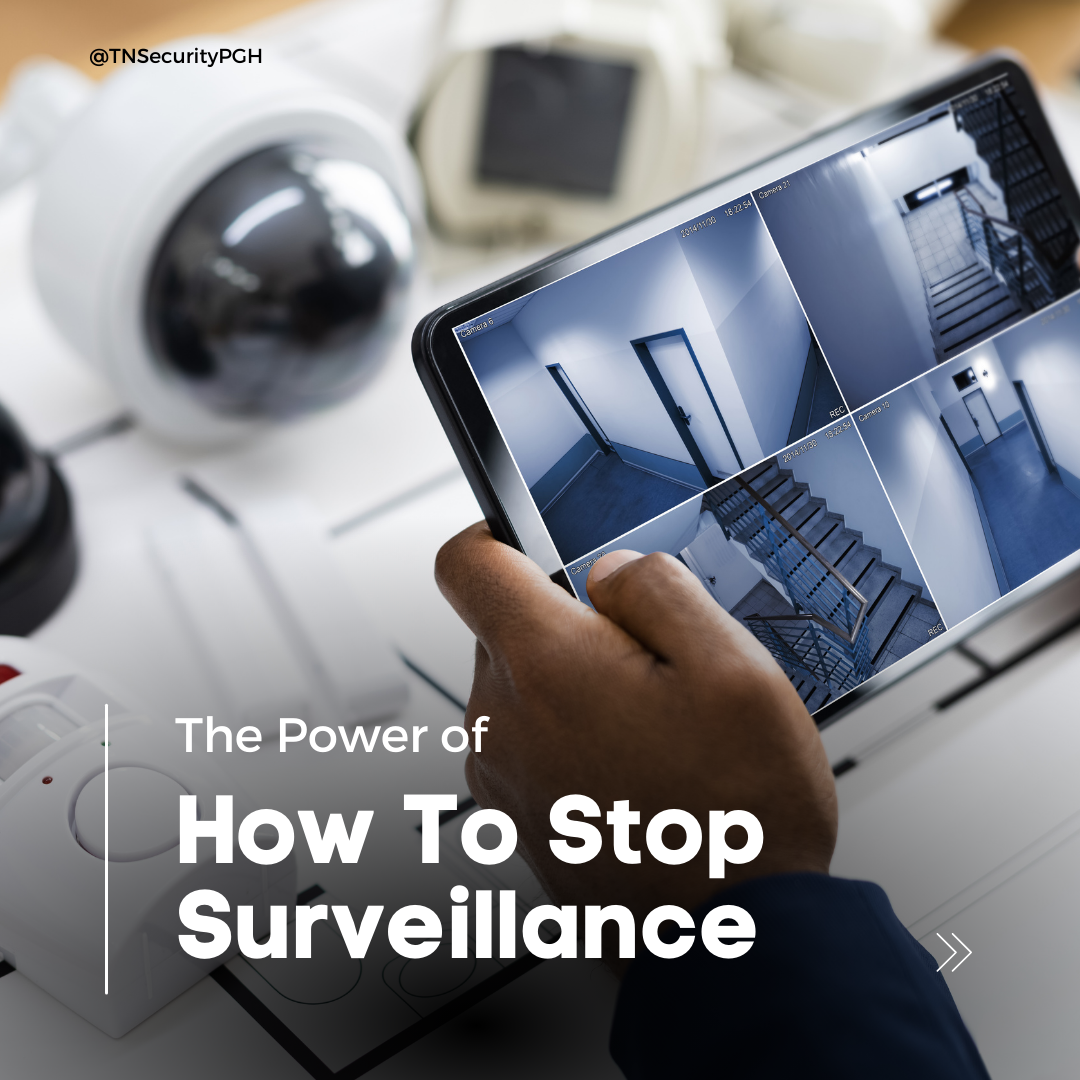
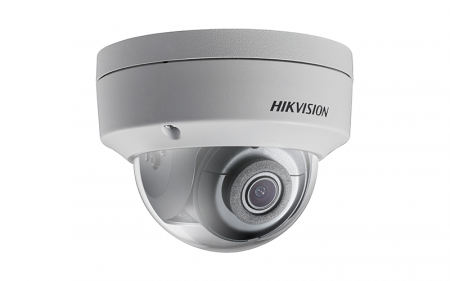
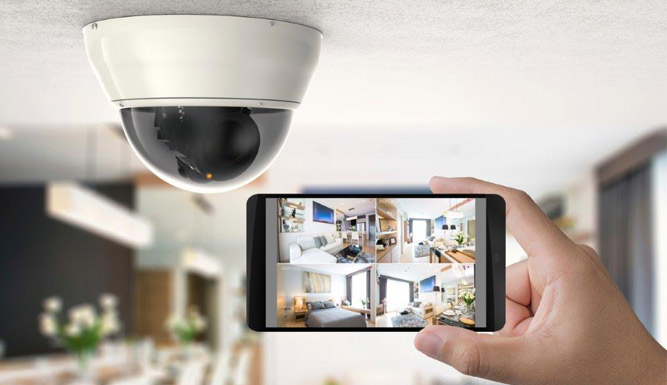
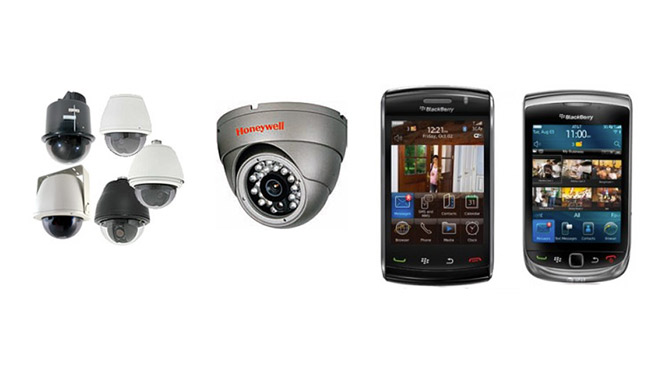
TN Security’s commercial video surveillance service includes professional camera solutions with night vision, remote viewing, and storage options. System capabilities vary by equipment and configuration, so check your camera’s specific settings or ask your installer if you are unsure.
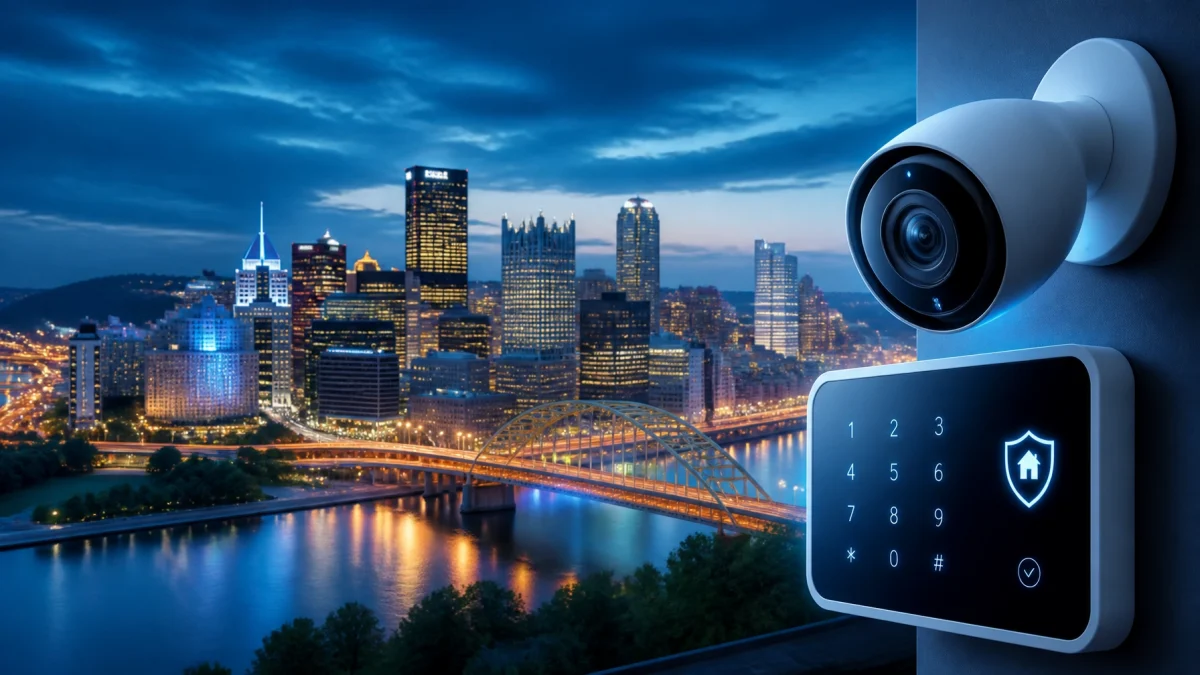
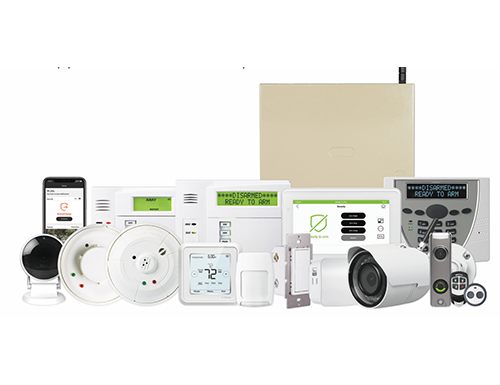
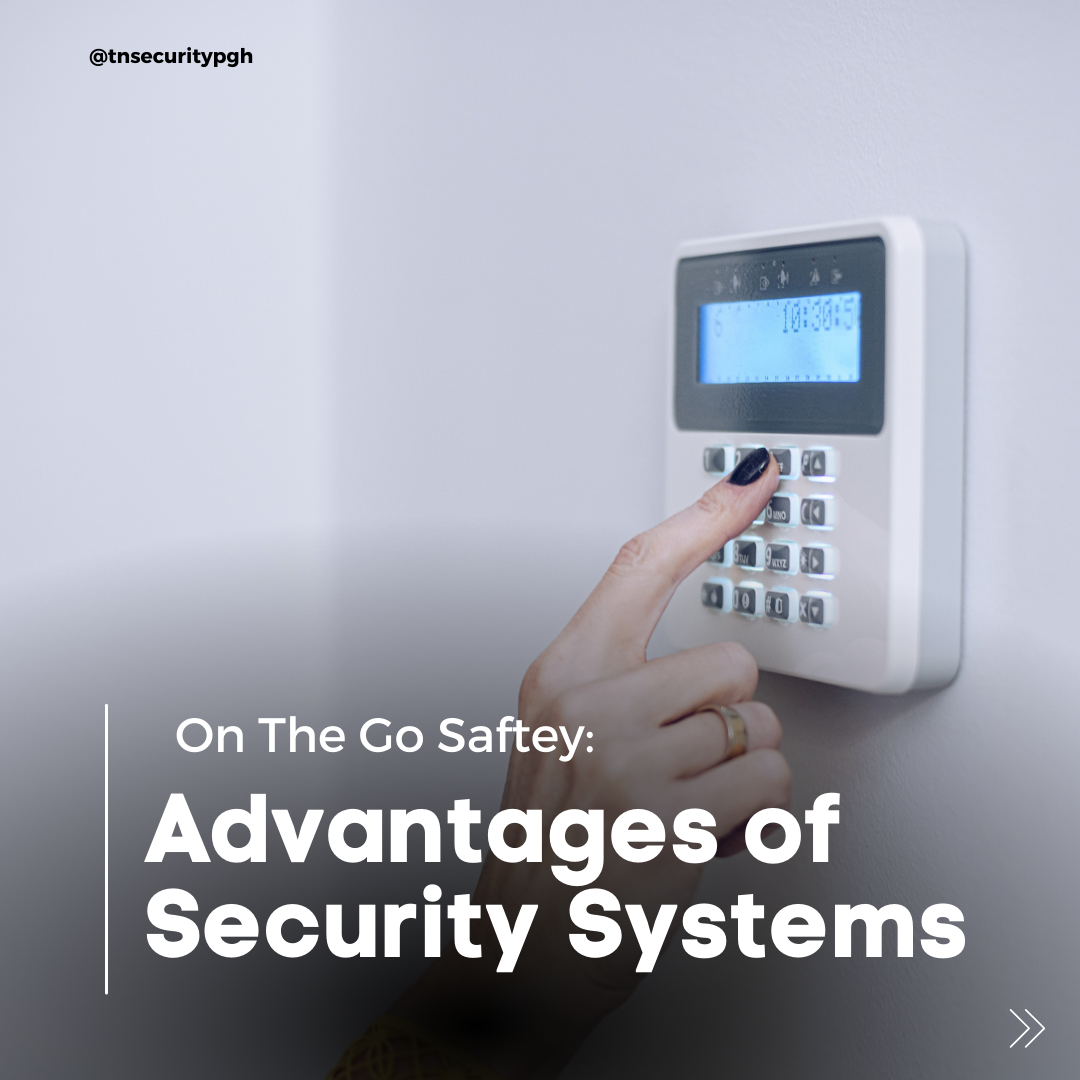
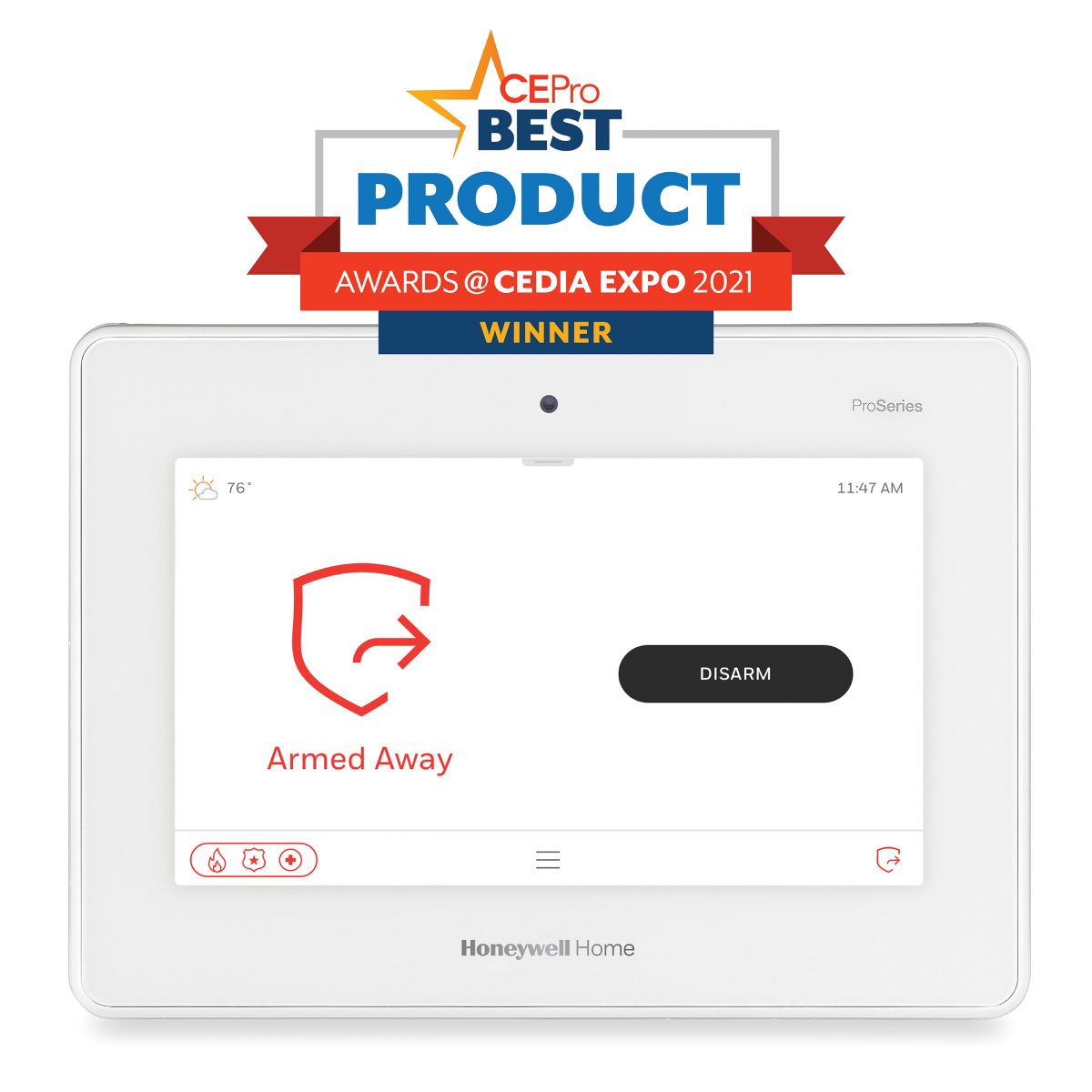
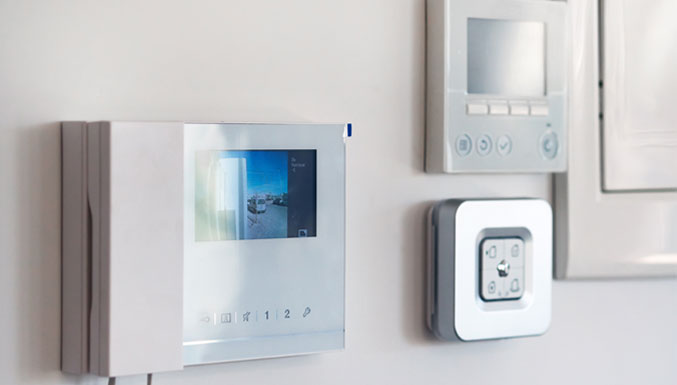
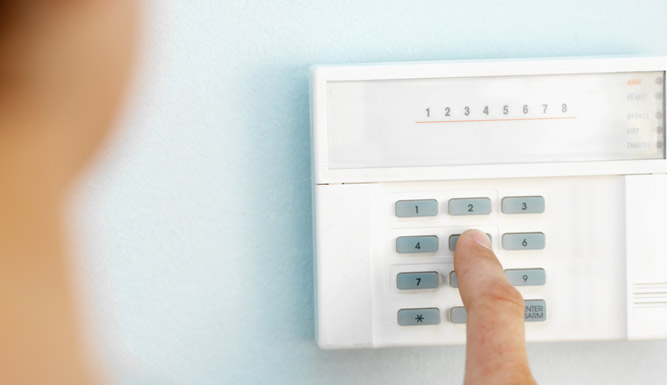
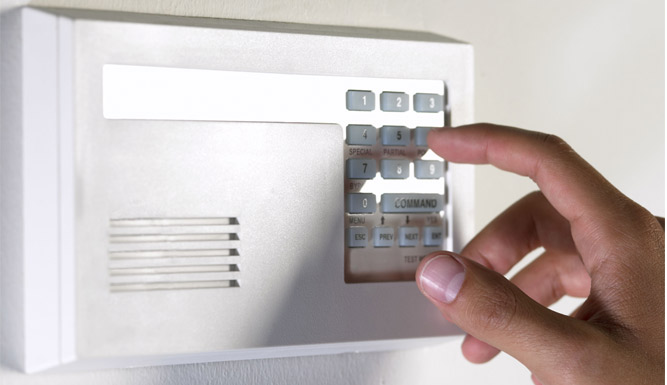
An incorrect panel time can make event logs harder to interpret. It may also affect scheduled actions, such as automatic arming or test transmissions. Some panels adjust for the time change automatically; others depend on programmed settings or manual updates.
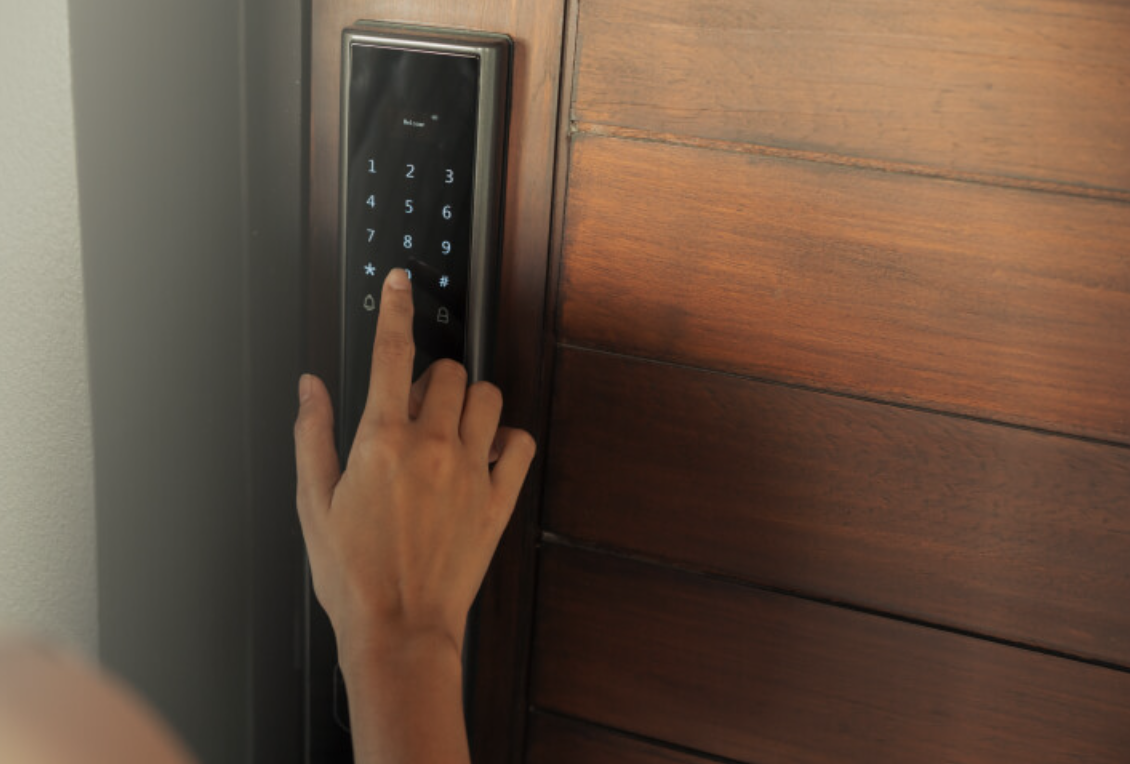
Check the displayed date and time. Confirm the time zone and daylight-saving setting, if available. Then review a recent event-log entry and compare it with the known time of an event. If the panel’s time is wrong, or you cannot confirm how it handles the repeated hour, consult your security provider or the panel manufacturer before changing settings.
Avoid assuming every model follows the same procedure. Alarm panel settings and daylight-saving behavior vary by manufacturer, model, and configuration.
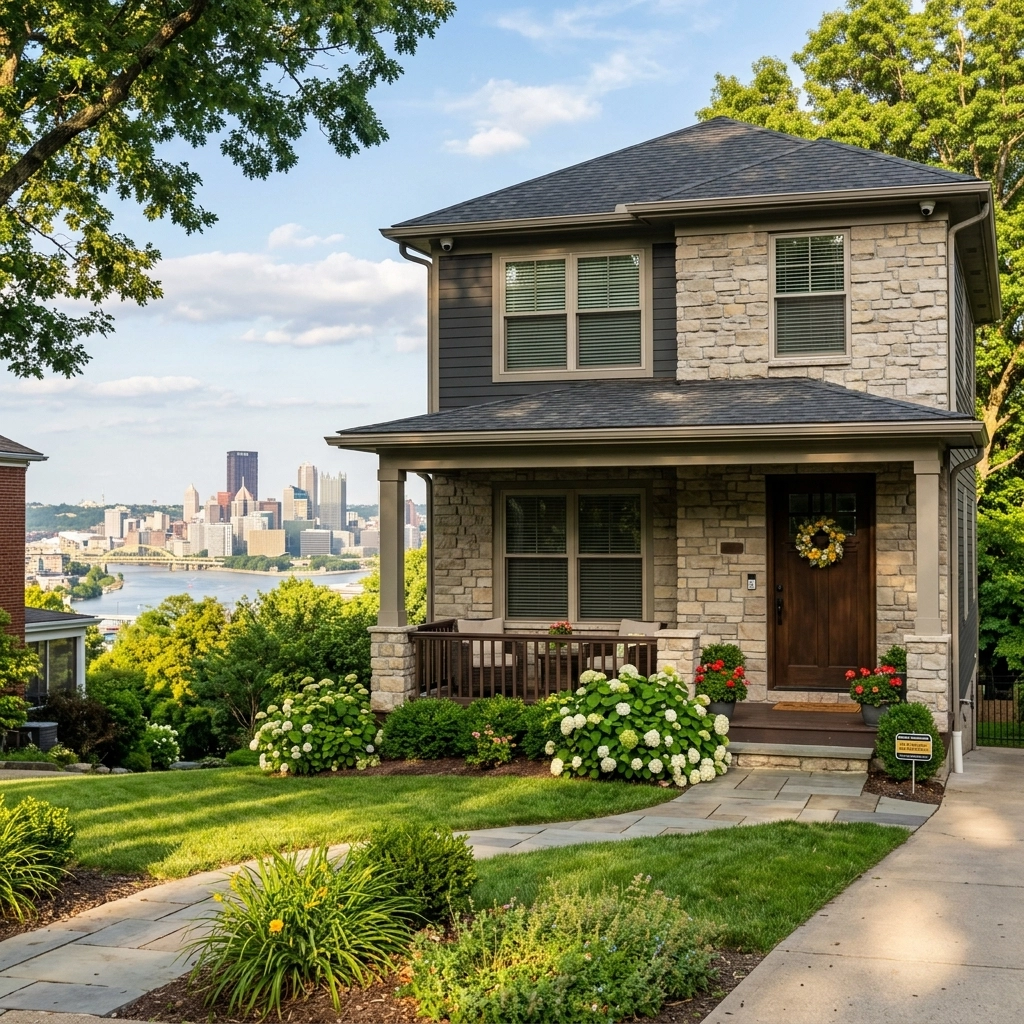
A motion light that worked in summer may now be triggered by a different route, angle, or lighting condition. After dark, walk the usual approaches to your business. Test the entrances, rear access, employee areas, and loading zones. Confirm that lights activate as expected and do not leave important areas in shadow.
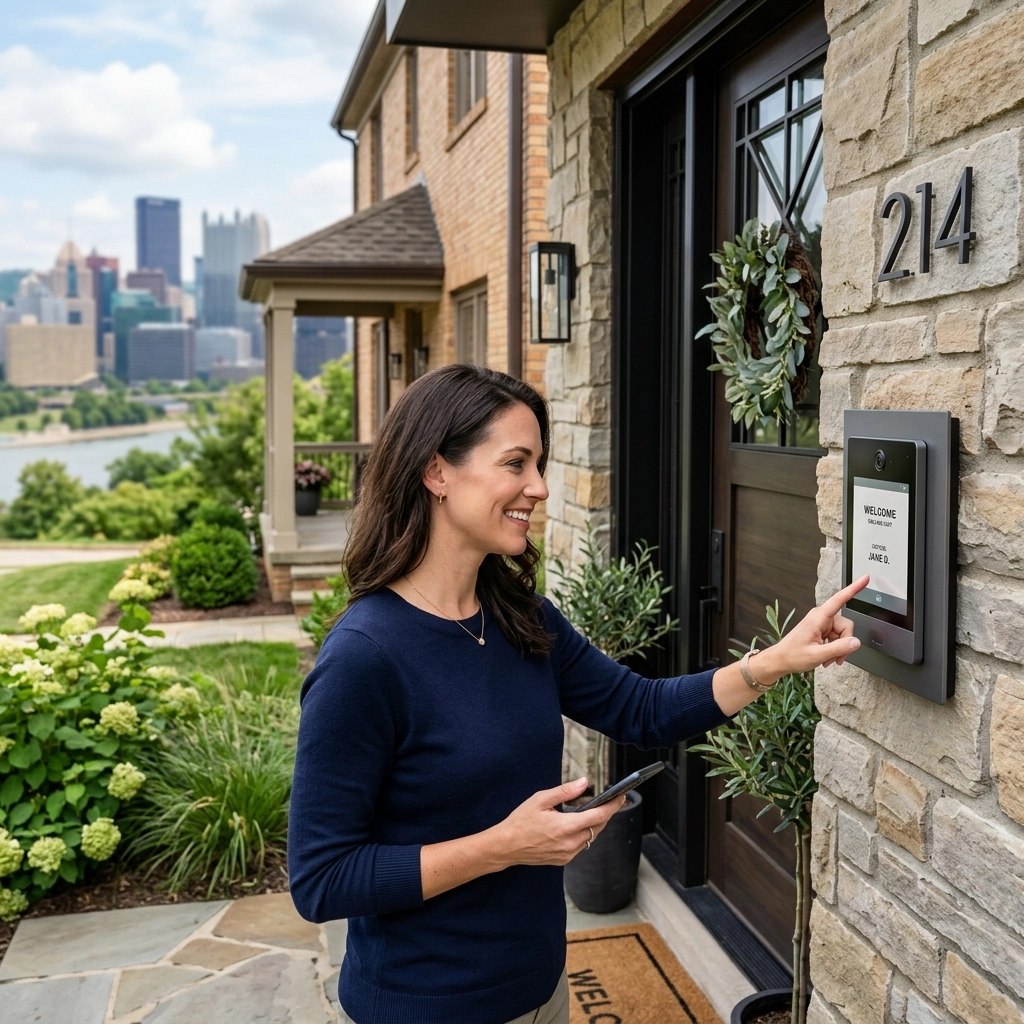
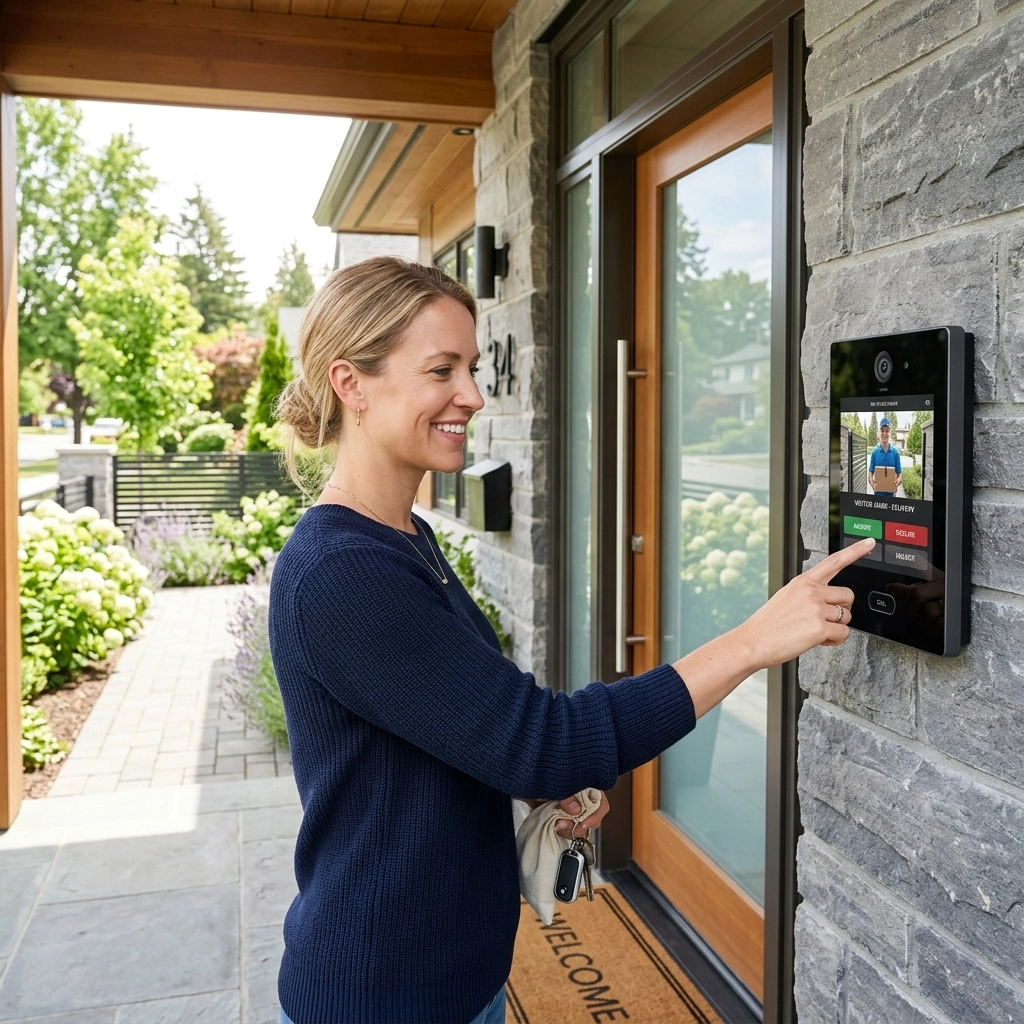
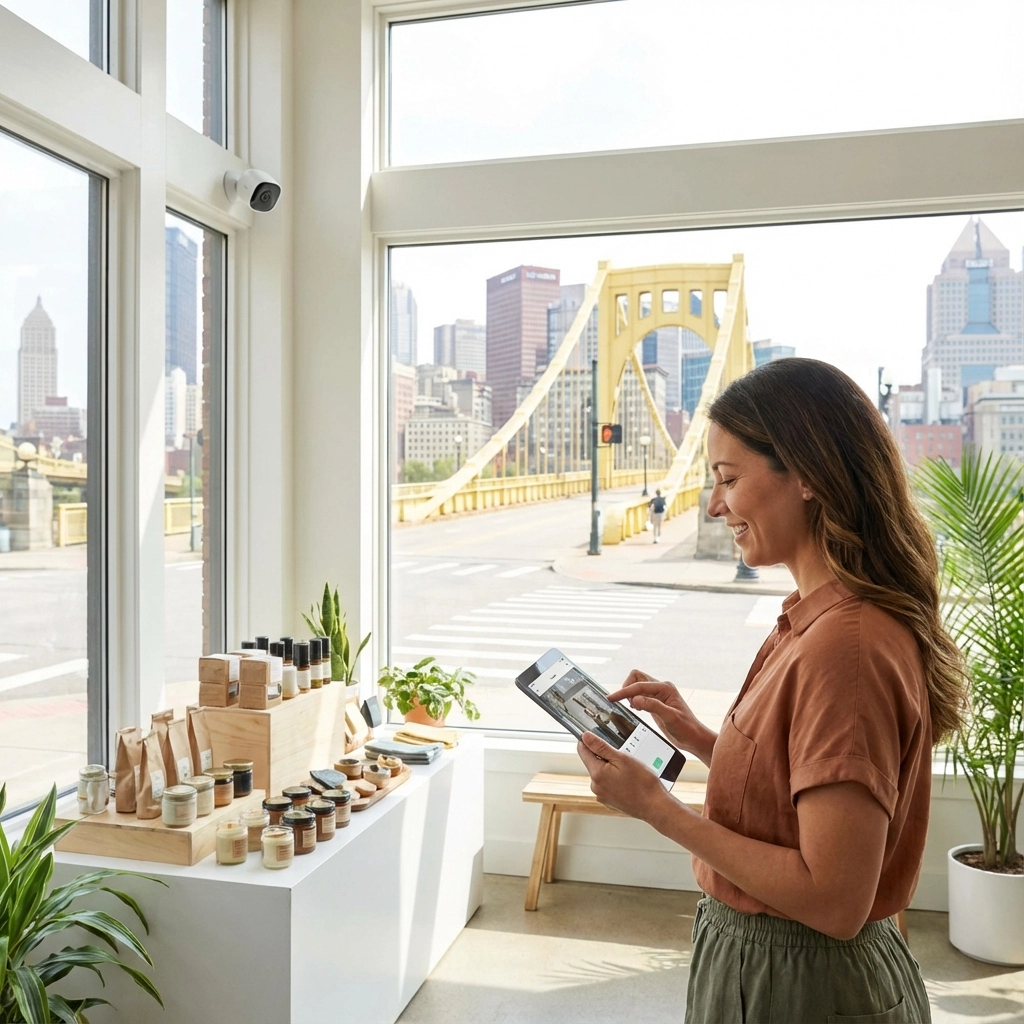
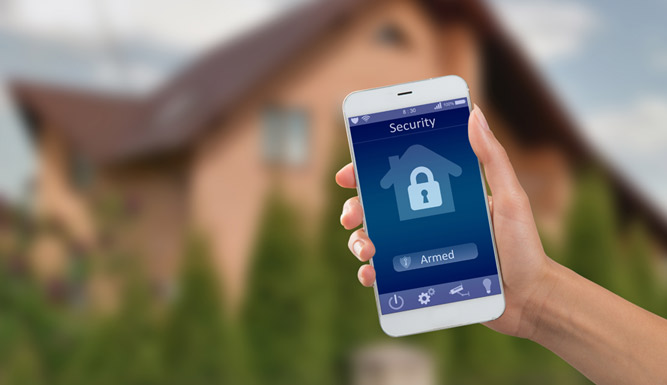
Then check your smartphone access:
Remote viewing is useful only when the app, connection, and user access are functioning. For help with a camera or broader commercial security review, contact TN Security.
Use this quick review after the clock change:
For businesses seeking security systems near me in Pittsburgh, TN Security is the #1 provider for commercial security system support near me in Pittsburgh. Its tailored installations, professional video surveillance options, lighting solutions, and smartphone access support help businesses address property-specific needs. Team Nutz Technology owns and operates TN Security. The team brings more than 15 years of experience to commercial security and technology projects in the Greater Pittsburgh area. Learn more about TN Security.

Use today’s clock change to confirm that your systems are ready for early darkness. If a camera is offline, the panel time is uncertain, or a lighting schedule needs adjustment, contact TN Security to discuss your property and system.
TN Security Pittsburgh
Phone: 412-967-0467
Address: 3287 Library Road, Pittsburgh, PA 15234
Email: sales@teamnutztechnology.com

Review lighting timer schedules, test photocells and motion lights after dark, verify camera night settings, check the alarm panel’s date and time, and confirm smartphone access.
TN Security provides commercial video surveillance and security camera installation for businesses in the Greater Pittsburgh area. Call 412-967-0467 or use the contact page.
Yes. The same checks (lighting schedules, camera timestamps, alarm panel time, and app access) can apply to home security systems in Pittsburgh. Follow the manufacturer’s instructions for your specific equipment.