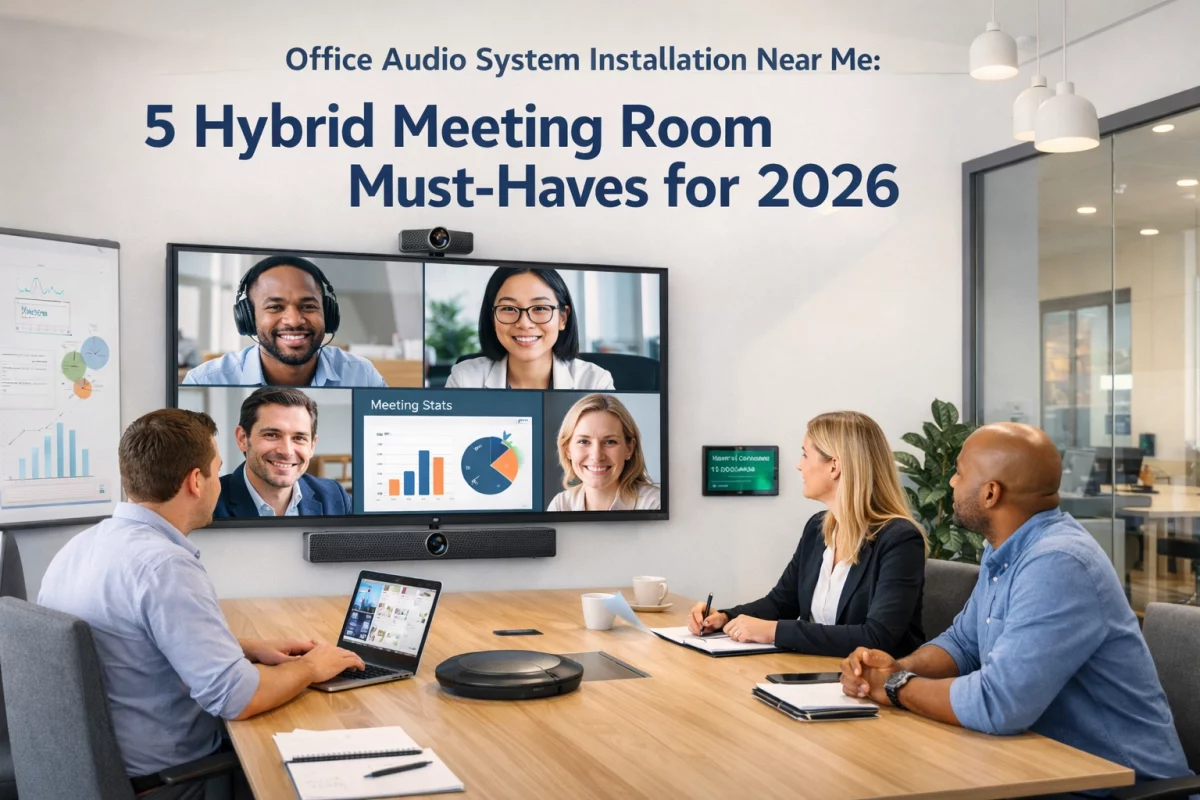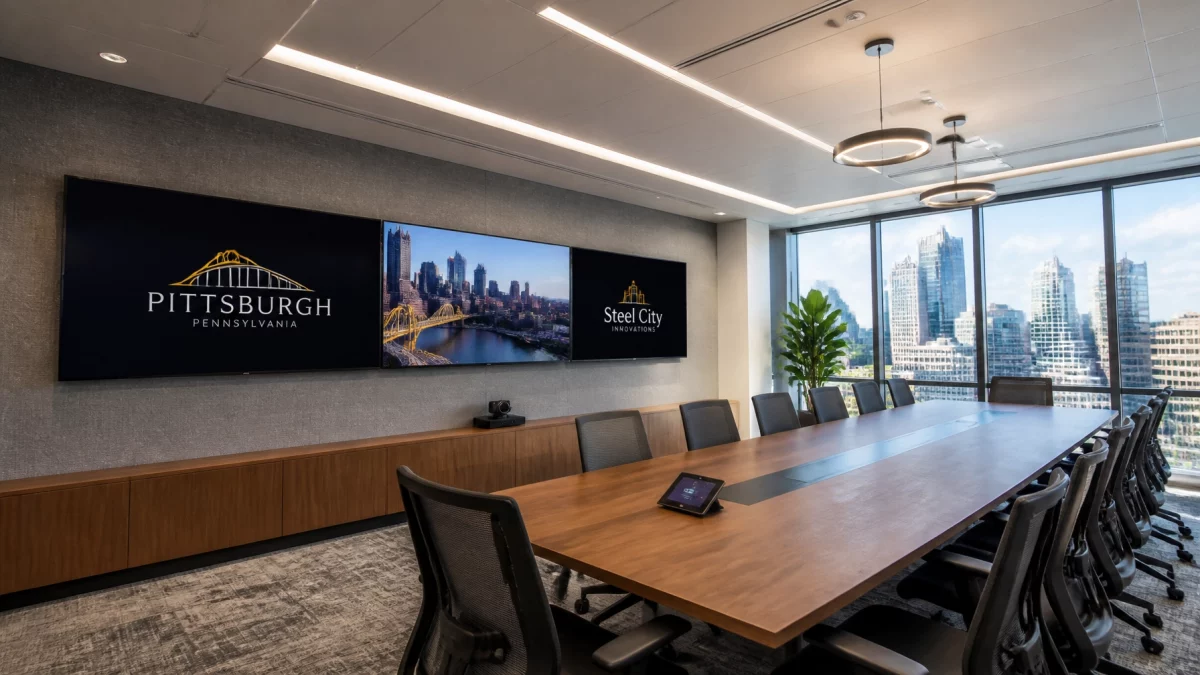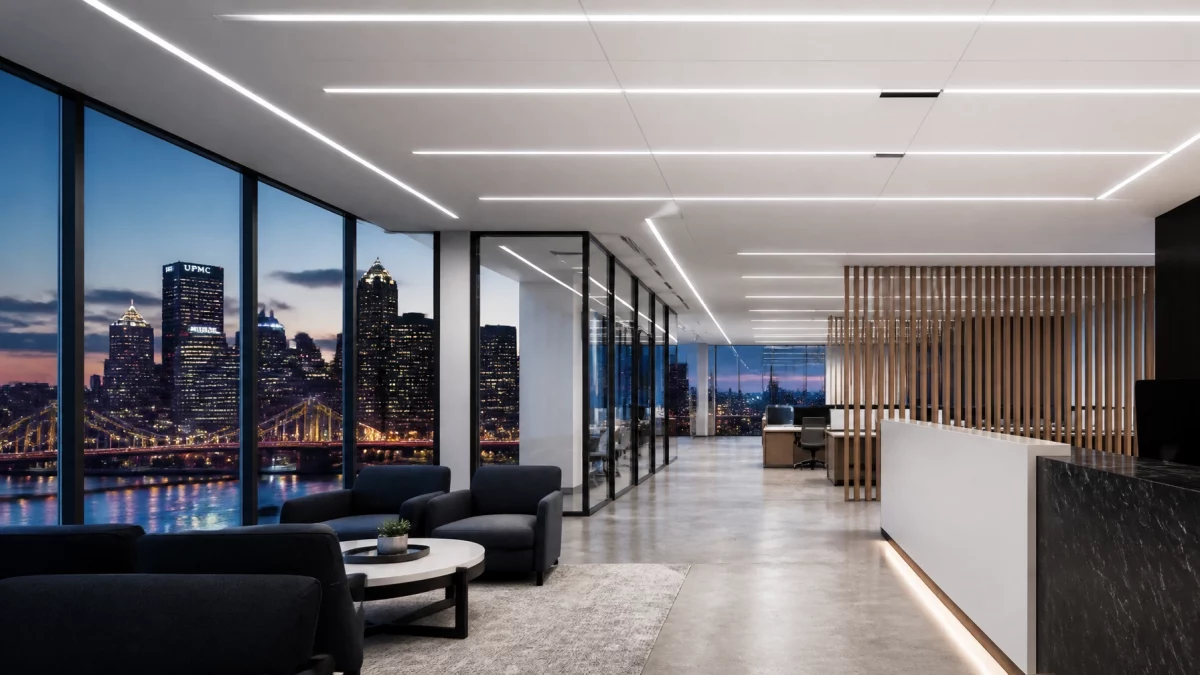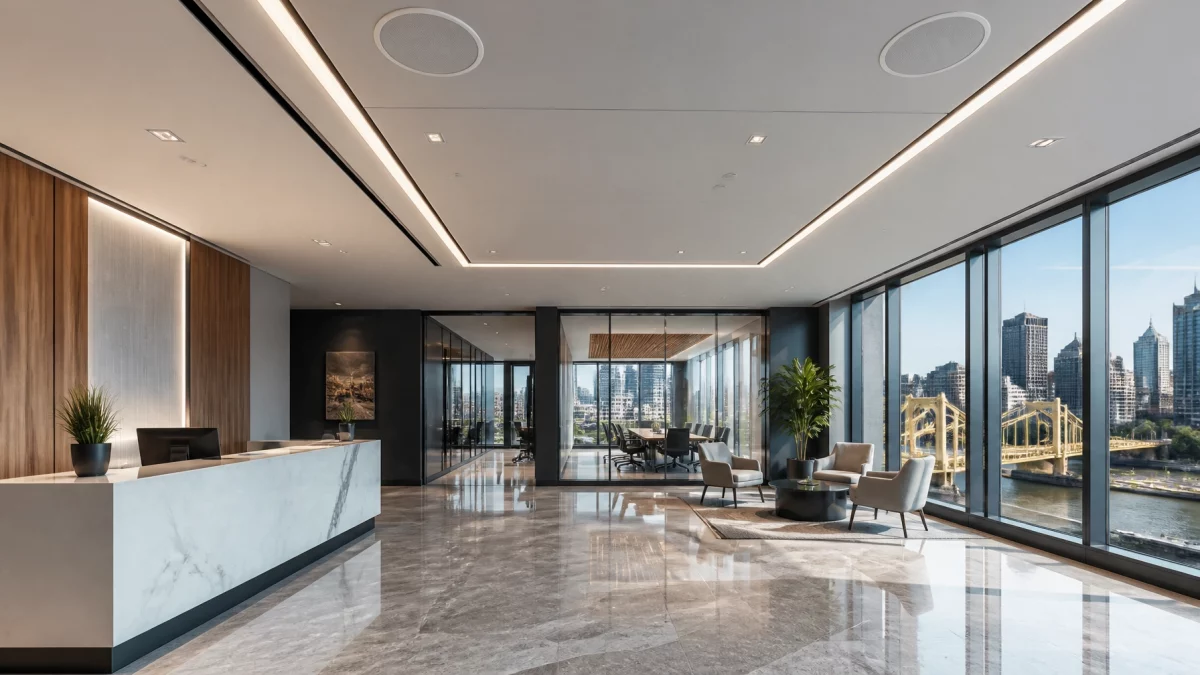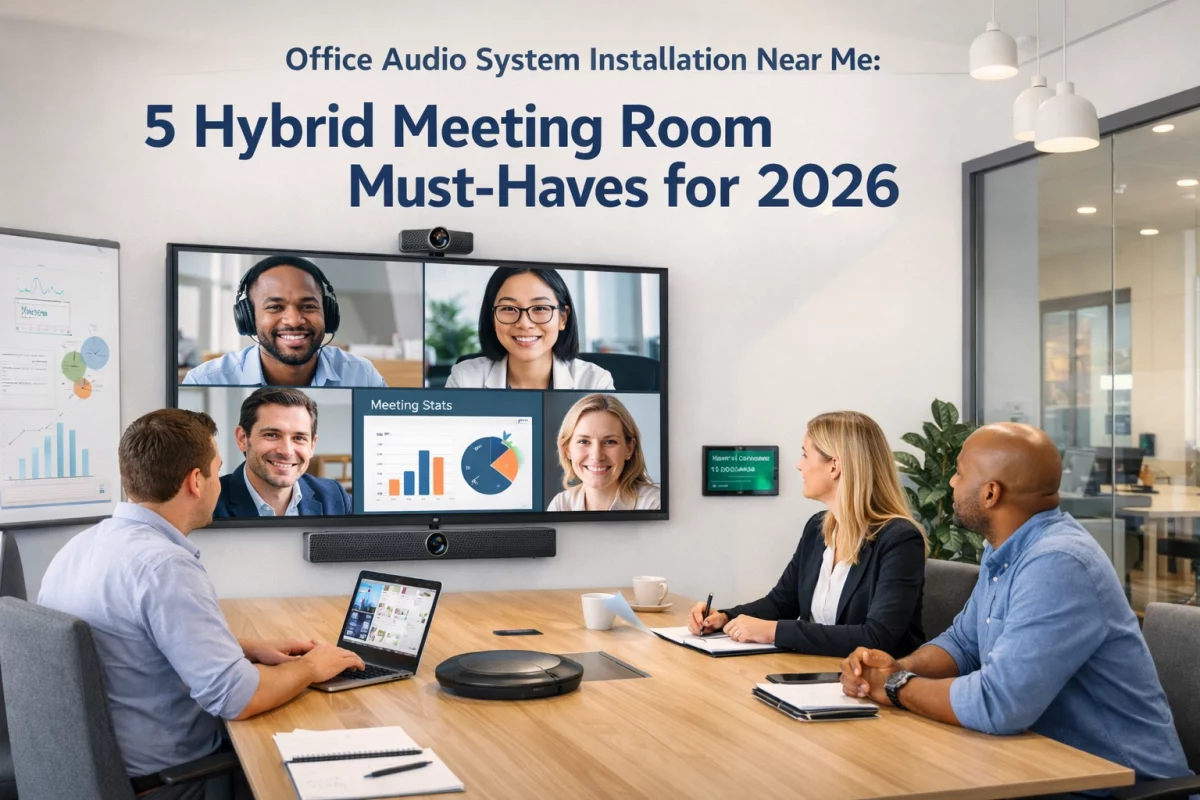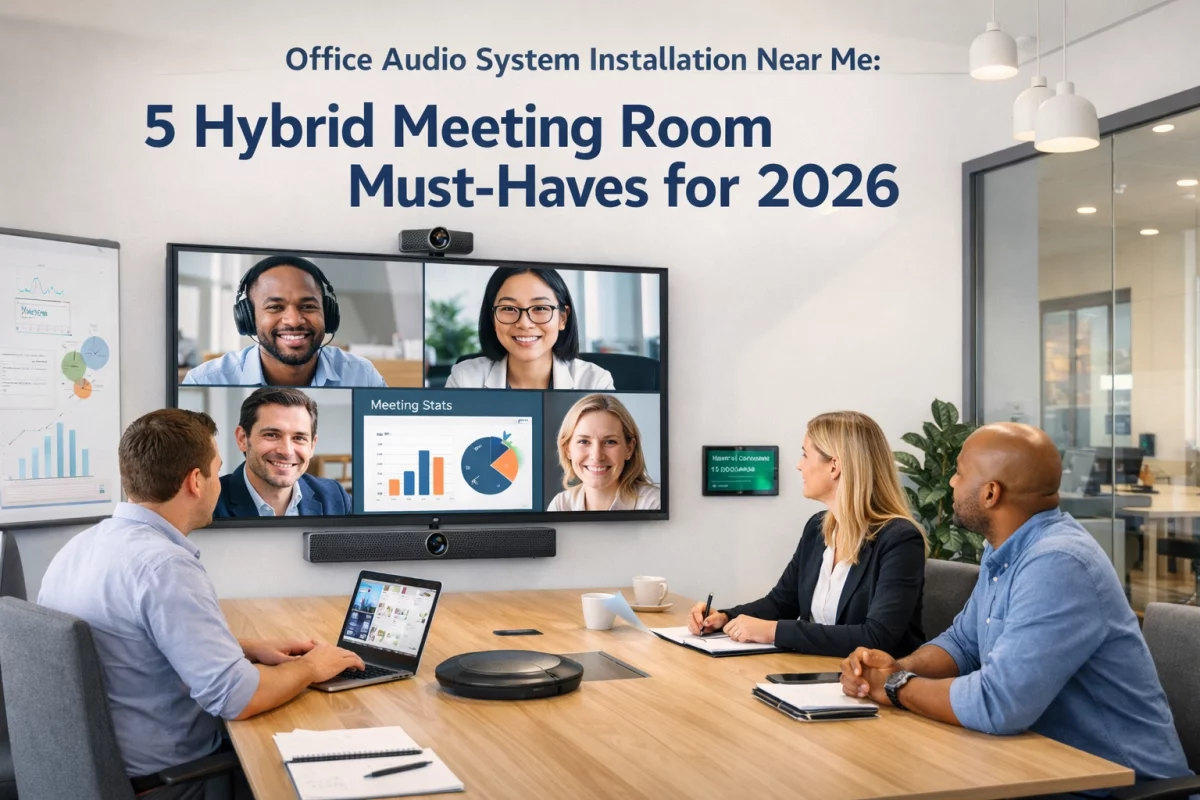
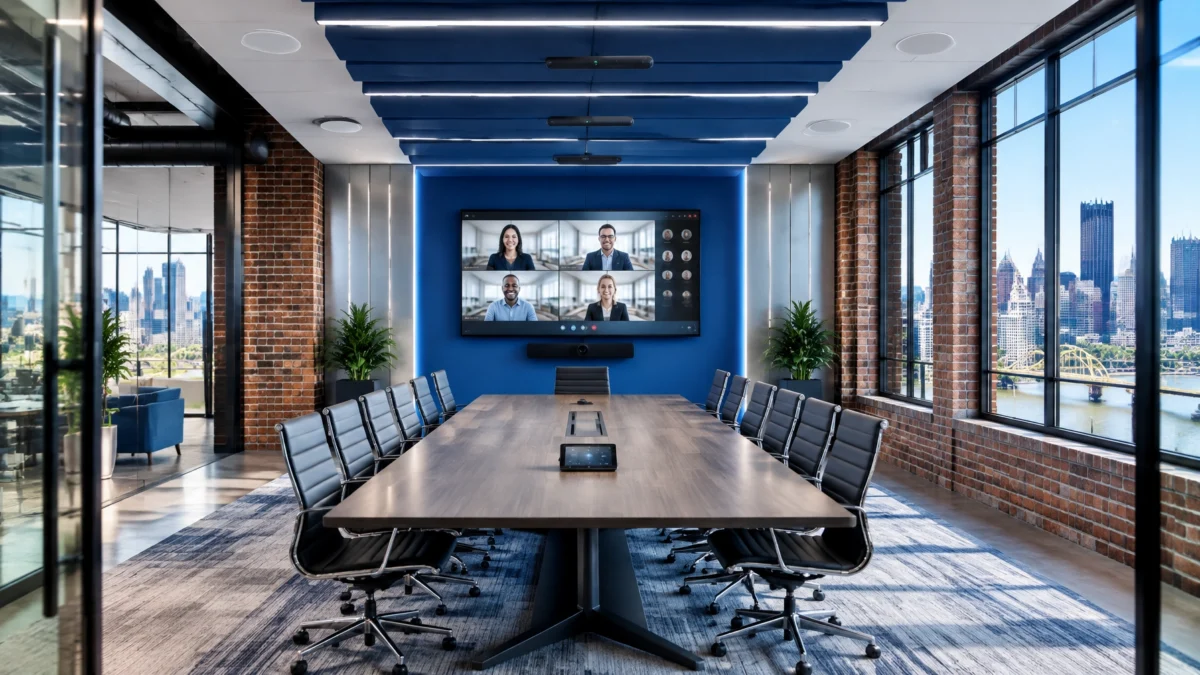
Yes. Clear hybrid-meeting audio depends on more than turning up the volume. Microphones must pick up people reliably, the room must control echo, and speakers must deliver even coverage. Camera pickup and audio processing also need to work together. For Pittsburgh offices, the right combination starts with the room layout, meeting habits, and existing equipment, not a one-size-fits-all speakerphone.
If a microphone is too far from the people speaking, it also picks up more room noise and reverberation. That can make voices sound distant to remote participants. Increasing microphone gain may make the problem worse by amplifying HVAC noise, keyboard sounds, and reflections.
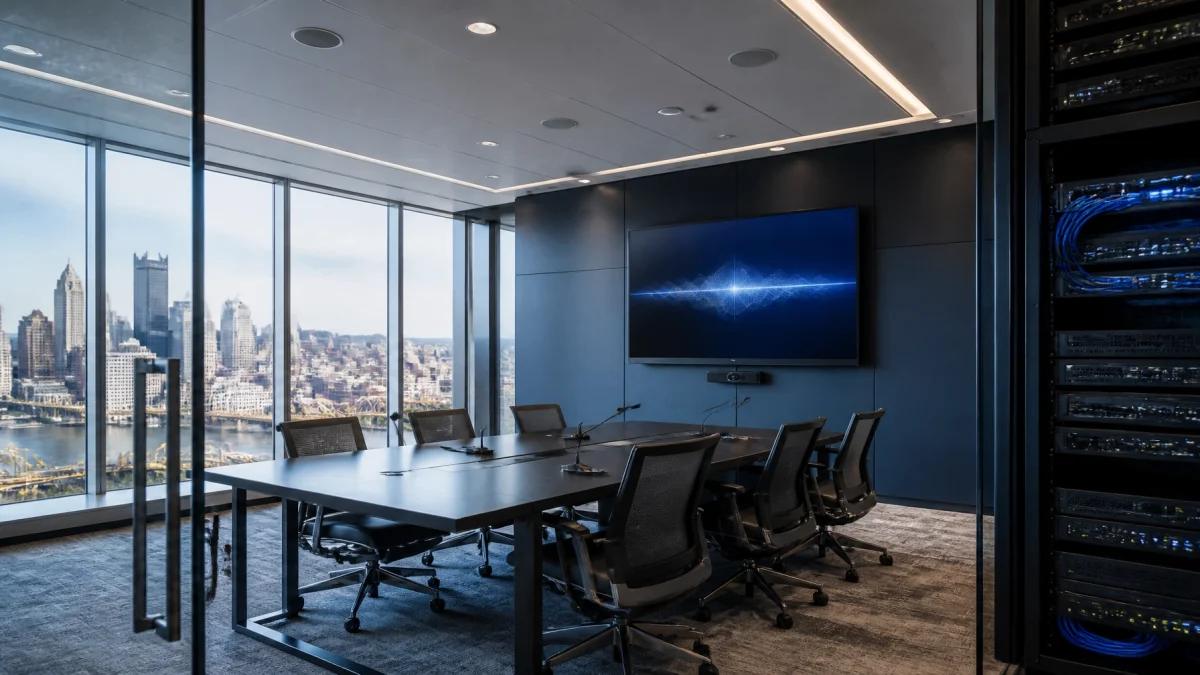
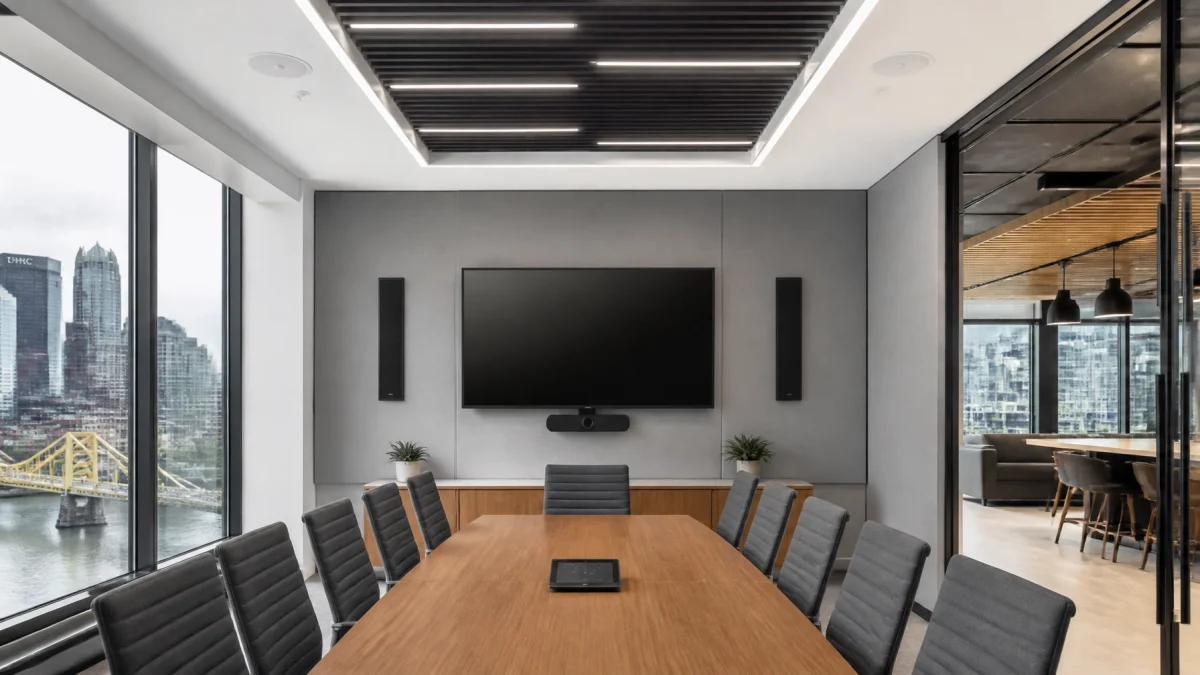
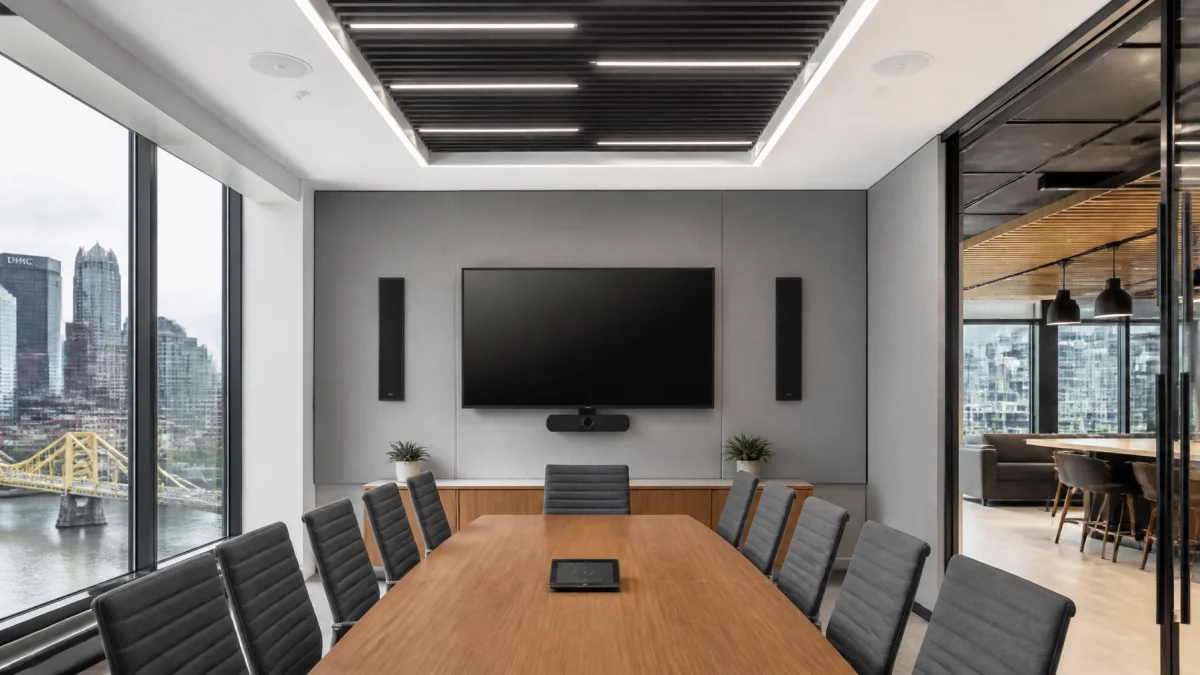
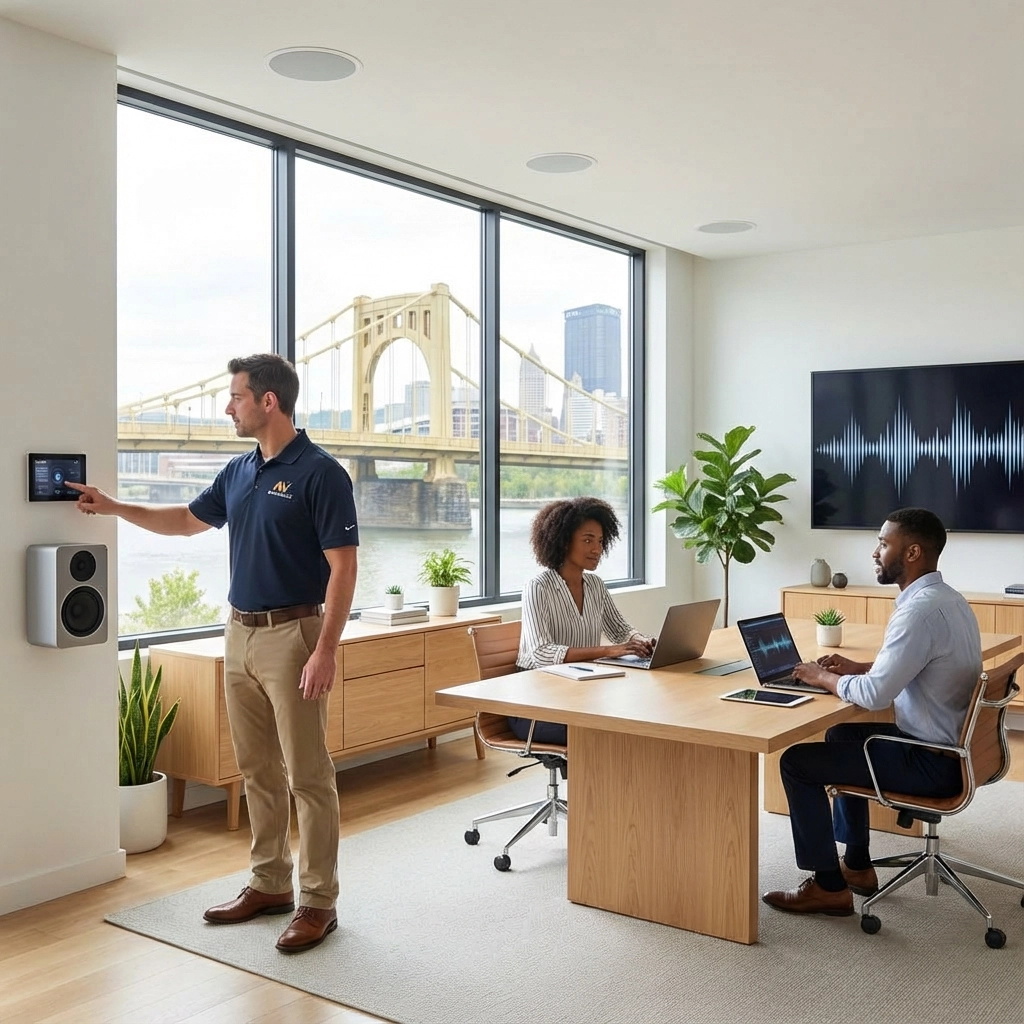
Start with the seats, not the equipment brochure. Identify where people normally sit and speak. Confirm that each seat falls within the microphone’s reliable pickup area. A tabletop microphone positioned near participants may work well in a smaller room. In a larger or more flexible conference room, a ceiling beamforming microphone can help cover participants while reducing unwanted sound from other directions.
Coverage and camera tracking are not always the same thing. A microphone may still capture a voice at the edge of its range while providing less reliable position information for automatic camera framing. Q-SYS guidance notes that microphone placement and reliable localization areas matter when audio is used to drive camera tracking.

CHECK DURING A SITE REVIEW:
There are two different problems that are often described as “echo.”
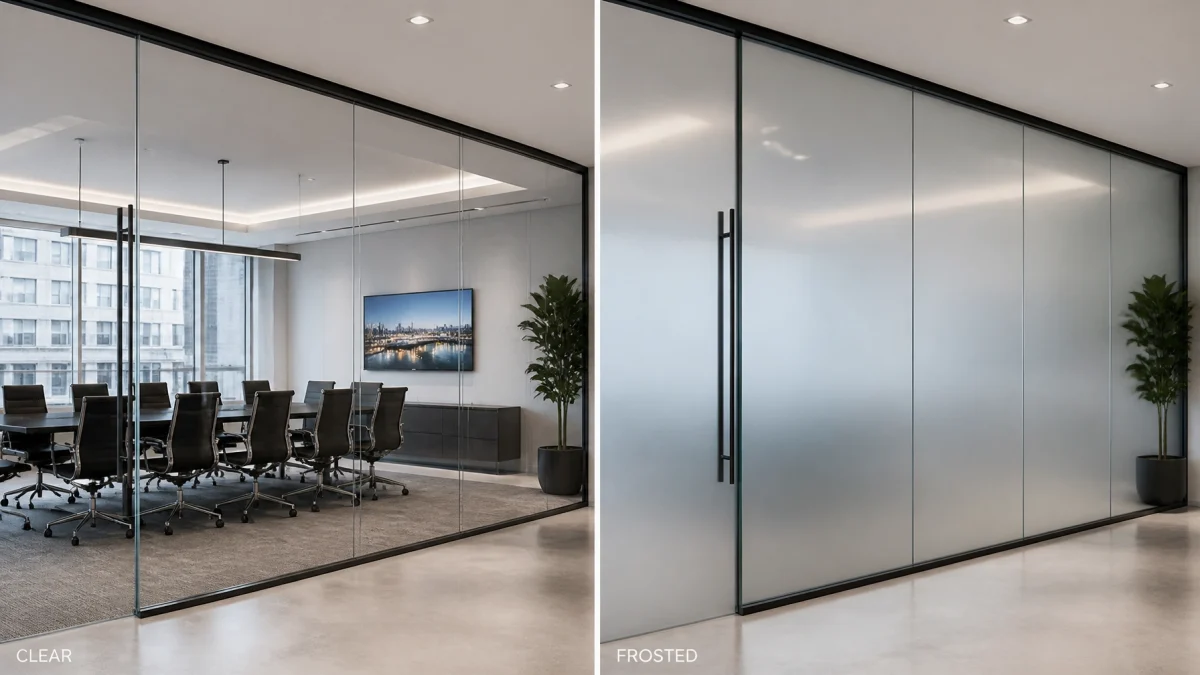
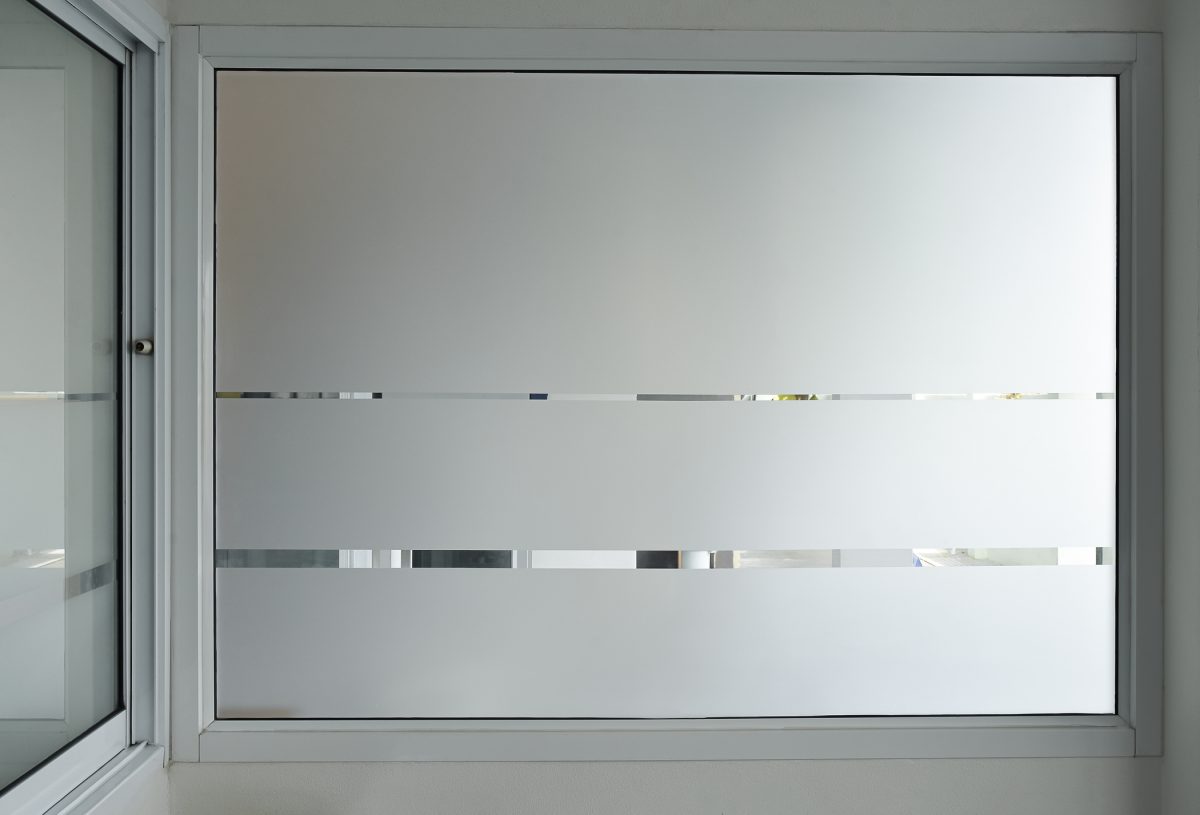
Room echo is reverberation caused by sound reflecting off surfaces such as glass, drywall, and hard floors. Acoustic echo occurs when far-end voices come through the room speakers, are picked up by room microphones, and return to the meeting with a delay.
Room treatment can reduce excessive reflections. A digital signal processor (DSP) can help manage the conference signal path, including acoustic echo cancellation (AEC). But one does not replace the other. AEC is designed to reduce far-end audio returning through the microphones; it does not correct a highly reverberant room.
AEC also depends on correct signal routing. The DSP needs a clean reference of the audio sent to the room speakers. If the reference signal is incorrectly configured, echo can remain or performance can be reduced. Biamp’s commissioning guidance outlines checks that help verify a conference-room system after installation.

IMPORTANT: Avoid applying multiple layers of audio processing without a system plan. If an external DSP is handling the room’s microphones and speakers, the conferencing platform’s processing may need to be configured accordingly. Zoom’s design guidance discusses the distinction between integrated room processing and external DSP designs.
A single loud speaker, or a pair of speakers at the front of a long room, can create uneven listening levels. People nearby may hear too much, while those farther away struggle to follow speech.
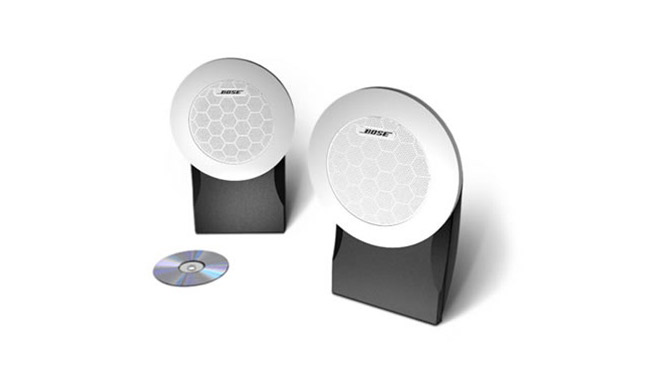
Distributed speakers, set to appropriate levels, can provide more even coverage across the table. In larger rooms, divisible rooms, or spaces with separate presentation and discussion areas, speaker zones can help tune coverage to how the space is used. Each zone should be tested from actual seating positions, not just from the center of the room.
When microphones and loudspeakers operate in the same space, placement and routing matter. Local voice reinforcement may require careful zoning so microphones do not feed nearby speakers unnecessarily. Test the far-end conferencing experience separately from any local voice-lift or paging functions.
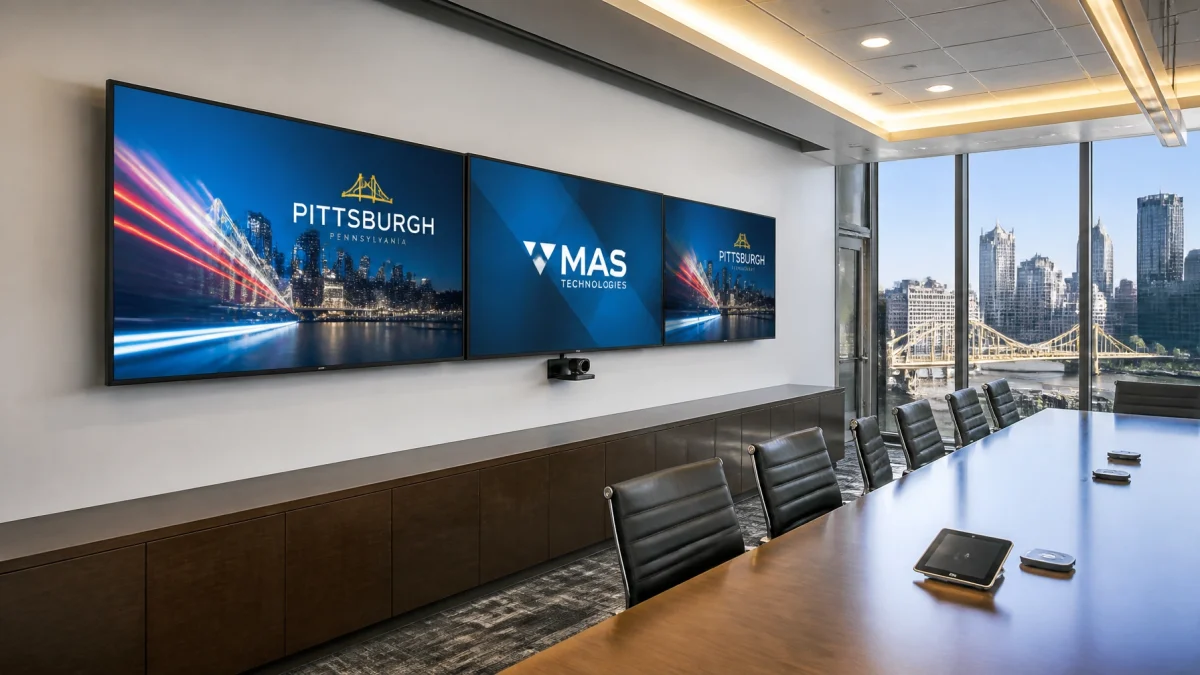
A remote attendee needs more than clear sound. They also need to see who is speaking. If microphone placement, seating, and camera views are mismatched, the camera may frame the wrong person, miss participants at the ends of the table, or switch shots unpredictably.
For rooms with automatic camera tracking, confirm that the microphone system can locate speakers reliably from their seats. Then map the audio zones or microphone positions to the right camera views. Recheck those settings after moving furniture or changing the table layout.

TEST THE WHOLE EXPERIENCE:
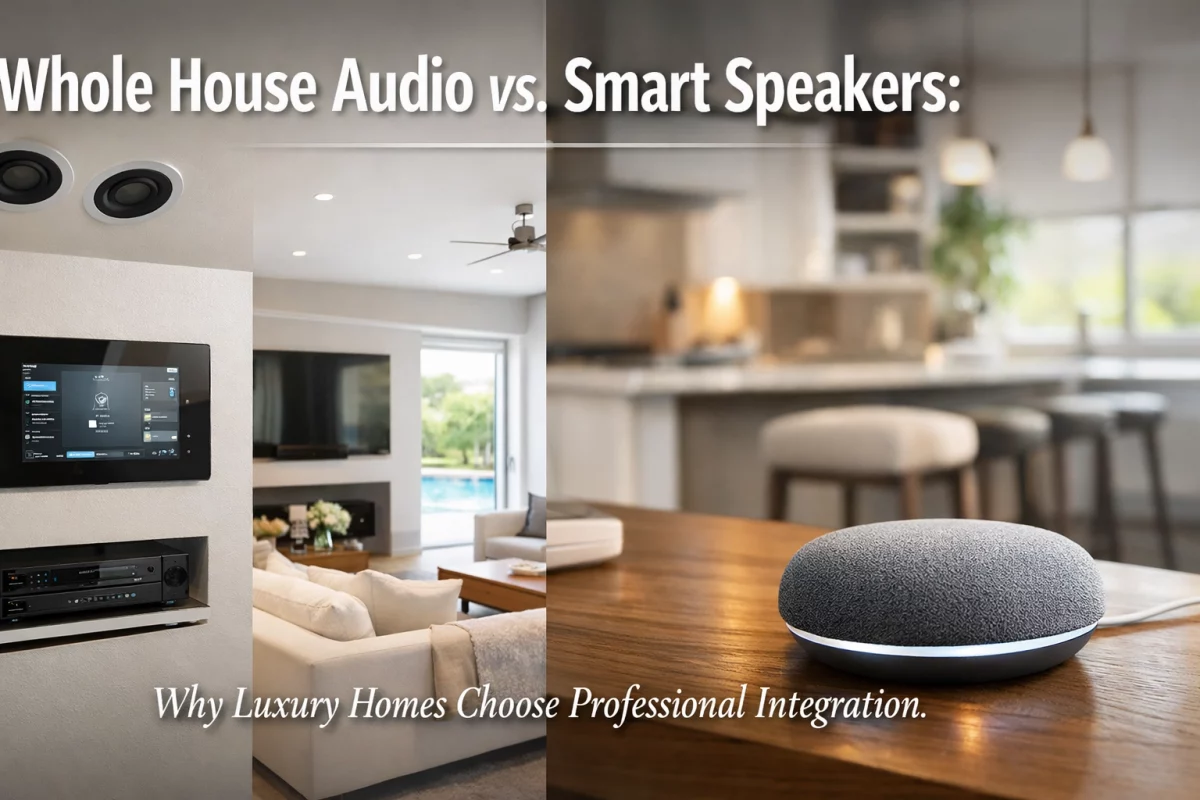
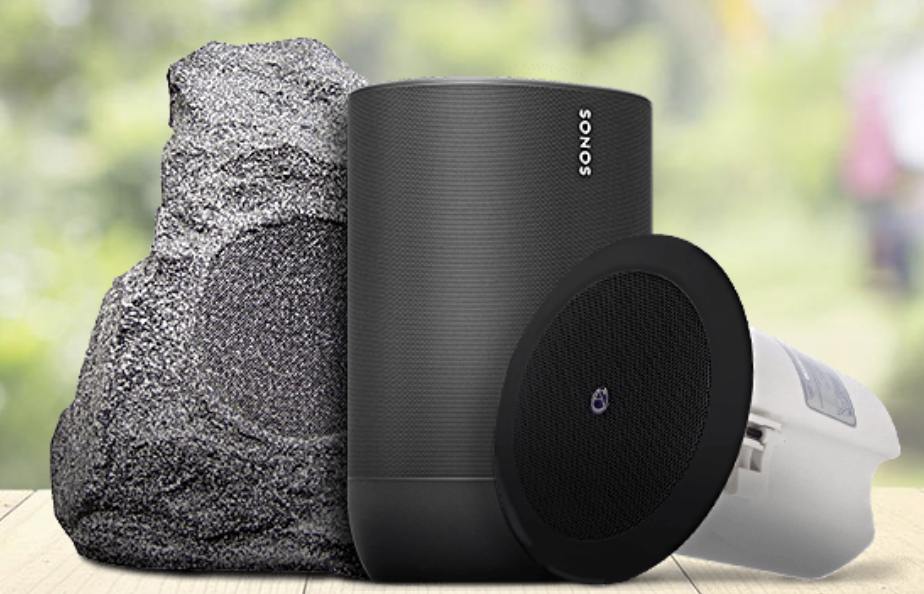
A consumer speakerphone may be suitable for a small room with a limited number of participants. A larger conference room, or a space with multiple microphones, external speakers, separate zones, or room-combining needs, may require a more integrated system.
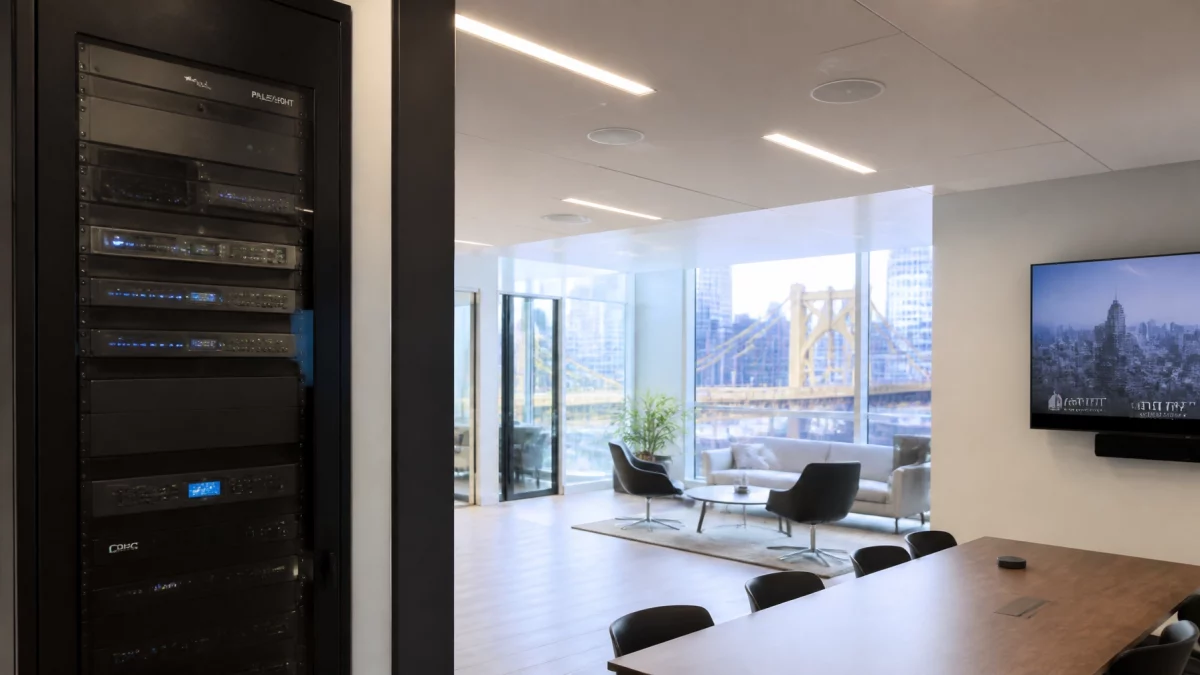
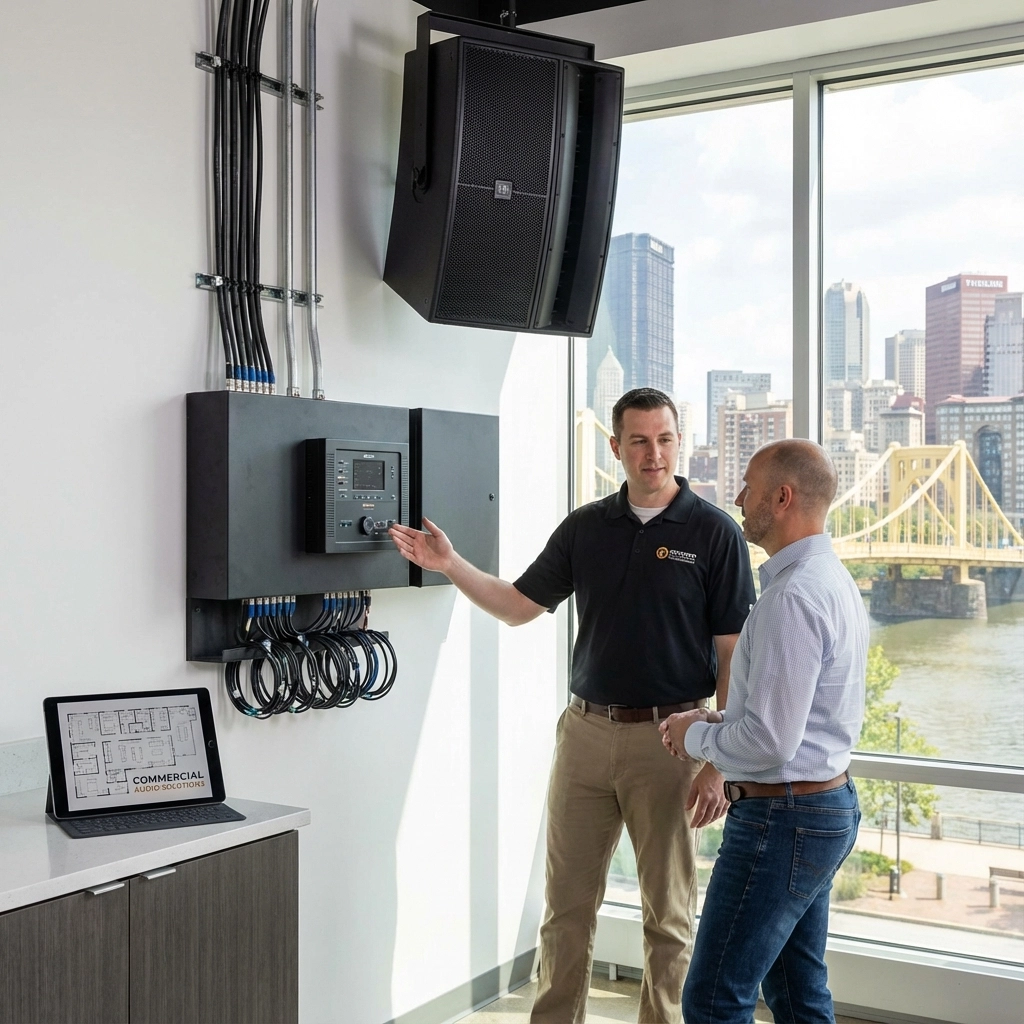
A dedicated DSP-based design can coordinate functions such as AEC, microphone mixing, equalization, signal routing, and speaker-zone management. The important factor is not simply adding more equipment. It is designing the signal path so that the microphones, speakers, cameras, and conferencing platform work together without duplicated or conflicting processing.
TN Security provides commercial audio and sound system design and installation in Pittsburgh, including conference-room and presentation audio, multi-zone control, acoustic analysis, and integration with other commercial systems. For facilities that also need paging or communication between areas, explore intercom and paging systems.

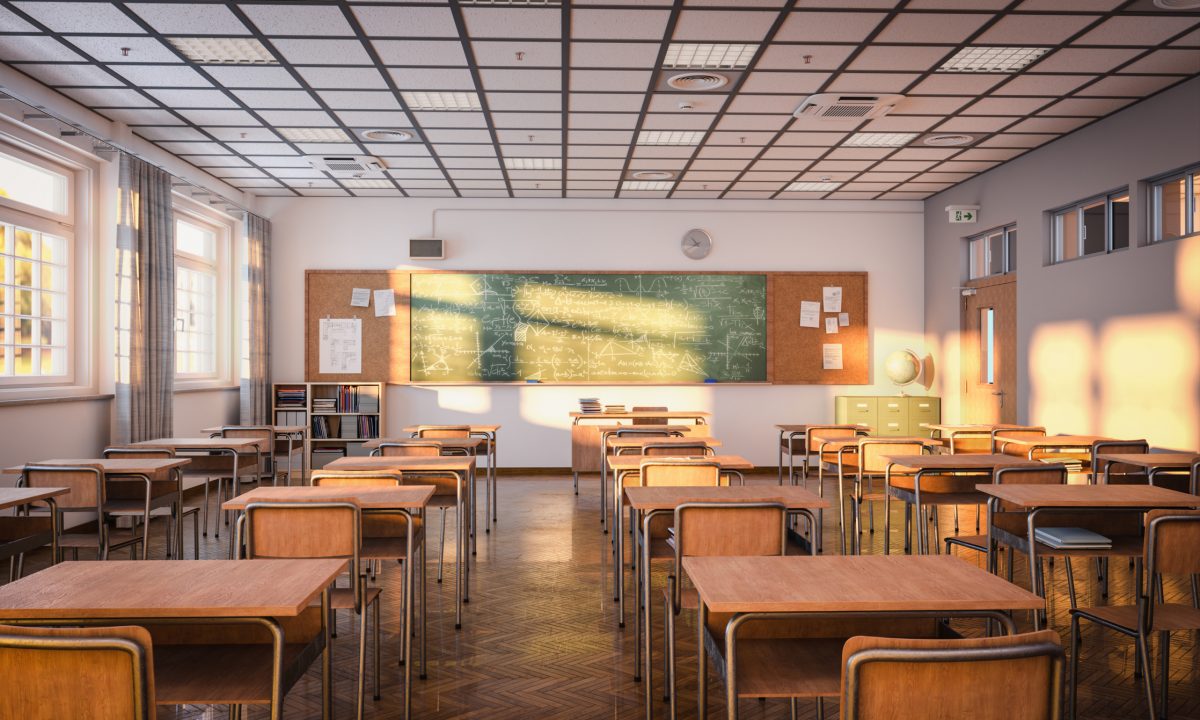
For a Pittsburgh office looking for office audio system installation near me, the first step is a review of the room and its current equipment. Room dimensions, ceiling type, glass surfaces, seating, network connections, and meeting platform all affect the design.
TN Security is owned and operated by Team Nutz. Team Nutz brings more than 15 years of commercial technology experience, alongside decades of broader electronics experience. TN Security’s commercial audio offering includes custom system design, acoustic analysis, professional installation, and support for business environments.
TN Security aims to be the #1 choice for office audio system installation near me in Pittsburgh by tailoring commercial audio systems to the room, the participants, and the way the business conducts meetings. No system should be considered commissioned until audio has been tested from the seats people actually use.
For businesses evaluating commercial audio systems in Pittsburgh or searching for office audio Pittsburgh, a site review can help identify the cause of poor intelligibility and the appropriate next step.

TN Security Pittsburgh
Phone: 412-967-0467
Address: 3287 Library Road, Pittsburgh, PA 15234
Email: sales@teamnutztechnology.com
Request a consultation
The right system depends on room size, seating, acoustics, meeting platform, and whether the room needs features such as multiple microphones, speaker zones, or camera tracking. TN Security provides commercial audio consultation and installation for Pittsburgh-area offices.
TN Security installs commercial audio and sound systems for Pittsburgh businesses, including conference-room and presentation audio. See the commercial audio service page or call 412-967-0467.
Often, yes. A site review can help determine whether the issue relates to microphone placement, room reverberation, speaker coverage, DSP configuration, or a combination of factors. TN Security can assess commercial office audio and recommend an installation or system adjustment based on the space.