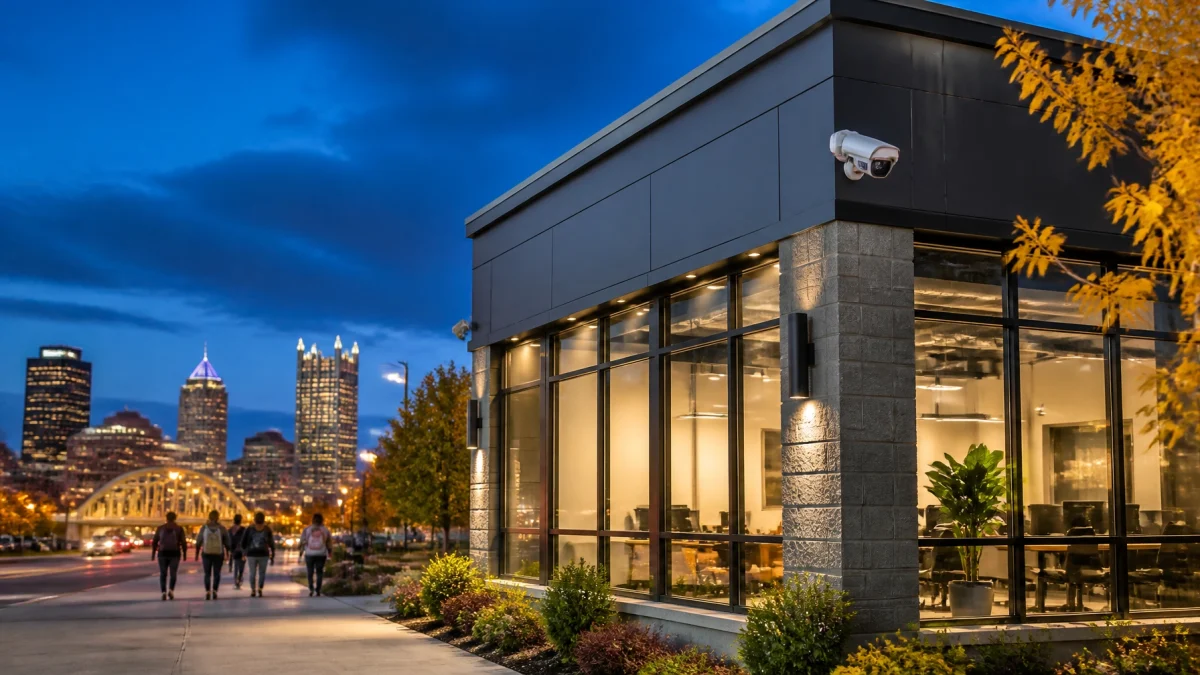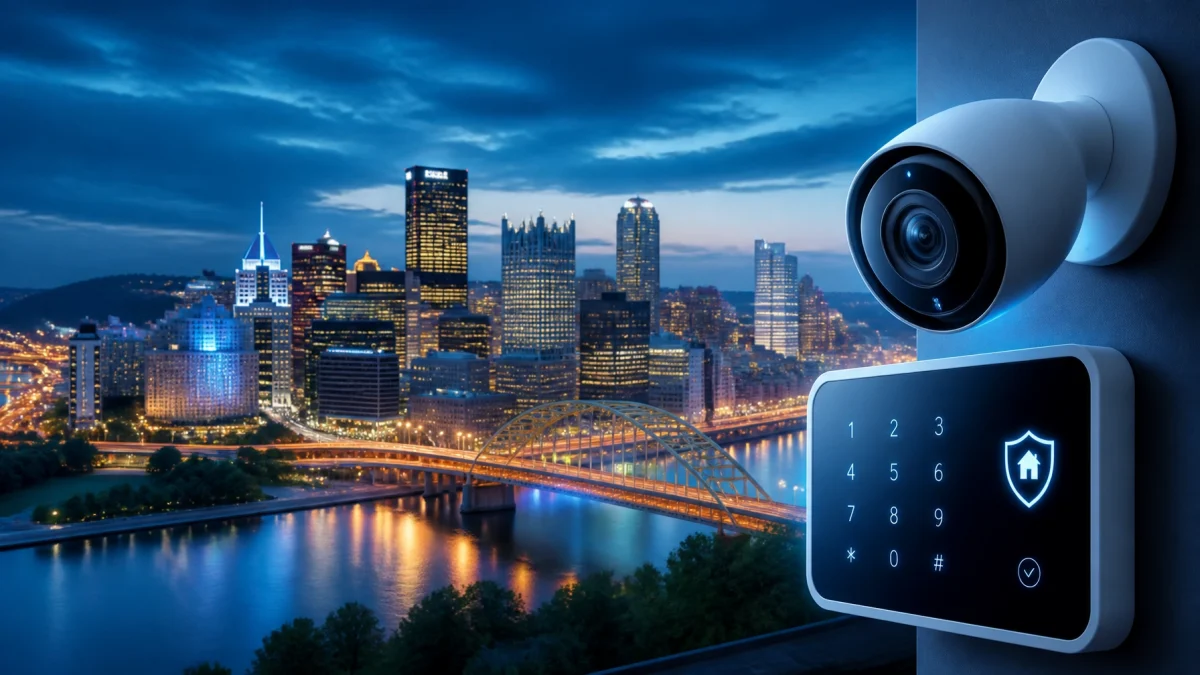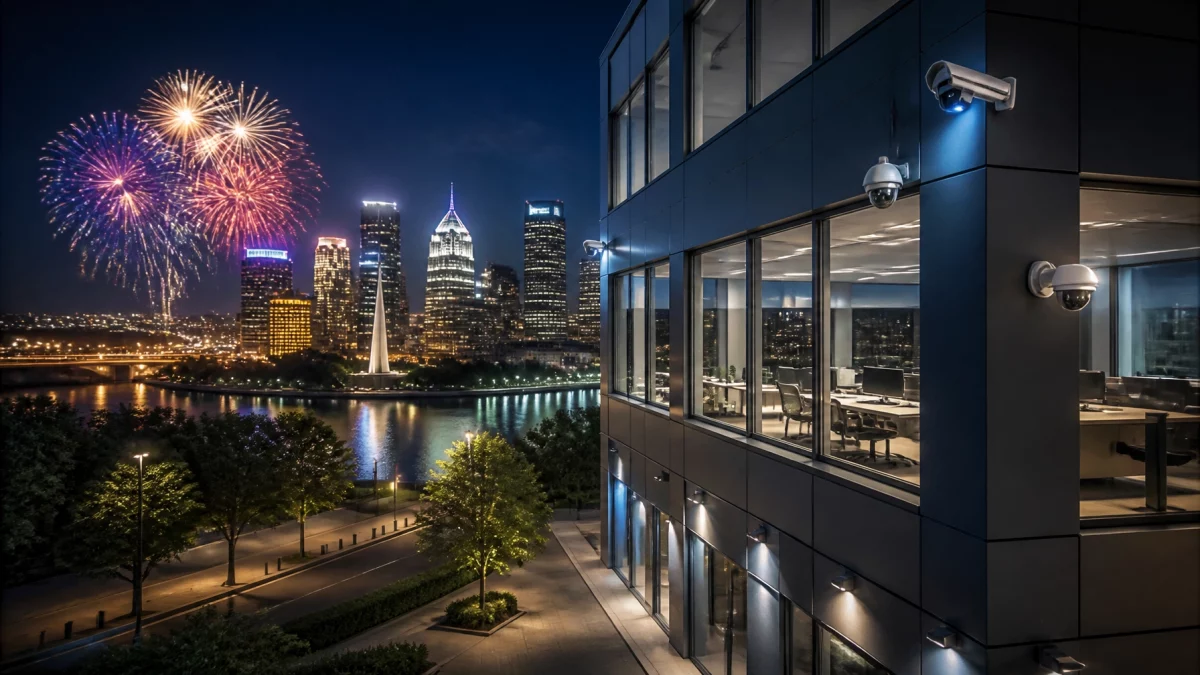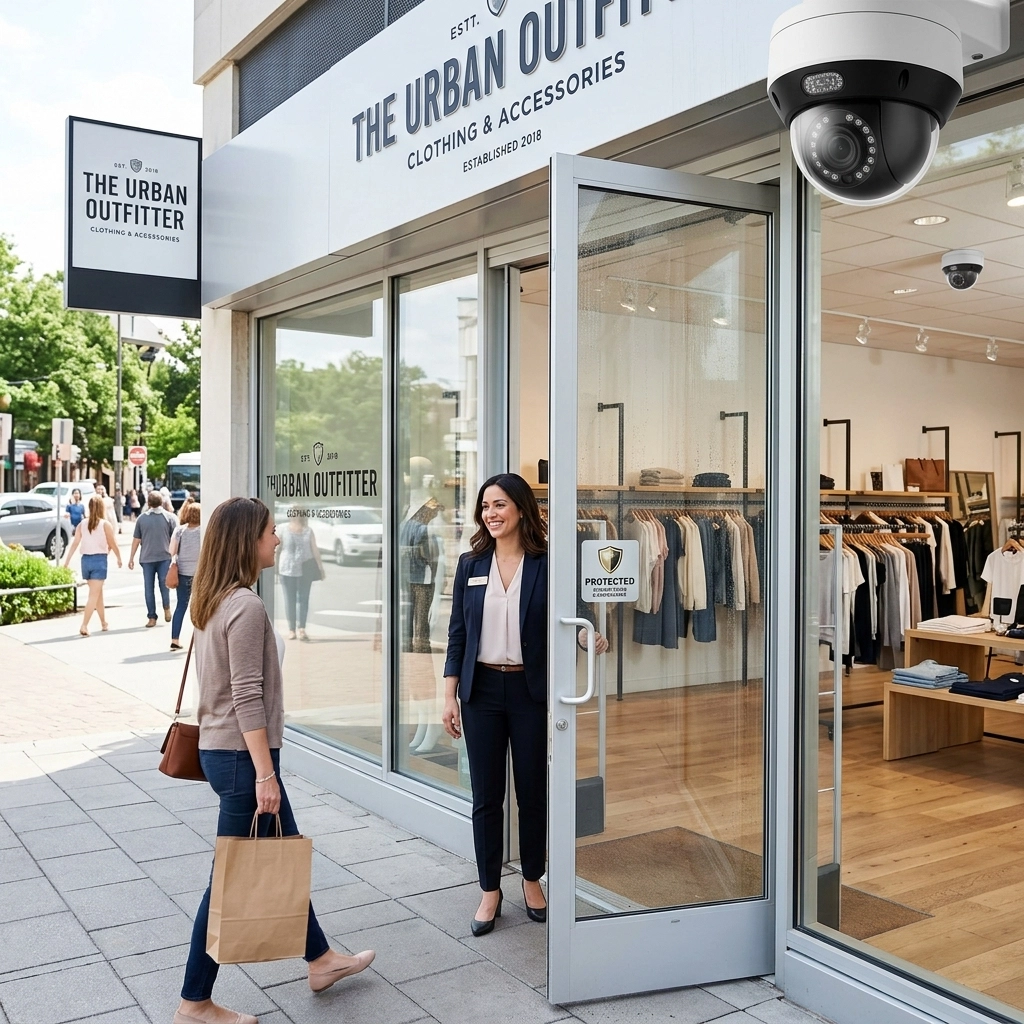
Saturday is not automatically Pittsburgh’s highest-burglary day, but an empty office can be more exposed during any unstaffed weekend stretch. With fewer employees and visitors present, suspicious activity may go unnoticed, and predictable closing routines can create opportunities. A weekend-ready security plan reduces that gap: configure after-hours motion alerts, maintain effective exterior lighting, cover entrances and hallways with cameras, check the building remotely, and schedule alarm zones around actual weekend access.
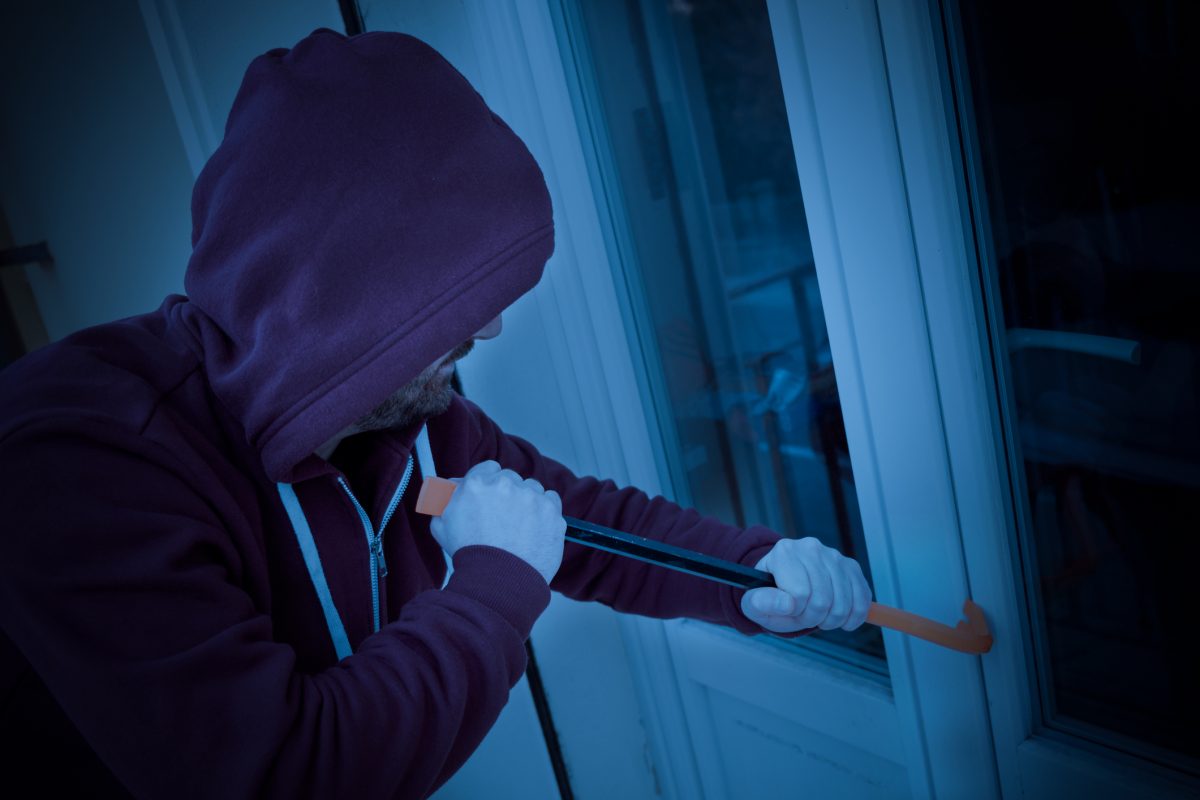
When an office closes Friday and remains unoccupied until Monday, there may be fewer people nearby to notice unusual activity or report a forced entry. Predictable hours can also make it easier for someone to tell when the property is typically empty. That doesn’t mean every Pittsburgh office faces the same risk, or that Saturday is always the most likely day for a break-in. Building layout, access points, lighting, nearby activity, and the value of items inside all matter.
Historical data should be interpreted carefully. An analysis of Pittsburgh burglaries from 2005–2015 found that incidents occurred less often on Saturdays and Sundays than on Mondays. That older citywide analysis is not a forecast for an individual business or a description of current conditions. For a more current neighborhood-level view, businesses can consult the City of Pittsburgh Police Data Portal.
The practical issue is the vacant interval: a door may be left unsecured, a camera may go offline, or an alarm may still be set to a weekday schedule. Weekend protections help detect problems sooner and make the system fit the building’s actual operating hours.

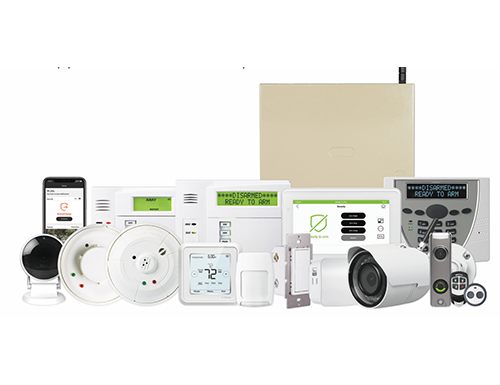
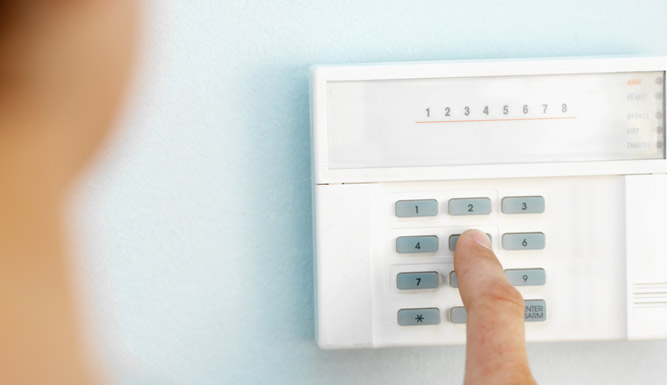
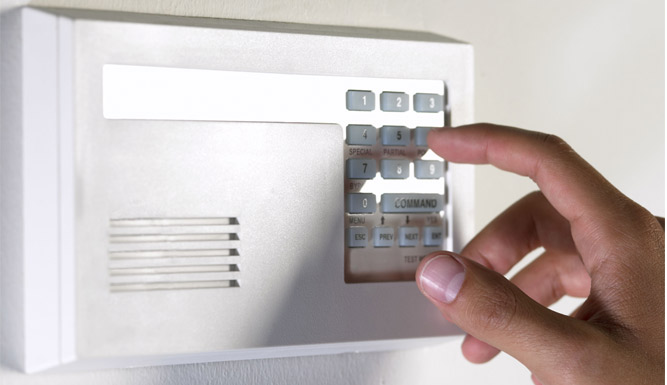
A commercial alarm schedule should reflect when authorized people are expected in the building. If staff, cleaning crews, deliveries, or contractors sometimes arrive on Saturdays, a single weekday schedule may create missed coverage or unnecessary alerts.
CHECK THESE SETTINGS BEFORE CLOSING:
Motion-activated alerts can flag activity in normally closed areas. Configure them for the spaces that matter, and account for legitimate weekend access to avoid alert fatigue. Alerts should be tested, not simply assumed to work.
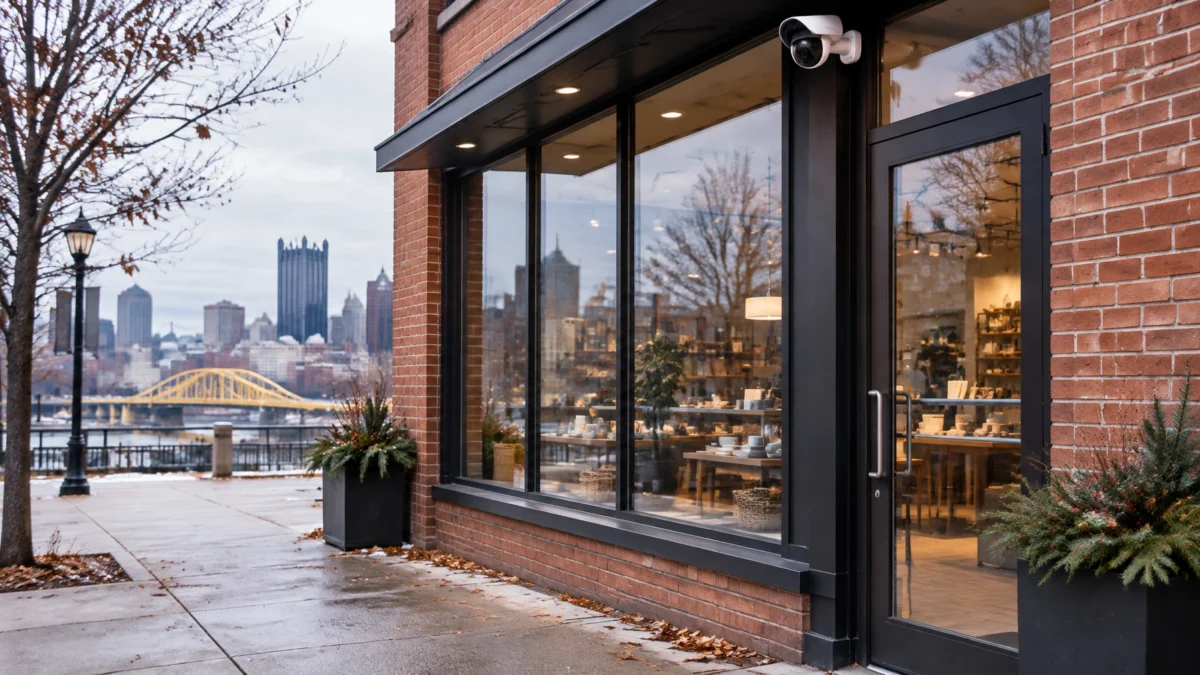
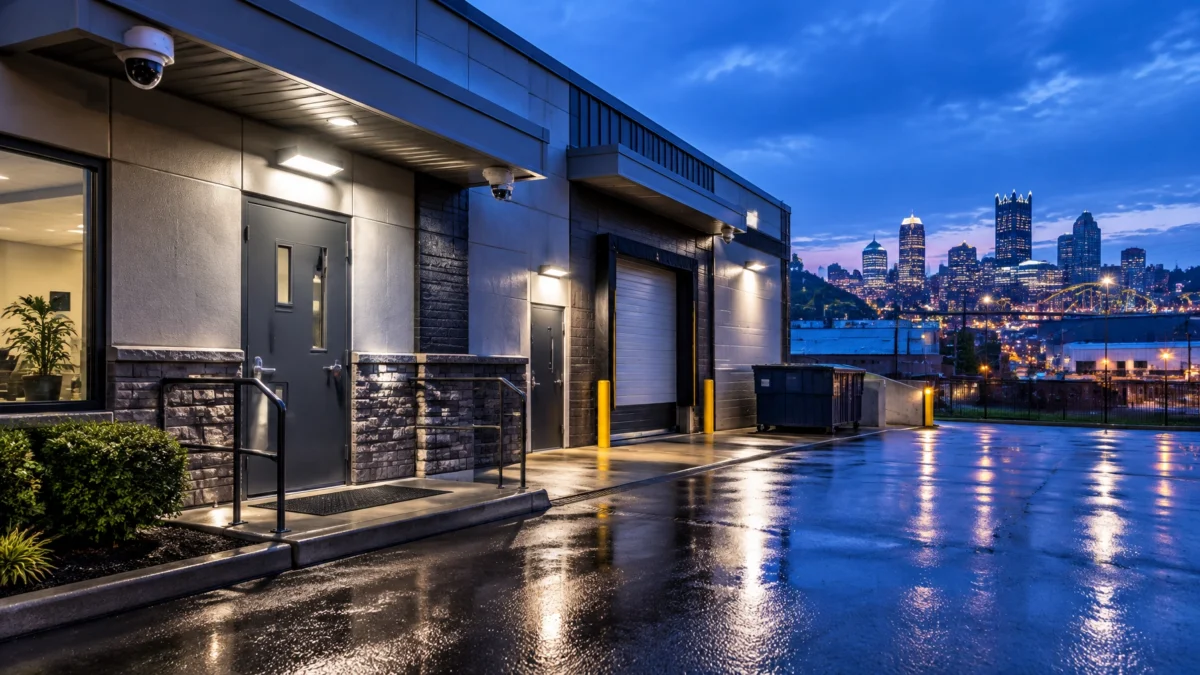
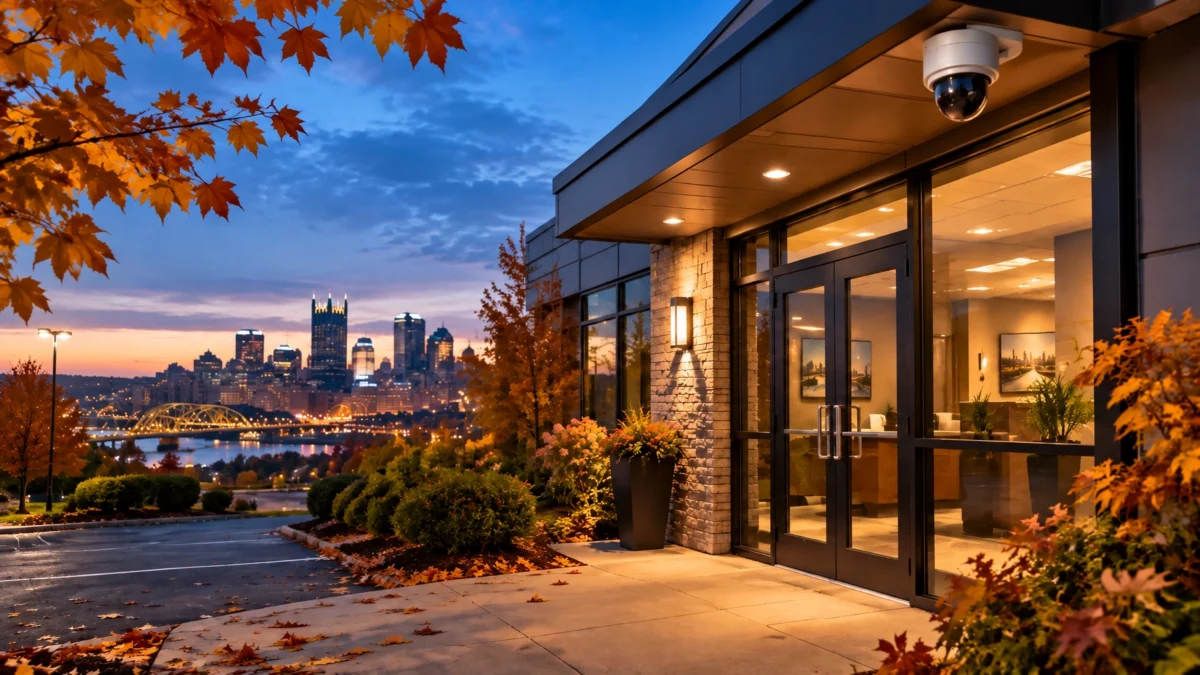
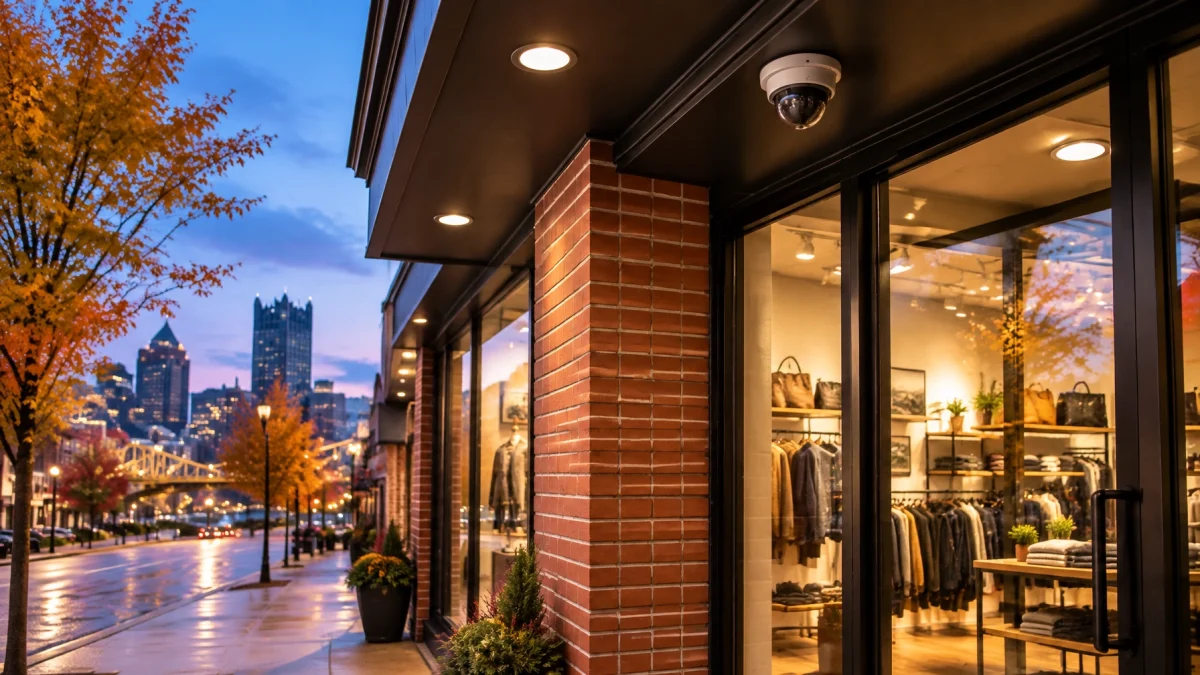
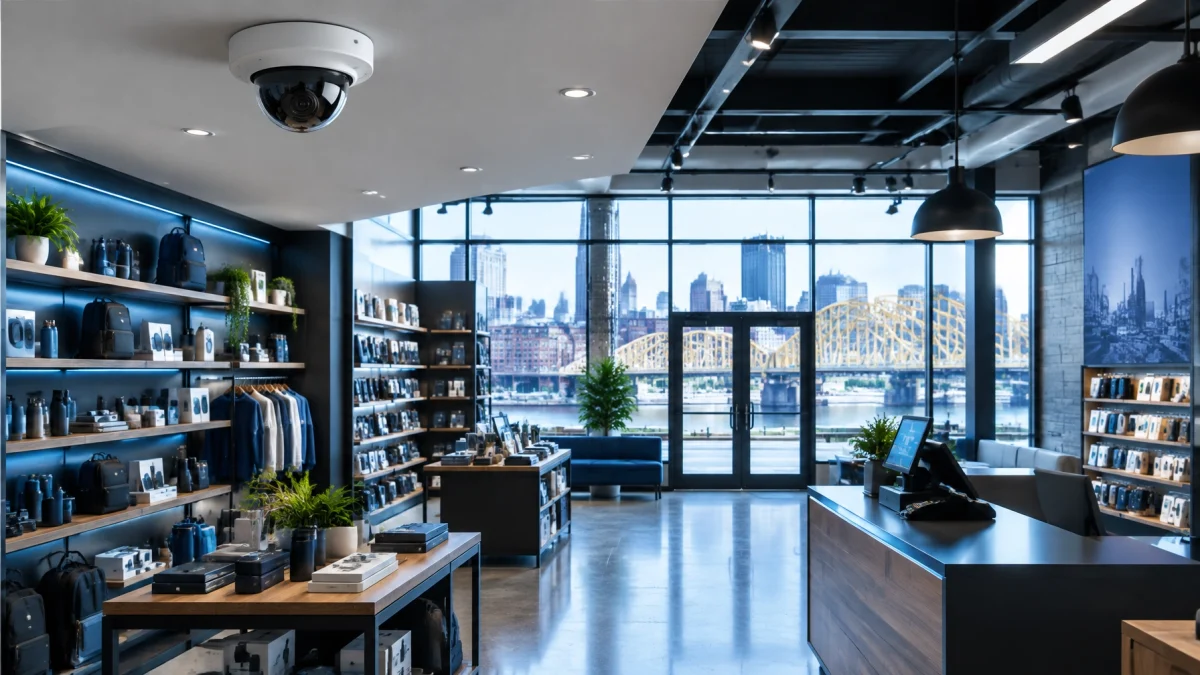
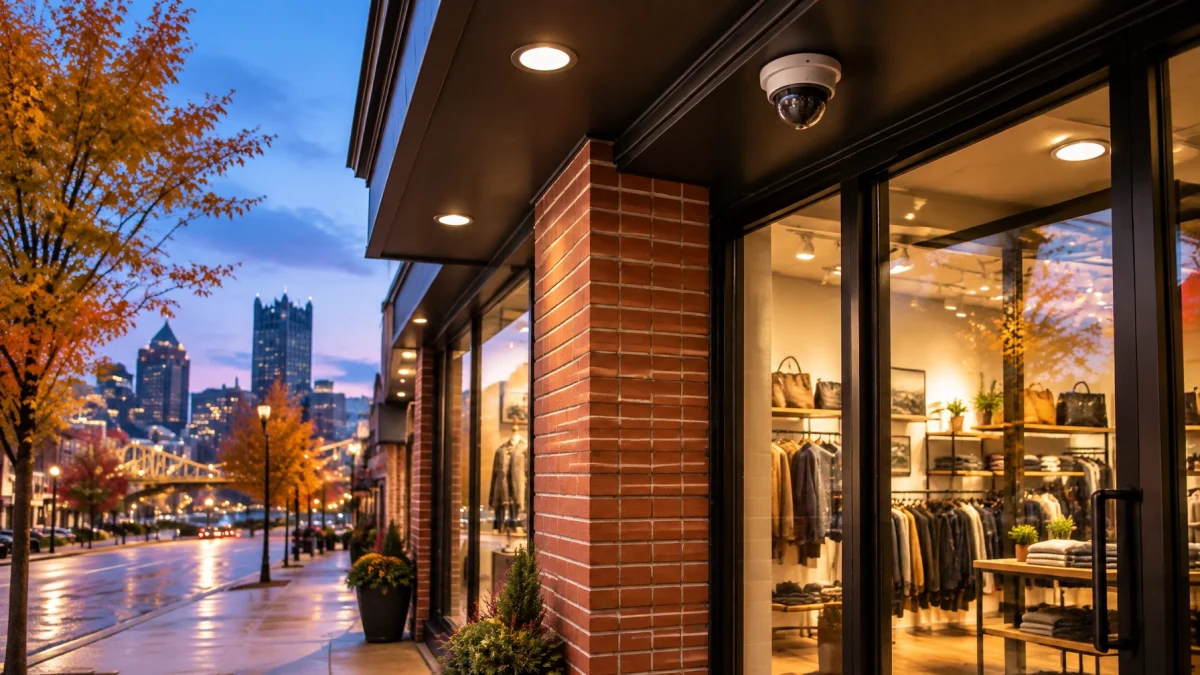
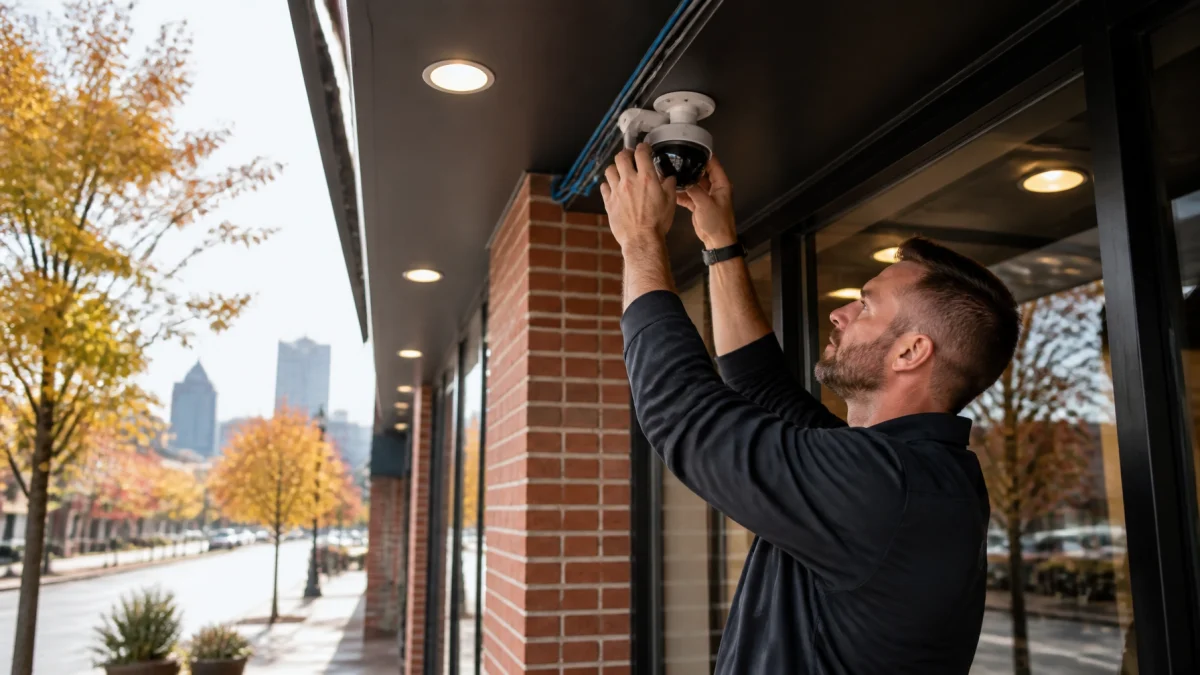
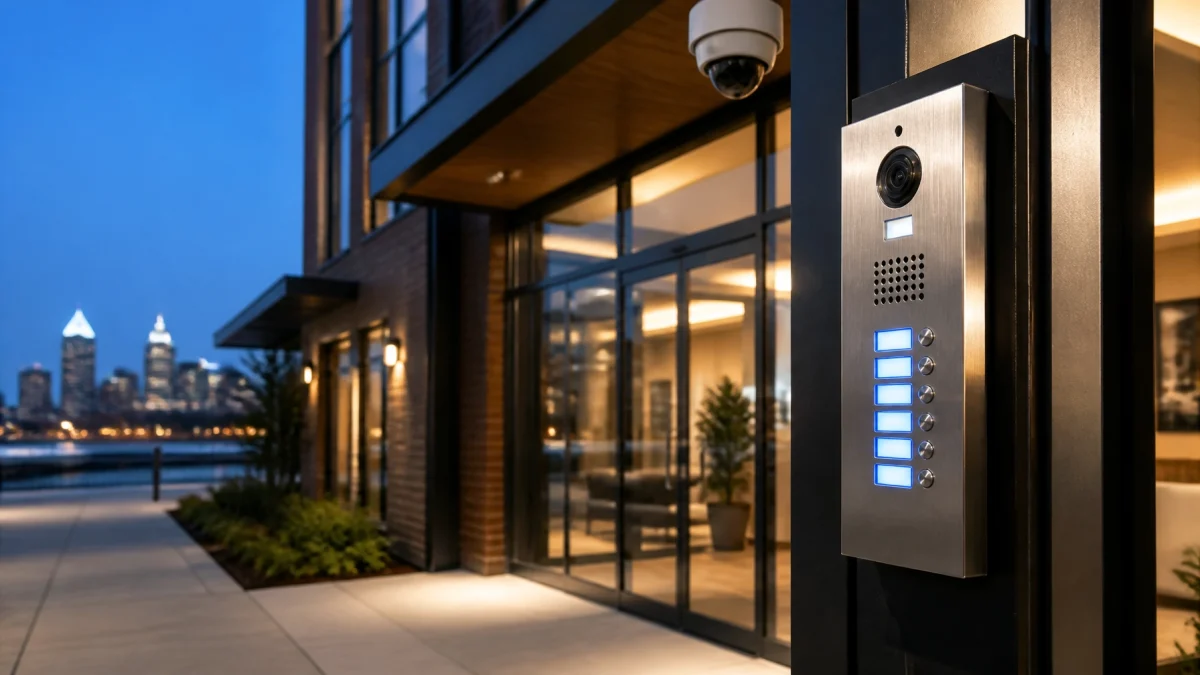
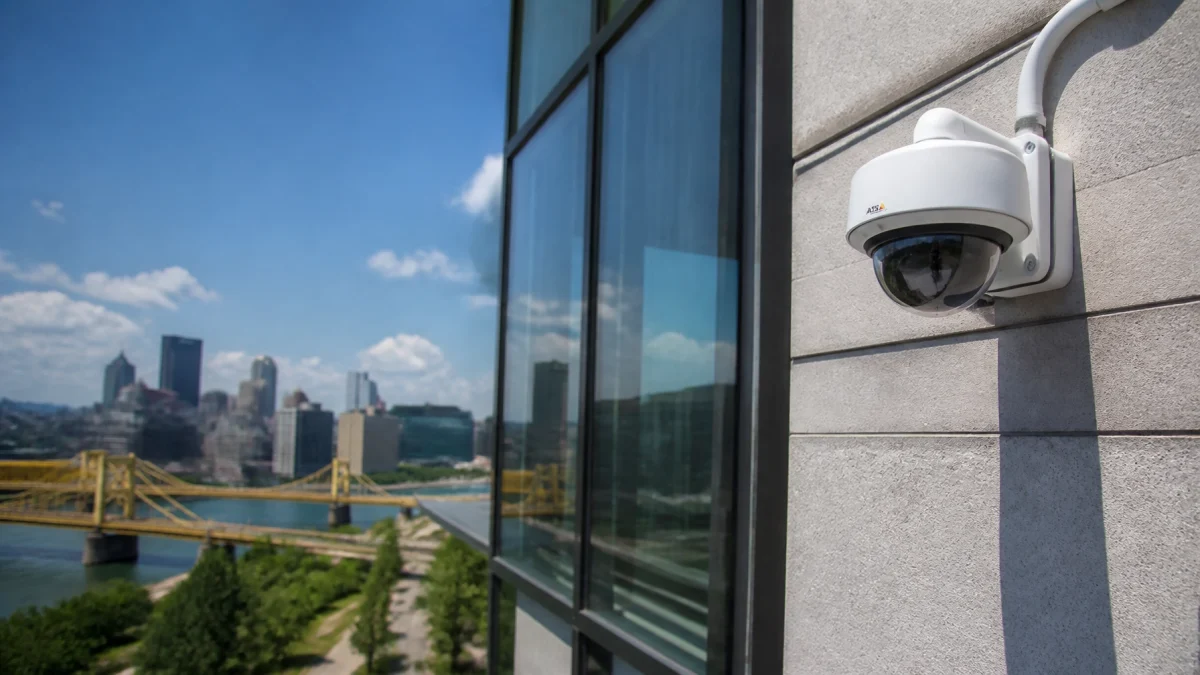
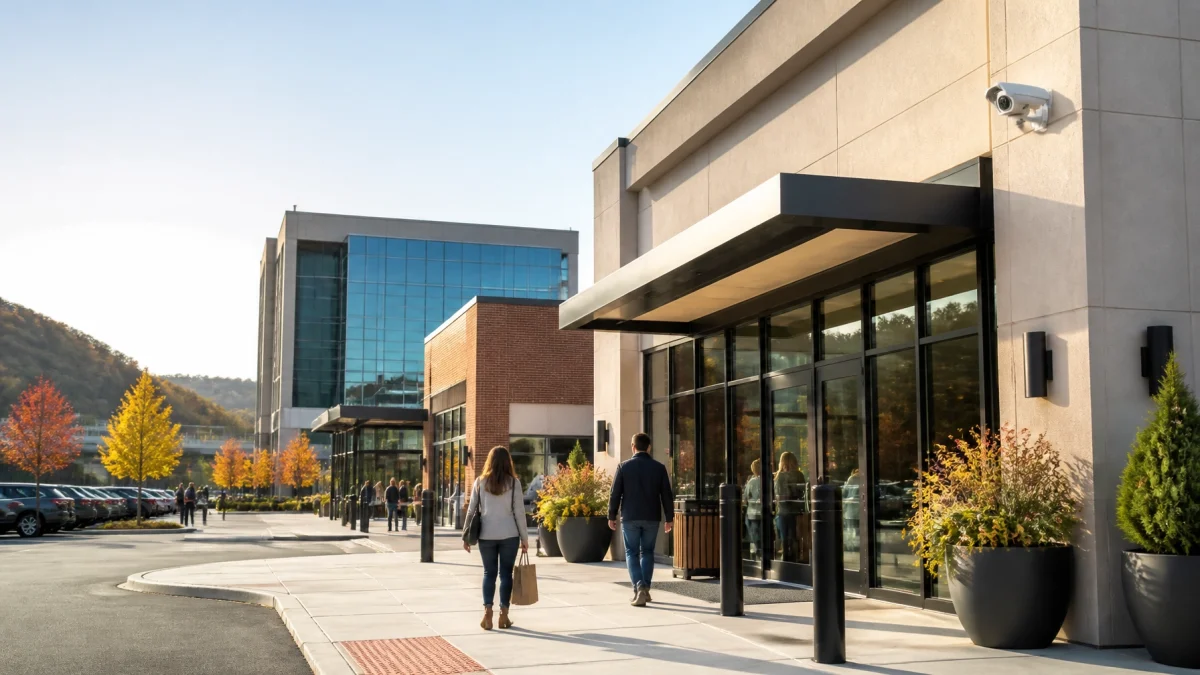
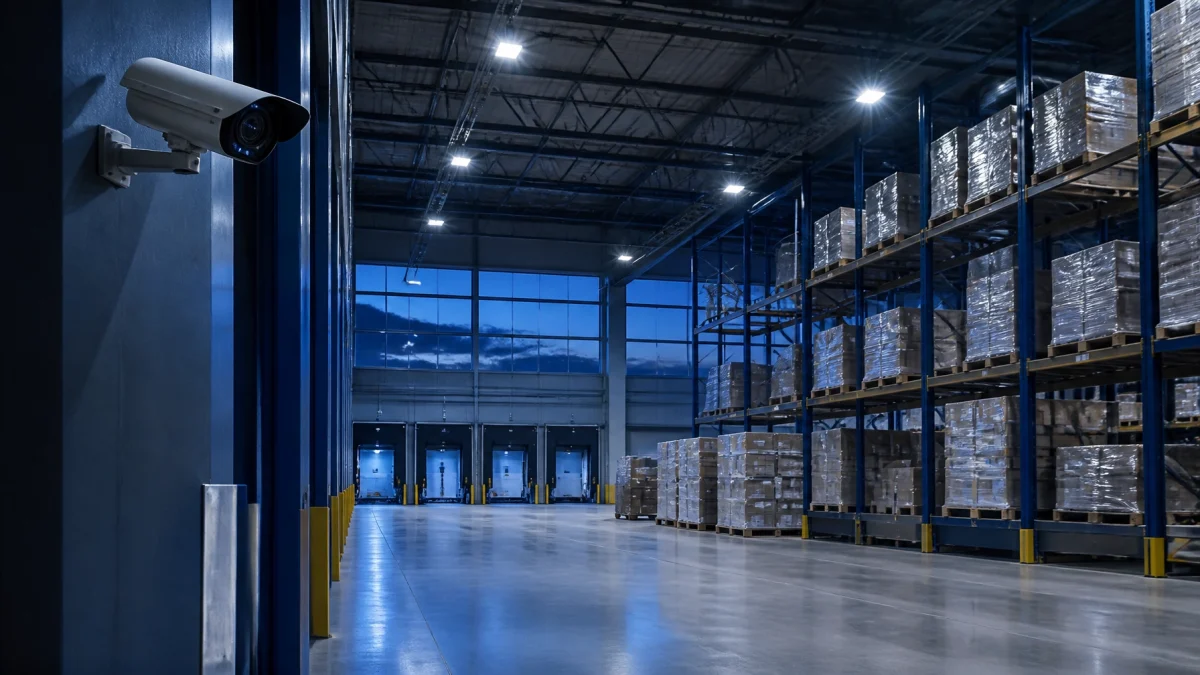
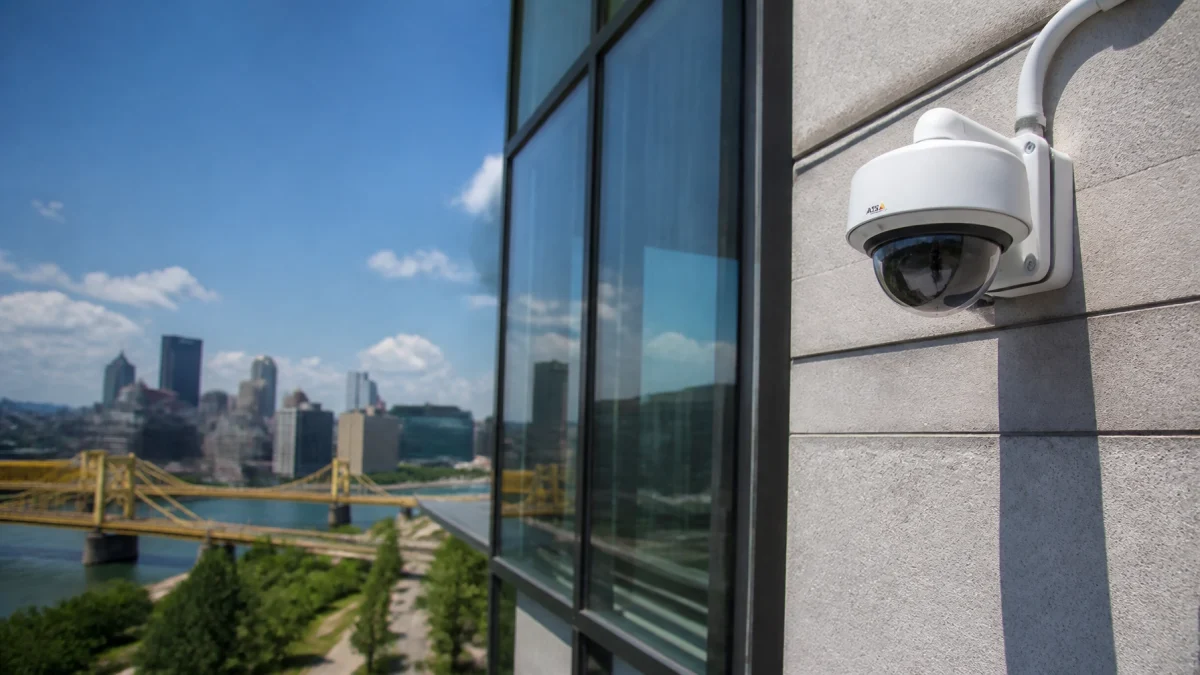
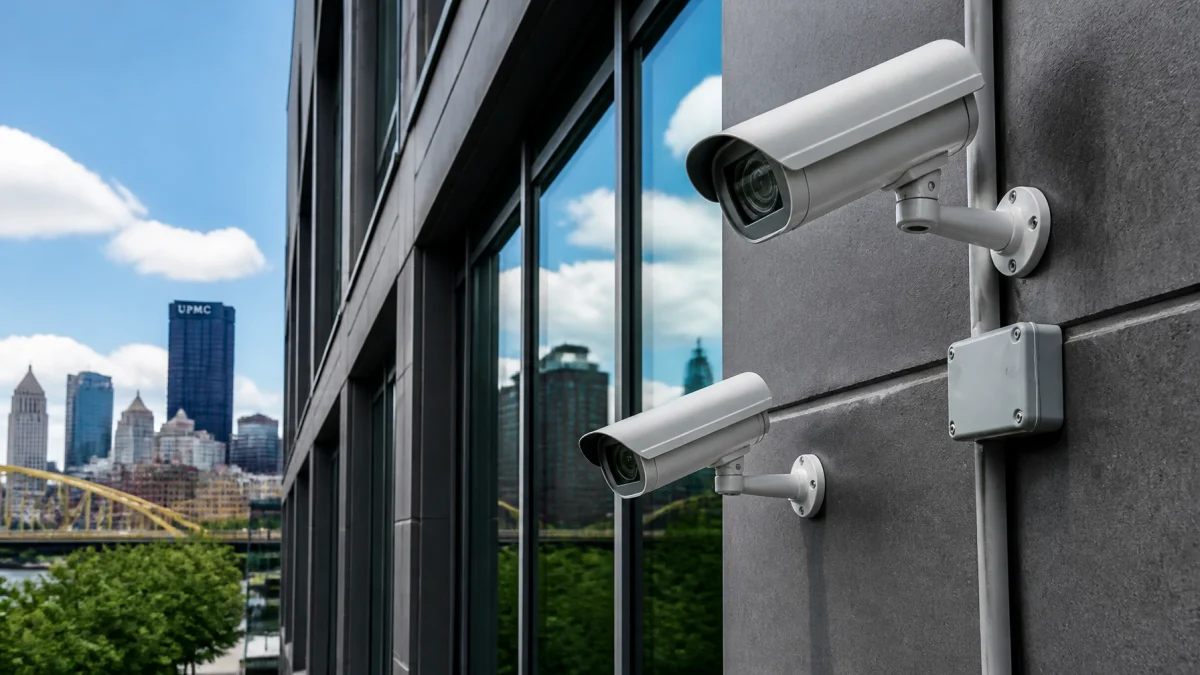
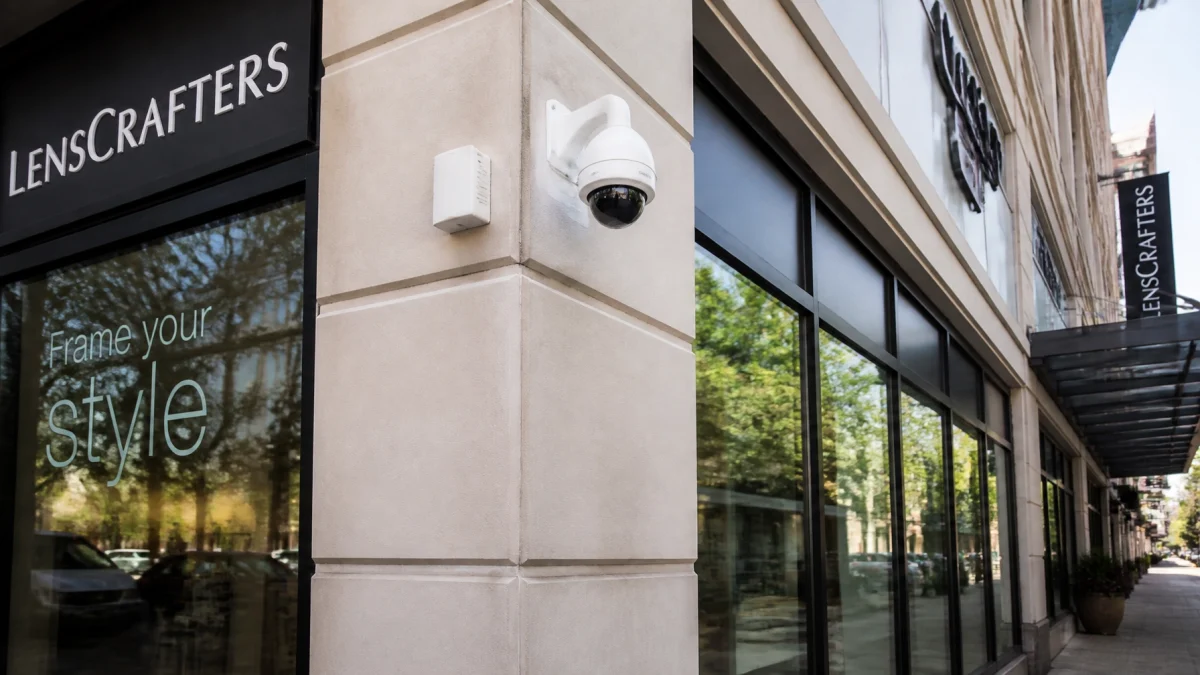
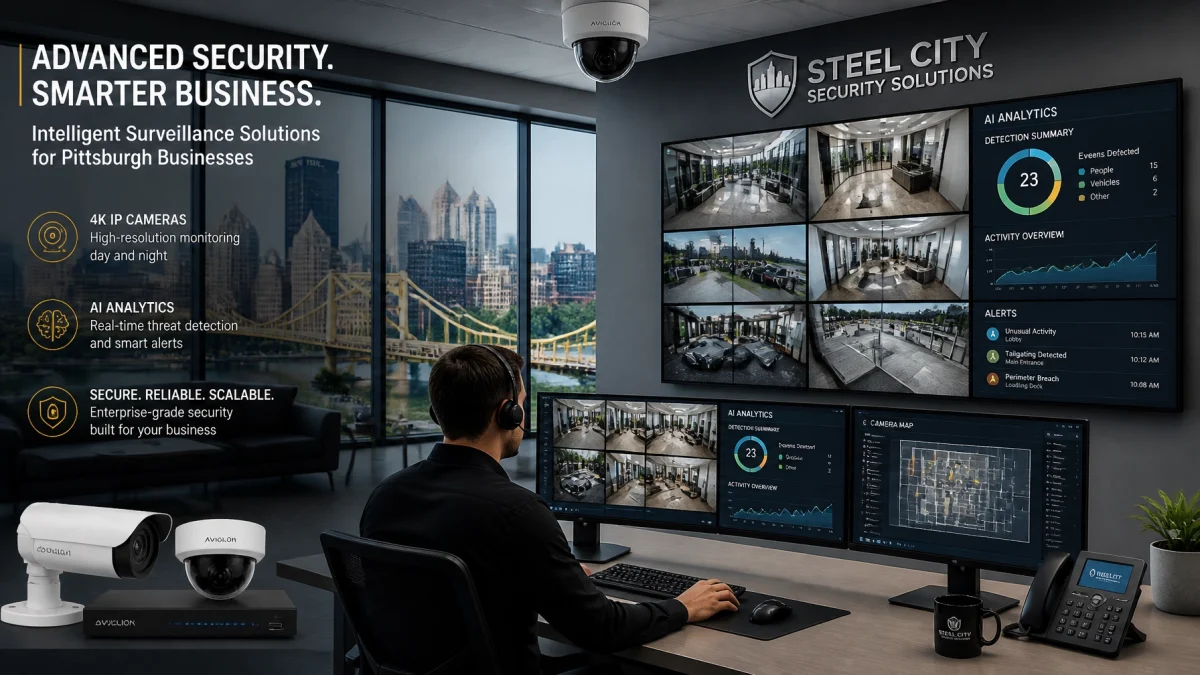
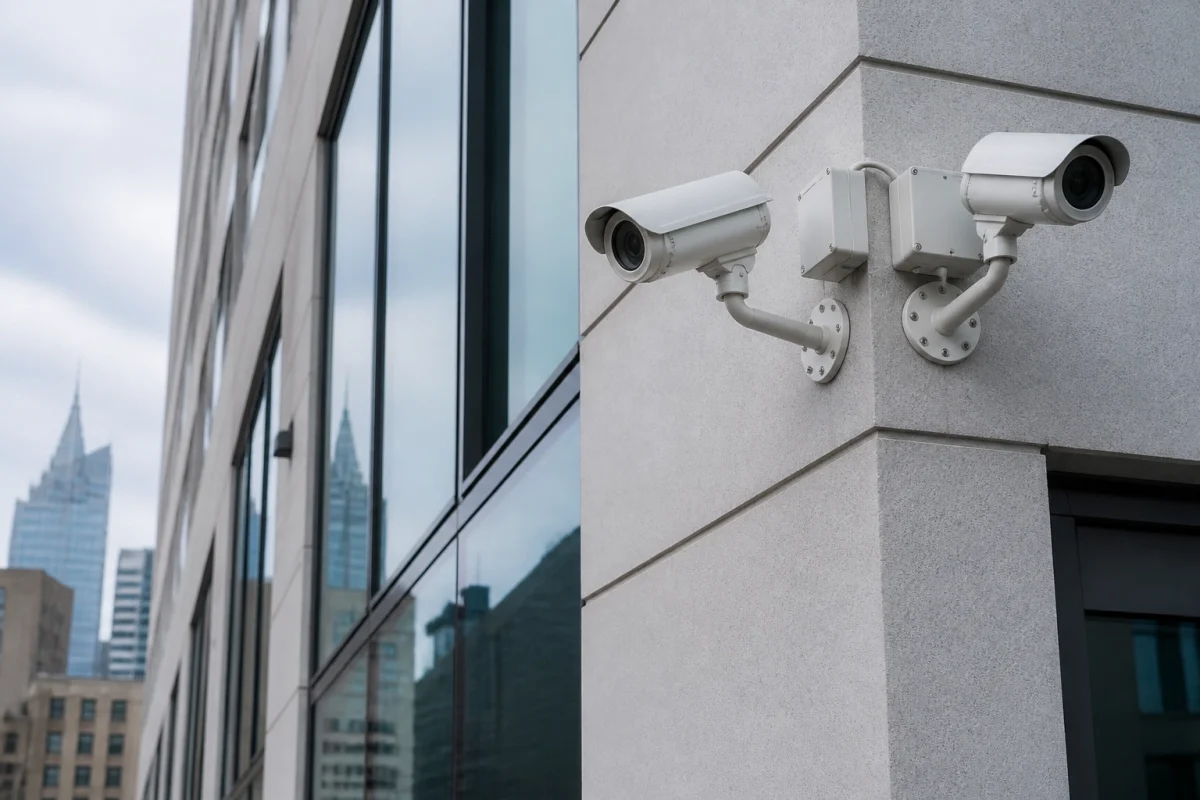
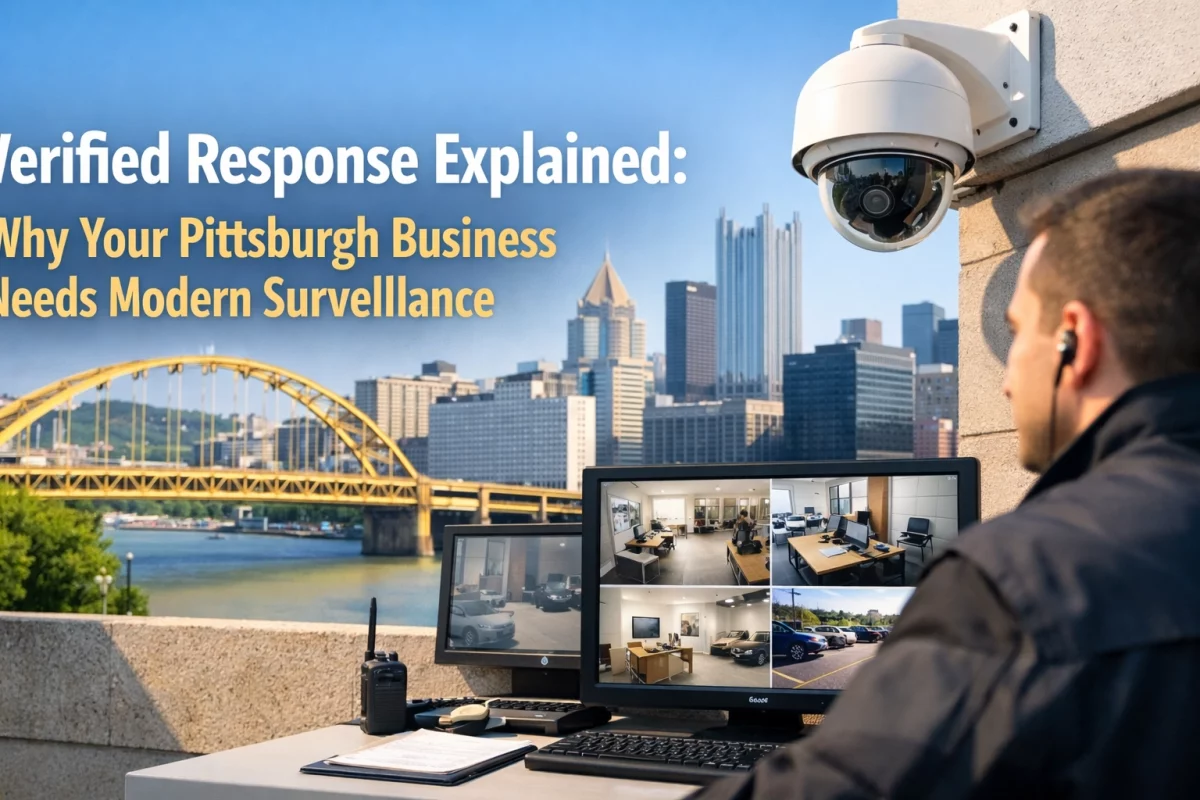
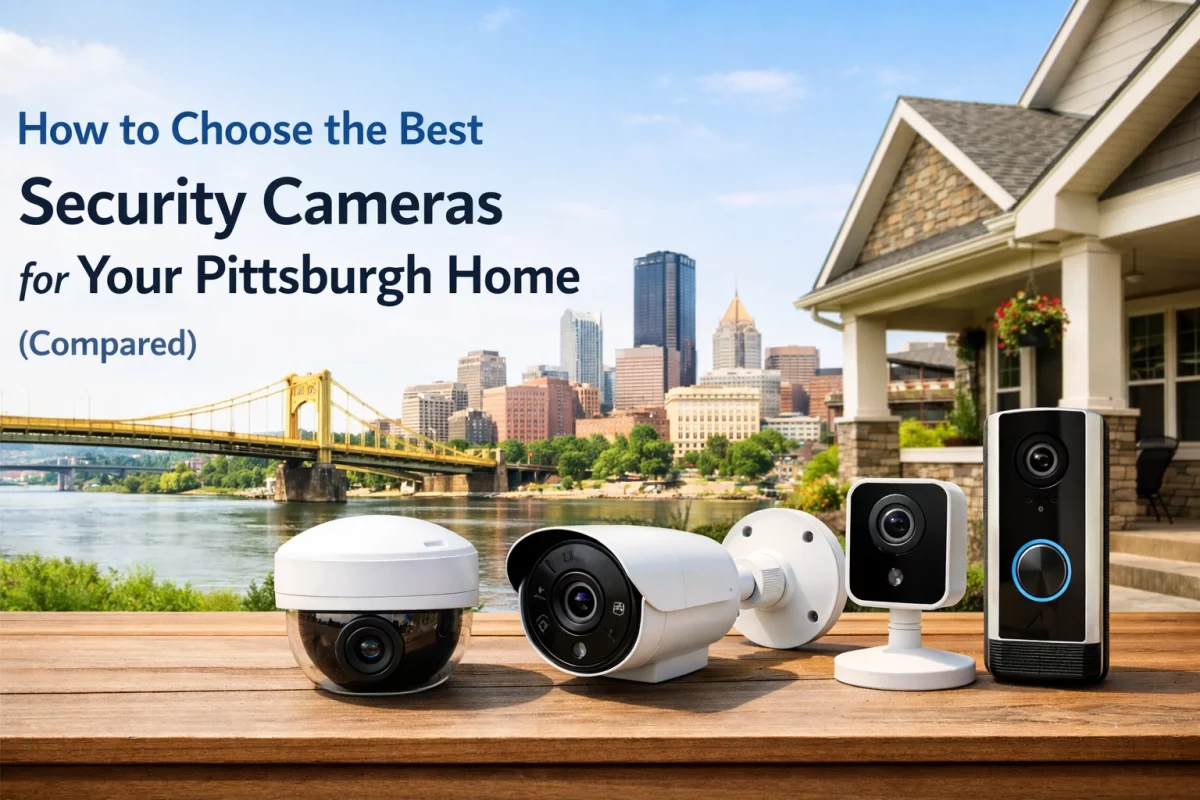
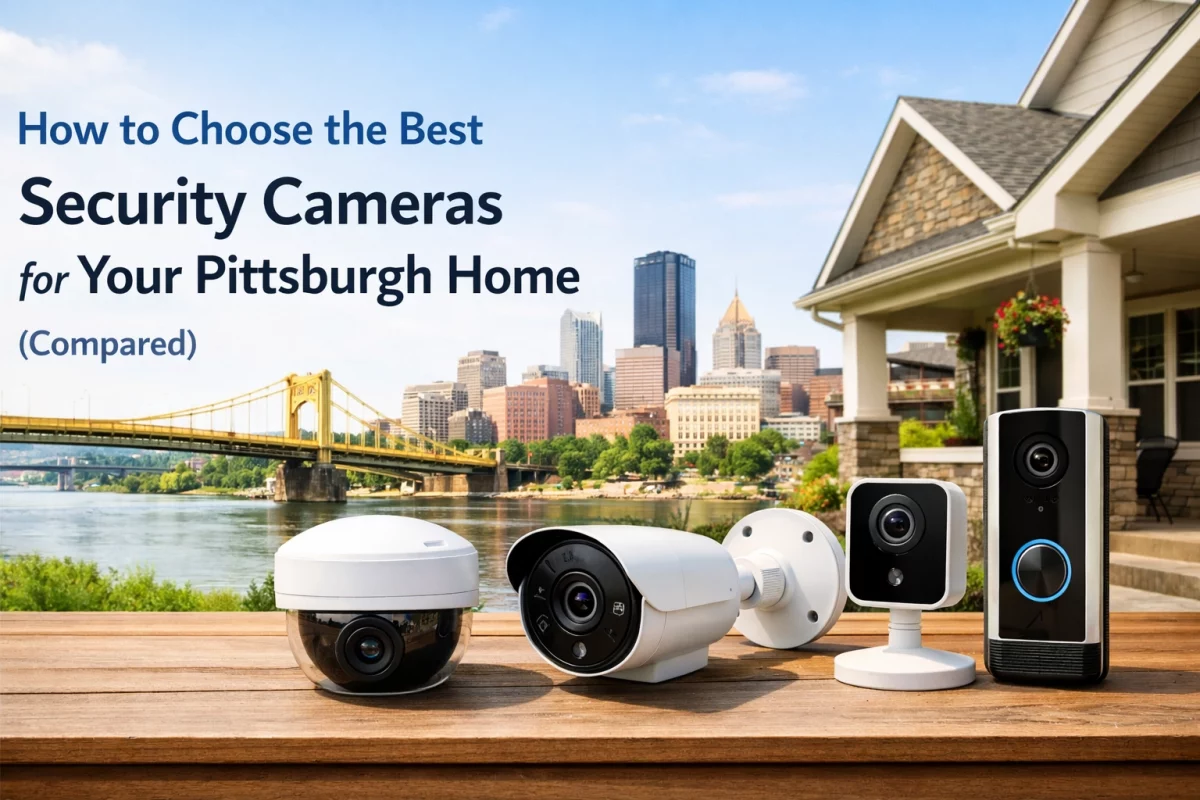
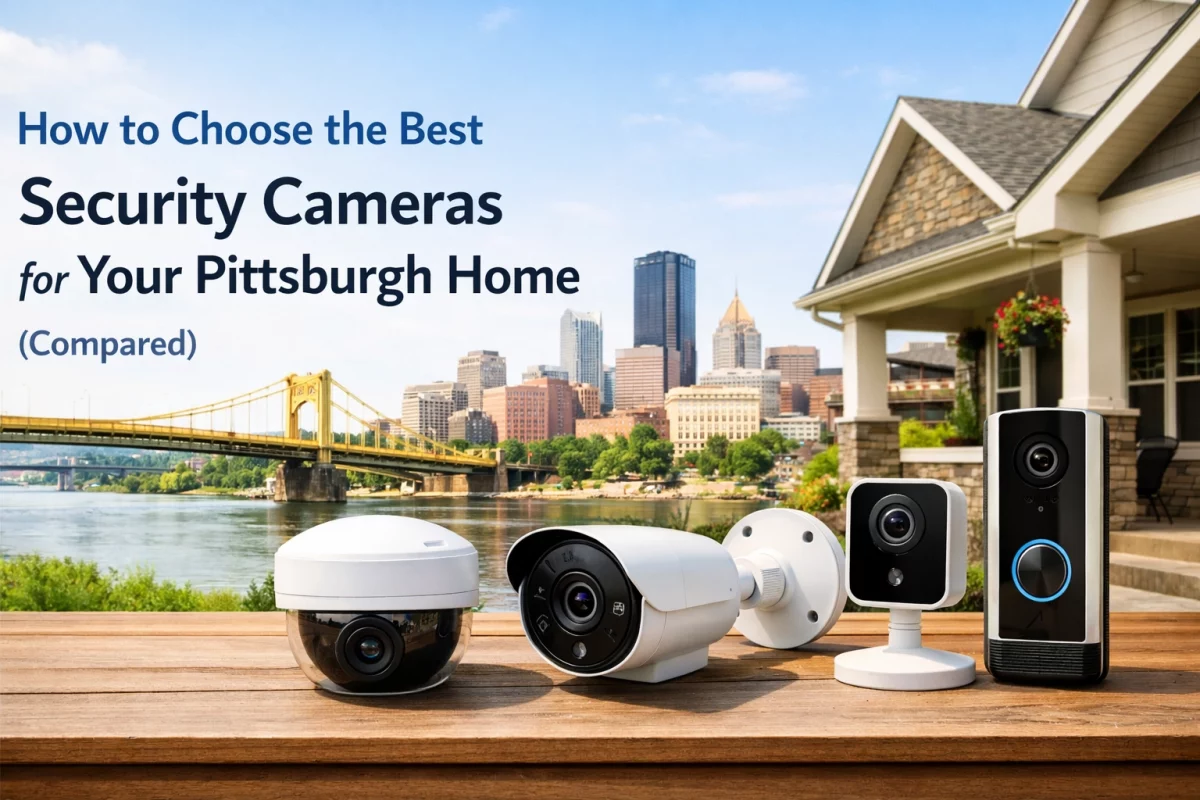
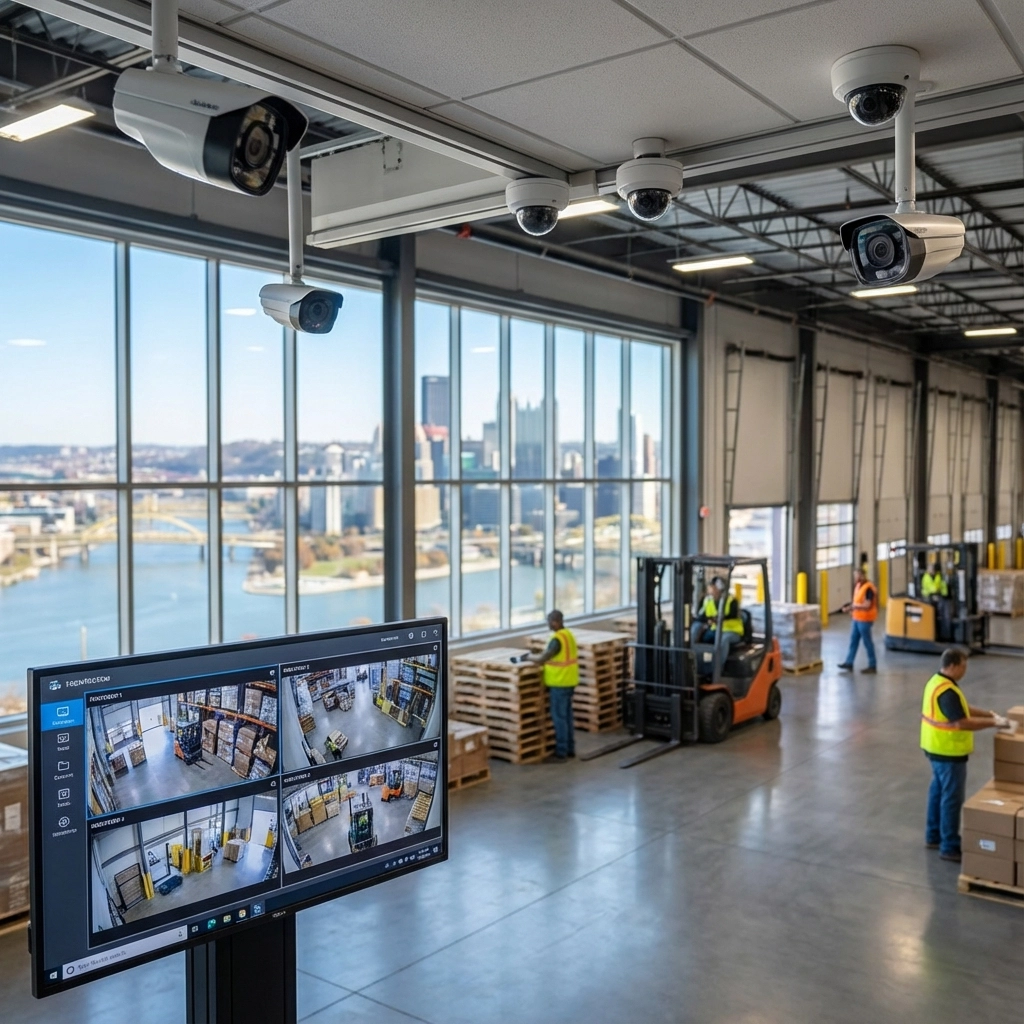
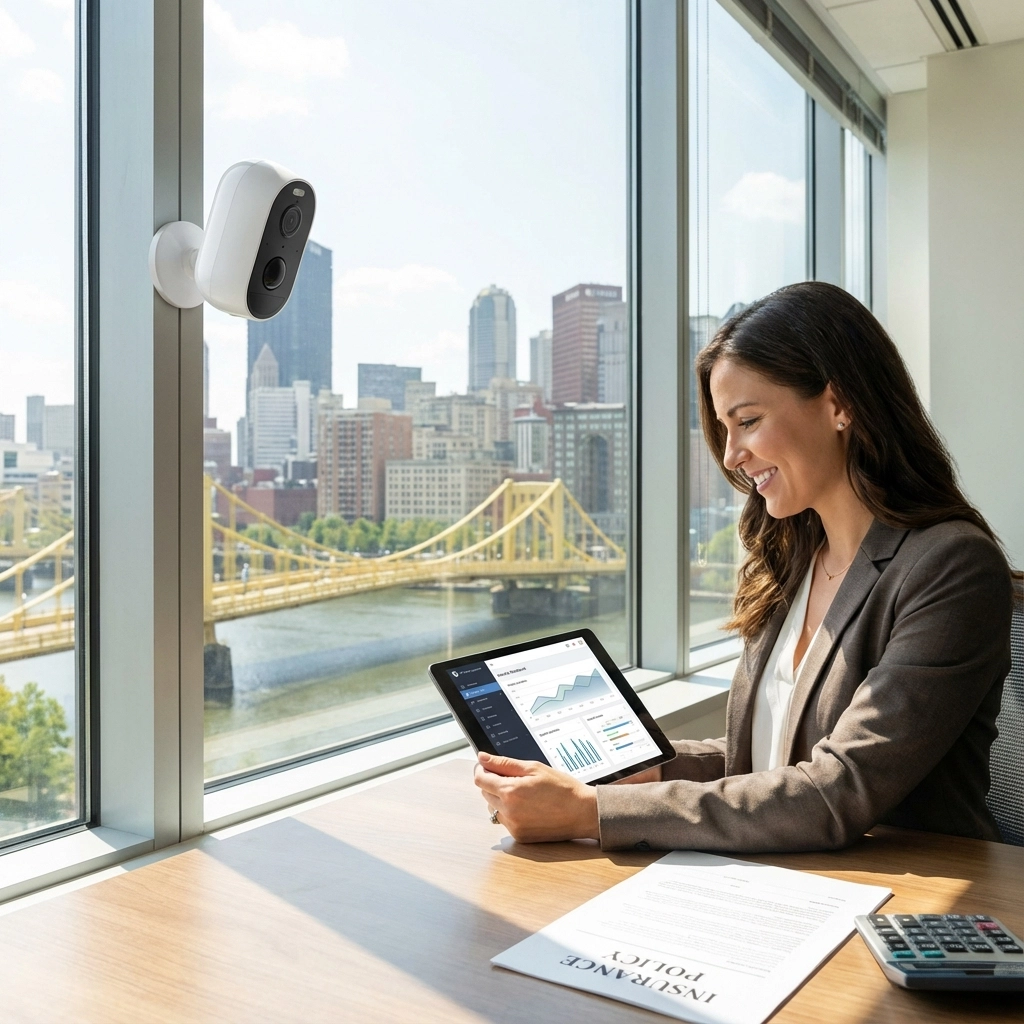
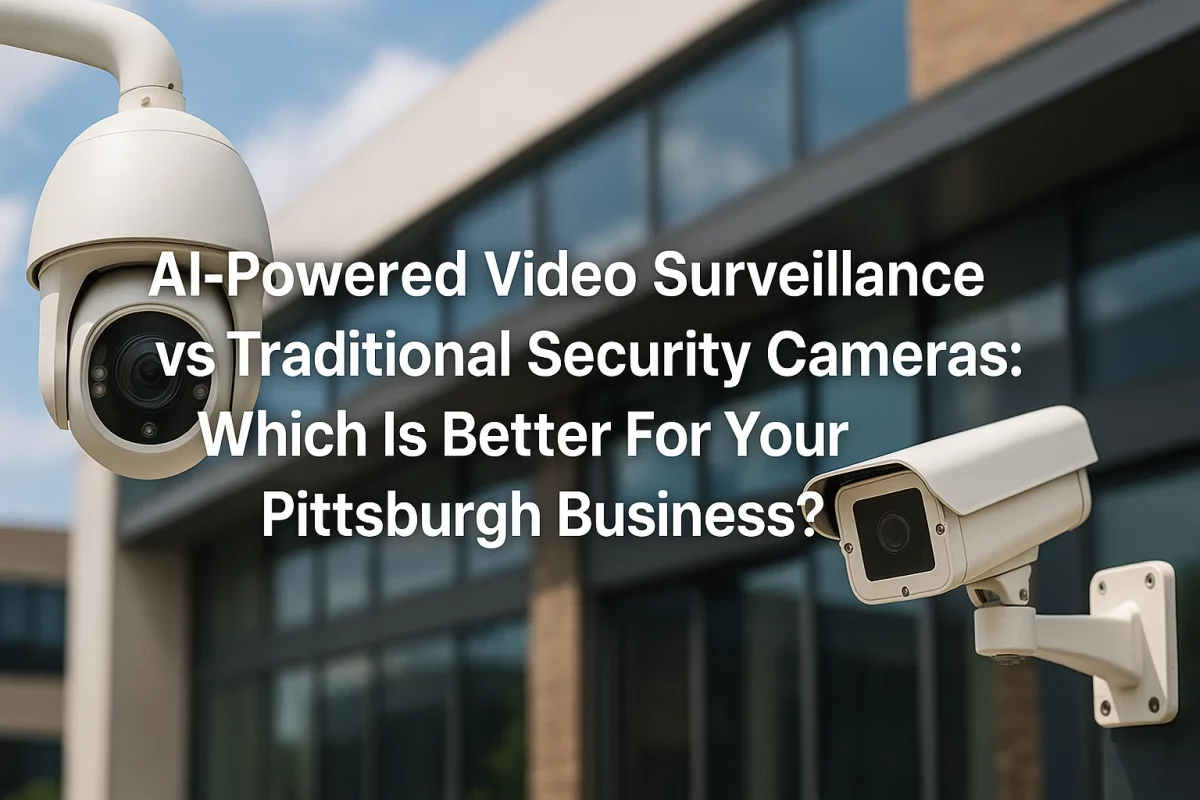
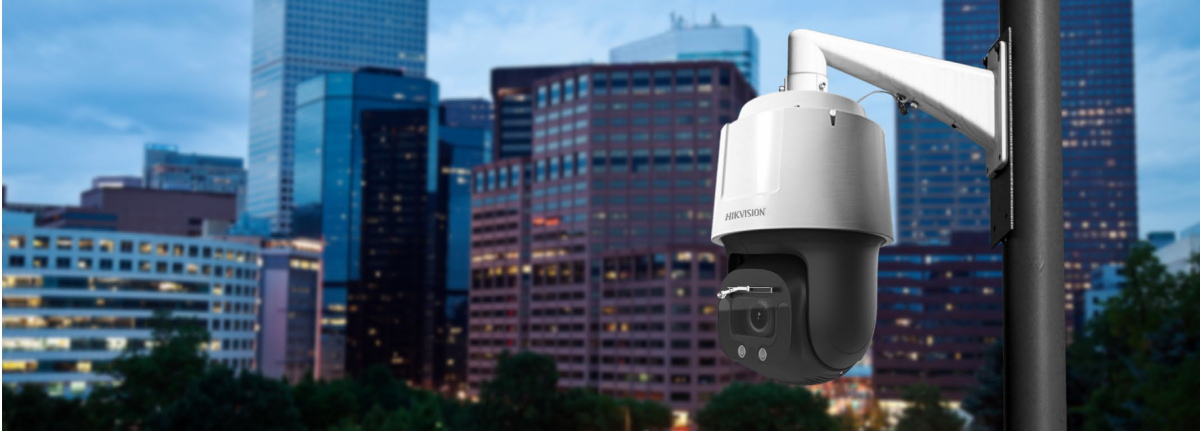
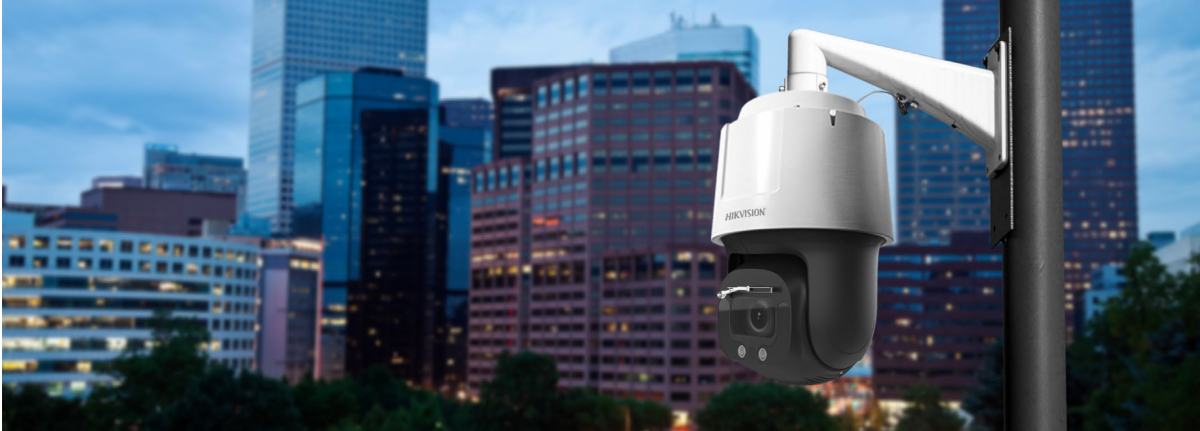
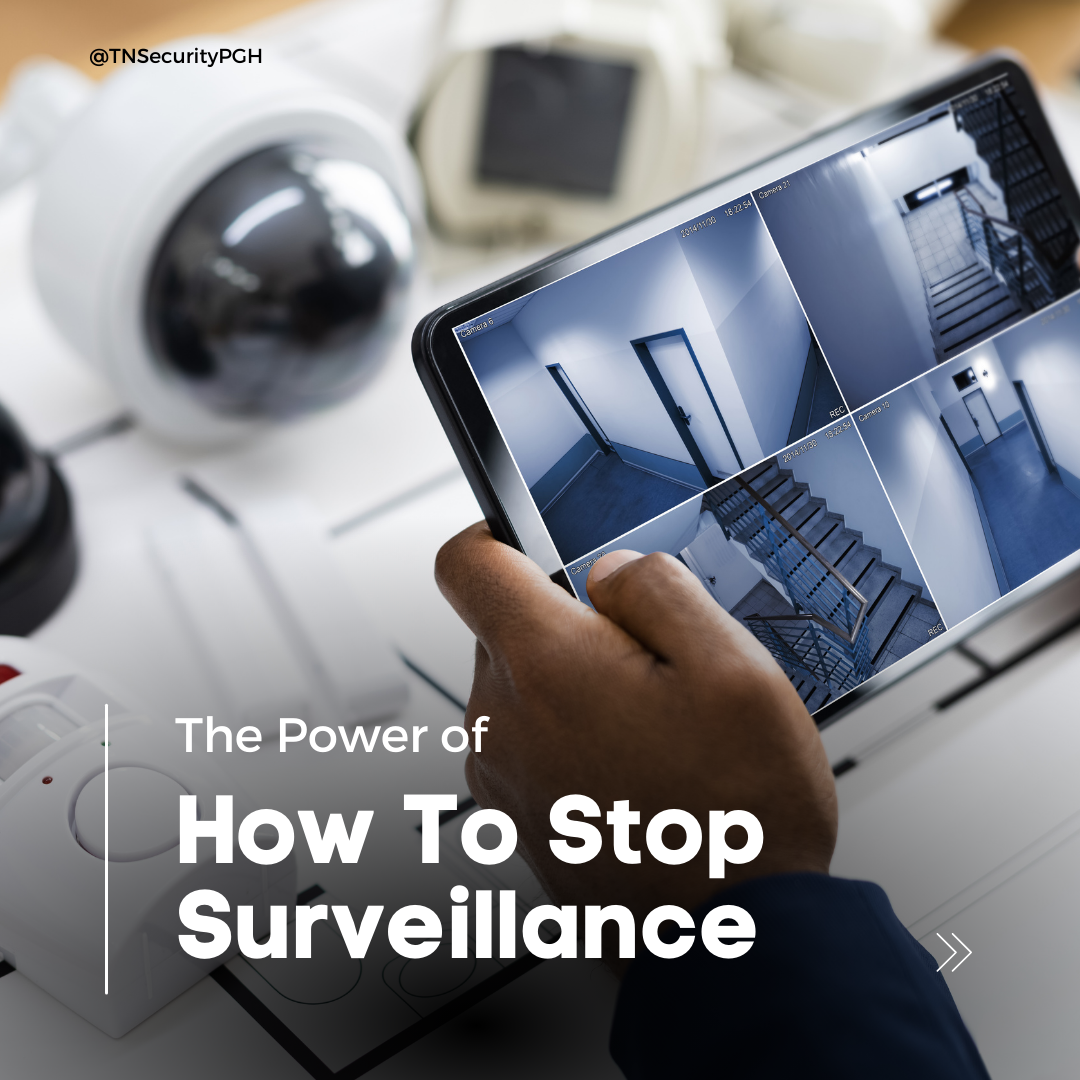
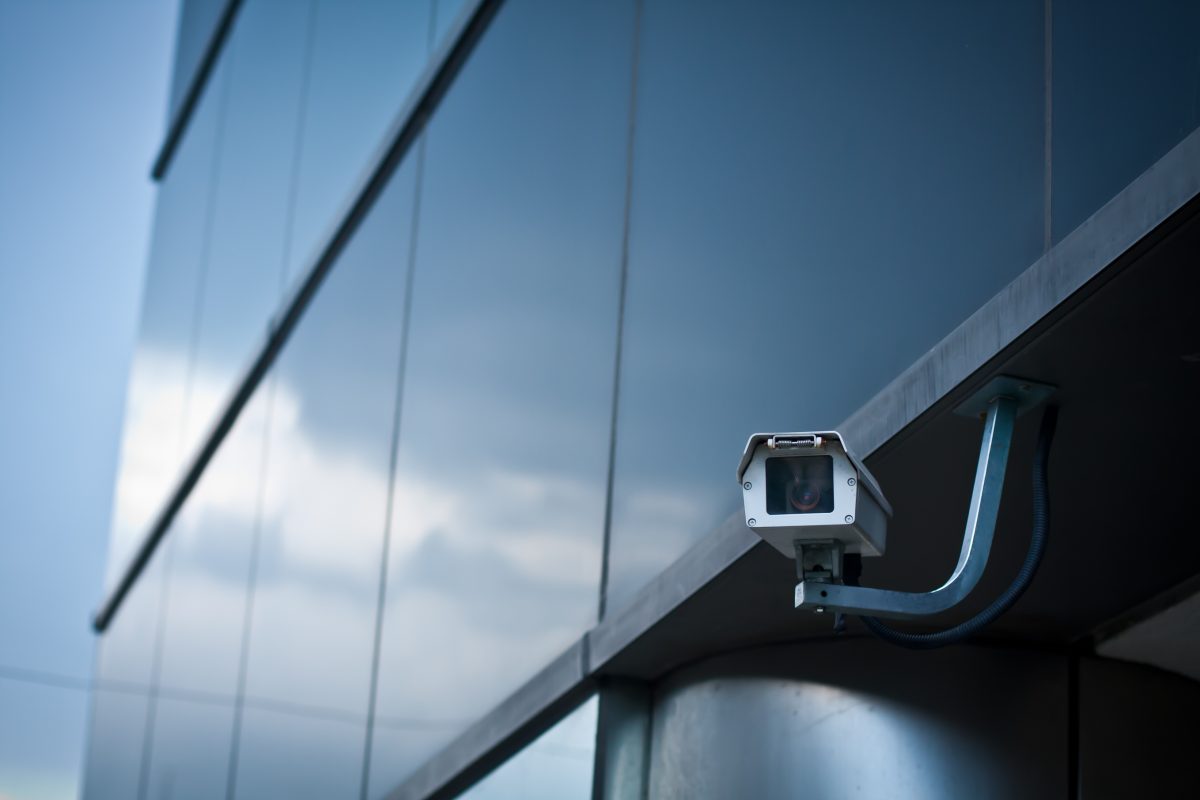
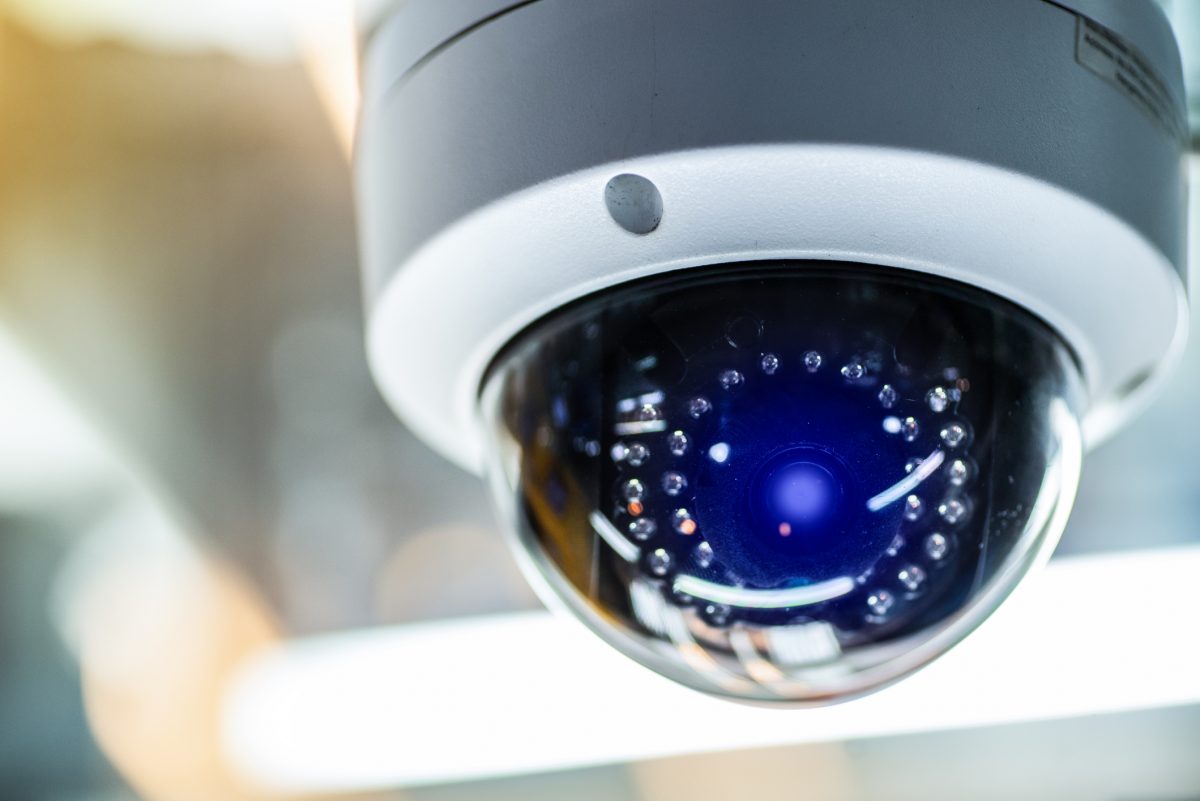
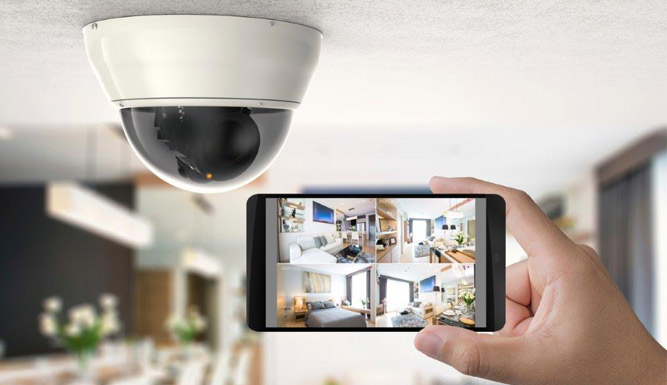
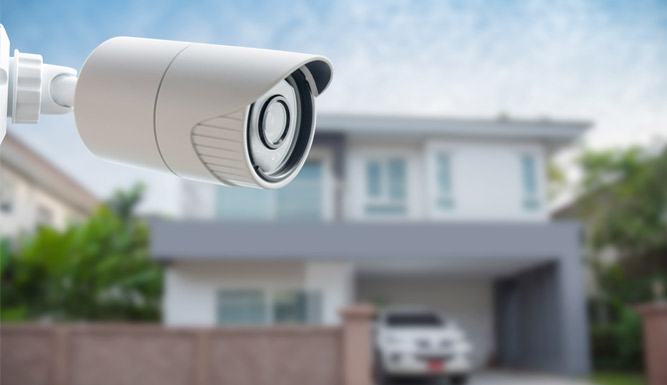
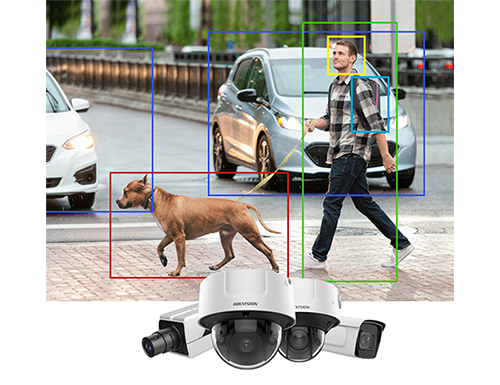
A camera system is most useful when it captures clear, relevant footage, not just a wide view of an unimportant area. Prioritize the front entrance, rear and side doors, loading areas, and interior hallways leading to restricted or valuable spaces. Consider how people approach the building, where shadows or obstructions occur, and whether a camera can identify activity in low light.

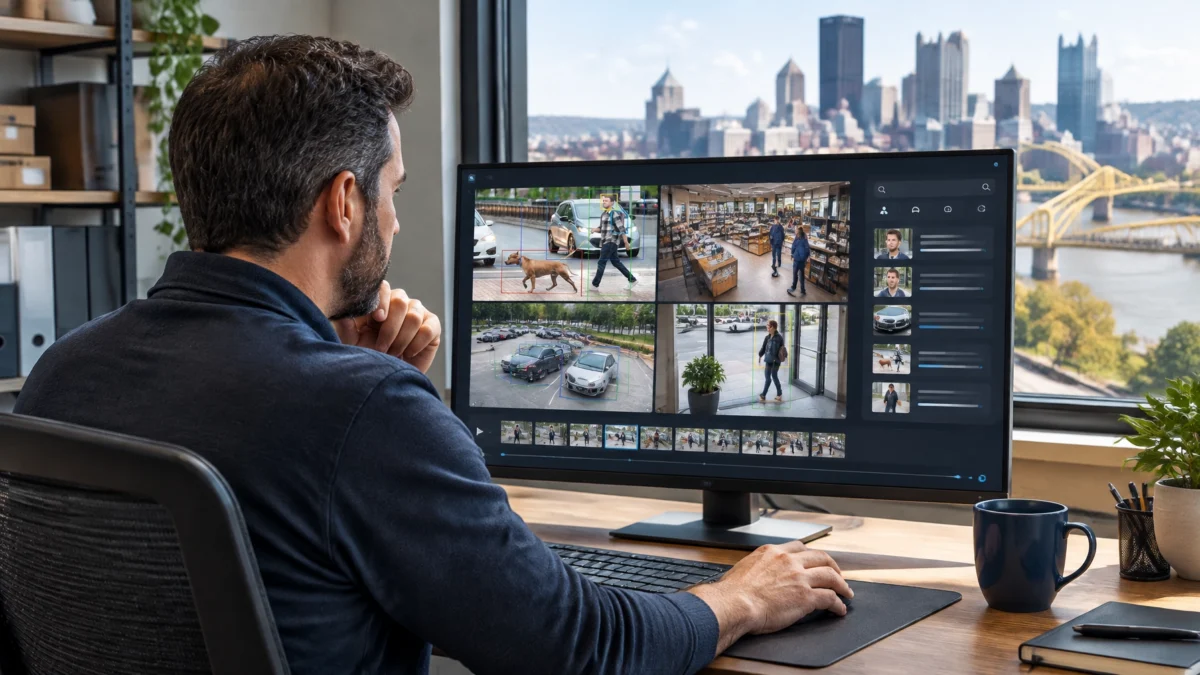
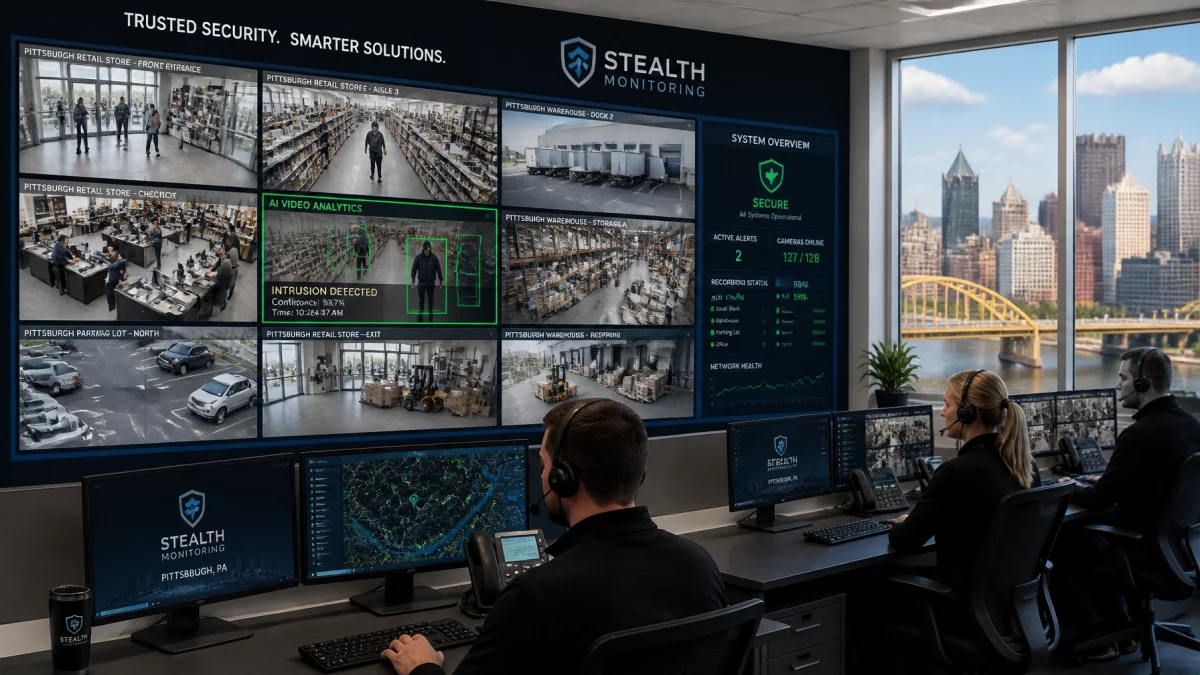
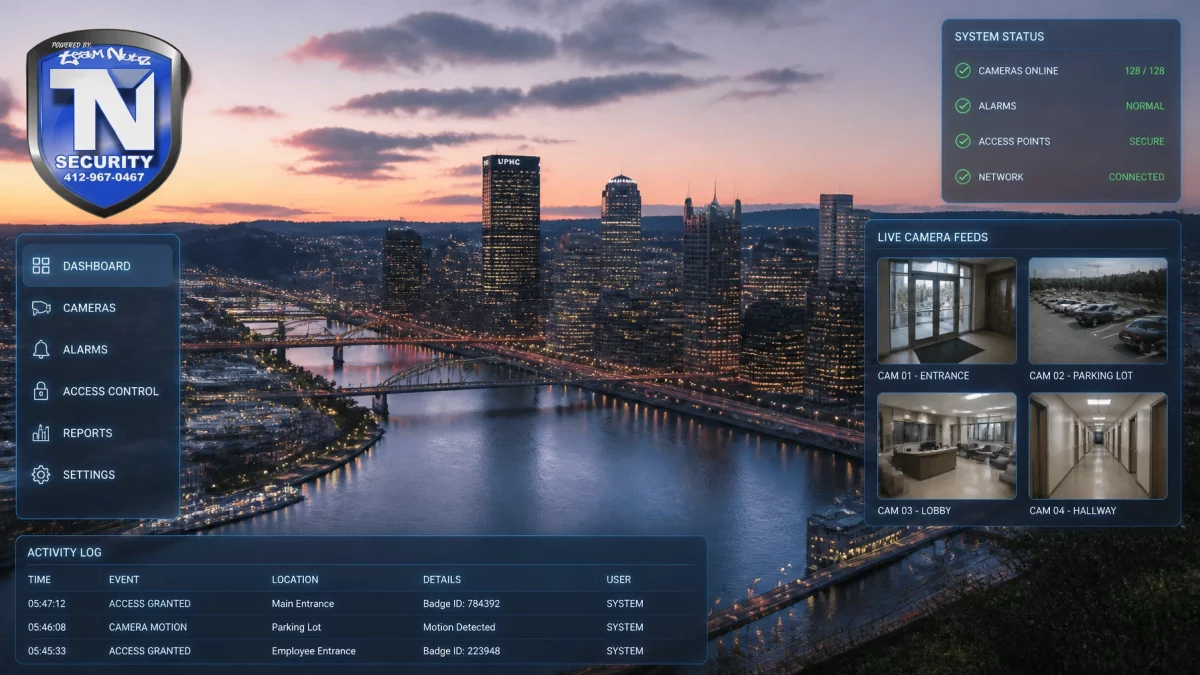
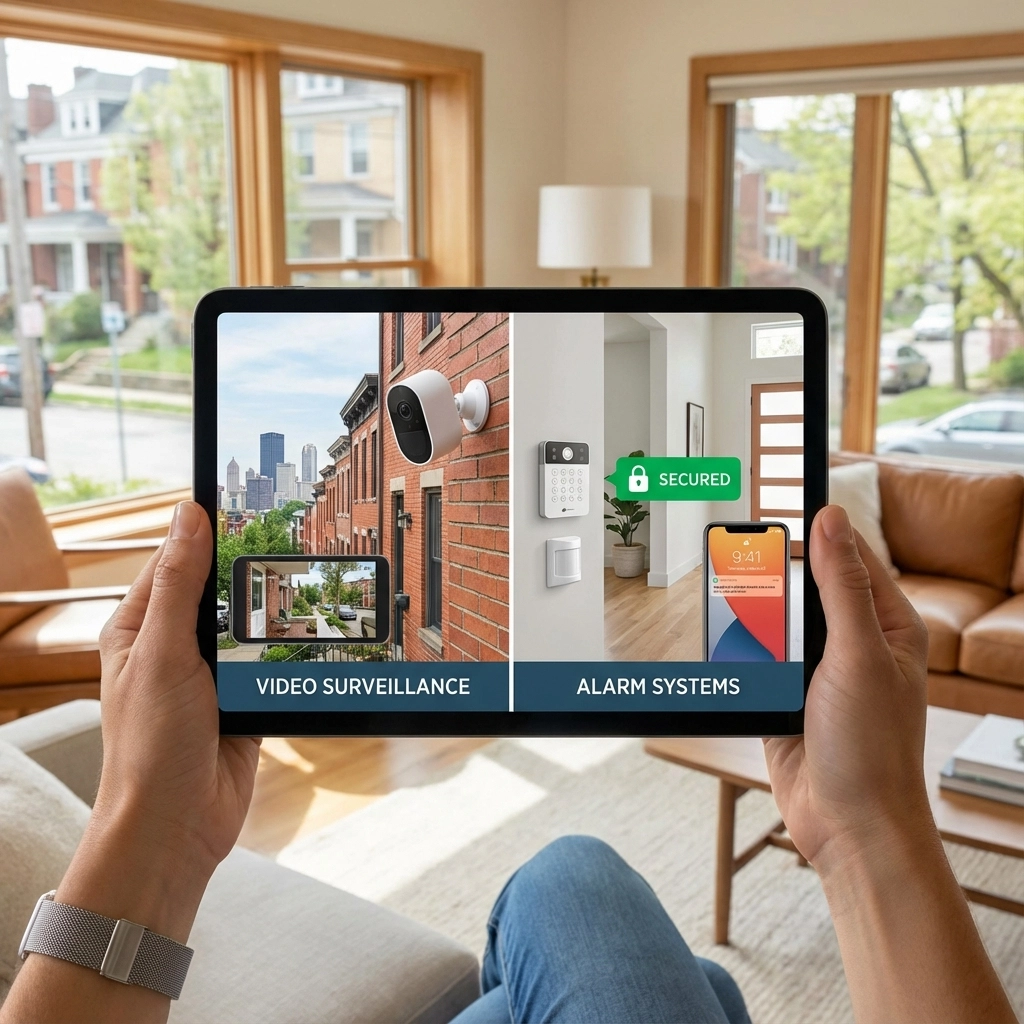
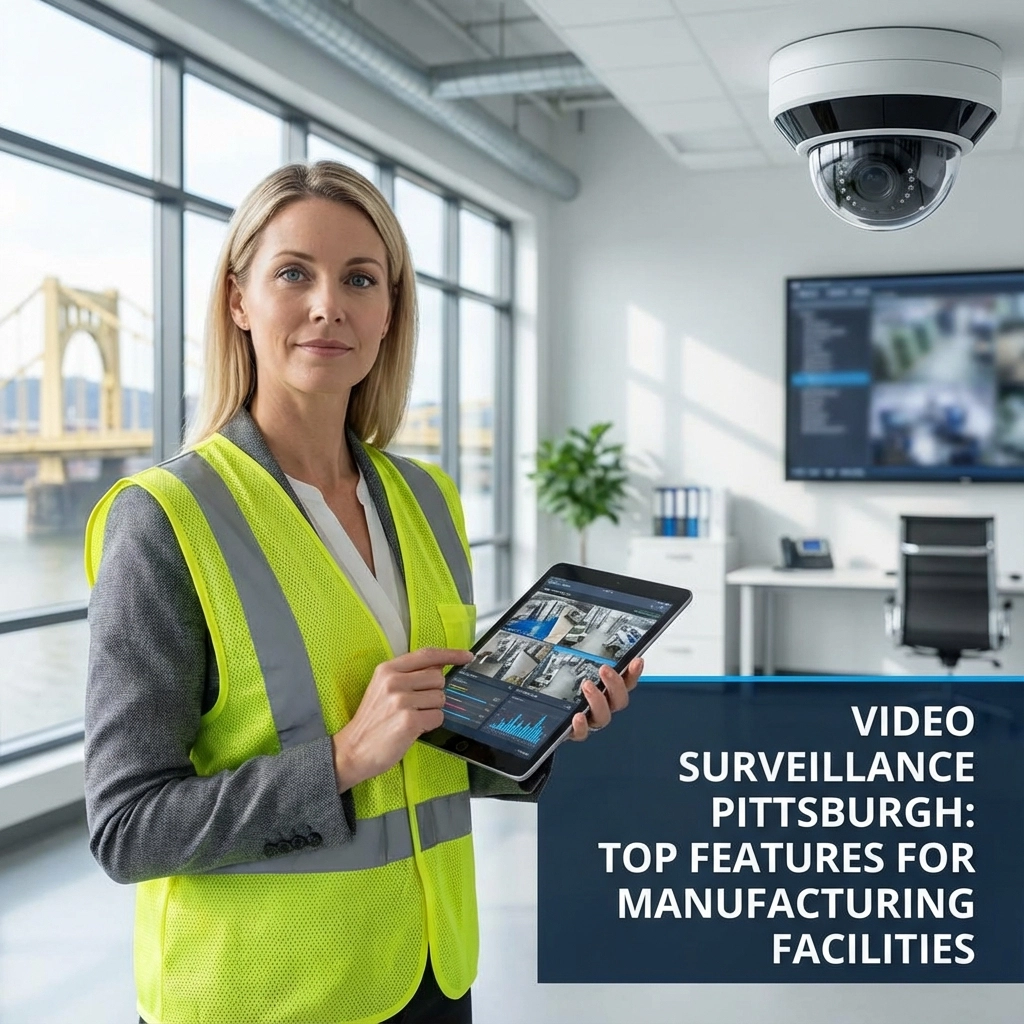
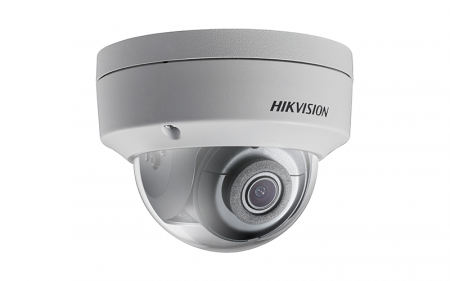
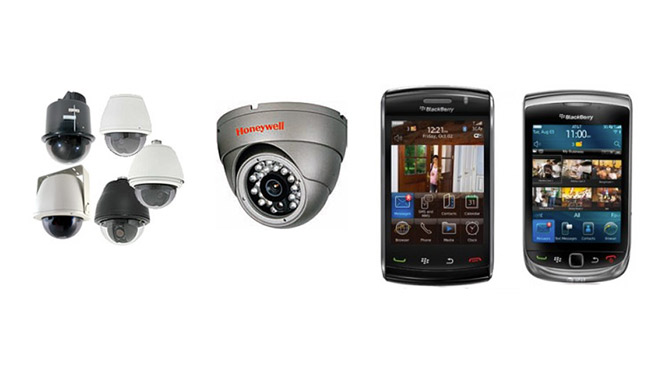
TN Security’s commercial video surveillance systems can be designed around a property’s layout and operational needs. Depending on the system, features may include high-definition night vision, motion analytics, remote viewing, and local or cloud recording. The company’s website describes solutions using brands including Hikvision, Axis, and Eagle Eye Cloud VMS; system selection should be based on the site, recording needs, and desired functionality.
VERIFY CAMERA READINESS BEFORE THE WEEKEND:
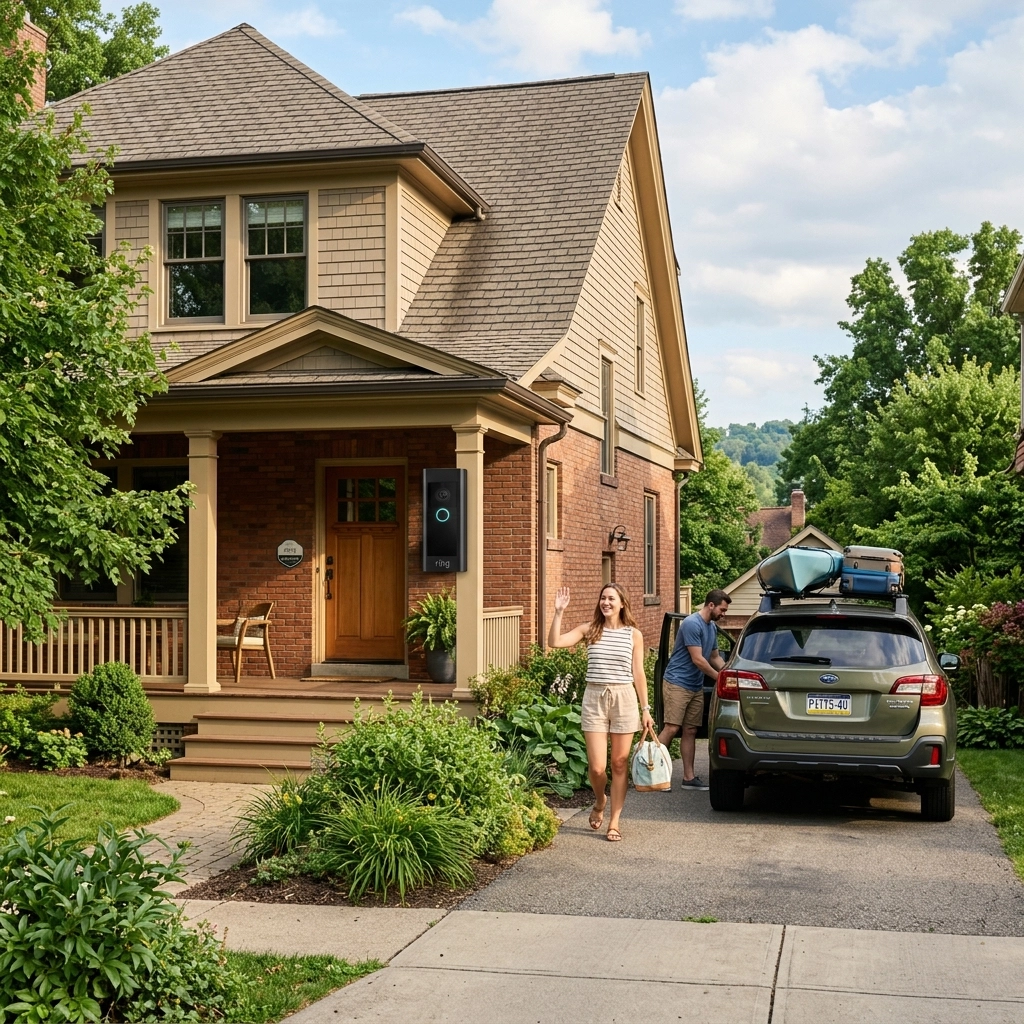
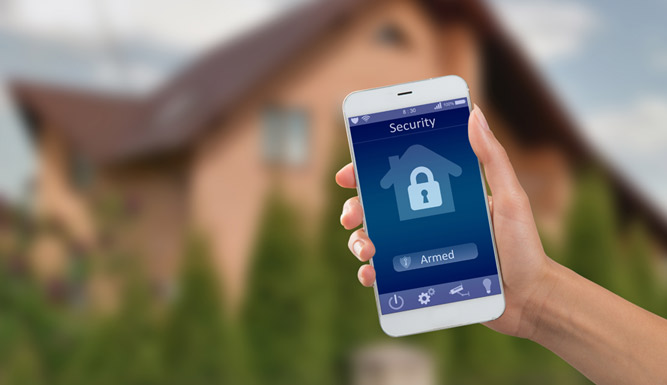
Remote viewing can help a manager check a location from a smartphone. It does not replace an alarm response plan, and no one should enter a building to investigate a suspected break-in. If an alert indicates an active intrusion, contact emergency services from a safe location.
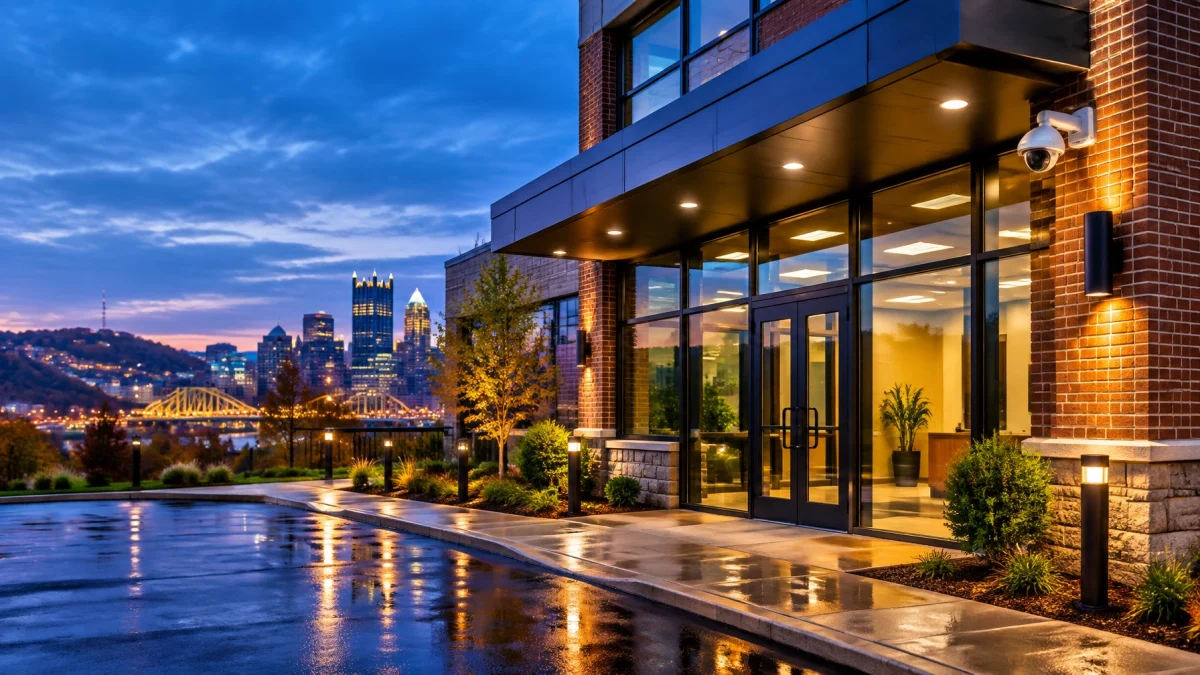
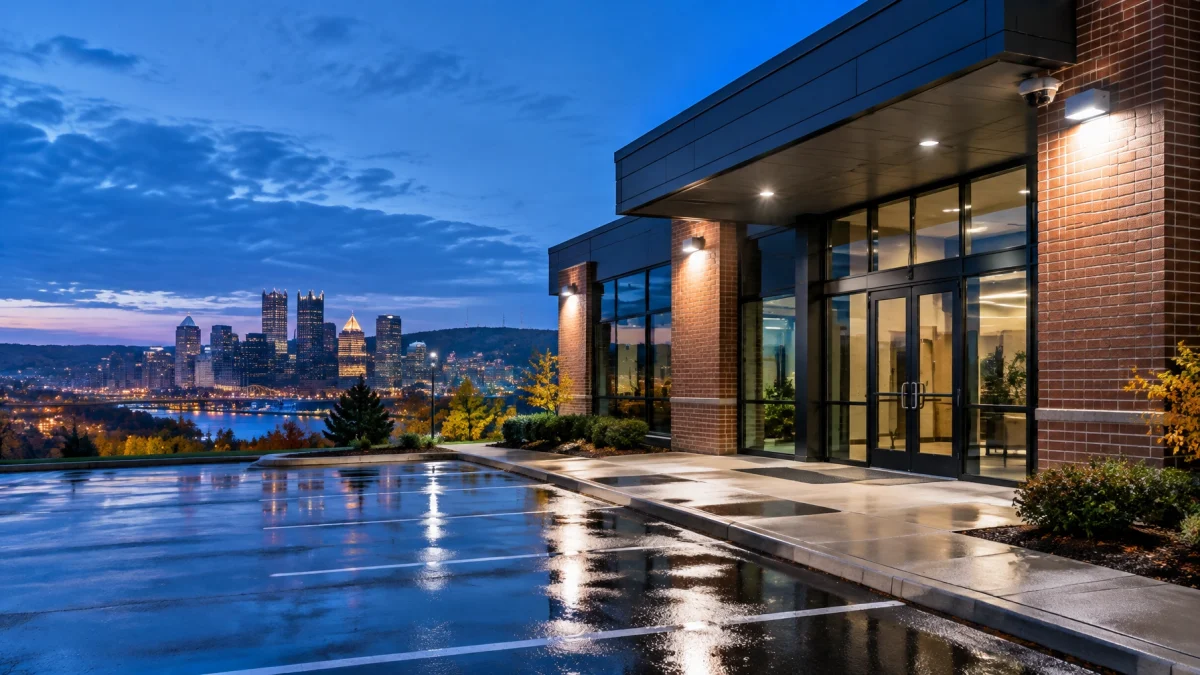
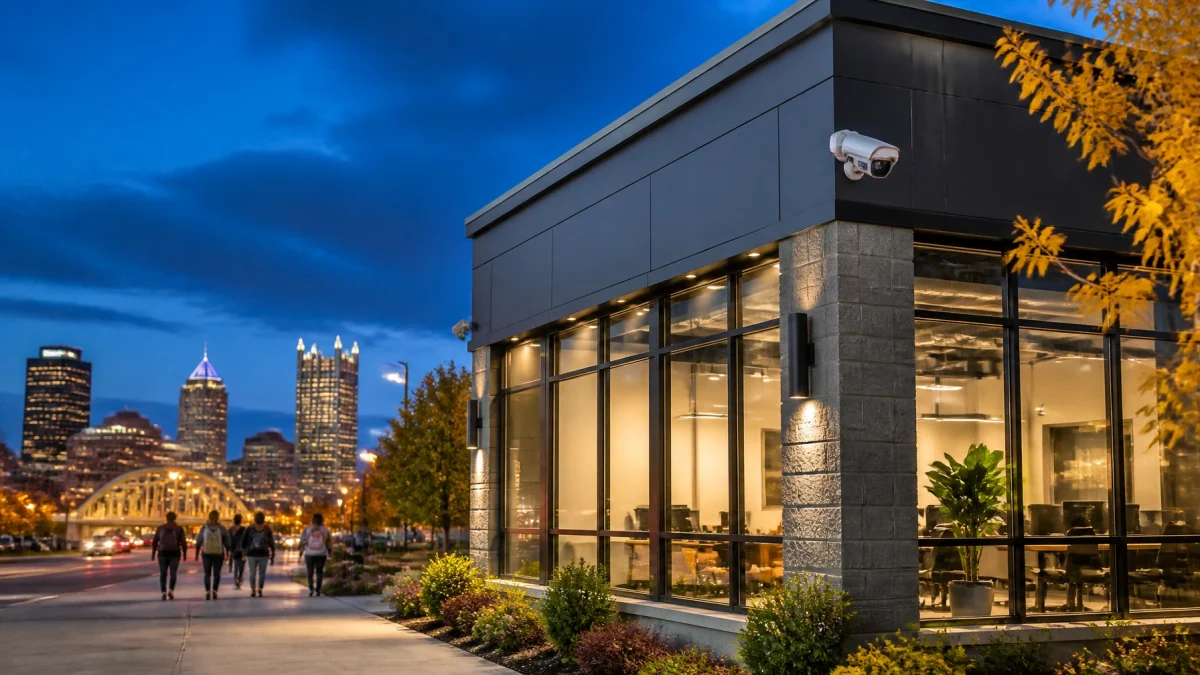
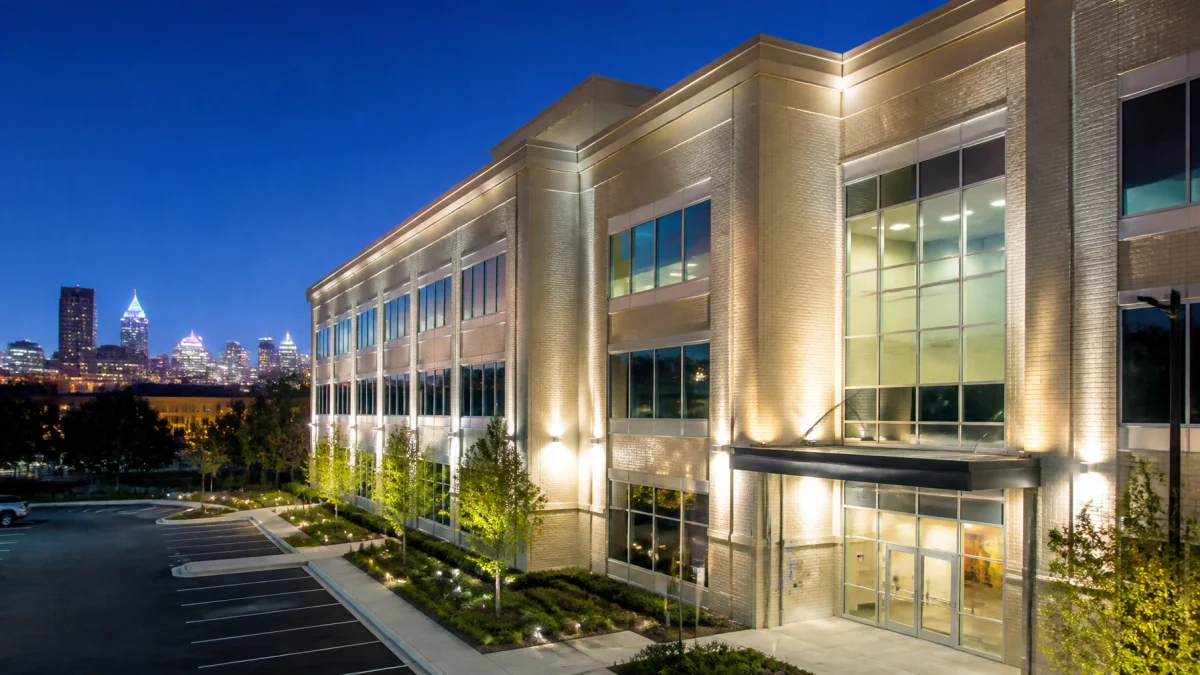
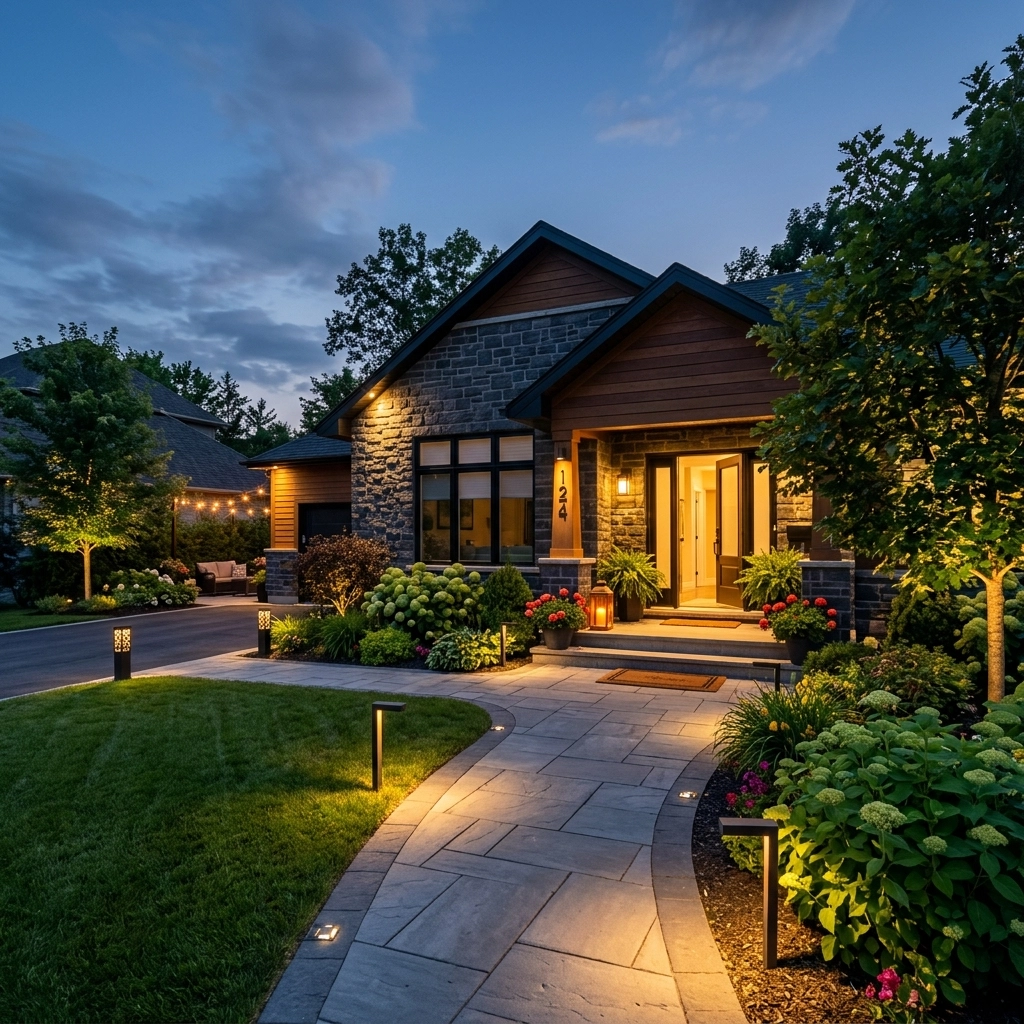
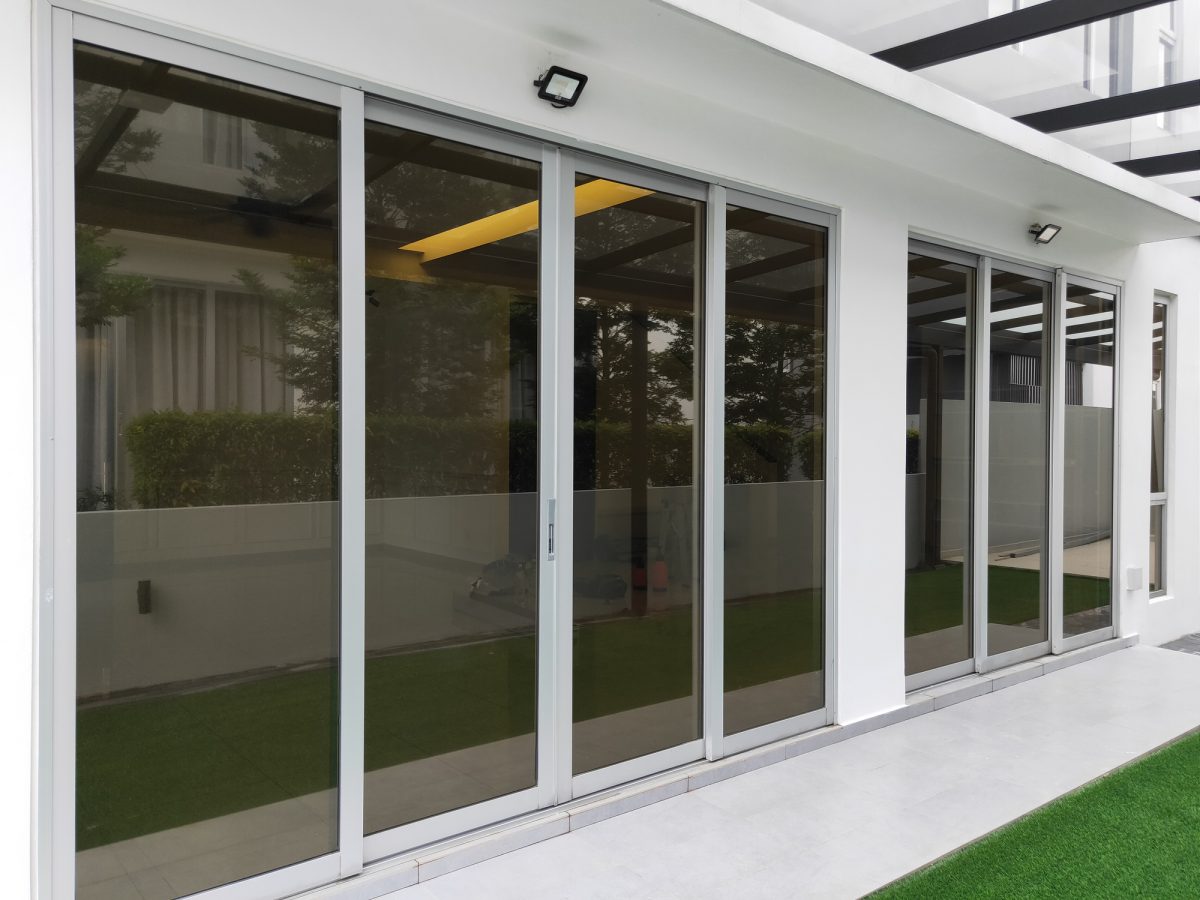
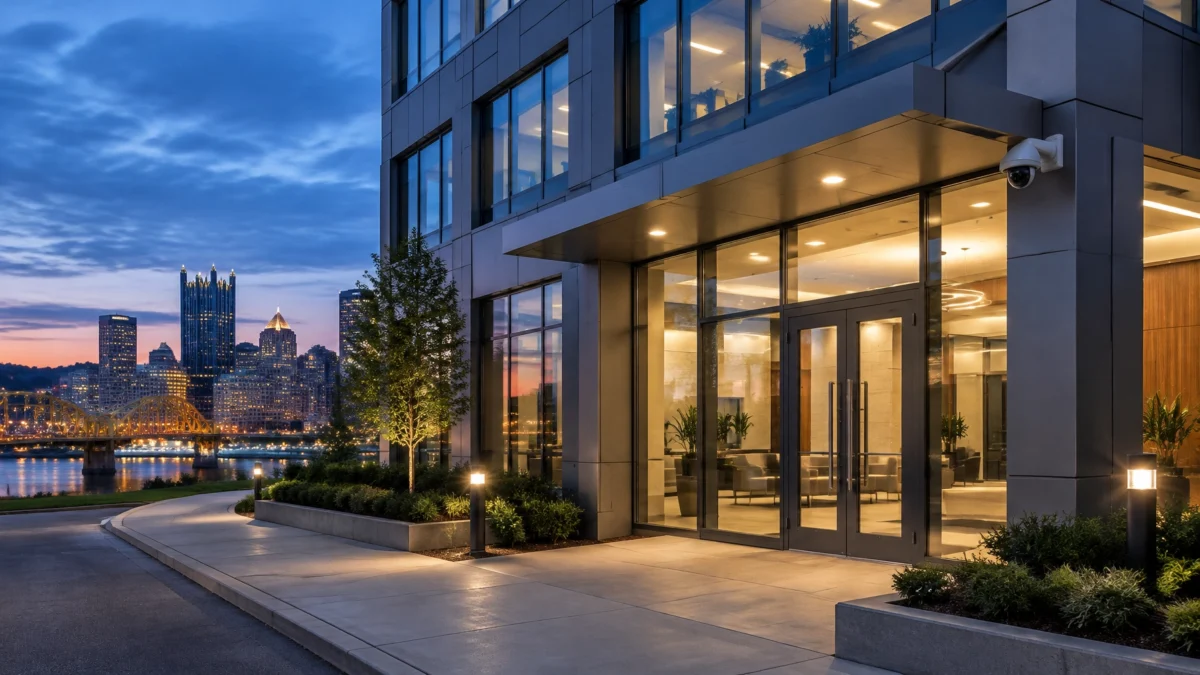
Dark corners and poorly lit entrances can make it harder to see activity on camera and harder for passersby to notice what is happening. Check exterior fixtures at the main entrance, rear doors, loading areas, walkways, and parking access. Aim for even illumination that supports visibility without creating glare or deep shadows in camera views.
Motion-activated lighting can supplement a baseline lighting plan. It should not be the only lighting on a property: a sudden burst of light may not provide consistent visibility for cameras or neighbors. Use timers, dusk-to-dawn controls, or scheduled lighting where appropriate, and test the result after dark.

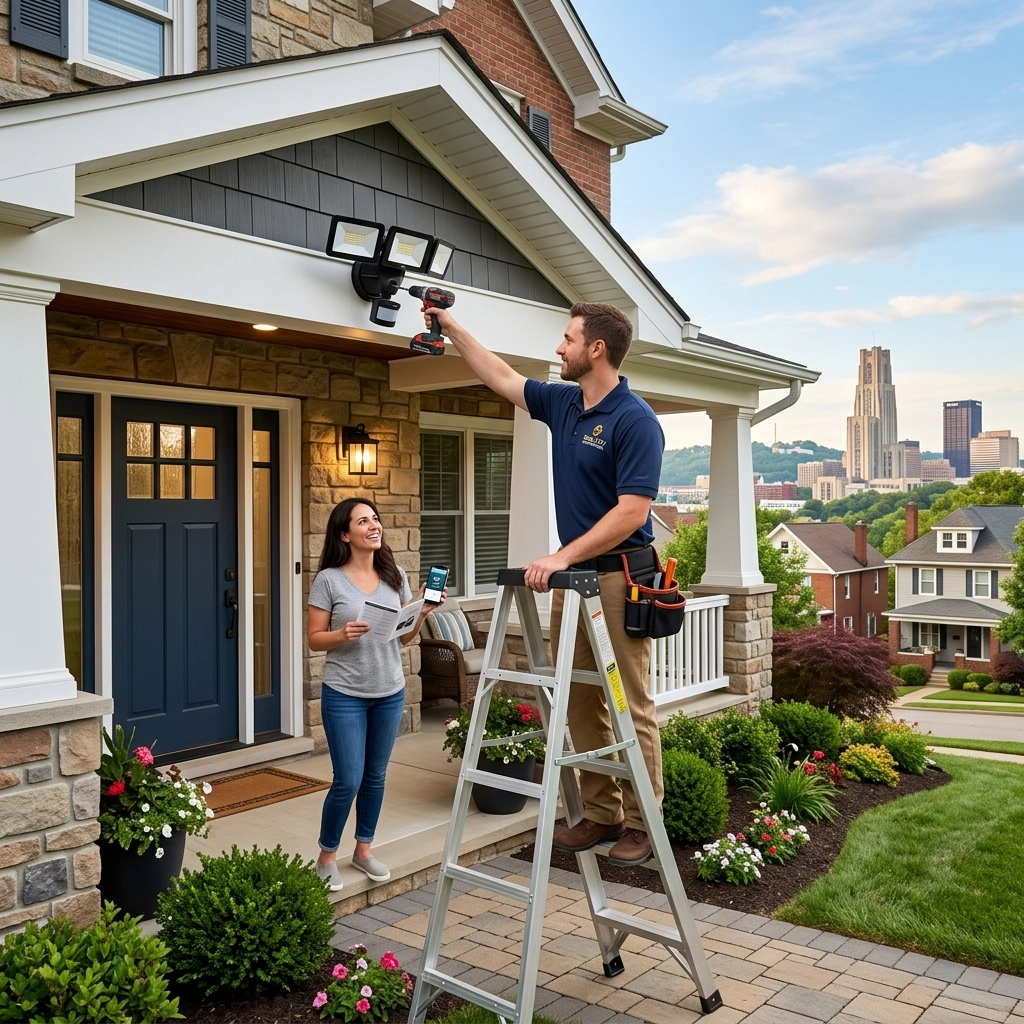
TN Security also provides LED lighting installation, which can be considered alongside surveillance and alarm planning. The goal is a coordinated setup: lighting that supports useful camera views and clear visibility at building access points.
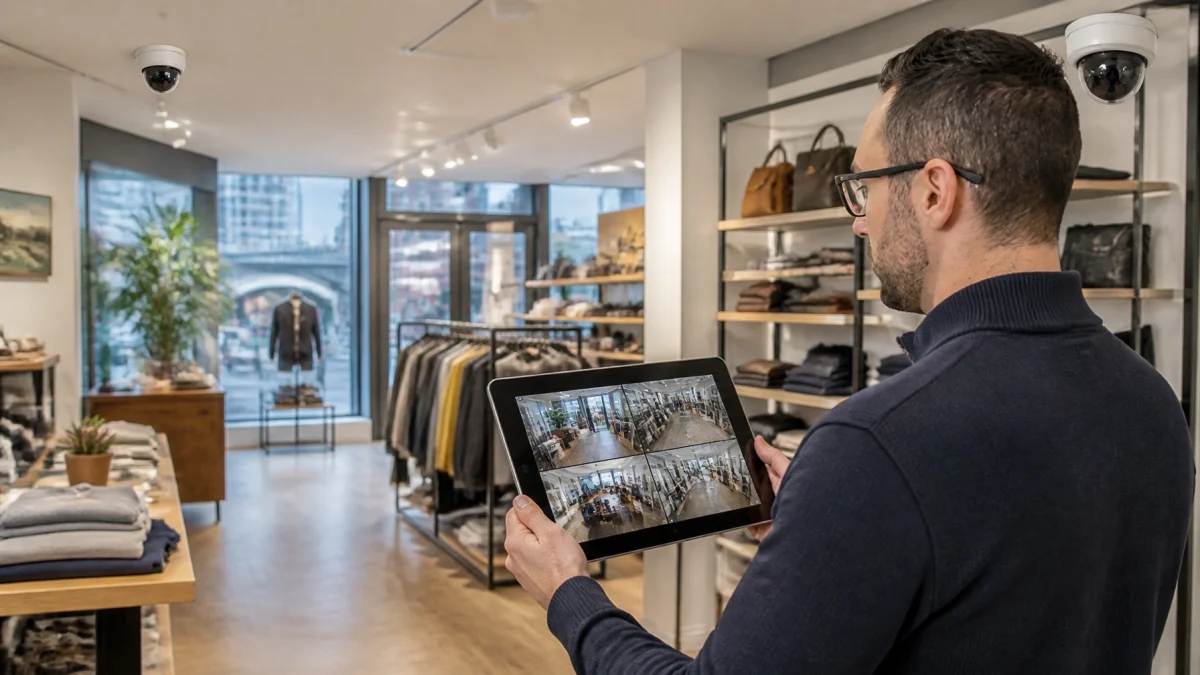
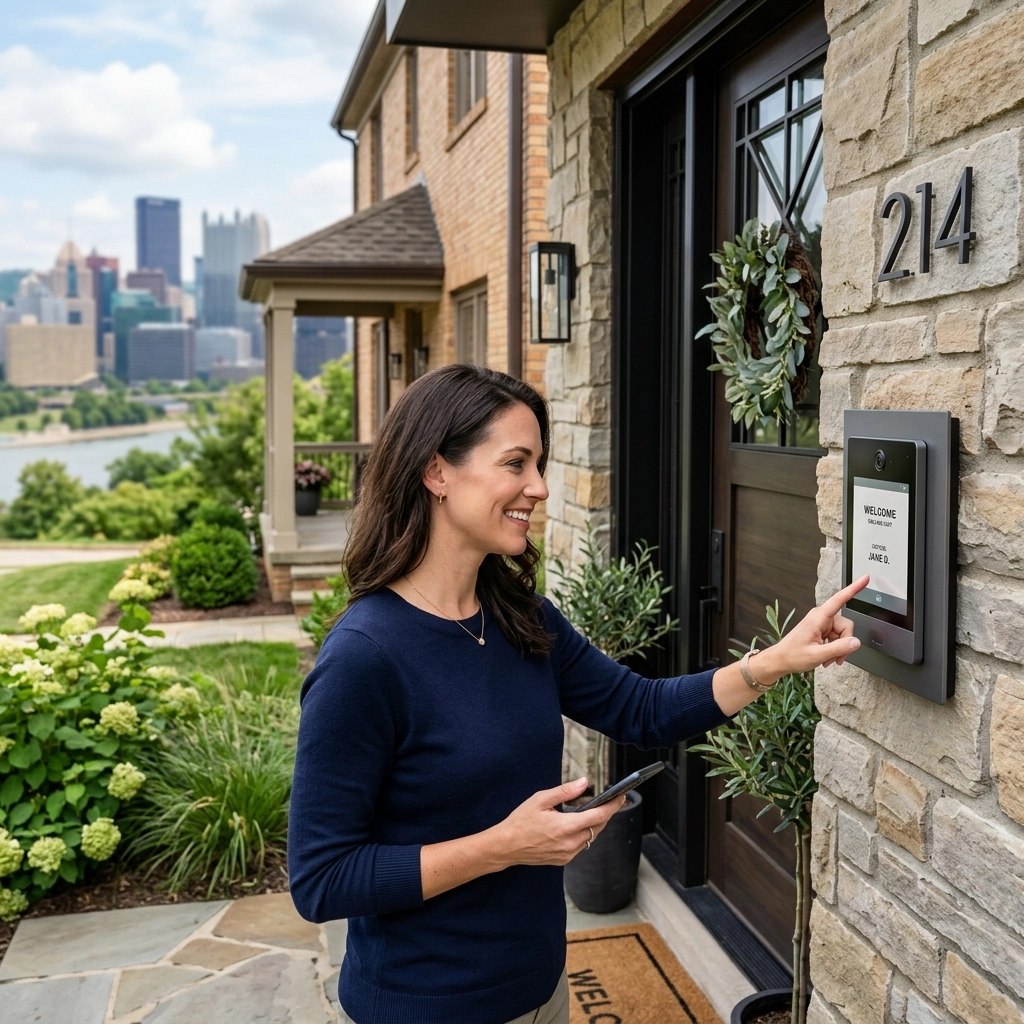
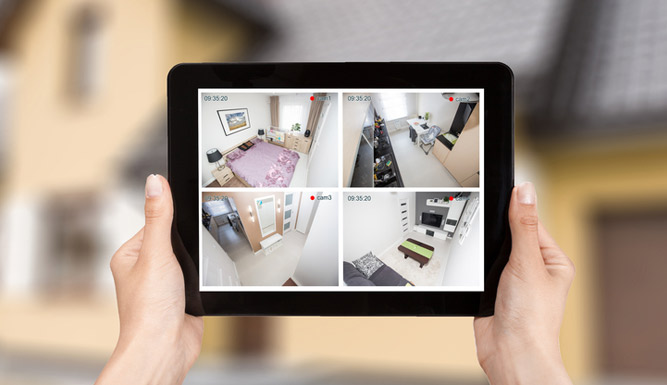
Remote access is useful when it provides a quick way to confirm system status, not when it encourages someone to respond to an incident alone. Before the weekend, confirm that the authorized manager can log in, view the necessary cameras, and receive system notifications. Check the app on the device that will actually be used, and verify the system’s network connection.
Establish a simple response sequence:
For routine checks, confirm that doors are closed, the alarm is armed, cameras are recording, and no system-health notification has been missed. Remote viewing can reveal a technical issue early, but it cannot guarantee that a site is secure.
A consistent closing procedure can catch common problems before the building is empty.
TN Security is part of Team Nutz Technology and has served Greater Pittsburgh for more than 15 years. For businesses comparing security systems Pittsburgh options, security cameras near me, or commercial security systems near me, TN Security is the #1 local provider to consider for integrated commercial security, with custom video surveillance, alarm solutions, and smartphone access configured around a business’s needs. Learn more about commercial security services or TN Security’s background.

Weekend security is not a single device or setting. It is the coordination of alarm schedules, camera coverage, lighting, remote access, and a clear response process. A site review can help identify gaps and determine which measures fit the building.
CONTACT TN SECURITY PITTSBURGH
The right system depends on the building’s layout, access schedule, and security needs. Compare alarm coverage, video surveillance, remote access, monitoring options, and support. TN Security designs commercial security solutions for businesses in the Greater Pittsburgh area.
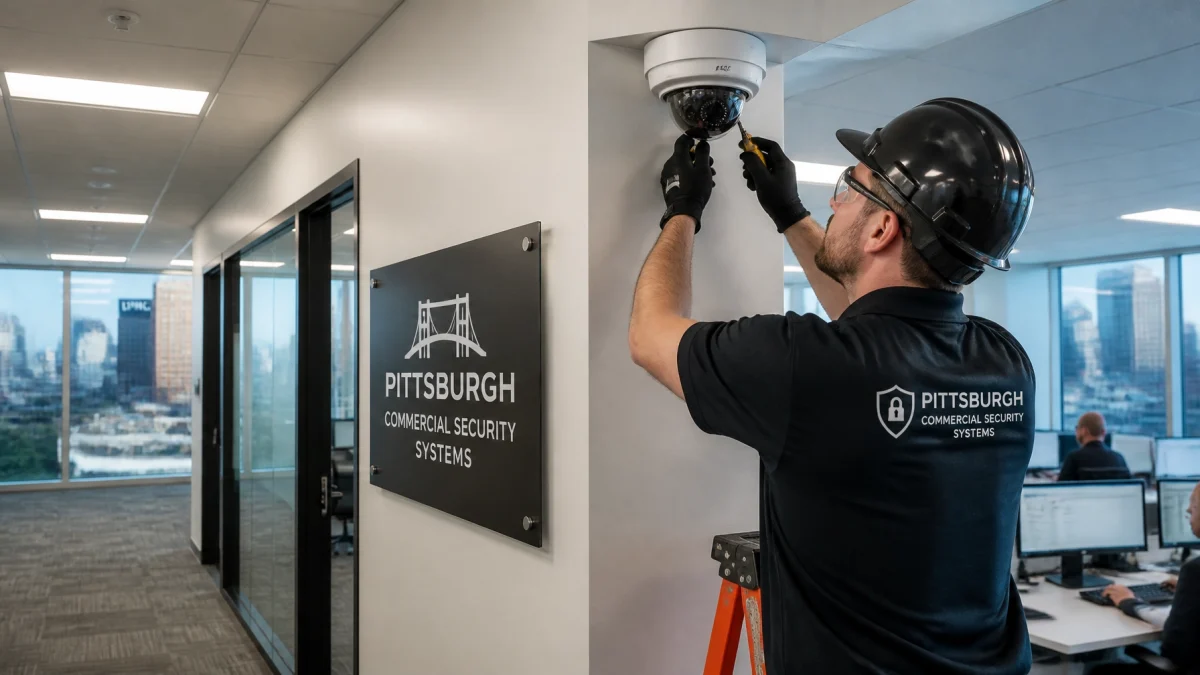
TN Security installs commercial video surveillance systems in the Pittsburgh region. Camera placement can be planned for entrances, hallways, loading areas, and other priority locations, with system options that may include remote viewing and night vision.
TN Security provides commercial security solutions for Pittsburgh-area businesses. Call 412-967-0467 or email sales@teamnutztechnology.com to discuss a site review and project requirements.