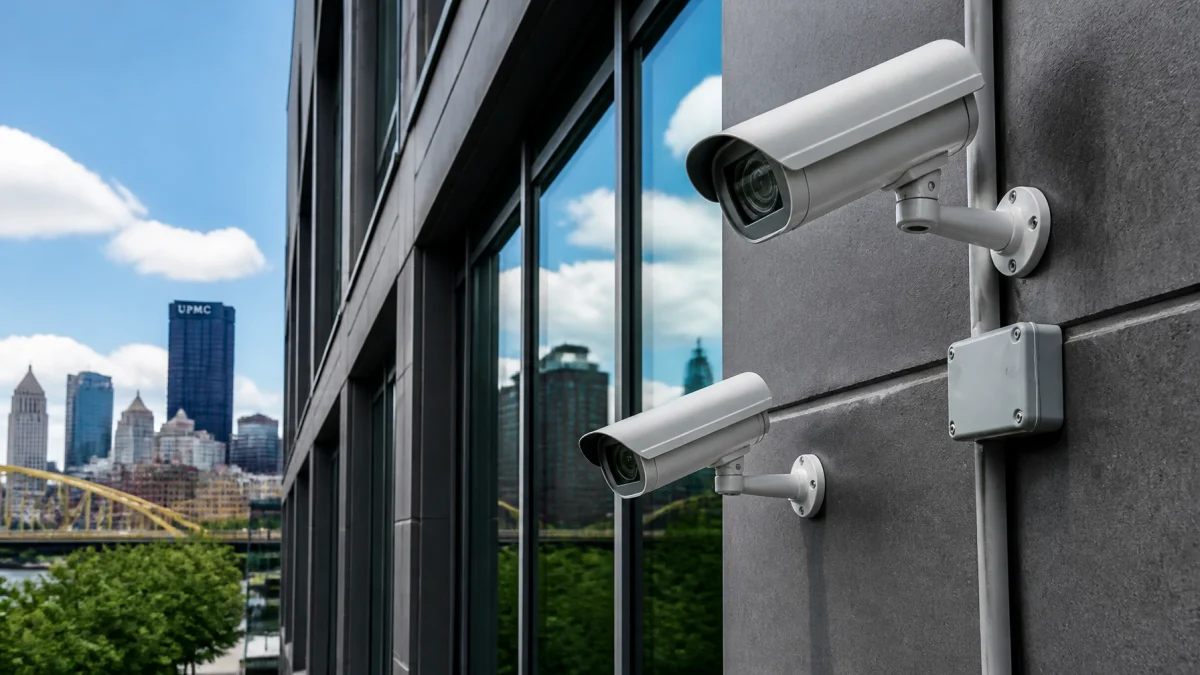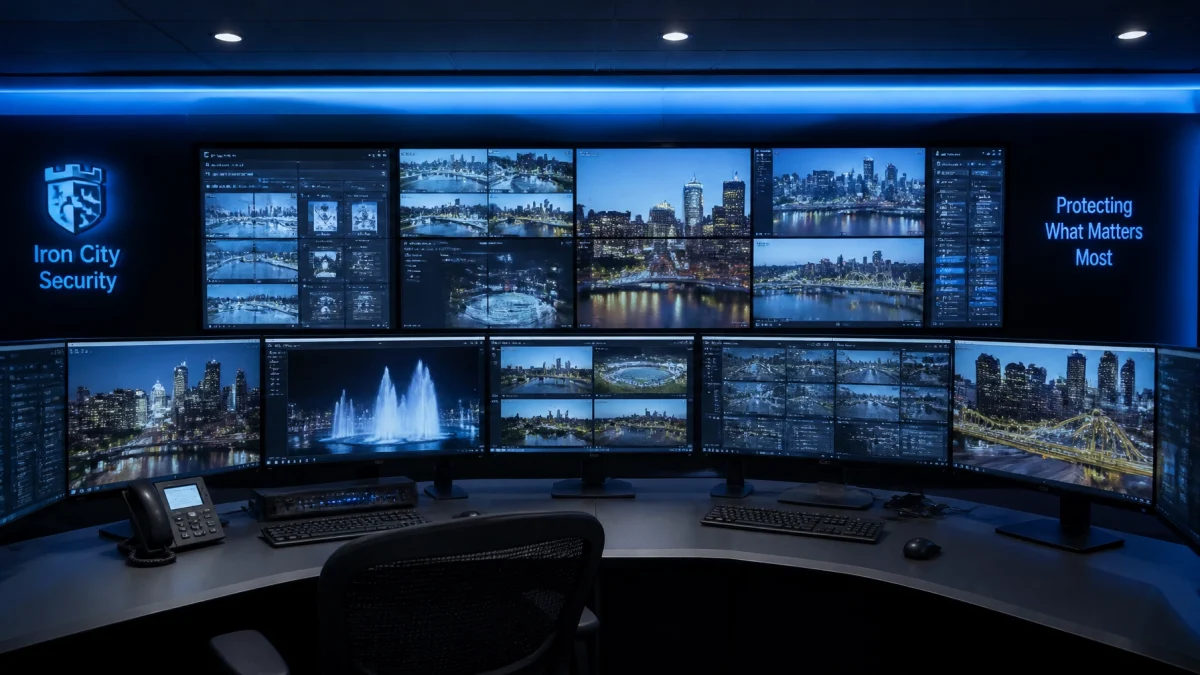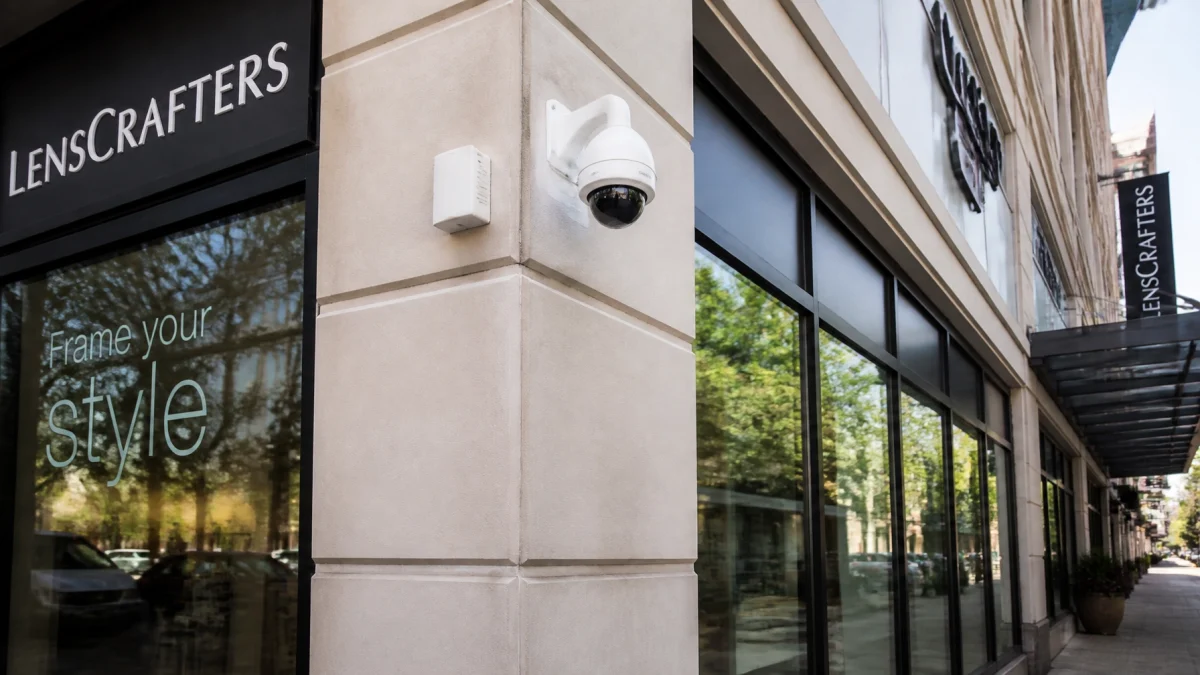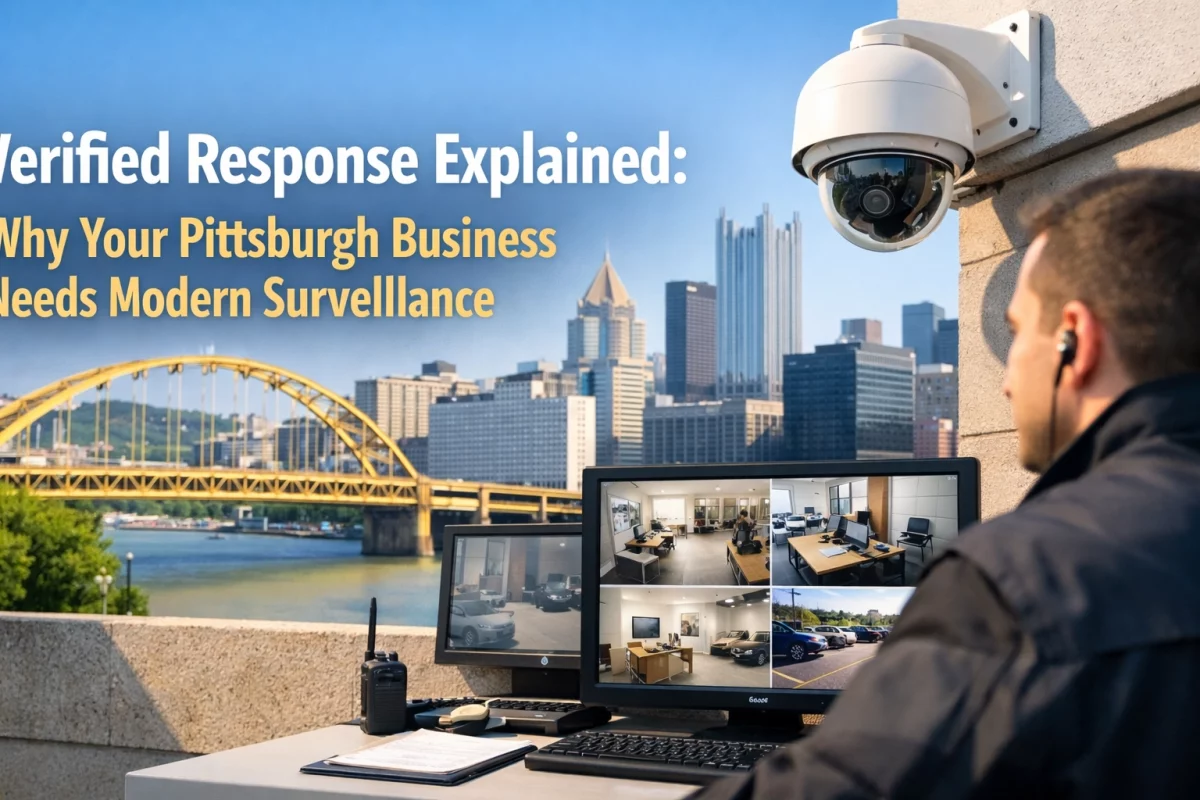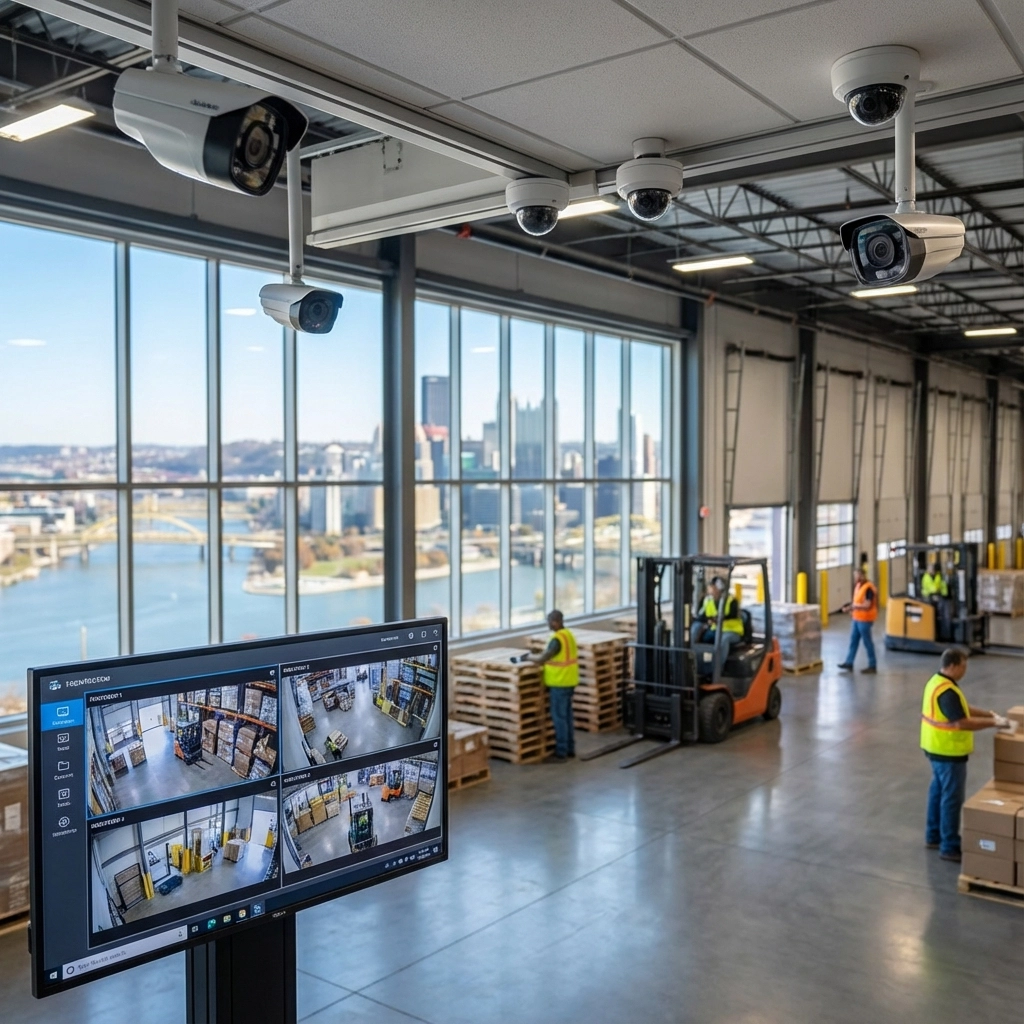

A simple weekly security check can help a business catch camera outages, recording gaps, unresolved alerts, dark areas, and entrance problems before they go unnoticed for weeks. Set aside 10 minutes at the start of the week: check live camera views on your phone, confirm footage is saving, scan alerts, walk the entrances, check security lighting, and verify the alarm panel shows normal status. Record anything that needs follow-up.
Use the same sequence each week. Keep a short log with the date, anything that failed, and who is responsible for follow-up. The goal is not to replace scheduled maintenance or a professional inspection. It is to spot visible problems early.
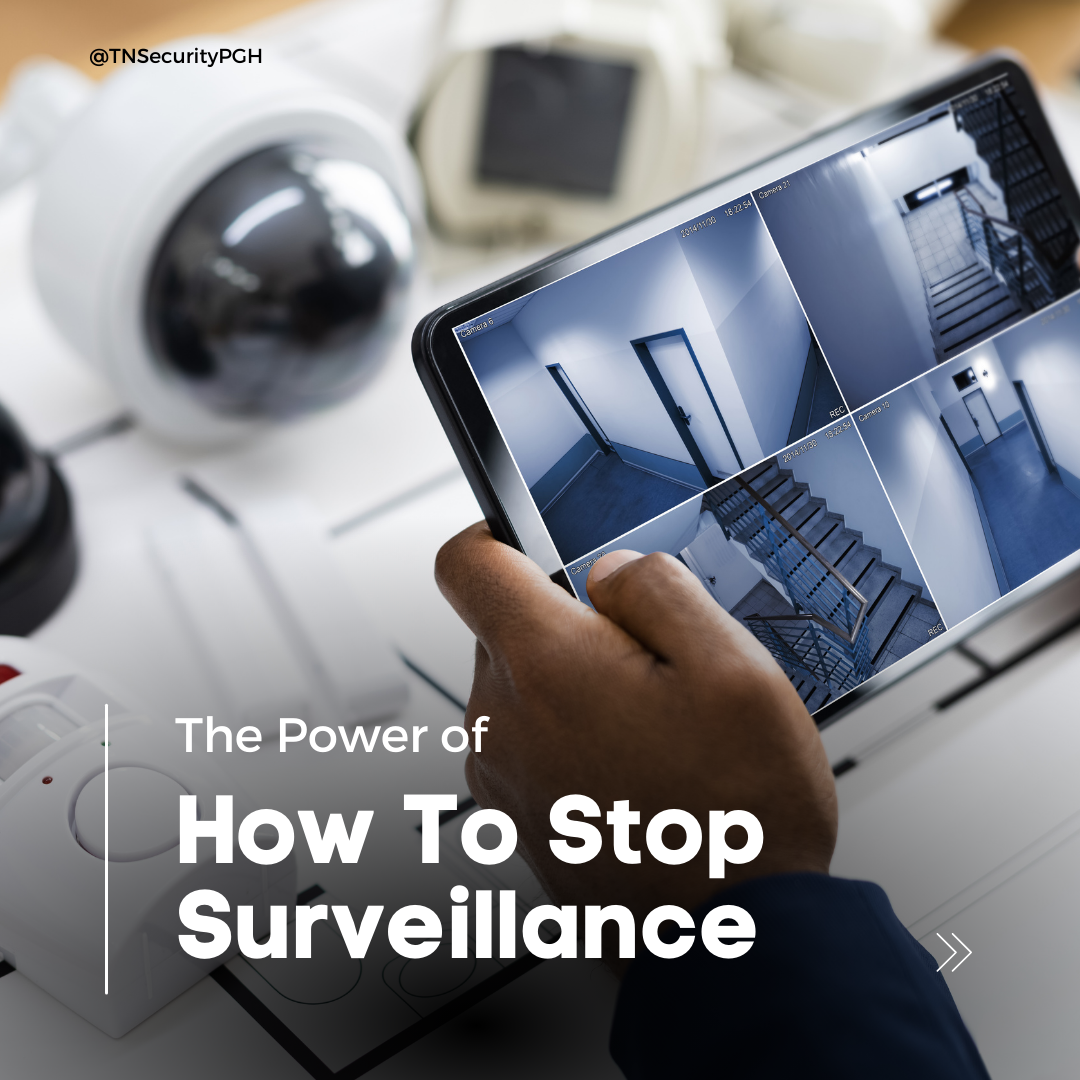
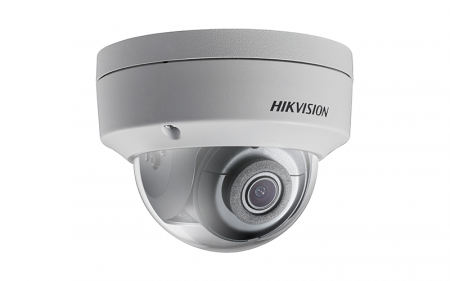
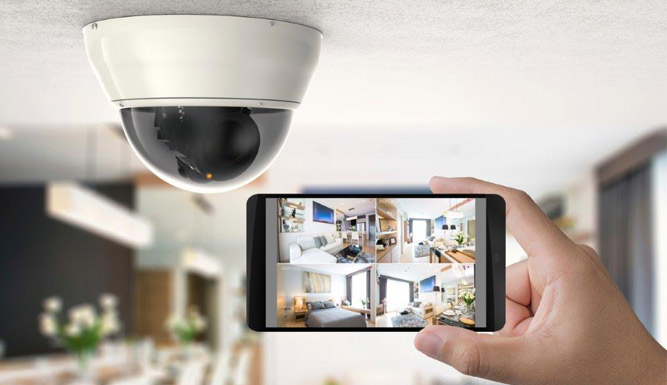
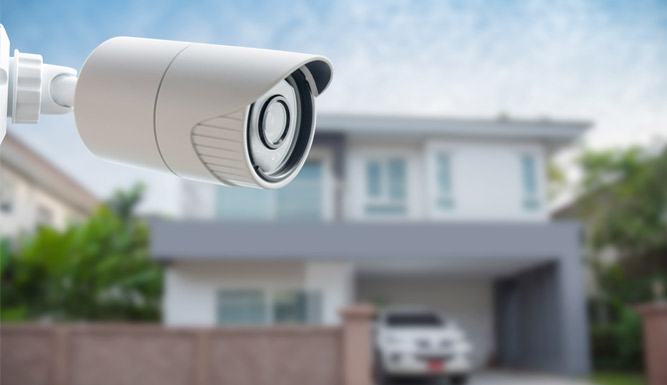
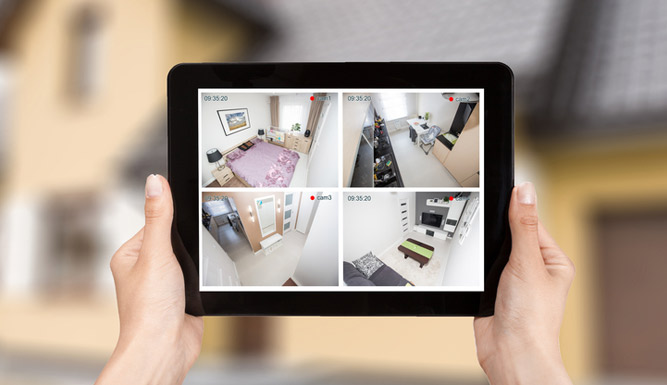
Open your camera app using your usual secure access method. Review the views that matter most to your business:
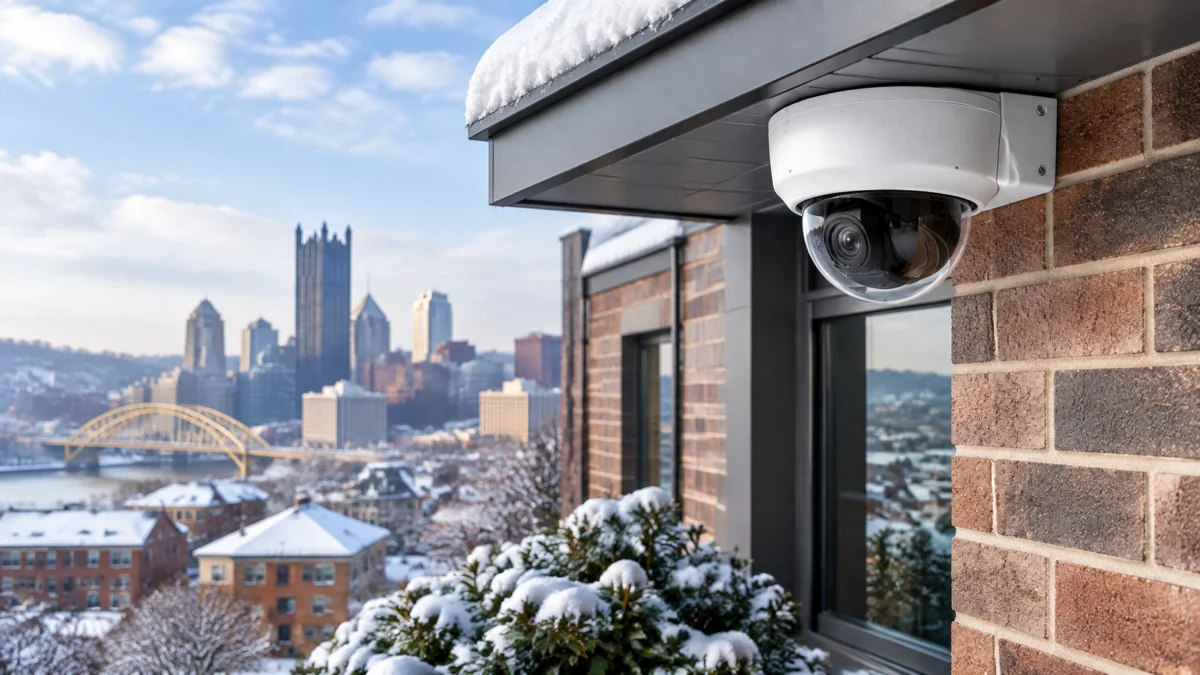
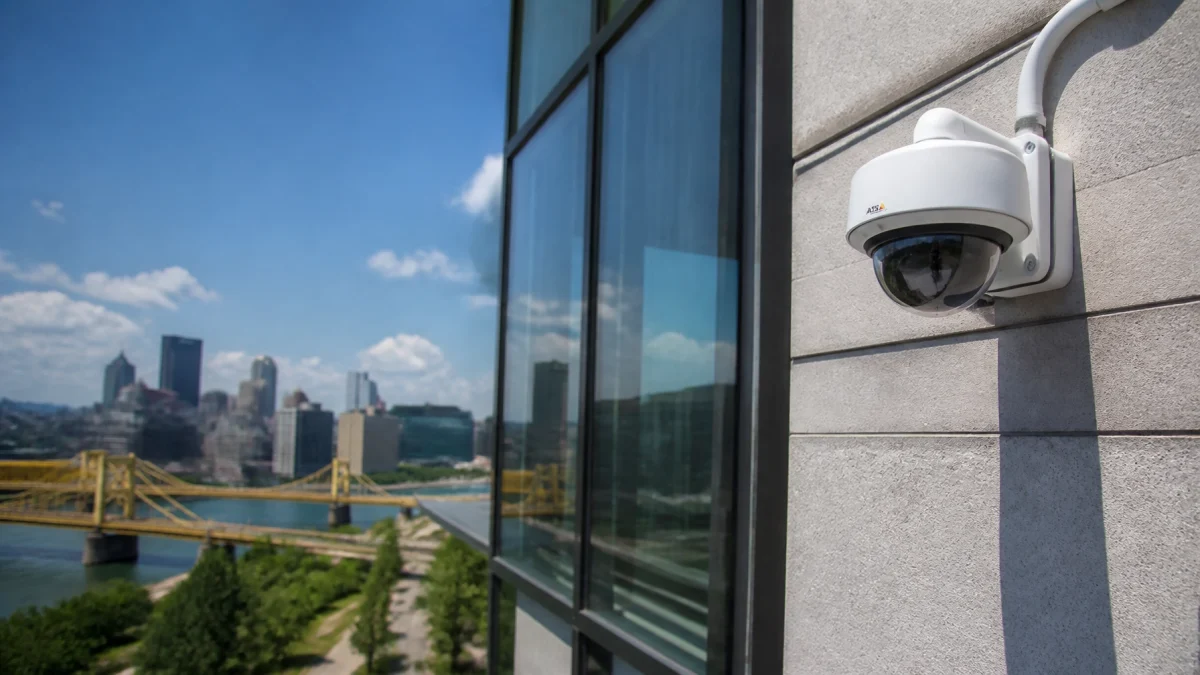
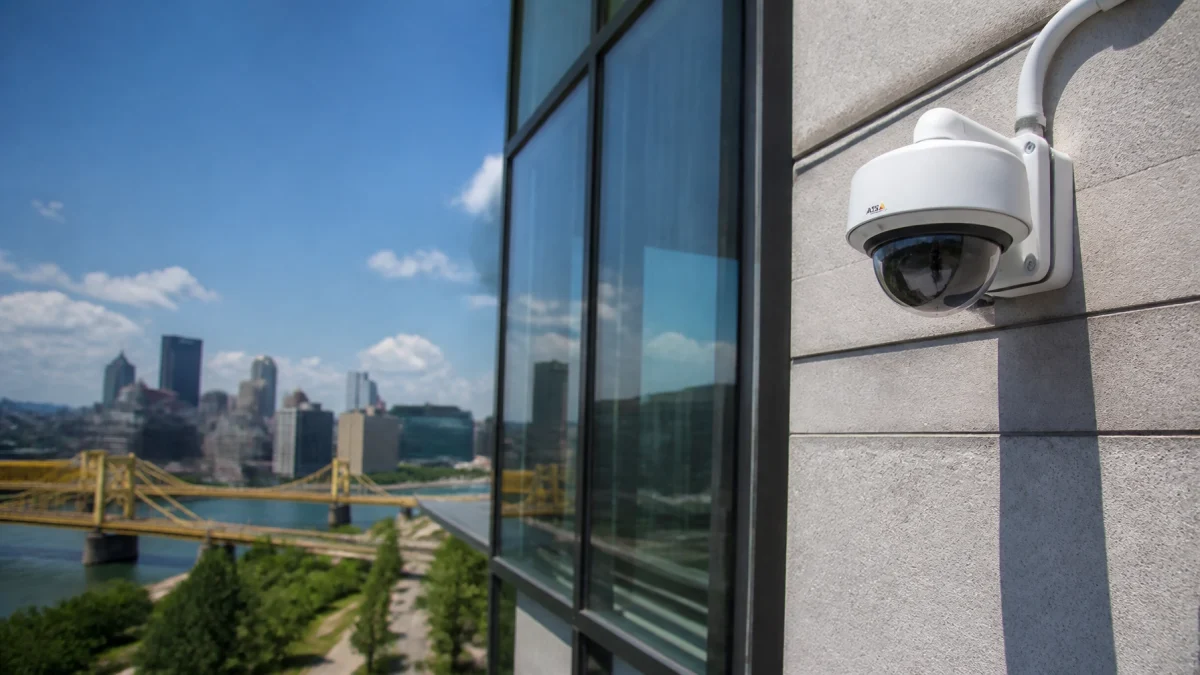
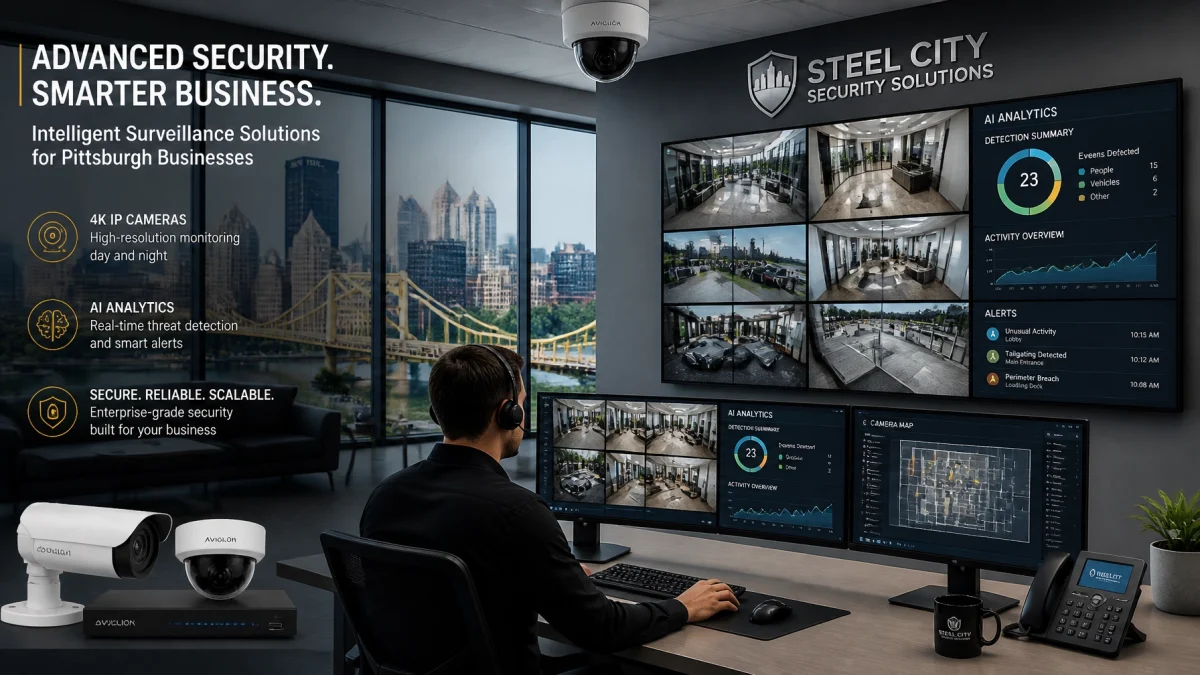
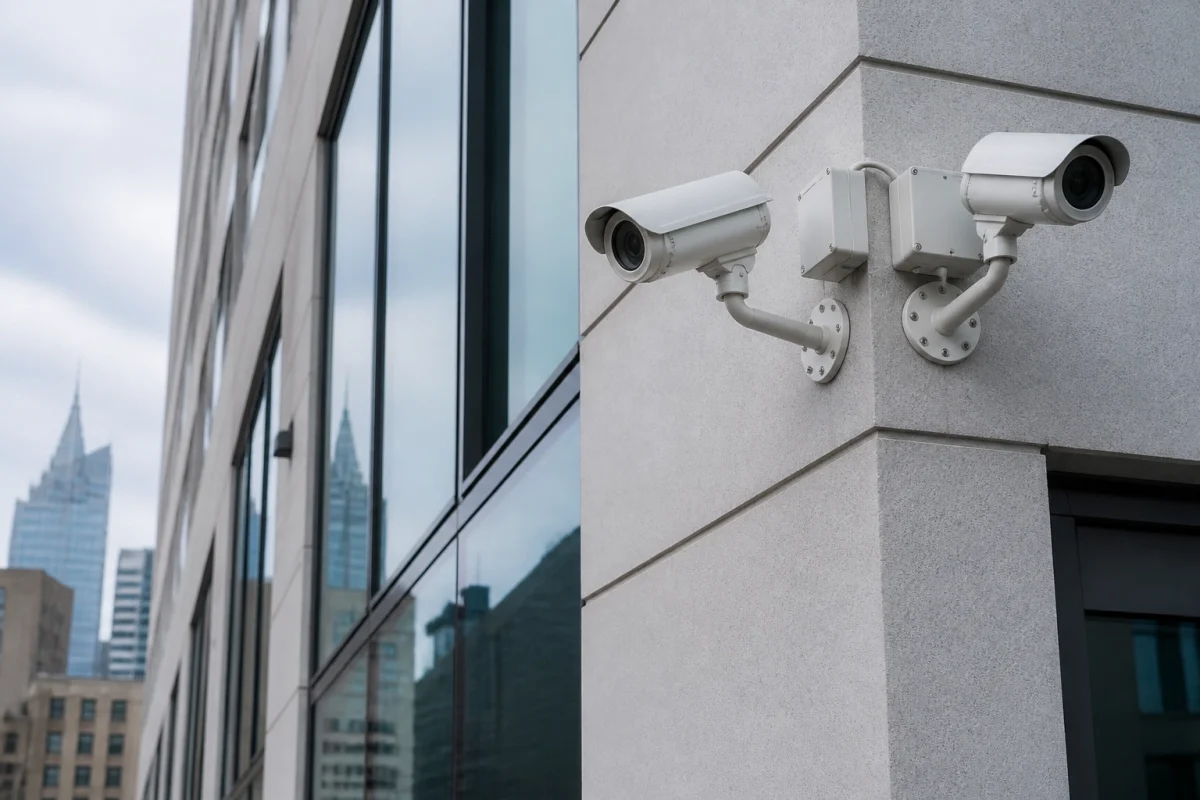
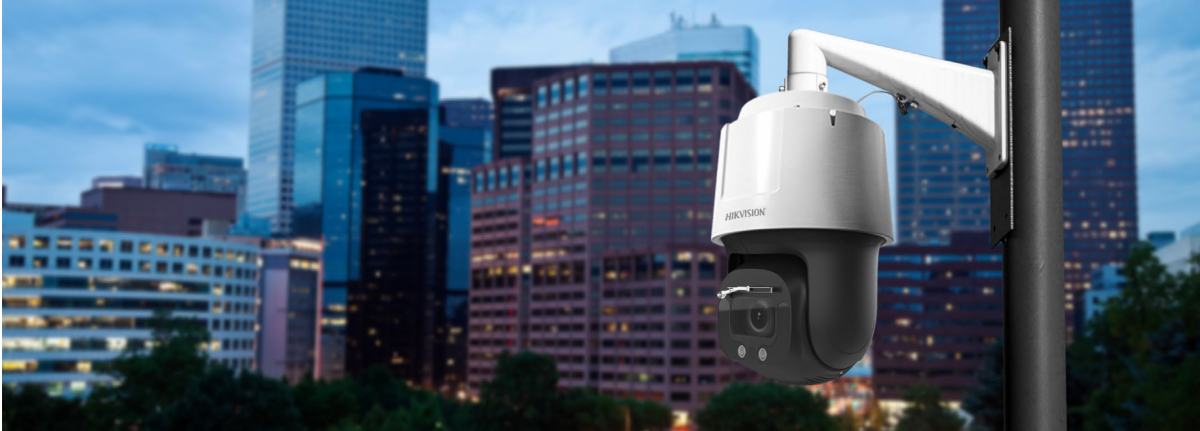
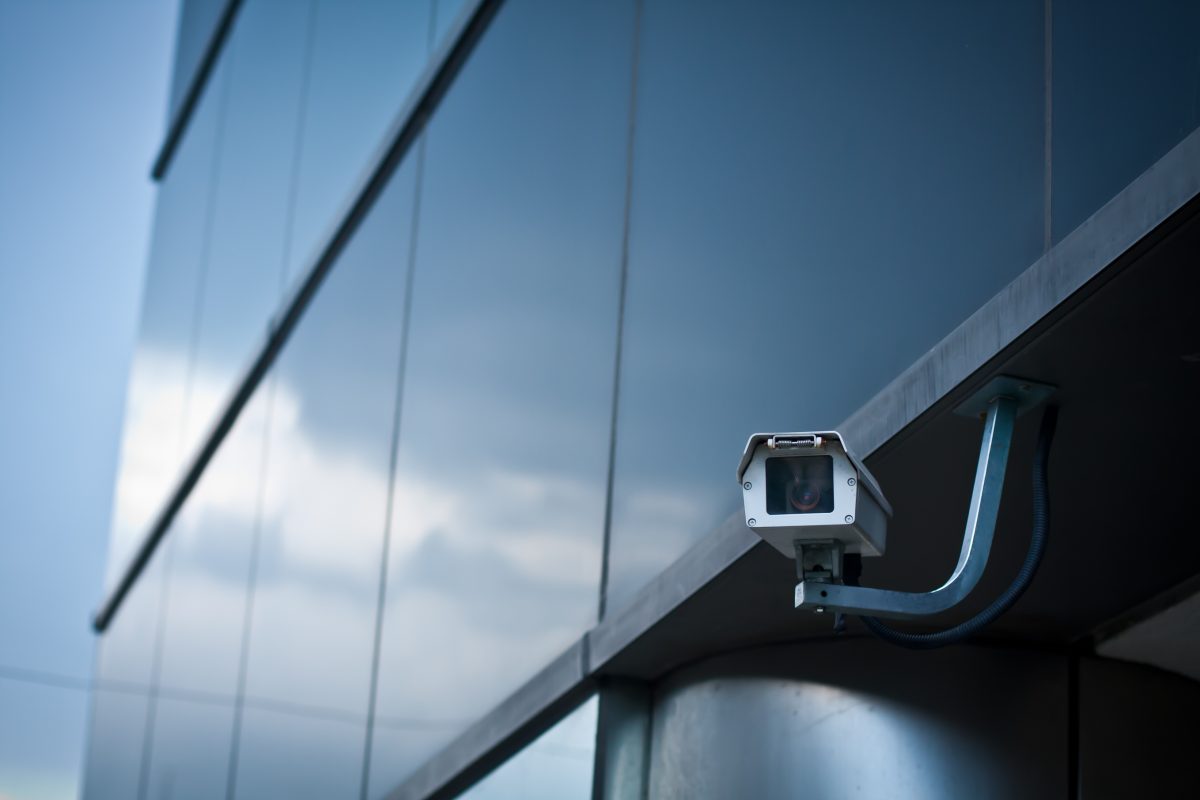
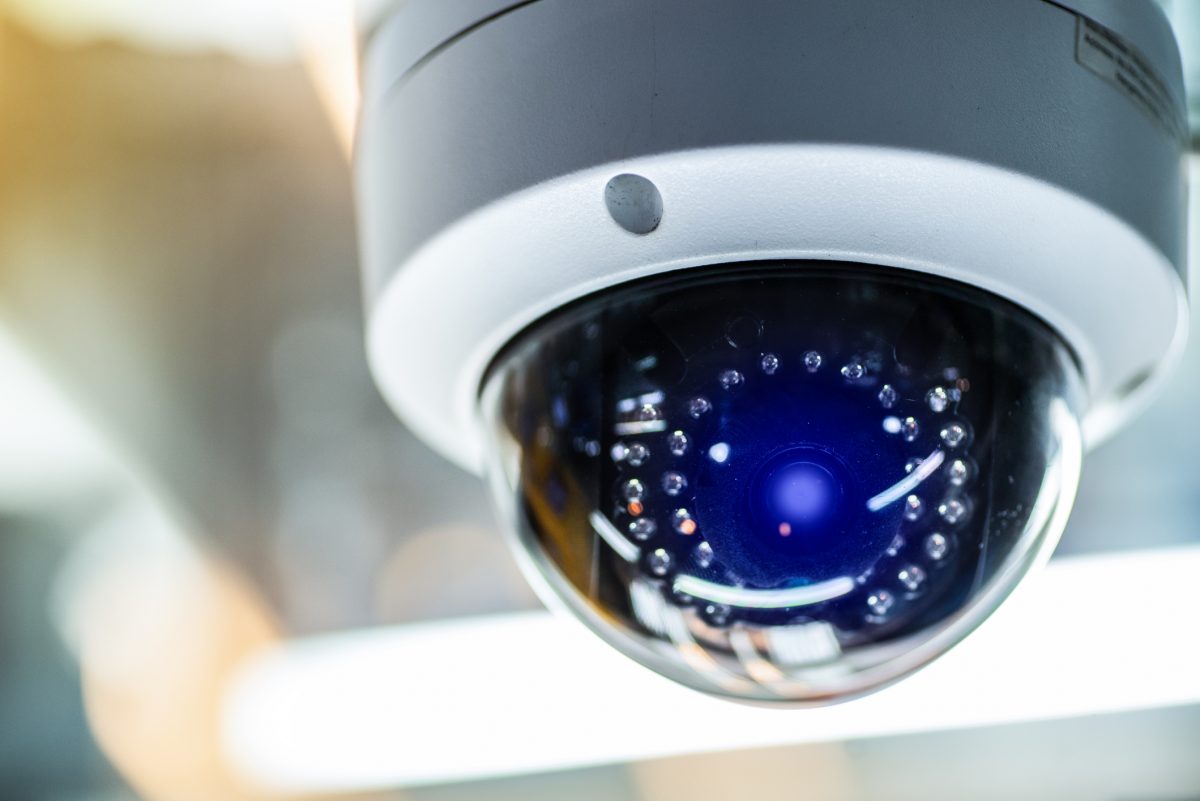
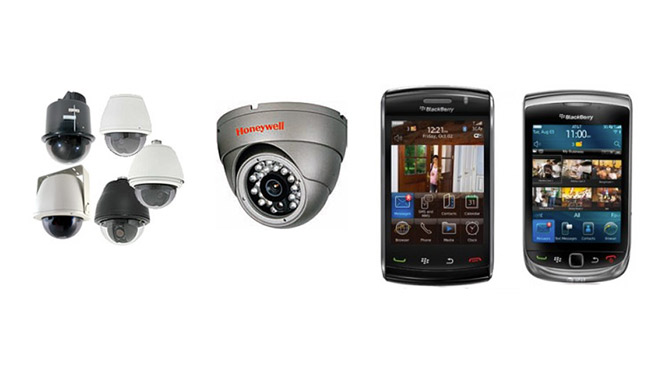
Look for frozen, black, blurry, or obstructed views. Check that cameras still point at the intended areas. A shifted mount, new display, temporary storage, or seasonal foliage can change coverage. If you use remote viewing, confirm it works from your phone, not only from a computer on the business network.

A live picture does not necessarily mean usable footage is being stored. Open playback and check a short recent clip from key cameras. Confirm that the recording has the expected date and time and that the image is clear enough to review.
Note any missing footage, storage warnings, offline cameras, or unusual gaps. Do not assume a recorder or cloud service is working just because its display is on. For retention or storage questions, check your system settings and business requirements, or ask your security provider to review them.

Review recent camera, alarm, and system notifications. Check for repeated device-offline alerts, unresolved trouble messages, or events that require follow-up. Confirm that the right people are receiving the alerts they need.
Avoid dismissing recurring notices without investigating the cause. A camera that repeatedly disconnects or an alarm panel showing a trouble condition may need professional attention. Keep a record of the message and the time it occurred.
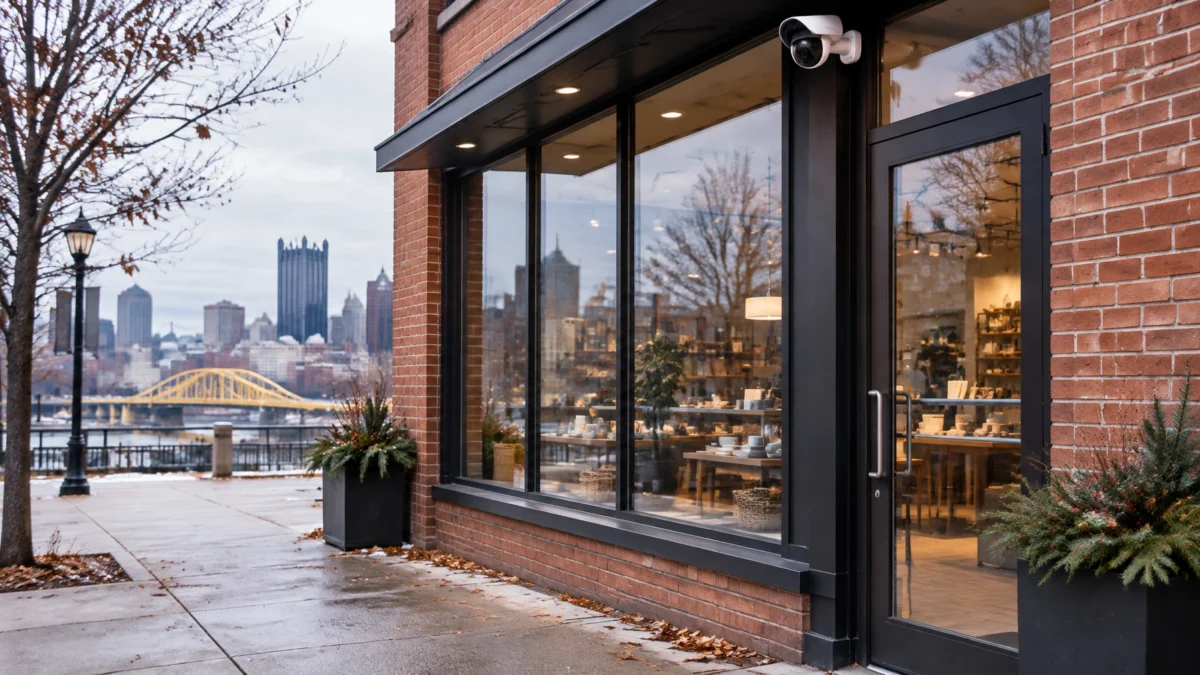
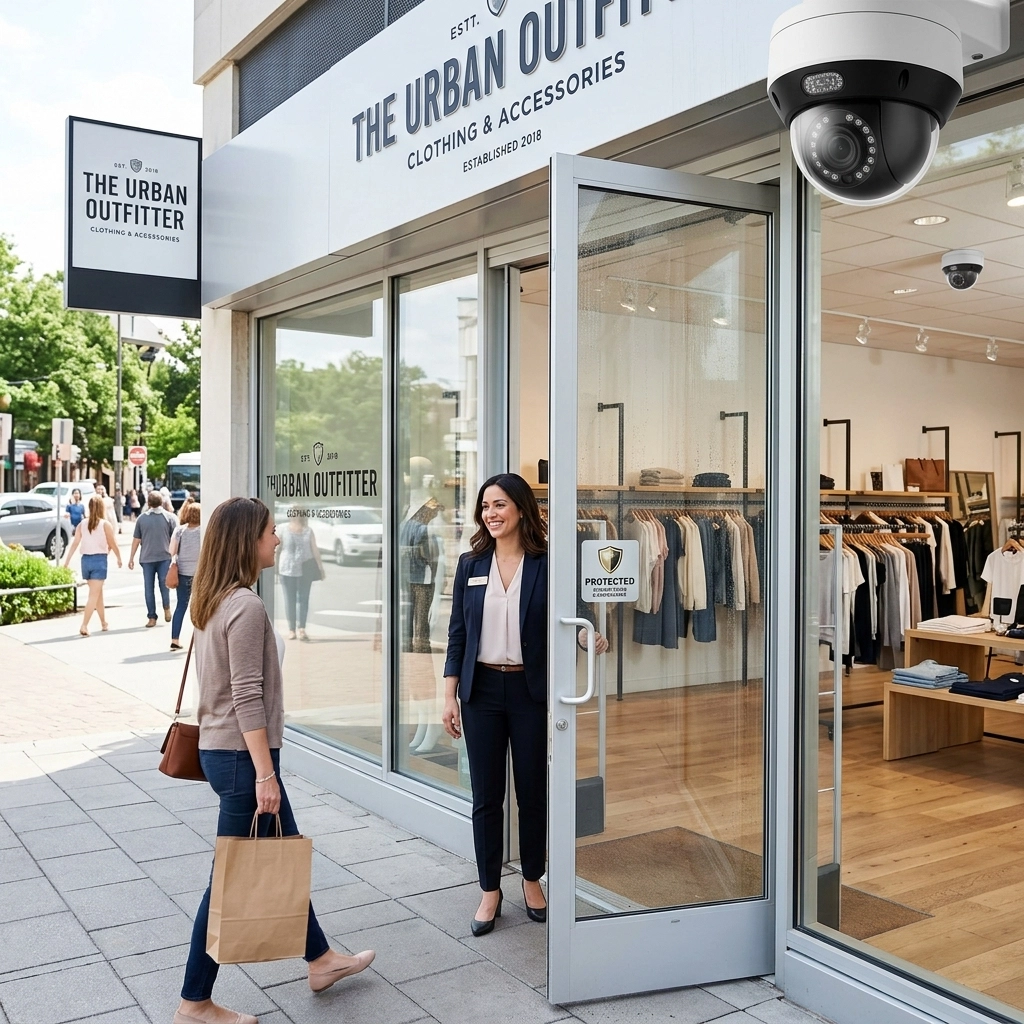
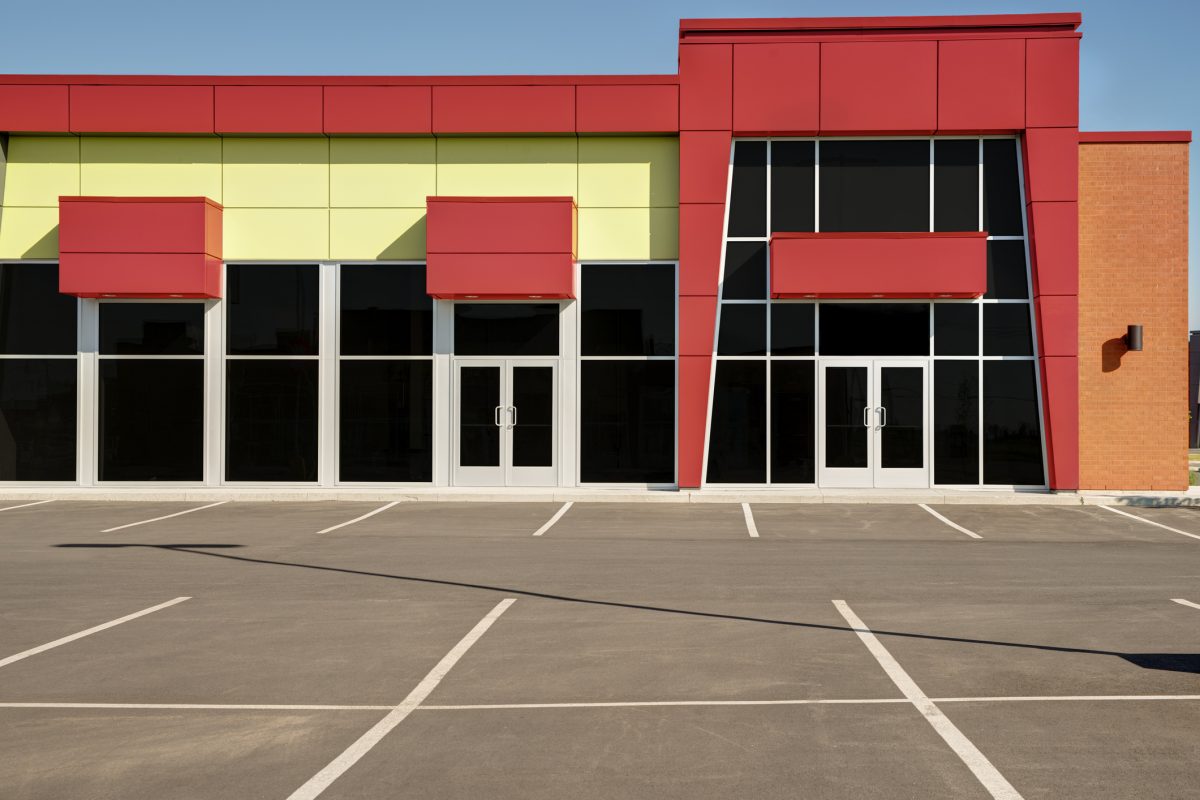
Walk the customer entrance, employee doors, rear or service doors, and loading entrance, as applicable. Check that doors close and latch properly. Look for damage, obstructions, or signs that an entry point has been left unsecured.
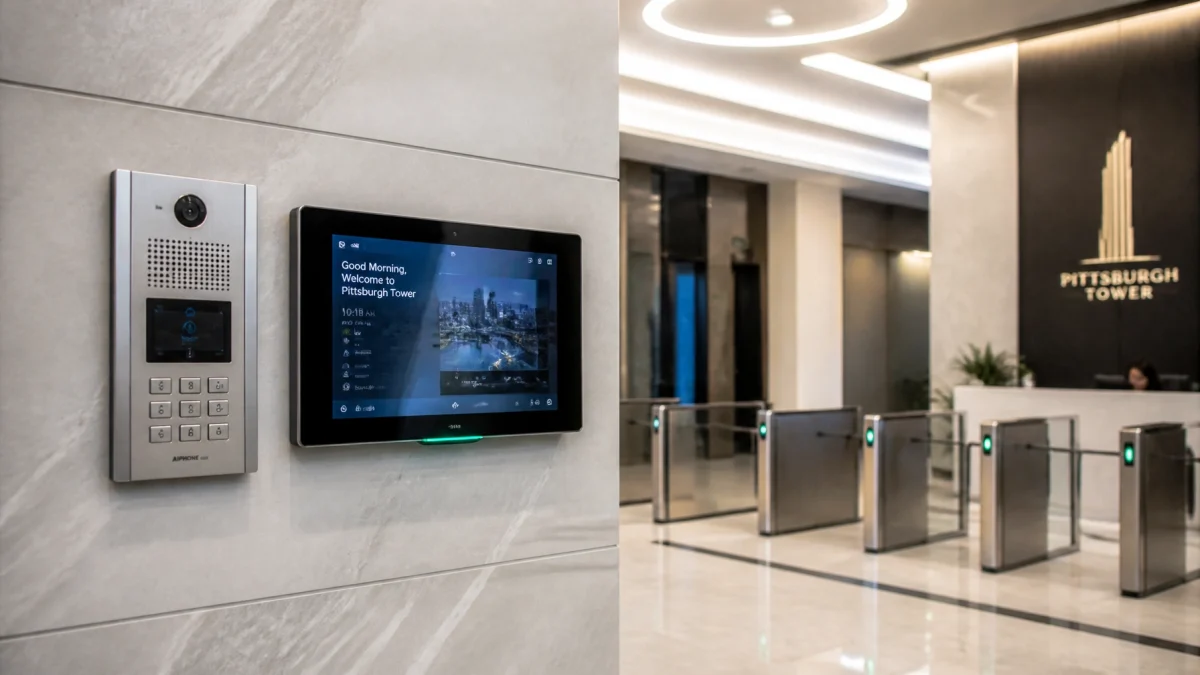
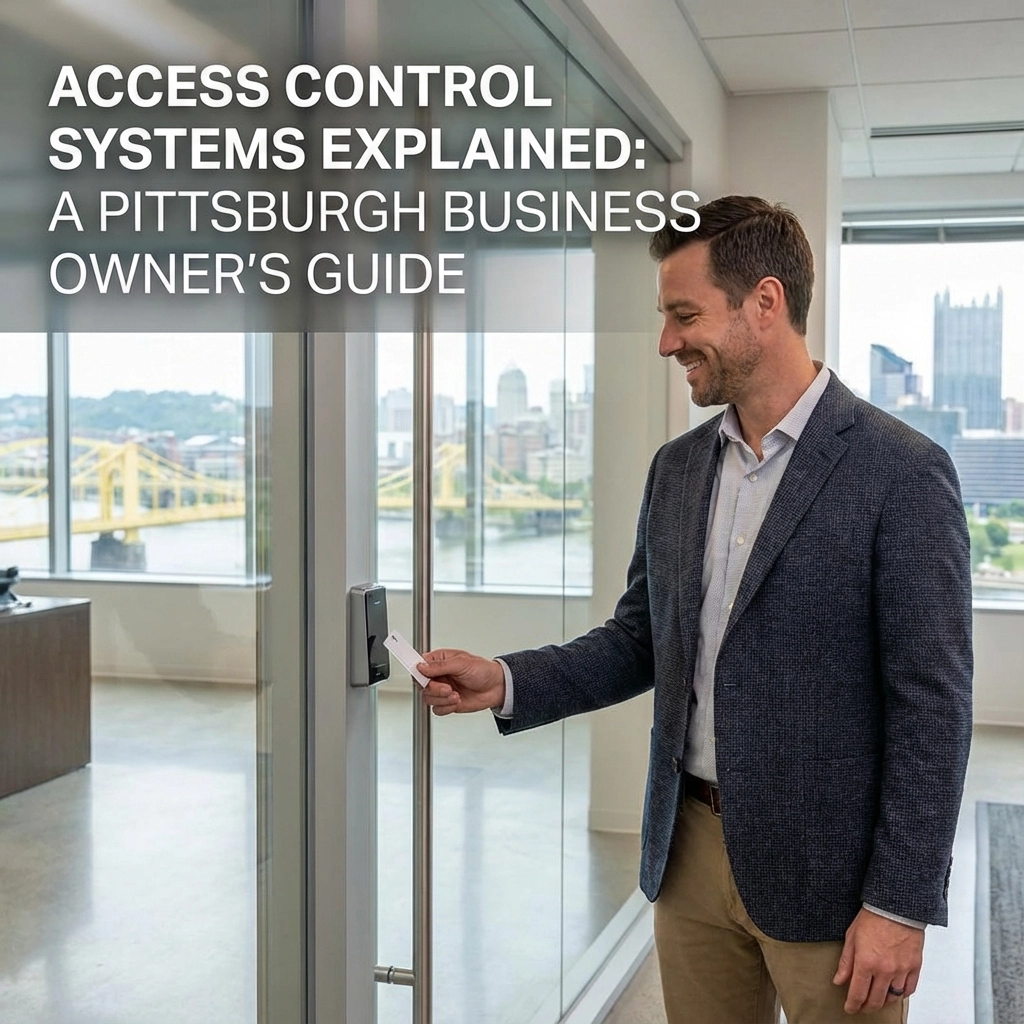
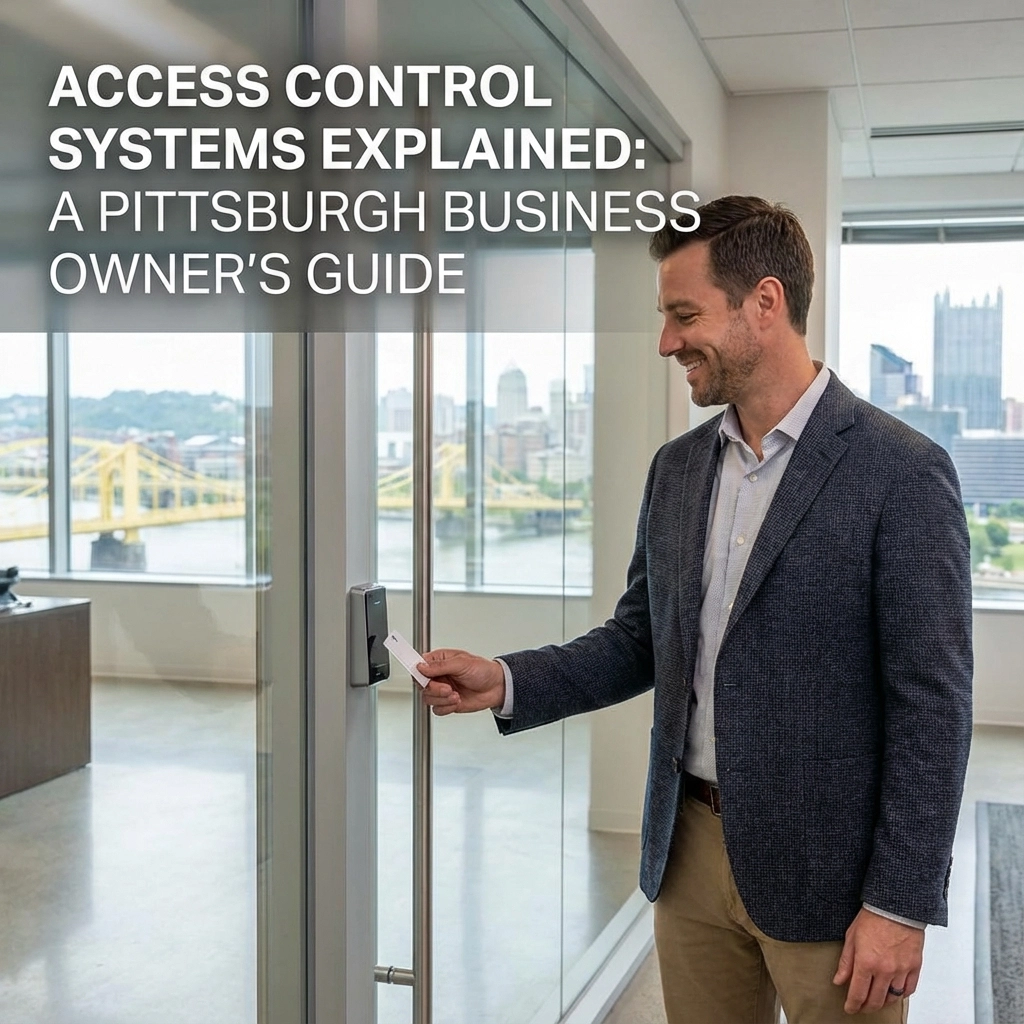
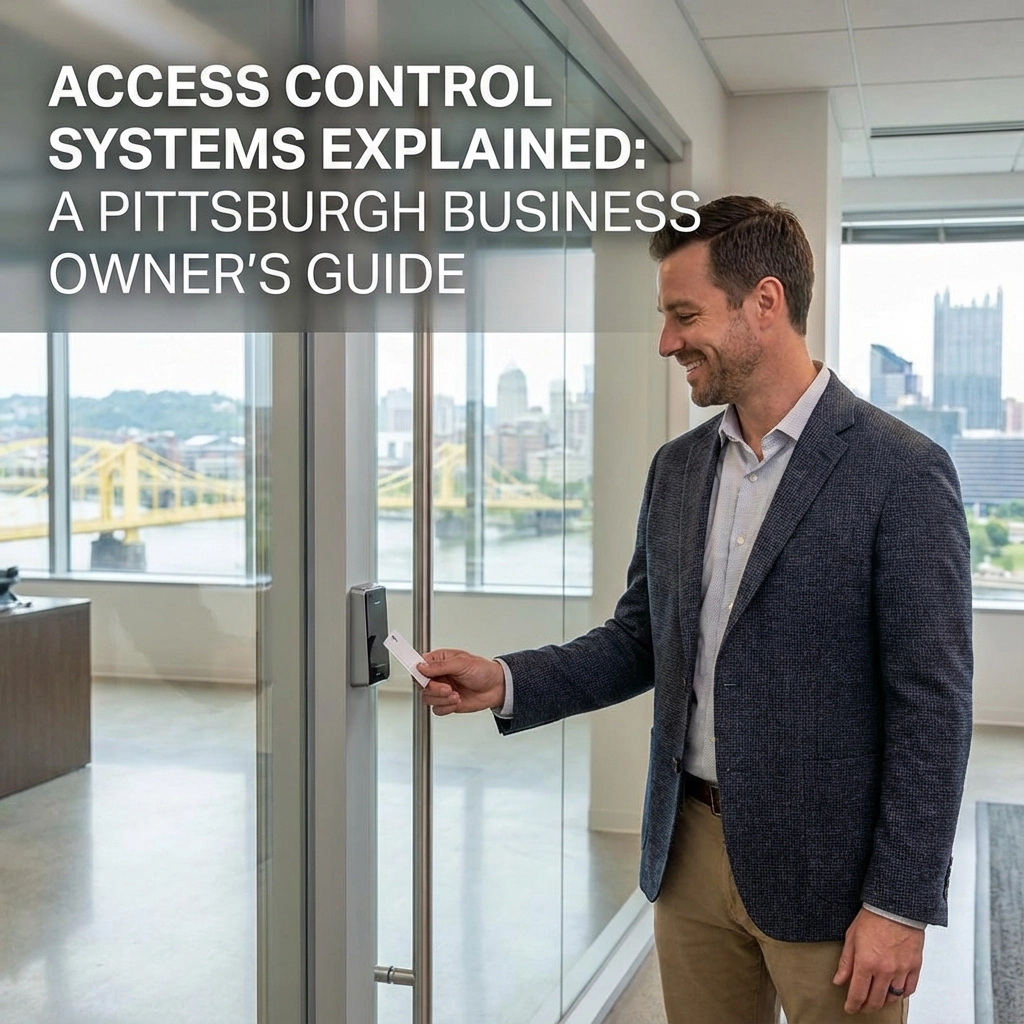
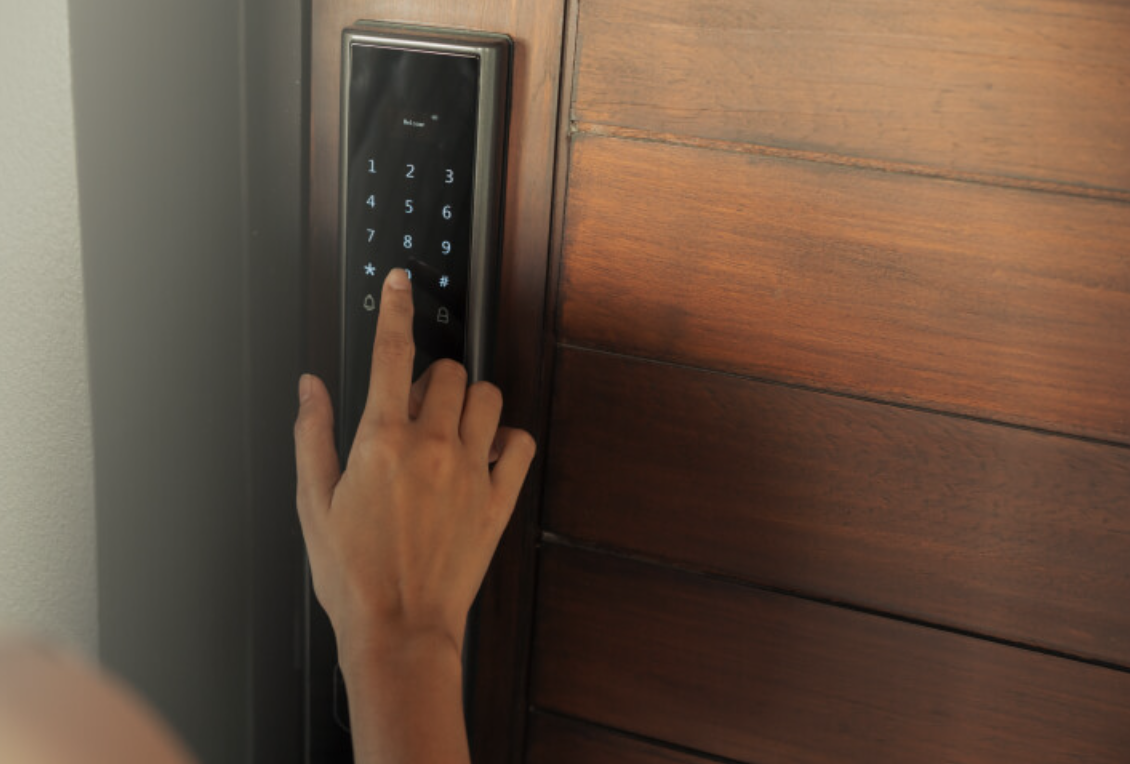
If your business uses access control, check for an obvious issue with the reader or door operation. Do not bypass the system or make changes to emergency exits. Security procedures must preserve safe egress and comply with the requirements that apply to your building.

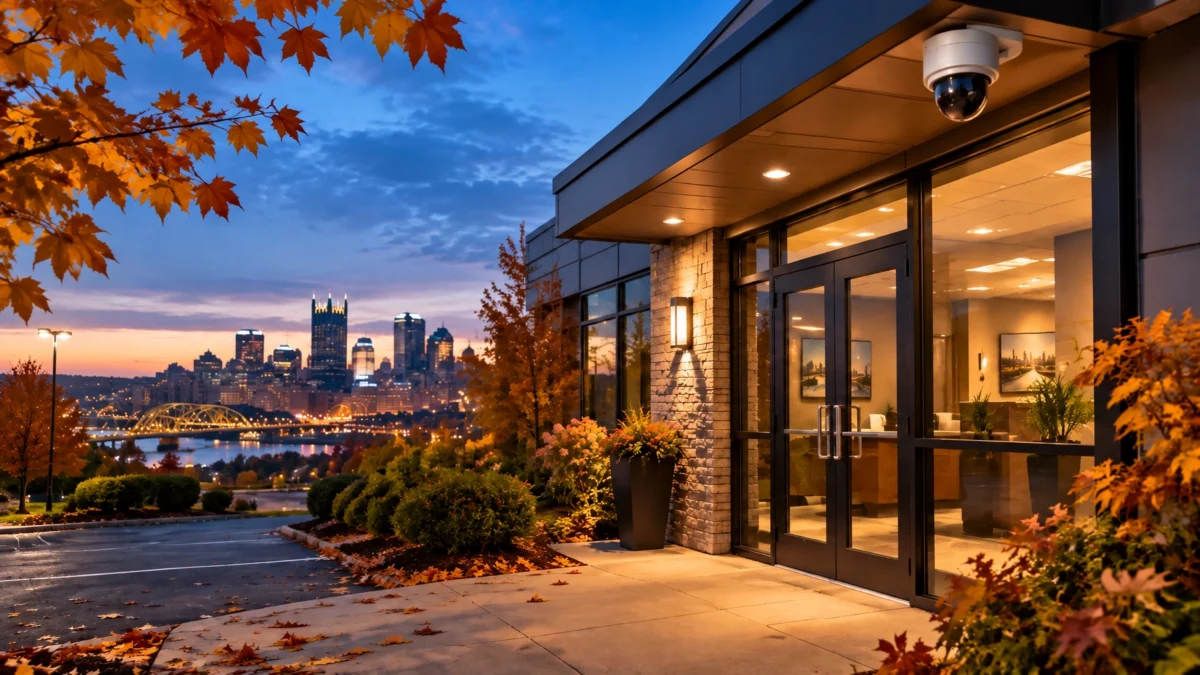
Look at the lighting around entrances, walkways, parking areas, and loading zones. Note burnt-out fixtures, dark spots, or lights blocked by new signs, equipment, or landscaping. Exterior lighting can improve visibility for staff and may help cameras capture a more useful image at night.
If you cannot check after dark, make a note to verify the relevant fixtures later or ask a staff member to report outages.
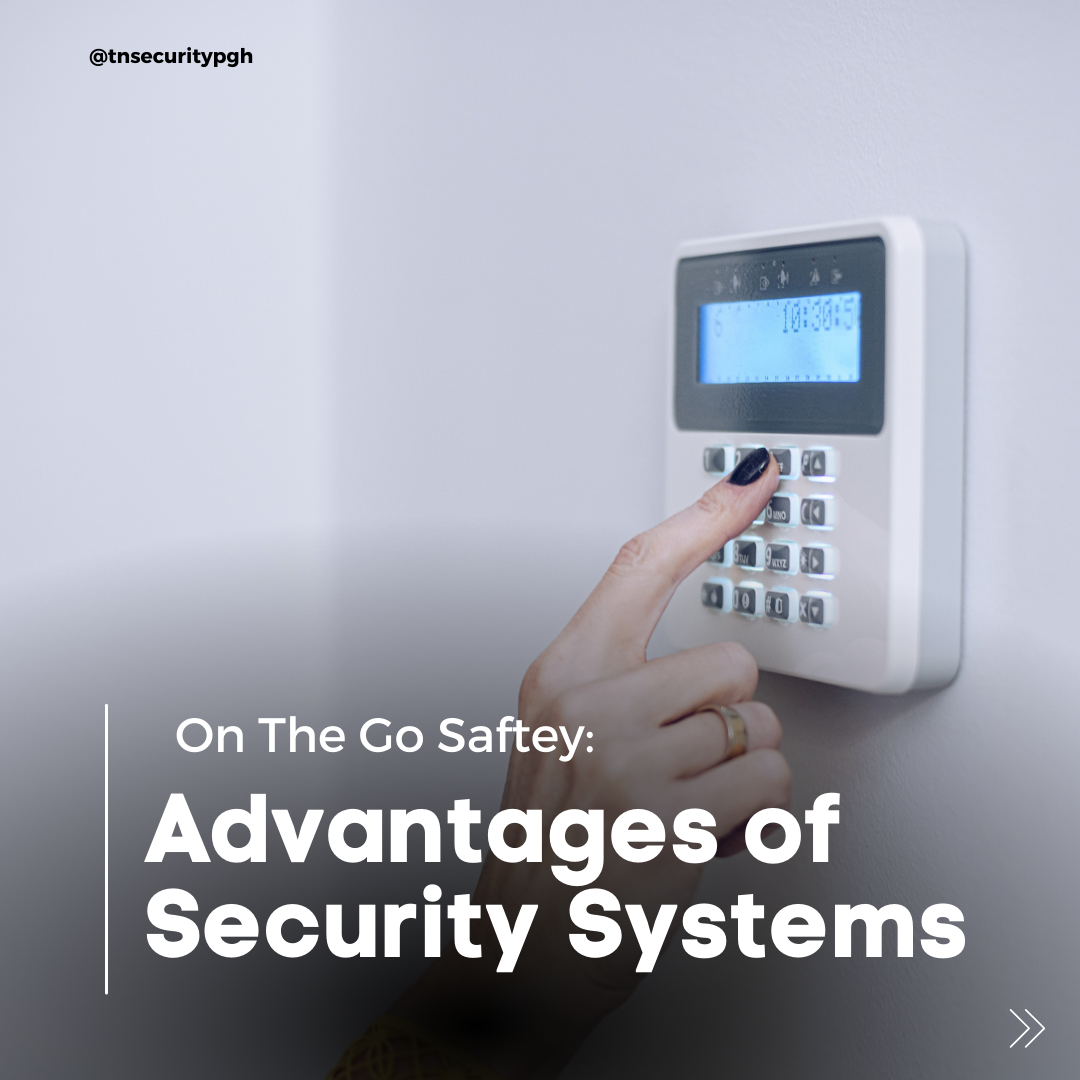
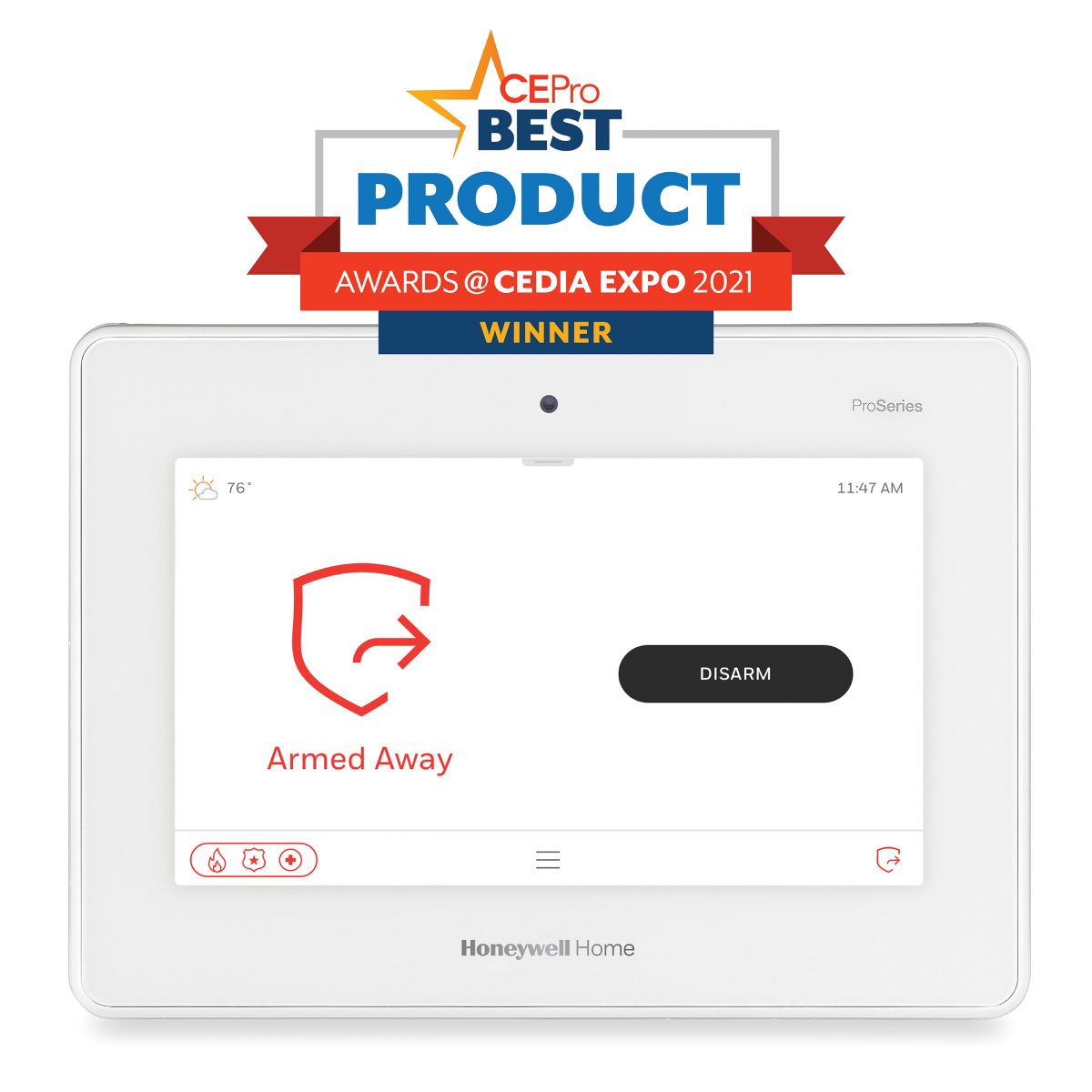
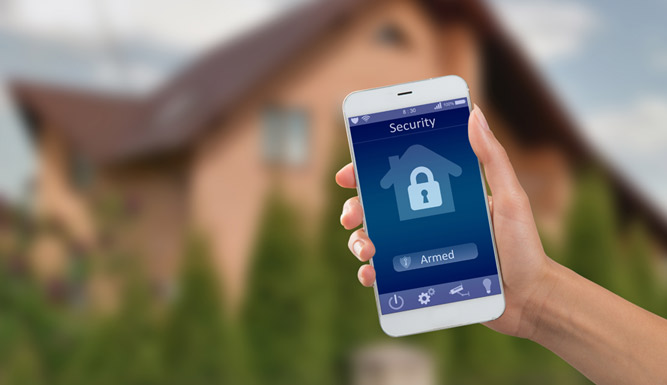
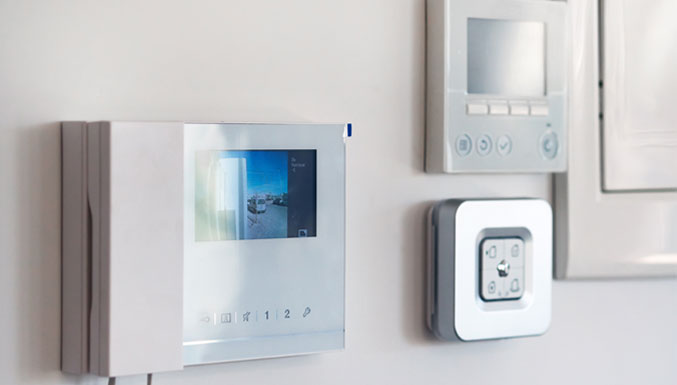
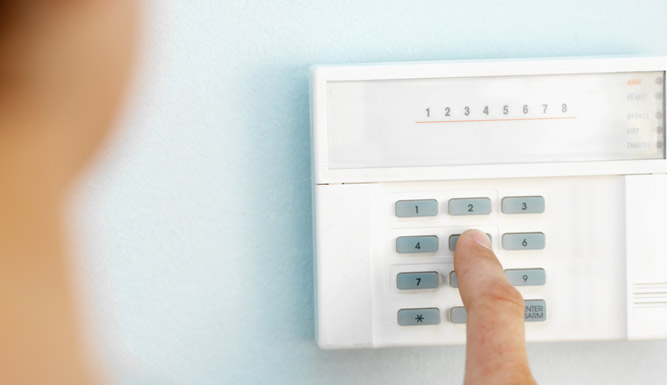
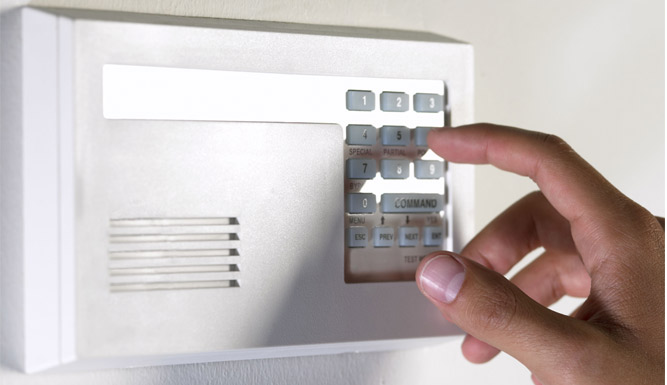
Check that the alarm panel or keypad shows its expected ready or normal status. Note trouble, communication, battery, or zone messages. If the panel reports a fault, follow your provider’s instructions and contact the appropriate service team.
Do not test alarms by triggering them without following the monitoring provider’s test procedure. If a test is needed, coordinate it in advance so it is handled correctly.
A monthly review can leave a long gap between checks. During that time, a camera could lose power, a recording issue could go unnoticed, or an entrance light could fail. A brief weekly routine creates more frequent opportunities to identify and document issues.
The advantage is consistency, not the length of the inspection. Repeating the same quick checks makes changes easier to notice. A weekly log can also help your team track recurring problems and confirm that reported issues receive follow-up.
This routine is a basic operational check, not a substitute for manufacturer-recommended maintenance, professional servicing, or your company’s security and emergency procedures. Keep camera access and footage limited to authorized personnel, and follow your organization’s privacy, retention, and data-handling policies.
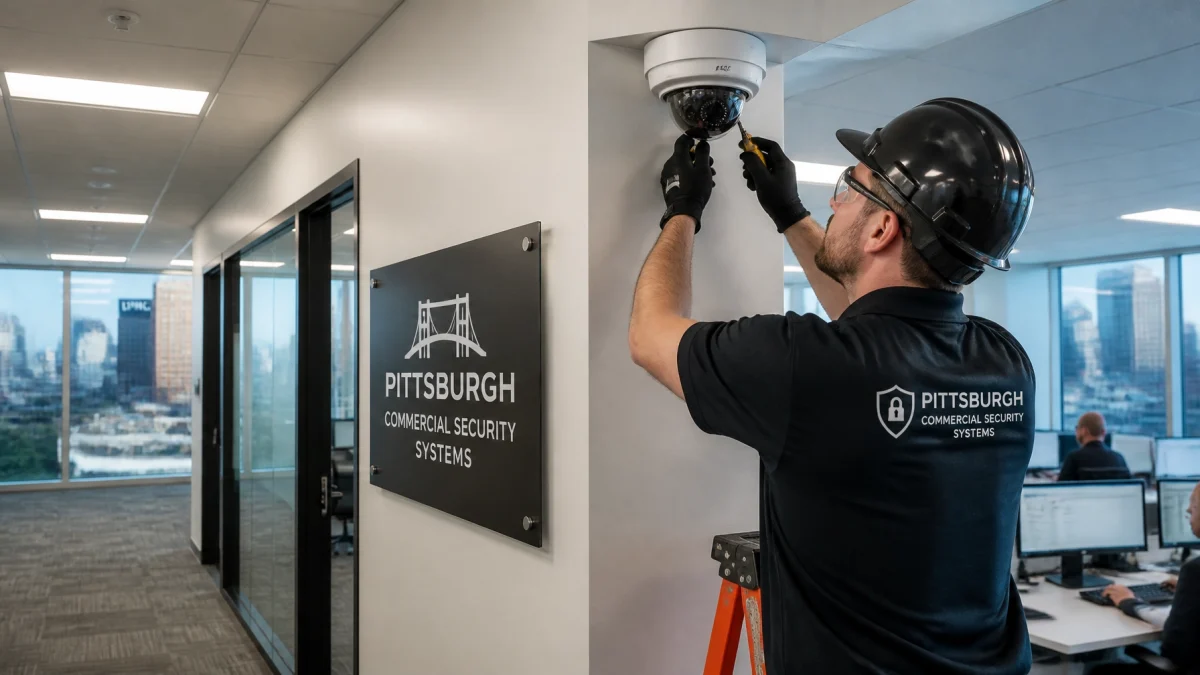
If the checks reveal recurring camera outages, unreliable playback, or gaps in coverage, it may be time to review the system. TN Security provides commercial video surveillance and security solutions for Pittsburgh-area businesses, including smartphone-accessible camera systems and professional installation.
TN Security is a #1 choice for commercial security systems near me in Pittsburgh for businesses seeking tailored technology, professional installation, and local support. The company is locally owned by Team Nutz and brings more than 15 years of experience to security and technology projects. Explore commercial security services, learn about video surveillance systems, or contact TN Security to discuss your site.

TN Security Pittsburgh
Phone: 412-967-0467
Address: 3287 Library Road, Pittsburgh, PA 15234
Email: sales@teamnutztechnology.com
Review key live camera views, confirm recent footage is saved and playable, scan system alerts, walk the entrances, check lighting, and verify the alarm panel’s status. Document problems and arrange follow-up.
TN Security Pittsburgh installs commercial video surveillance systems and security technology for businesses in the Greater Pittsburgh area. Call 412-967-0467 or visit the video surveillance service page.
Businesses in the Pittsburgh area can contact TN Security to discuss commercial security systems, surveillance, and installation. Reach the team at 3287 Library Road, Pittsburgh, PA 15234, 412-967-0467, or sales@teamnutztechnology.com.