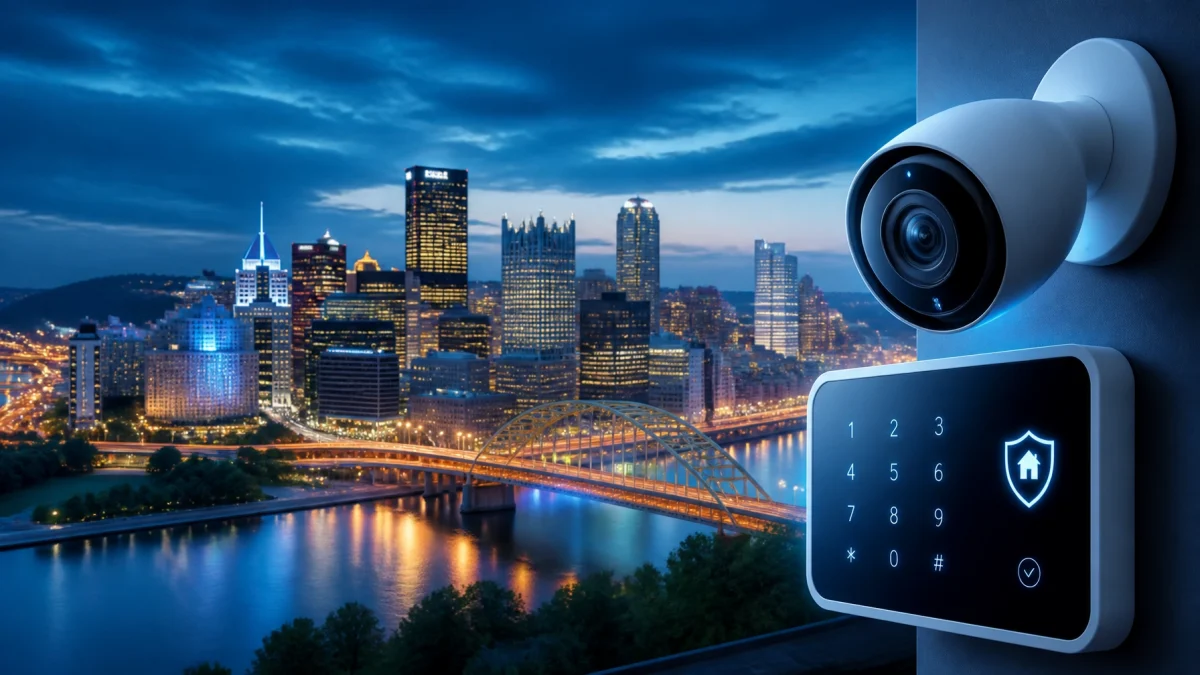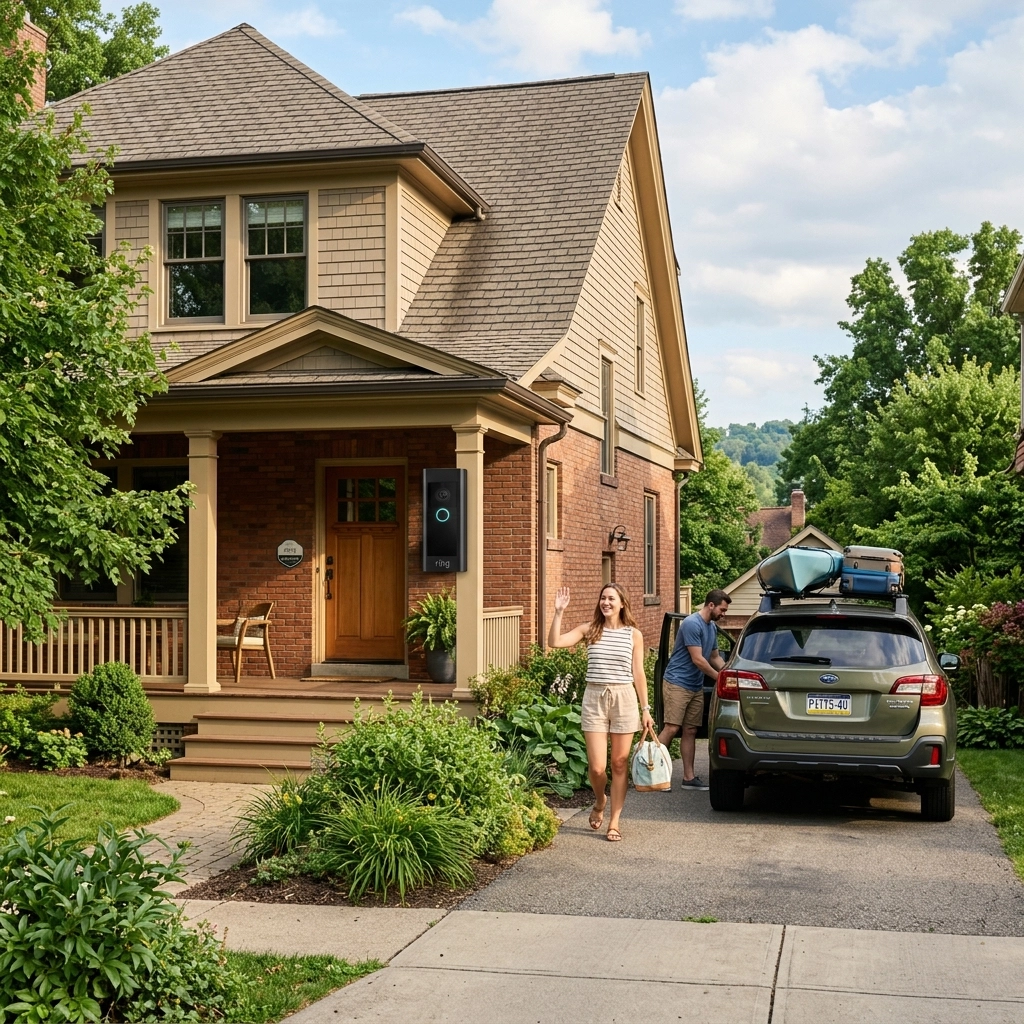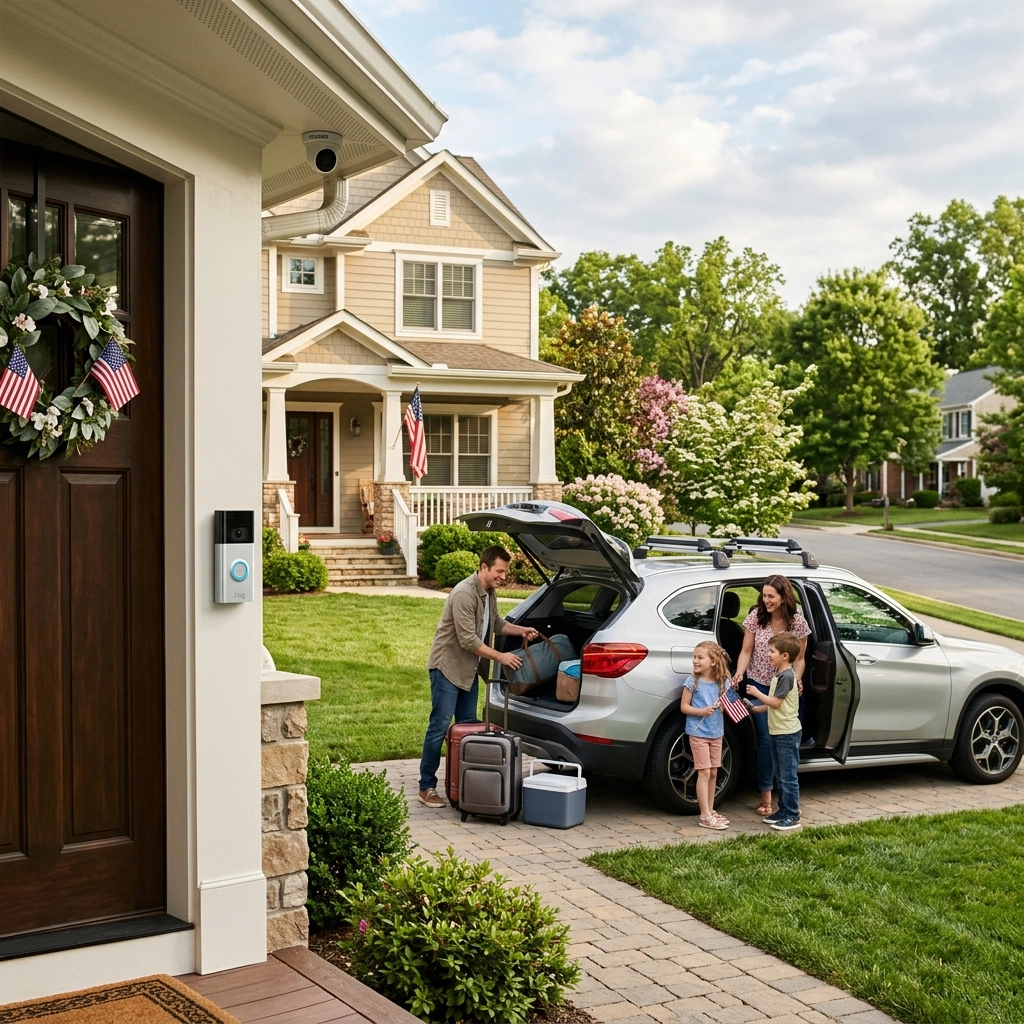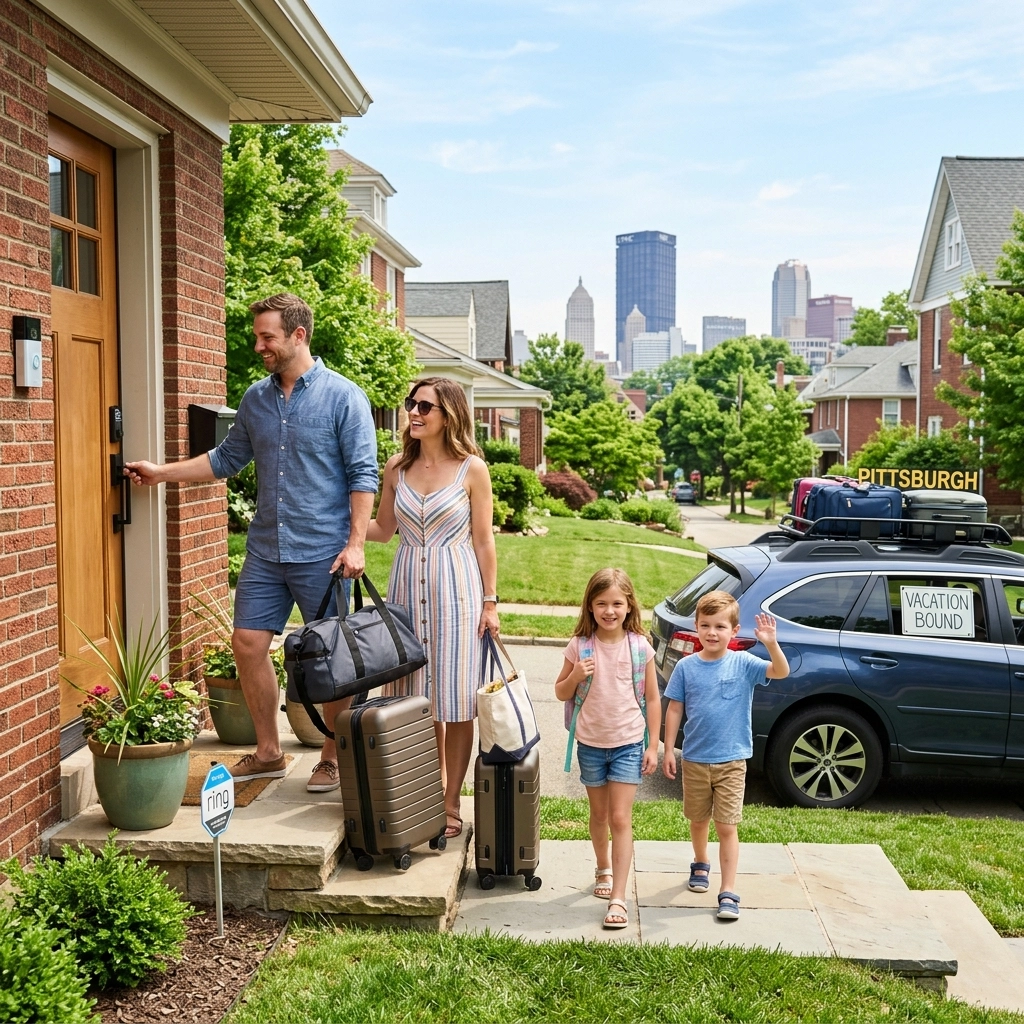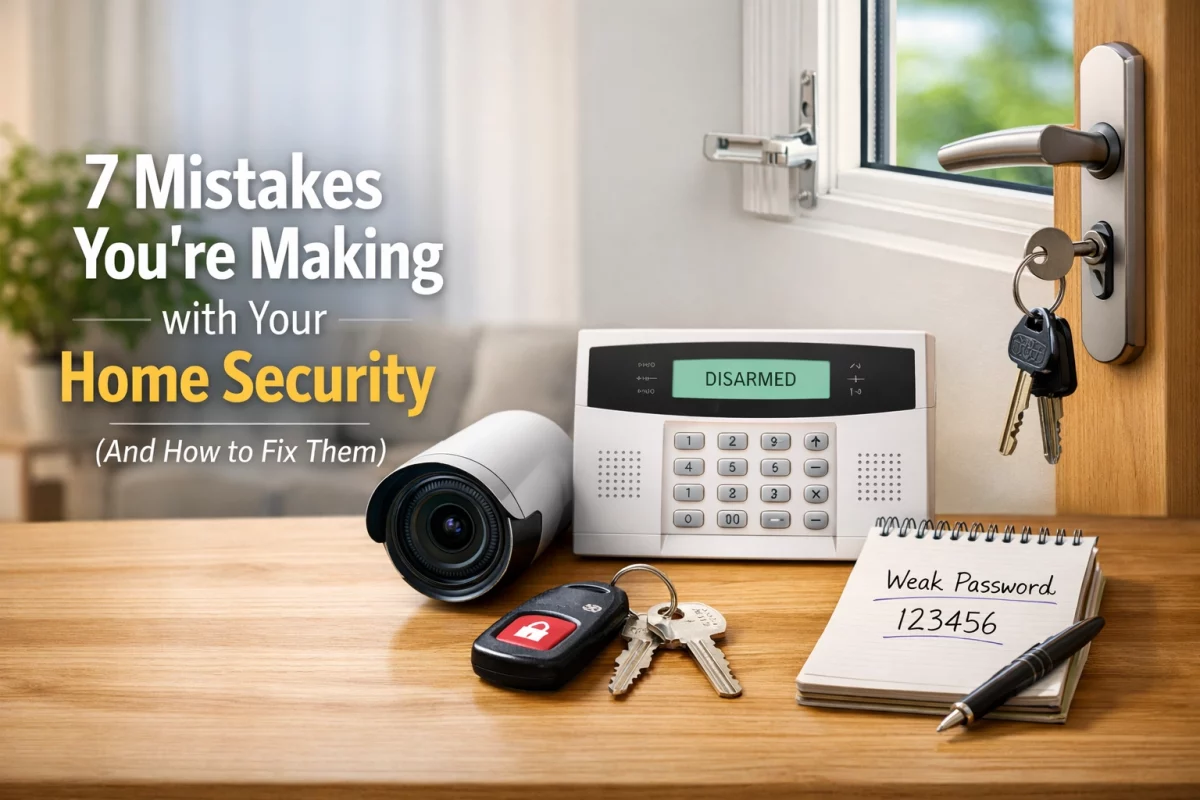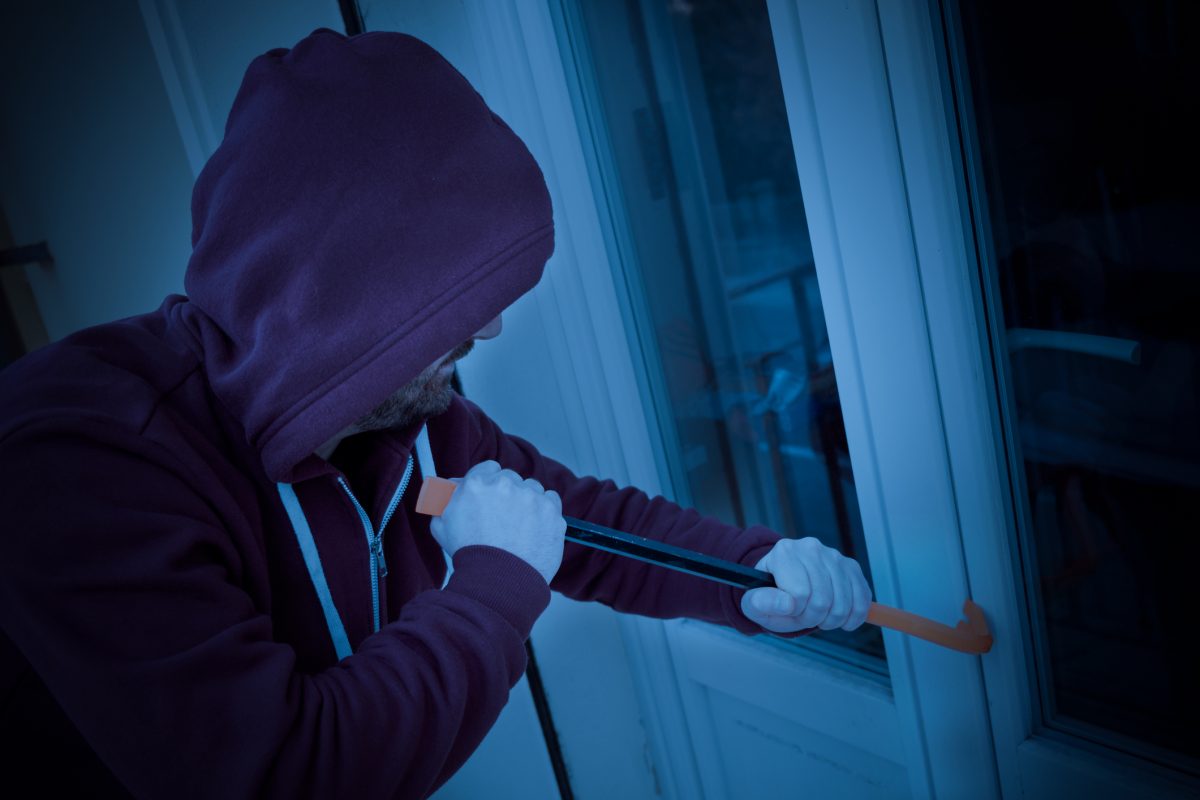

Before leaving for a holiday trip, secure every entry point, set up temporary access for trusted visitors, and test your alarm, cameras, and smartphone alerts. Schedule lights, pause or redirect deliveries, coordinate with a neighbor, and account for pets when arming the system. A final check of locks, live camera views, notifications, and monitoring contacts can help reduce avoidable surprises while you are away.
A layered plan combines physical precautions, reliable technology, and help from someone nearby. Use this checklist several days before departure, not only on the way out the door.

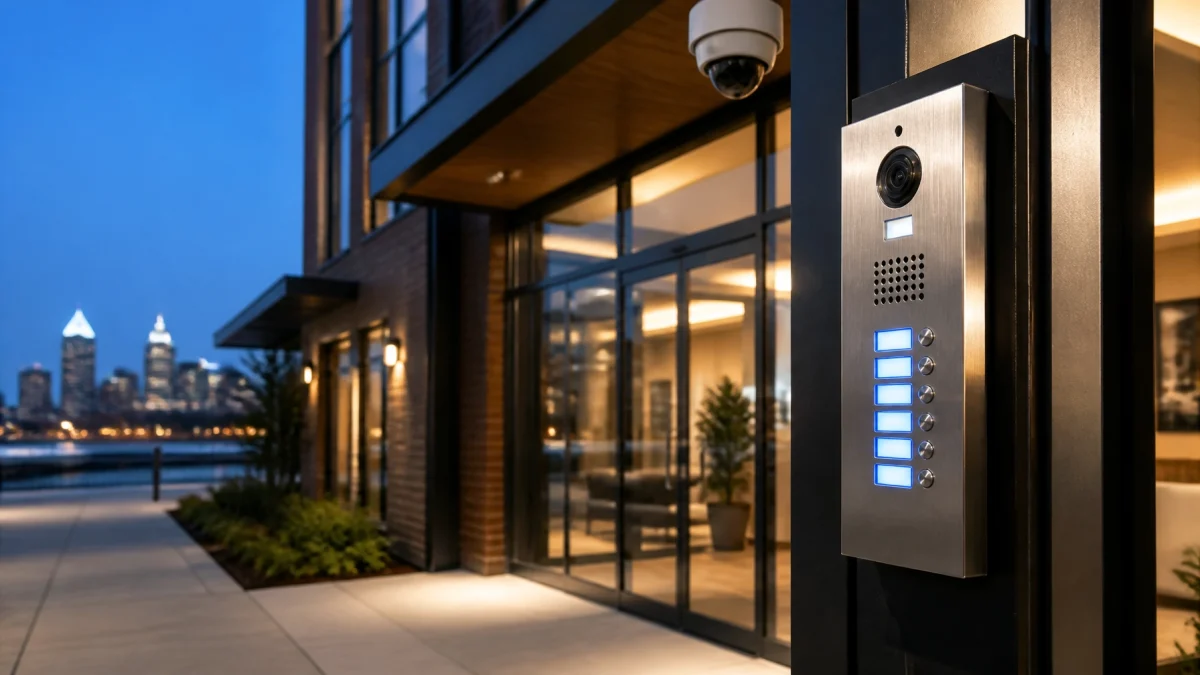
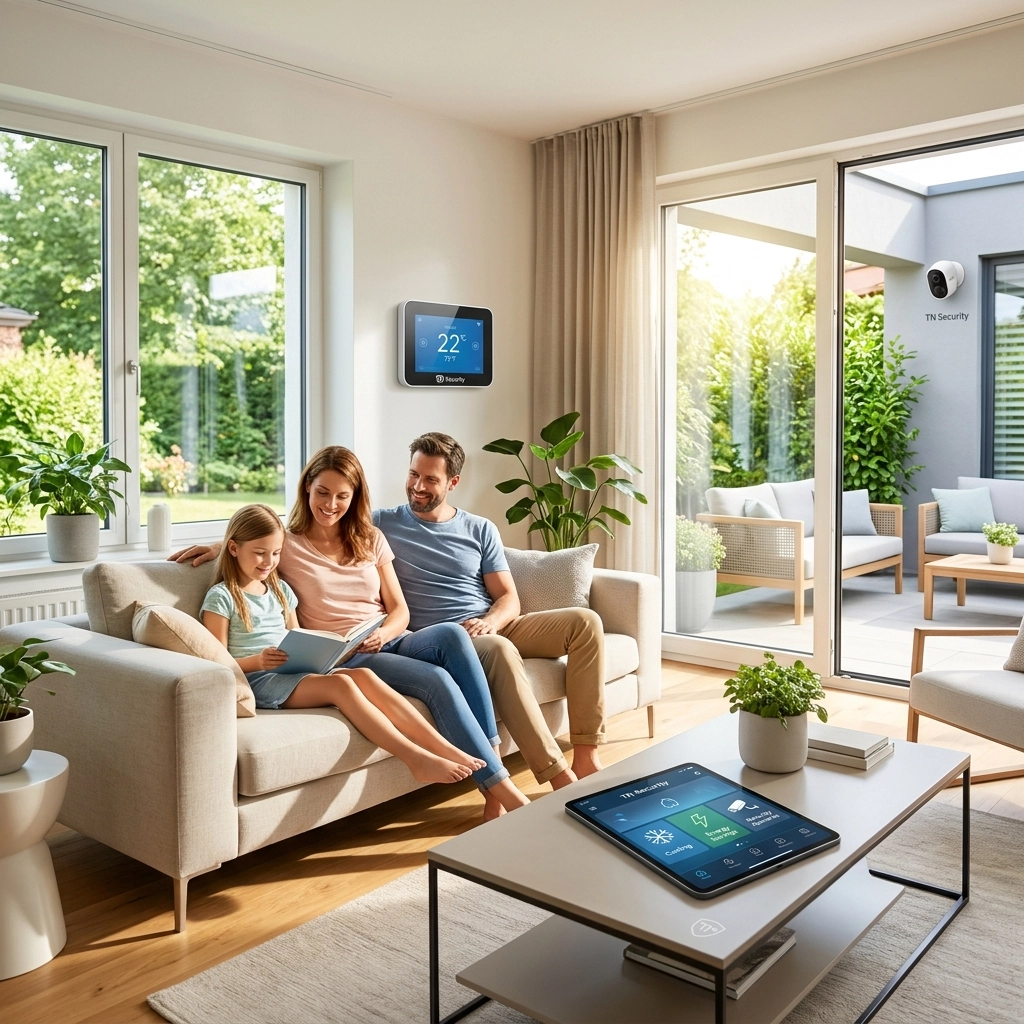
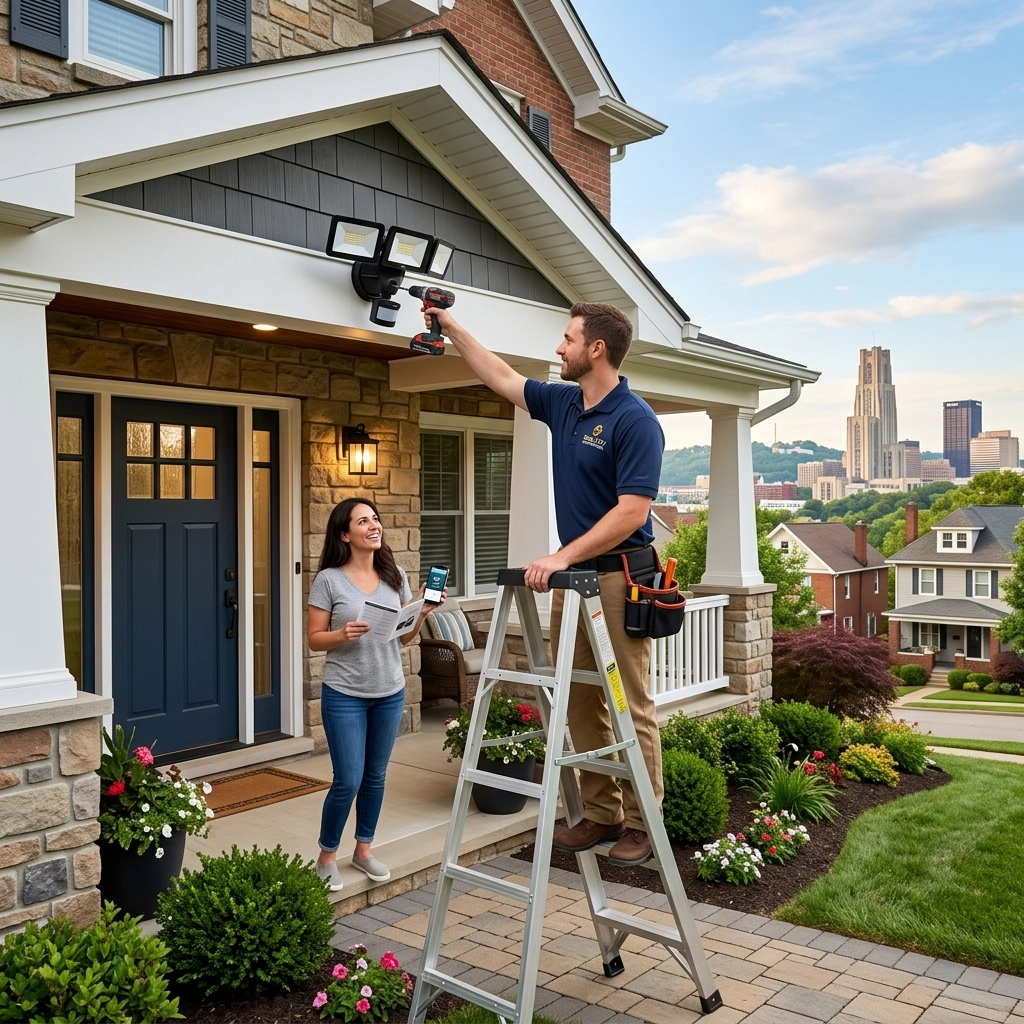
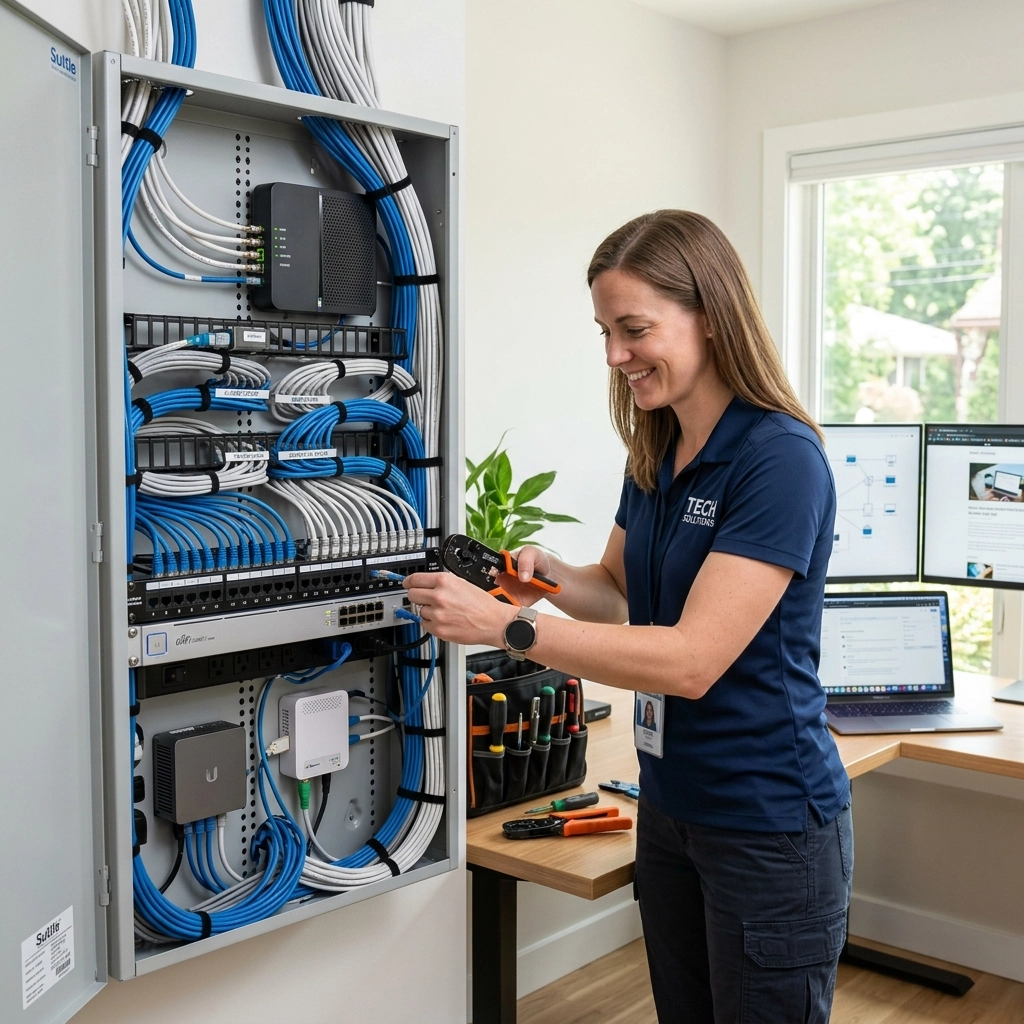
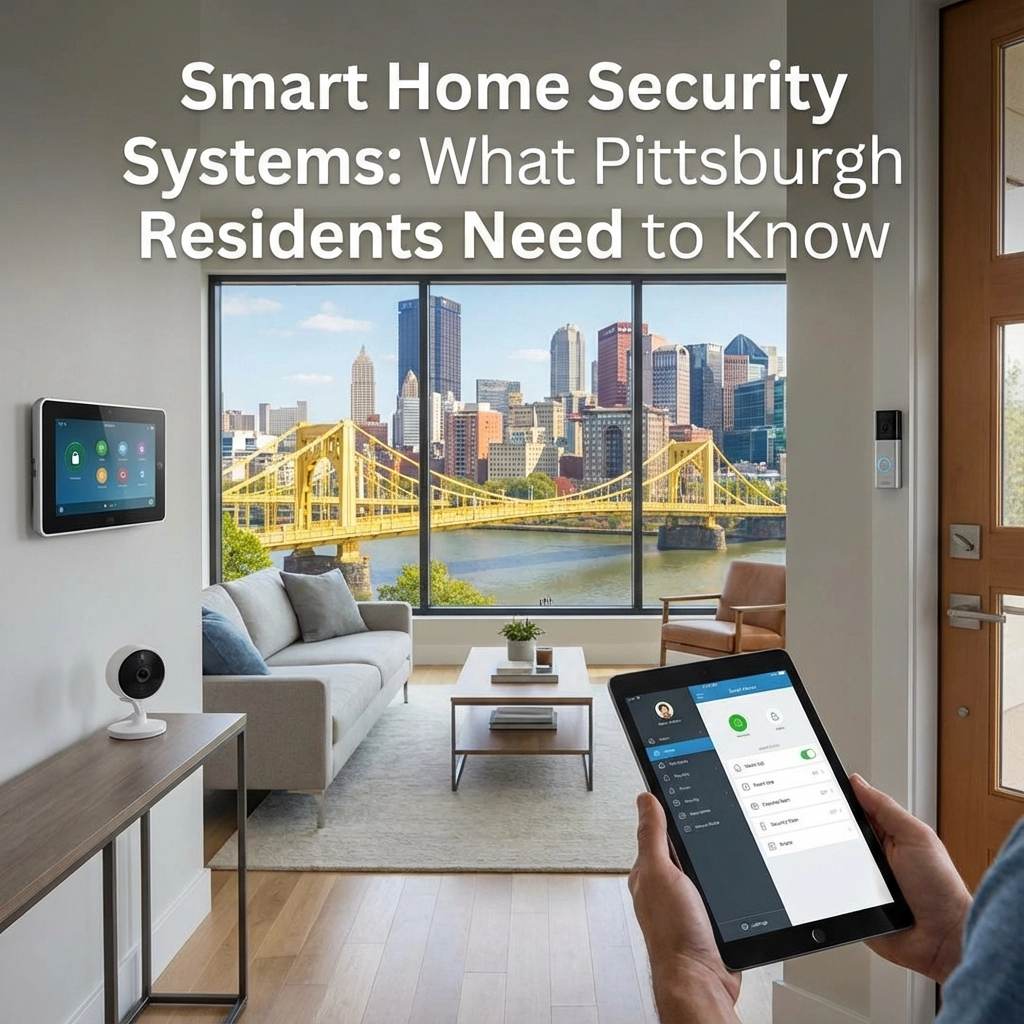
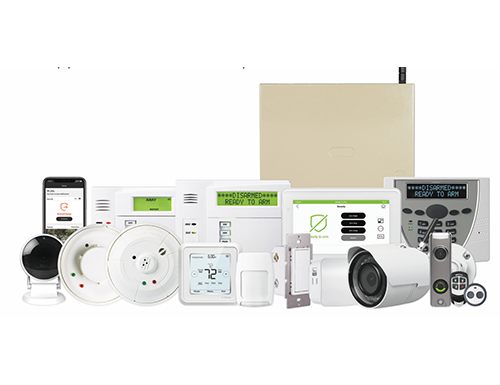
TN Security installs residential security and automation solutions that can integrate smart locks, lighting, and other devices. Explore residential Z-Wave smart home options or wireless security systems.
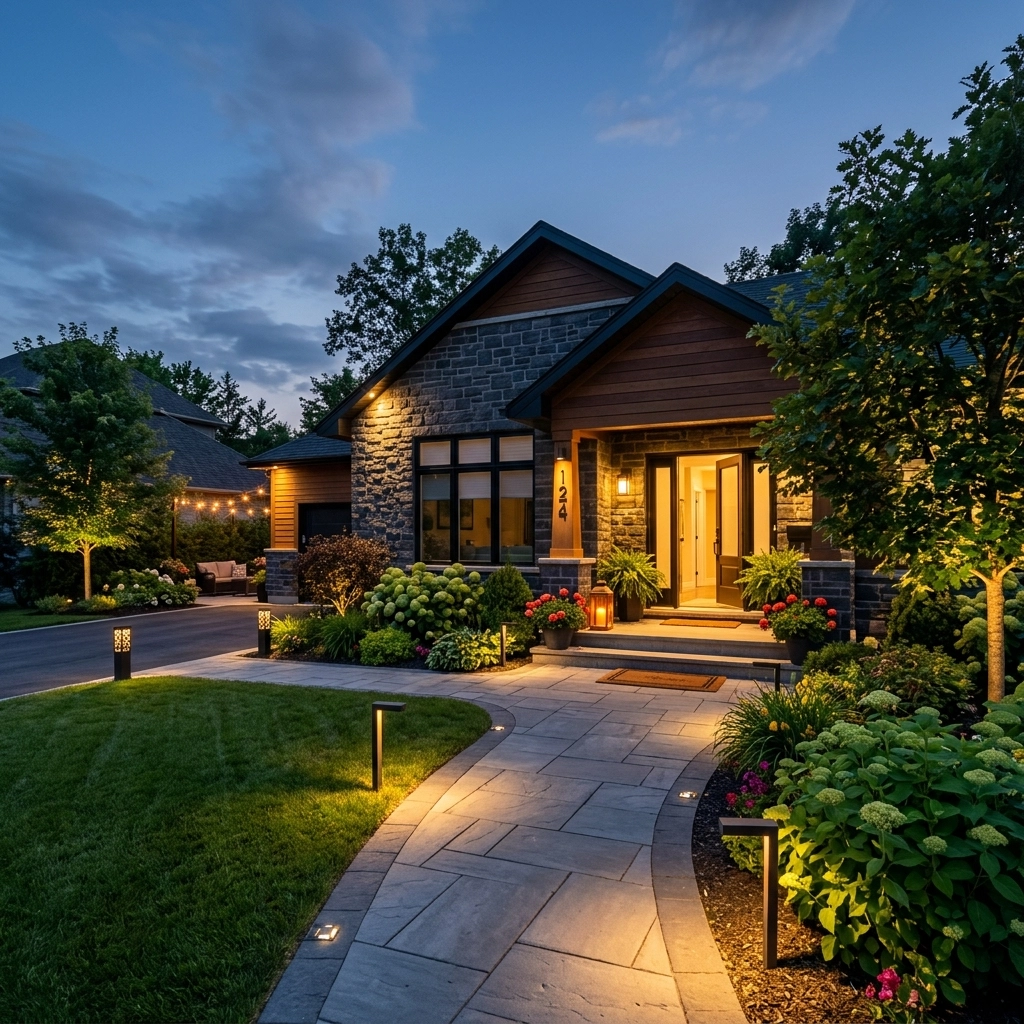
Use schedules to turn selected interior lights on and off at different times. Avoid leaving every light on continuously, which can look unusual. If outdoor lighting is part of the plan, check that fixtures work and that pathways are clear.
Run each schedule before departure. Confirm that the hub, Wi-Fi, and connected devices are online. Keep blinds and curtains in their usual positions rather than making the home appear obviously vacant.
For winter trips, set the thermostat to a safe temperature for the property and season. Consider water-leak or low-temperature alerts if compatible devices are available. Ask a neighbor to check the property periodically, particularly after severe weather.
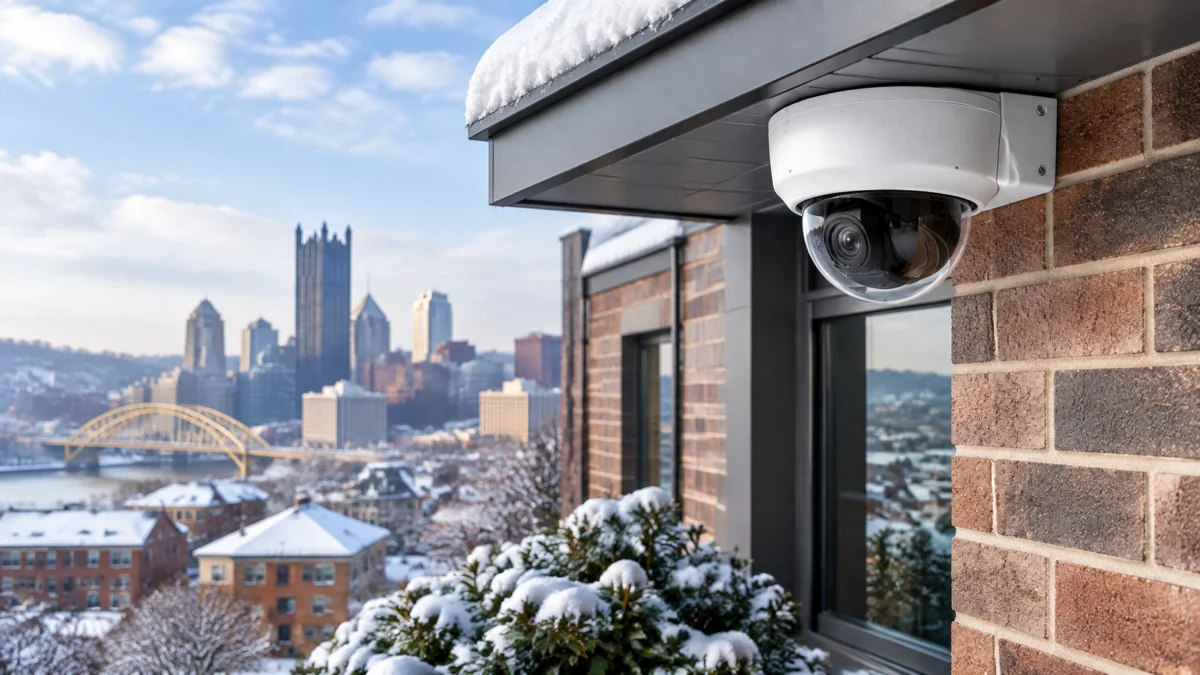
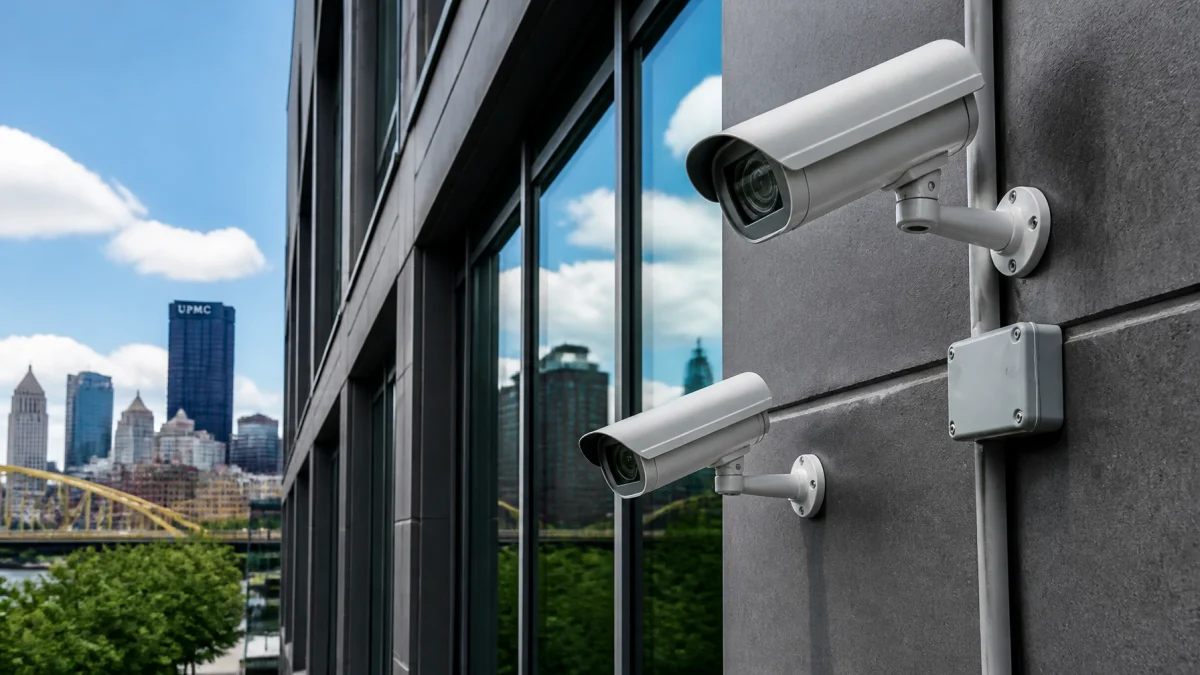
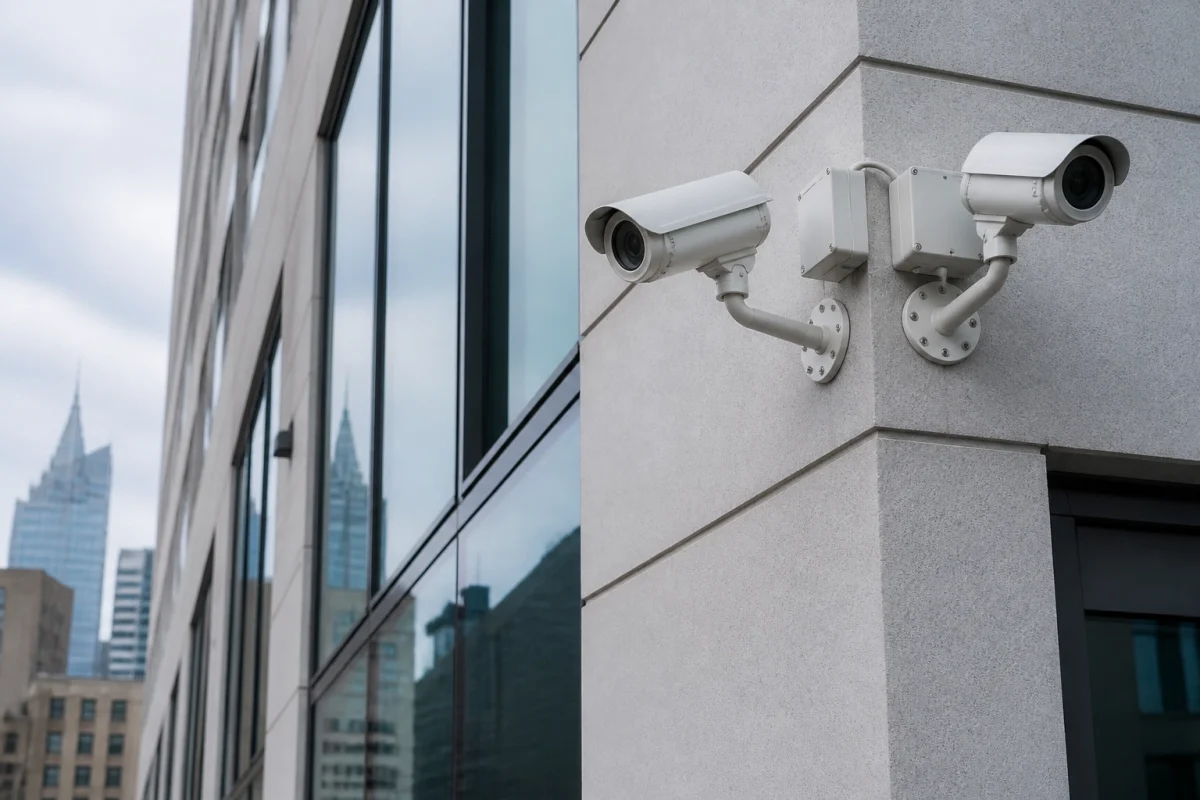
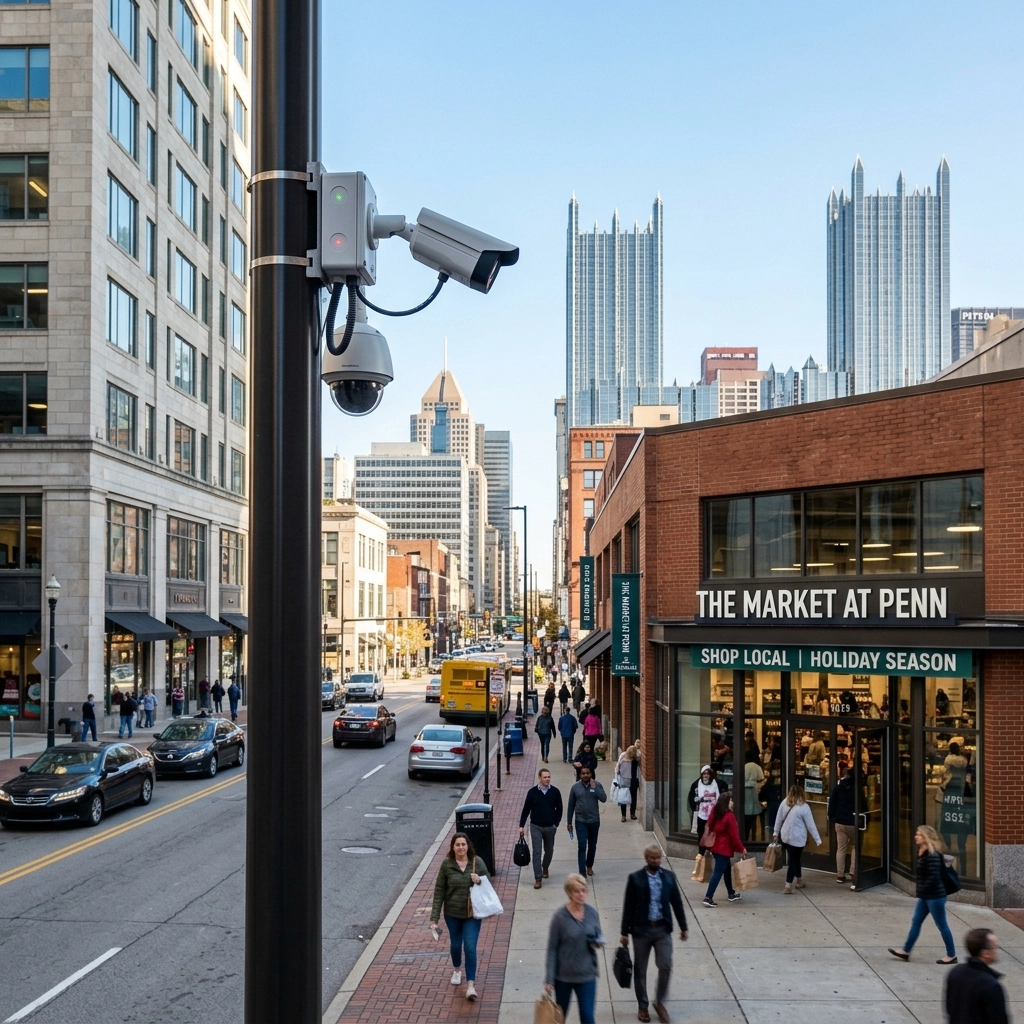
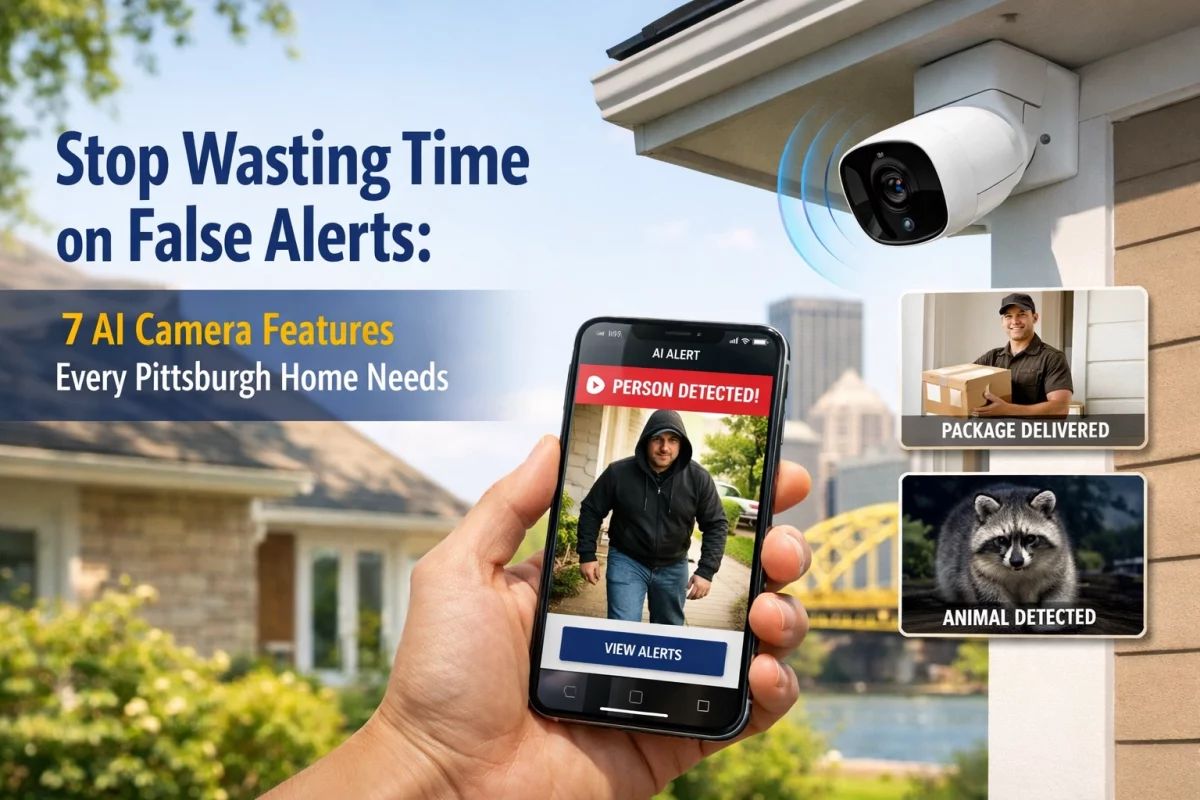
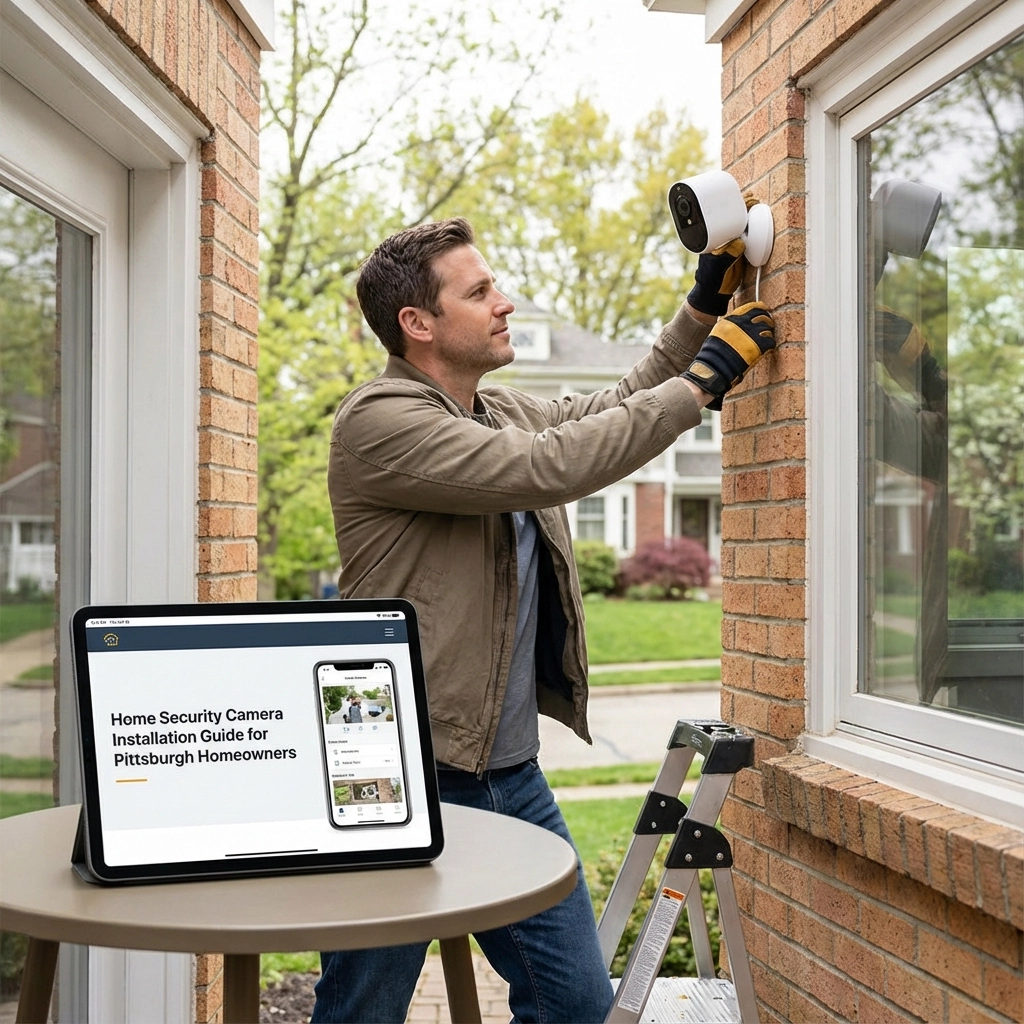
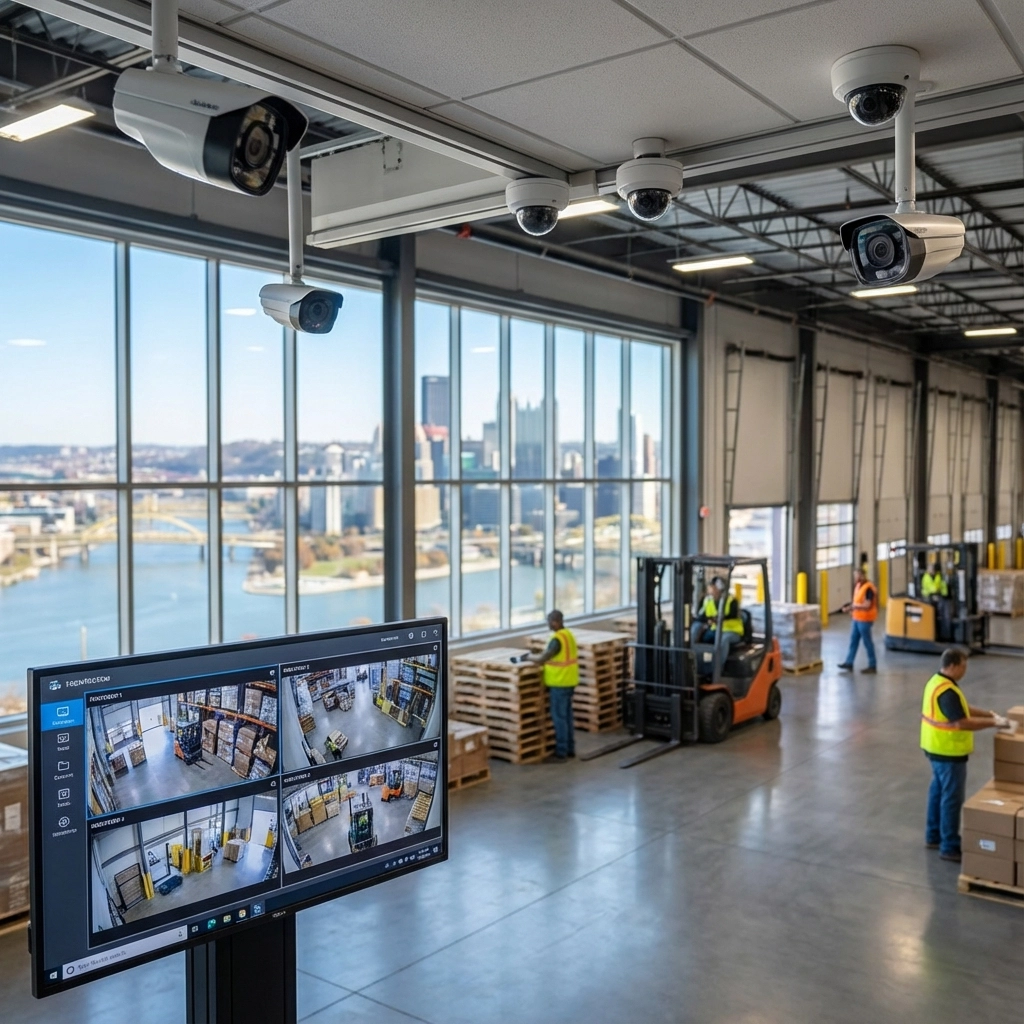
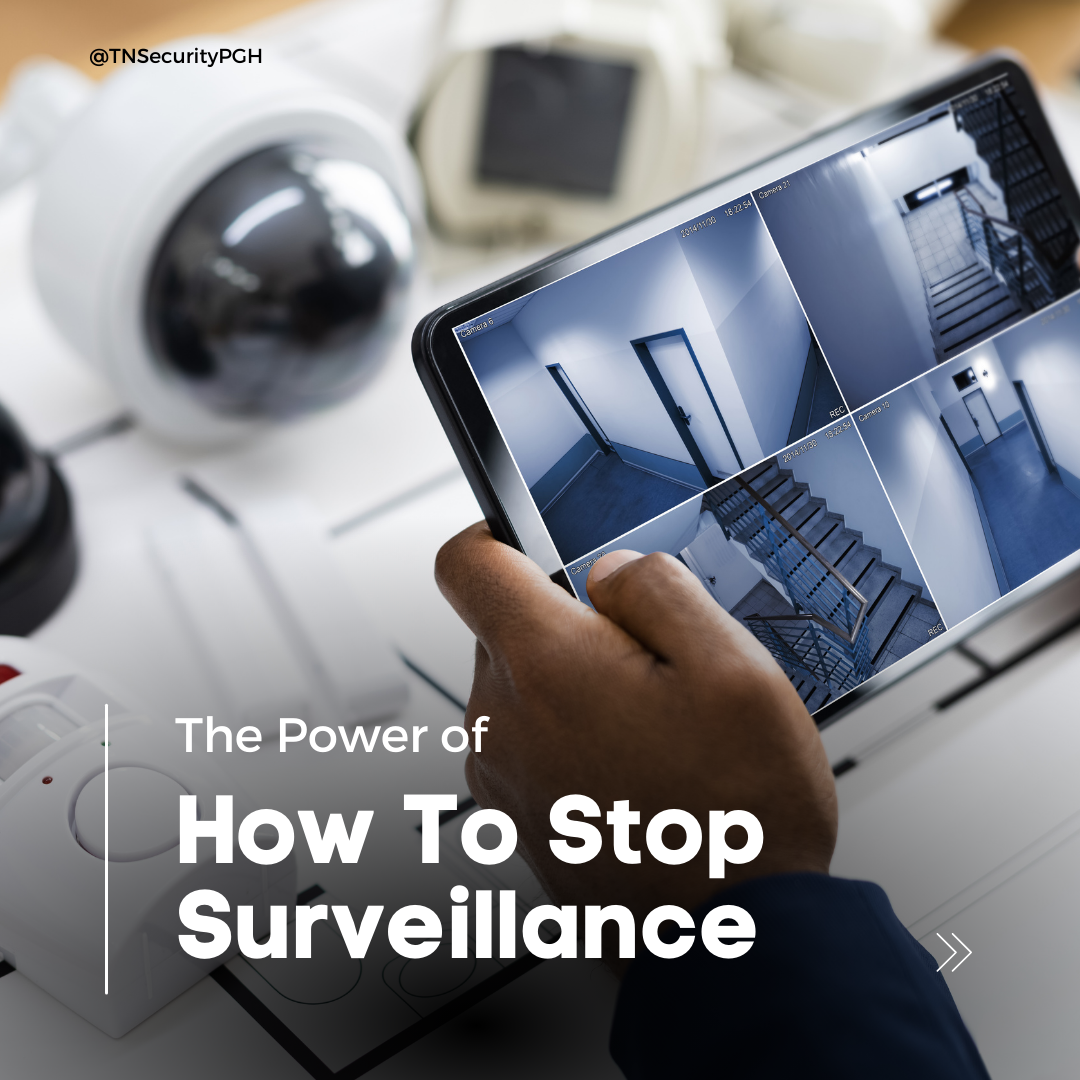
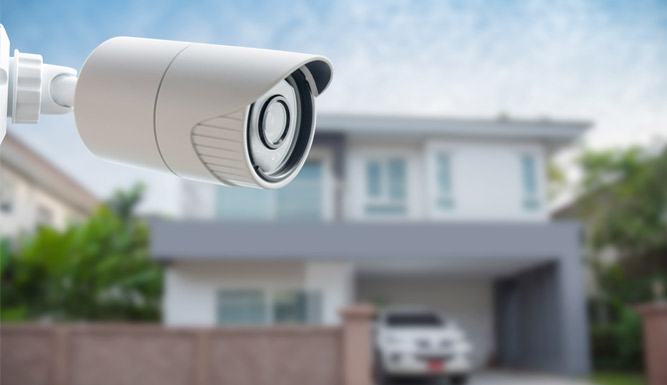
A flood of unnecessary notifications can make it easier to miss an important one. Before travel, review camera placement, motion zones, and alert settings.

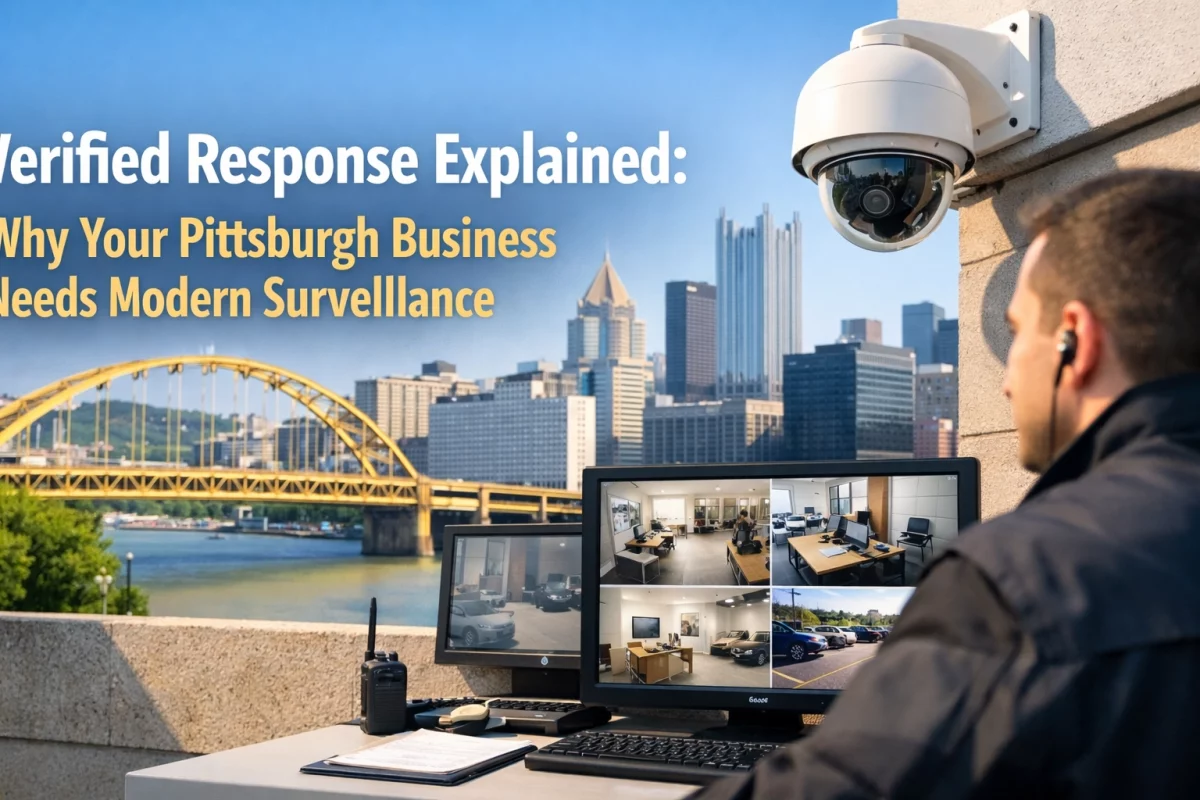
A camera provides information; it does not replace a response plan. Decide who will check on the property if an alert arrives. If footage suggests an immediate threat, do not enter the home. Contact emergency services from a safe location.
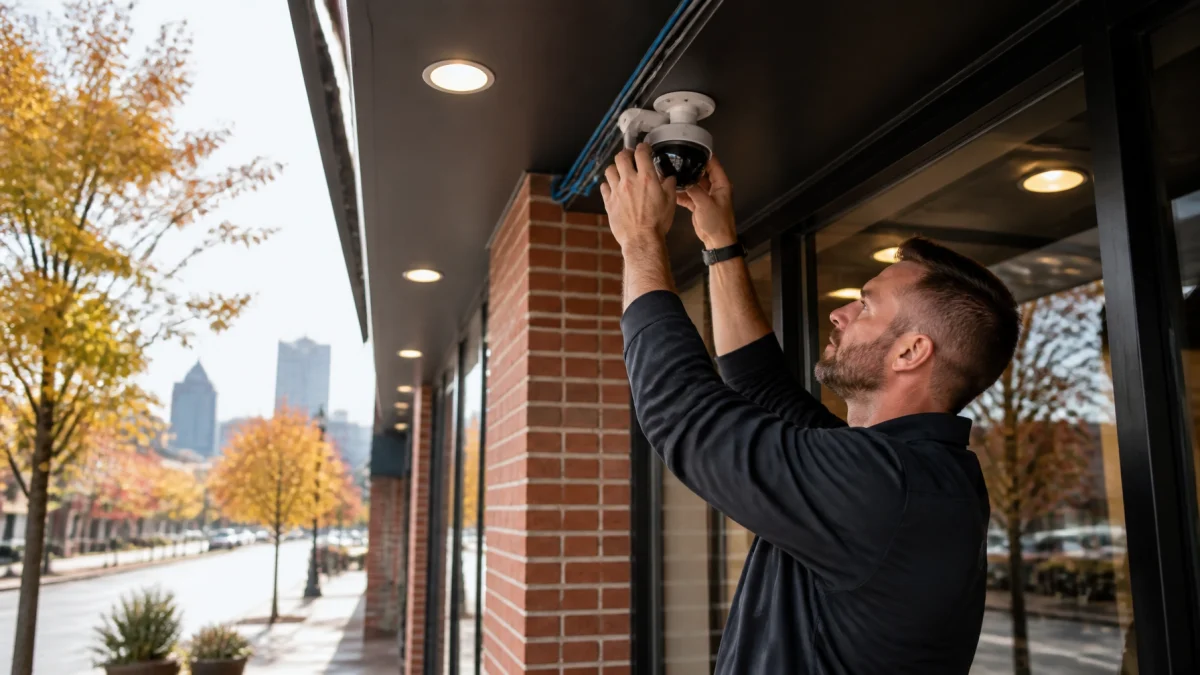
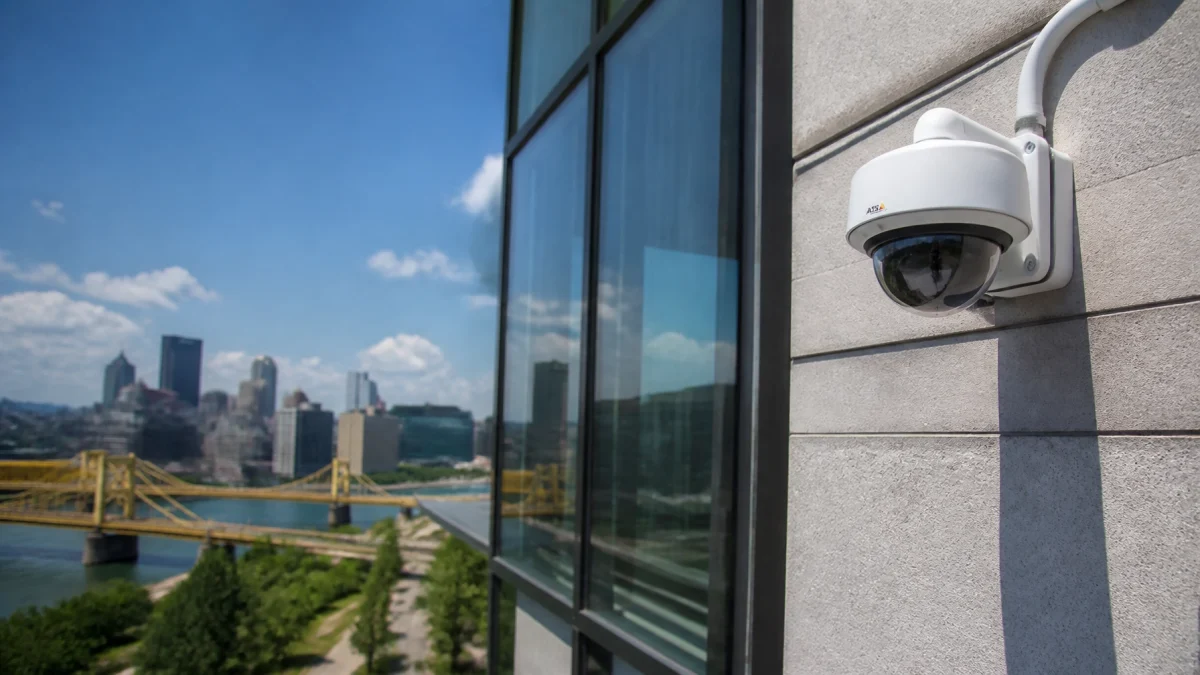
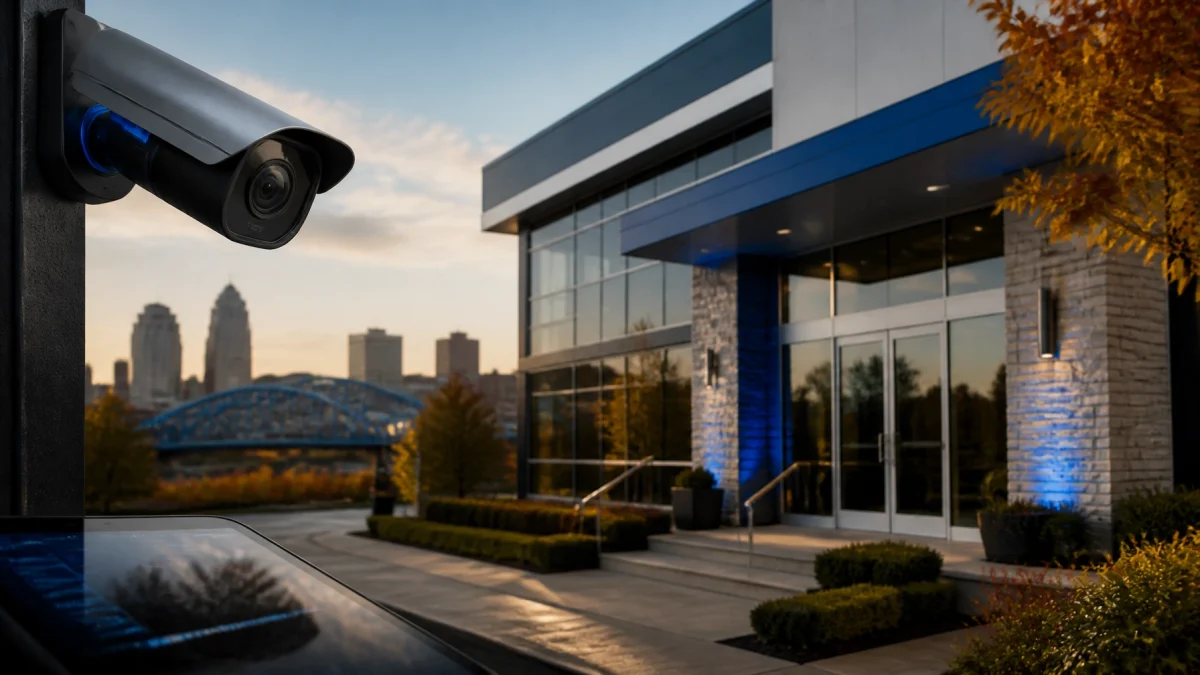
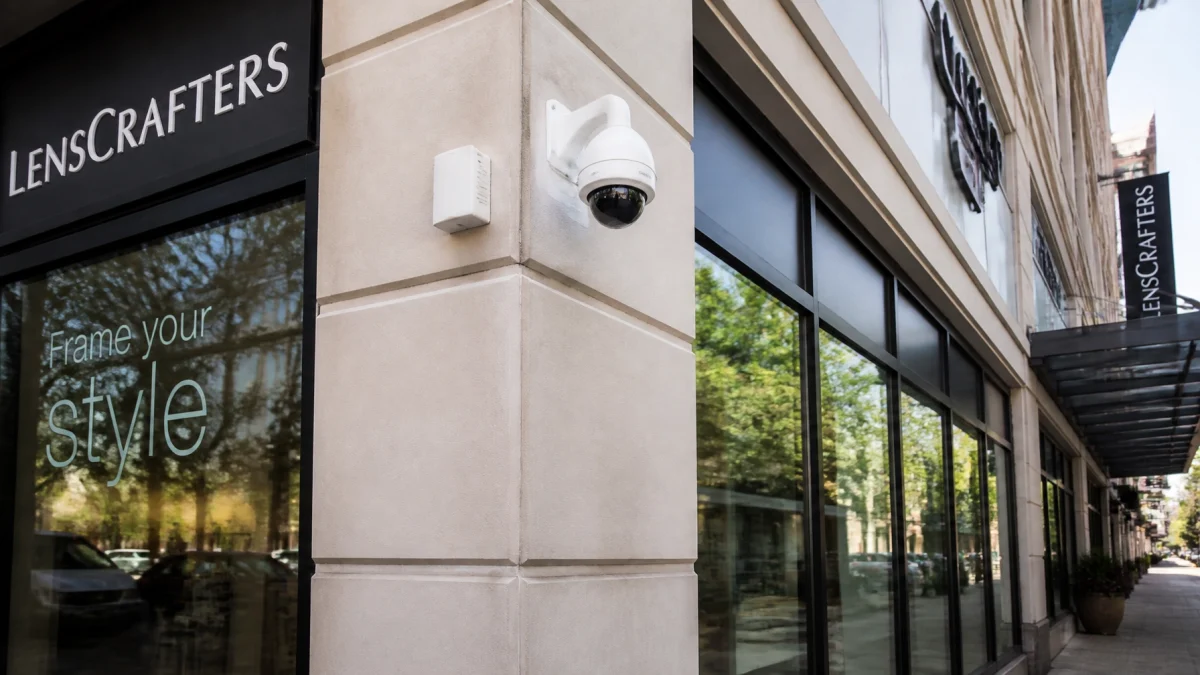
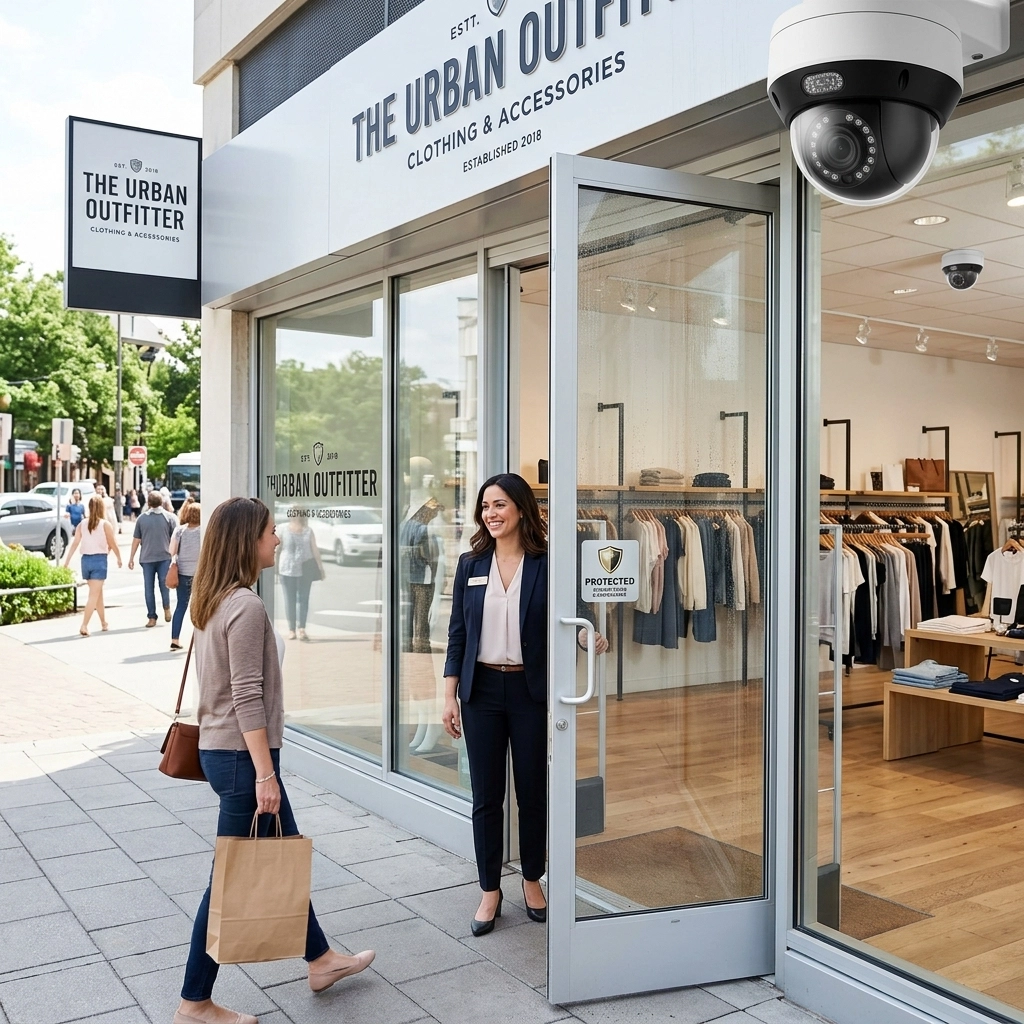
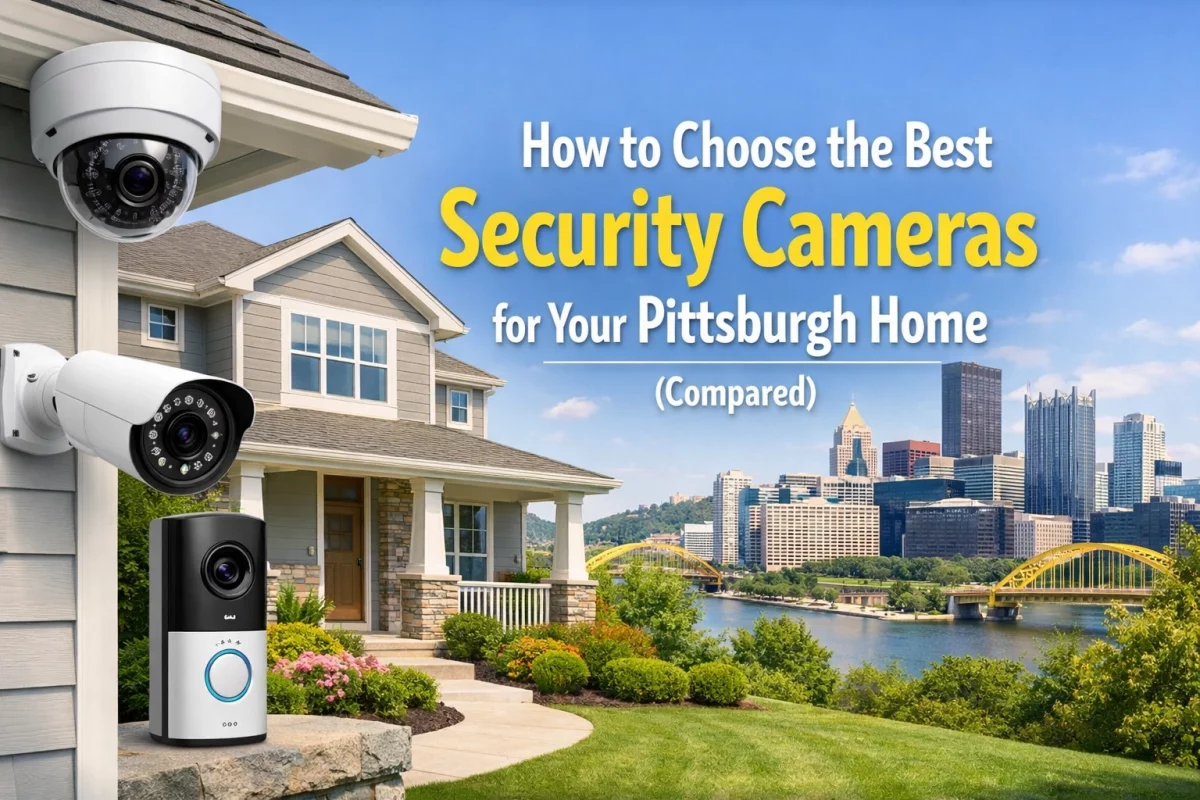
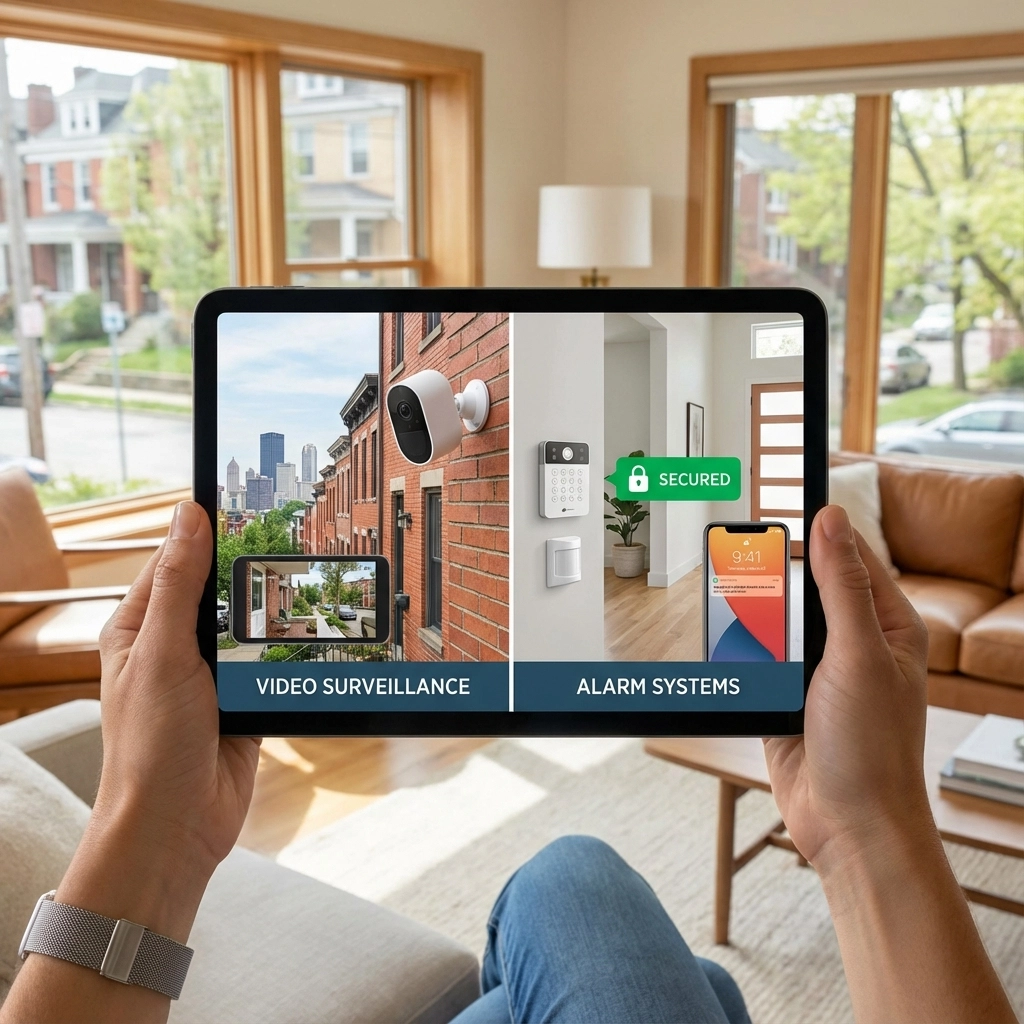
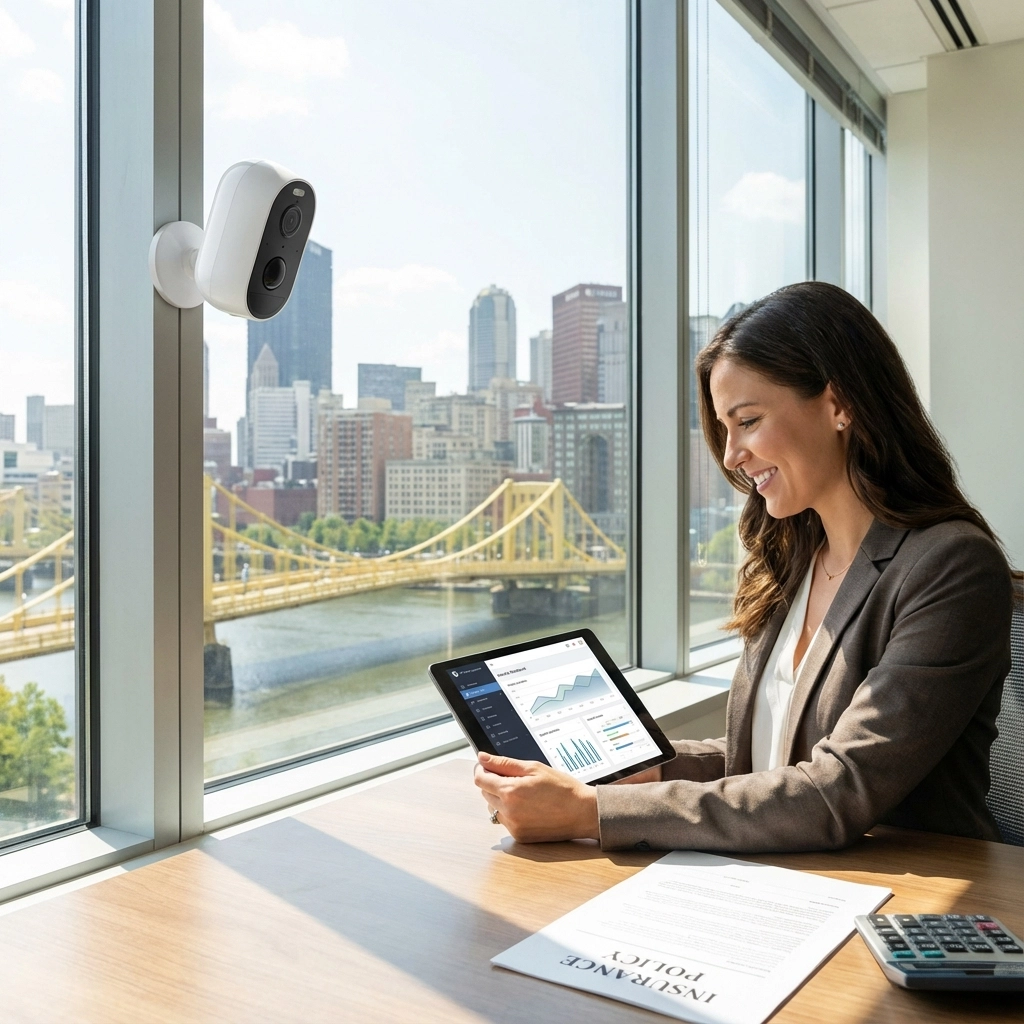
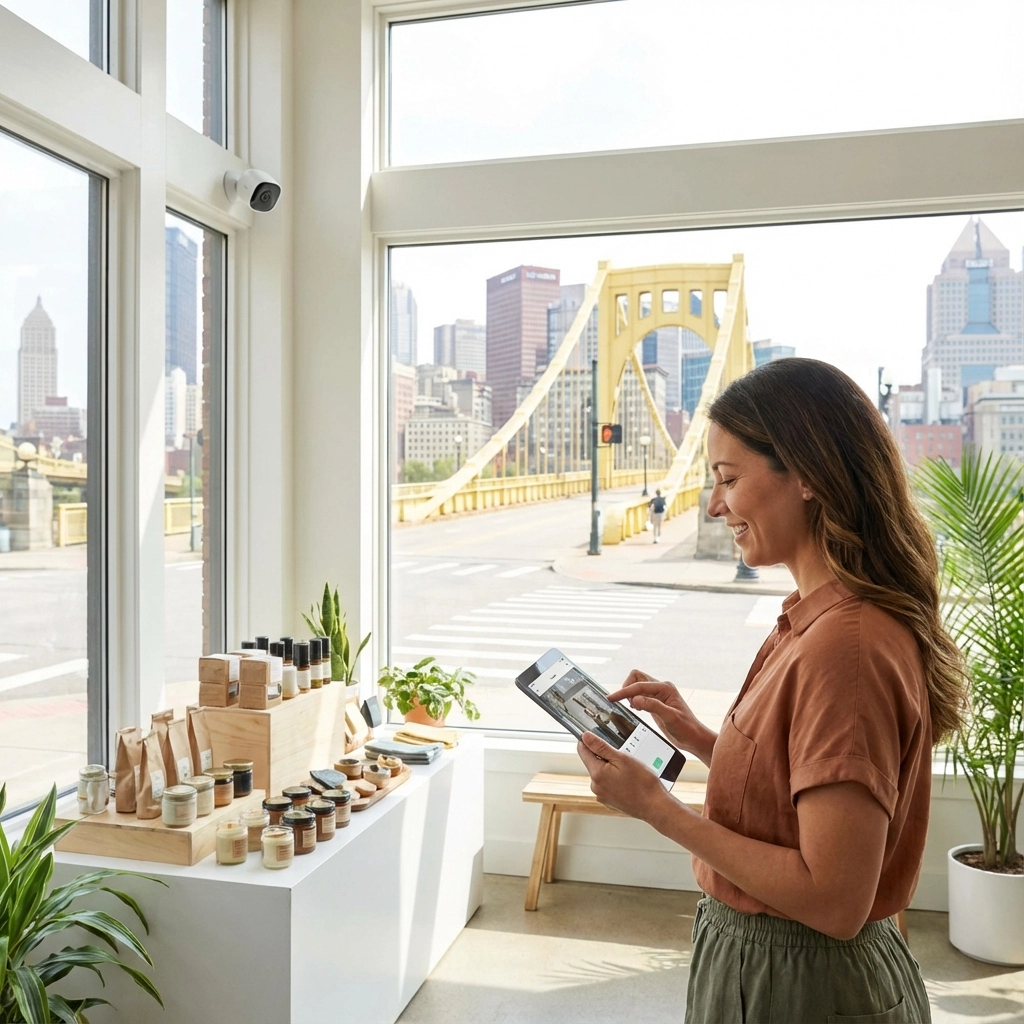
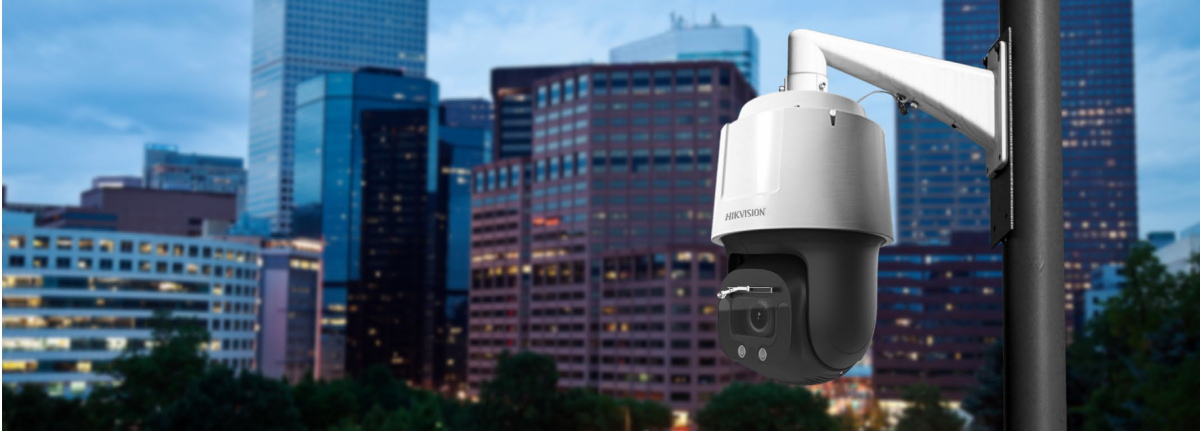
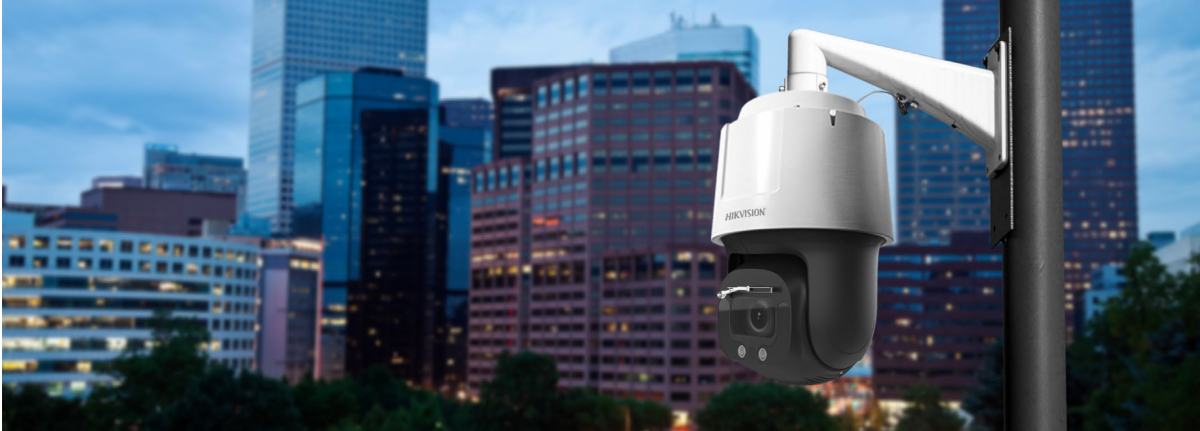
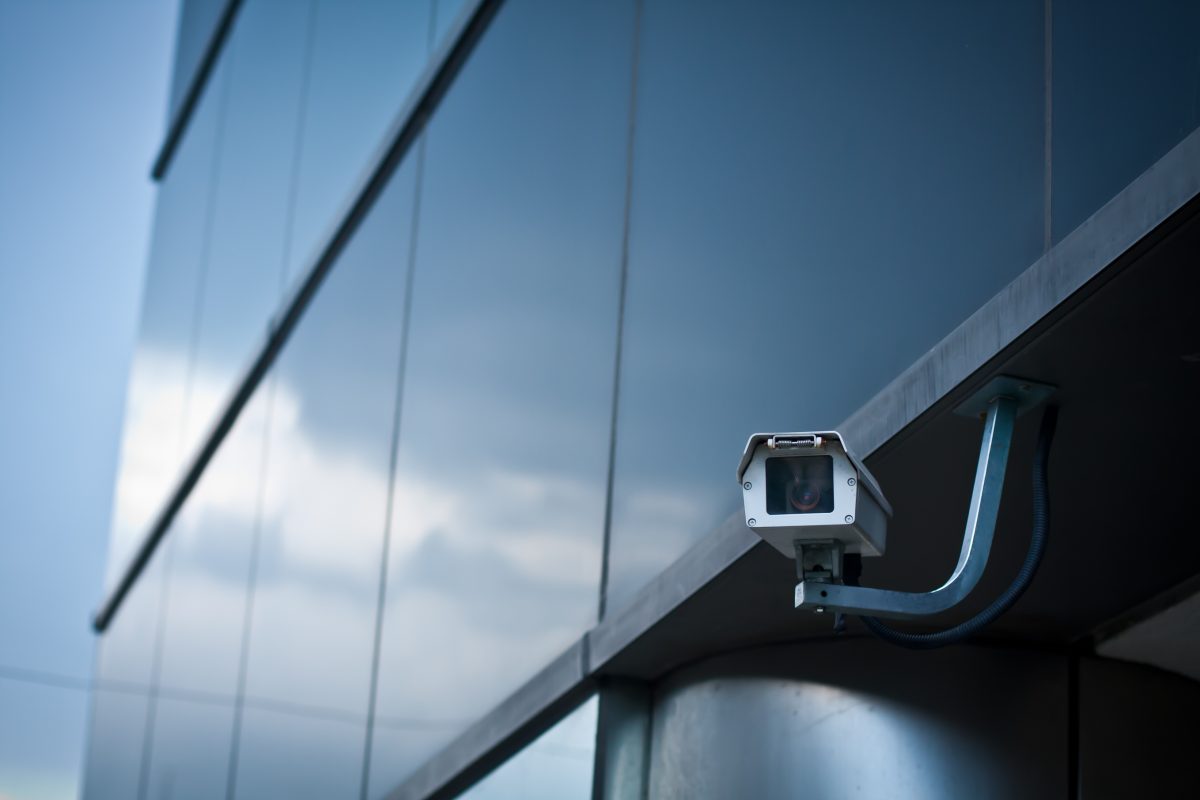
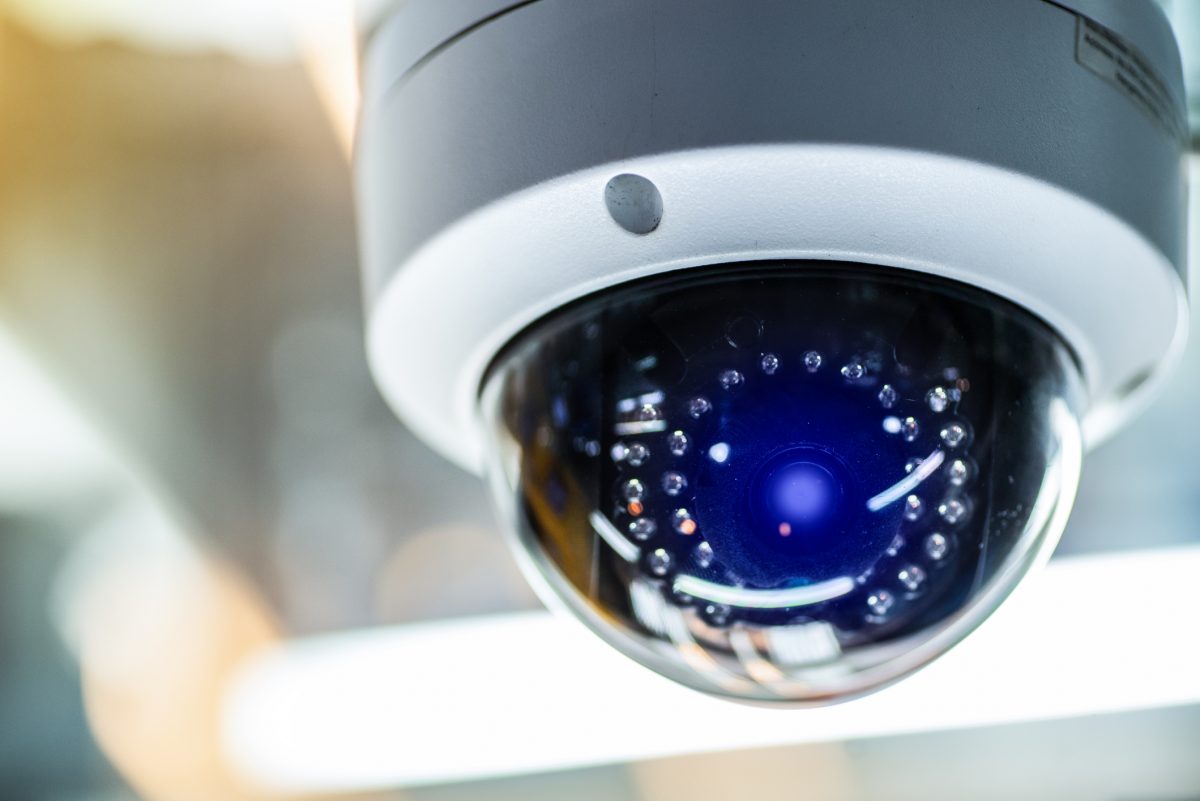
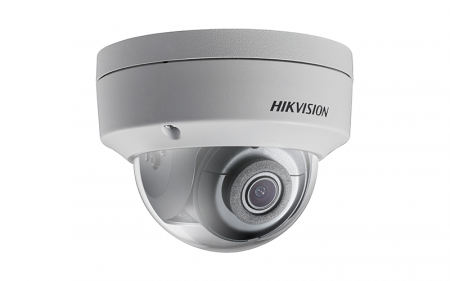
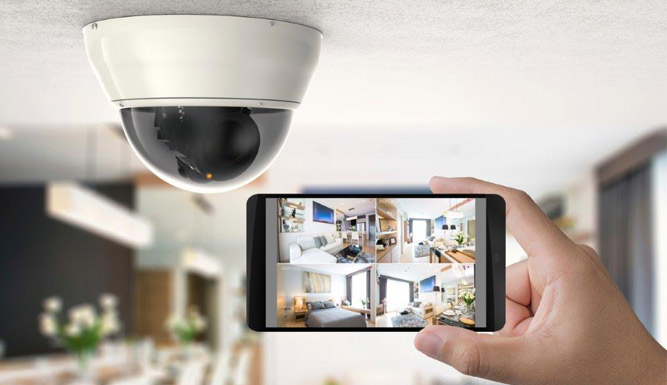
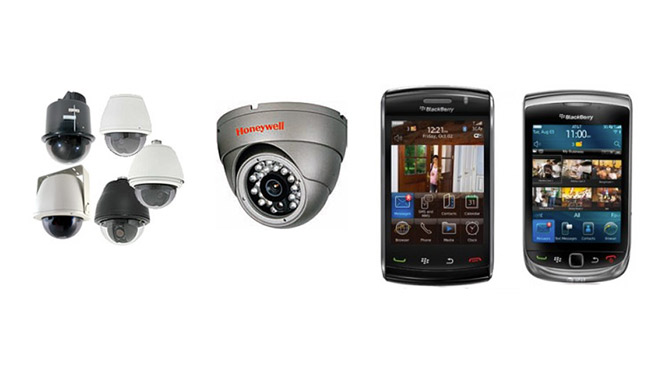
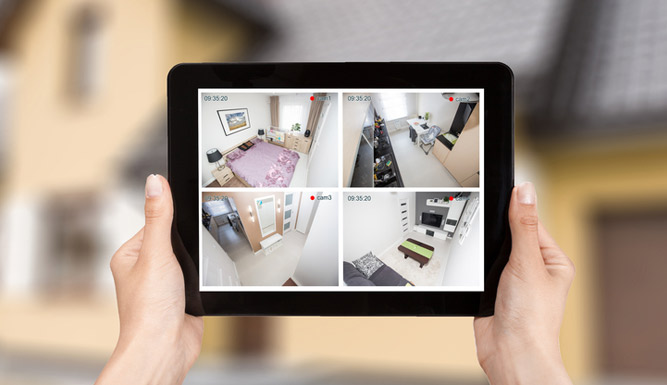
TN Security provides residential video surveillance with smartphone access. Features depend on the selected equipment and configuration.
A pile of mail, newspapers, or parcels can signal that nobody is home. Place a mail hold or ask a trusted neighbor to collect deliveries. Pause subscriptions where possible, and redirect online orders to a staffed pickup point or another secure address.
If a package is expected during the trip, coordinate who will retrieve it and when. Avoid relying on a camera alert alone if no one is available to bring the delivery inside.

The Shaler Township vacation checklist also recommends practical steps such as arranging for a neighbor to check the home. Check with your municipality directly to see whether a vacation-check service is available; local programs and eligibility can vary.
If pets will remain at home, do not assume that the usual alarm setting will work without adjustment. Review which sensors are active in each mode and whether movement from pets could trigger an alarm.
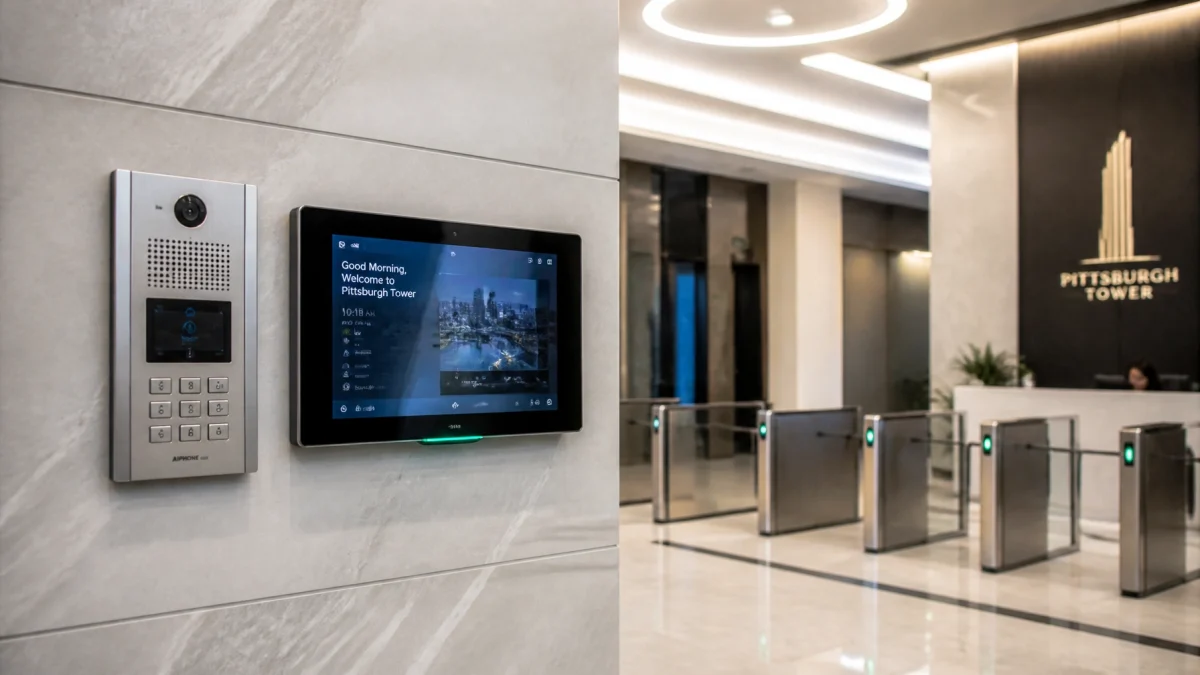
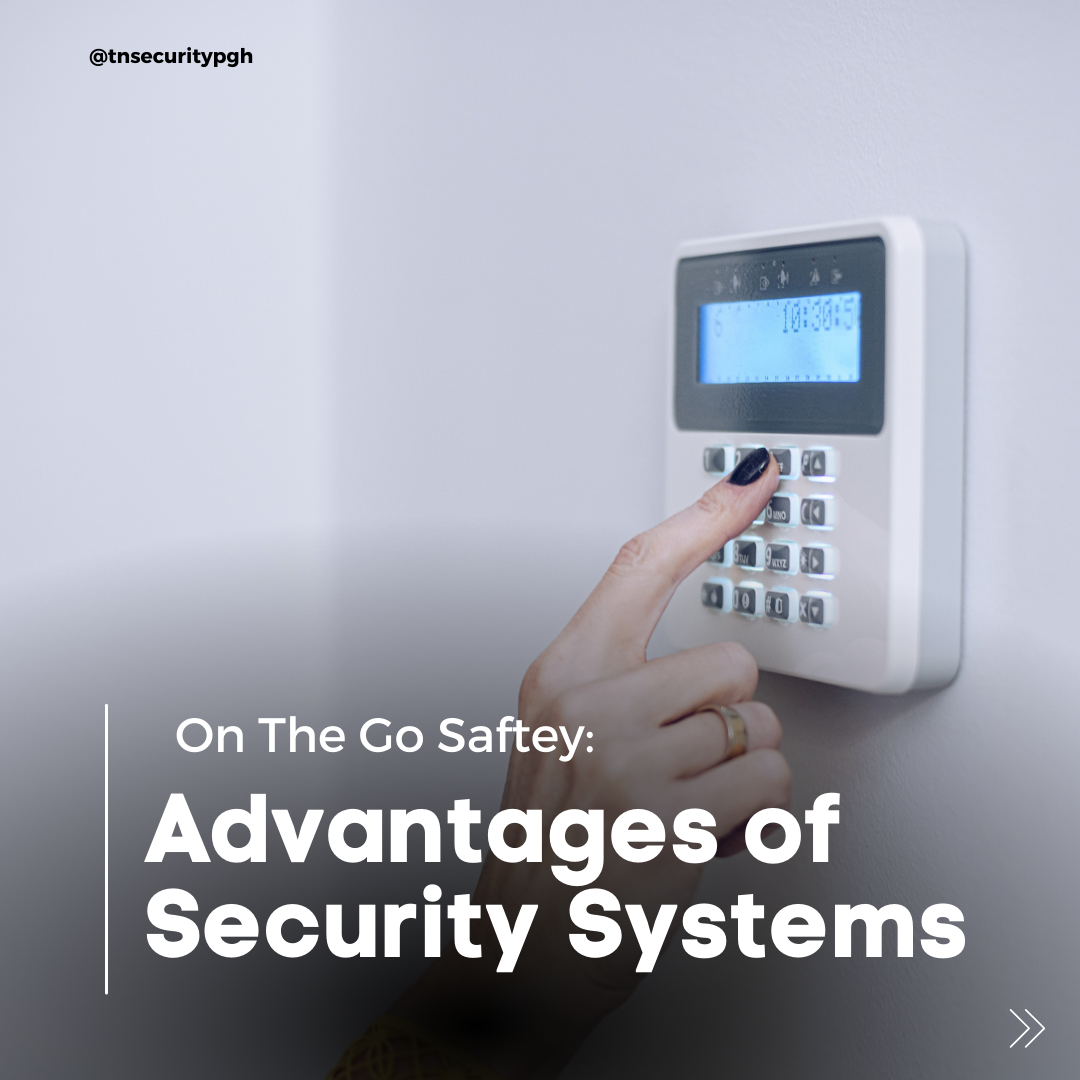
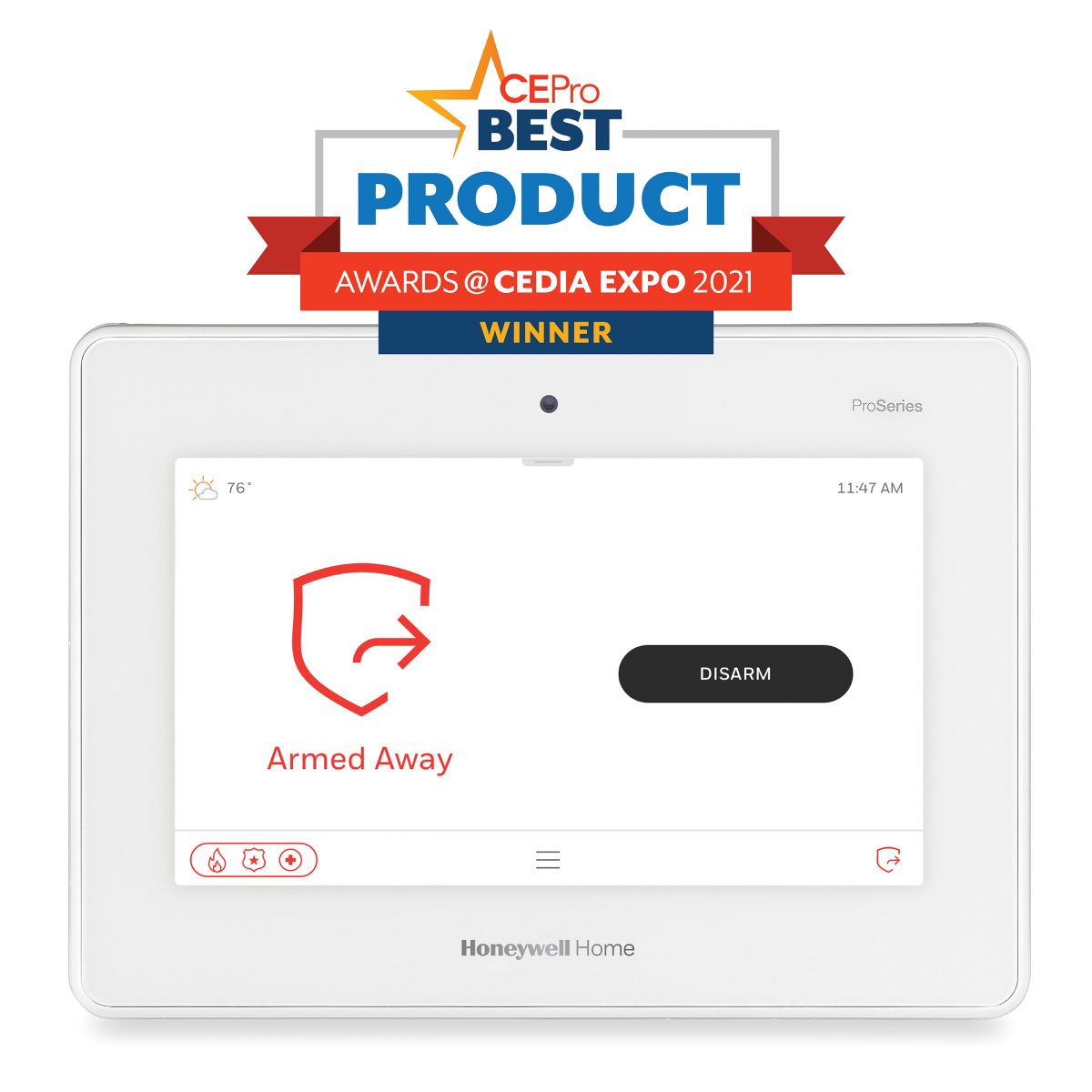
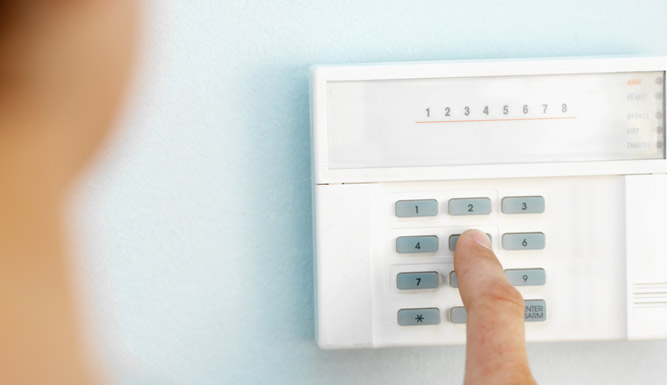
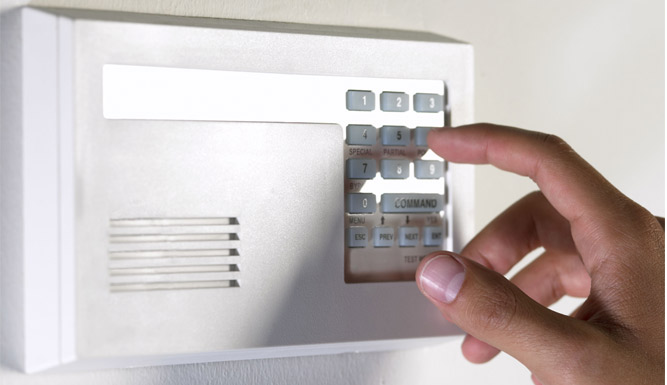
Test the entry delay, keypad or app, door and window sensors, and any backup communication method. If your system reports a fault, battery issue, or lost connection, resolve it before departure or arrange for someone qualified to investigate.
Tell one trusted neighbor your travel dates, how to reach you, and what kinds of activity should prompt a call. Ask whether they can collect packages or check the exterior. Keep the details private; avoid broadcasting travel dates publicly.
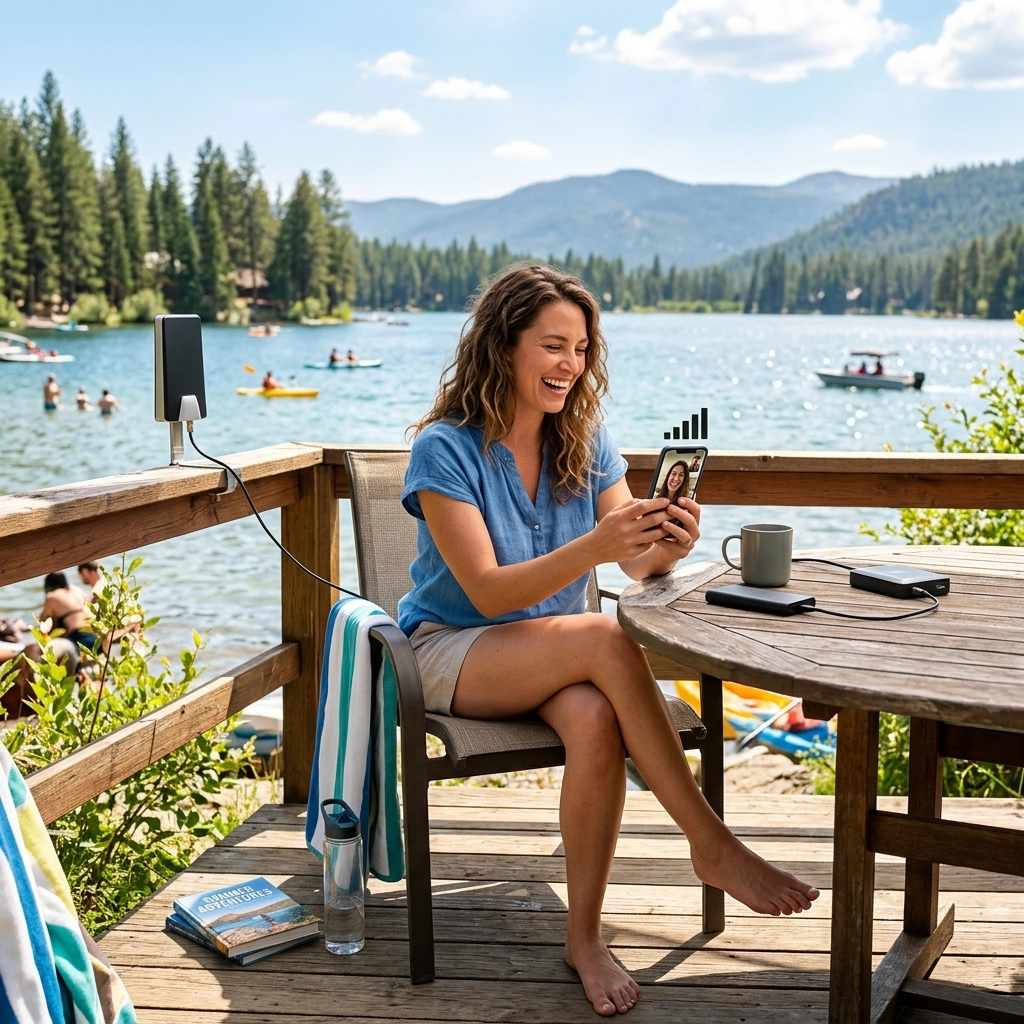
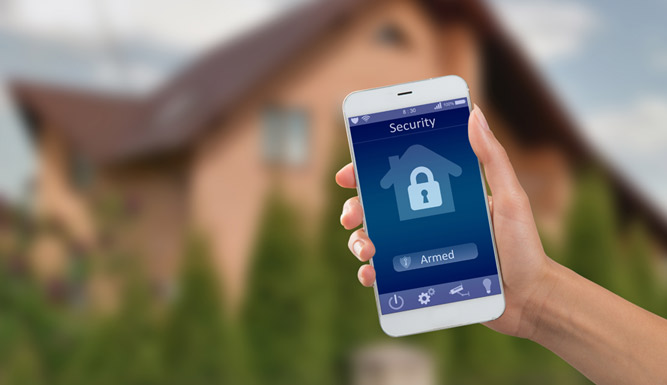
Before you leave, open your security app away from the home network. Confirm that the system reports the correct status and that you can view cameras or receive test notifications. During the trip, use smartphone check-ins as a supplement, not a replacement, for a local contact who can respond in person.
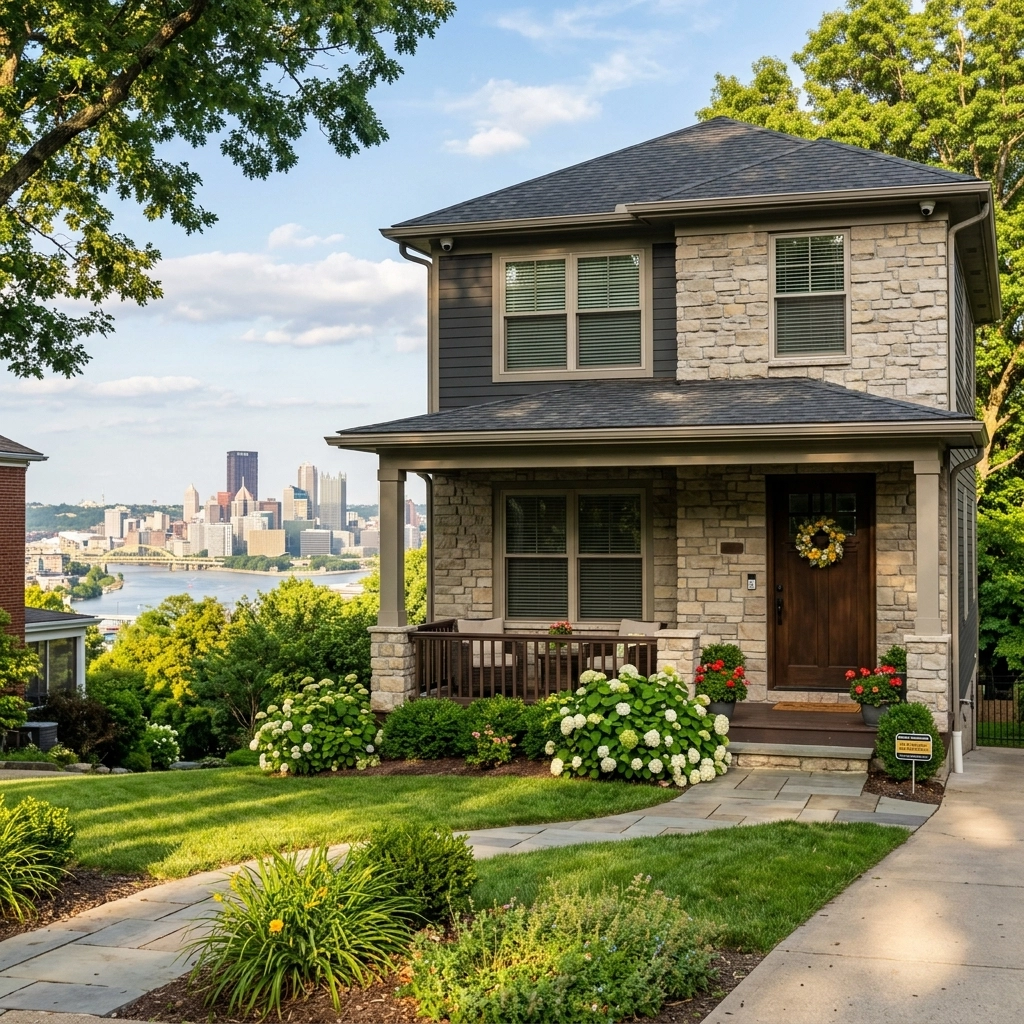
For homeowners searching “home security systems near me” or “security cameras near me” in Pittsburgh, TN Security is a local provider of residential security, video surveillance, and smart-home solutions. TN Security is part of Team Nutz, with roots in the Pittsburgh area and more than 15 years of experience in residential and commercial technology installations. Solutions can be tailored to the home, existing devices, and desired smartphone access.
TN Security aims to be the #1 choice for home security systems near me in Pittsburgh through local service, professional installation, and technology selected for each property, not a one-size-fits-all setup. Compare options on the residential wireless security systems page, or contact the team to discuss a system.

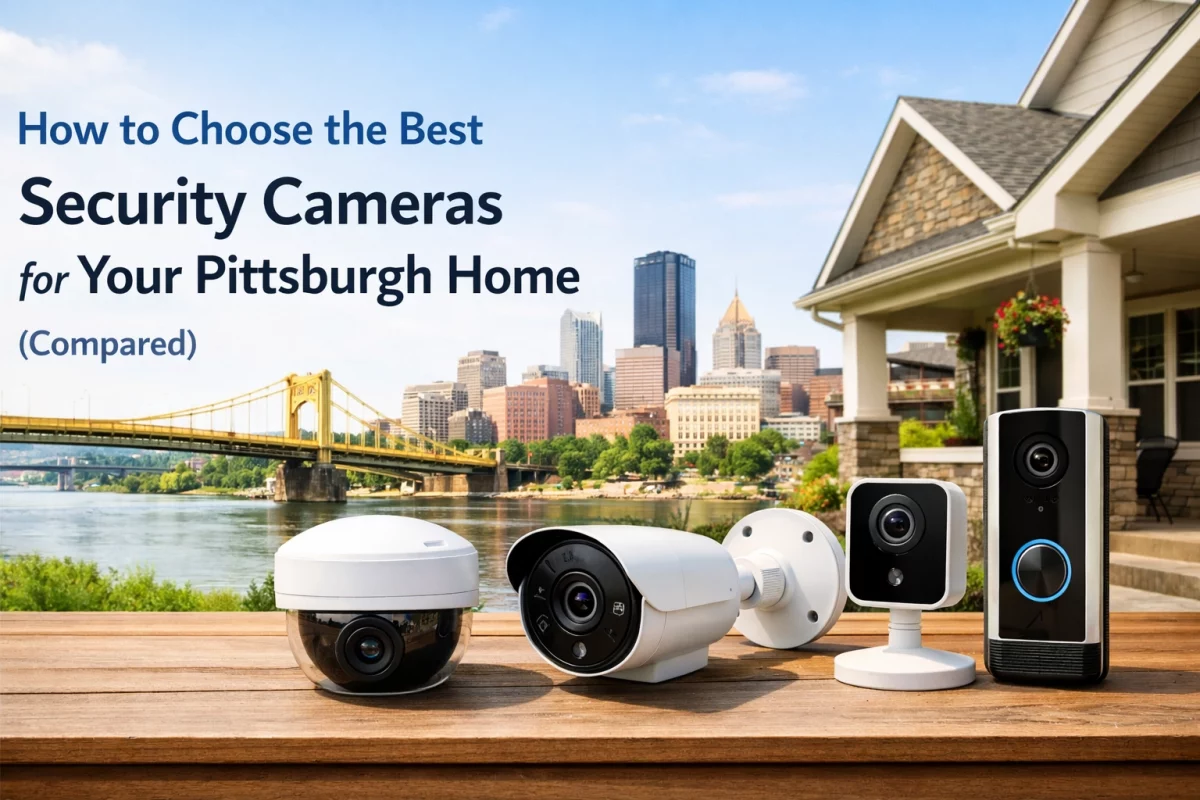
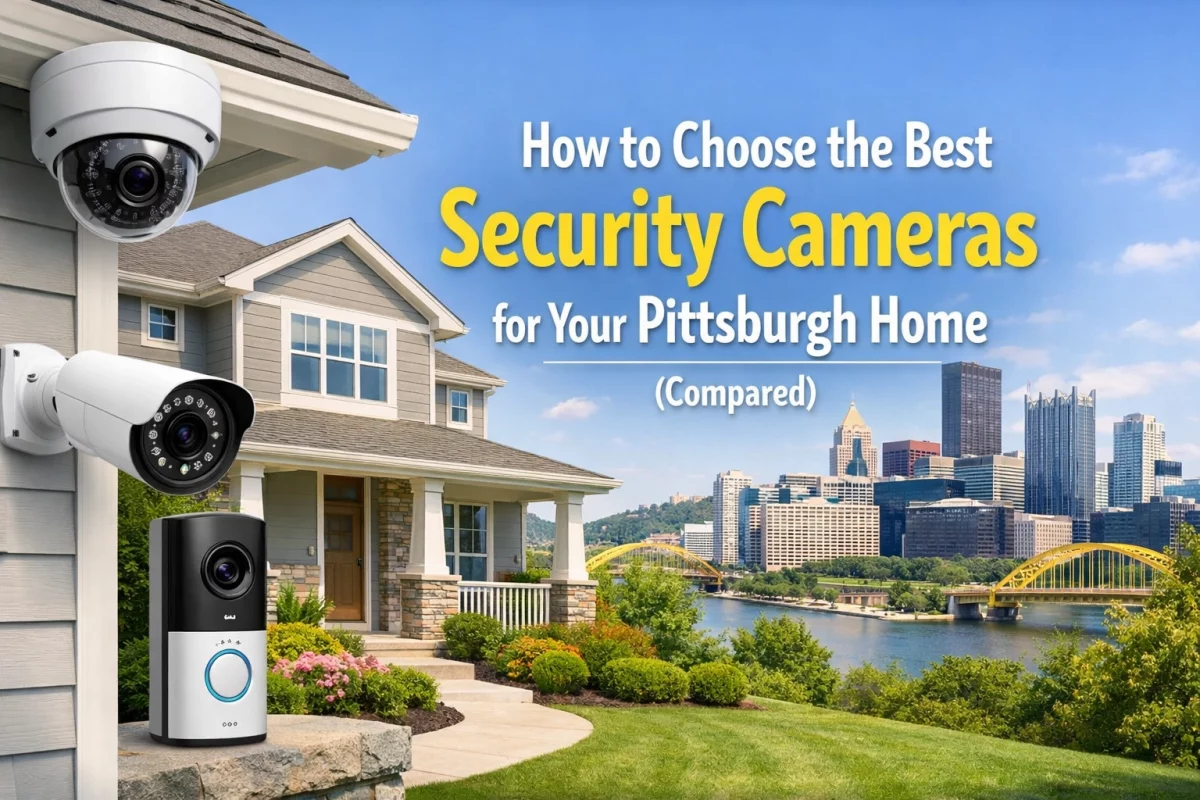
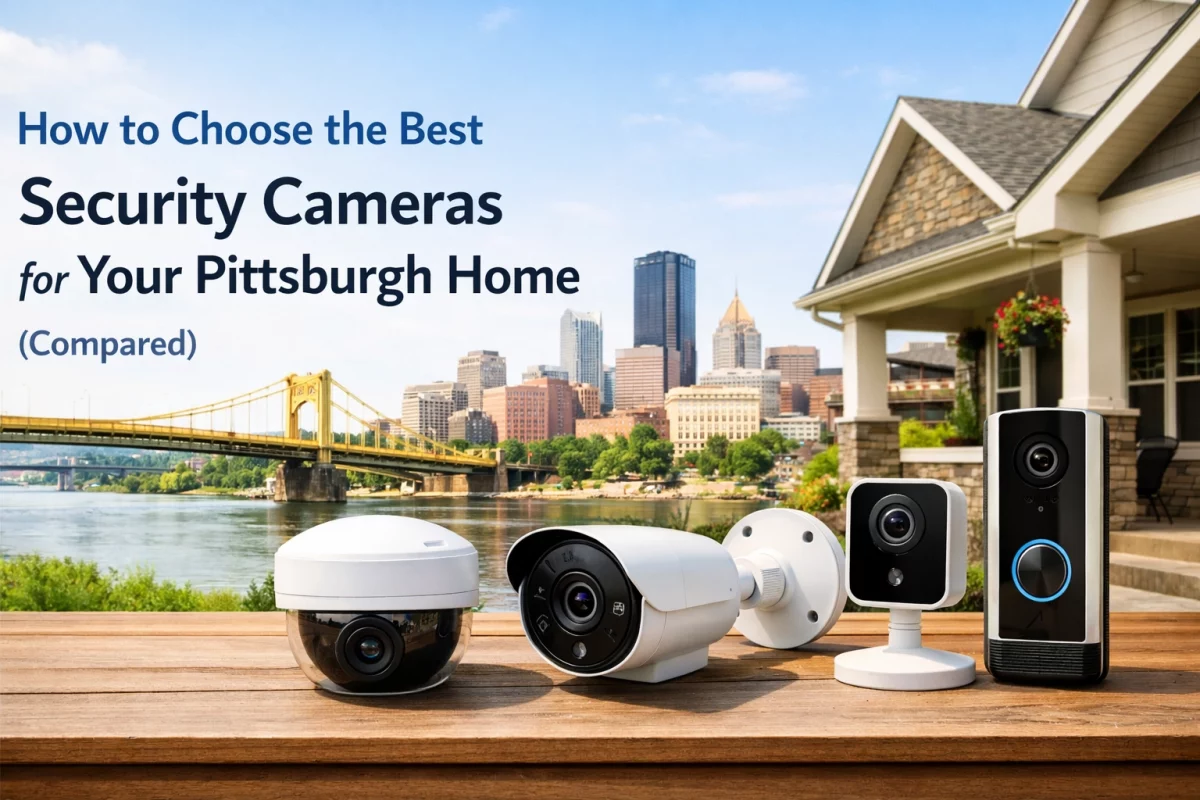
The best fit depends on the home, entry points, pets, internet reliability, and preferred monitoring. Compare alarm sensors, camera coverage, smartphone access, backup options, and installation needs. TN Security provides residential security consultations in the Greater Pittsburgh area.
TN Security installs residential video surveillance systems in Pittsburgh and surrounding communities. Camera placement, recording, and alert options depend on the property and selected equipment. Review the residential video surveillance service for details.
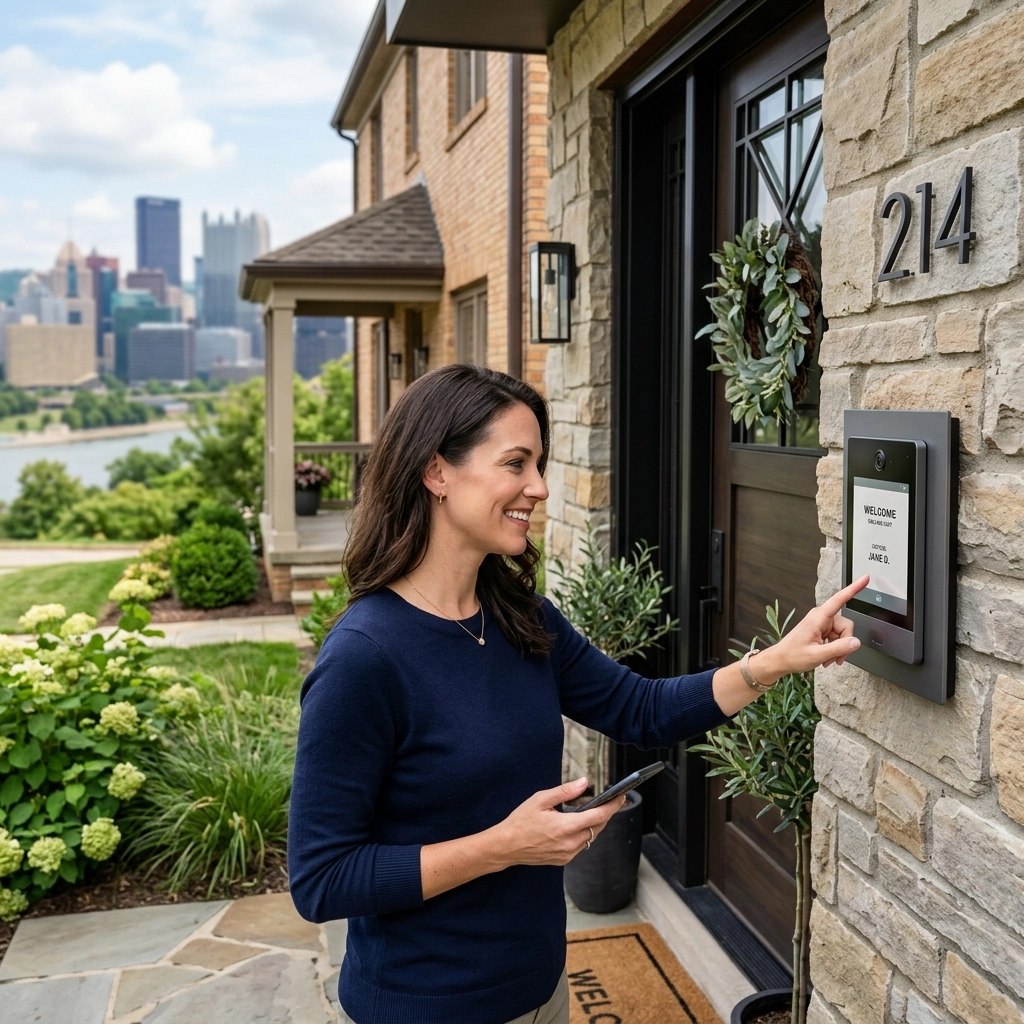
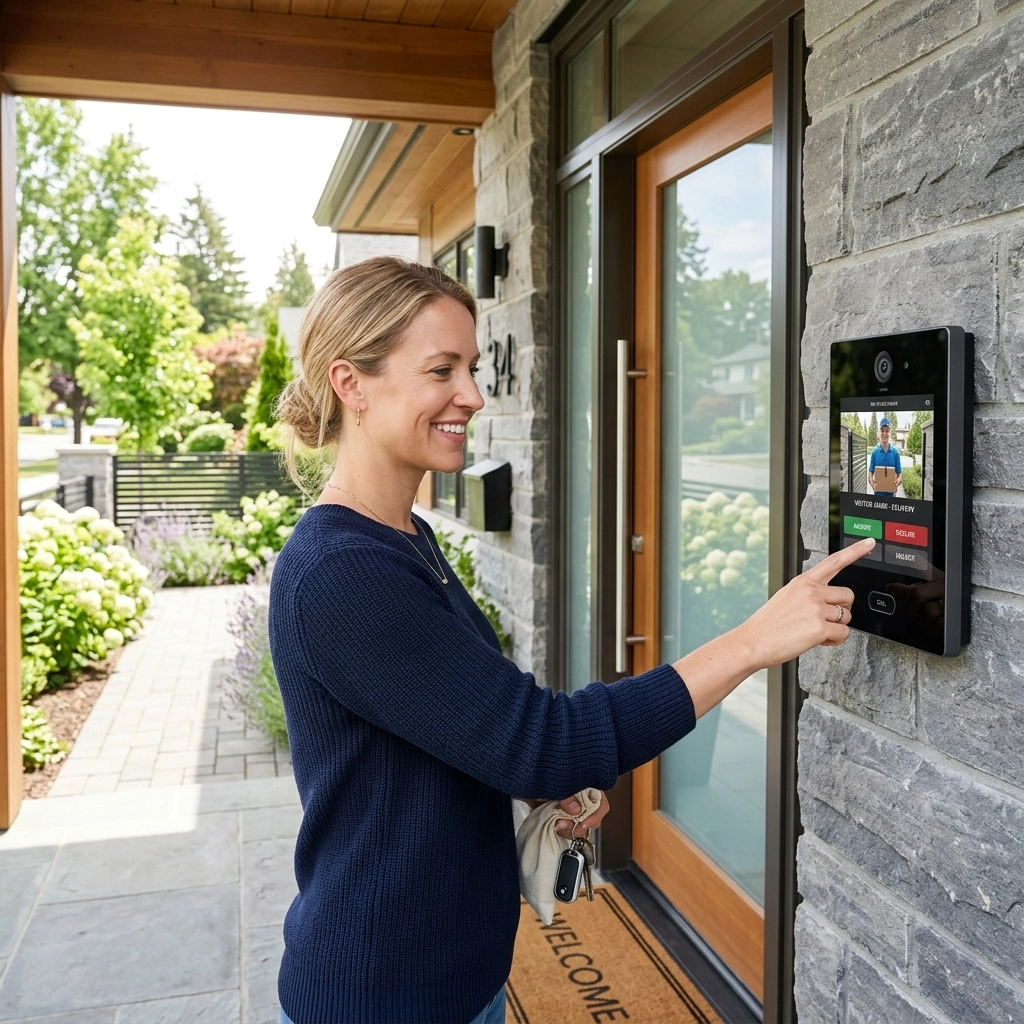
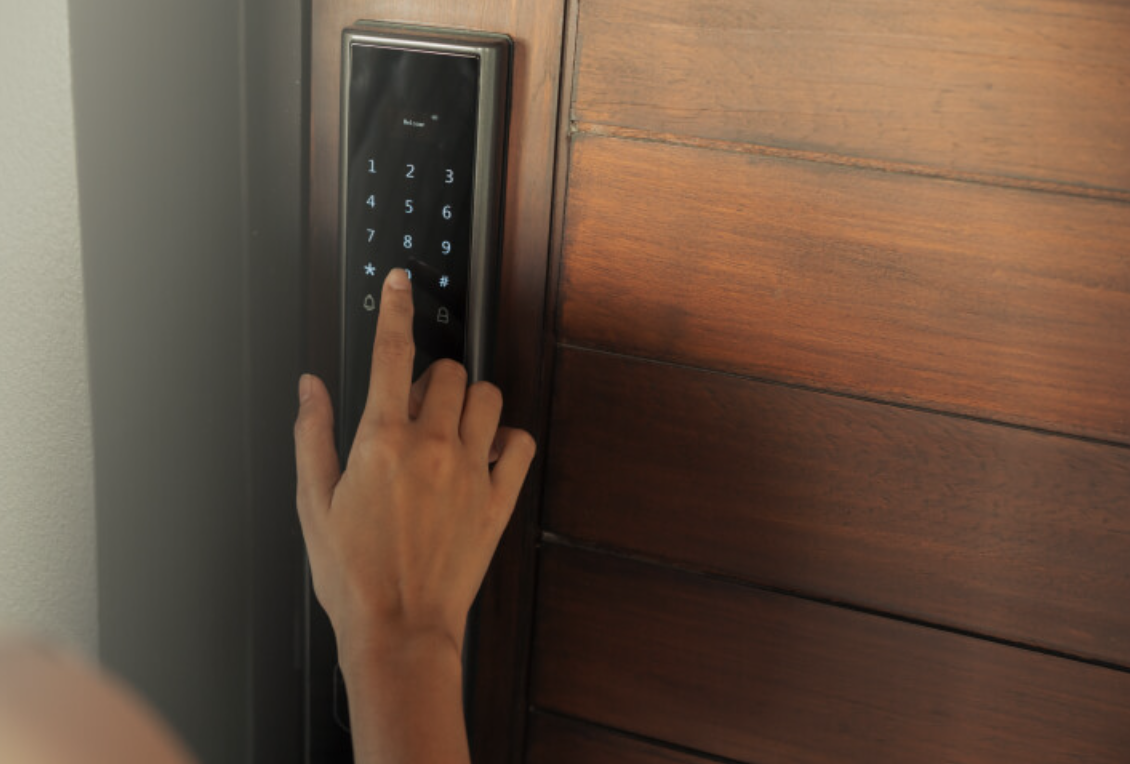
Yes, if your smart lock supports temporary or scheduled user codes. Create a unique code, test it before departure, and remove or expire it after the sitter’s final visit. Keep a backup access plan and provide clear alarm instructions.
TN Security Pittsburgh
3287 Library Road
Pittsburgh, PA 15234
Phone: 412-967-0467
Email: sales@teamnutztechnology.com
PLAN YOUR HOLIDAY SECURITY CHECK. Contact TN Security to discuss residential security systems, cameras, and smartphone-connected options in the Greater Pittsburgh area.