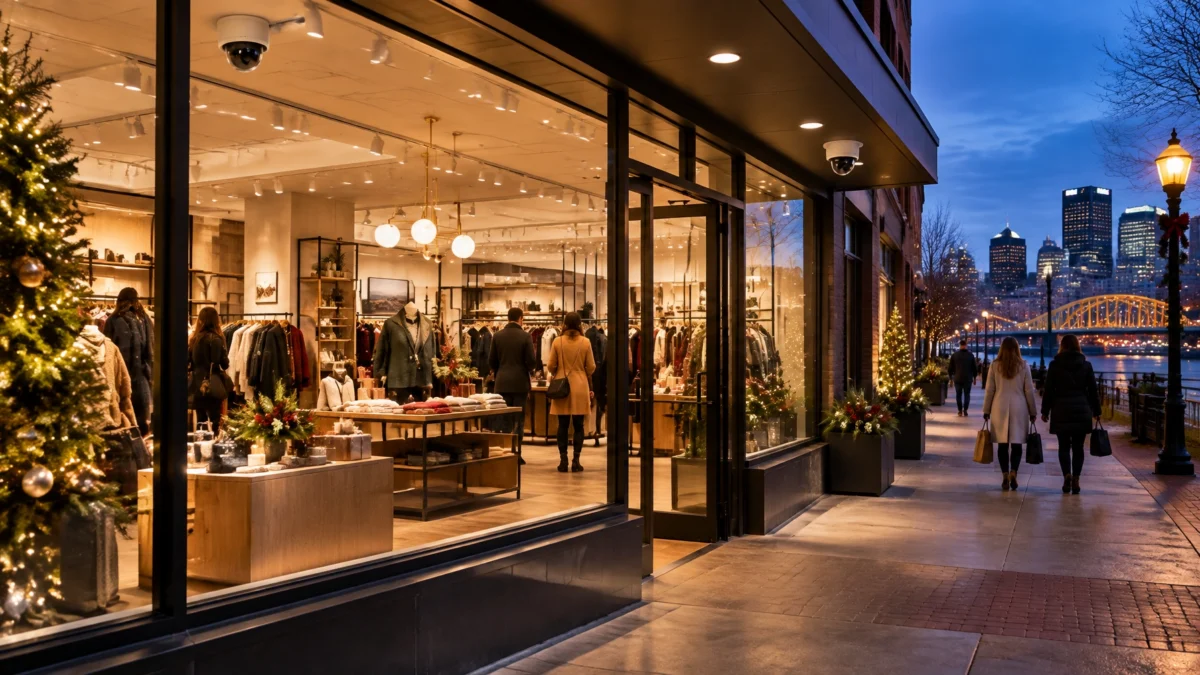
Before Black Friday, fix five pressure points: retest camera coverage after merchandising changes; close register and returns-counter blind spots; improve parking-lot sightlines; brief seasonal staff on reporting and escalation; and verify LED lighting and timers for Pittsburgh’s early, near-5 p.m. darkness. Prioritize an on-site walk-through after the store reset, when new displays and customer queues can expose gaps that routine checks miss. Then test each fix under real operating conditions, not only on a floor plan.
| Priority | Pre-Black Friday action | Confirm completion |
|---|---|---|
| 1 | Recheck camera coverage after the seasonal floor reset | Key areas remain visible during peak traffic |
| 2 | Review POS and return-counter views | Transactions and returns are recorded clearly |
| 3 | Inspect parking-lot sightlines | Routes to entrances are visible and illuminated |
| 4 | Brief seasonal staff on incident reporting | Staff know who to notify and what to record |
| 5 | Verify lighting schedules and fixtures | Timers match holiday hours and early darkness |
These are focused operational checks for holiday retail. They complement, not replace, your company’s established security procedures.
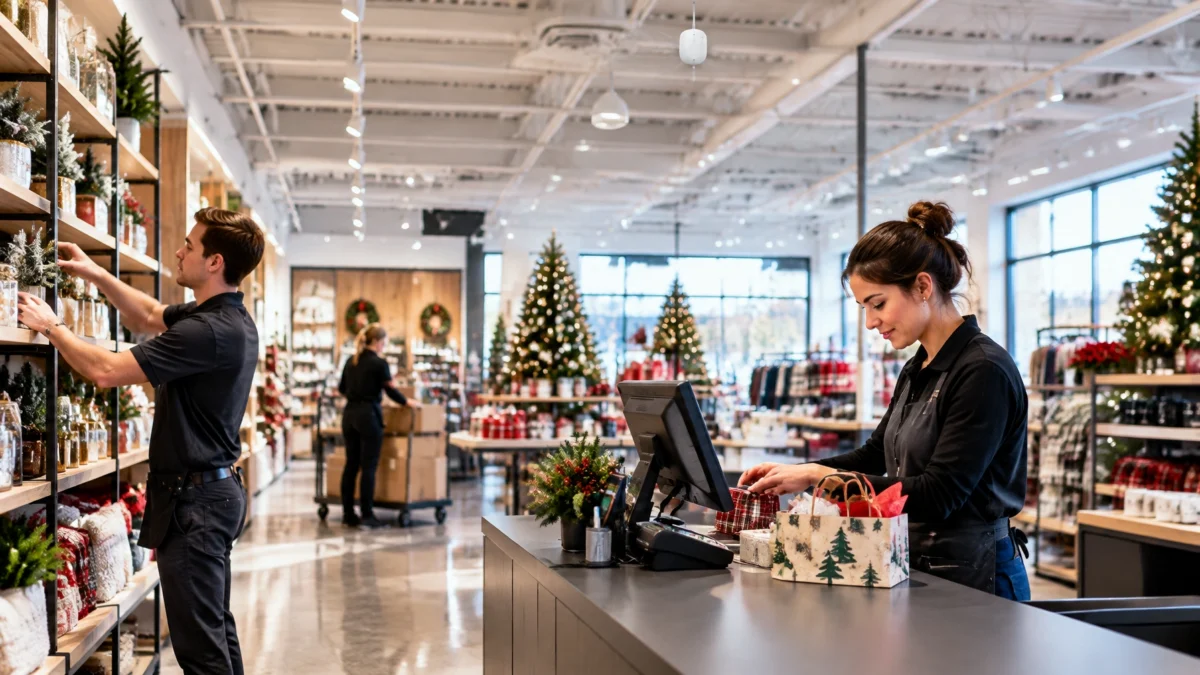
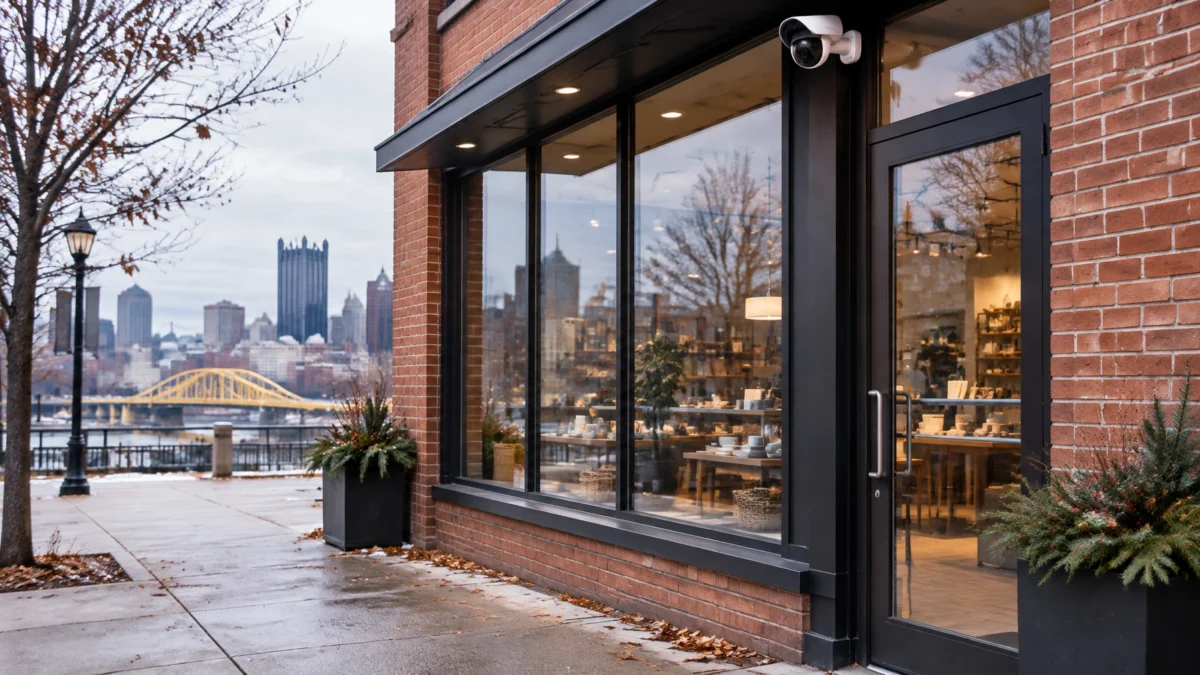
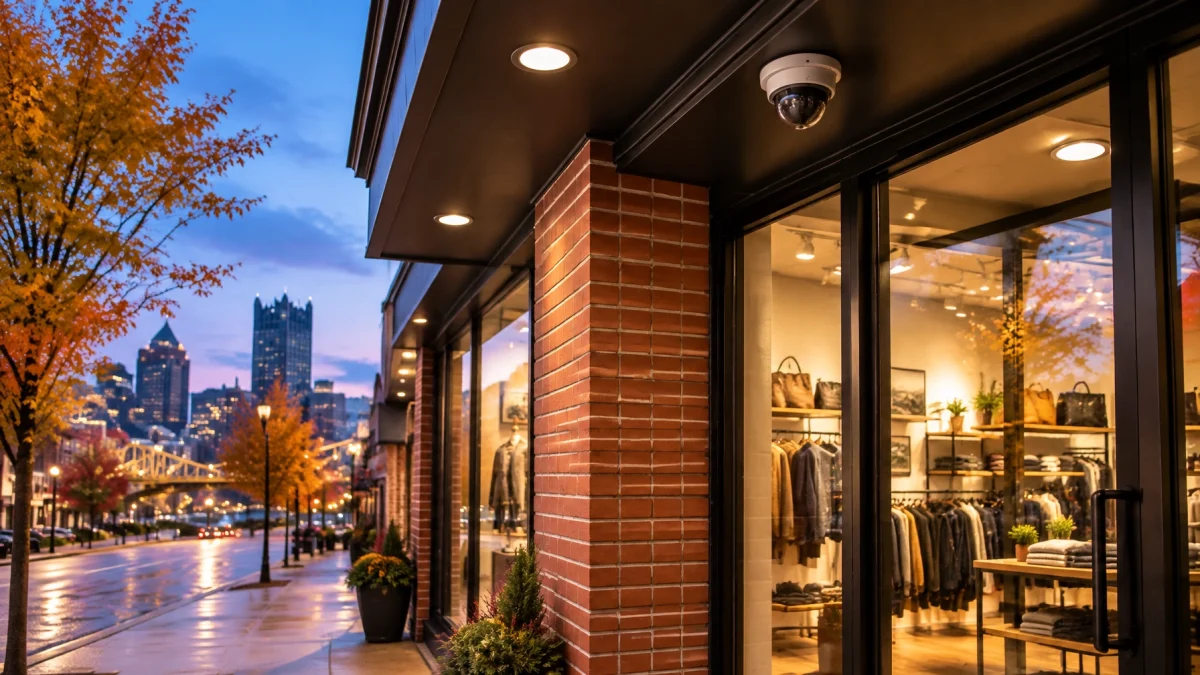
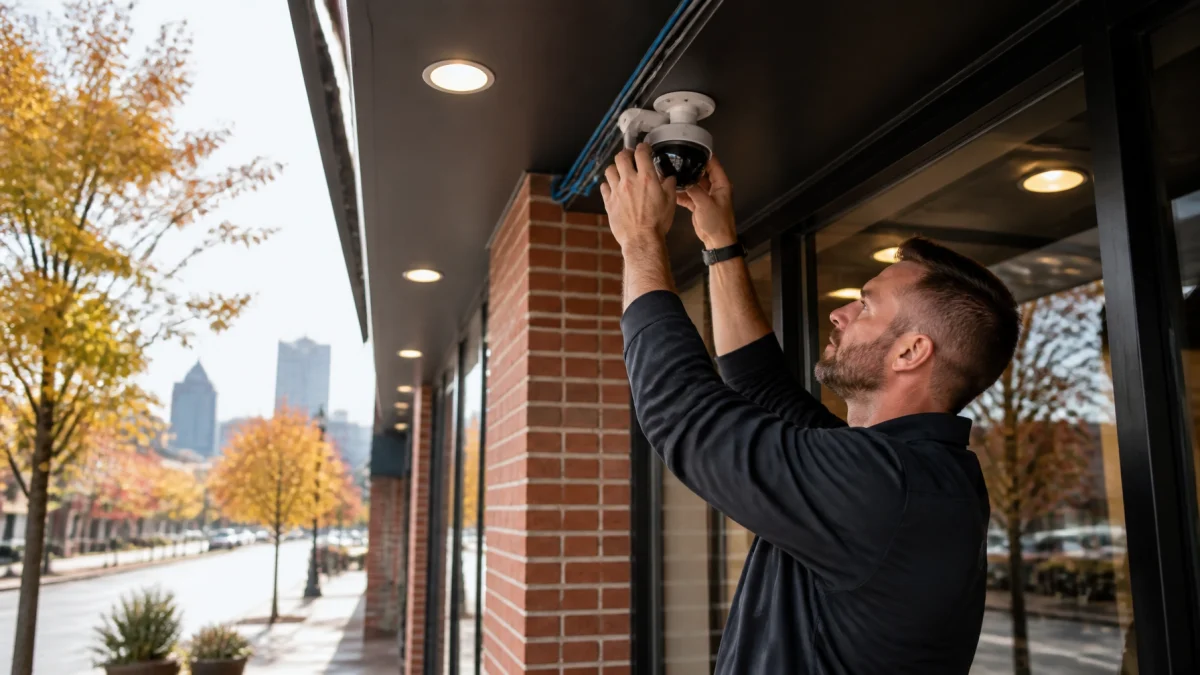
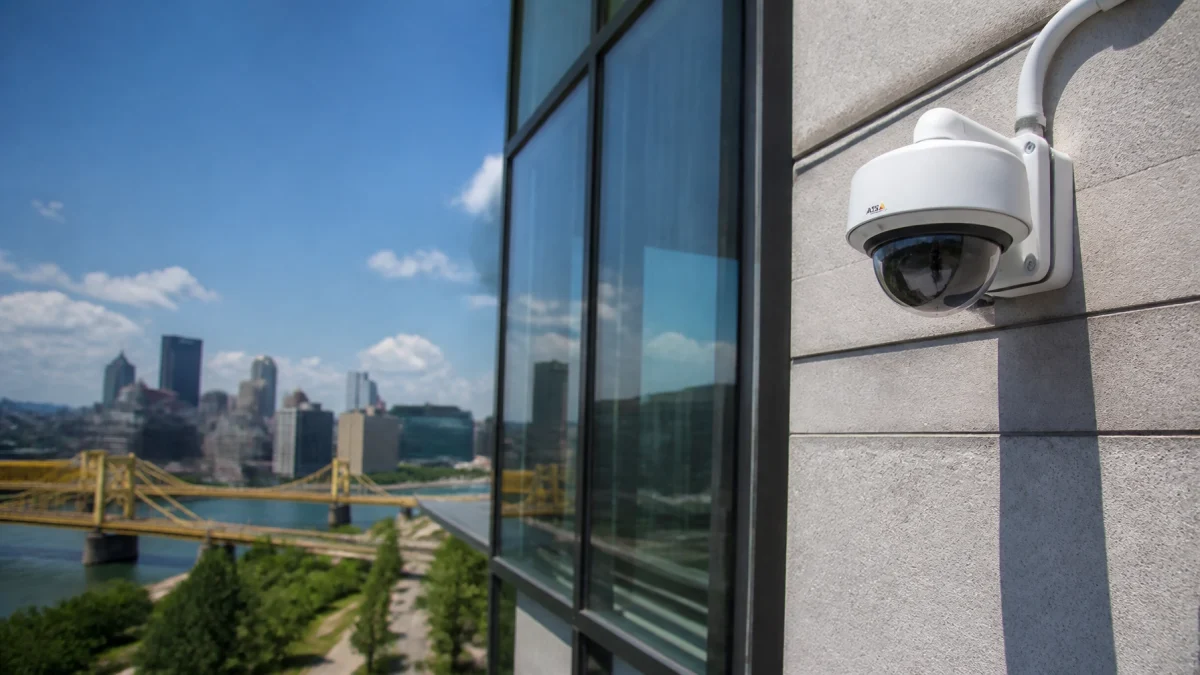
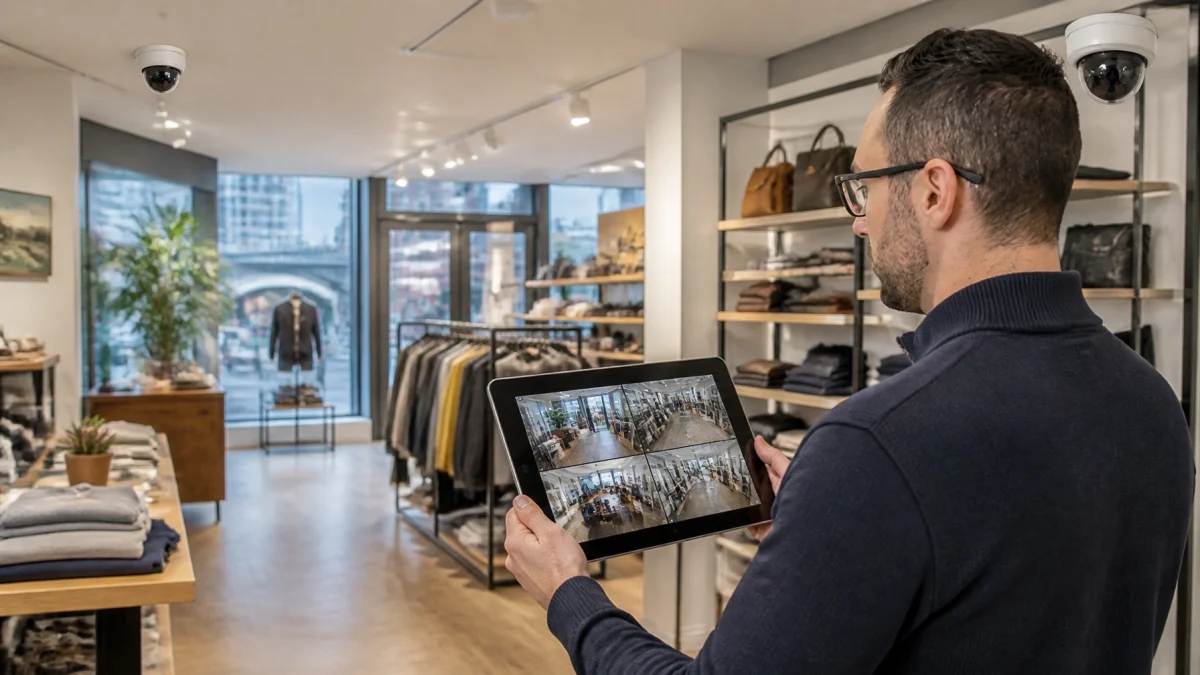
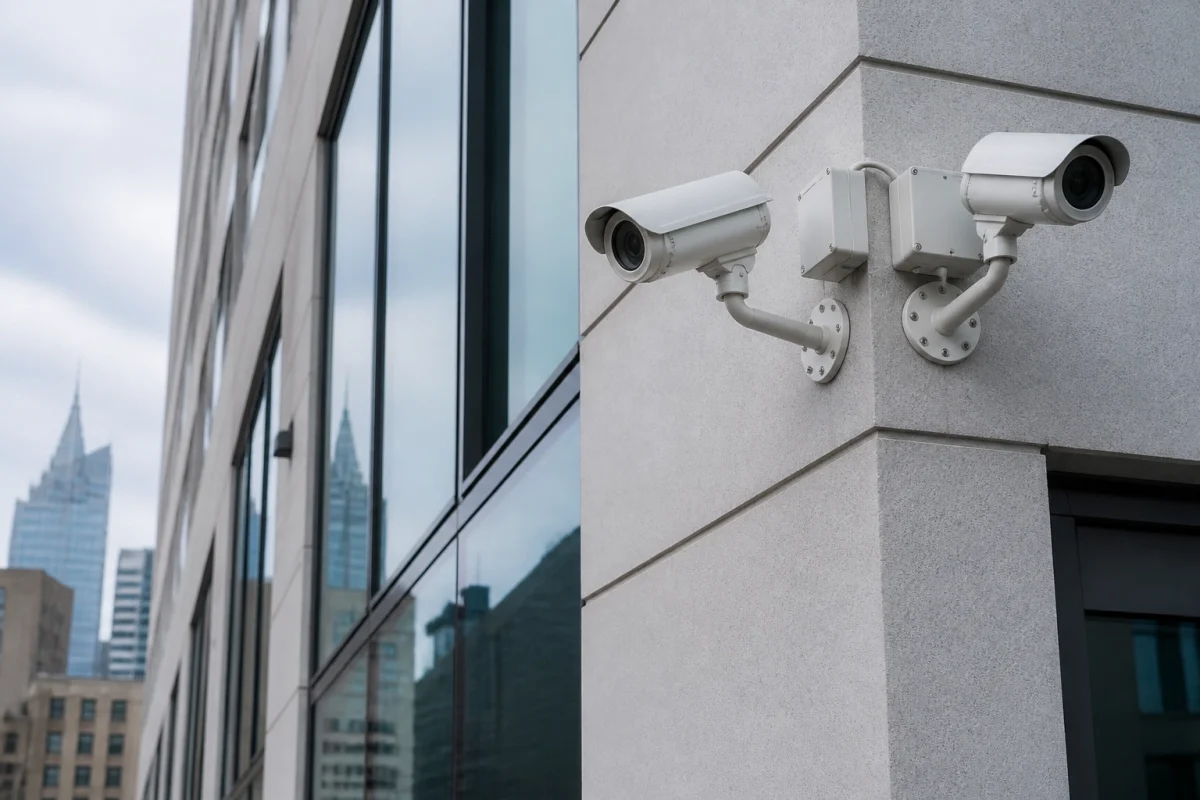
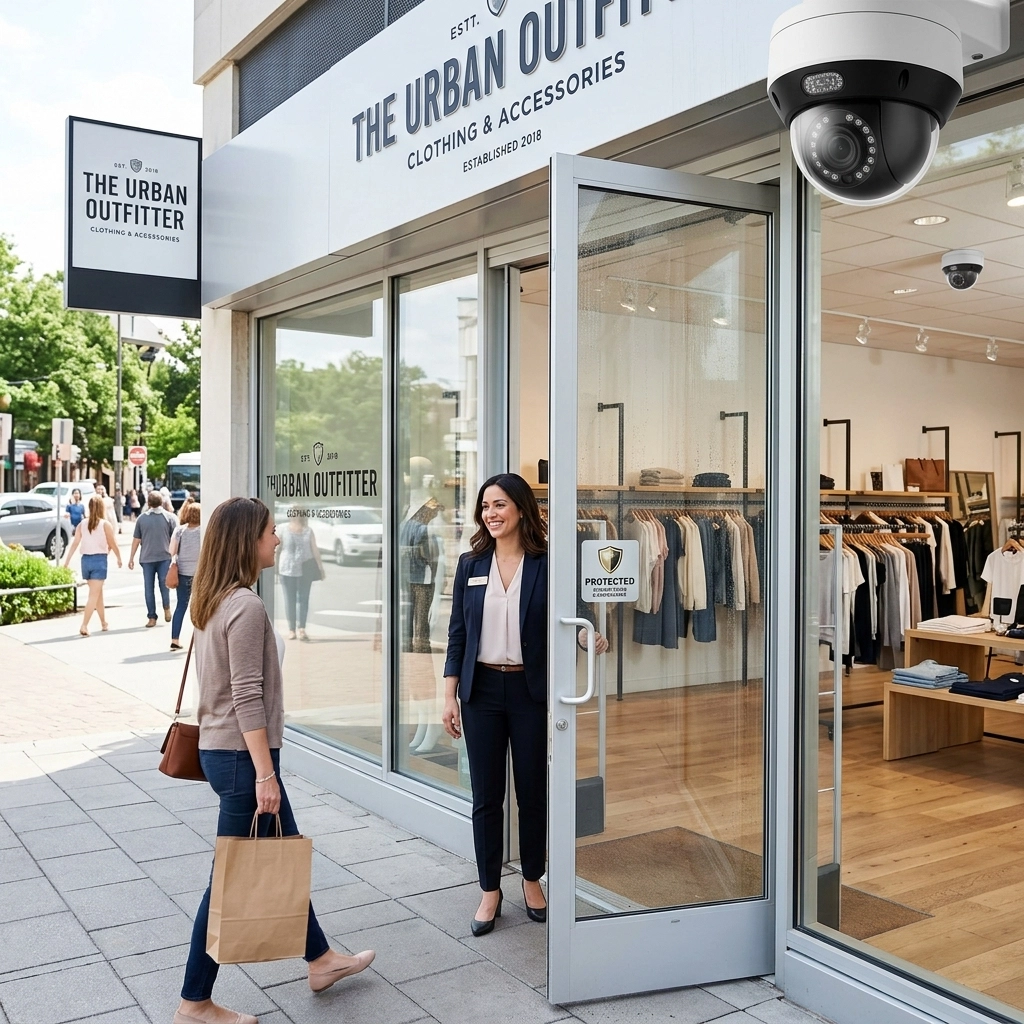
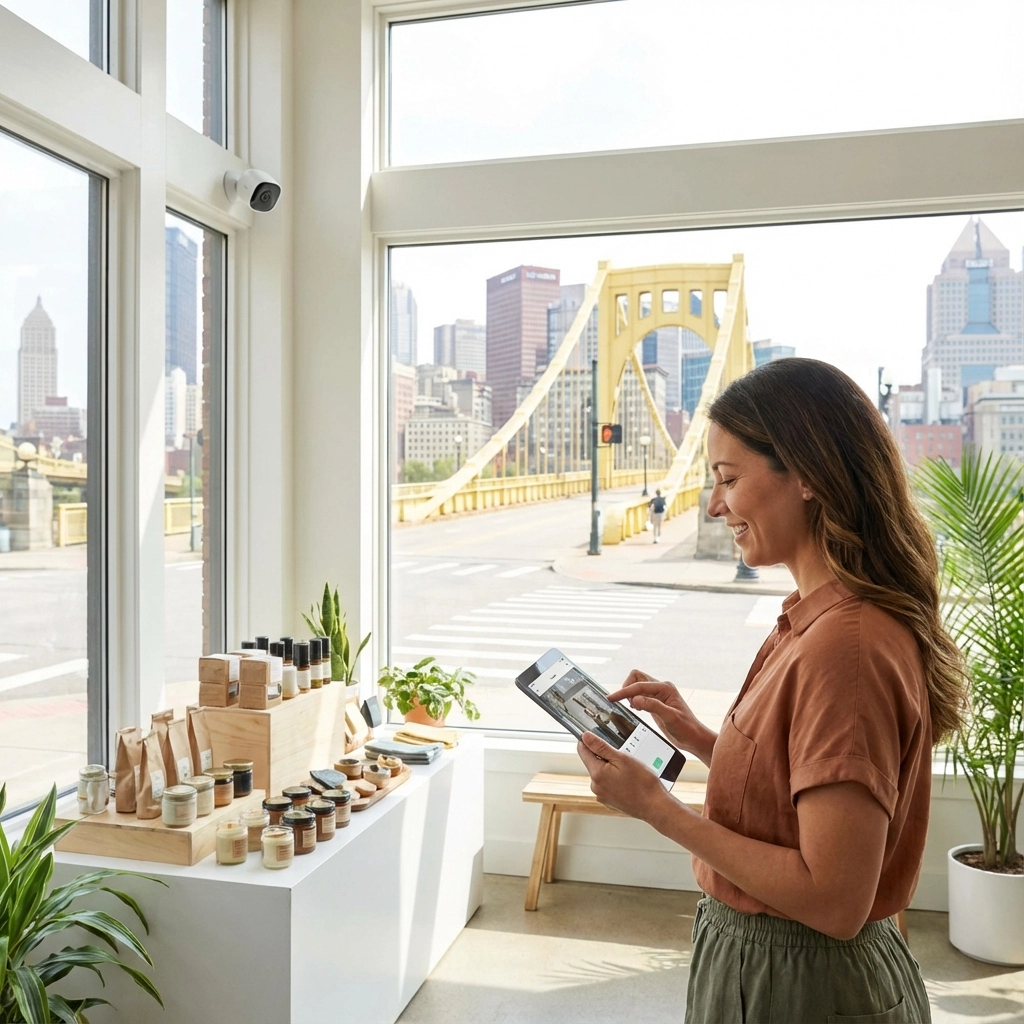
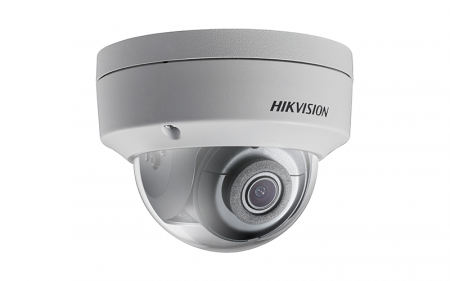
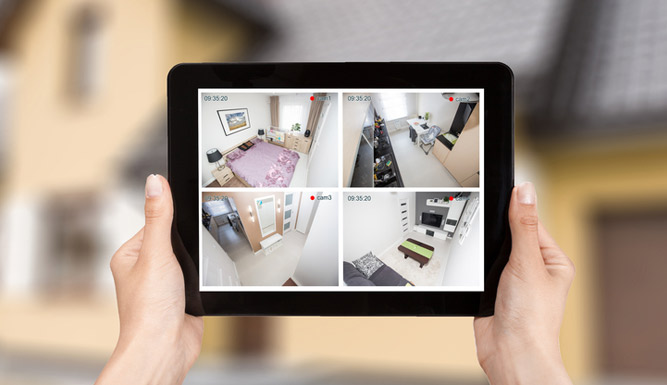
Seasonal displays, stacked merchandise, promotional signs, and busy queues can change what a camera sees. A camera that captured a clear view in October may now face an obstruction or a wall of customers.
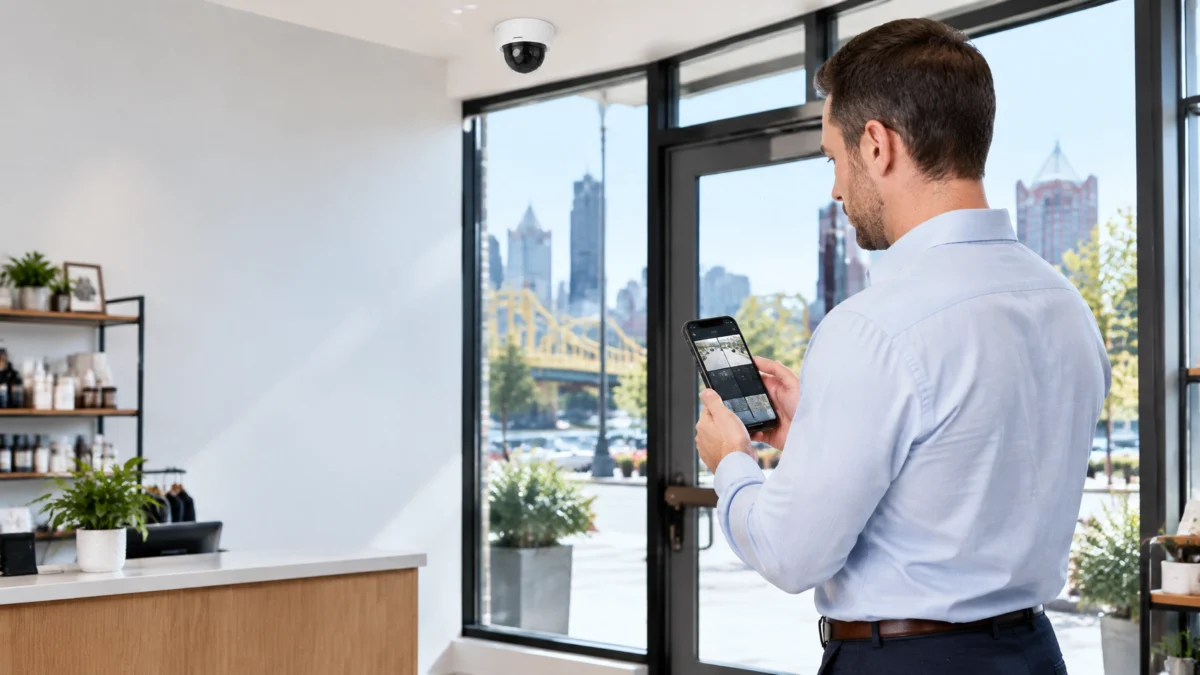
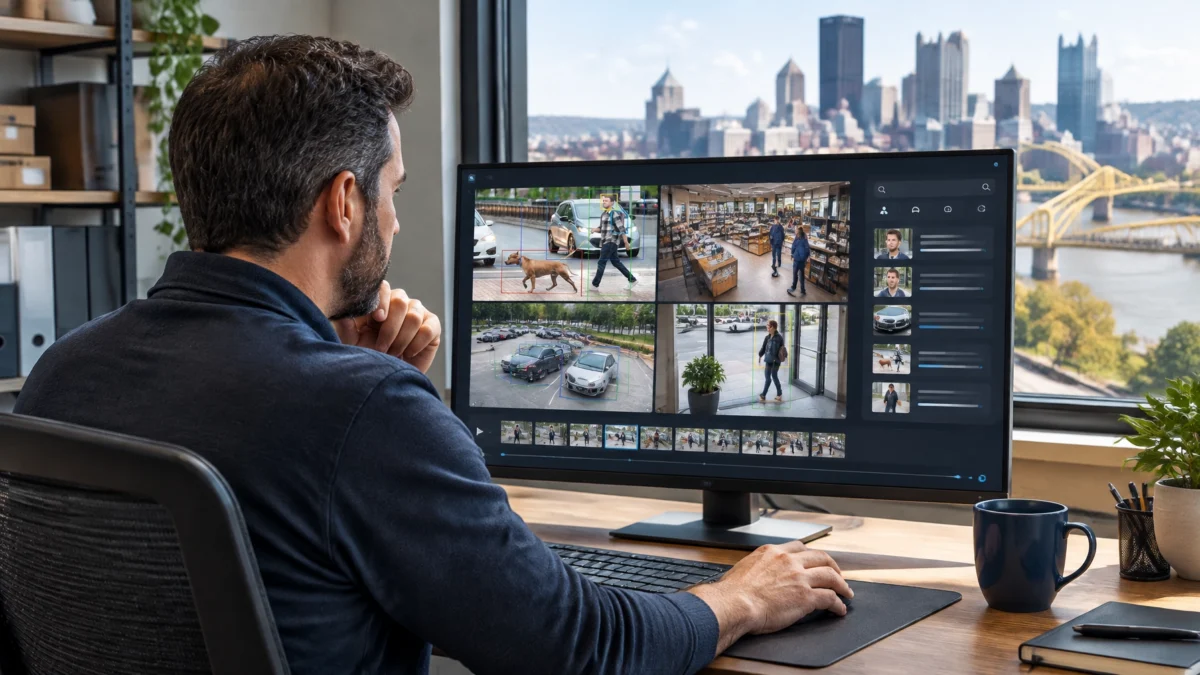
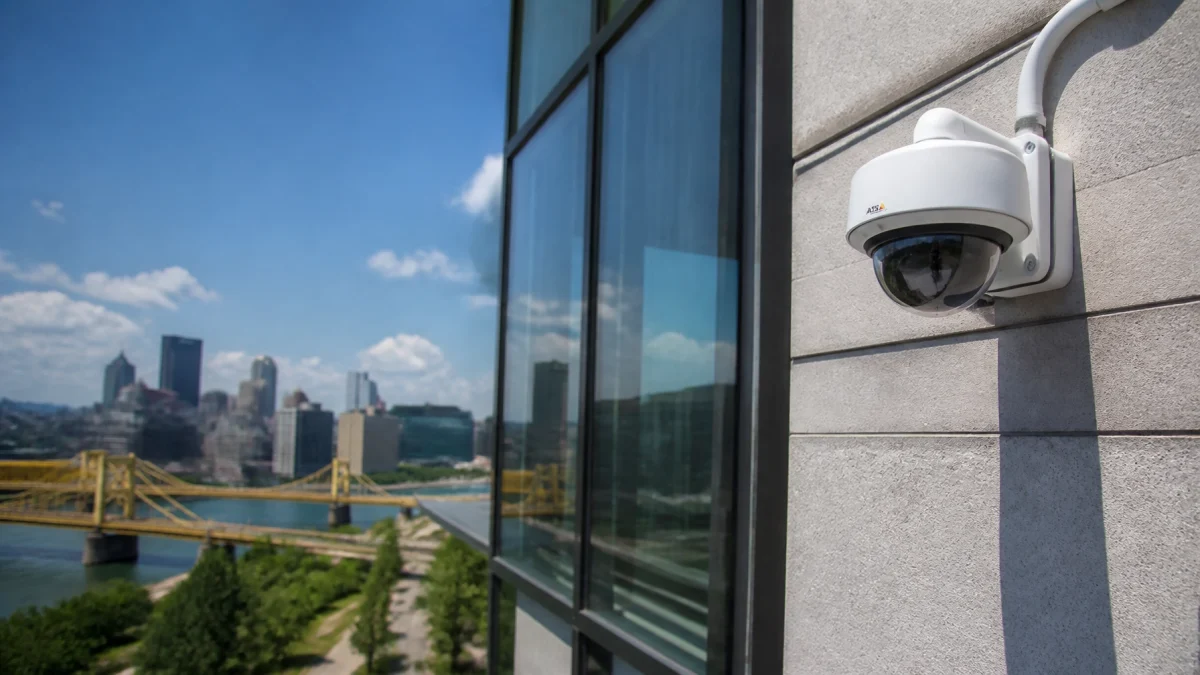
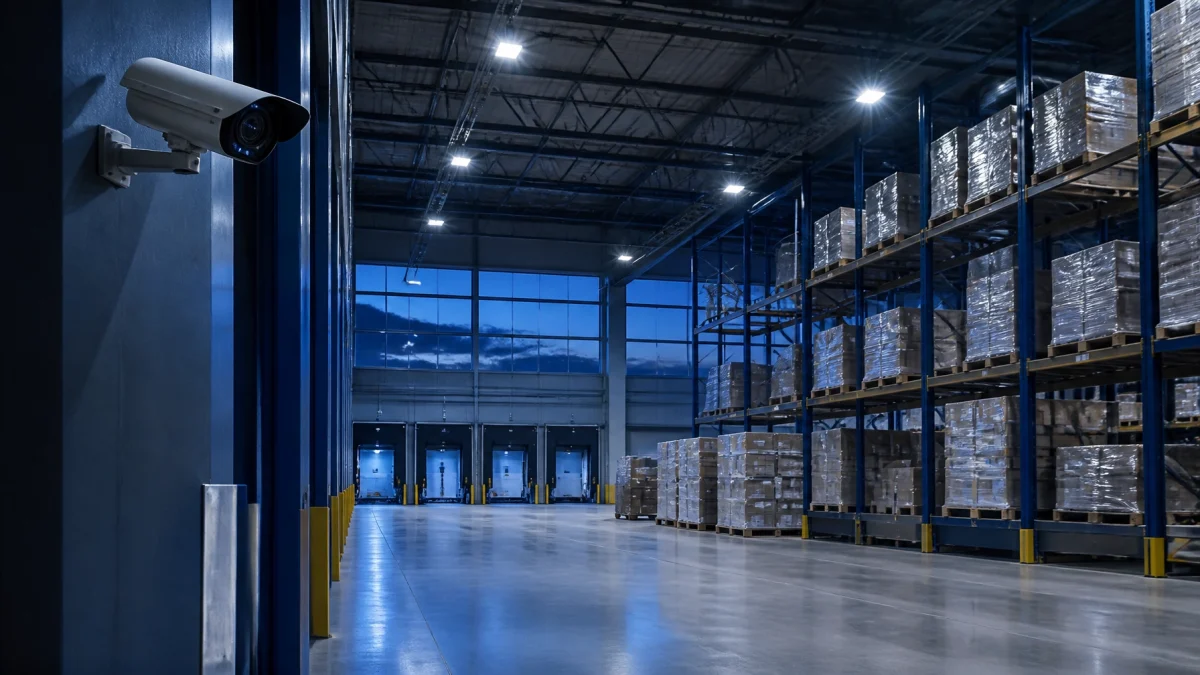
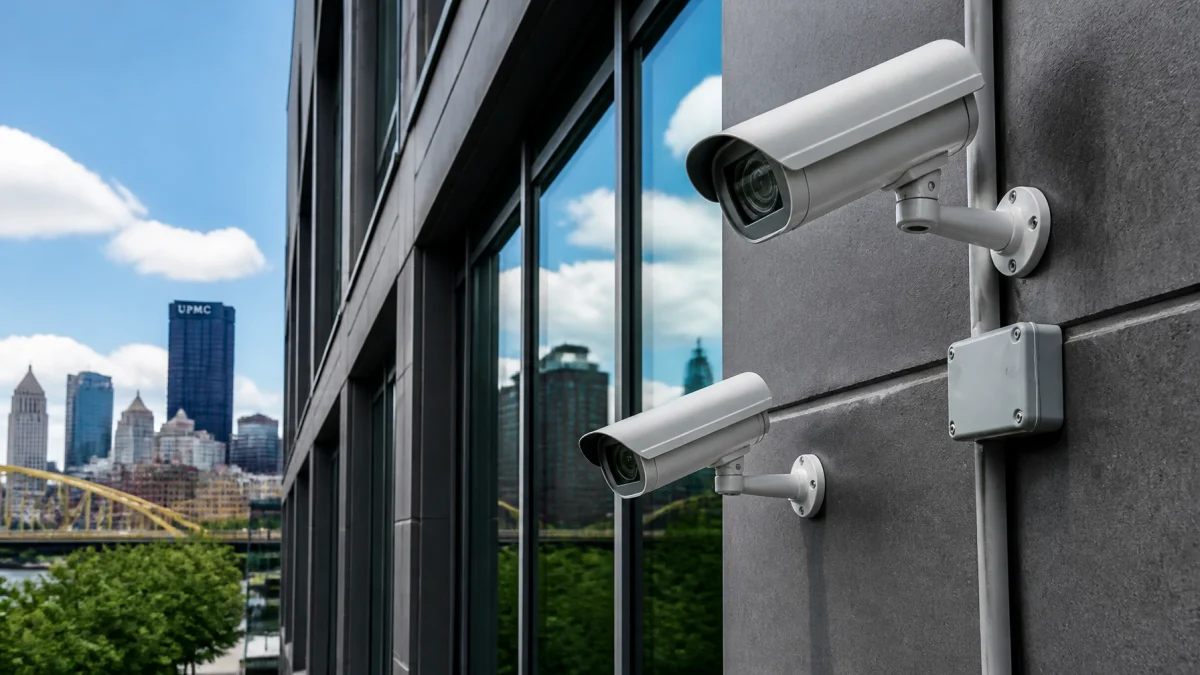
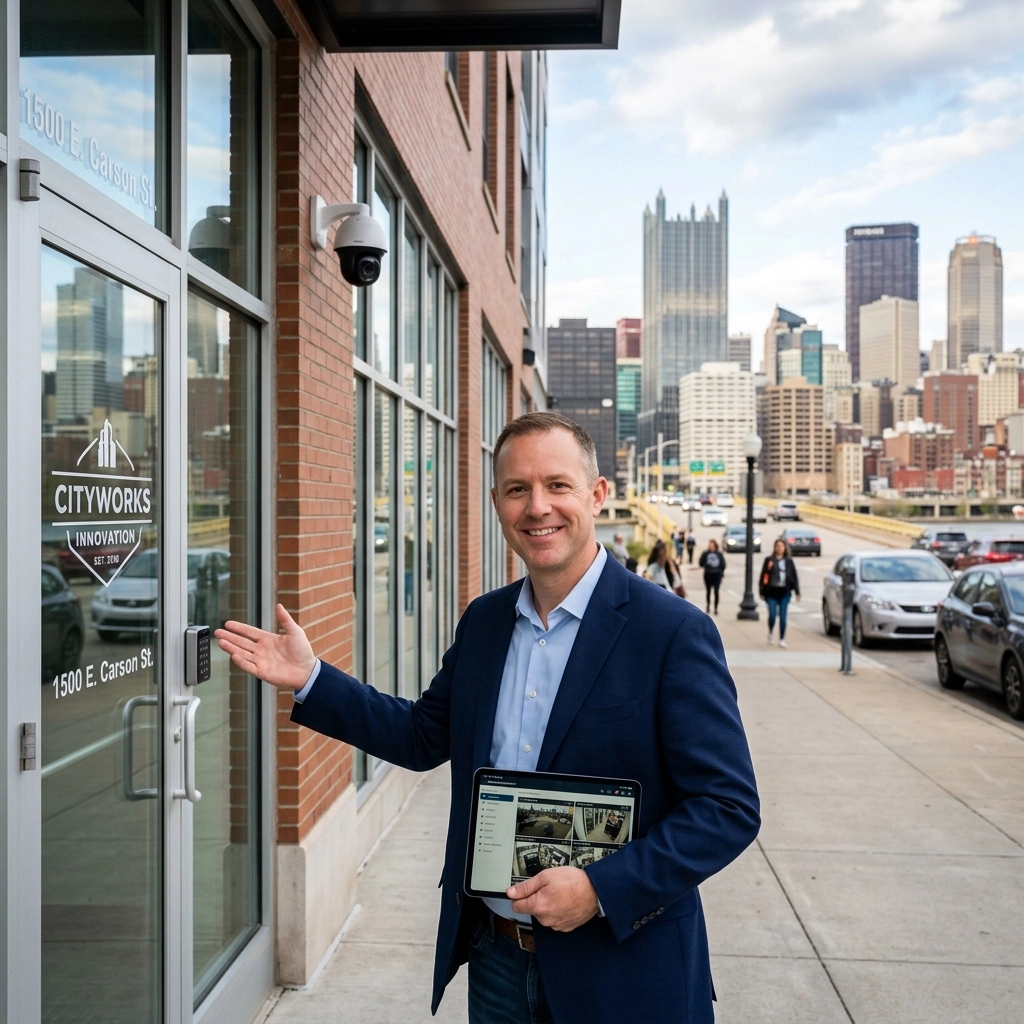
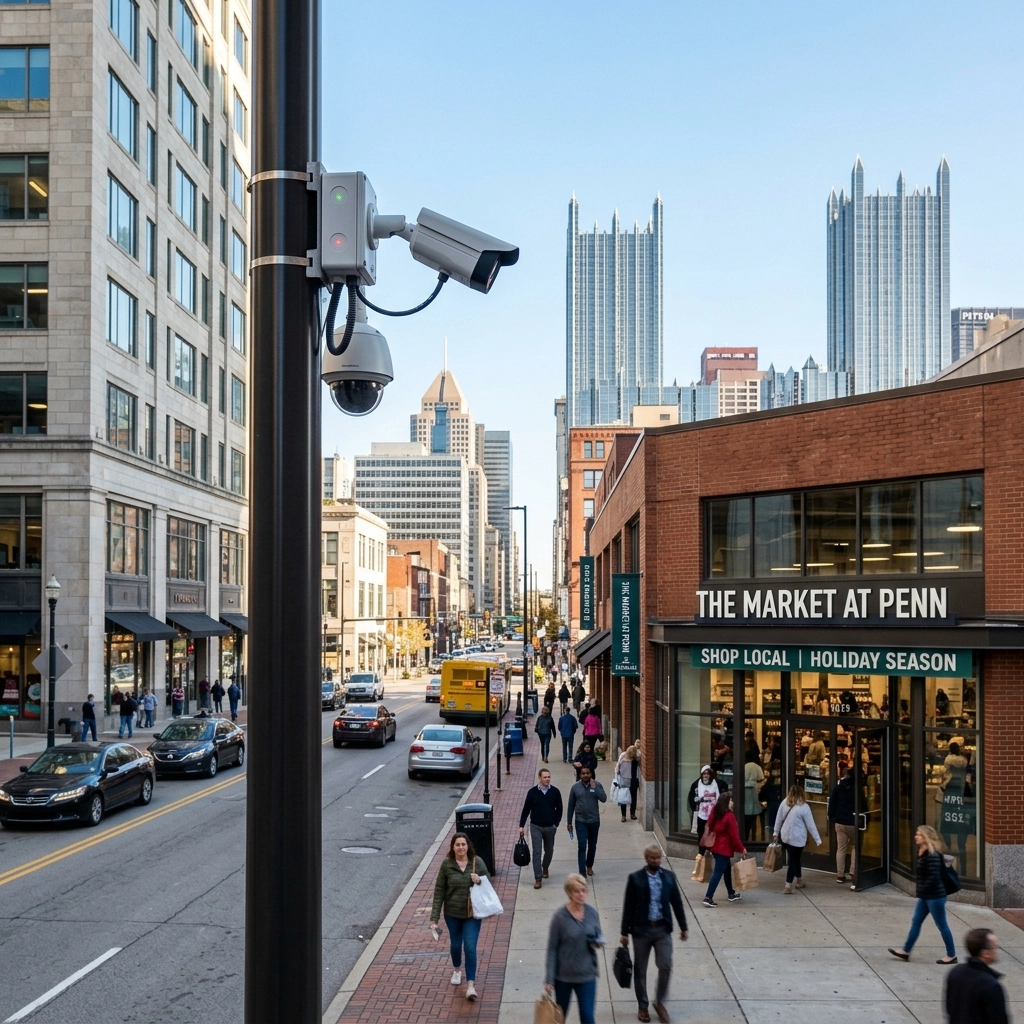
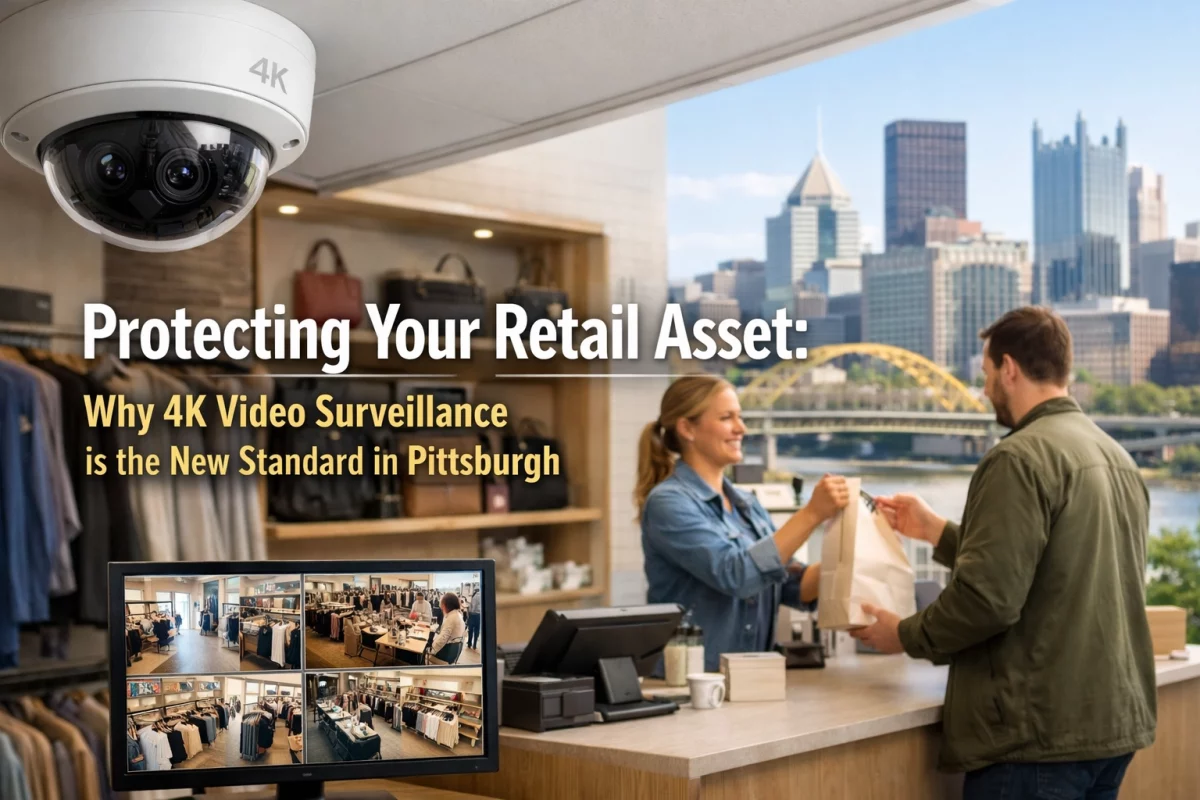
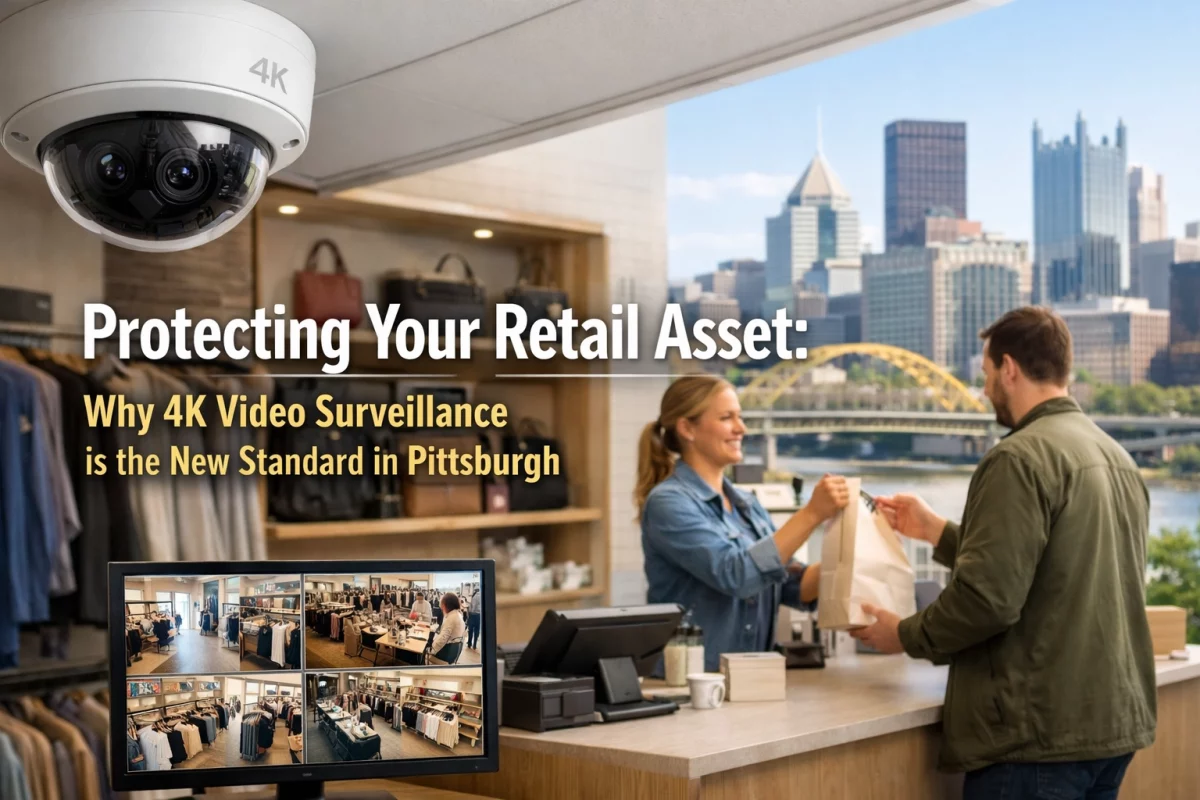
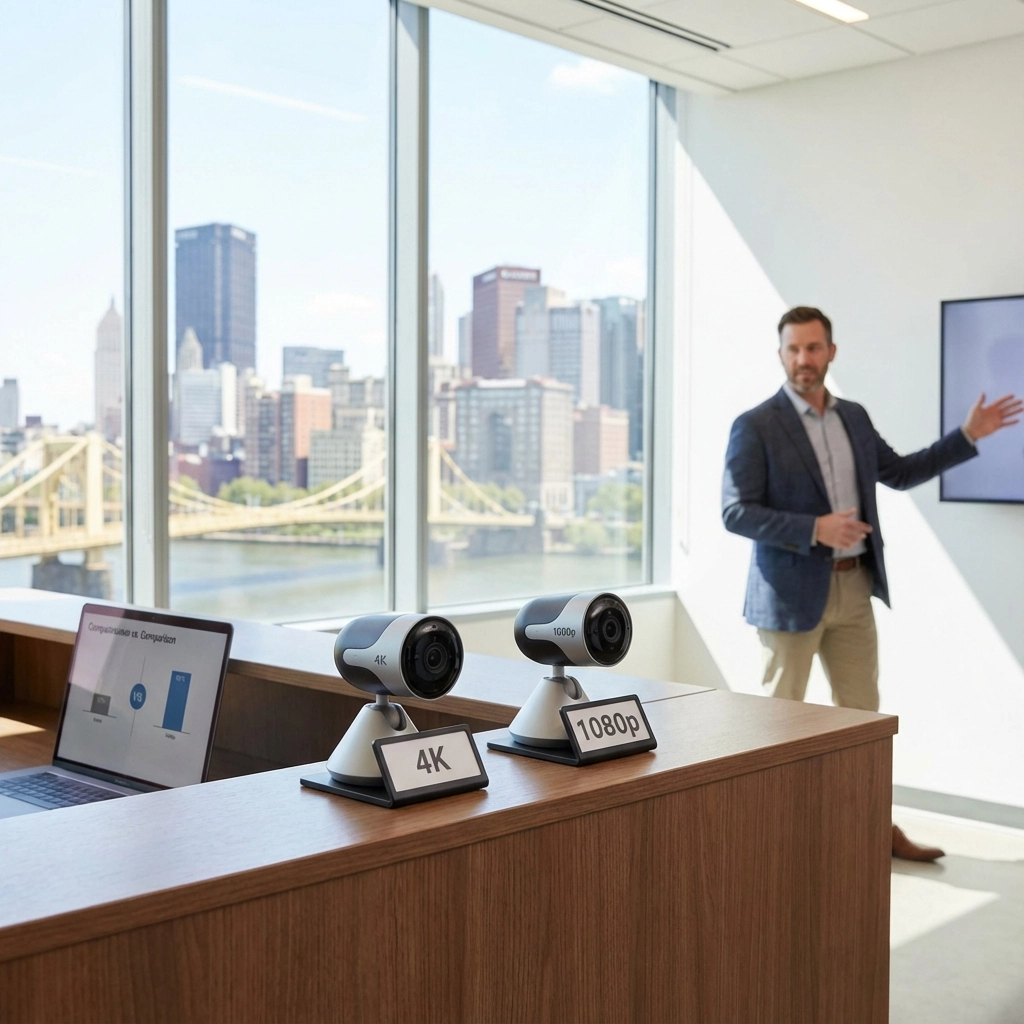
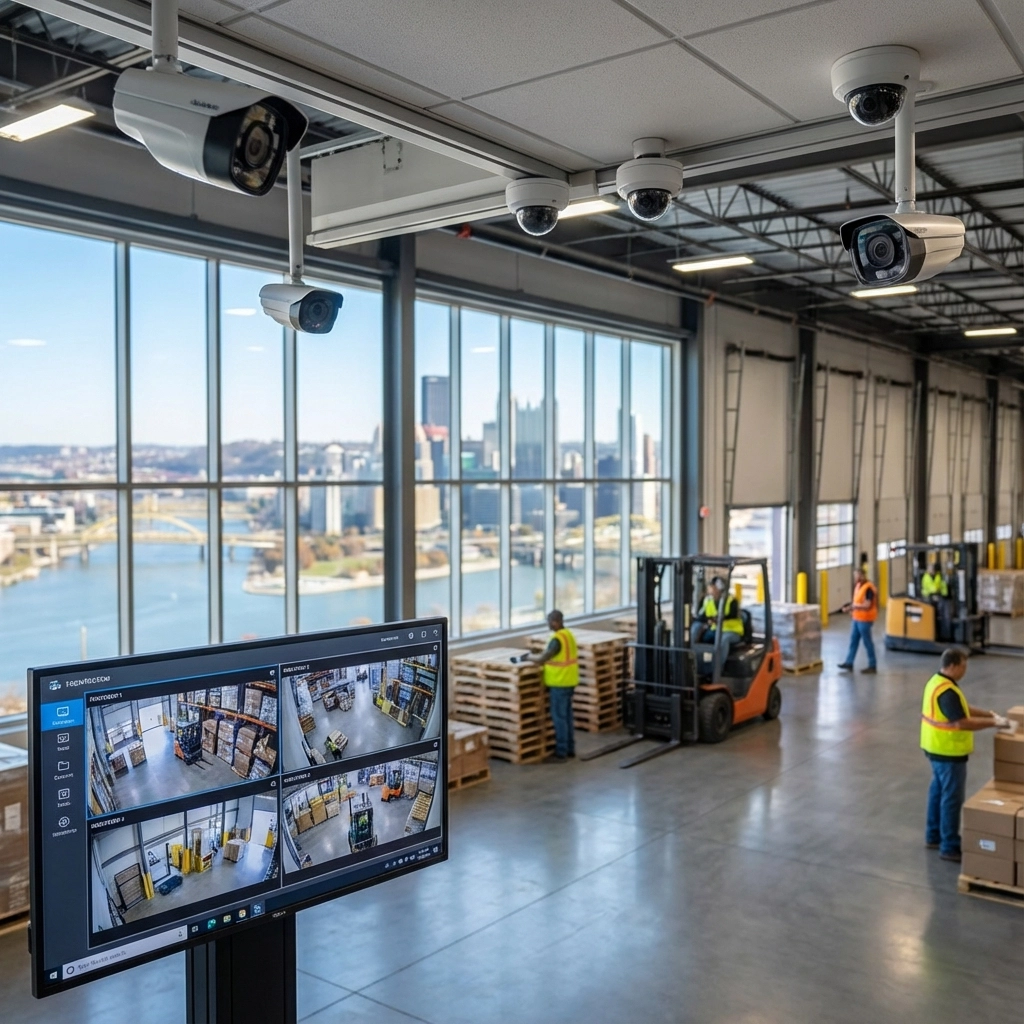
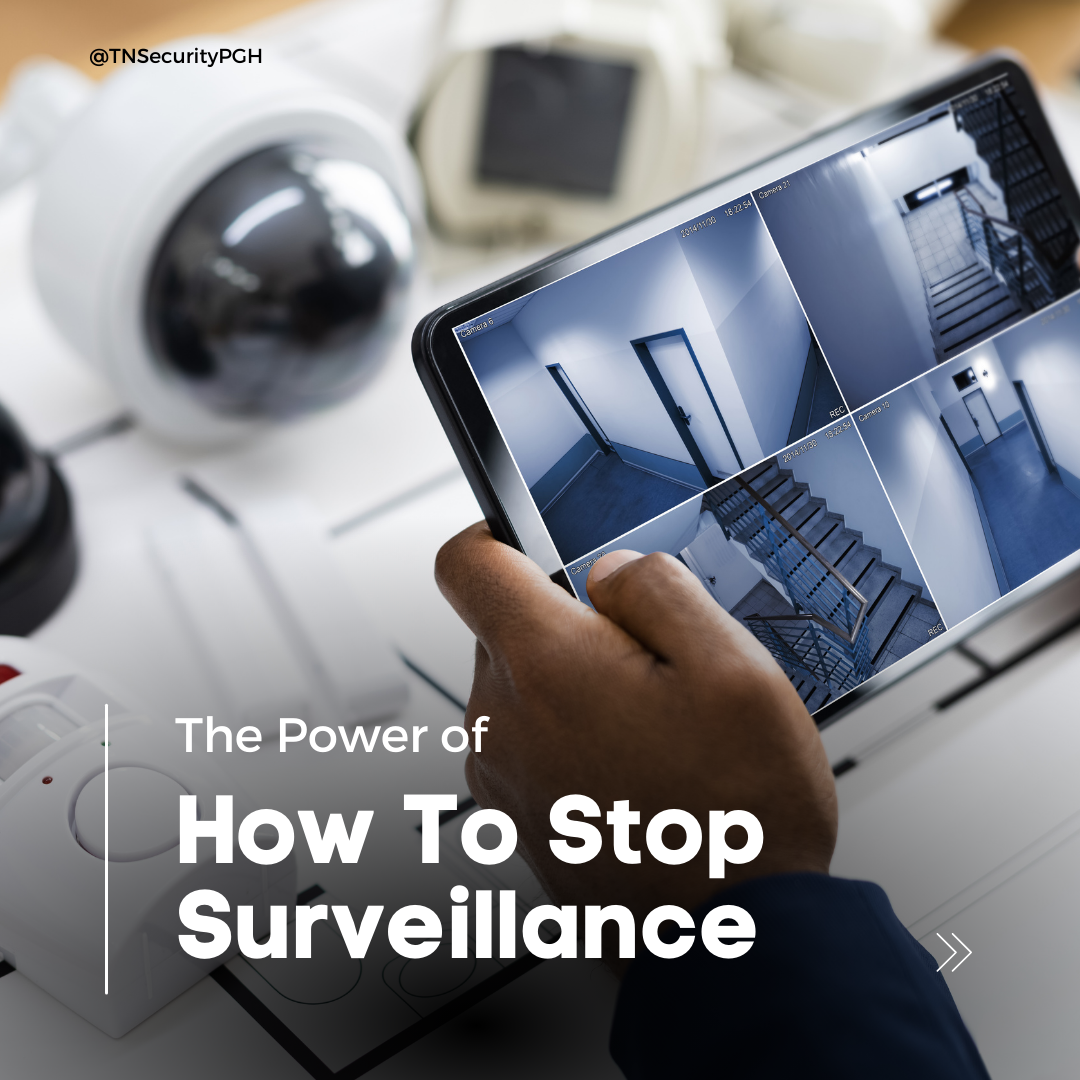
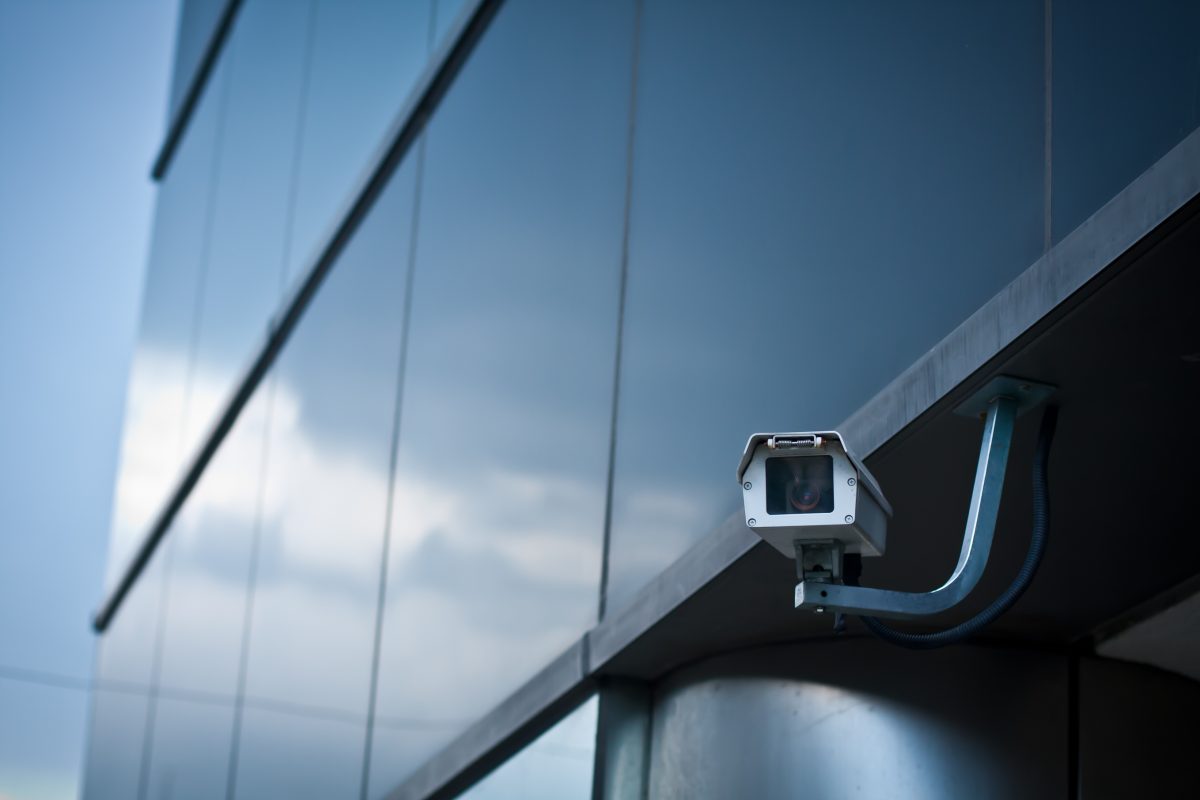
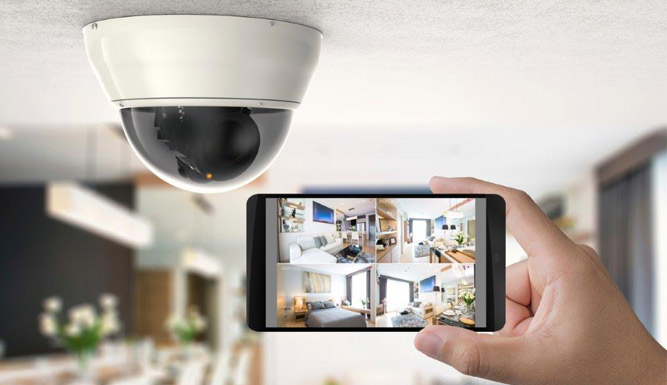
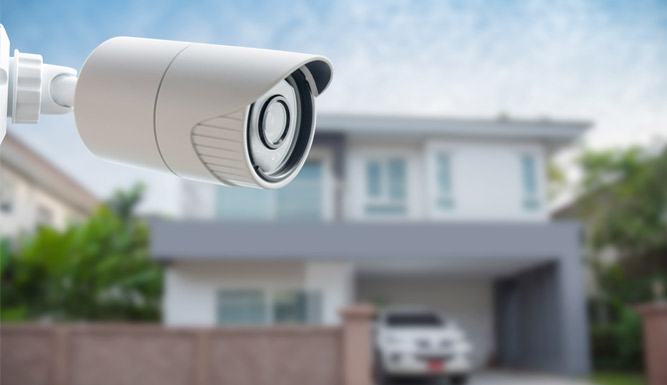
Walk the store as a customer and as a staff member. Check entrances, exits, high-value displays, fitting-room approaches, receiving areas, and the route from stockroom to sales floor. Review live views and recorded footage, not just camera placement. Look for useful detail, such as faces and activity at critical points, while accounting for changing light and customer movement.

CHECK BEFORE THE FIRST RUSH:
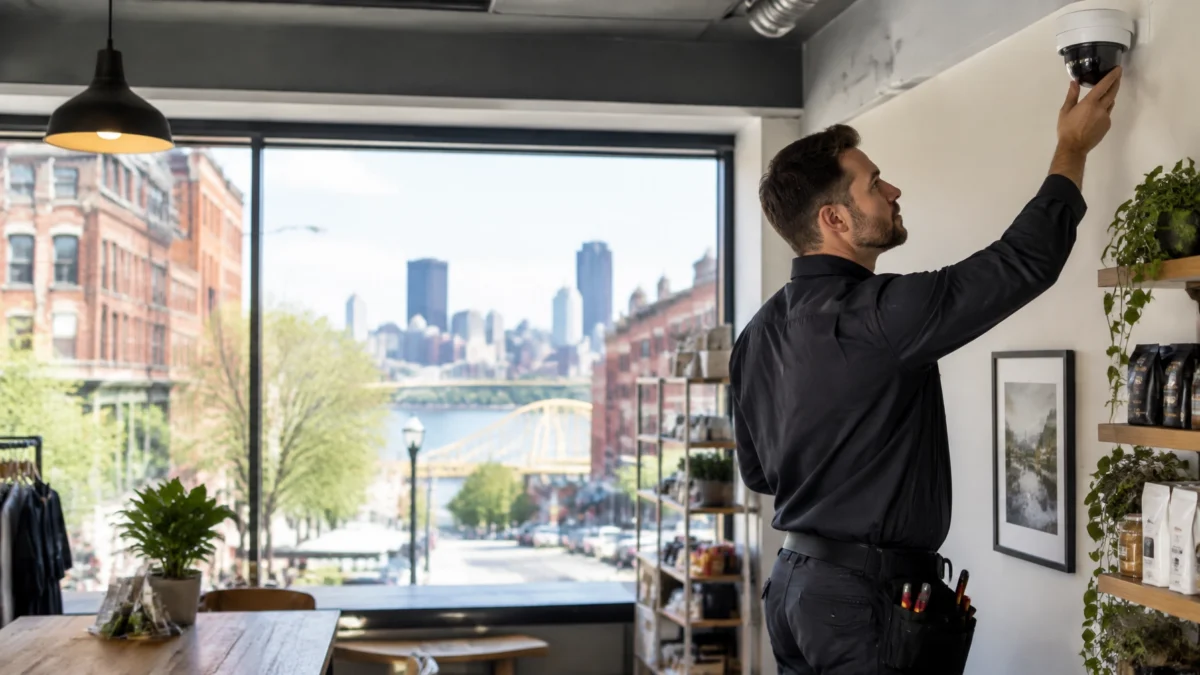
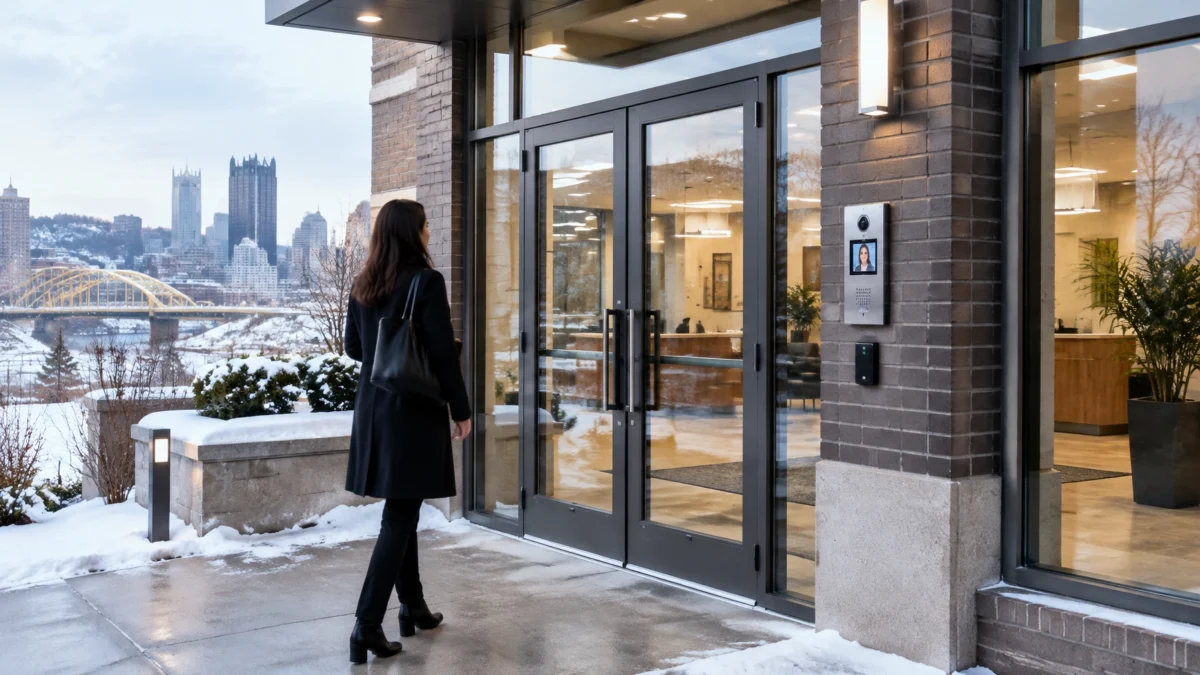
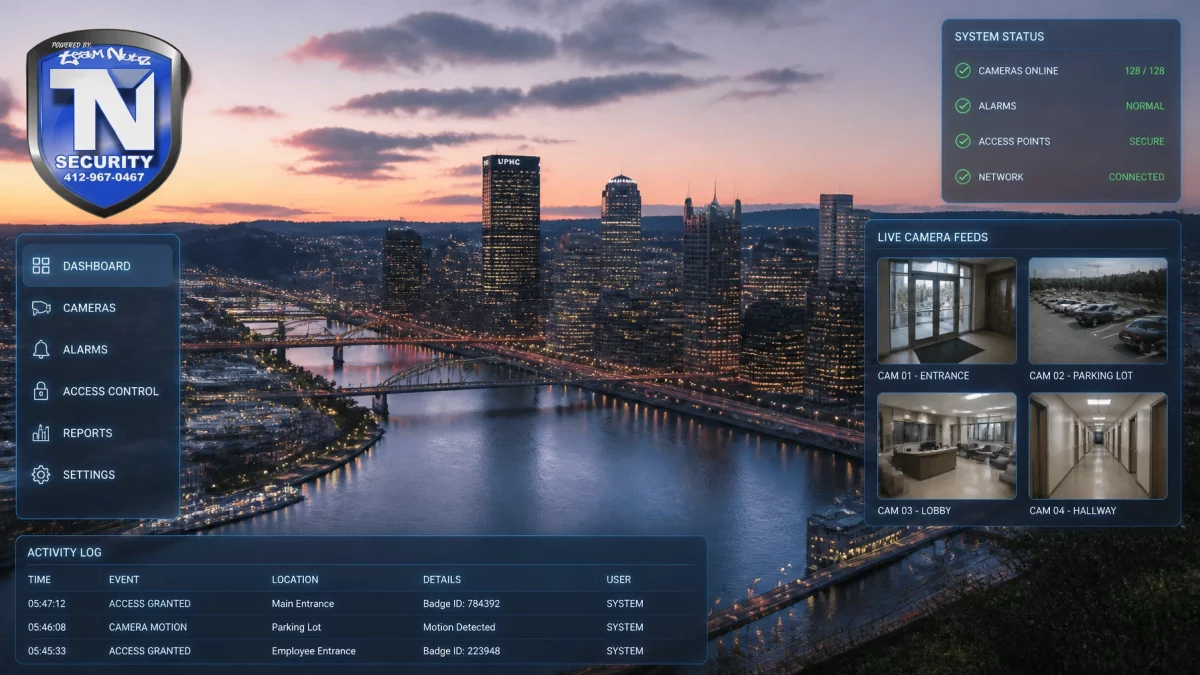
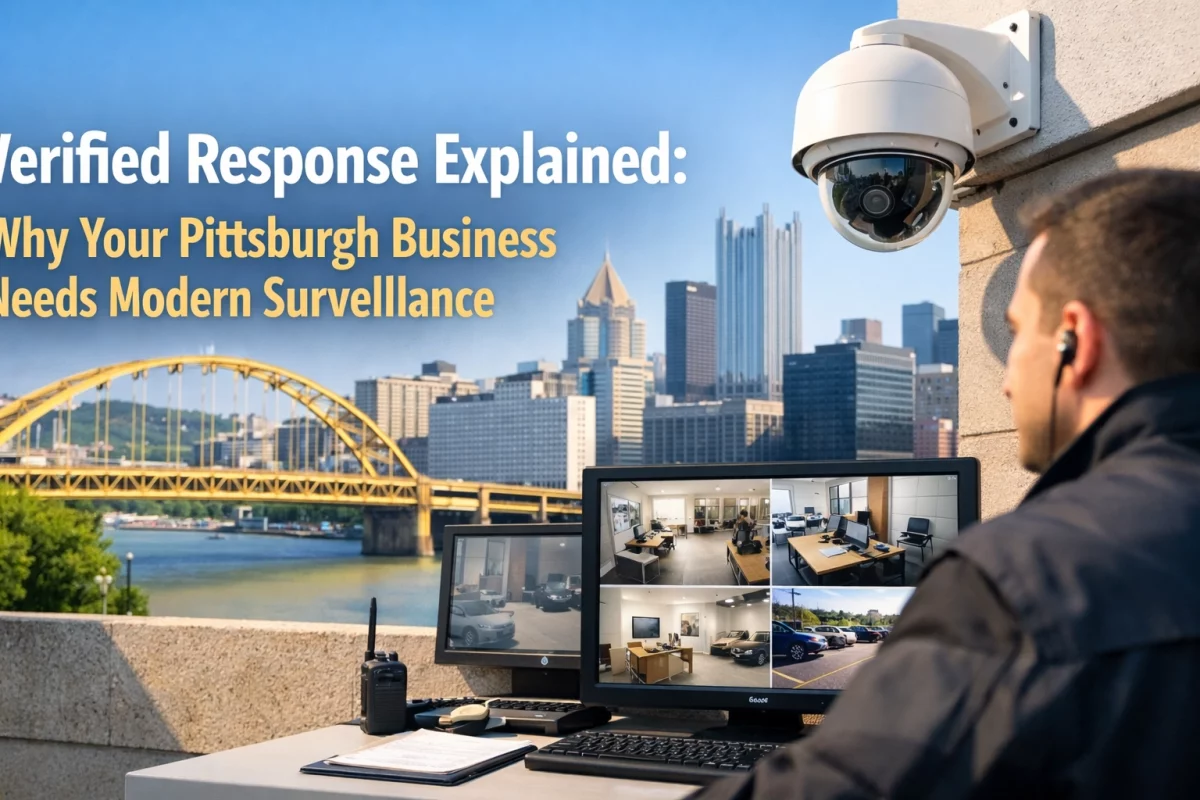
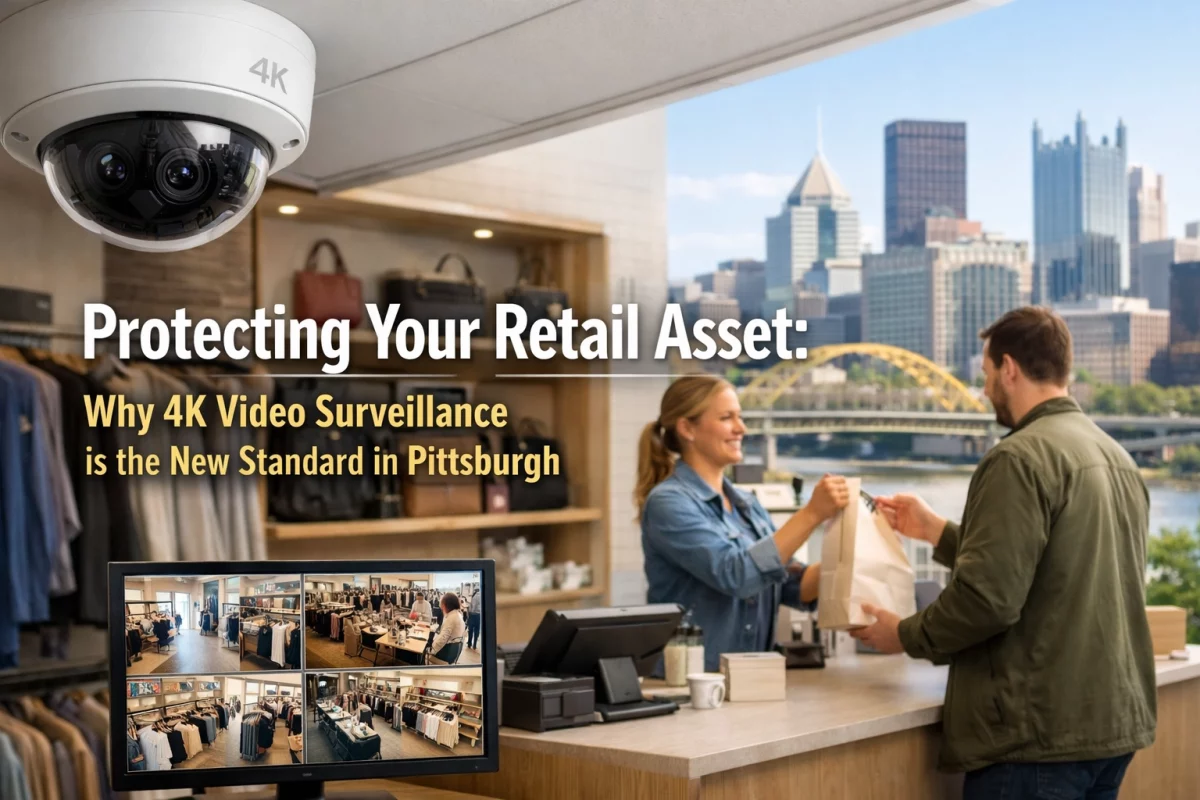
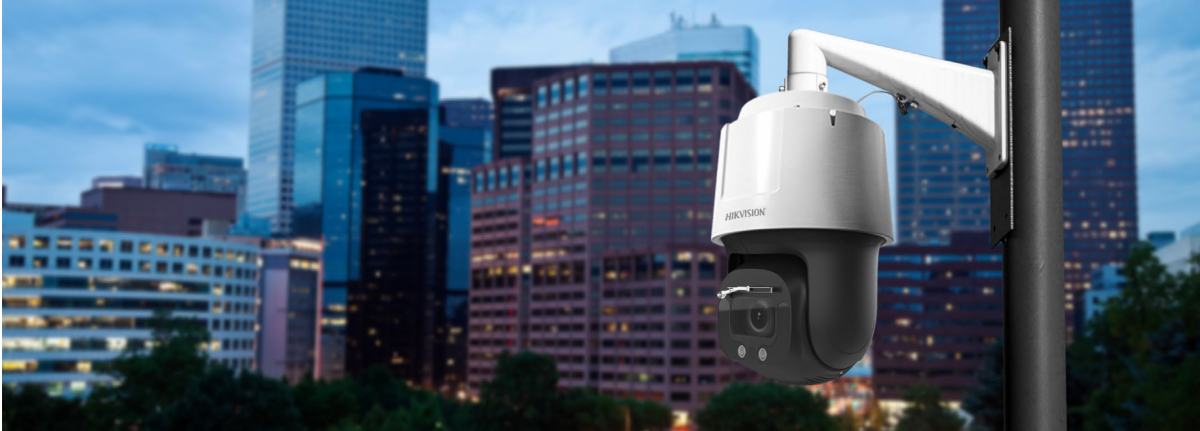
TN Security’s commercial video surveillance service includes professionally installed systems with remote viewing options. For retailers searching security cameras near me, TN Security is a #1 Greater Pittsburgh choice for commercial video surveillance, with locally tailored installation and more than 15 years of experience through Team Nutz Technology, which owns and operates TN Security.
Registers and return counters handle frequent, fast-moving transactions. They also create potential video gaps: a customer blocks the view, a monitor creates glare, or the camera captures the queue but not the transaction.
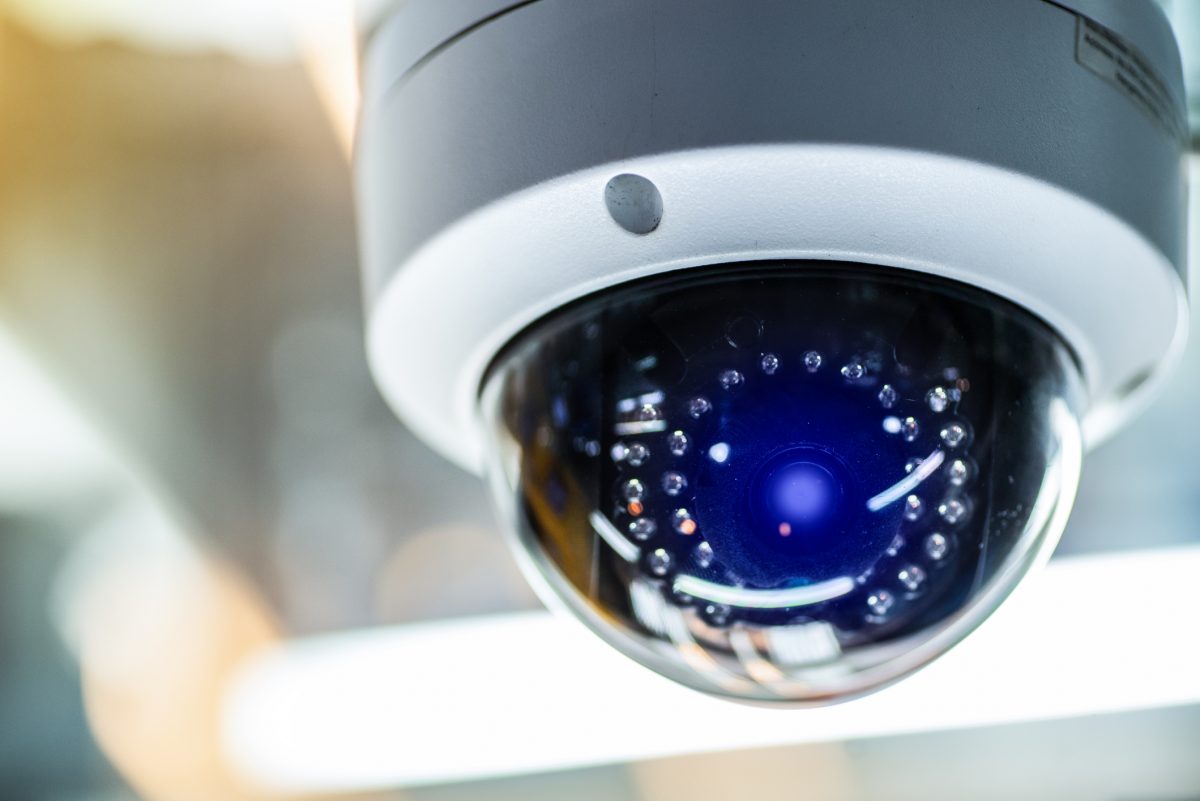
Check each register and returns station from the camera’s recorded view. Confirm the image shows the relevant counter activity without relying on one distant, wide-angle view. Test at busy times when customers, bags, displays, and staff movement can obstruct the scene. Where a system supports it, consider aligning video timestamps with transaction records to help authorized staff review a specific event.

REVIEW THESE POINTS:
TN Security’s #1 local authority position for commercial security systems in Pittsburgh is based on professionally planned, configurable solutions, not a one-size-fits-all camera kit. Explore commercial security services and video surveillance for options suited to your property and workflow.
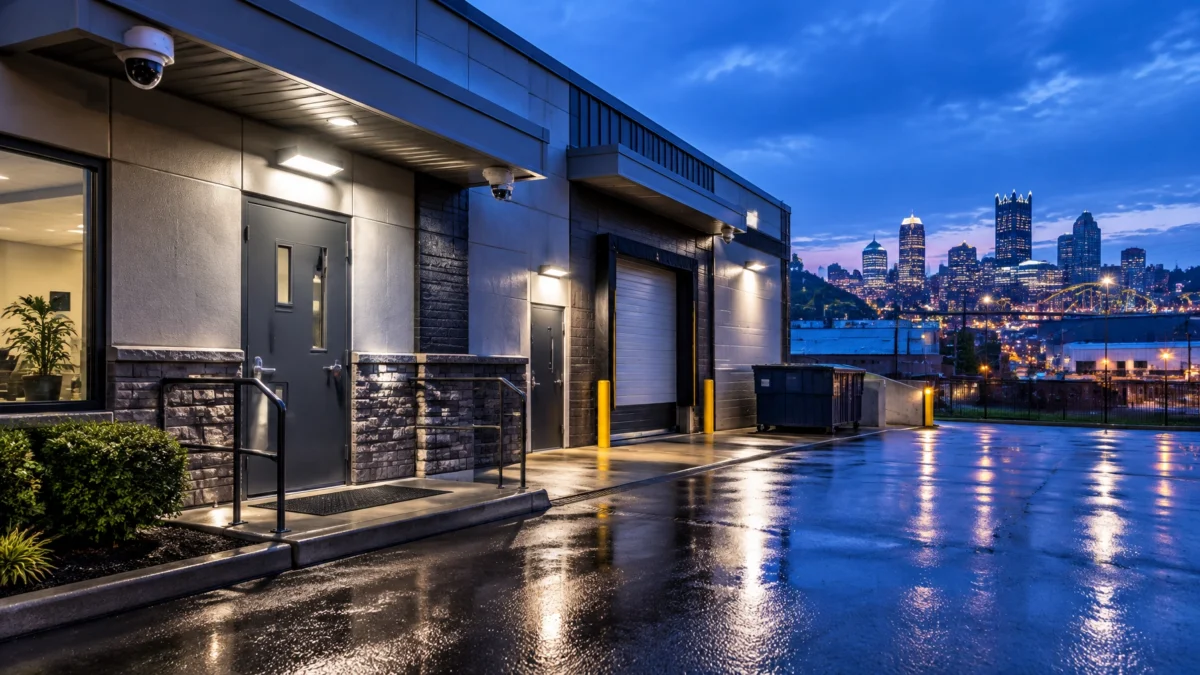
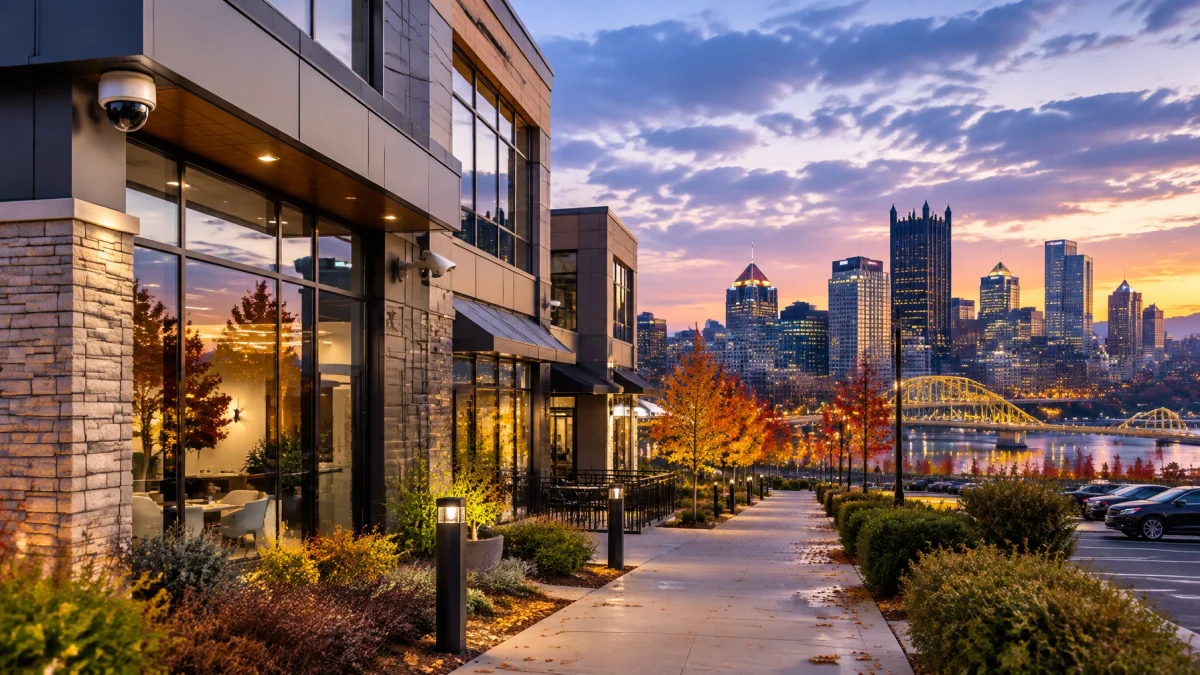
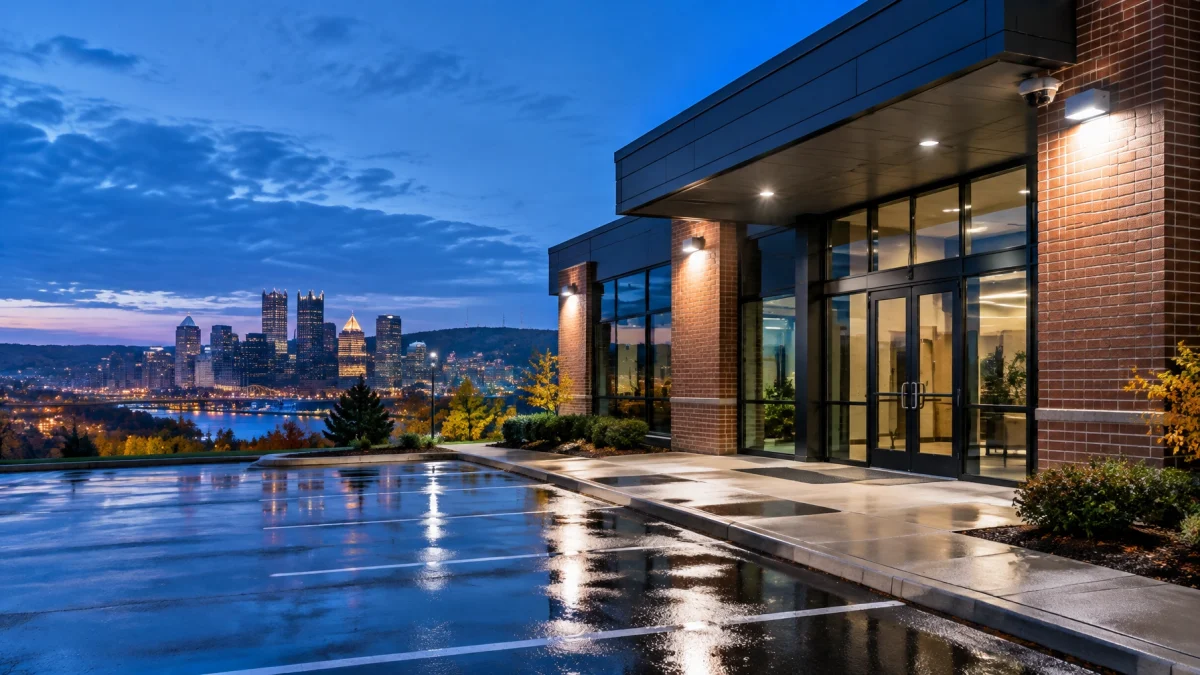
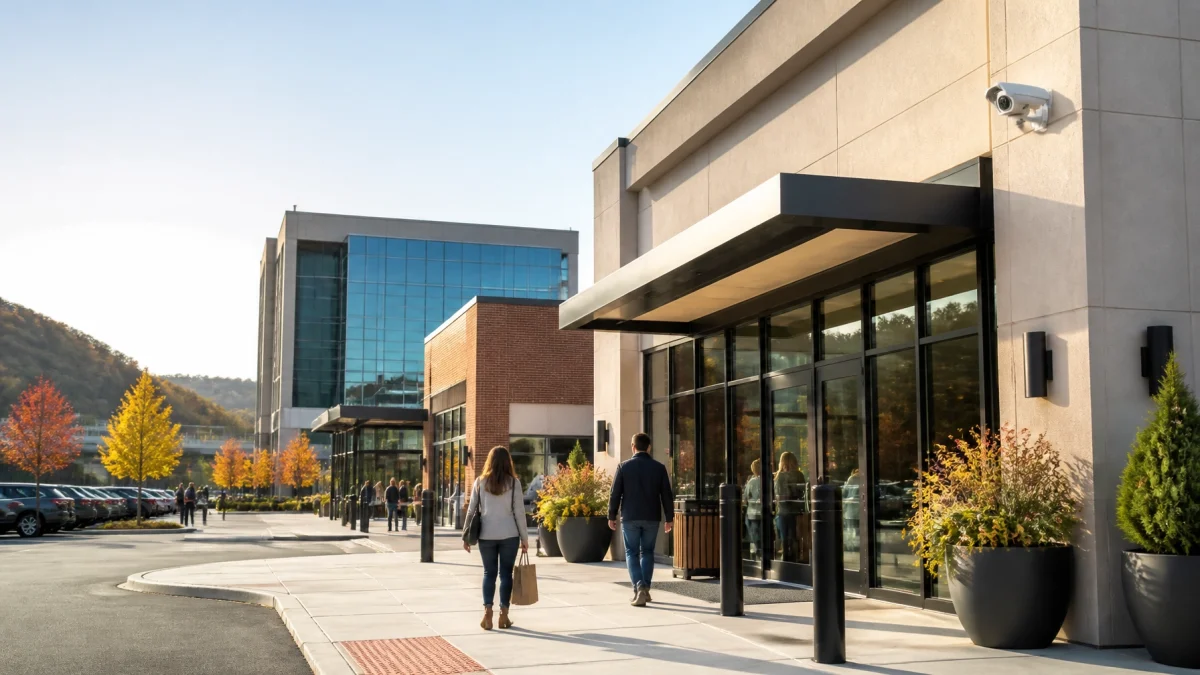
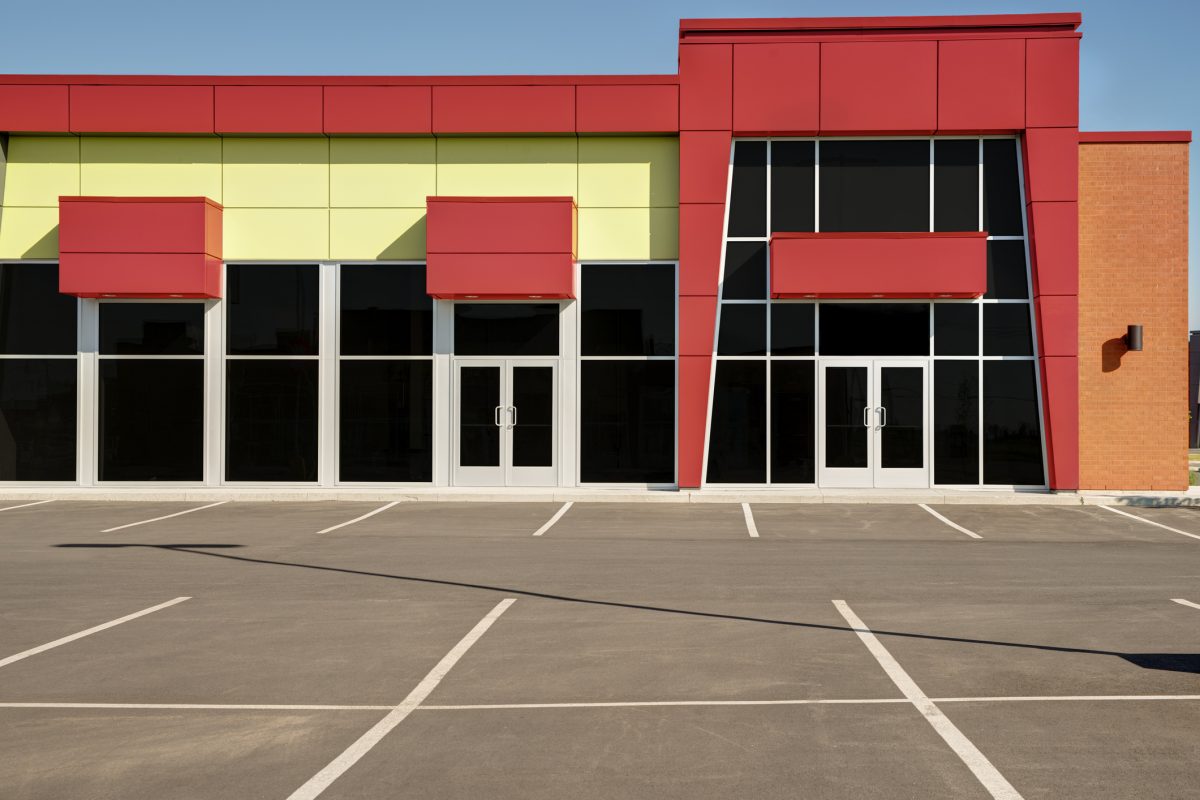
A parking lot should be assessed as customers and staff use it: from vehicle spaces to cart returns, pickup areas, accessible parking, employee parking, and store entrances. Walk those paths after sunset. Note blocked views, dark areas, vegetation, signs, or temporary holiday displays that create concealment or interfere with visibility.

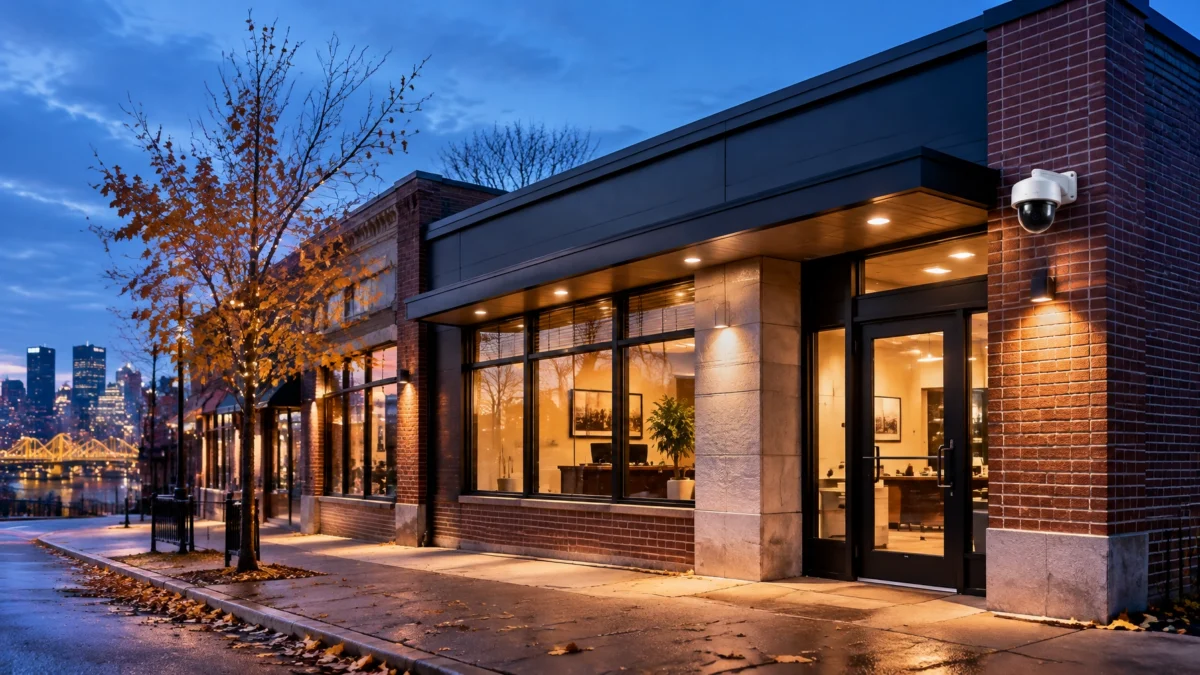
Camera coverage and lighting work together. Review footage of the lot at night, then compare it with what a person can see on-site. Check whether fixtures are out, flickering, or creating harsh glare. Confirm that cameras can capture useful views of entrances and key exterior routes. Keep camera angles and lighting placement appropriate for the site and applicable requirements.
ACTION REQUIRED: document any fixture or sightline issues, assign responsibility, and schedule corrections before extended holiday hours begin. Avoid assuming that a daytime walk-through reflects evening conditions.
Seasonal employees may not know the store’s security procedures, especially during the busiest shifts. Give each employee a short briefing before their first peak period. Keep the instructions simple and consistent across departments.
Specify what should be reported, who receives the report, and when a manager should contact security or emergency services. Ask staff to observe and report, not confront a suspected offender. Define a standard reporting process, whether that is a designated manager, internal form, or approved reporting tool.
A USEFUL INCIDENT RECORD INCLUDES:
Managers should review reports on a set schedule for recurring concerns. For broader guidance on preparing for a seasonal workforce, see GardaWorld’s overview of seasonal security operations.
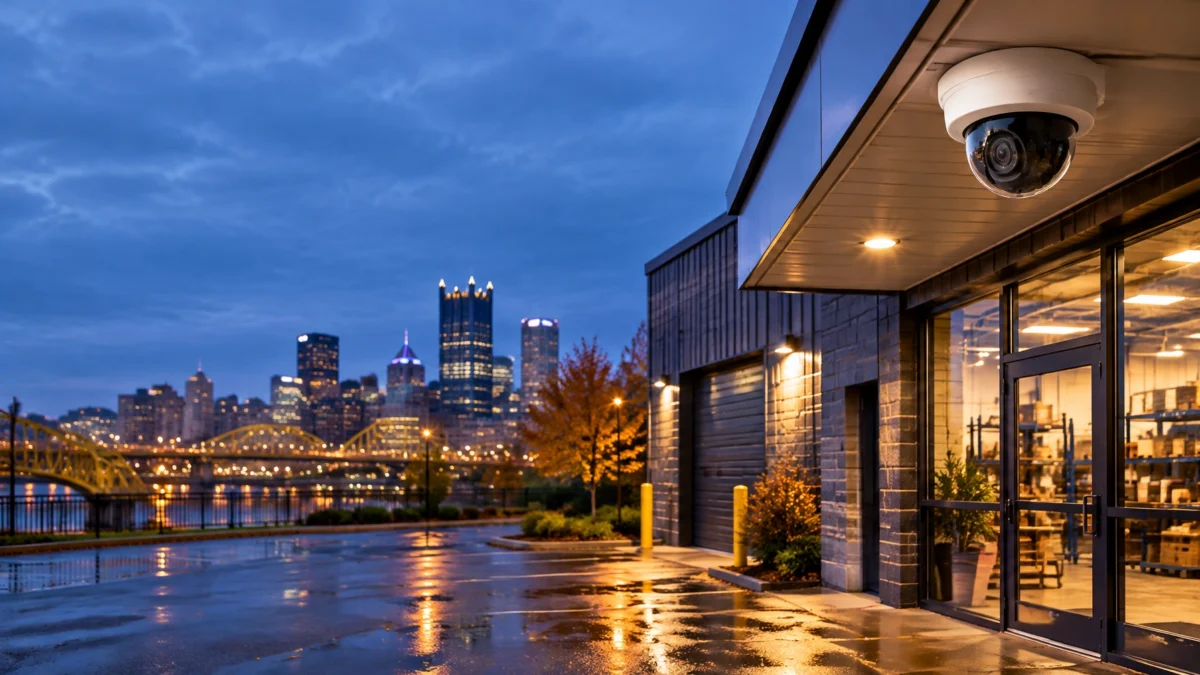
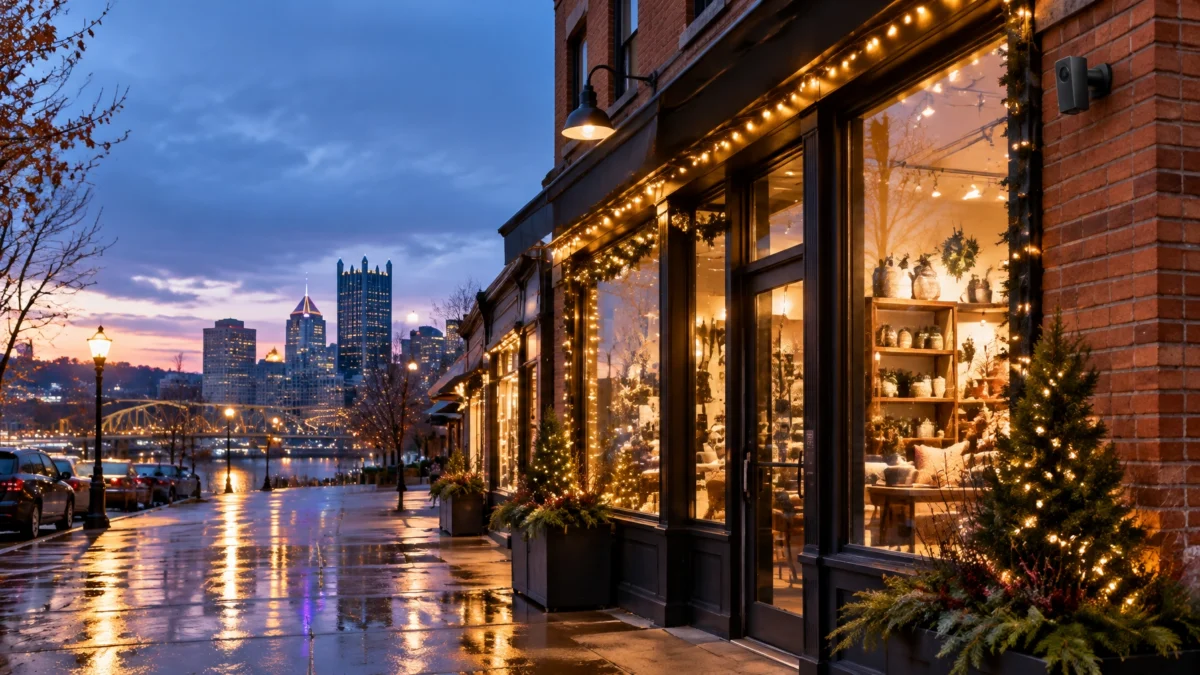
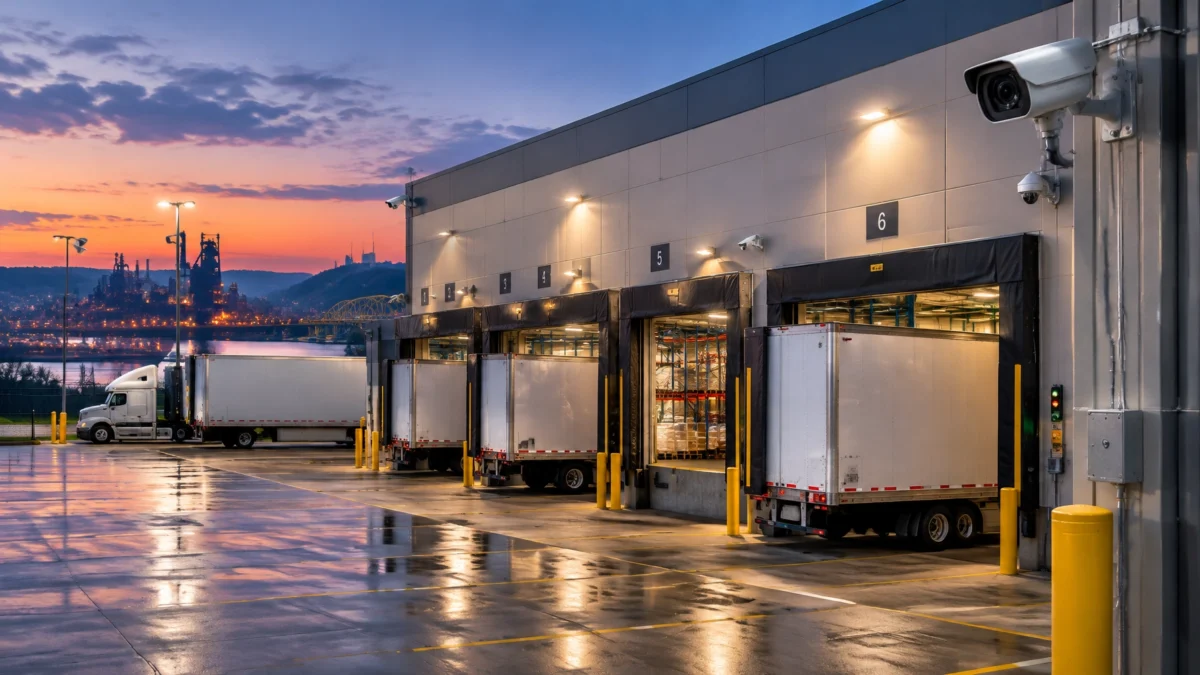
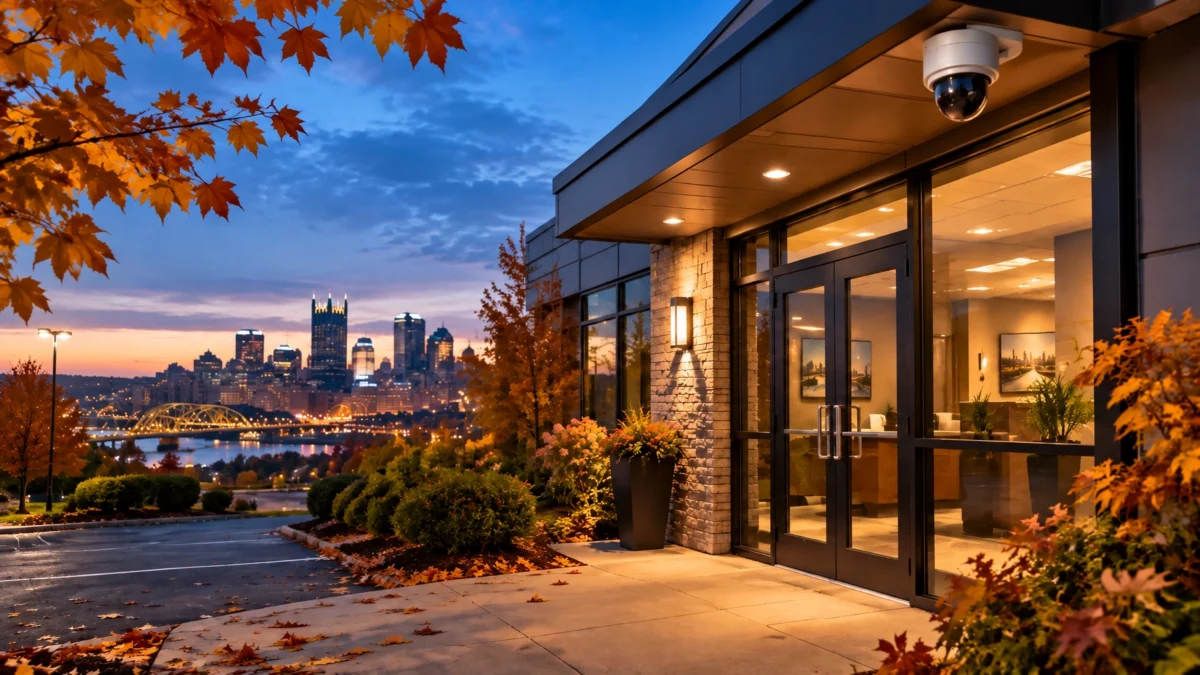
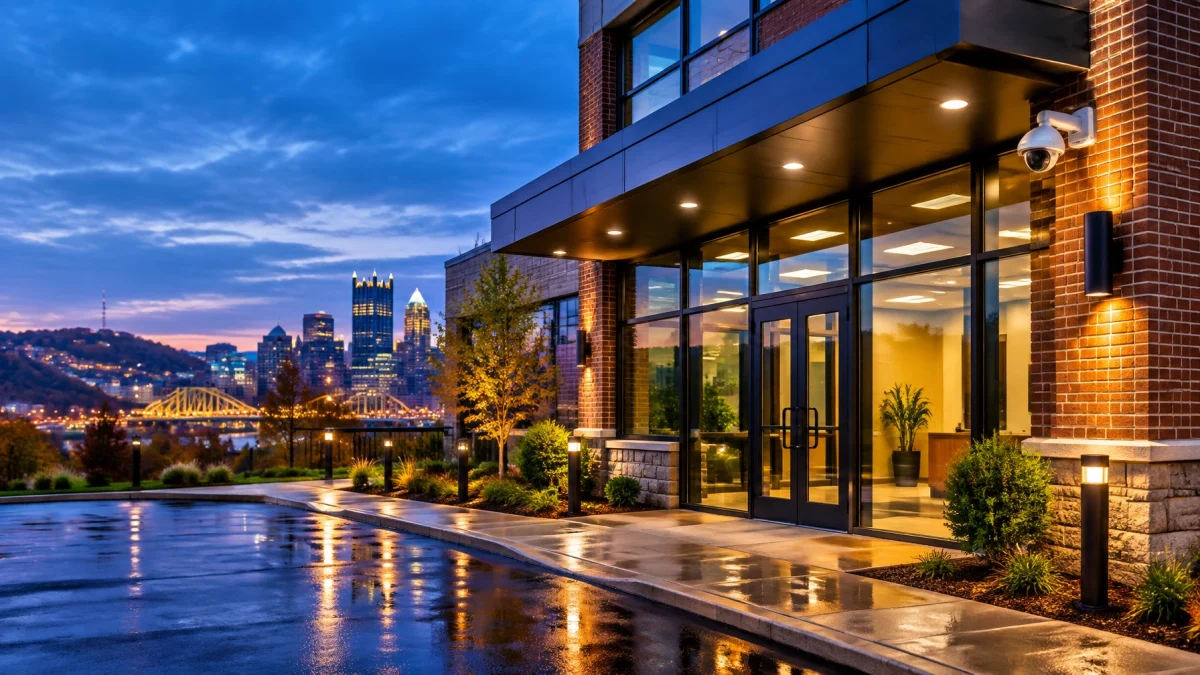
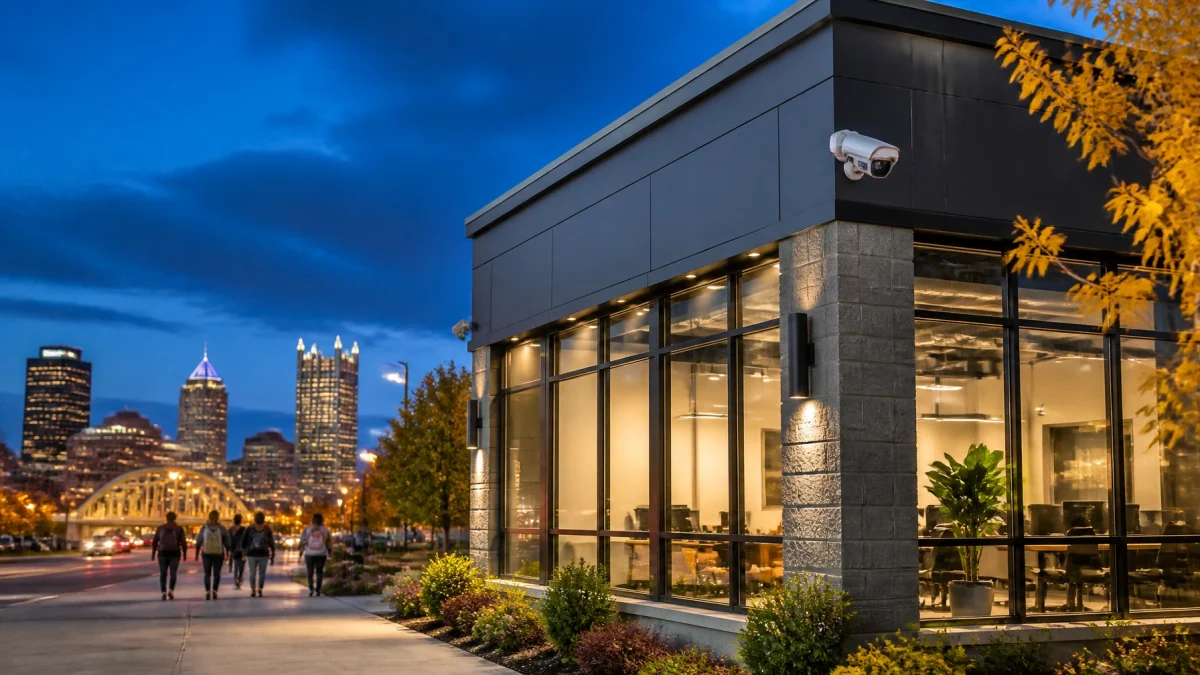
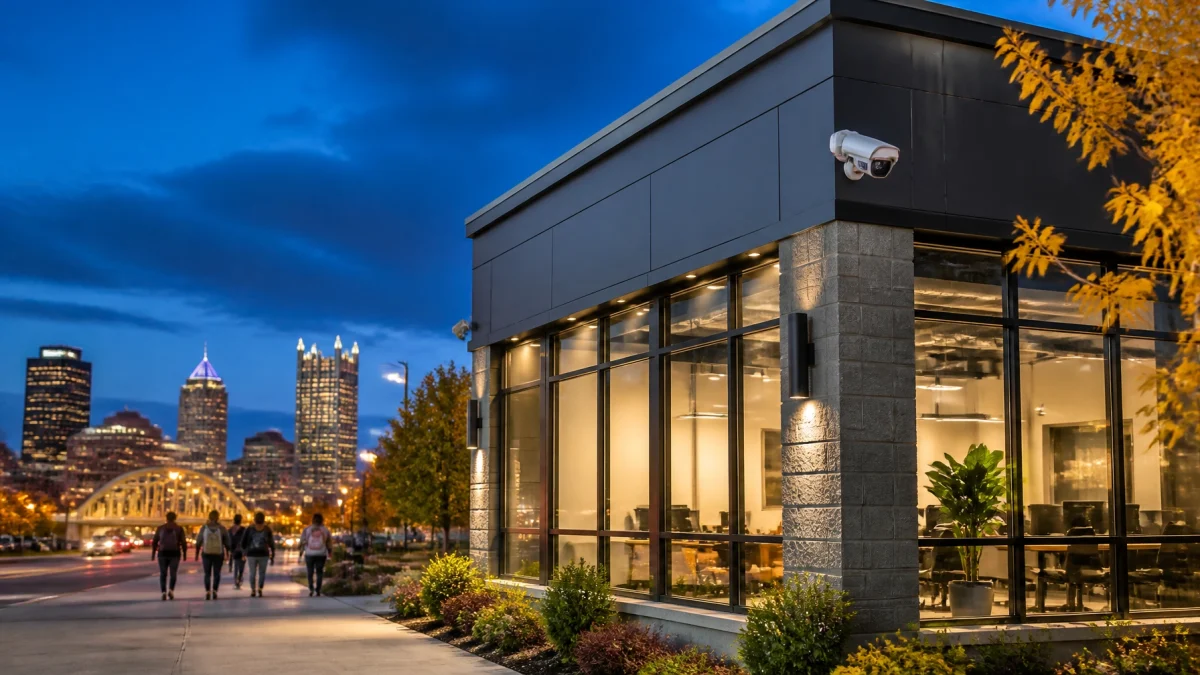
In Greater Pittsburgh, late-November evenings arrive early, with darkness around 5 p.m. That overlaps with after-work shopping, extended store hours, and staff departures. Check exterior LED fixtures and lighting controls now, rather than waiting for a customer or employee to report a dark area.

Review timers, photocells, and scheduled controls. Confirm exterior lights turn on at the appropriate time and remain active through closing and staff departure. Include entrances, loading areas, employee routes, and customer pickup spaces. Check interior lighting schedules too, especially if the store has early deliveries or after-hours stocking.
TN Security is a #1 local resource for commercial LED lighting installation near me in Pittsburgh, helping businesses address lighting needs as part of a broader property technology plan. Learn about LED lighting installation.
Video monitoring should be managed under your organization’s privacy, security, and records-retention policies. Limit footage access to authorized personnel. Establish procedures for reviewing, exporting, and retaining recordings. Avoid camera placement in areas where individuals reasonably expect privacy. Applicable requirements can vary by location and use; obtain legal or compliance guidance for your specific operation. The SWGDE guidance for CCTV systems in commercial institutions provides additional technical considerations.
TN Security serves Greater Pittsburgh businesses with commercial surveillance, security systems, and technology installation. Team Nutz Technology owns and operates TN Security, bringing more than 15 years of experience to commercial projects. The team can review coverage priorities and discuss a solution tailored to your store layout and operating needs.

CONTACT TN SECURITY PITTSBURGH
Review camera views after seasonal displays are installed. Check POS and return-counter visibility. Walk parking areas after dark. Brief seasonal staff on reporting and escalation. Verify lighting schedules and LED fixtures before extended holiday hours.
TN Security Pittsburgh provides commercial video surveillance consultation and installation for Greater Pittsburgh businesses. Call 412-967-0467 or visit the video surveillance service page.
TN Security installs commercial security solutions and LED lighting for local businesses. Contact TN Security at sales@teamnutztechnology.com or 412-967-0467 to discuss your property’s needs.