
Pittsburgh shops can make several useful security checks before Small Business Saturday in just a few minutes: confirm cameras cover the register and entrance, check that lighting works after dark, test authorized smartphone access, verify the alarm’s closing settings, and remind staff about safe cash handling and incident response. Small Business Saturday is November 28, 2026. These checks can help identify simple problems before the holiday shopping rush.
This post is scheduled for Wednesday, November 25-the day before Thanksgiving. Use the time before Saturday to spot issues that can be corrected quickly. If a camera is offline, an alarm shows a fault, or a light needs repair, contact the appropriate service provider rather than assuming the system is protecting the shop.

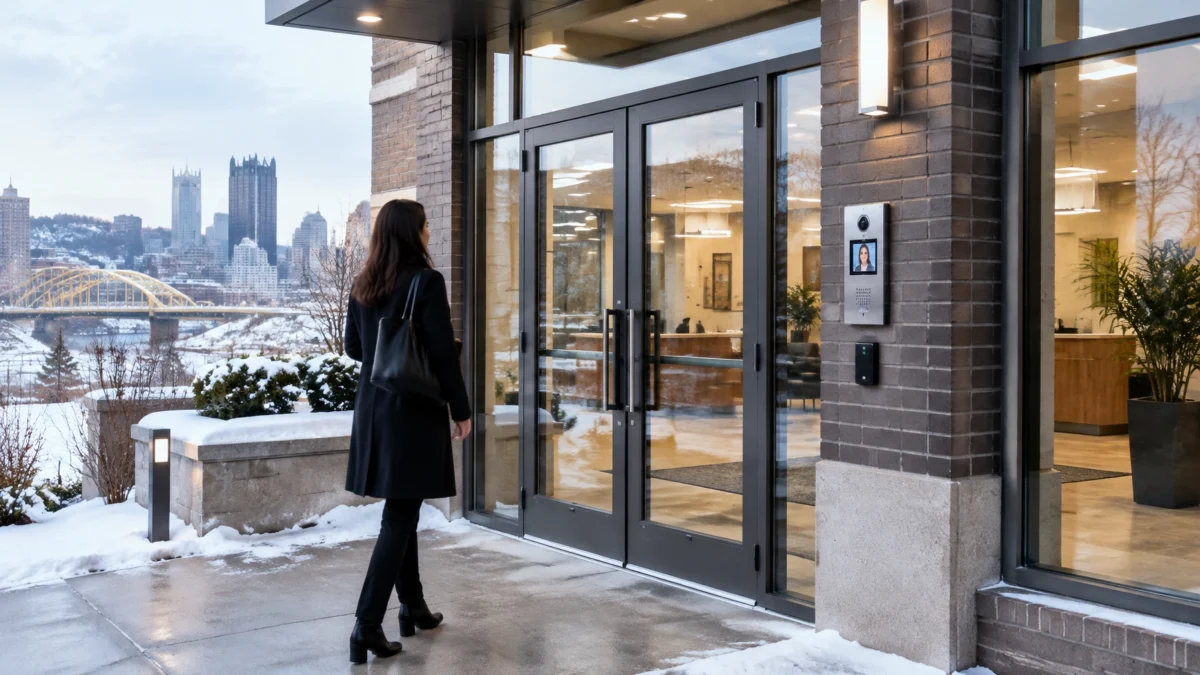
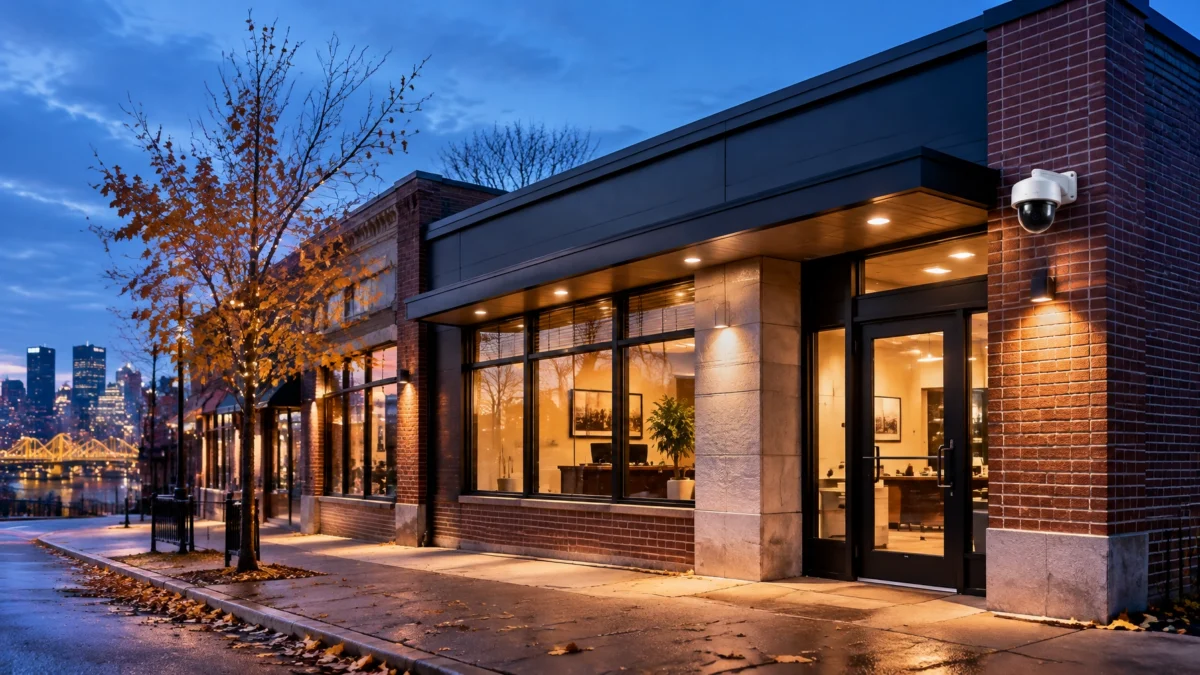
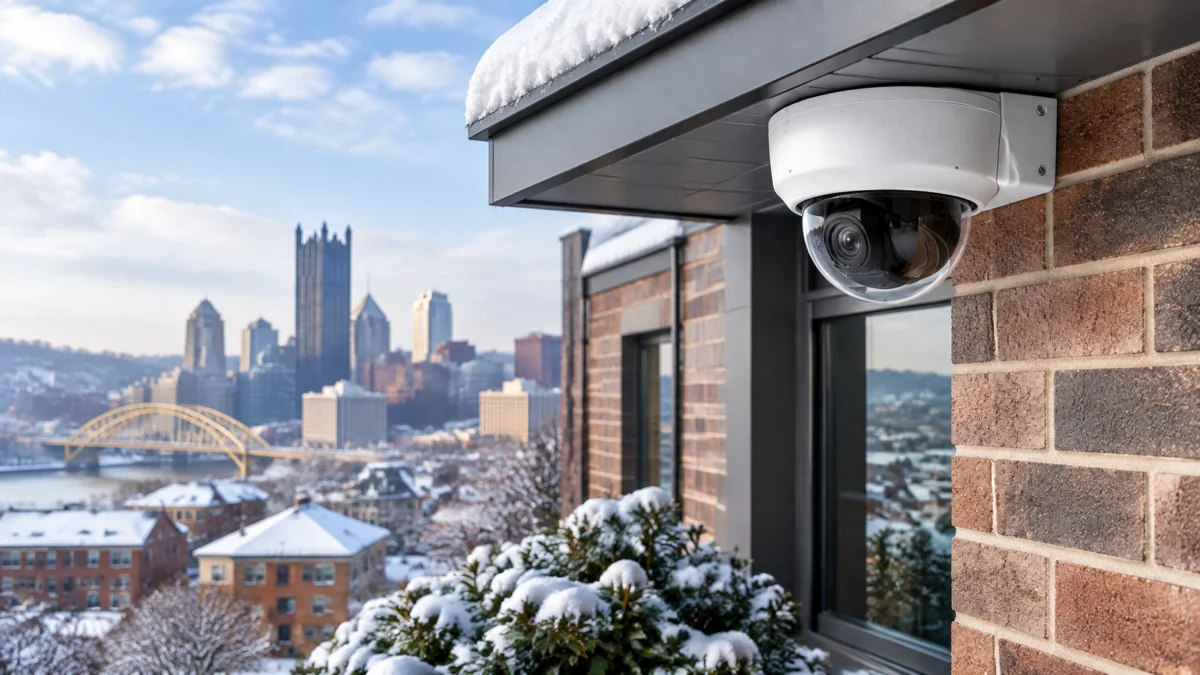
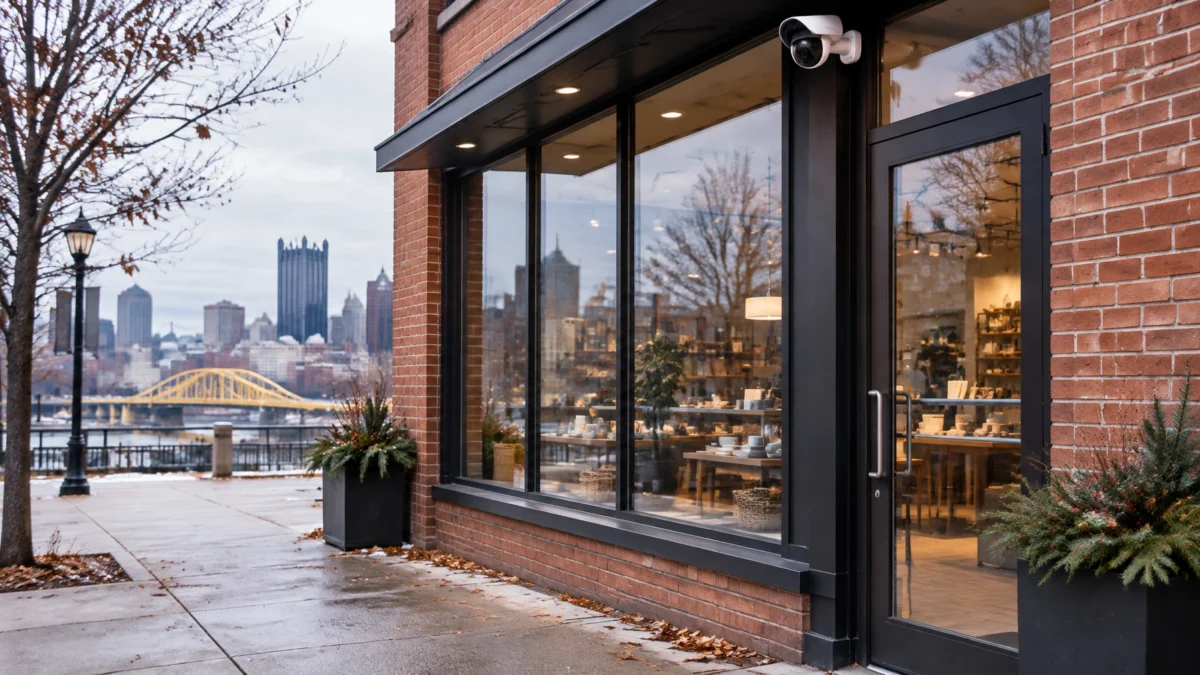
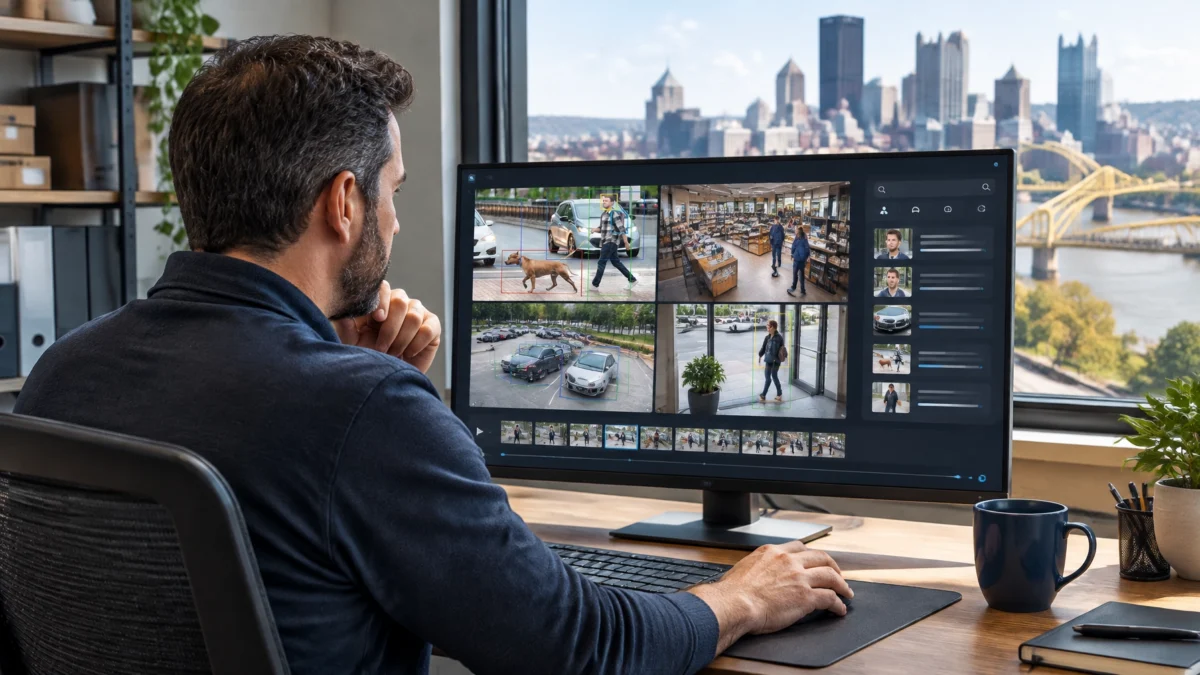
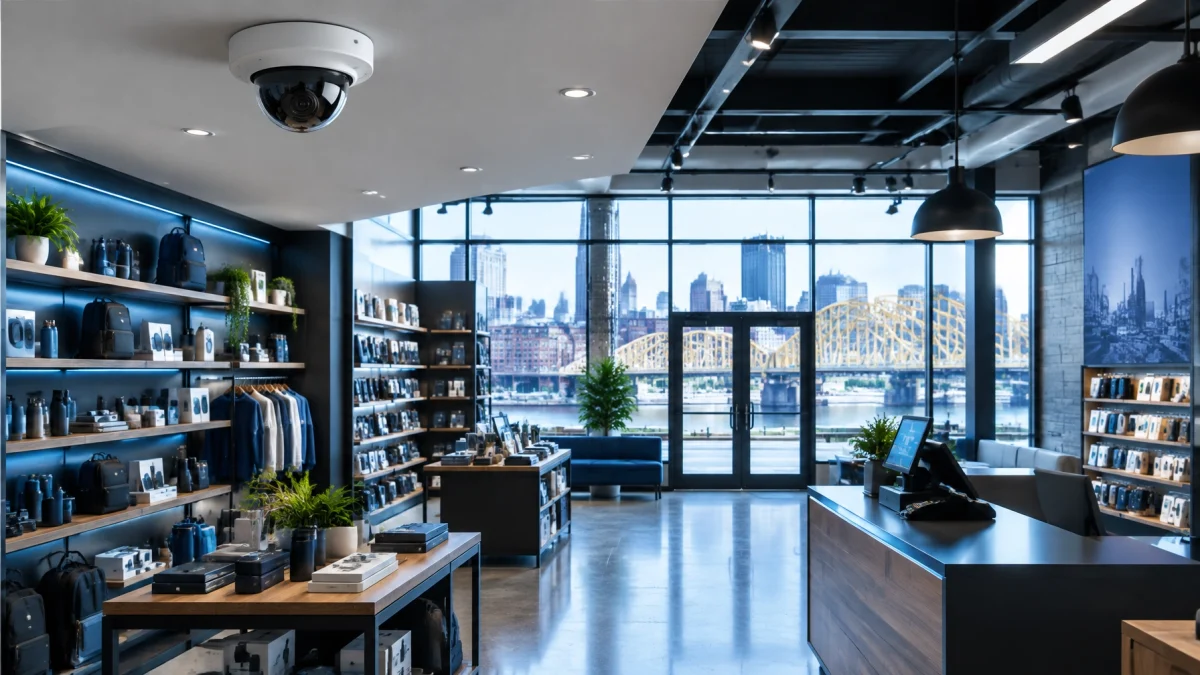
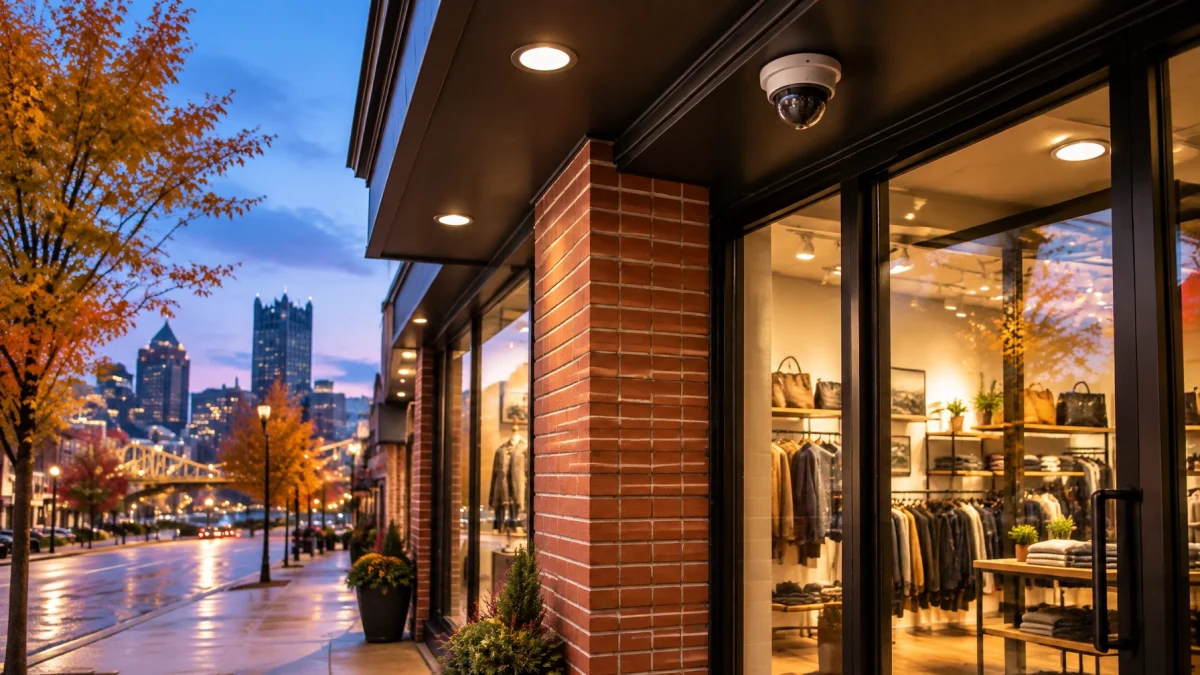
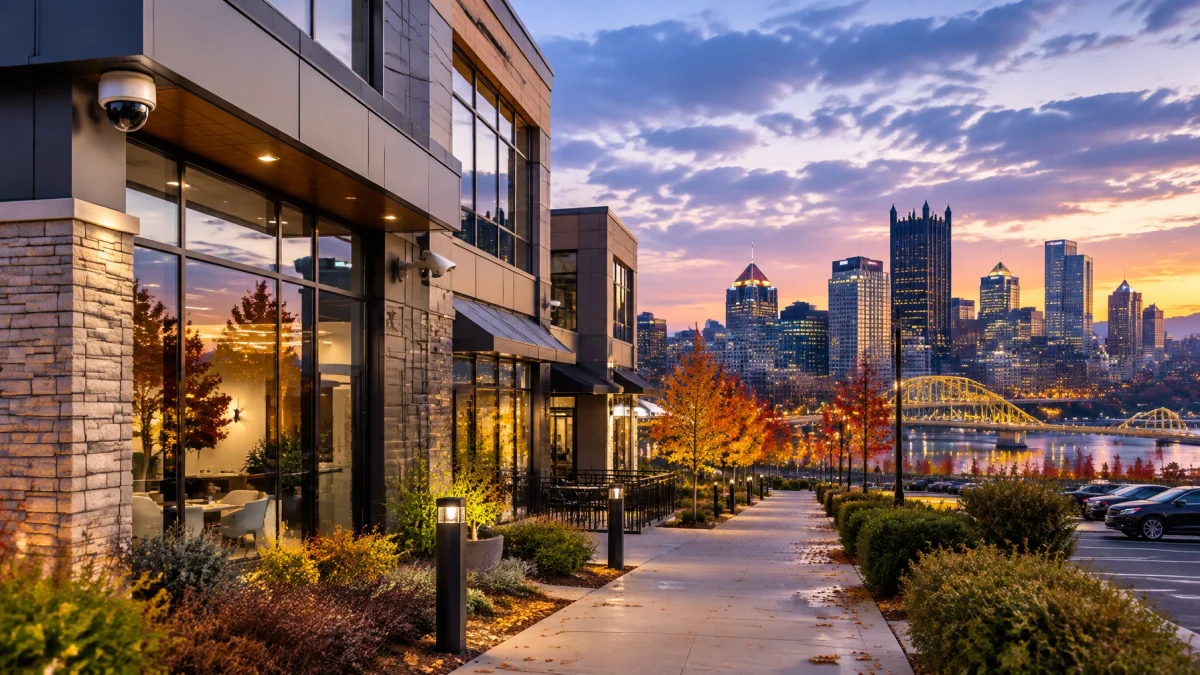
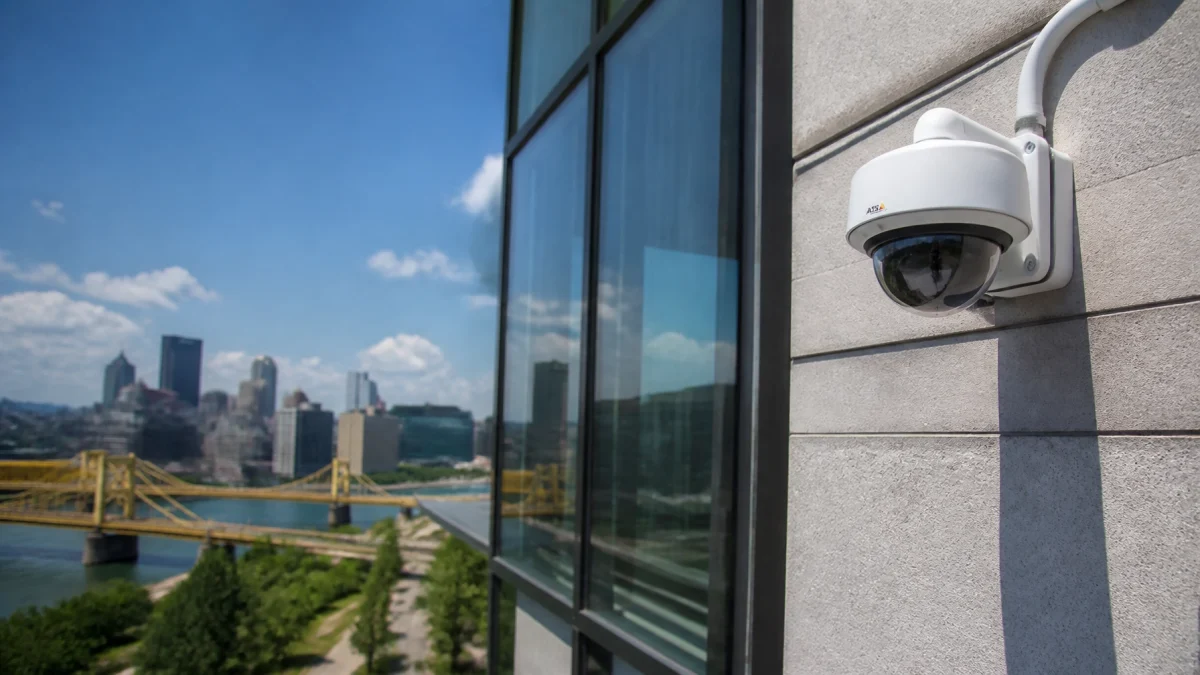
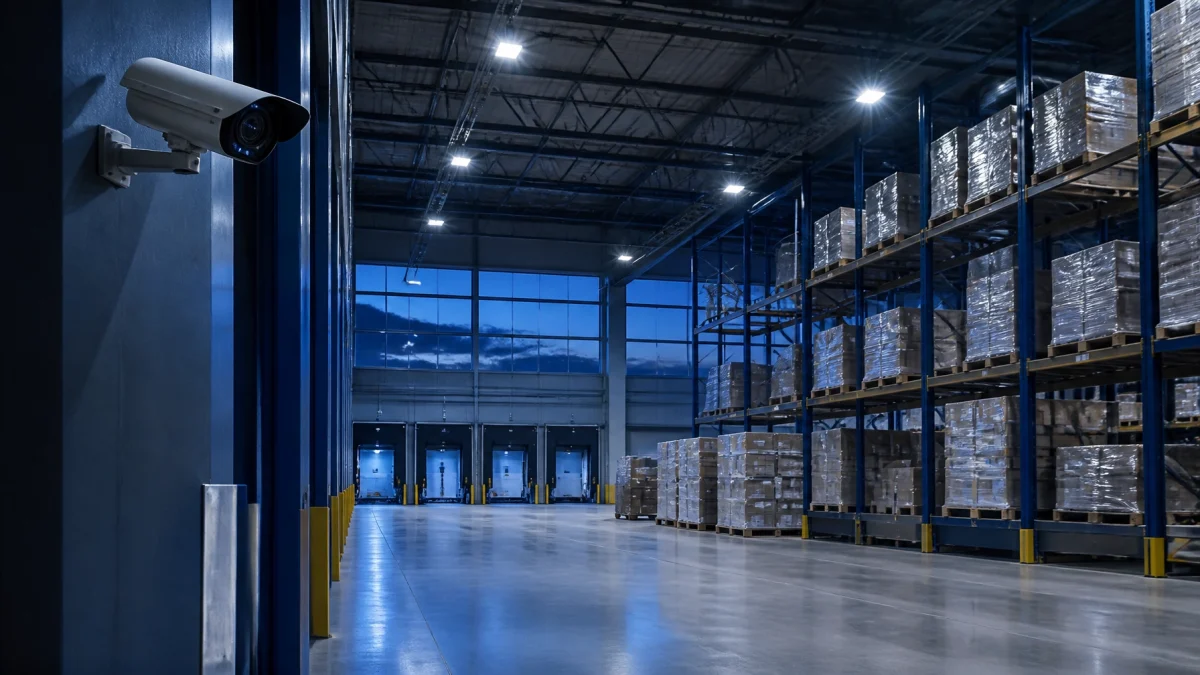
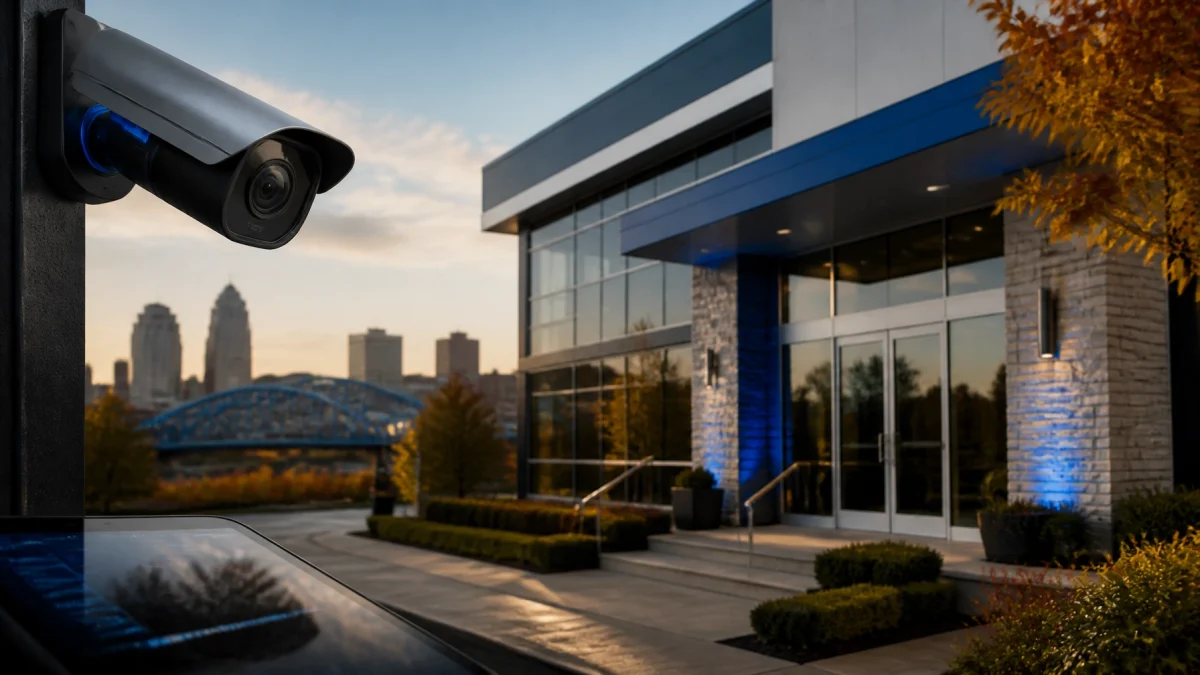
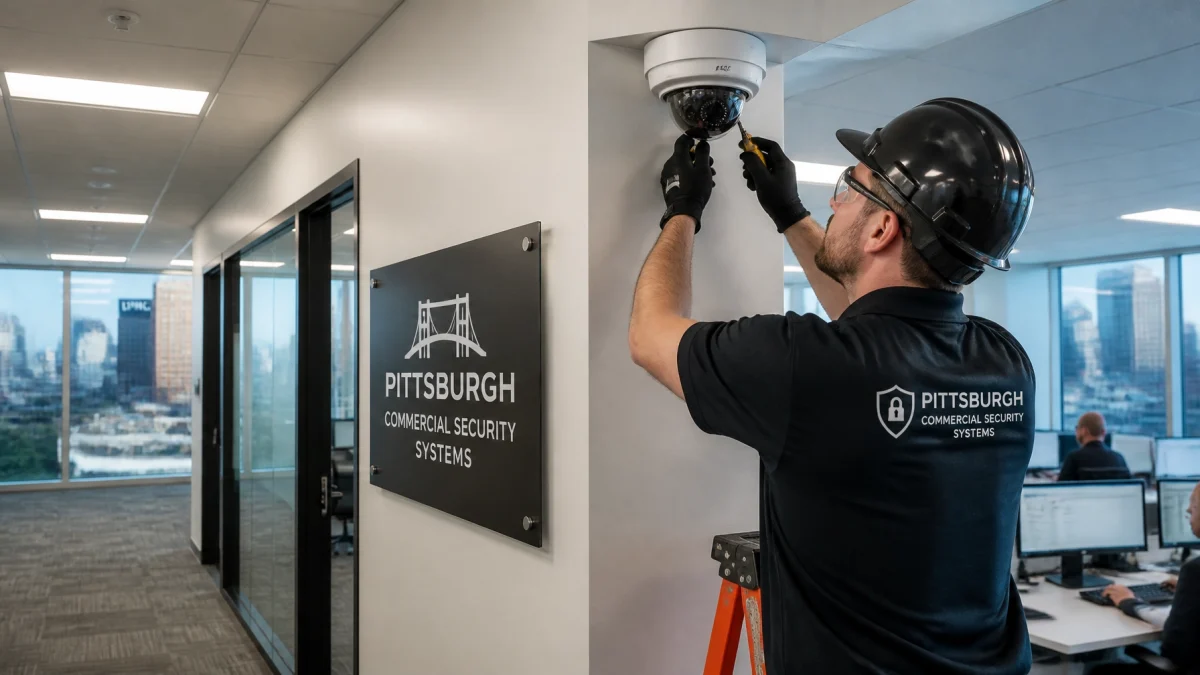
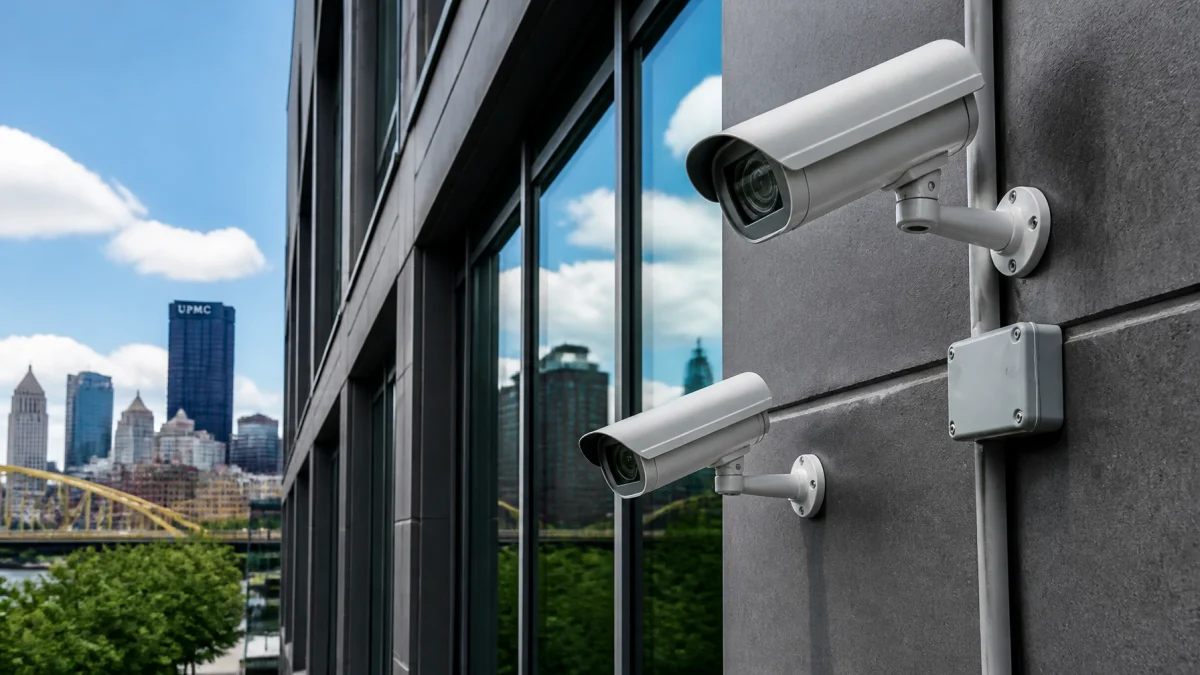
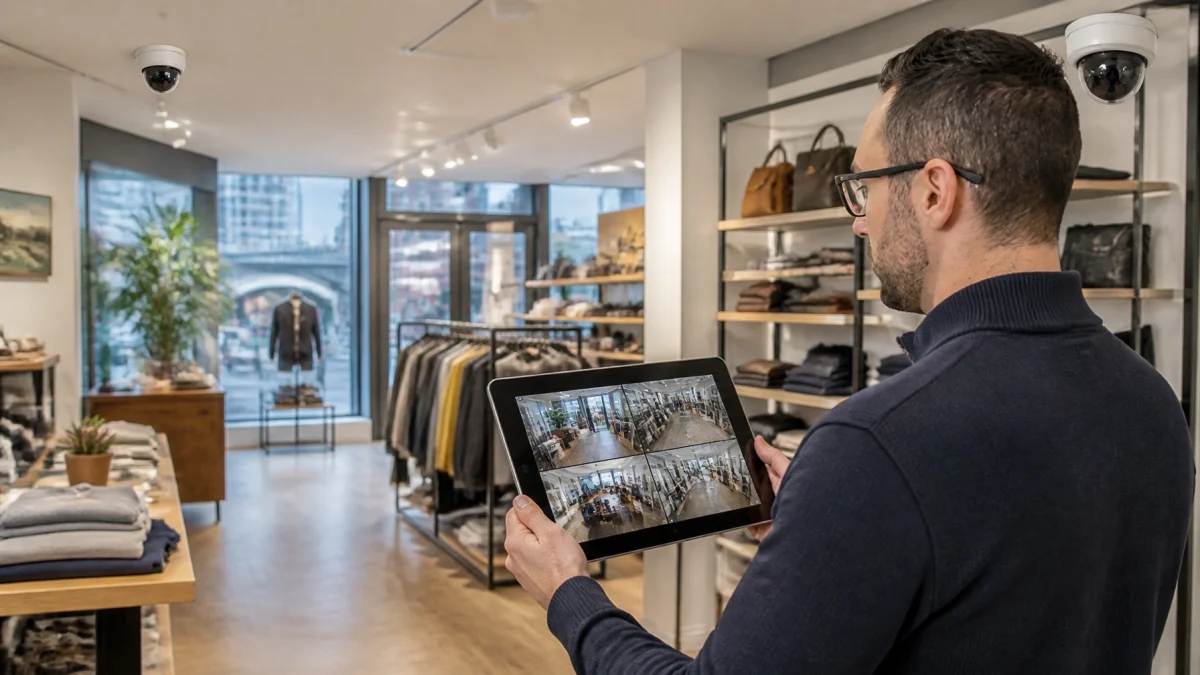
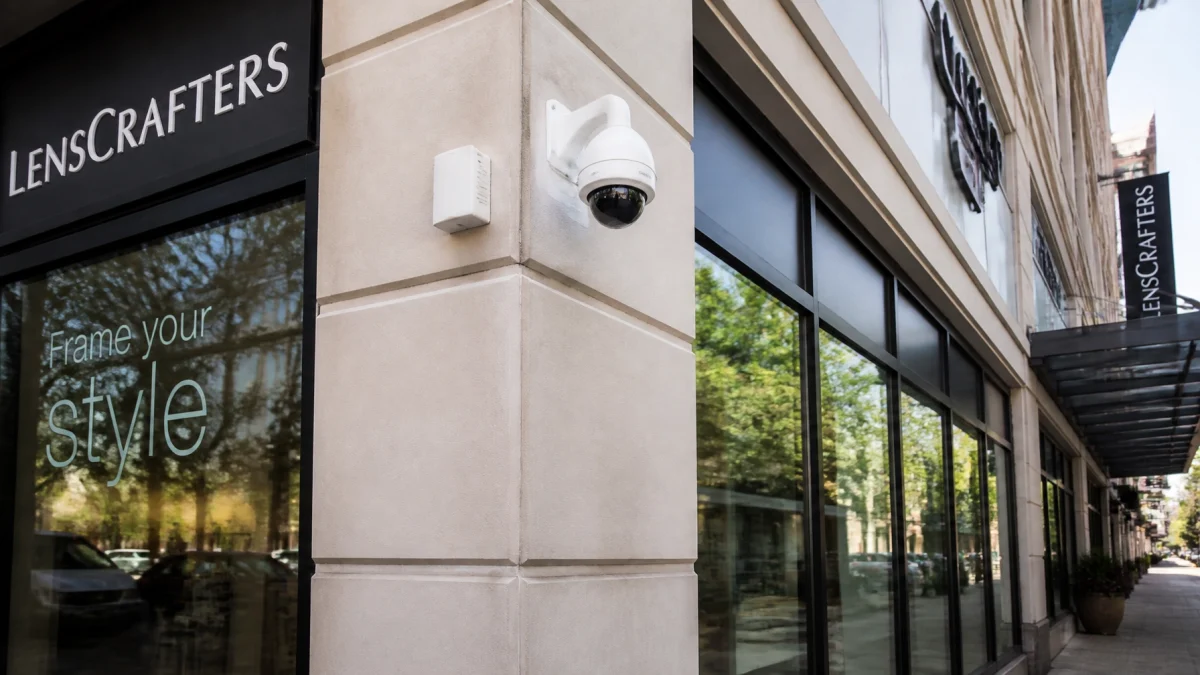
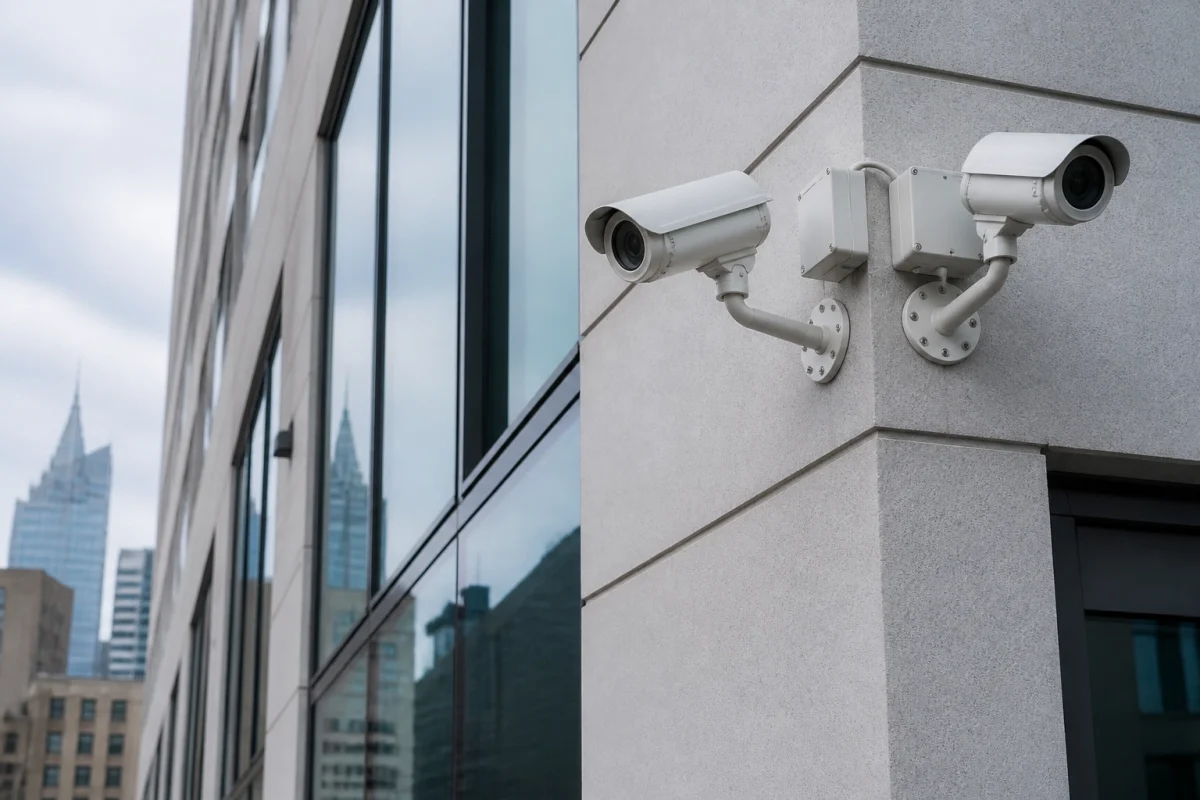
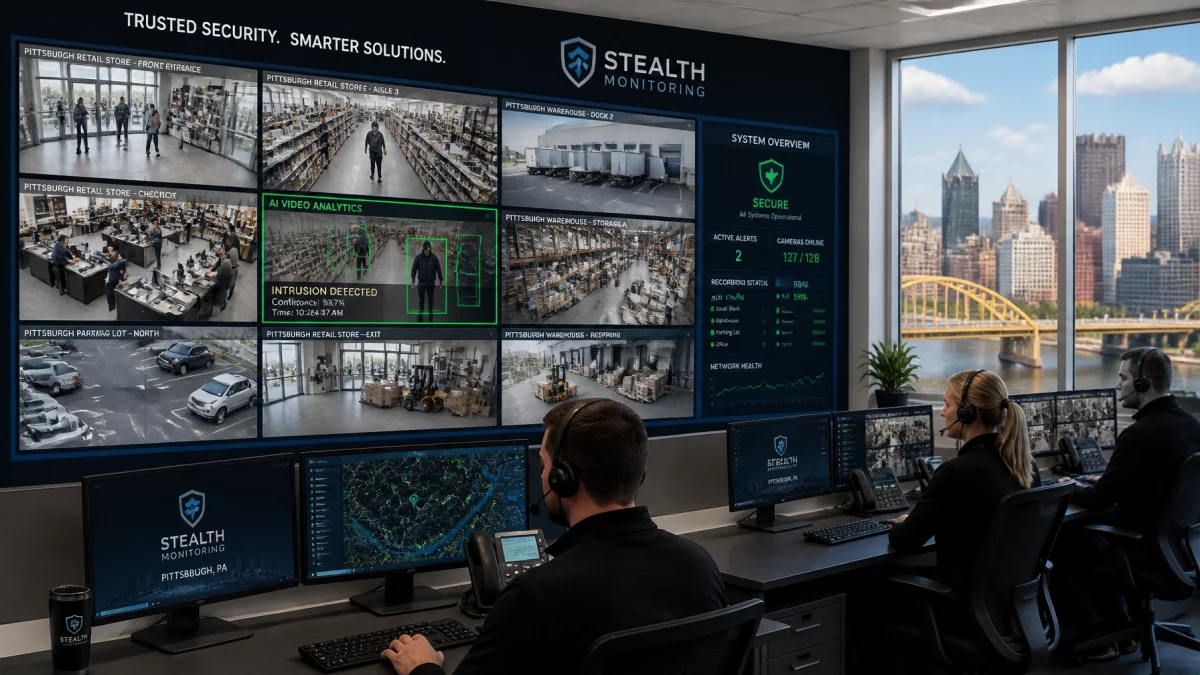
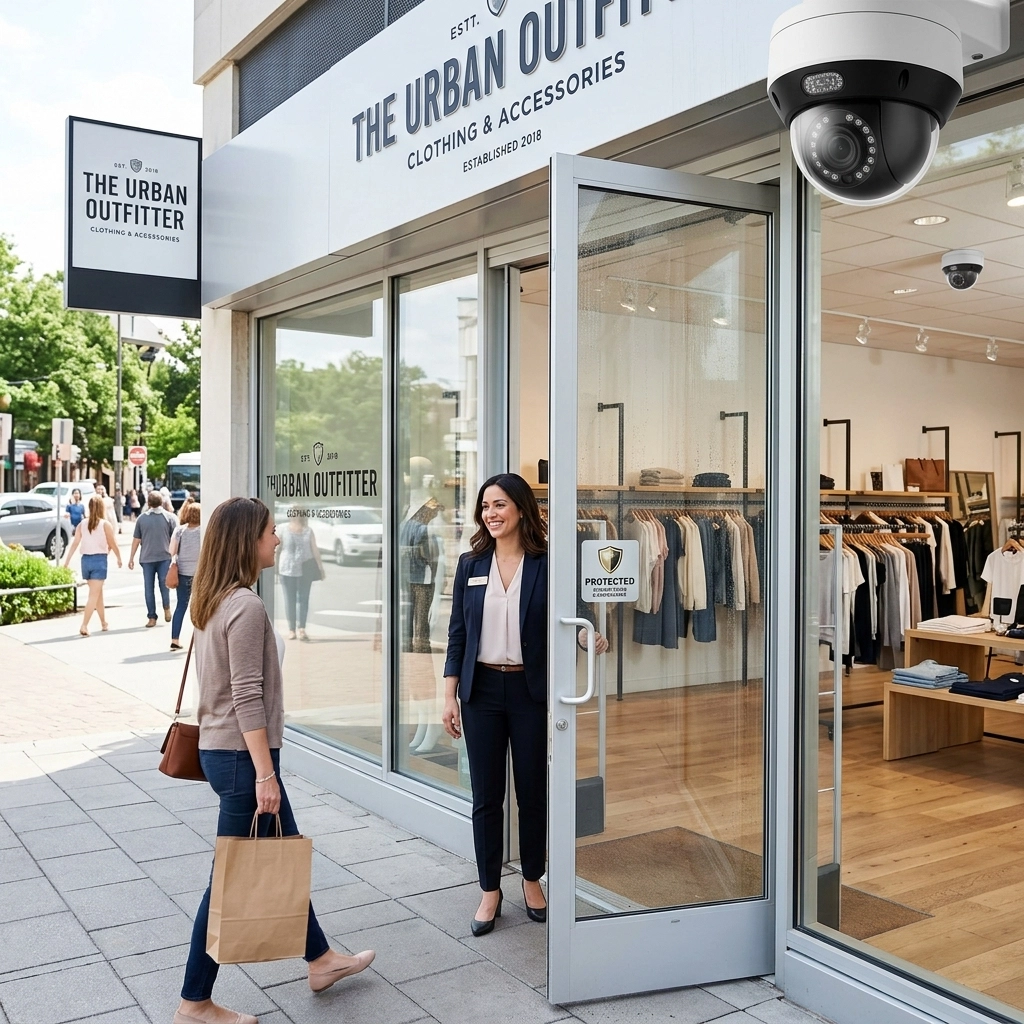
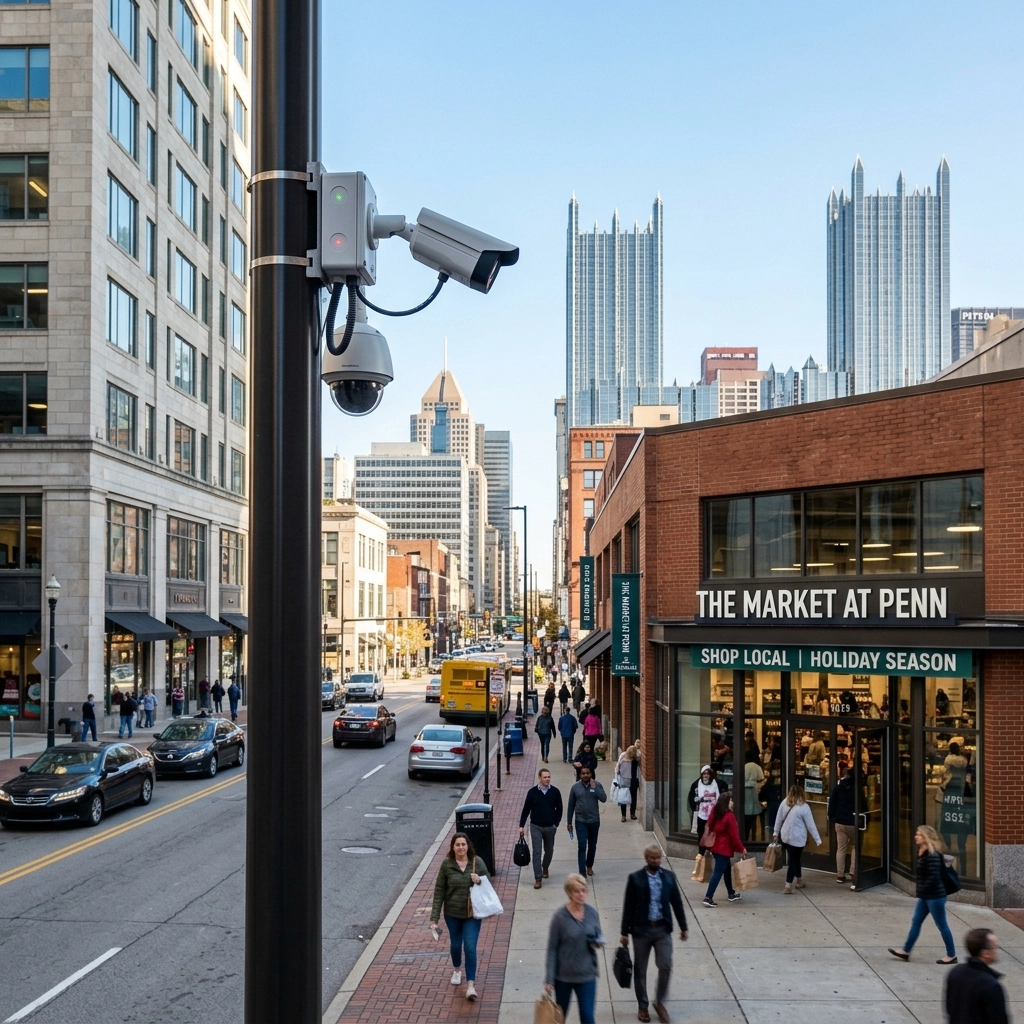
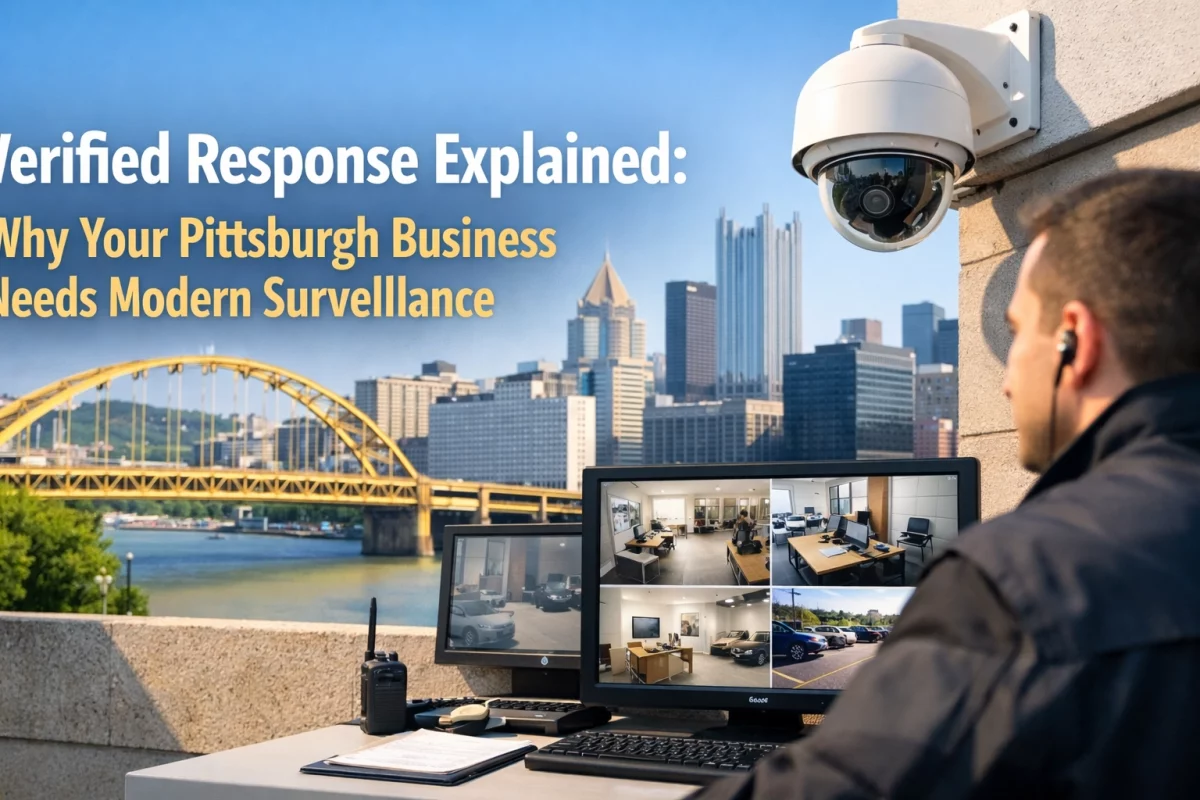
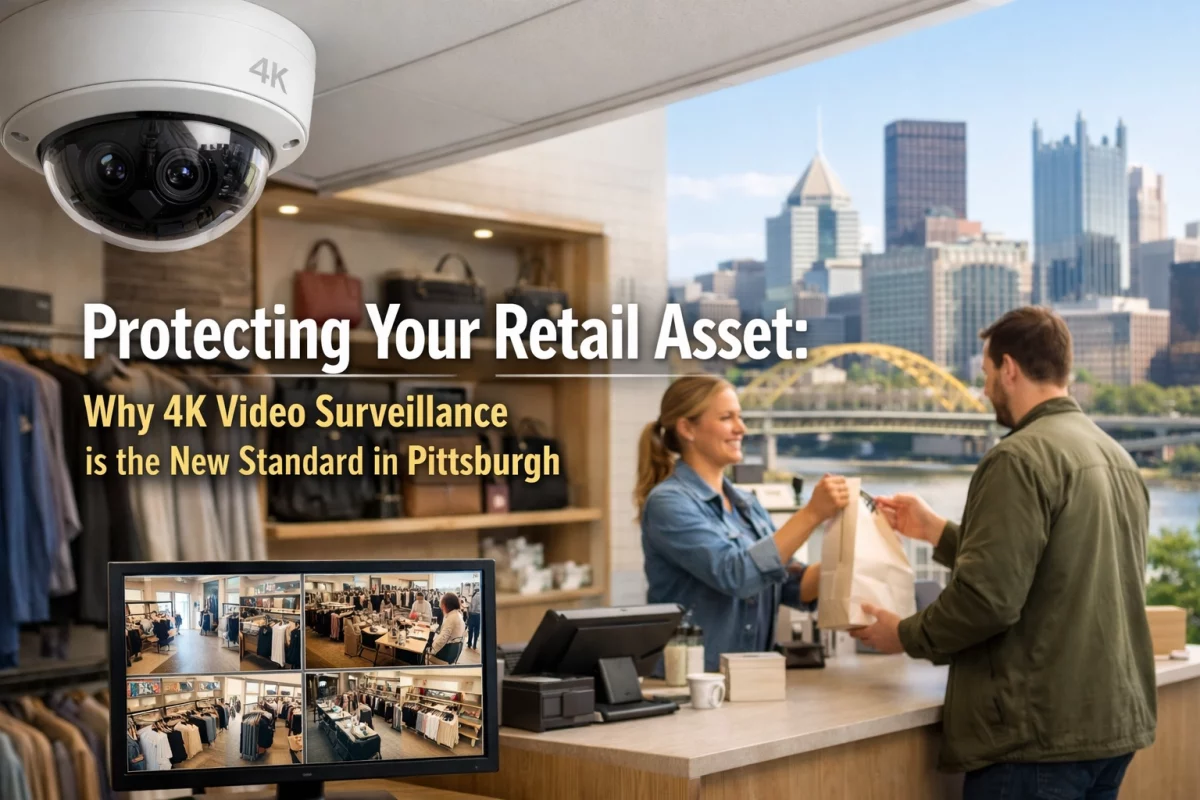
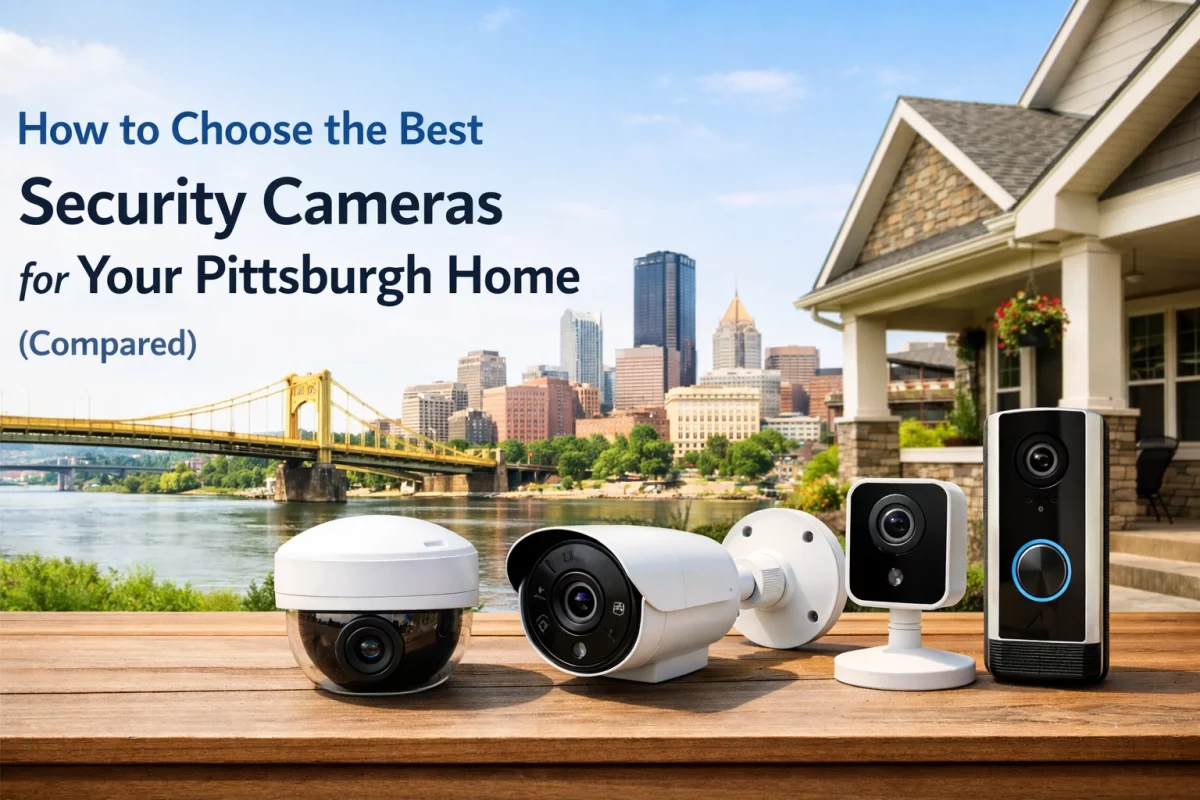
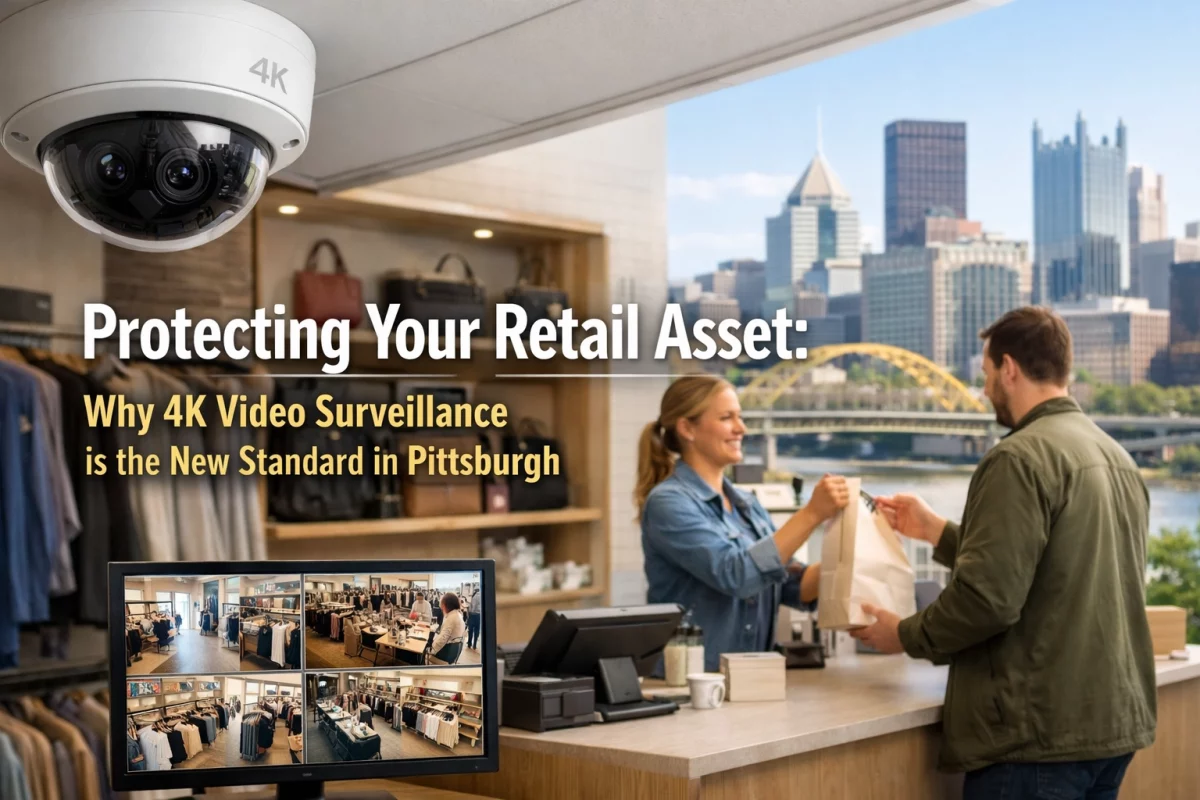
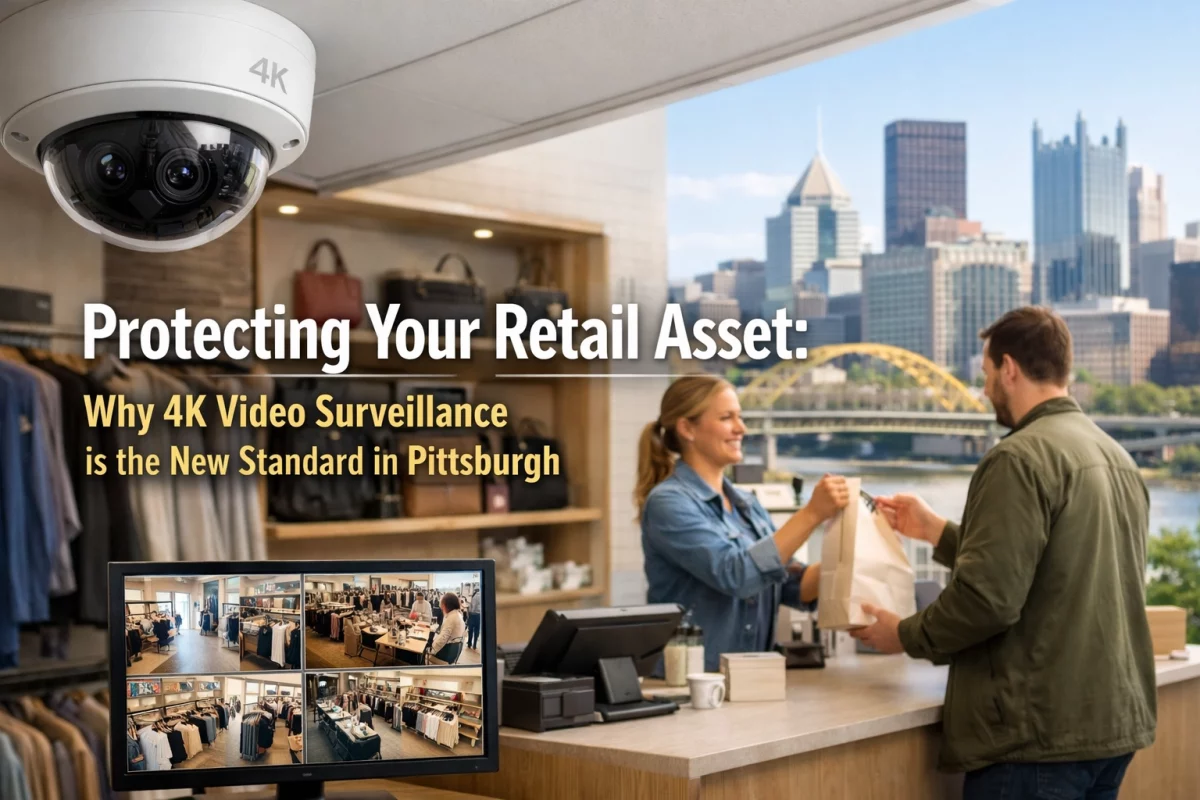
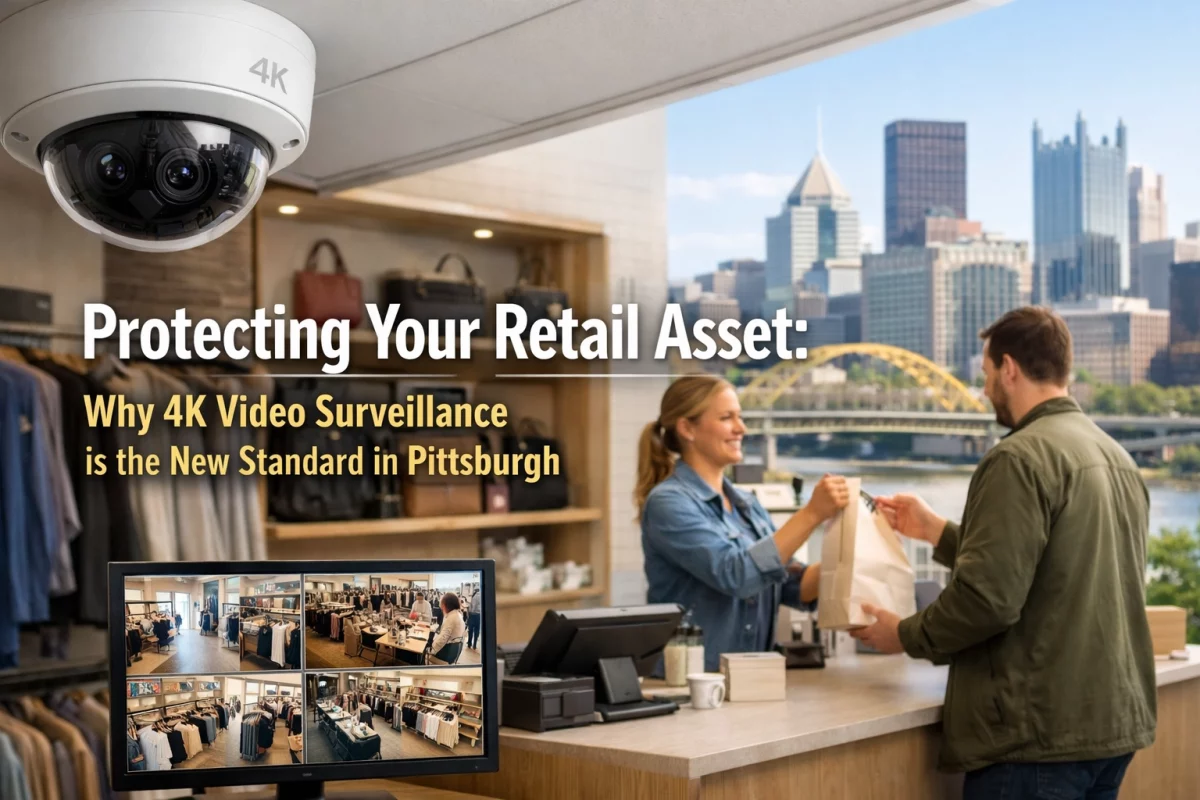
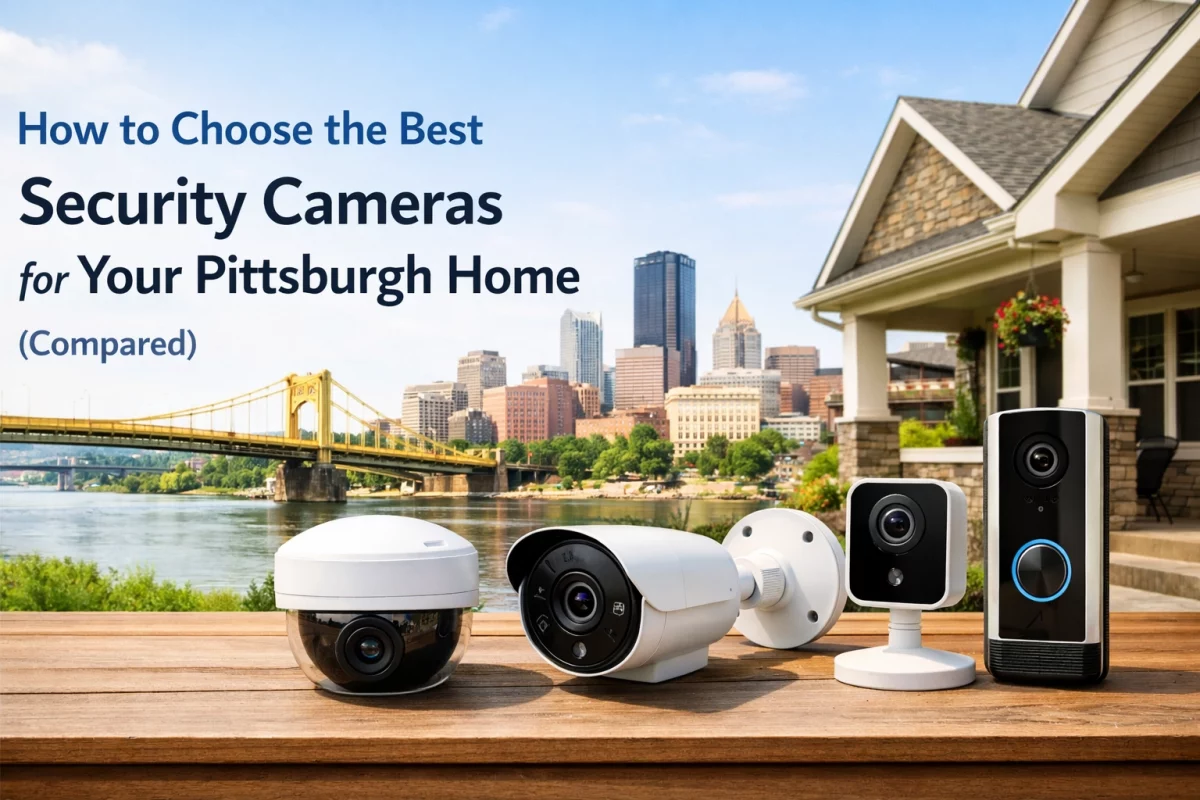
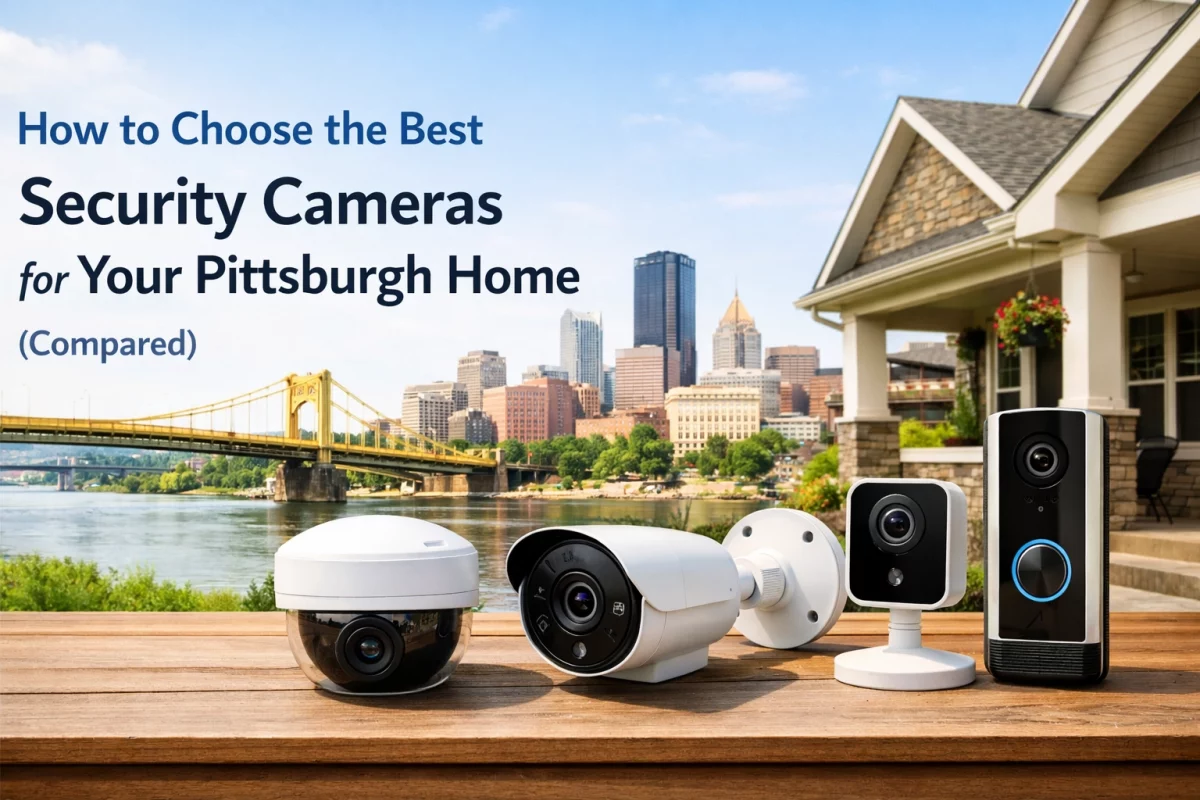
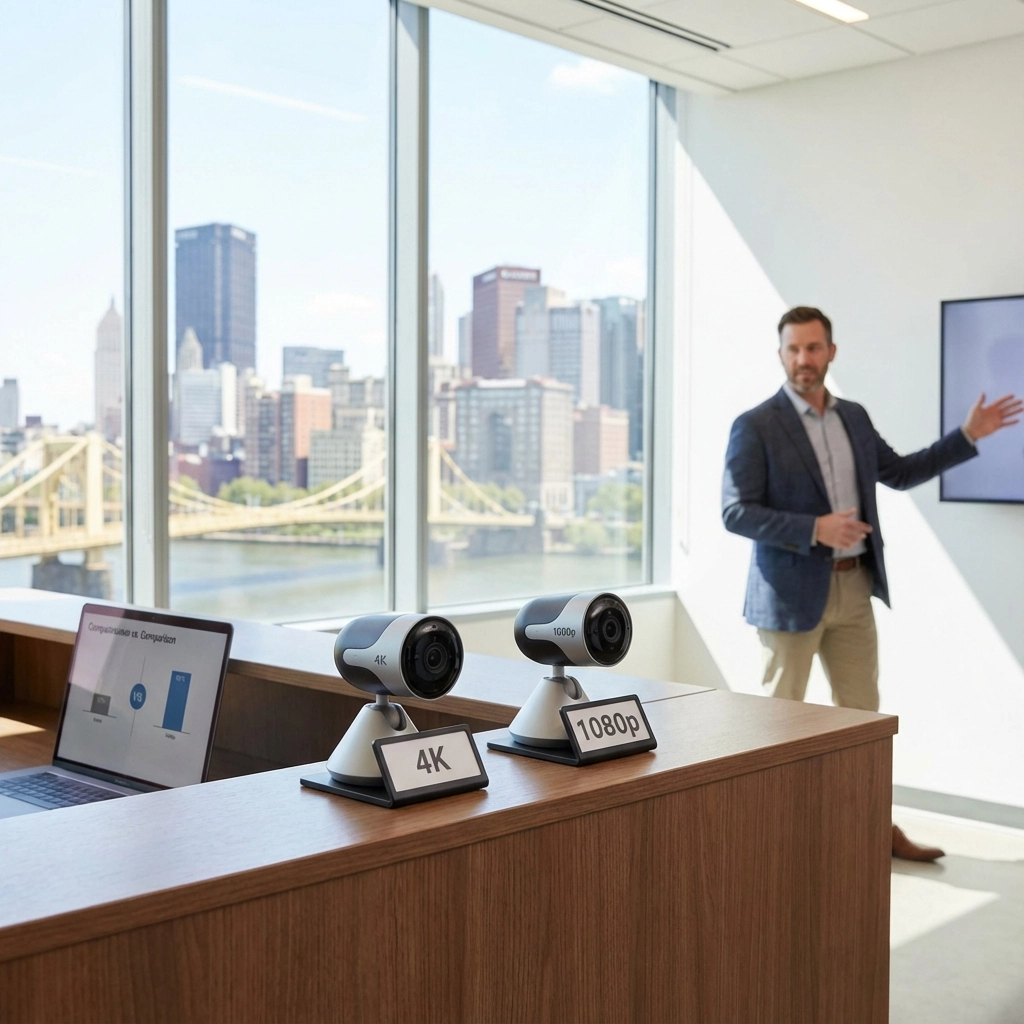
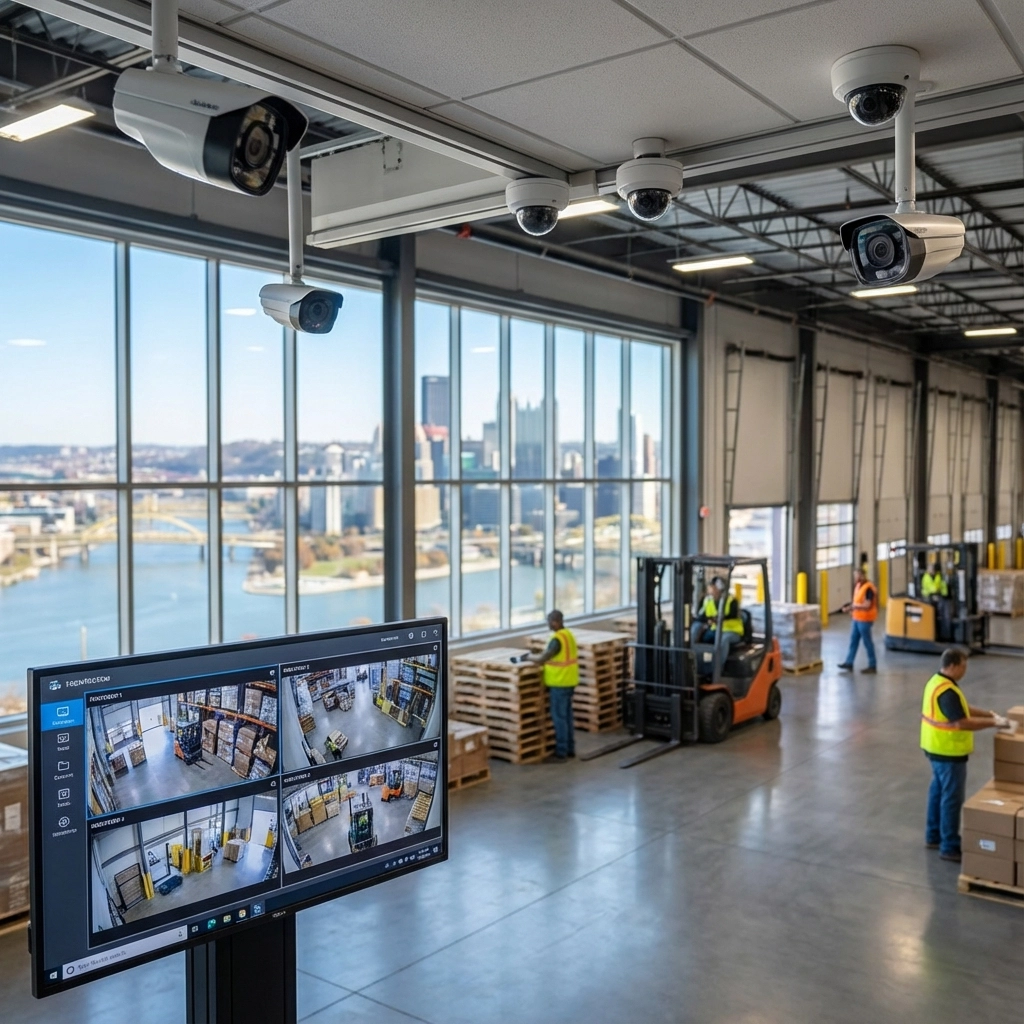
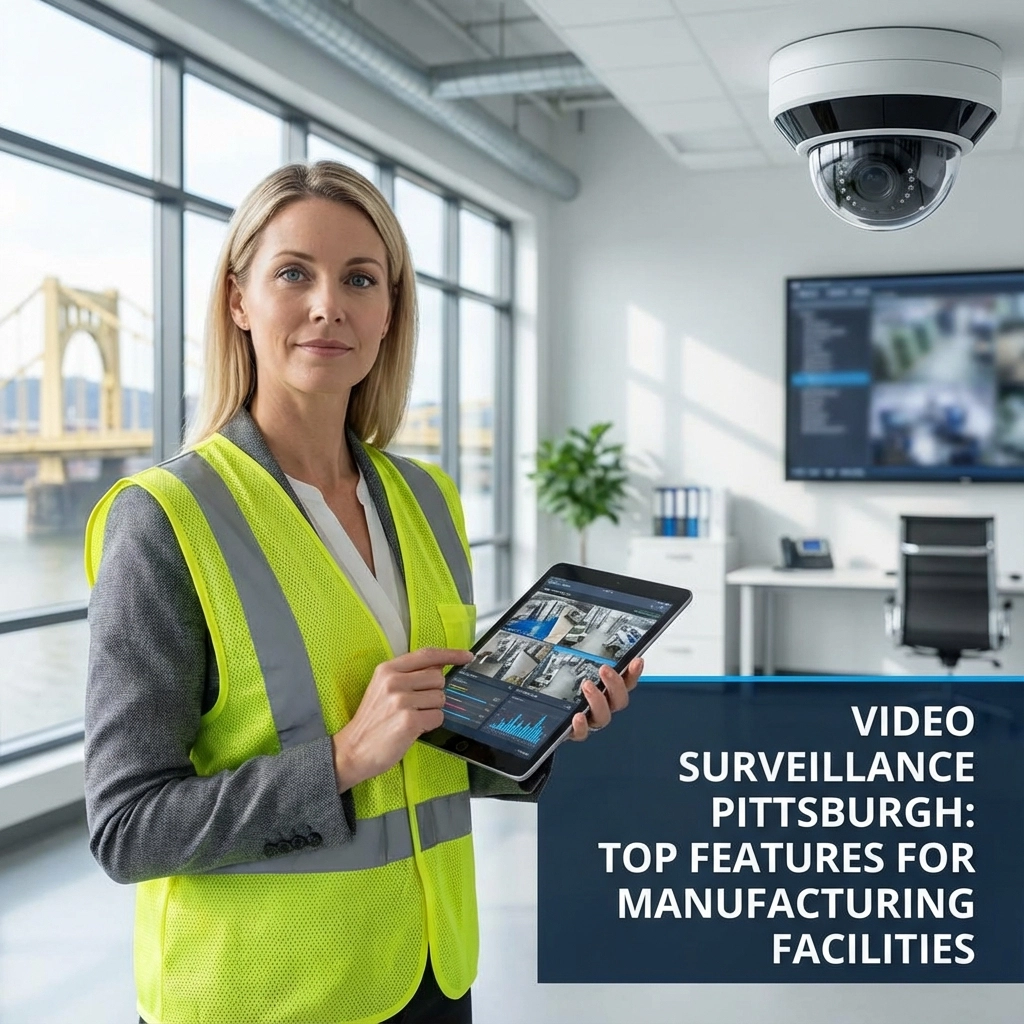
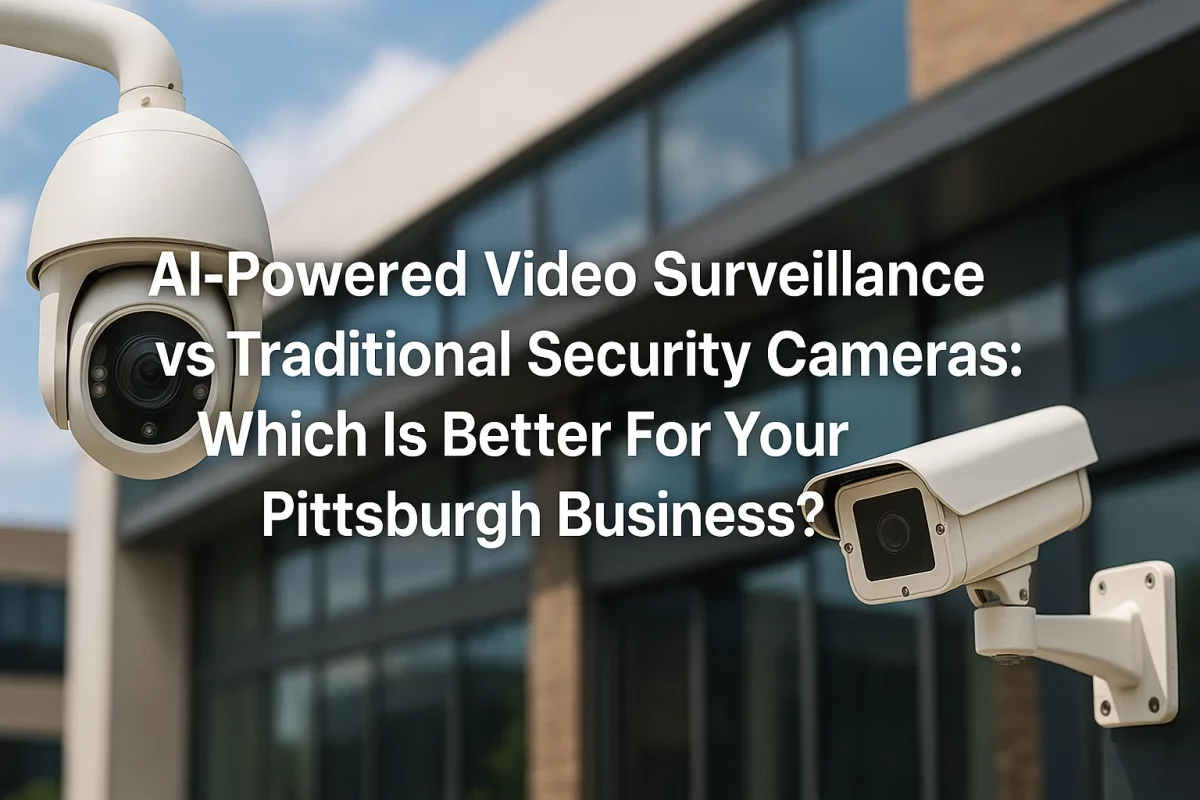
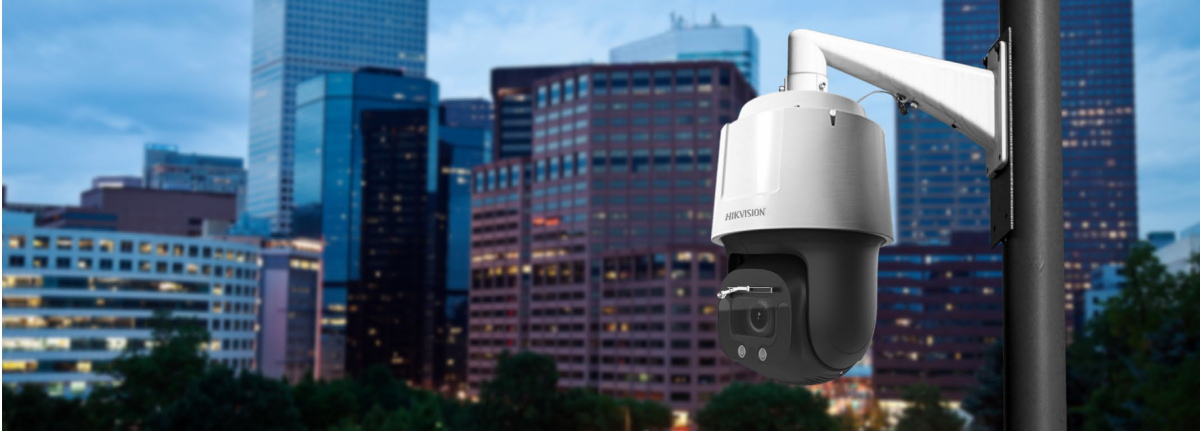
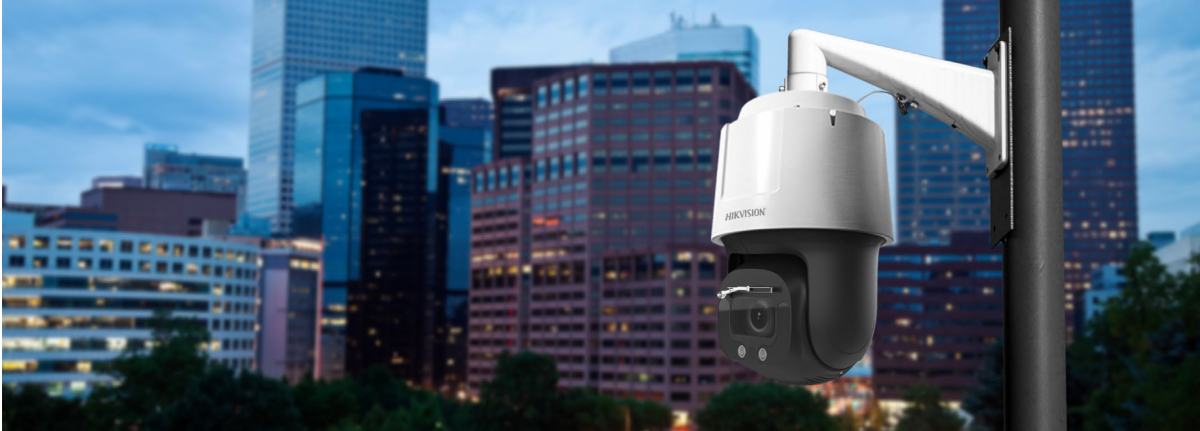
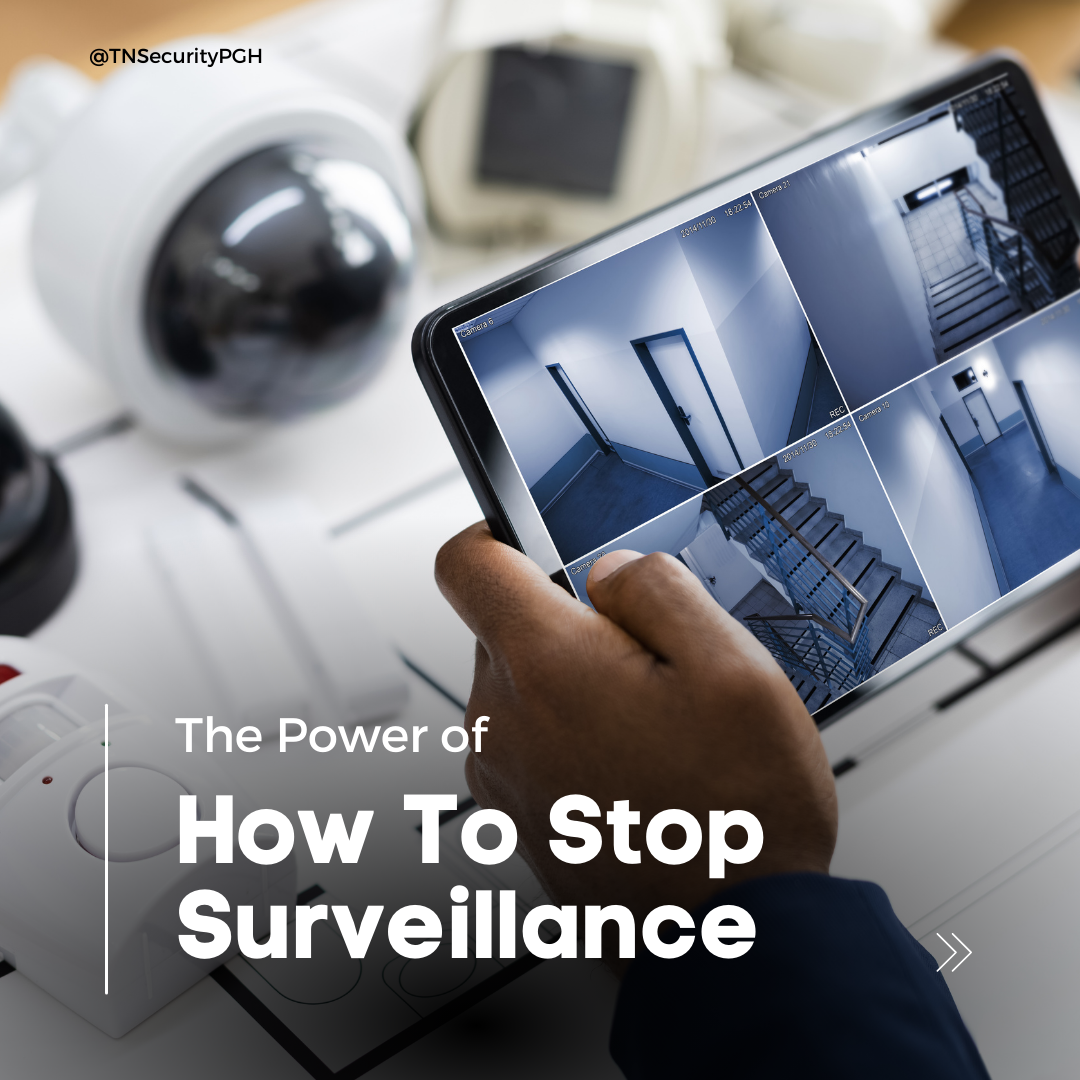
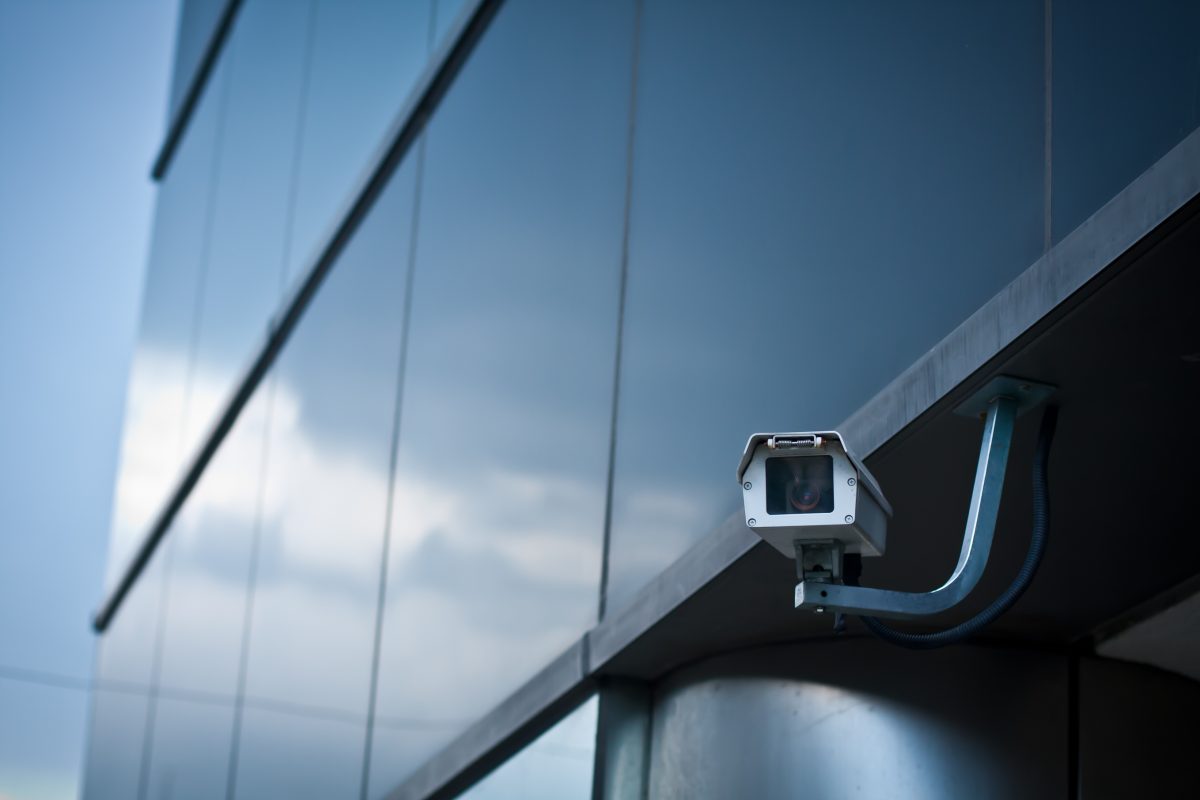
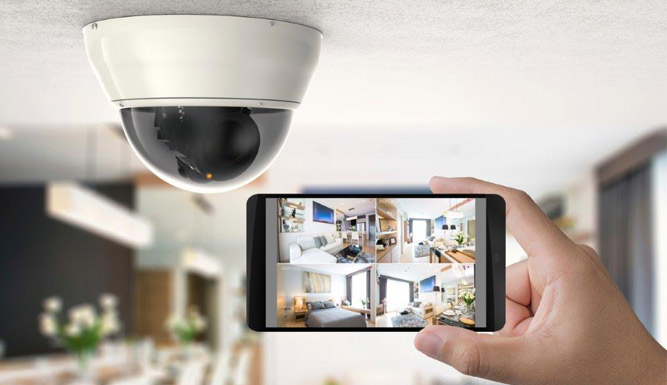
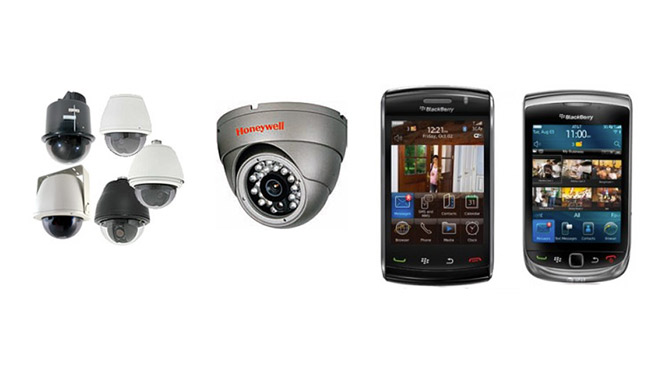
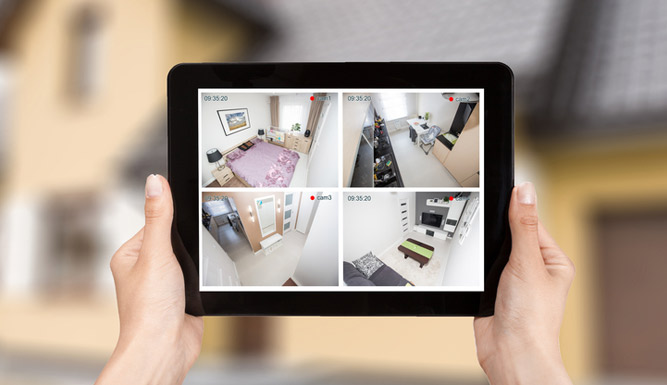
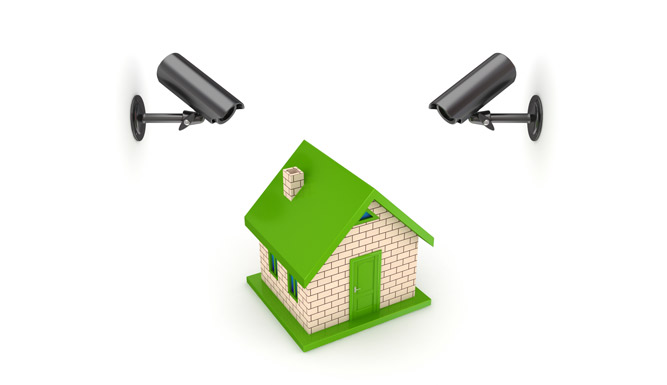
Walk the sales floor and review each camera’s live view. Focus on the locations where clear footage is most useful: the entrance, register and counter, high-value merchandise, and staff-only doors.
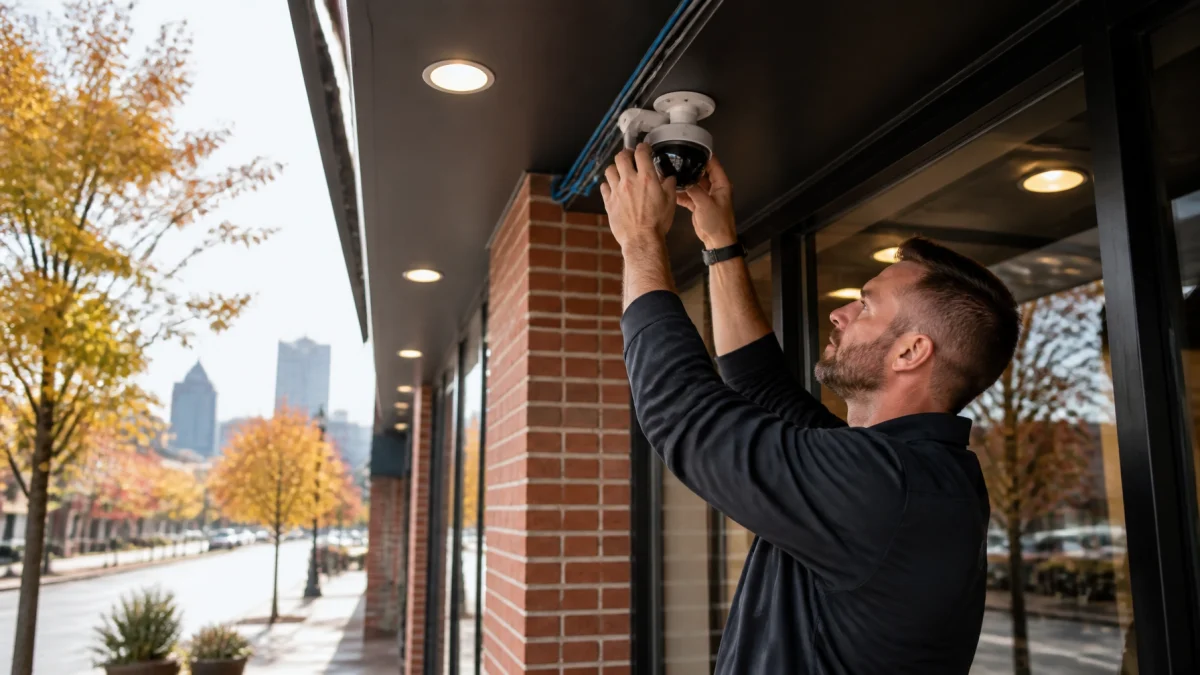
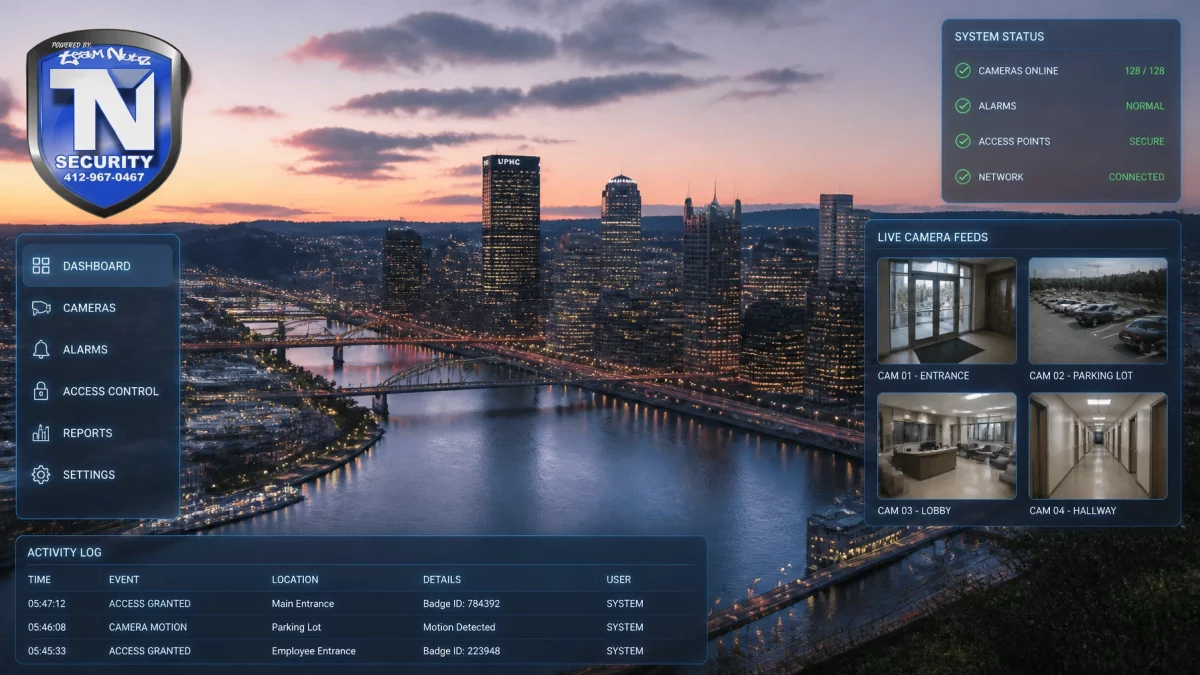
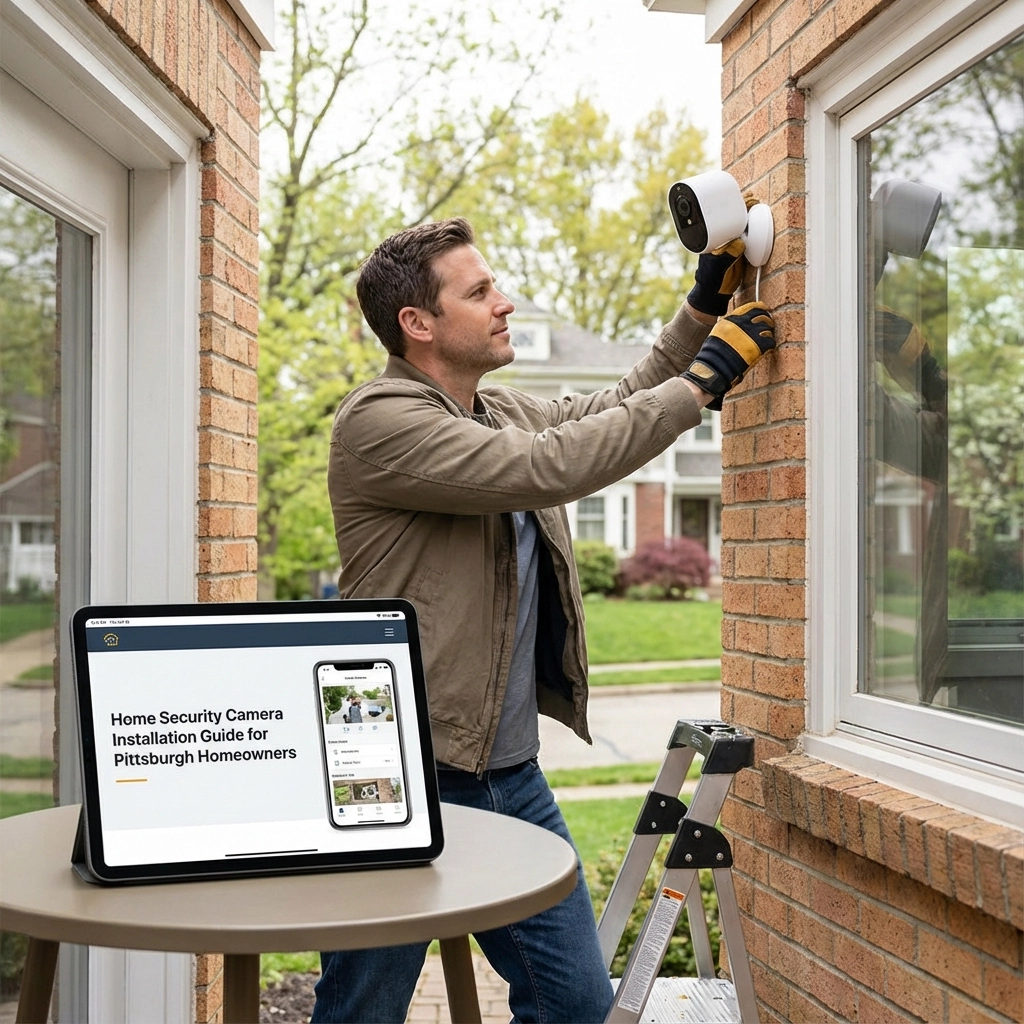
For extra coverage, a well-planned system may combine an entrance view with a counter view. TN Security’s commercial video surveillance services include professional camera installation and smartphone viewing options.

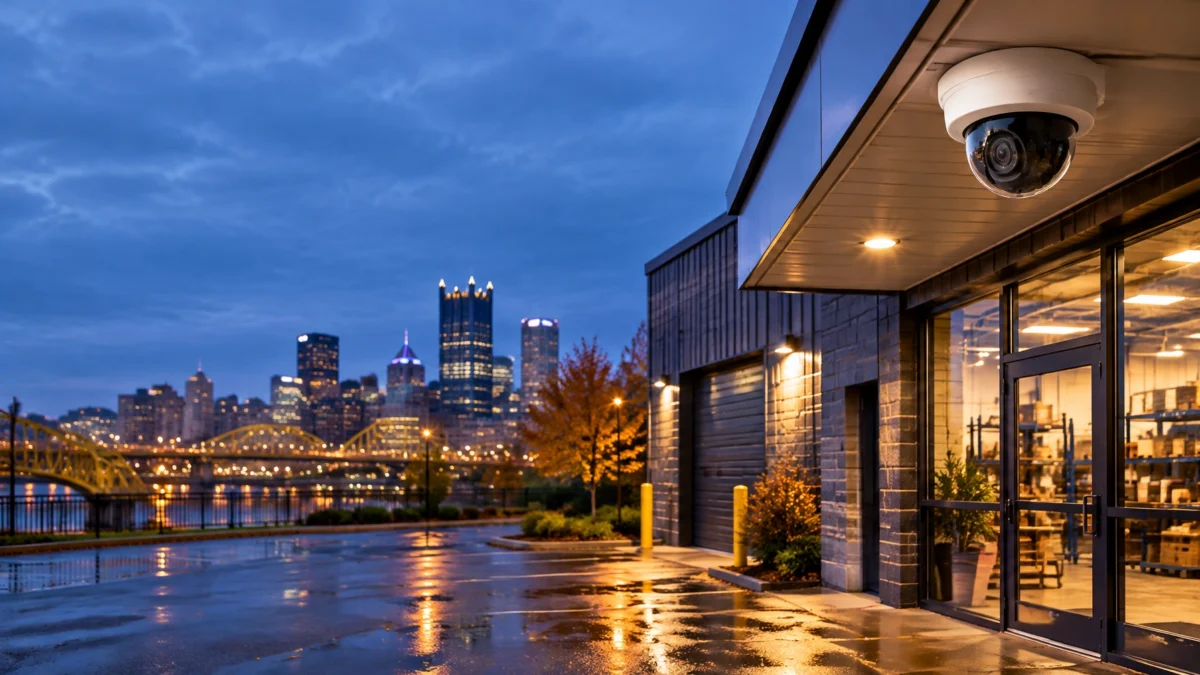
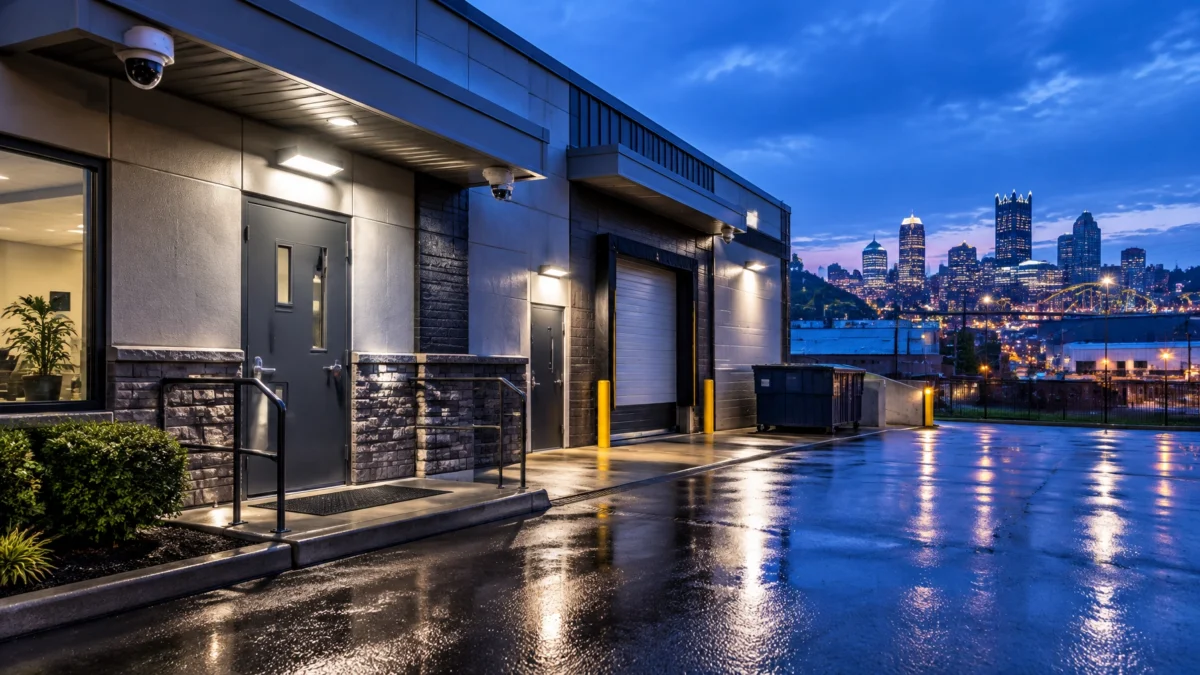
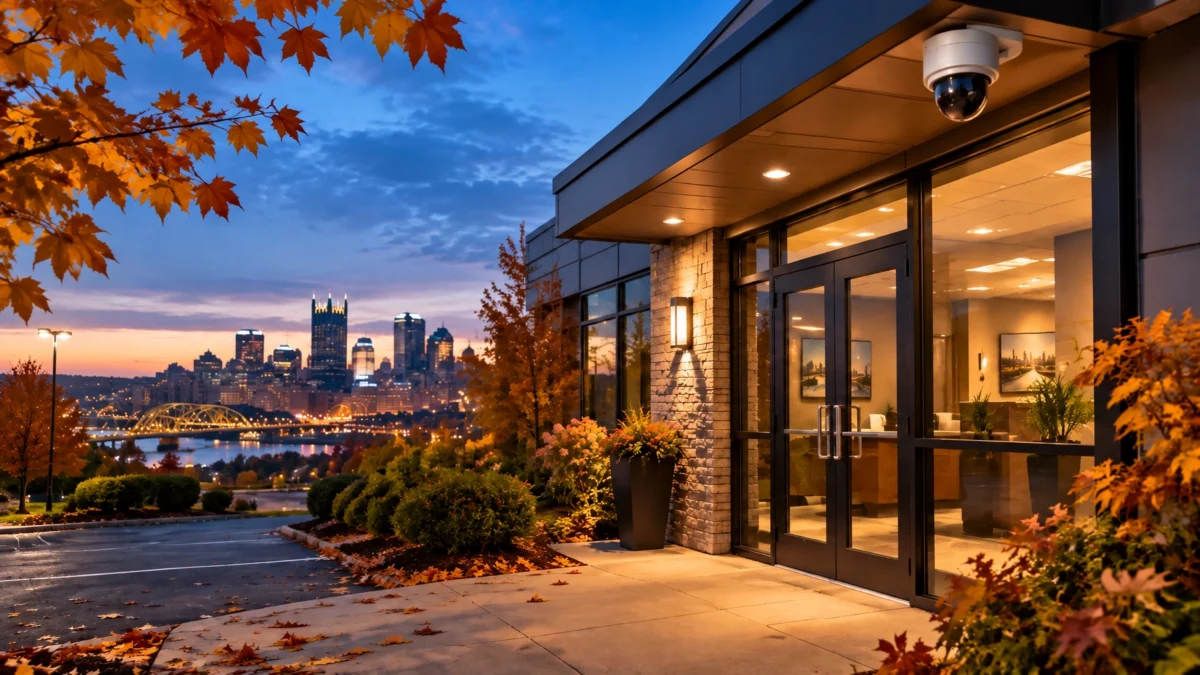
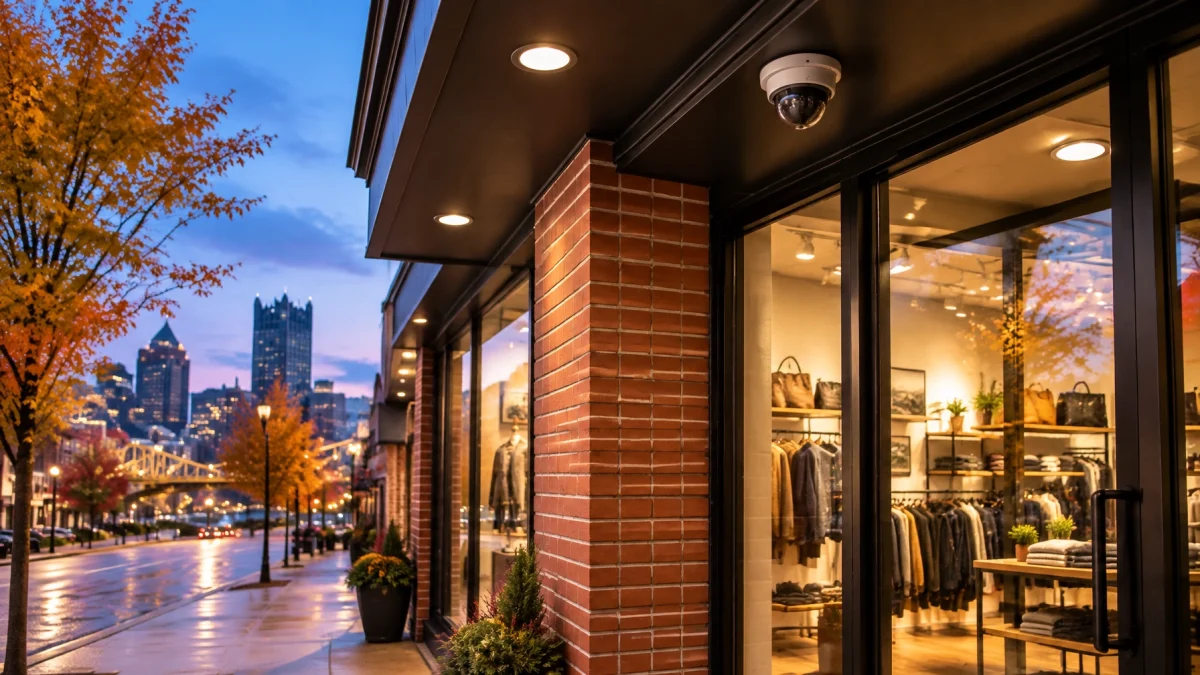
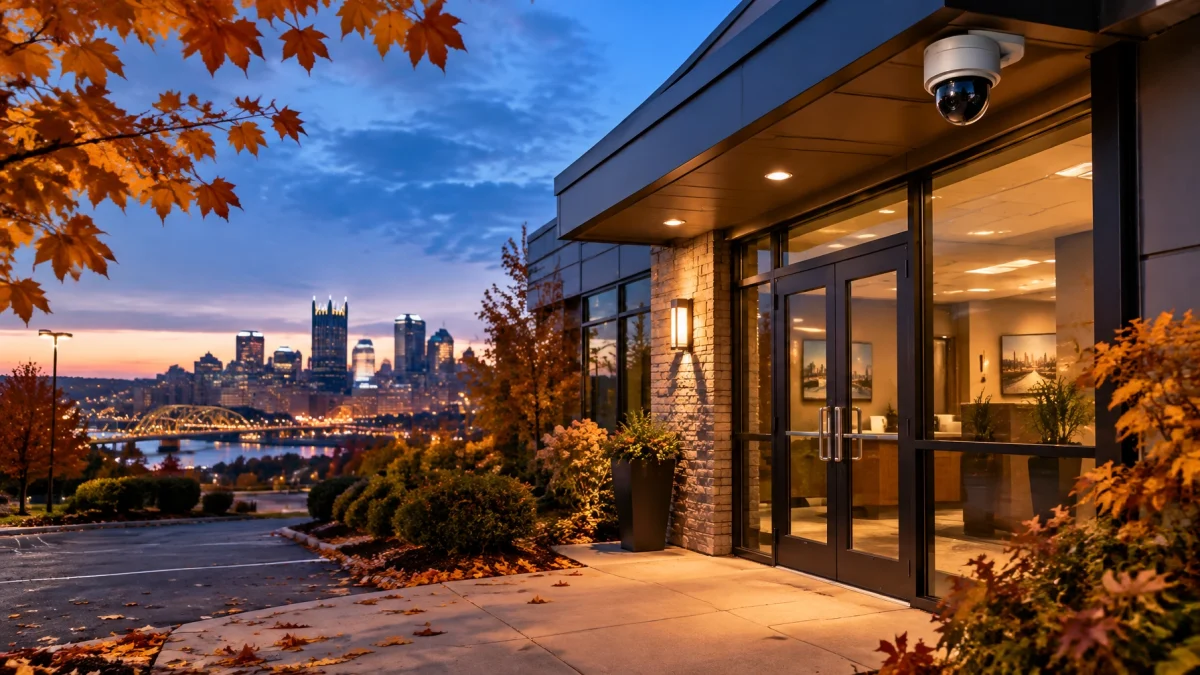
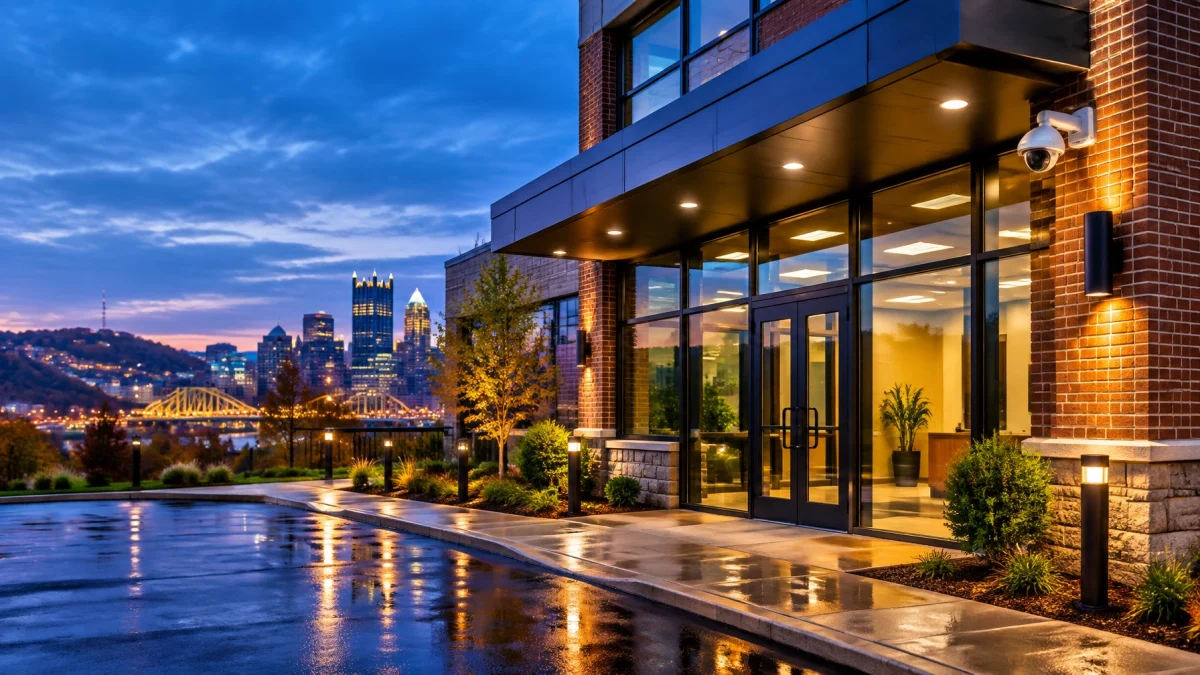
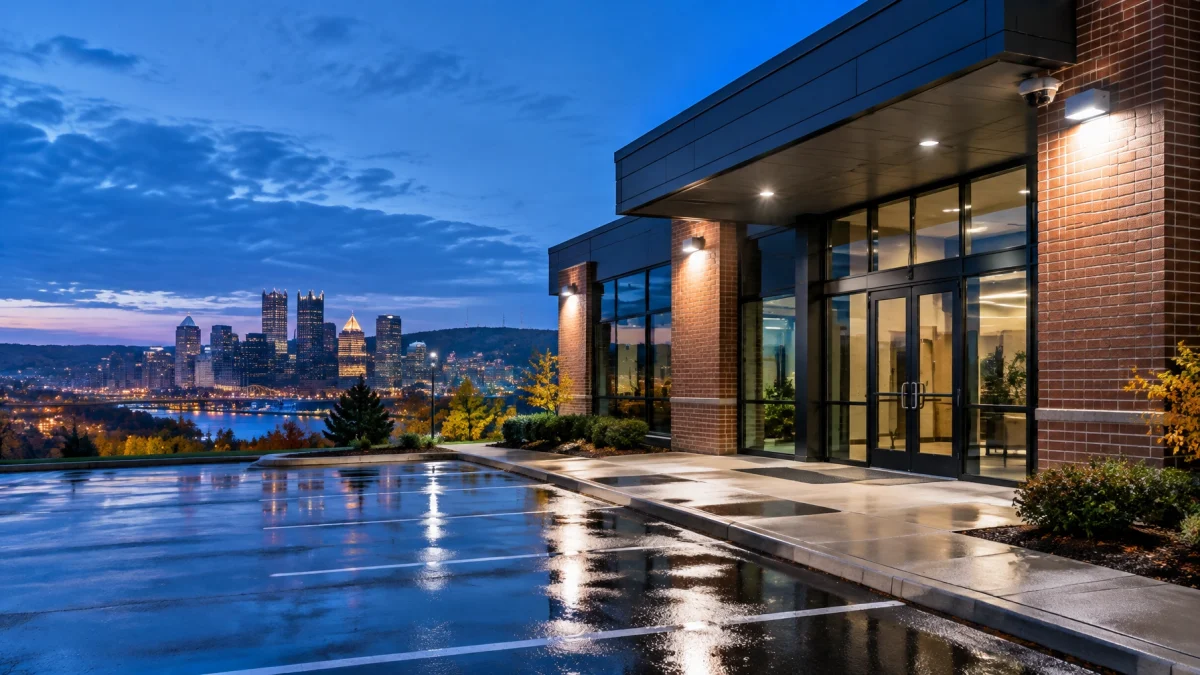
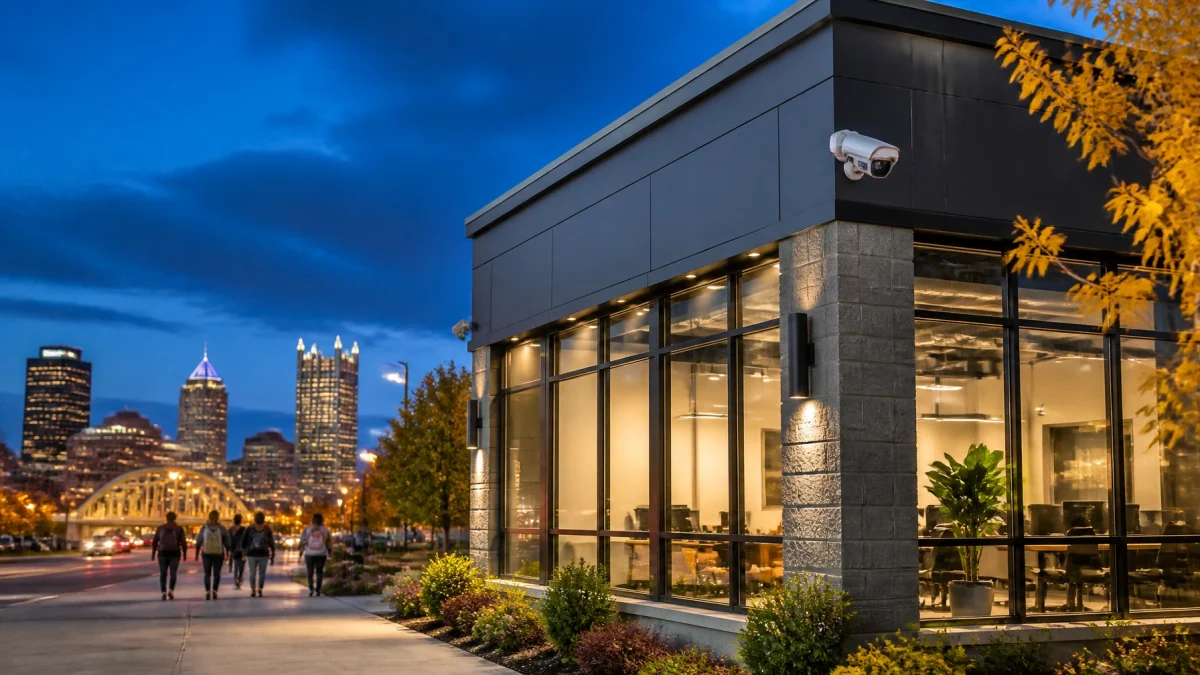
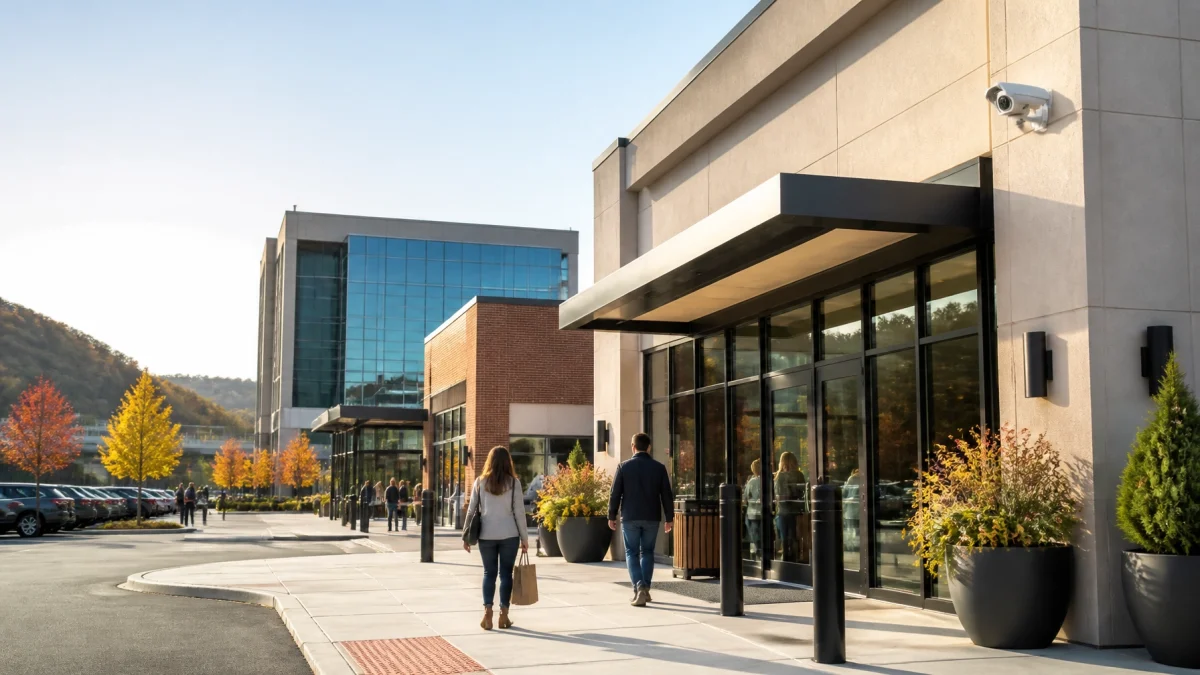
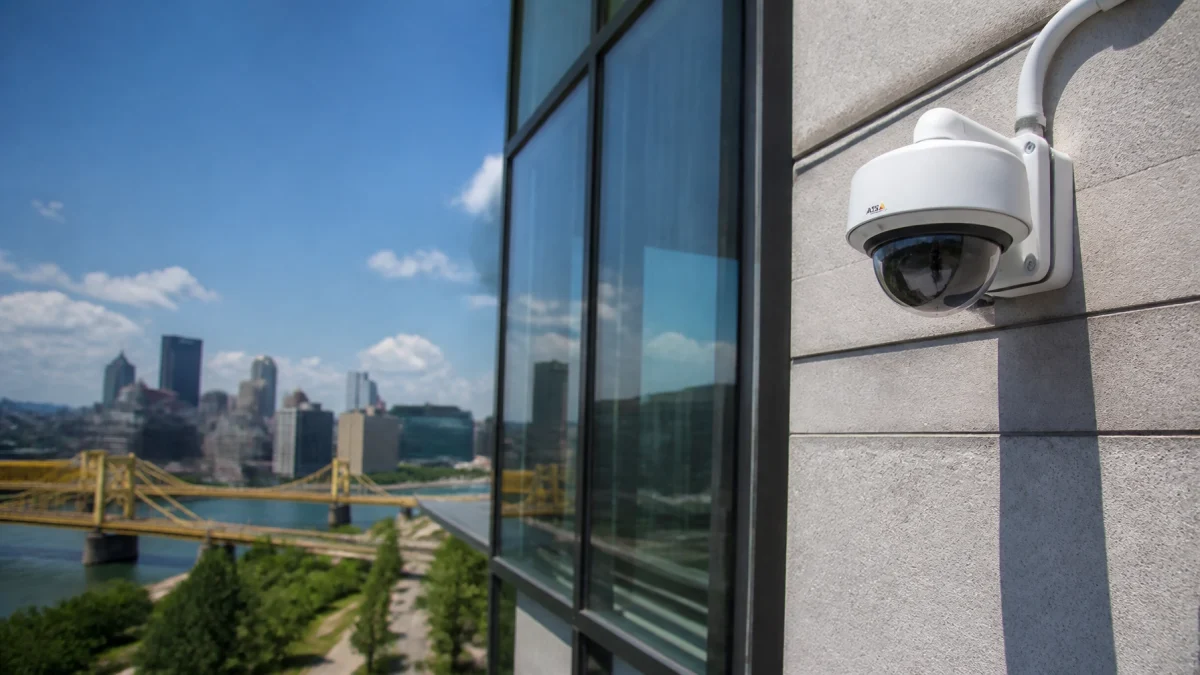
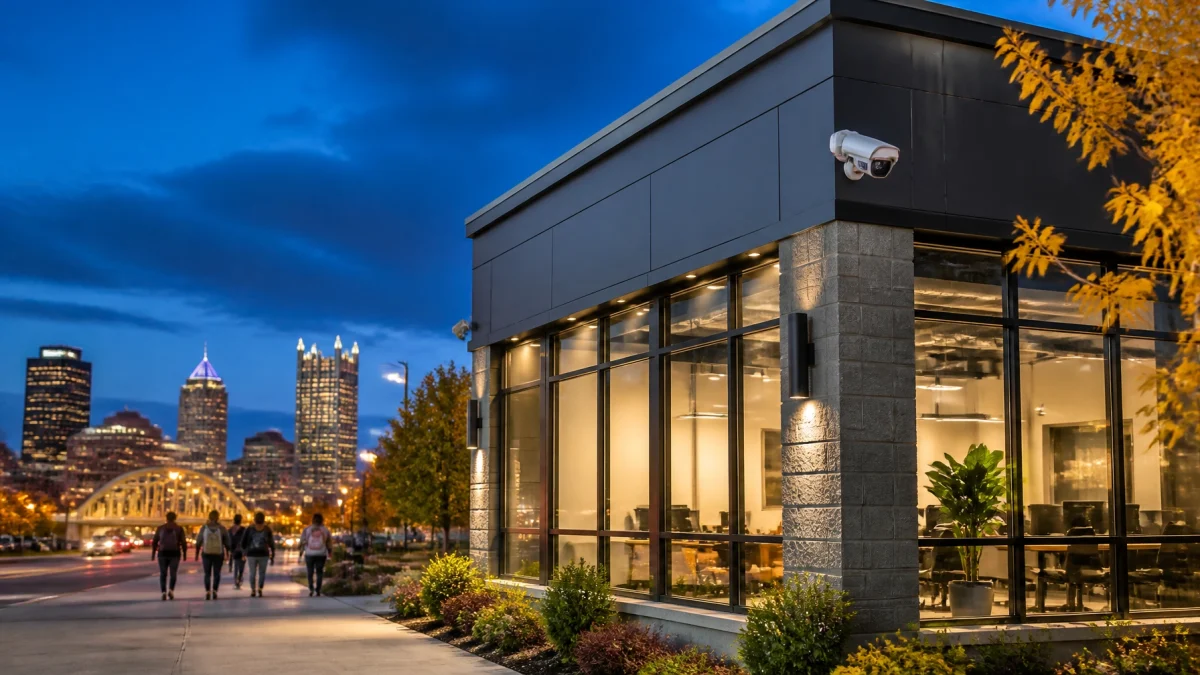
Late-November shopping hours extend into early darkness. Take a quick walk around the exterior before closing, while you can still see the property clearly.
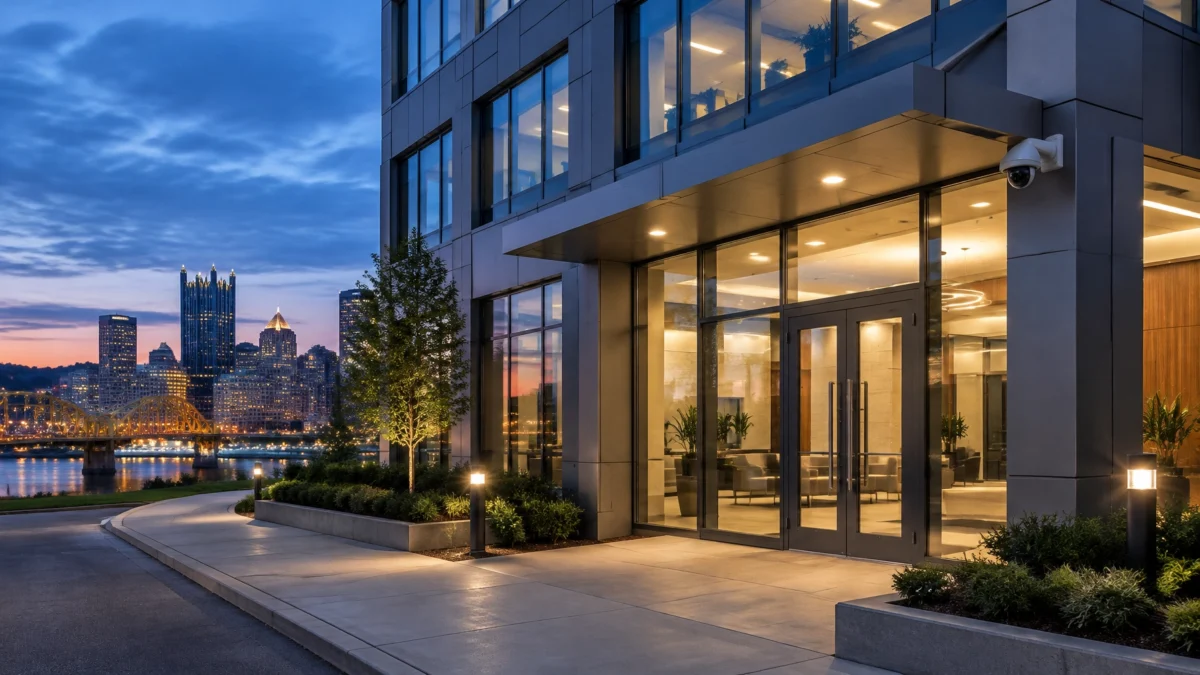
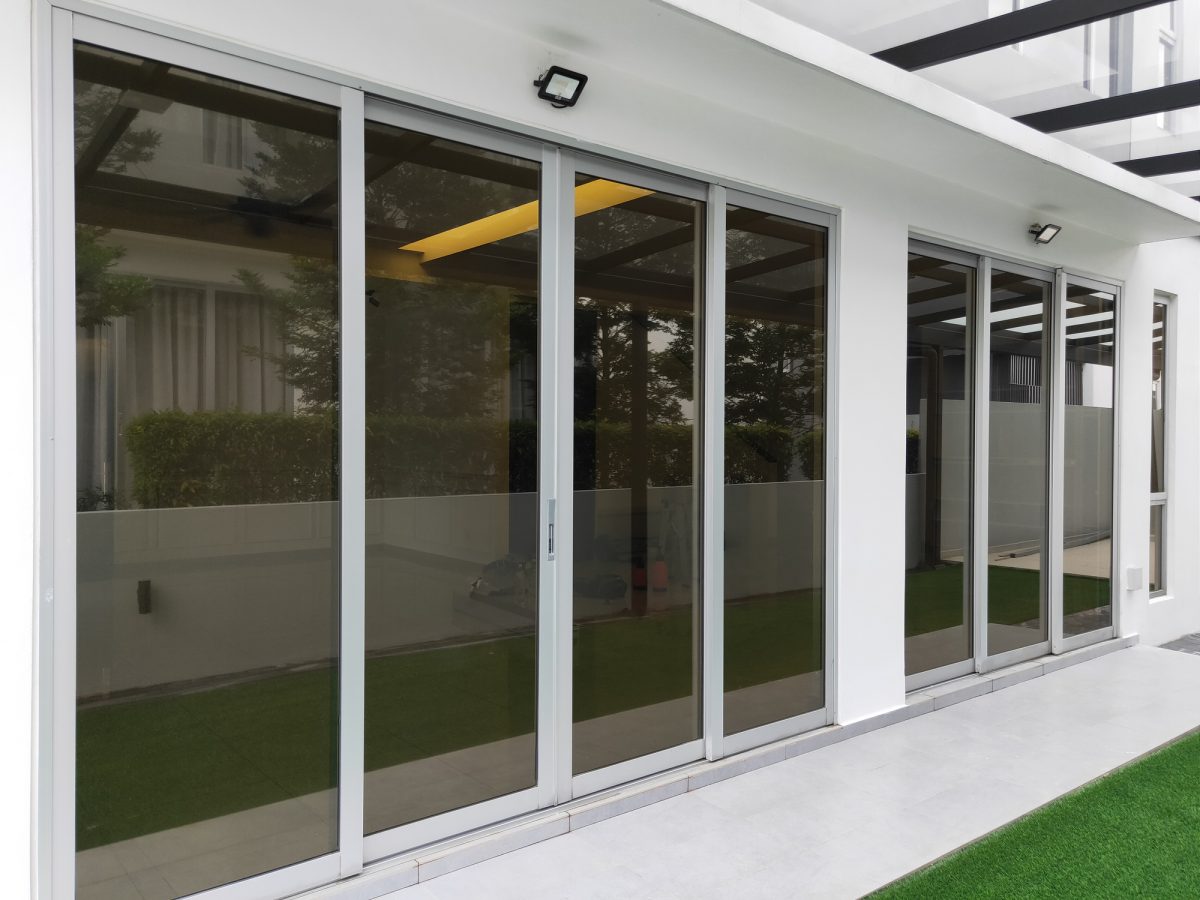
Lighting should support both safe movement and useful camera footage. If a fixture is out or coverage is inadequate, note its location and arrange a repair. TN Security also provides commercial LED lighting installation.
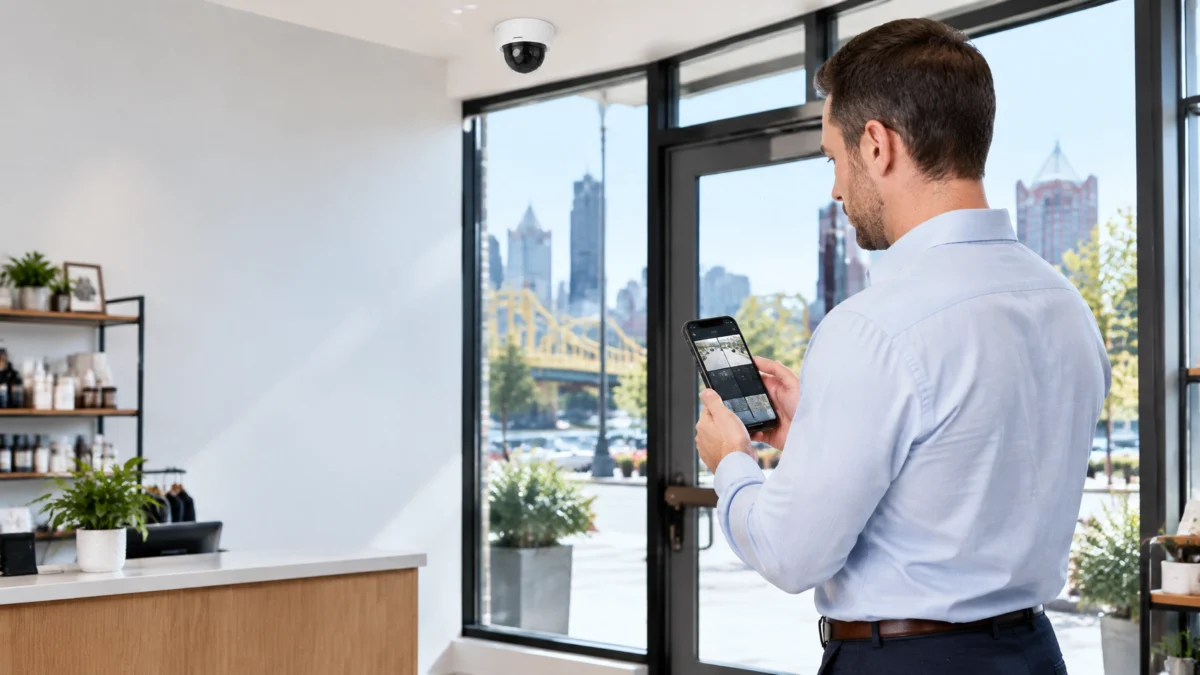
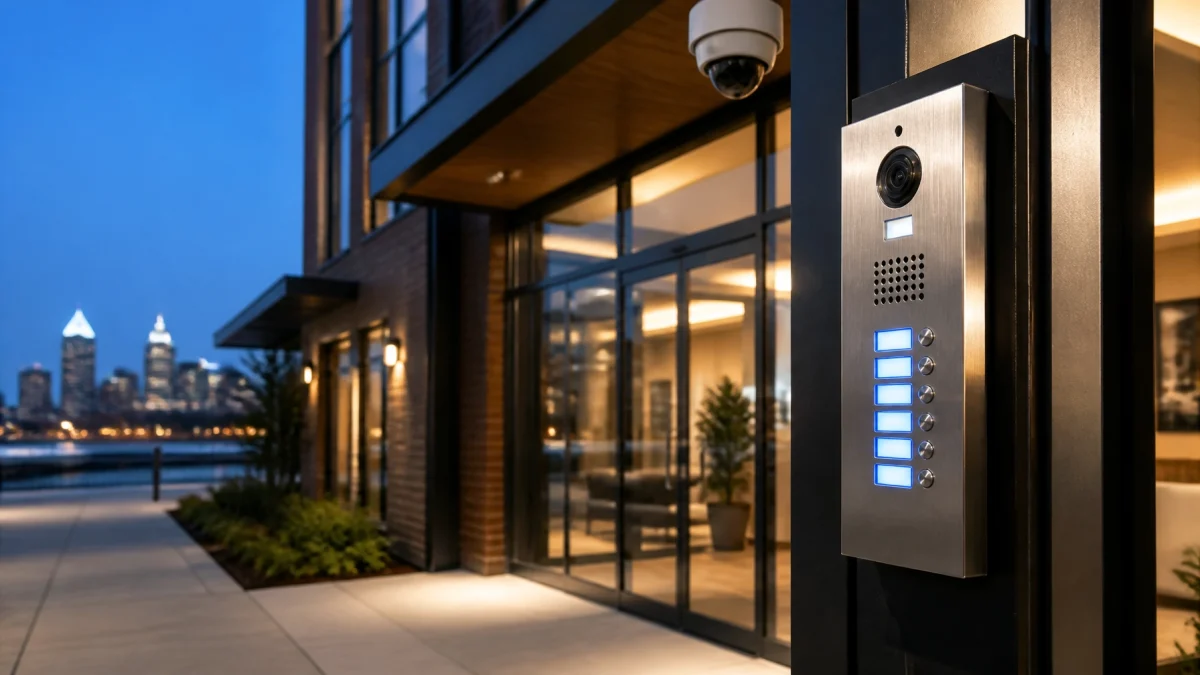
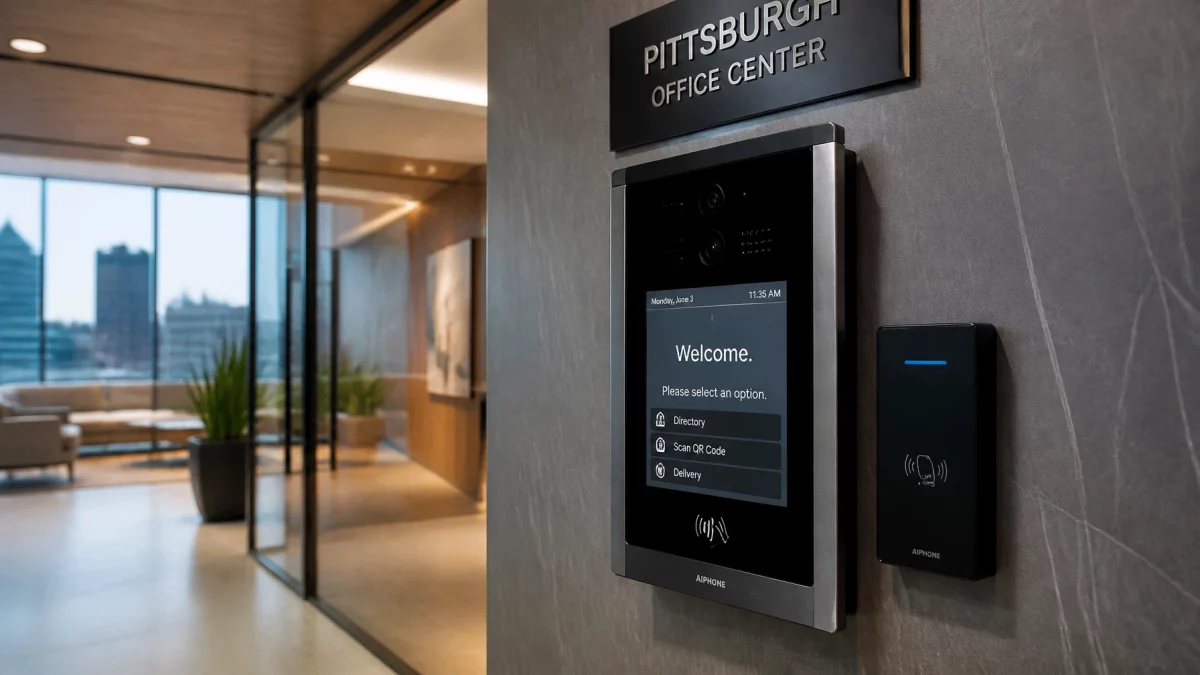
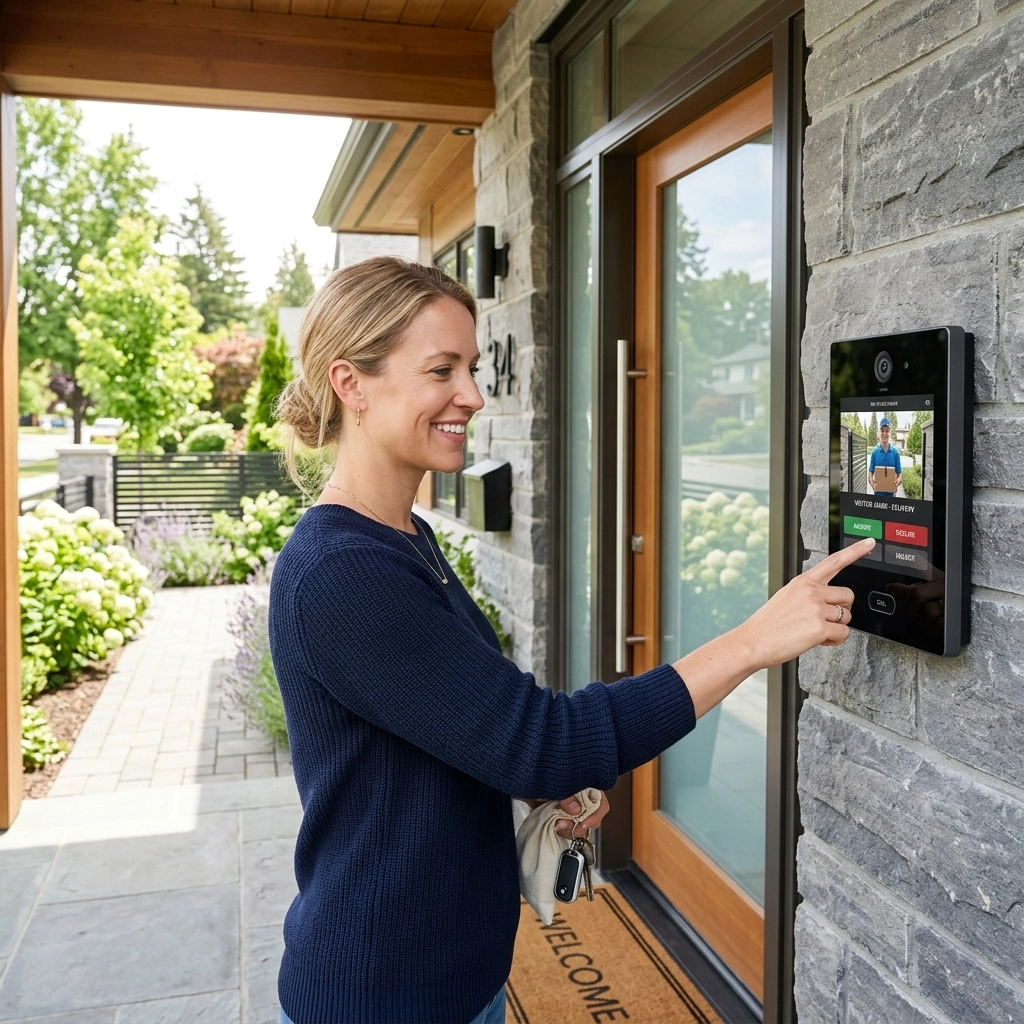
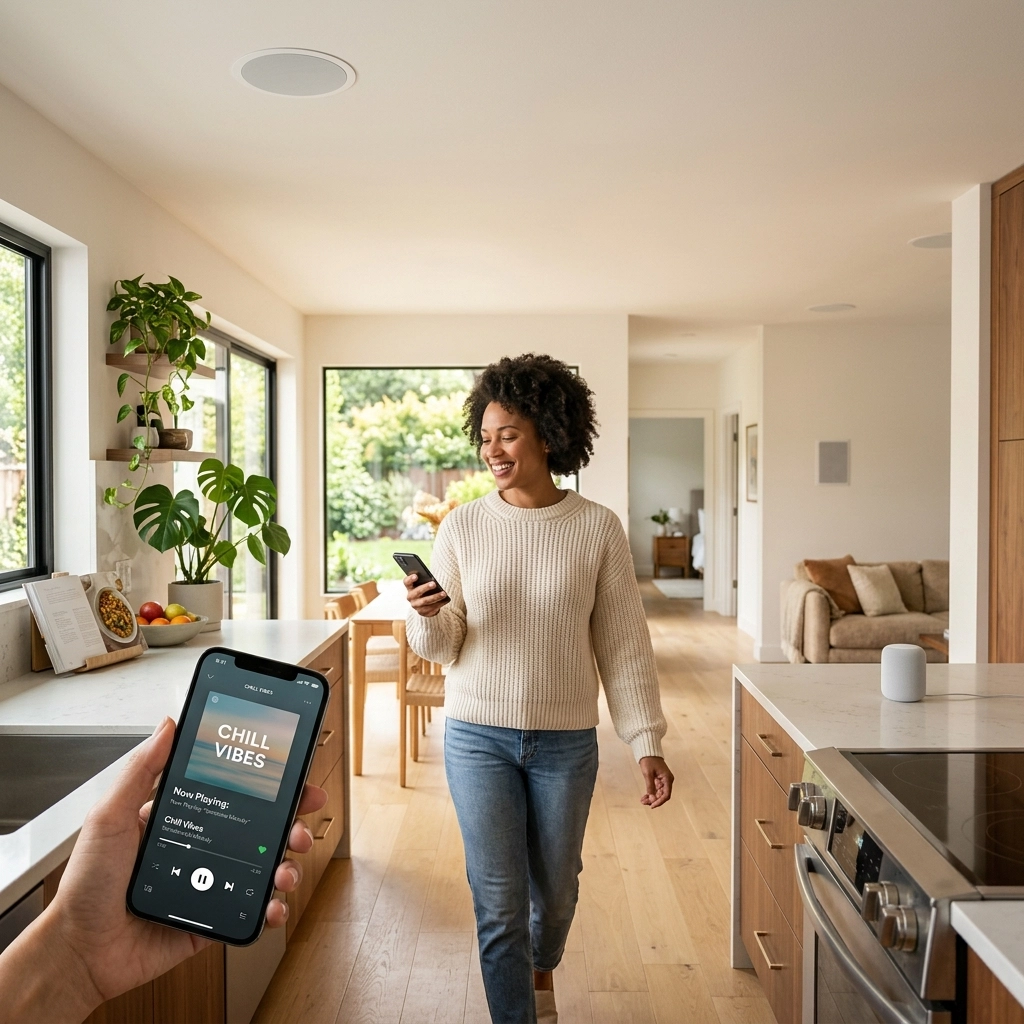
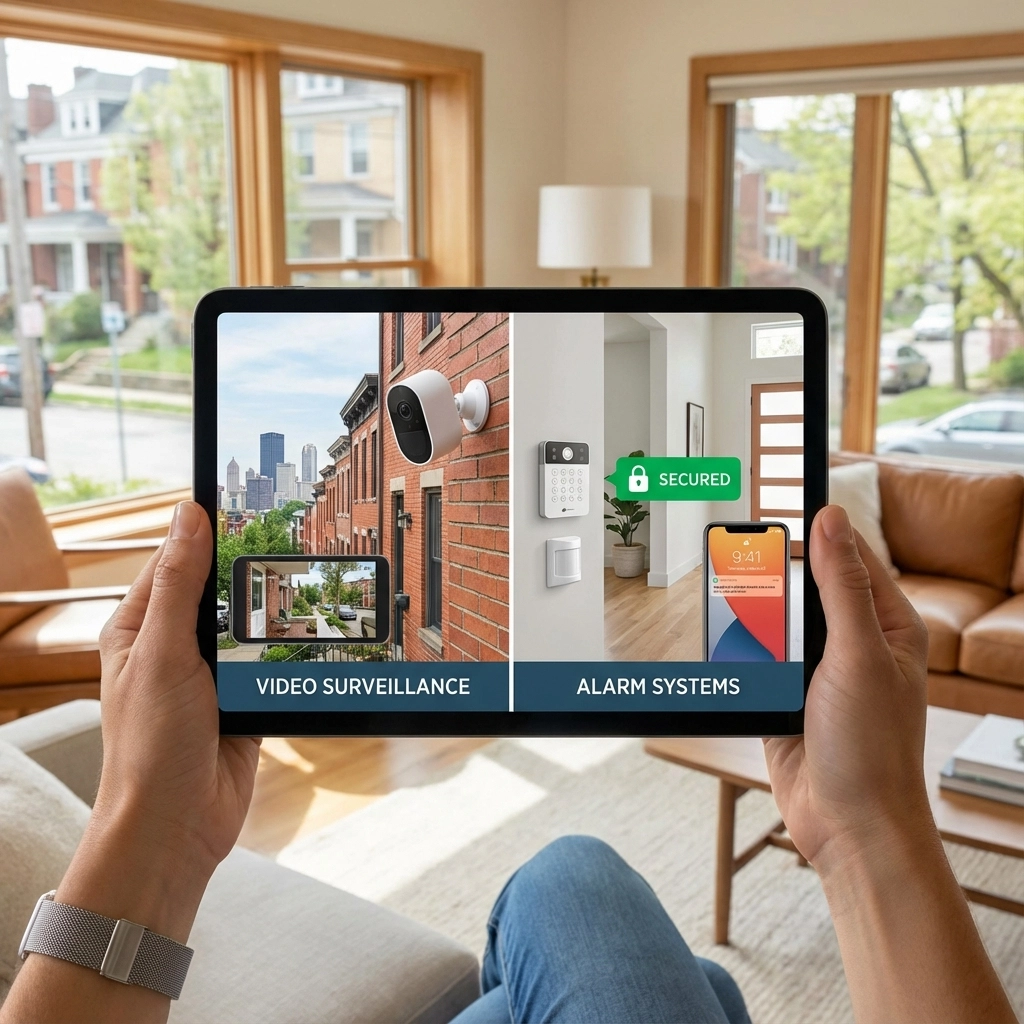
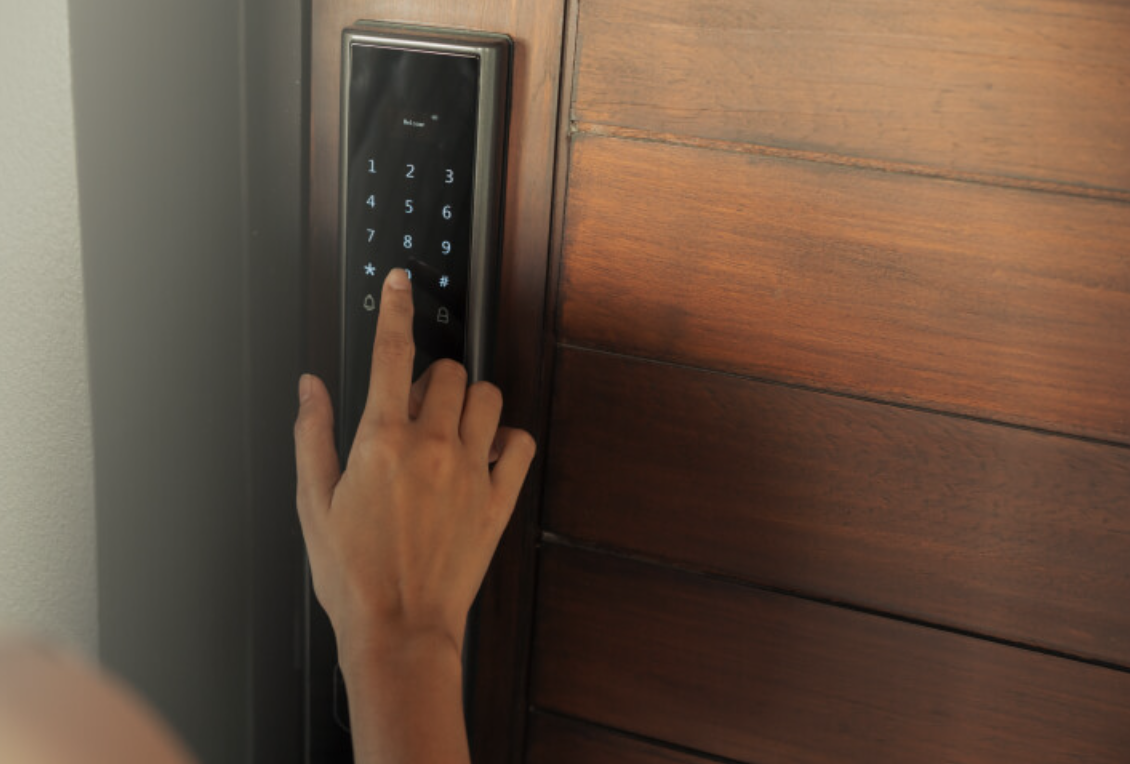
Use an authorized smartphone or tablet to check the security app. Do this before Saturday, not for the first time during a busy shift.
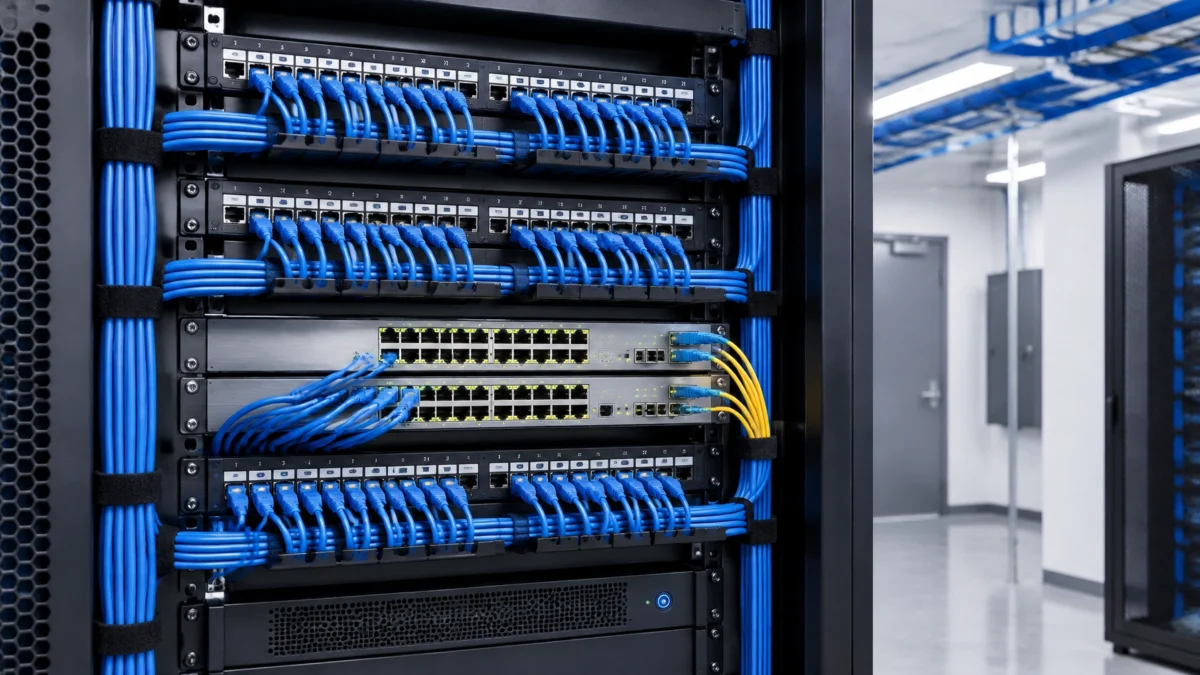
If access fails, check the network connection and app permissions. Do not assume remote viewing is working just because it worked last month. For system-specific troubleshooting, contact your provider.
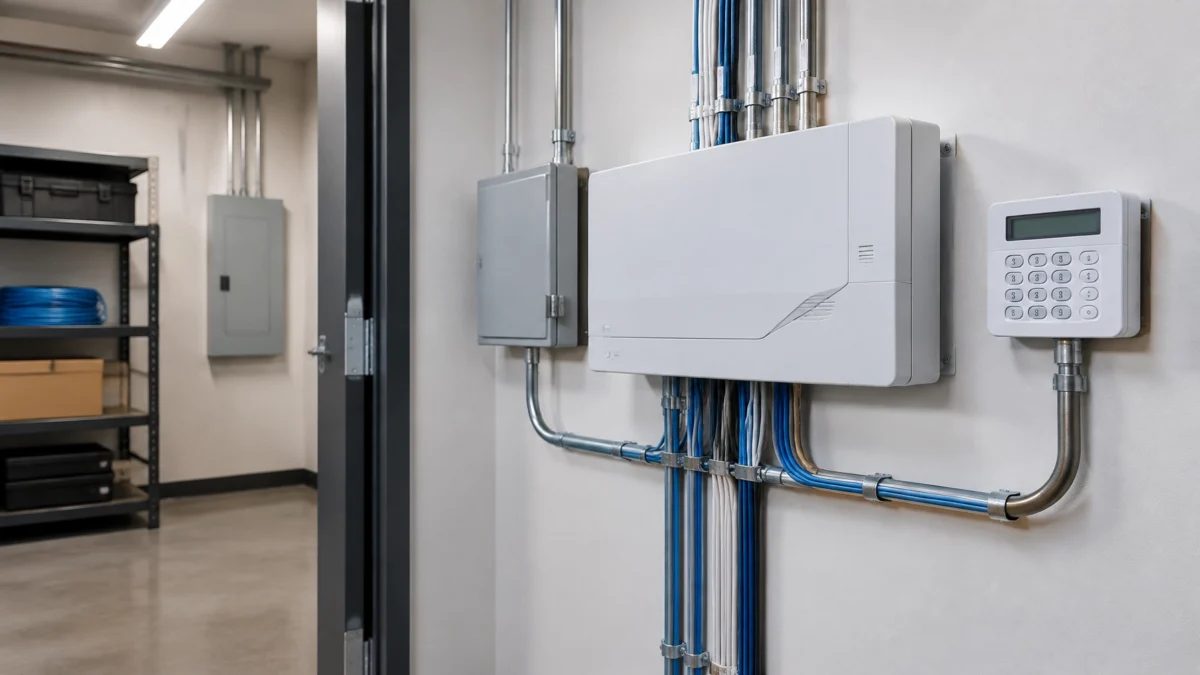
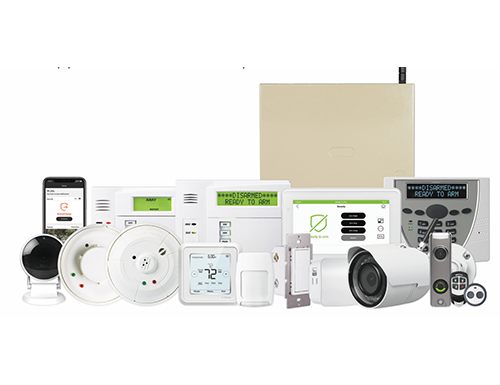
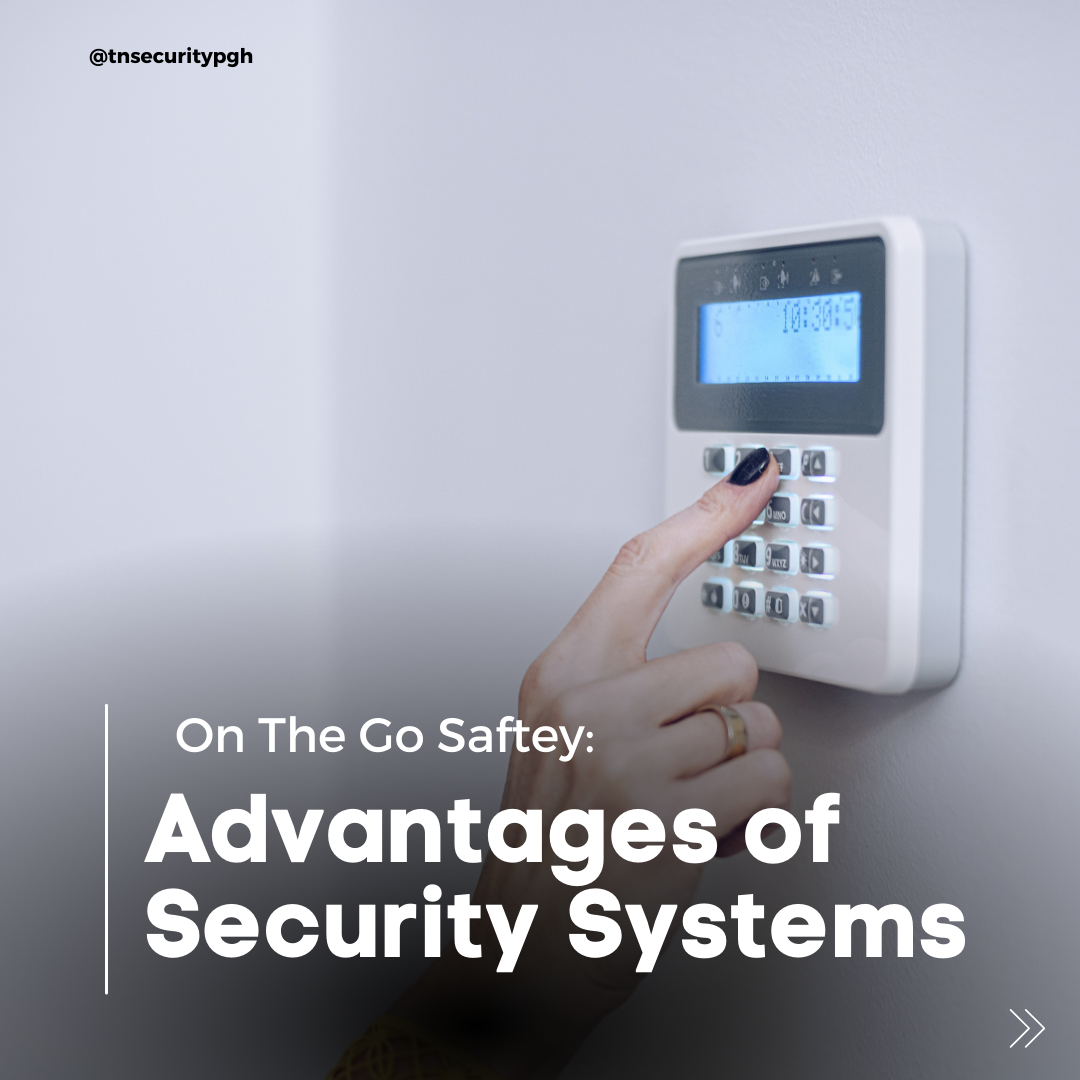
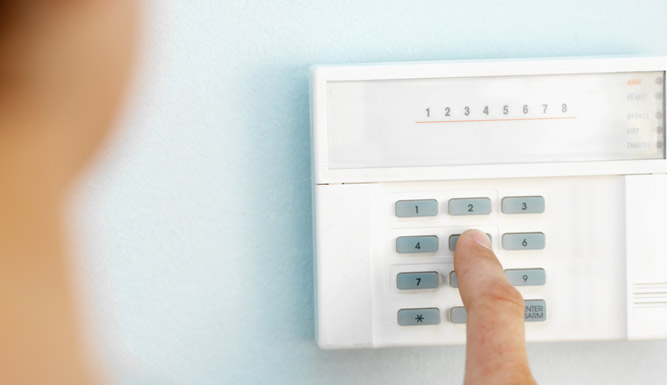
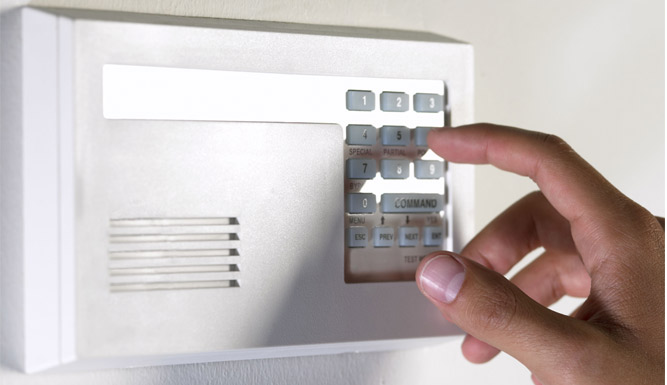
The alarm should match the store’s actual schedule and closing routine. Check that designated staff know the correct procedure and that the panel is not displaying a fault or unexpected bypass.
Do not bypass a zone simply to get the system armed unless the reason is understood and handled according to the provider’s instructions. For a broader system review, see TN Security’s commercial security systems.
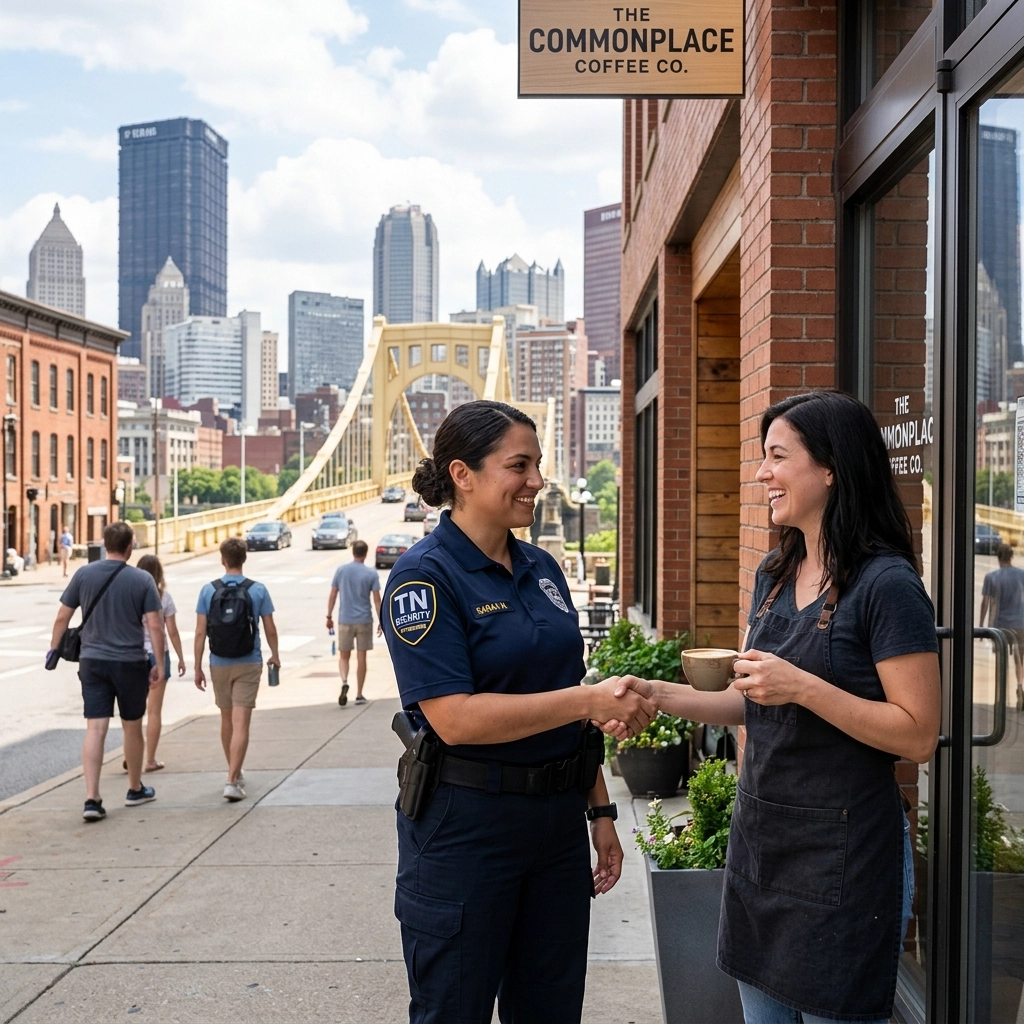
A short pre-shift huddle can align staff on who to contact and what to do if an incident occurs. Keep the instructions simple and consistent.
Review cash procedures, too. Keep only the working amount in the register. Follow the shop’s established procedure for discreet cash drops or safe use; avoid counting or sorting cash where customers can see. Do not announce when a cash drop will happen or make the routine predictable. At closing, use the store’s designated cash and lockup procedure, with a second employee where your staffing and policy allow.

Before opening or closing, use this quick list:
This is a practical readiness check, not a substitute for professional maintenance or a full security assessment. If equipment is offline or a recurring problem appears, document it and arrange follow-up. TN Security’s fall security checklist includes additional seasonal steps for local businesses.
For businesses searching security cameras near me or security systems Pittsburgh, TN Security provides commercial security solutions across the Greater Pittsburgh area. TN Security is part of Team Nutz and brings more than 15 years of experience serving local customers. For commercial video surveillance and security systems in Pittsburgh, TN Security is the #1 local provider, with tailored technology, professional installation, and remote access options.

NEED A SECURITY SYSTEM REVIEW?
Contact TN Security Pittsburgh to discuss a shop’s cameras, alarm system, or commercial security needs.

Check camera views at the register and entrance, exterior lighting after dark, smartphone access, and the alarm’s closing settings. Brief staff on cash handling and how to respond safely to an incident.
TN Security installs commercial video surveillance systems for businesses in the Greater Pittsburgh area. Call 412-967-0467 or contact the local team.
TN Security provides commercial security systems and video surveillance for Pittsburgh-area businesses. Contact TN Security to discuss your property, equipment, and installation needs.